Procedural Textures Pack - Eclectic
 Nodes and noodles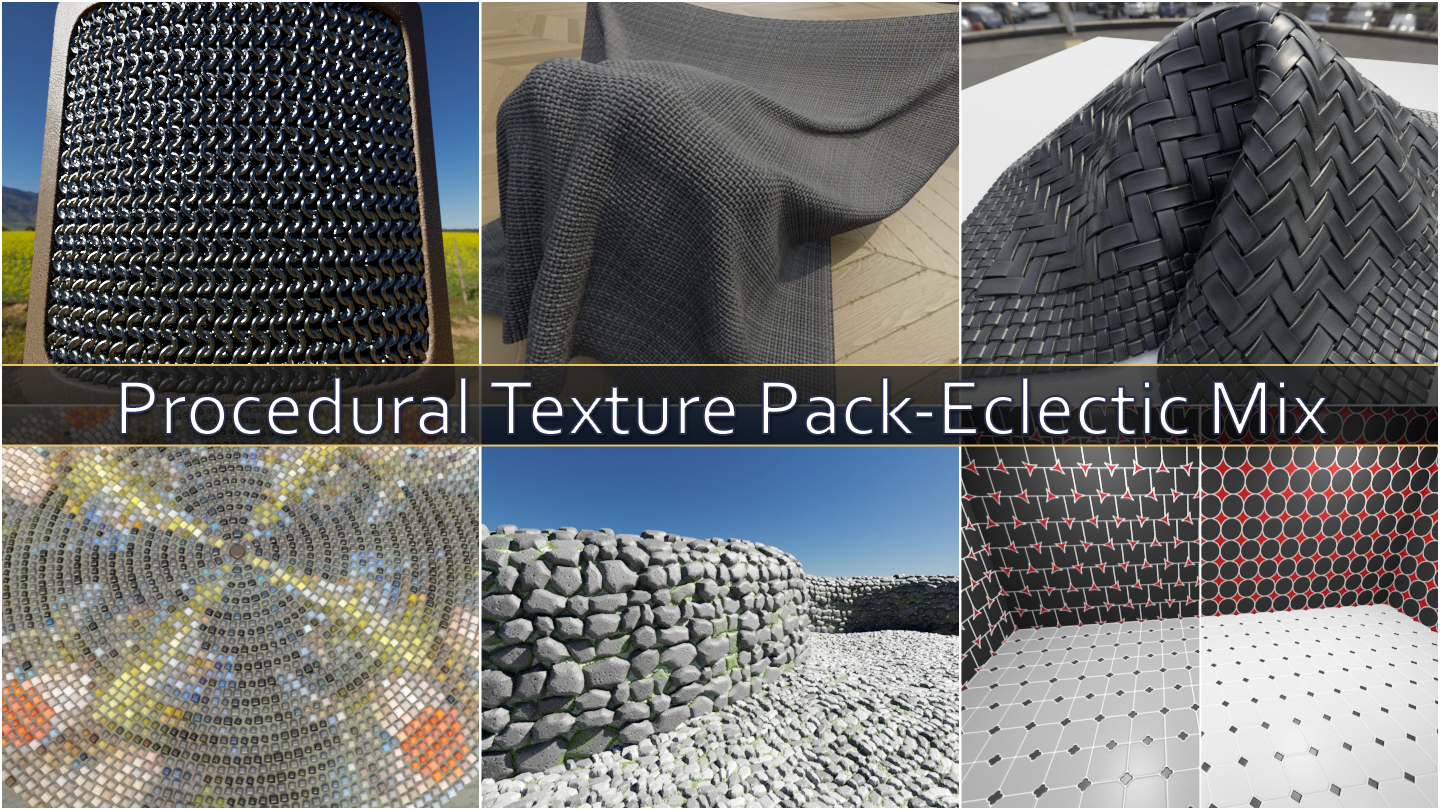
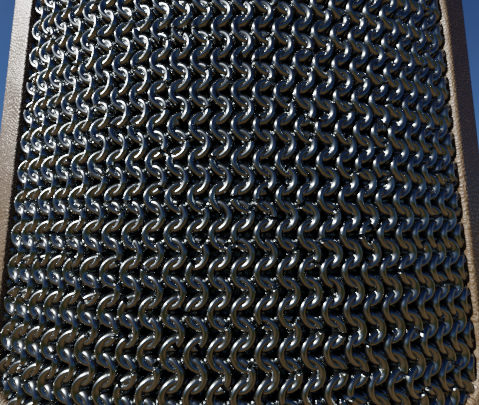
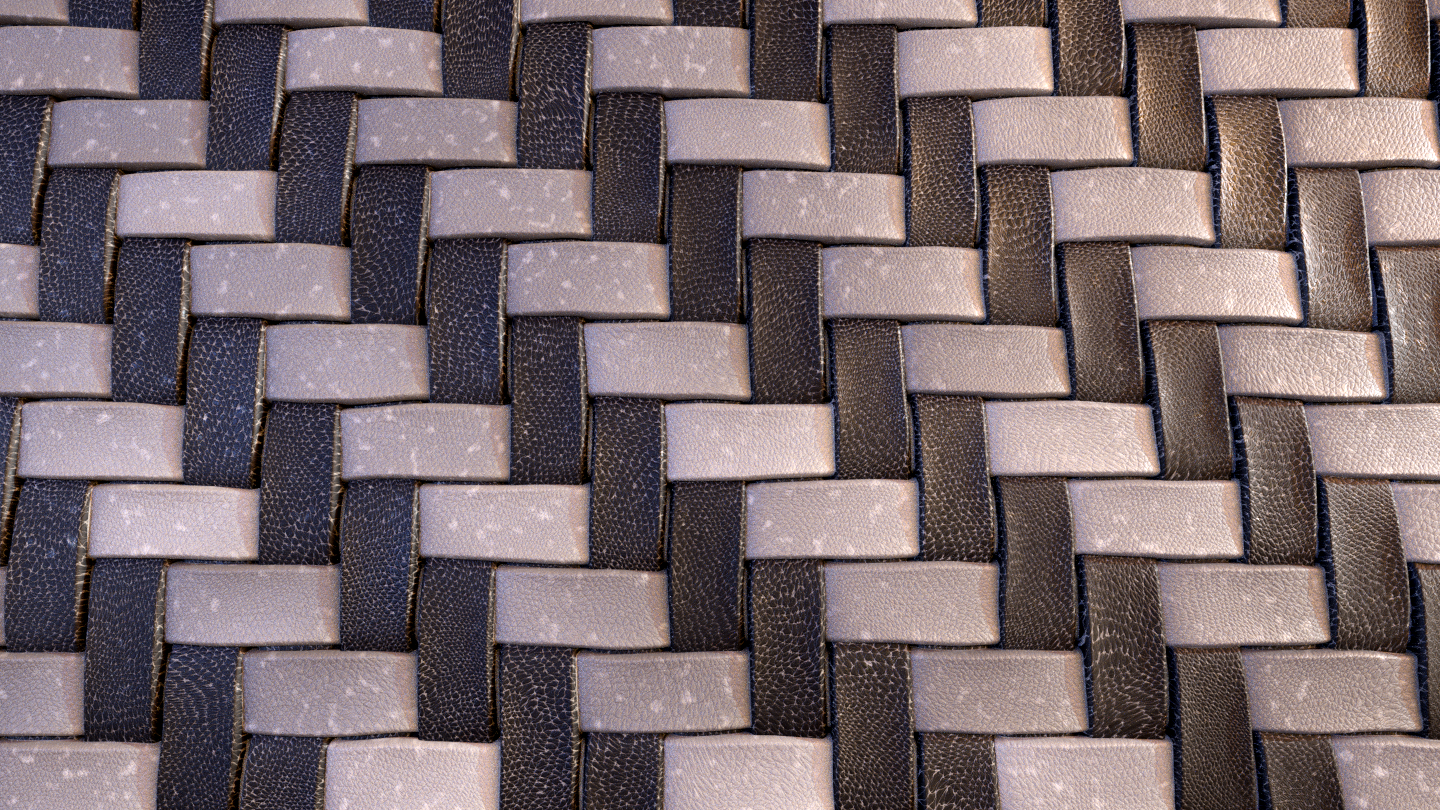
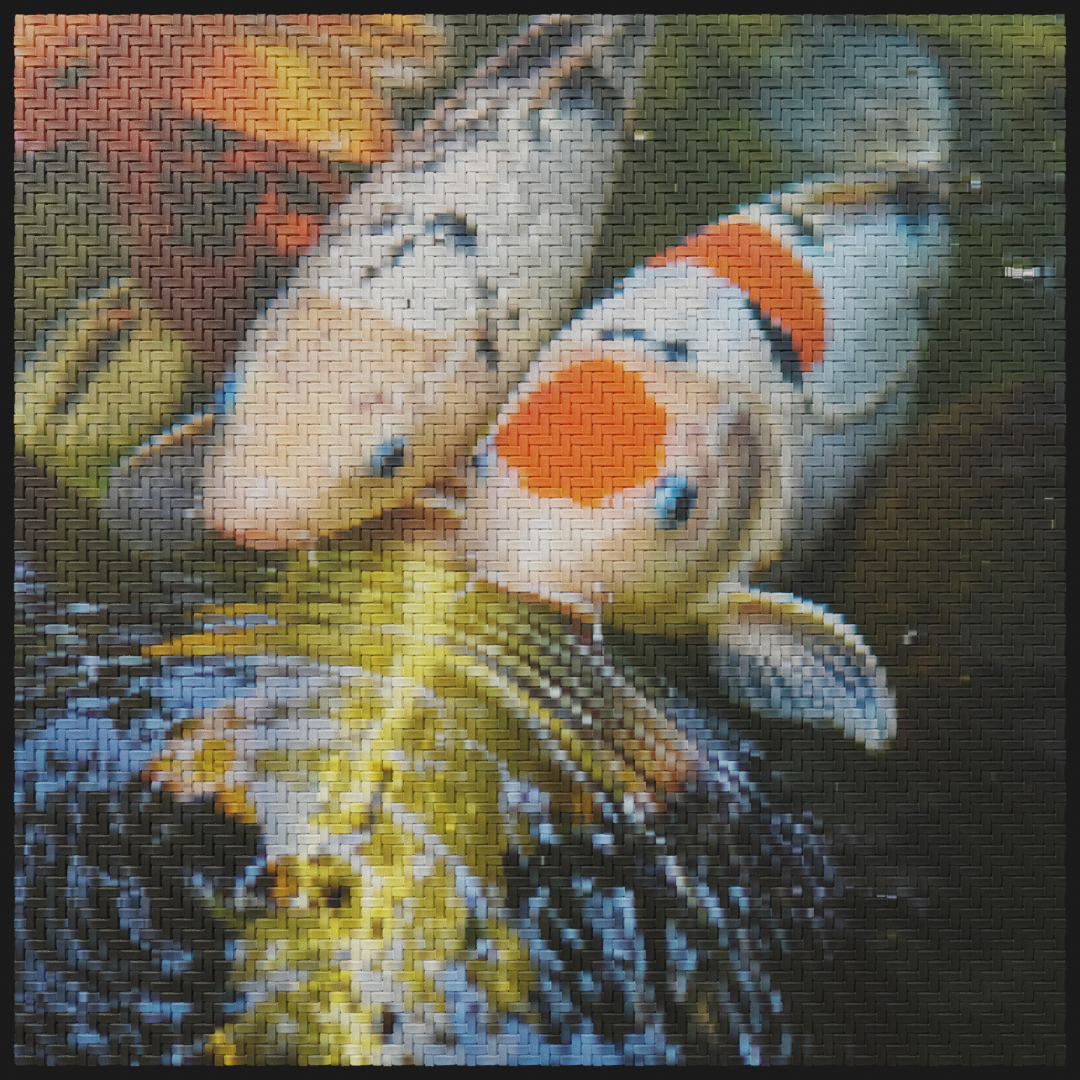
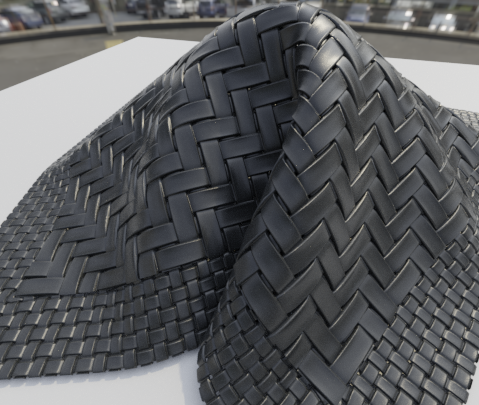
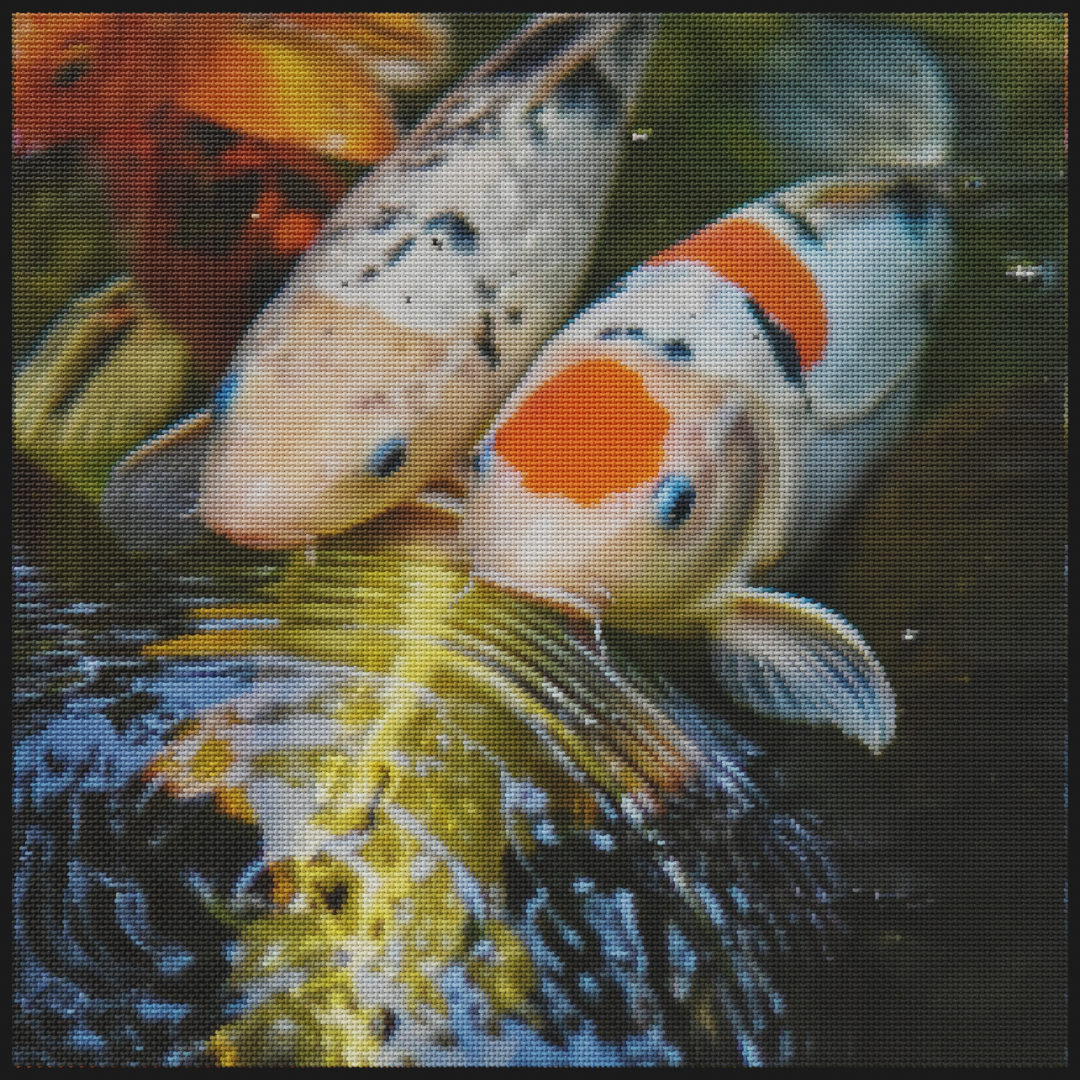
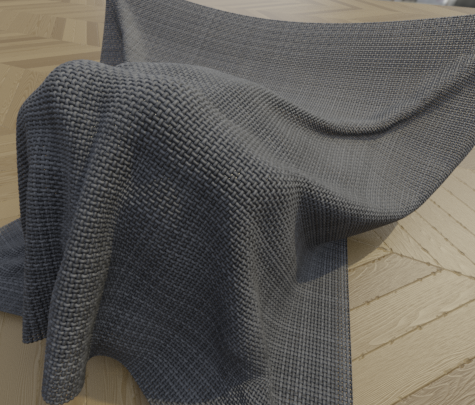
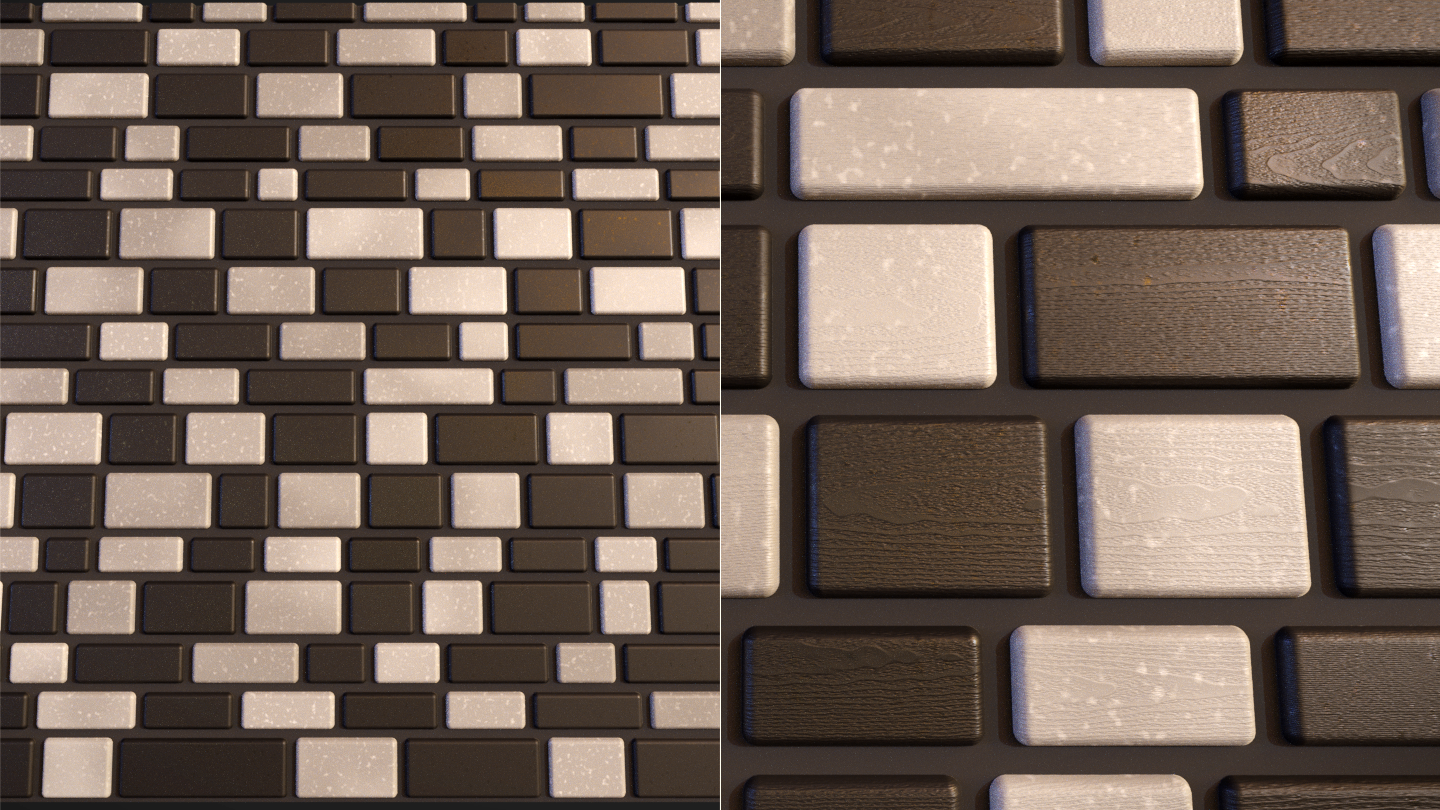
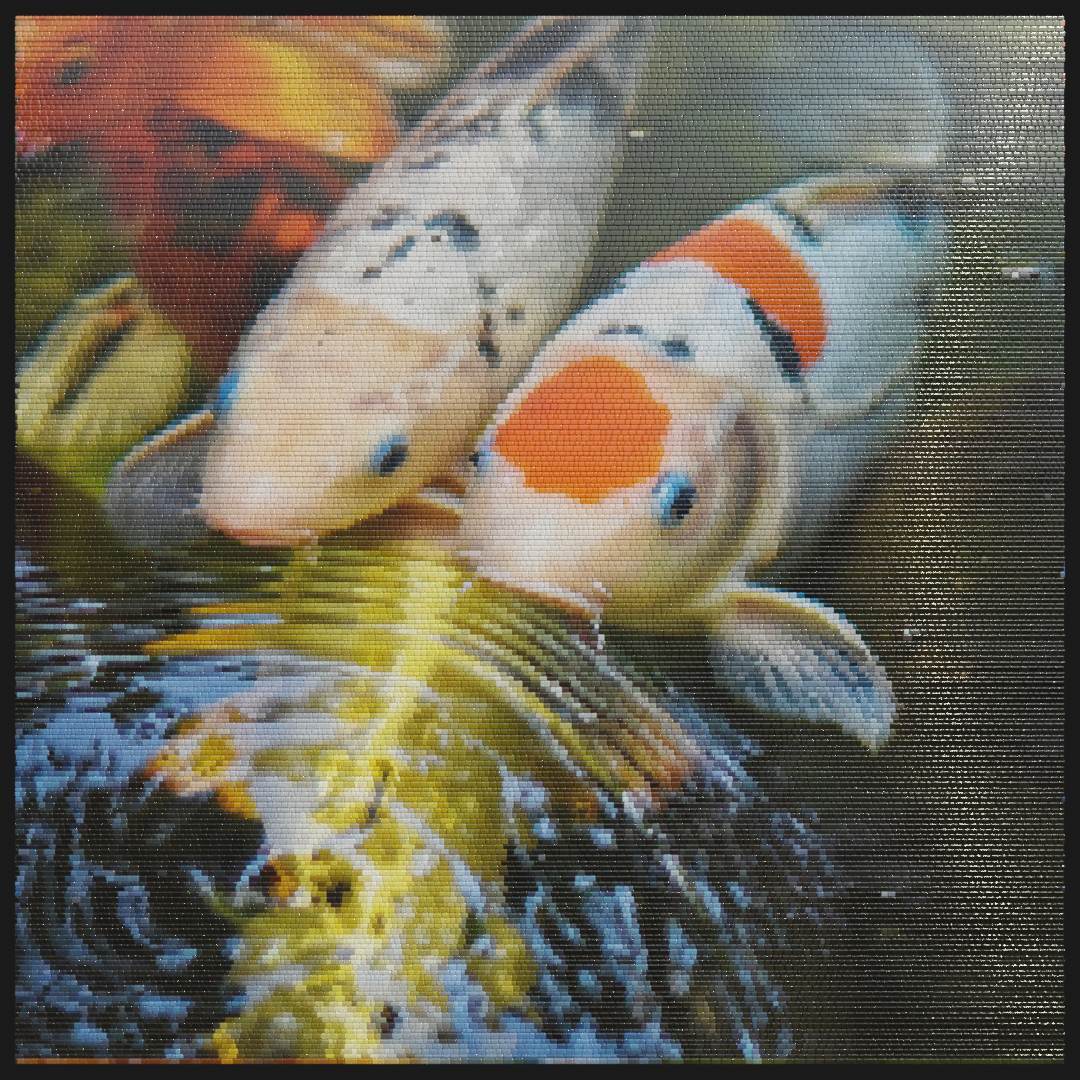
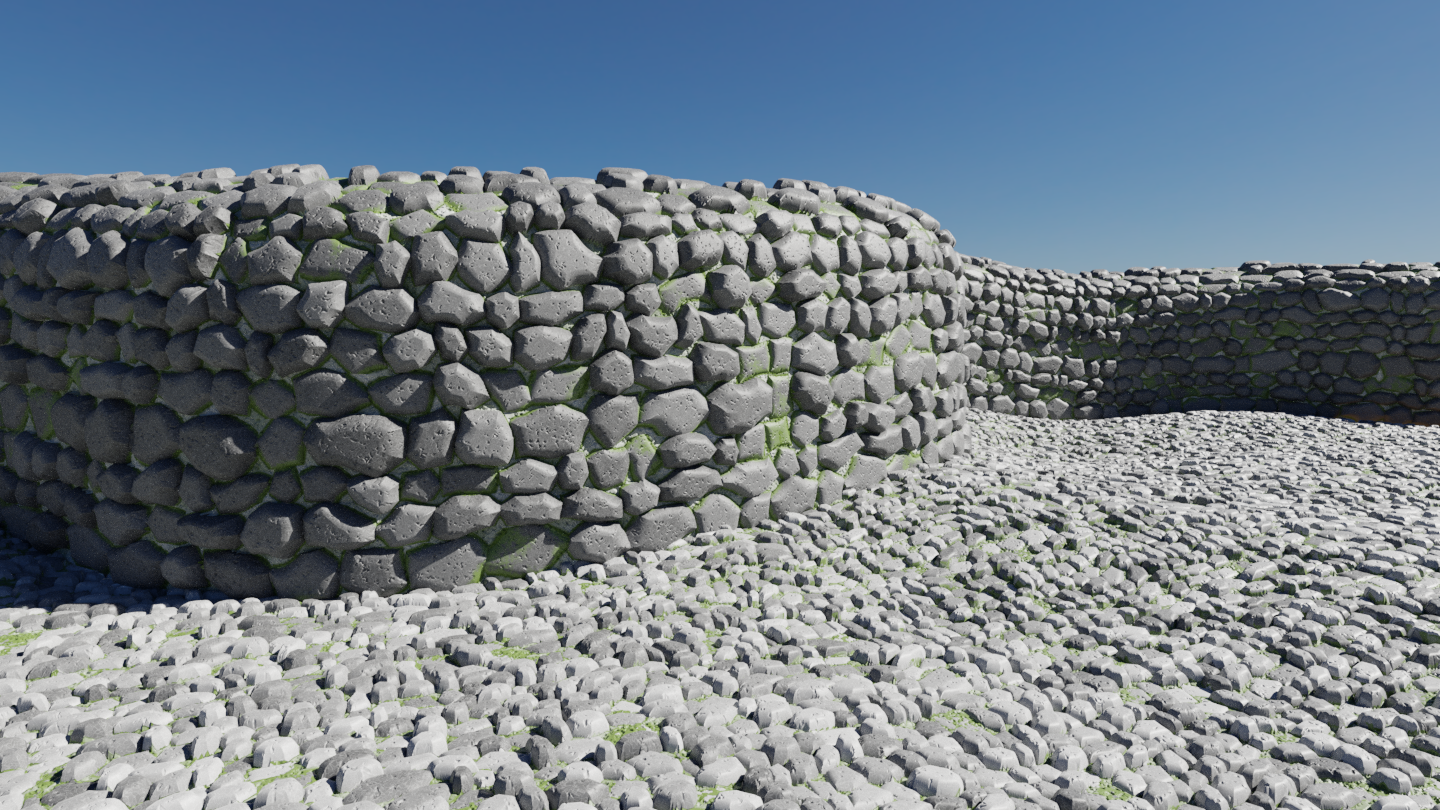
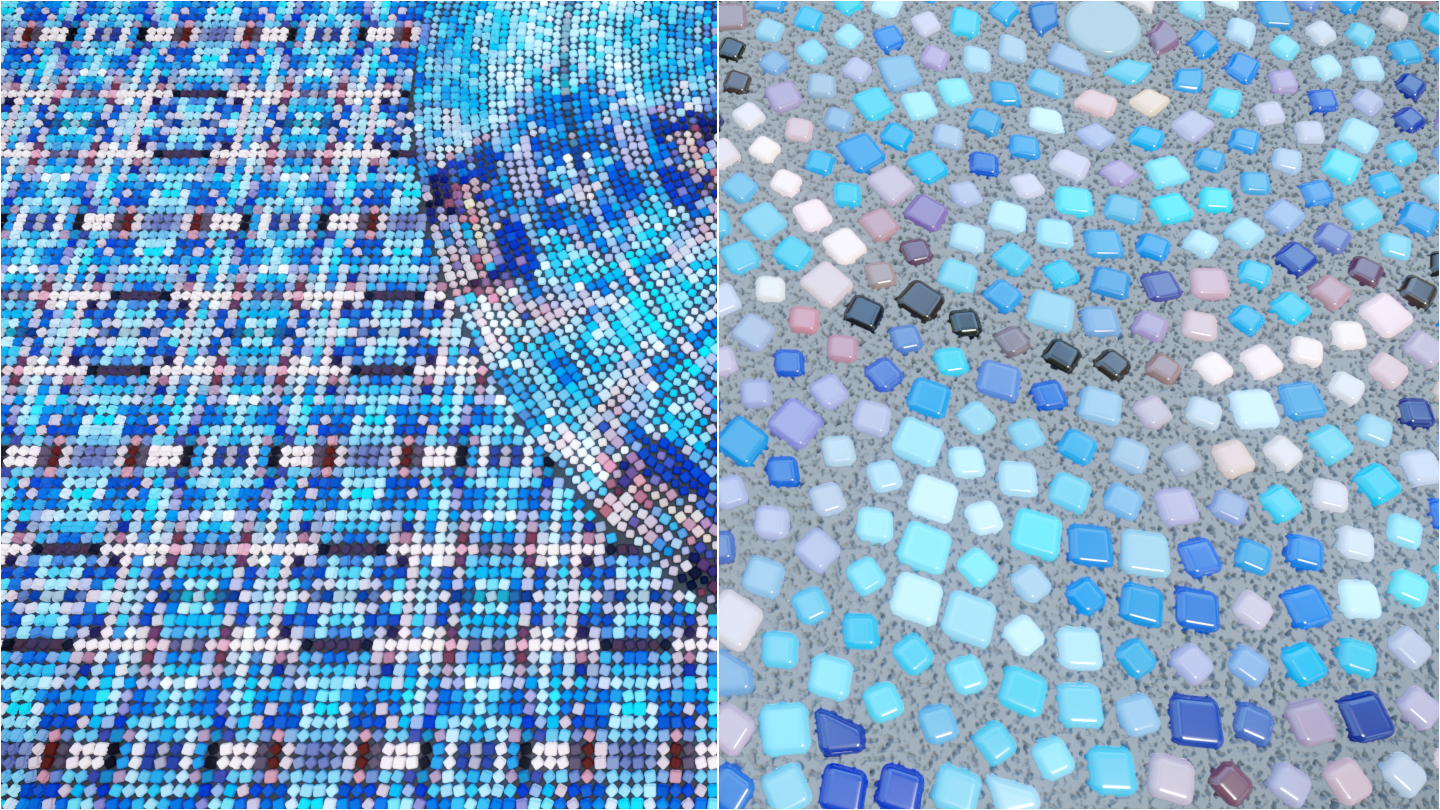
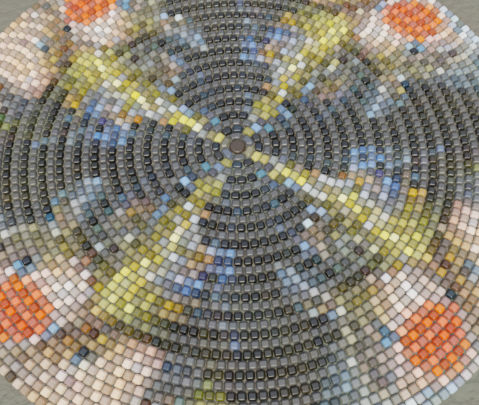
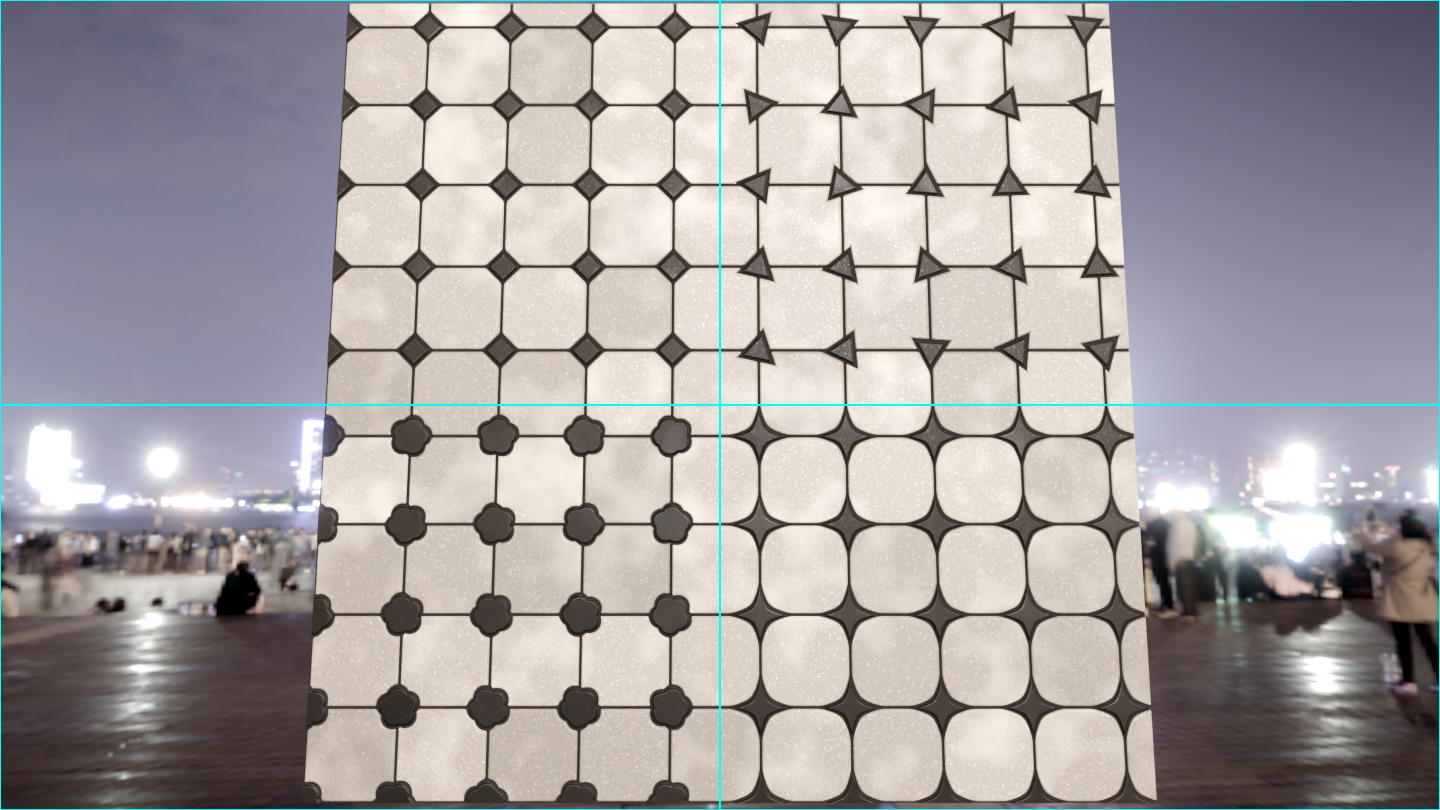
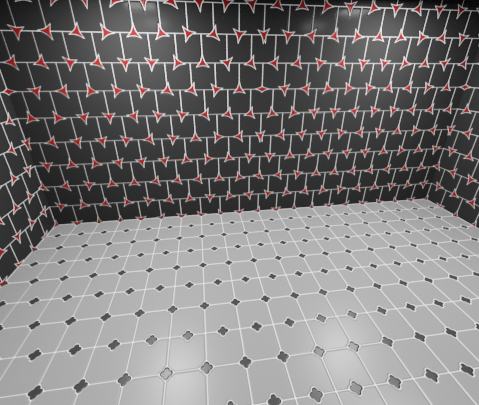

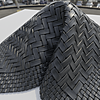
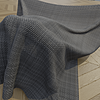
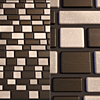

The most common cause is Texture Coordinate problems.
- Make sure the Texture Coordinates correspond to the orientation of your geometry. i.e. A plane lying flat should use the X and Y axes, whereas a plane standing upright and facing forward should use X and Z
- The textures, when using Object Texture Coordinates, begin at the origin of the object and proceed right and up (e.g. positive X and positive Y). This means there are no tiles/boards to the left of, or below, the origin. To remedy this, simply place the origin of your object at the bottom left of where you want the texture to appear.
- If your geometry is not a flat plane, you will have to UV unwrap the geometry and use UV texture coordinates.
All the texture and utility nodes have been built with maximum optimisation and performance in mind. A procedural material will always be heavier than one based on bitmaps but these textures are high-performance to reduce this difference to a bare minimum.
Yes, they will! Procedural materials will always be heavier than bitmap based materials but every care has been taken to optimise the textures and nodes so they will work correctly in both Cycles and Eevee.
Have questions about this product?
Login to message
| Sales | 50+ |
| Rating | 1 ratings |
| Dev Fund Contributor | |
| Published | almost 7 years ago |
| Blender Version | 2.8, 2.81, 2.82, 2.83, 2.9, 2.91, 2.92, 2.93, 3.0, 3.1, 3.2, 3.3, 3.4, 3.5 |
| License | Royalty Free |
Discover more products like this
bfcm21 easy to use summer21 lowpoly cloth #procedural shaders procedural leather clothes Shader Cycles nodesetup Shader Pack summer22 procedural materials procedural material procedural shader nodesetups fabric wood procedural texture nodes woven procedural-tiles leather Chain Mail optimized procedural pixelate pixelation shaders low poly chainmail mosaic spring21 procedural-wood eevee procedural textures spring22 pixel Weave Material