 Mrs Eliza
🚦 Procedural Traffic Lights
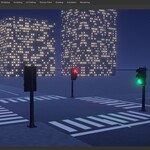
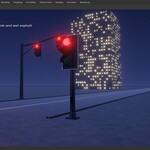
Create realistic, customizable, and animated traffic signals directly inside Blender!
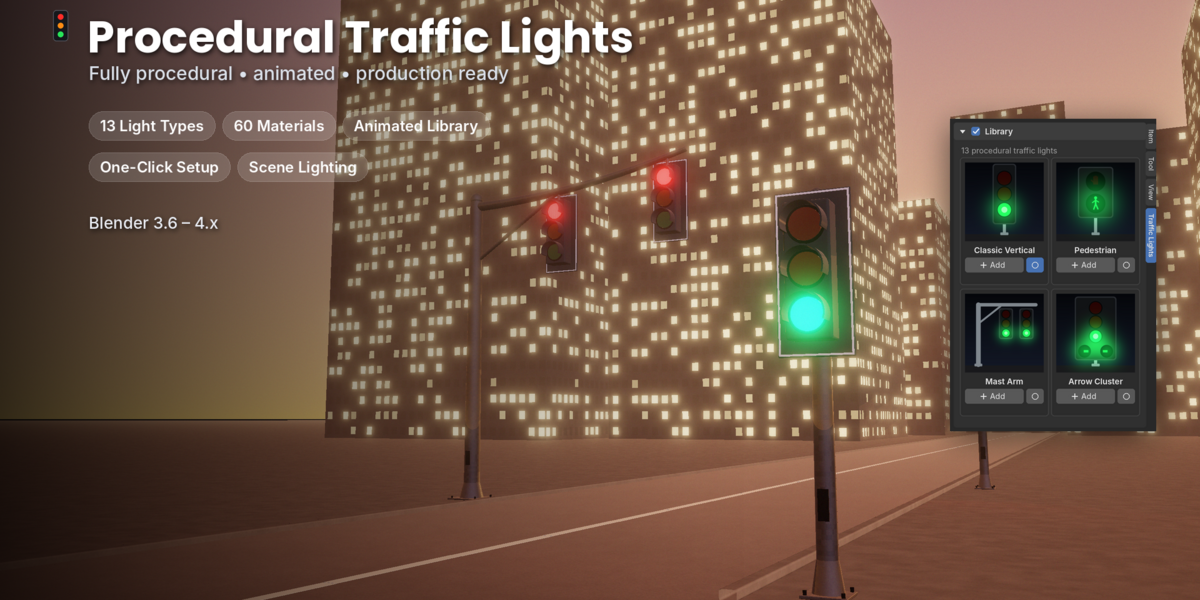
Procedural Traffic Lights is a powerful Blender add-on that generates complete traffic signal systems procedurally, without requiring external 3D models or image textures.
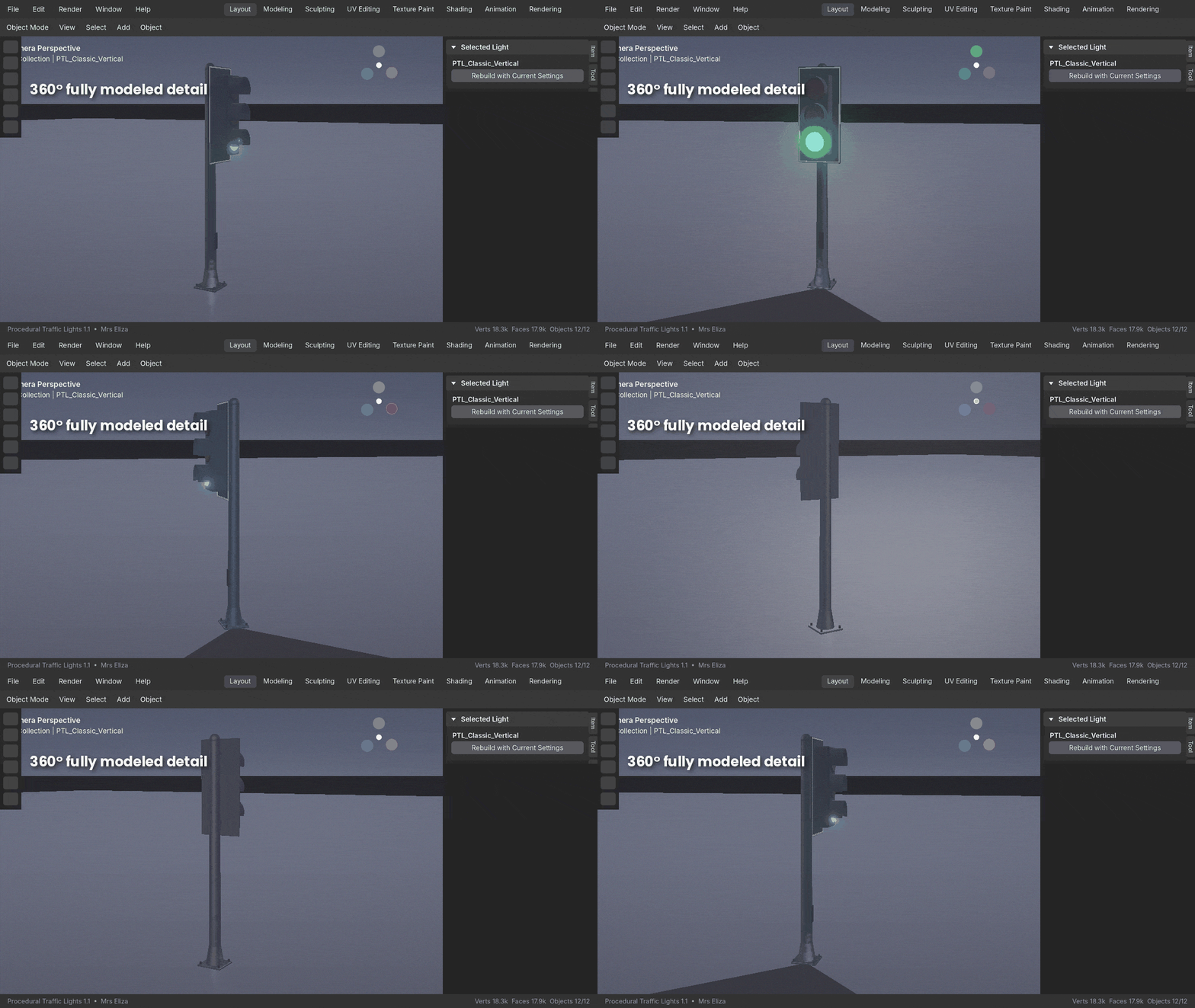
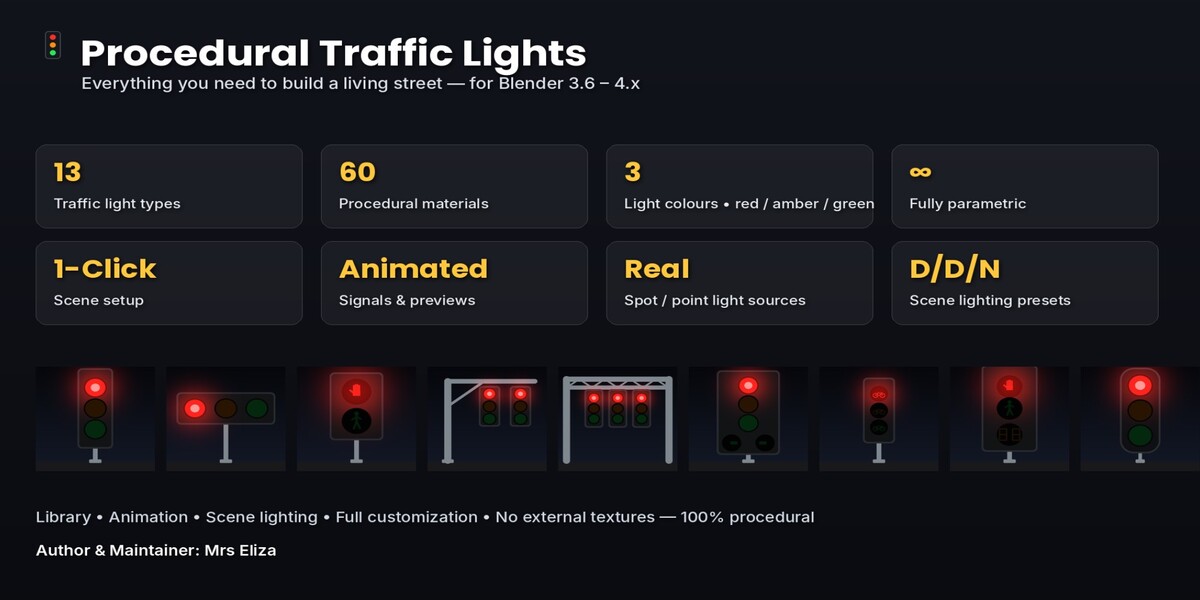
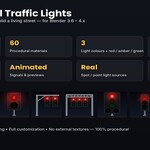
Featuring 13 different traffic light types, 60 procedural materials, customizable geometry, animated signal cycles, real light sources, and automatic scene lighting, this tool gives you everything you need to build professional traffic signal setups for architectural visualization, road environments, city scenes, animation projects, and more.
Every traffic light is procedurally generated, allowing you to resize, customize, re-skin, and adjust animation timing even after creation.
✨ Key Features
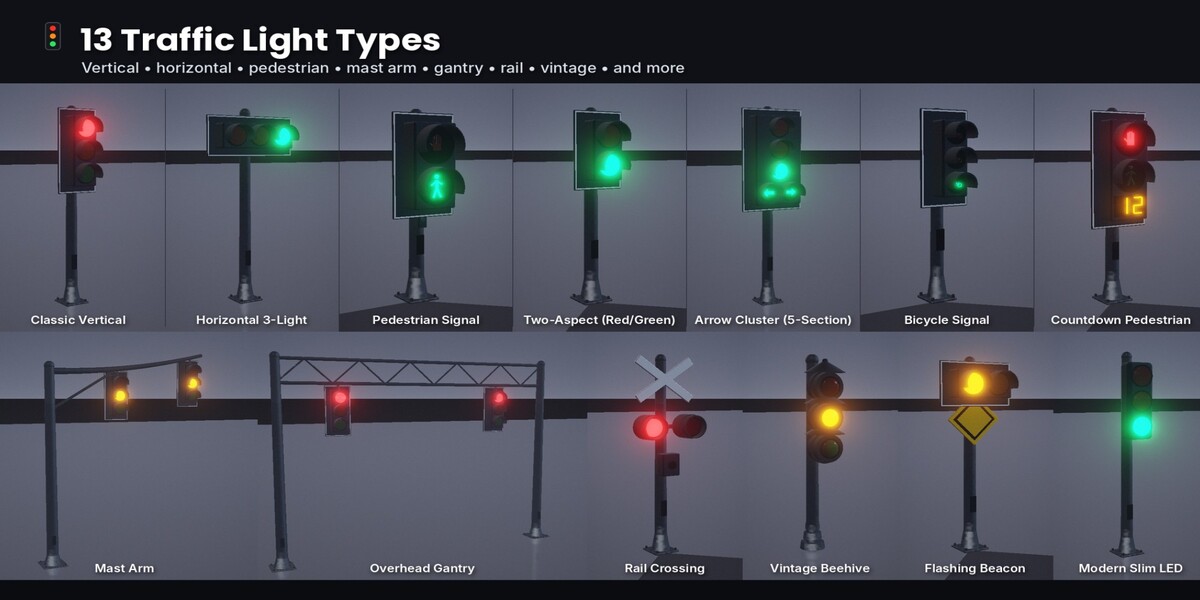
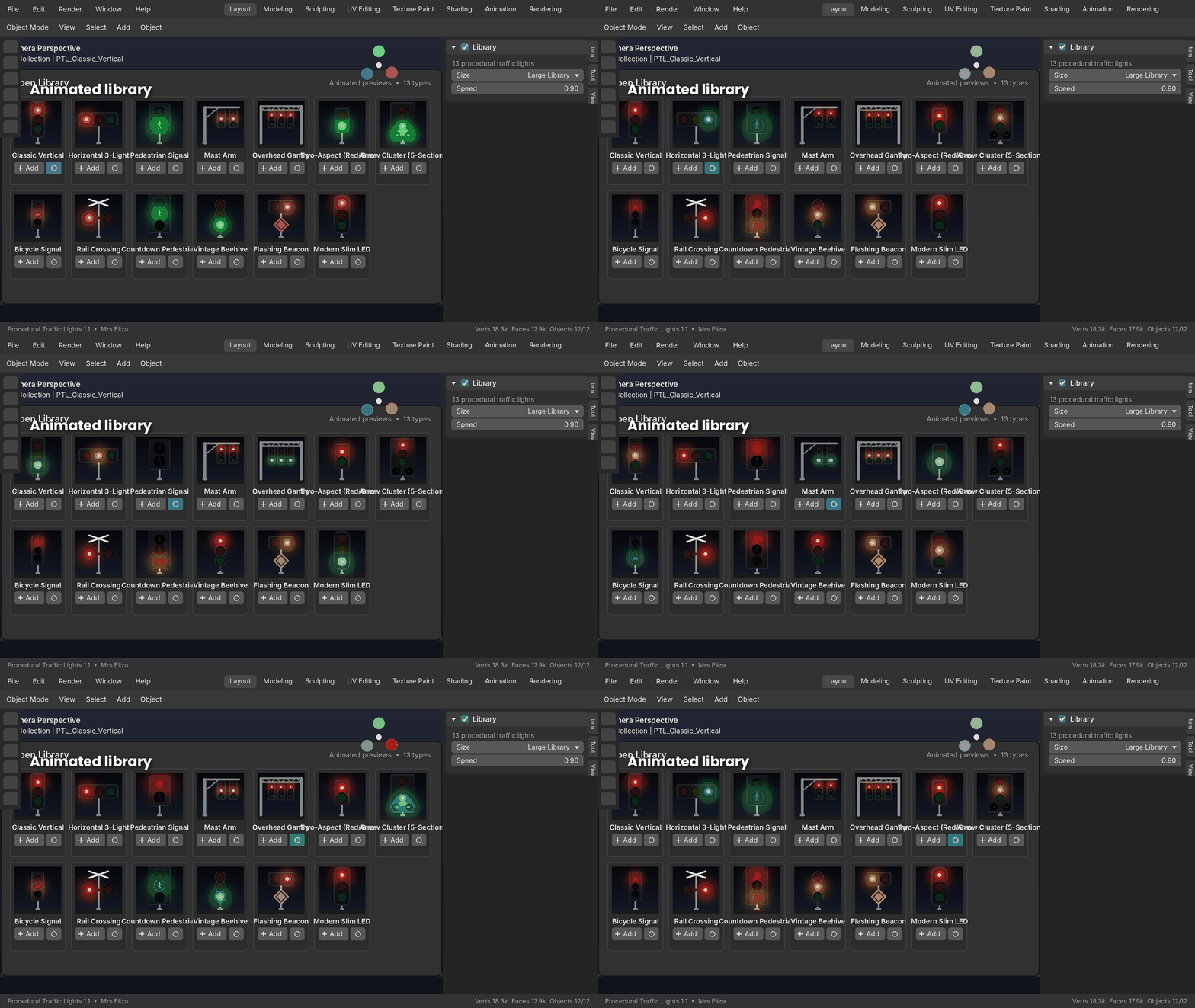
13 Traffic Light Types – Choose from a wide collection of traffic signal designs for different environments and applications.
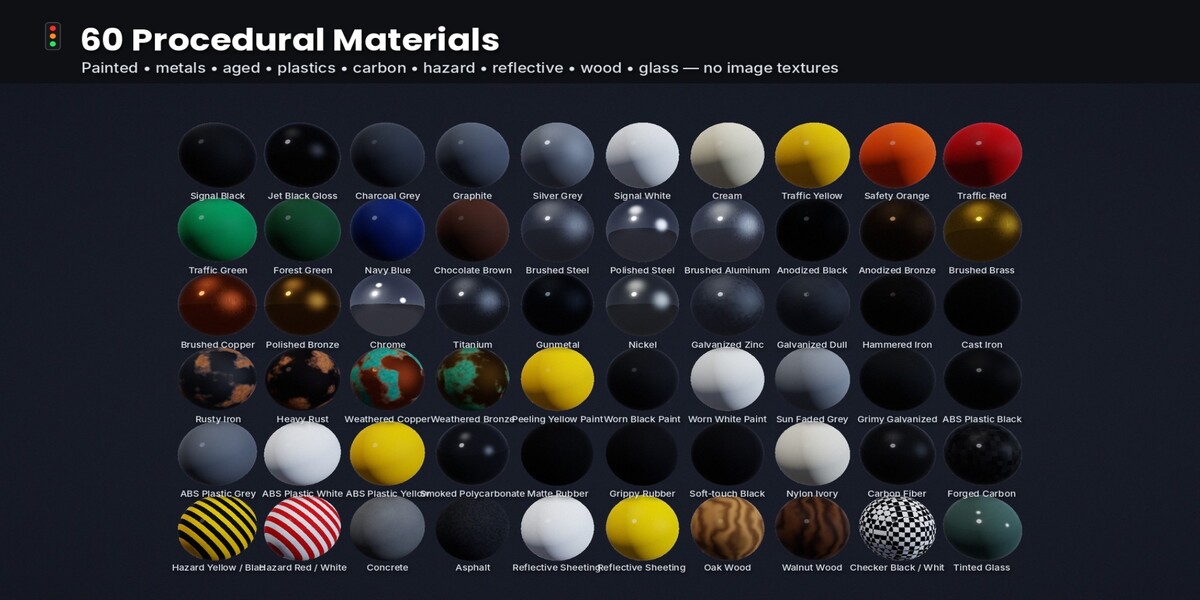
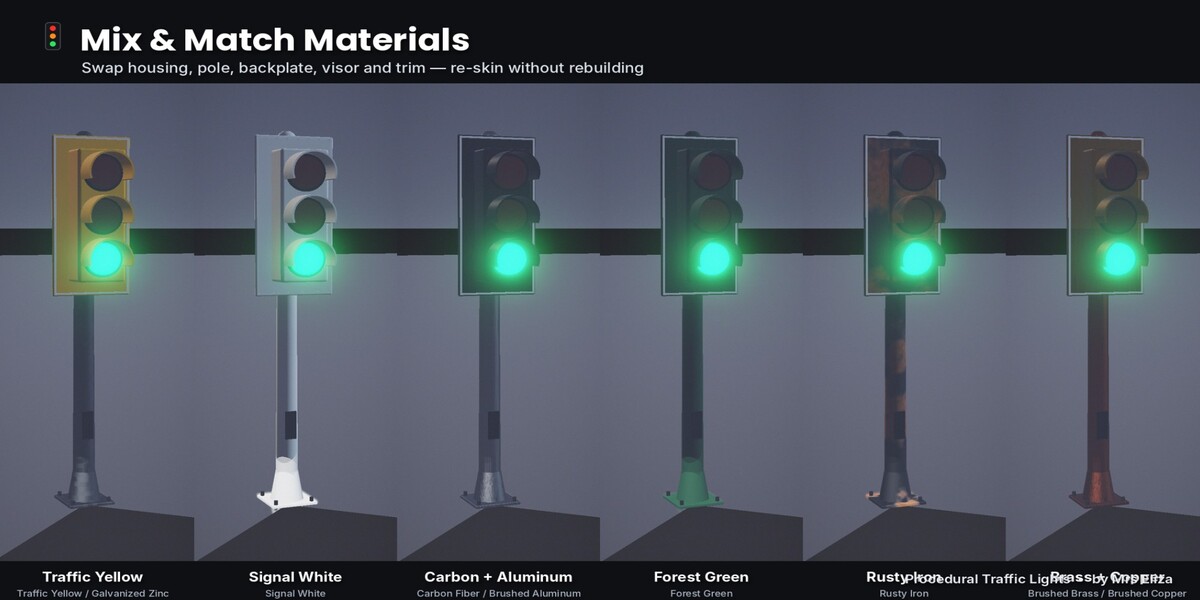
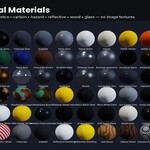
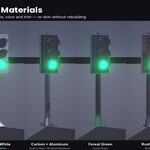
60 Procedural Materials – Access painted, metallic, aged, plastic, and special material variations.
Fully Procedural Geometry – Generate traffic lights directly inside Blender without external models or image textures.
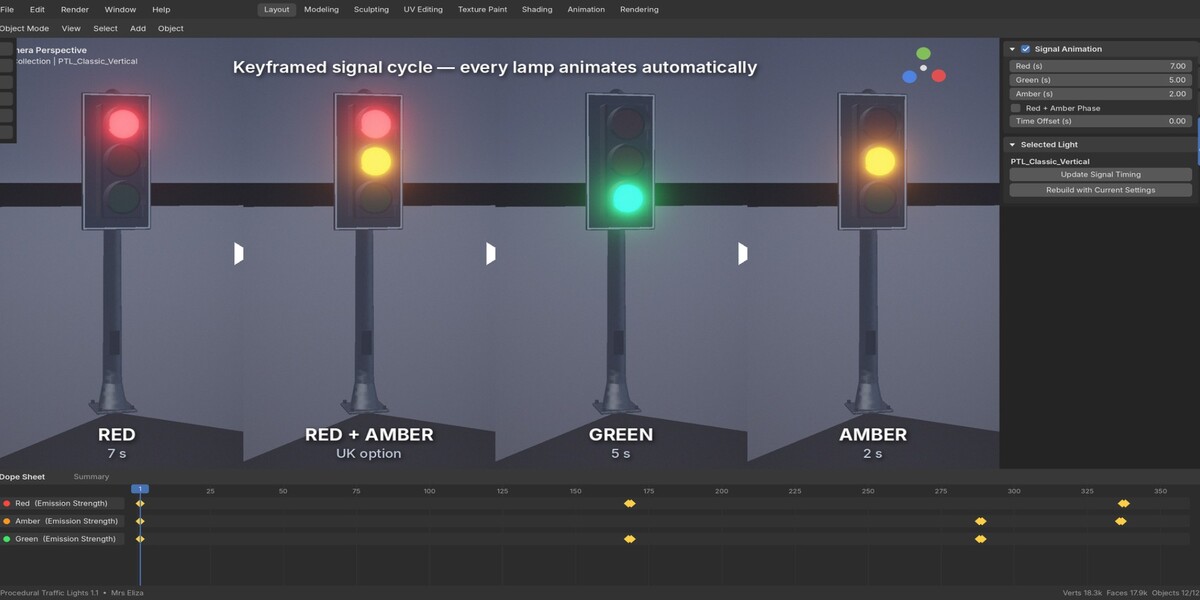
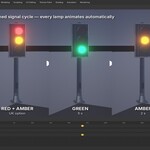
Animated Signal Cycles – Automatic red, amber, and green signal animation with keyframes.
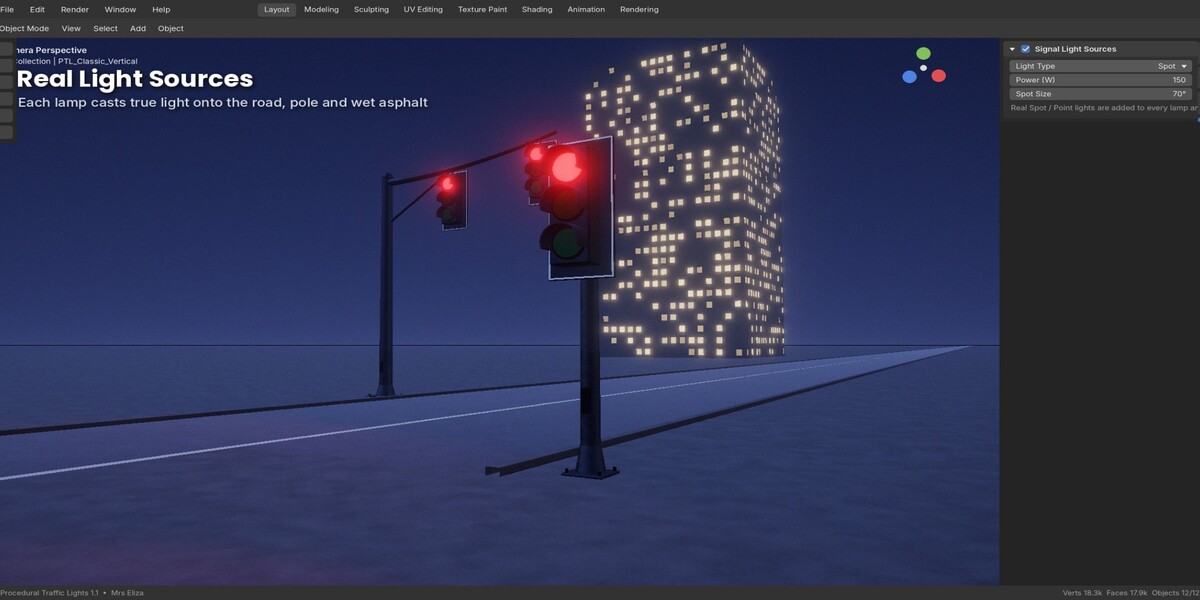
Real Light Sources – Add actual Spot or Point lights to individual signal lamps.
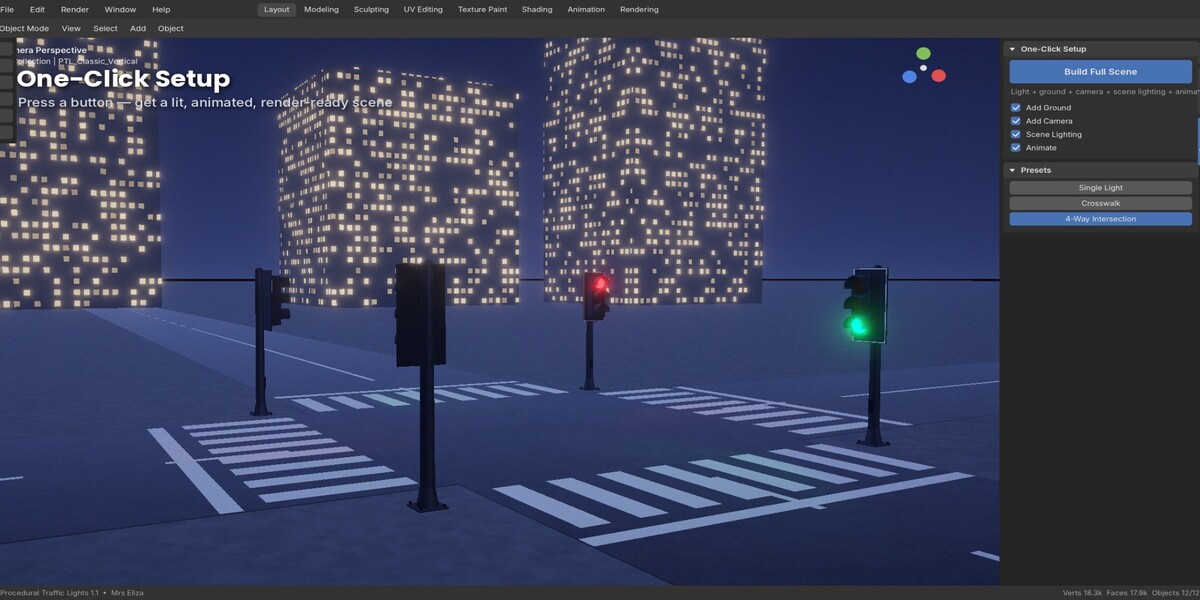
One-Click Scene Setup – Instantly create a complete scene with traffic lights, ground, camera, lighting, and animation.
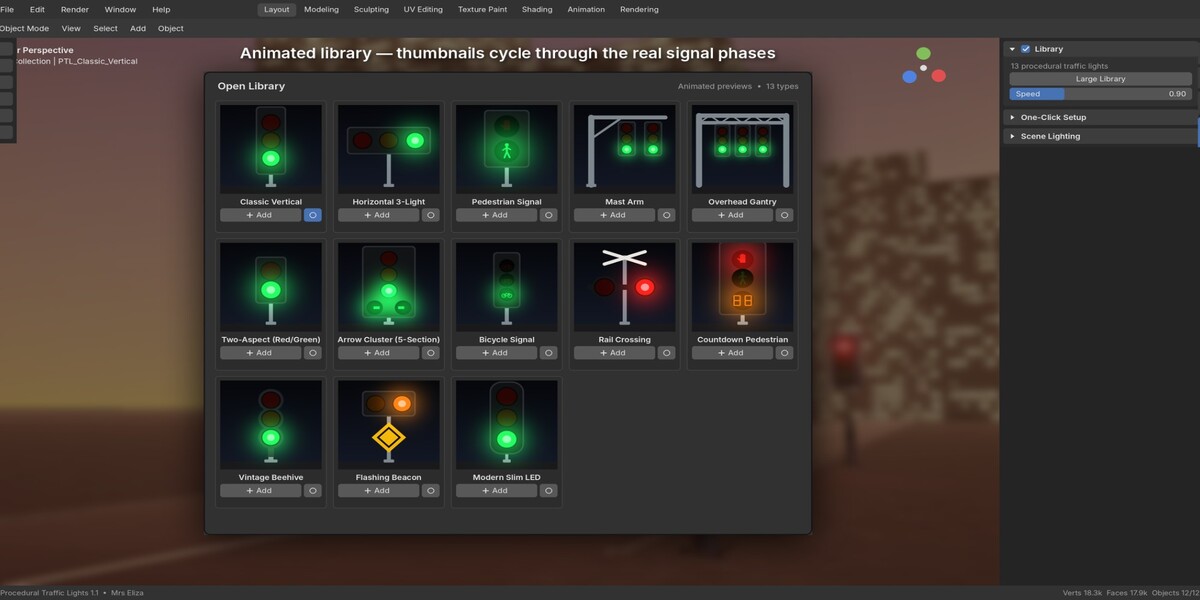
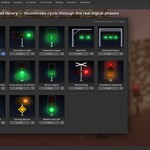
Thumbnail Library – Browse available traffic light designs with animated previews.
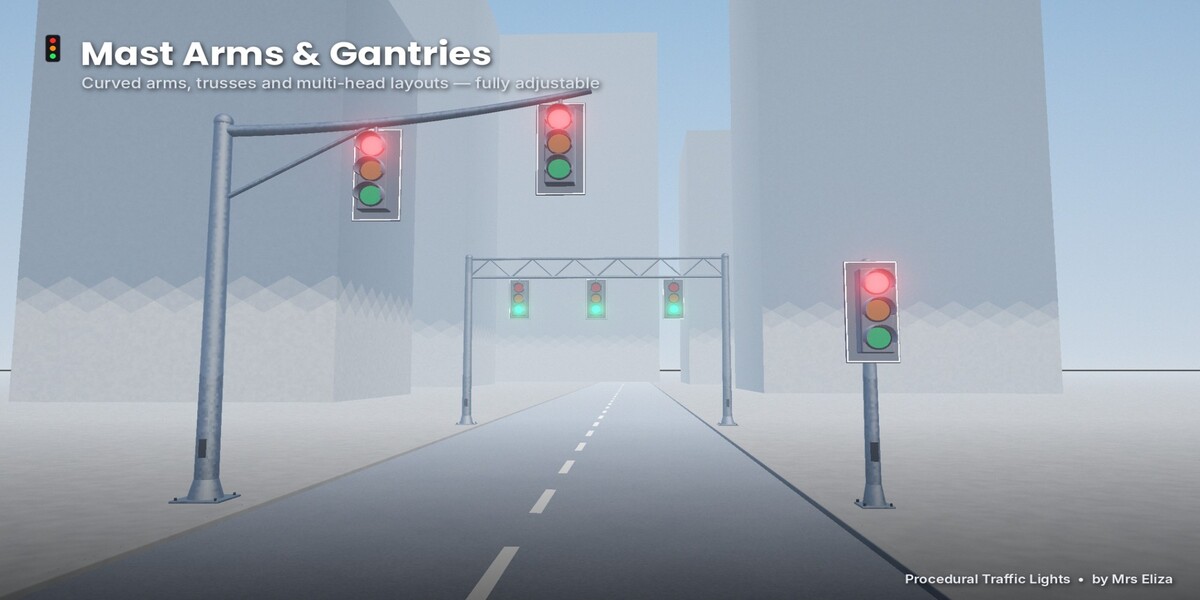
Customizable Dimensions – Adjust poles, arms, gantries, signal heads, and other geometry parameters.
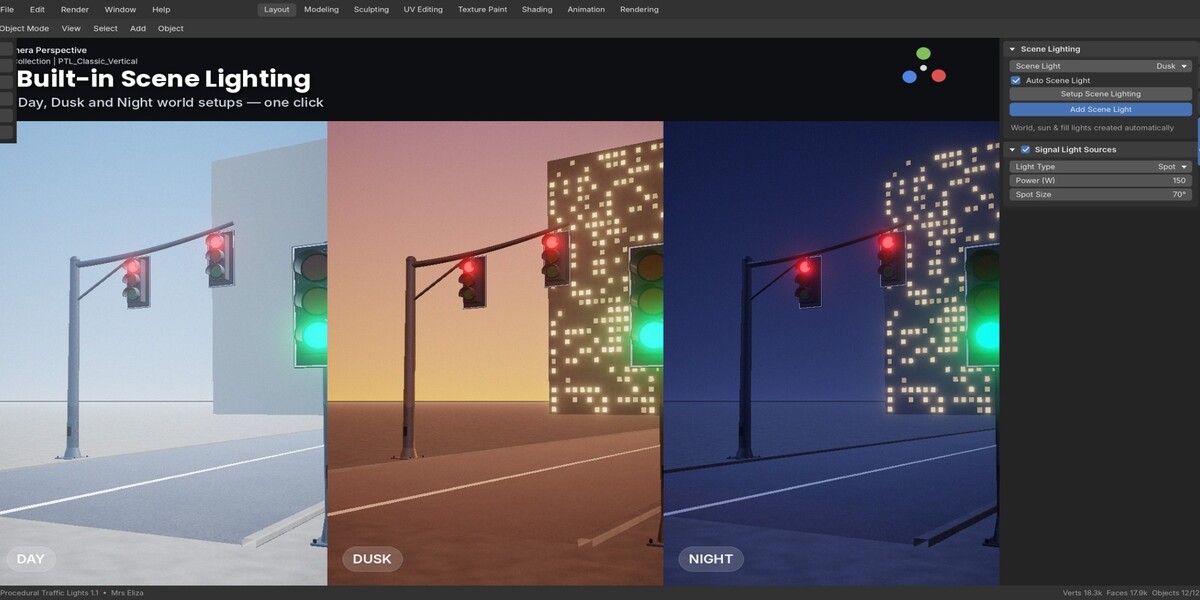
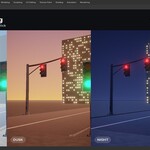
Day, Dusk & Night Lighting – Quickly configure different environmental lighting setups.
Independent Lamp Materials – Each traffic light has its own lamp materials for independent animation.
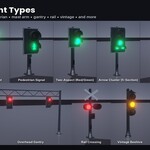
🚥 Included Traffic Light Types
Explore 13 different procedural traffic signal designs:
Classic Vertical
Horizontal 3-Light
-
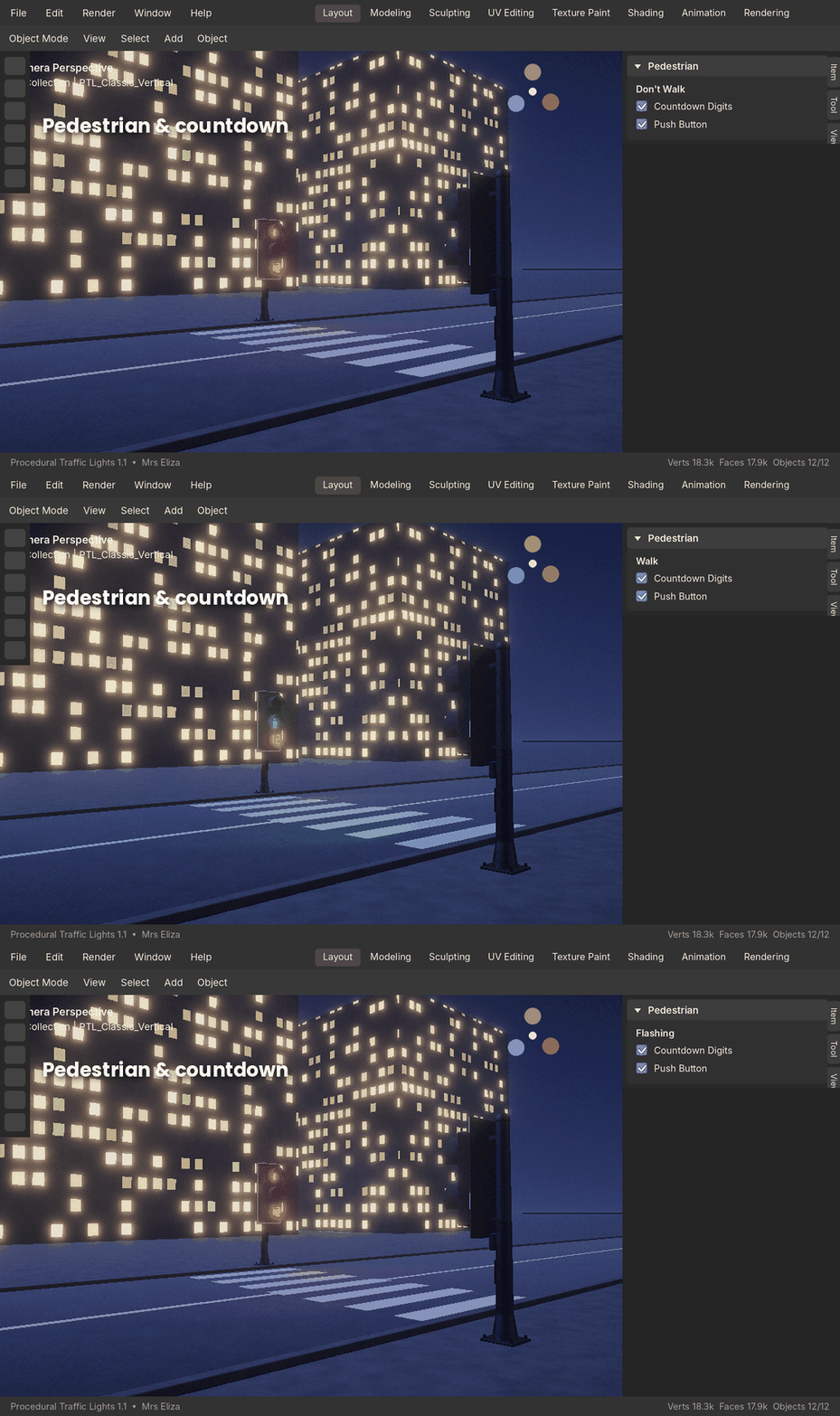
Pedestrian Signal
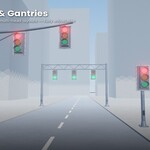
Mast Arm
Overhead Gantry
Two-Aspect (Red/Green)
Arrow Cluster
Bicycle Signal
Rail Crossing
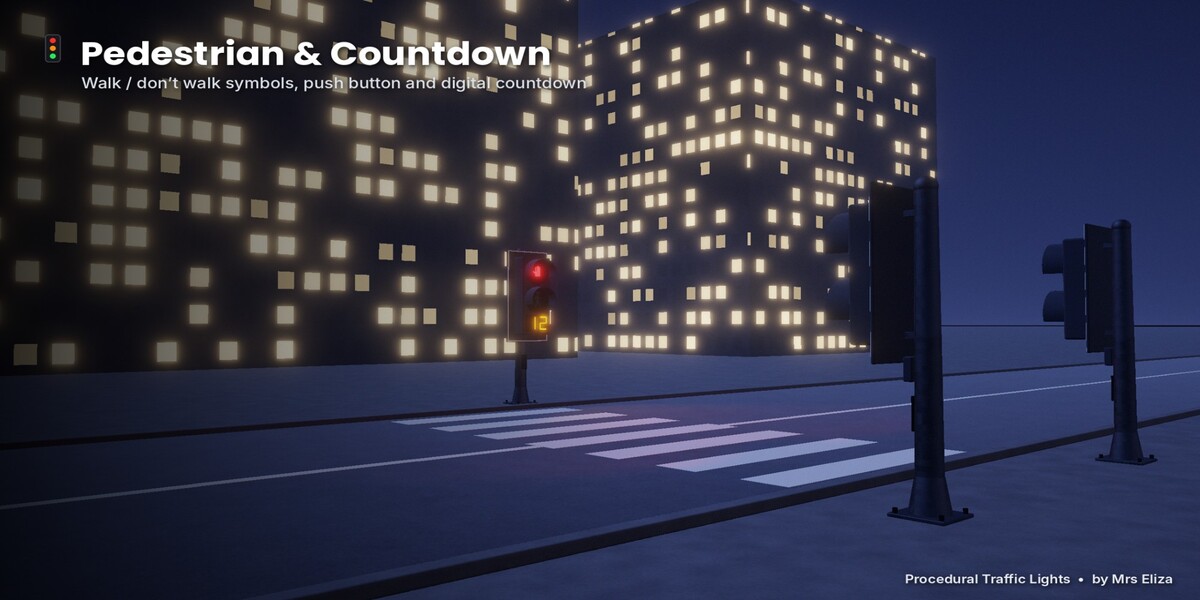
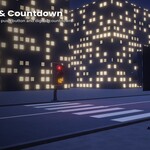
Countdown Pedestrian
Vintage Beehive
Flashing Beacon
Modern Slim LED
Each design can be added directly from the built-in library with a single click.
🎨 Procedural Material Library
Get access to 60 fully procedural, node-based materials designed to customize the appearance of your traffic signals.
Material Categories:
14 Painted Materials – Different painted surface finishes.
16 Metal Materials – Metallic finishes for poles, housings, and components.
9 Aged Materials – Weathered and aged surface appearances.
9 Plastic Materials – Plastic finishes for signal components.
12 Special Materials – Carbon fibre, hazard stripes, reflective finishes, and other special materials.
All materials are procedurally generated using Blender nodes.
Lamp materials are unique to each traffic light, allowing independent animation and customization.
⚙️ Complete Customization Controls
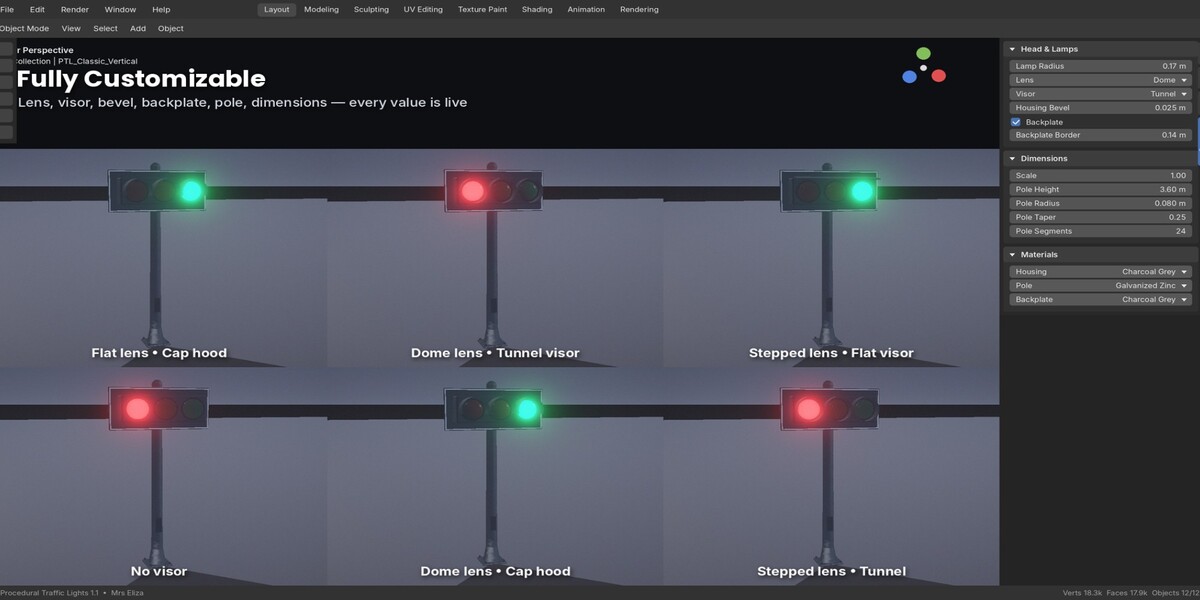
1. Dimensions
Customize the overall structure and proportions of your traffic lights.
Overall scale
Pole height
Pole radius and taper
Arm length
-
Gantry span
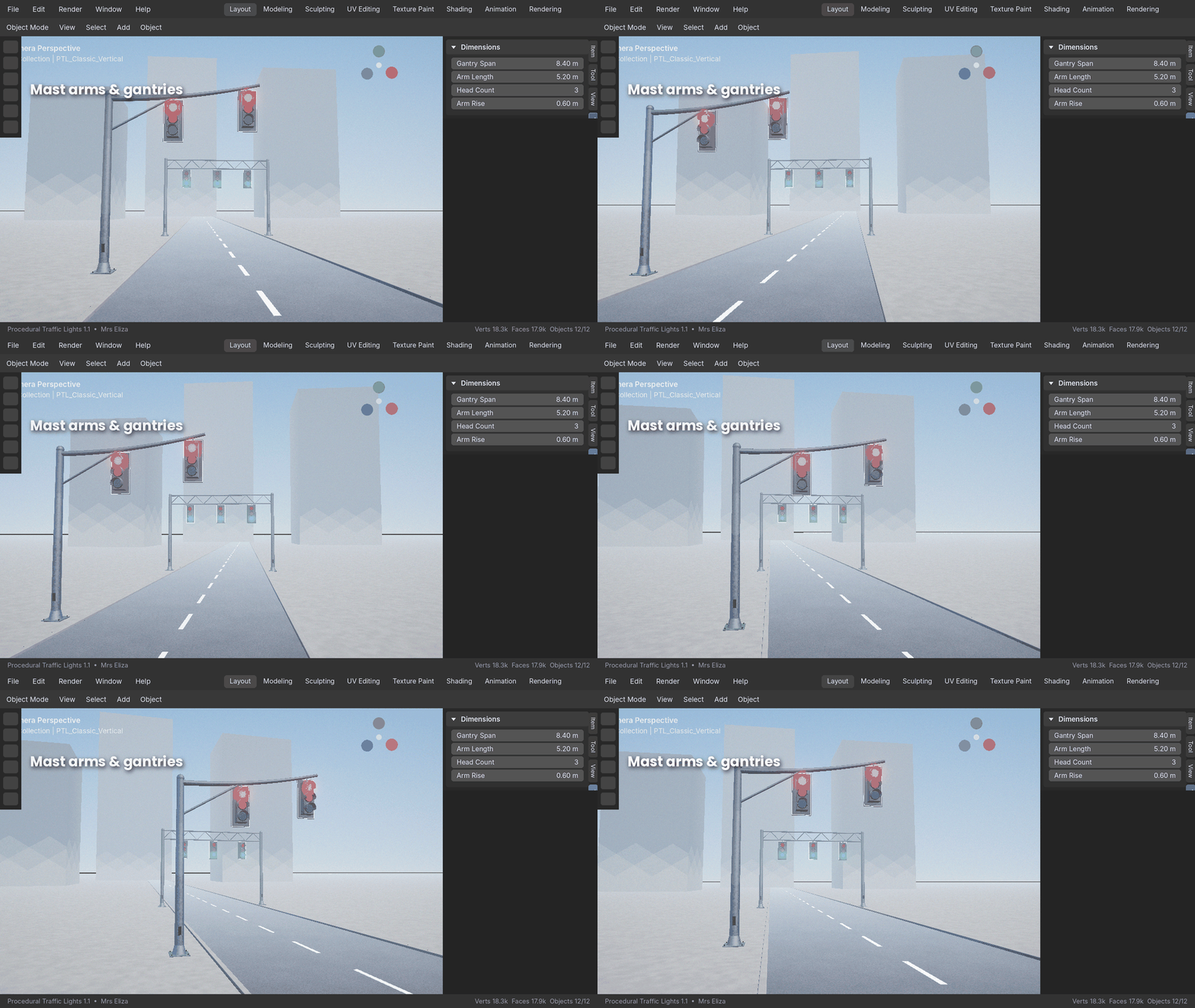
Signal head count
2. Head & Lamps
Fine-tune the appearance of individual signal heads and lamps.
Lamp radius
Flat, dome, and stepped lens styles
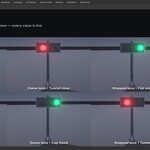
Cap, tunnel, flat, and no-visor options
Housing bevel
Backplate customization
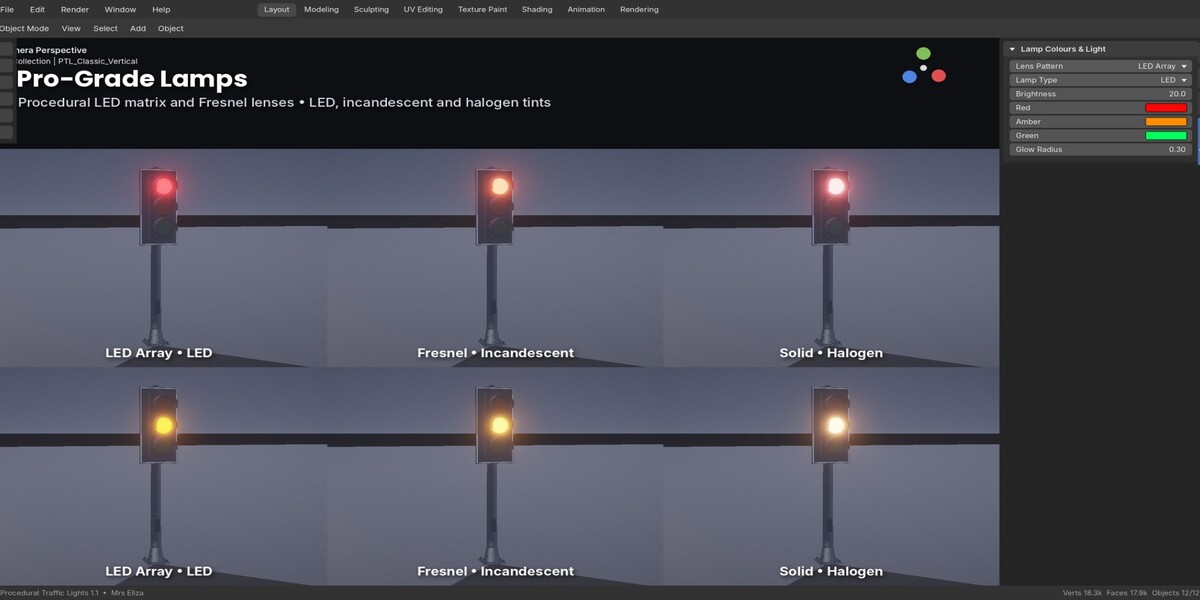
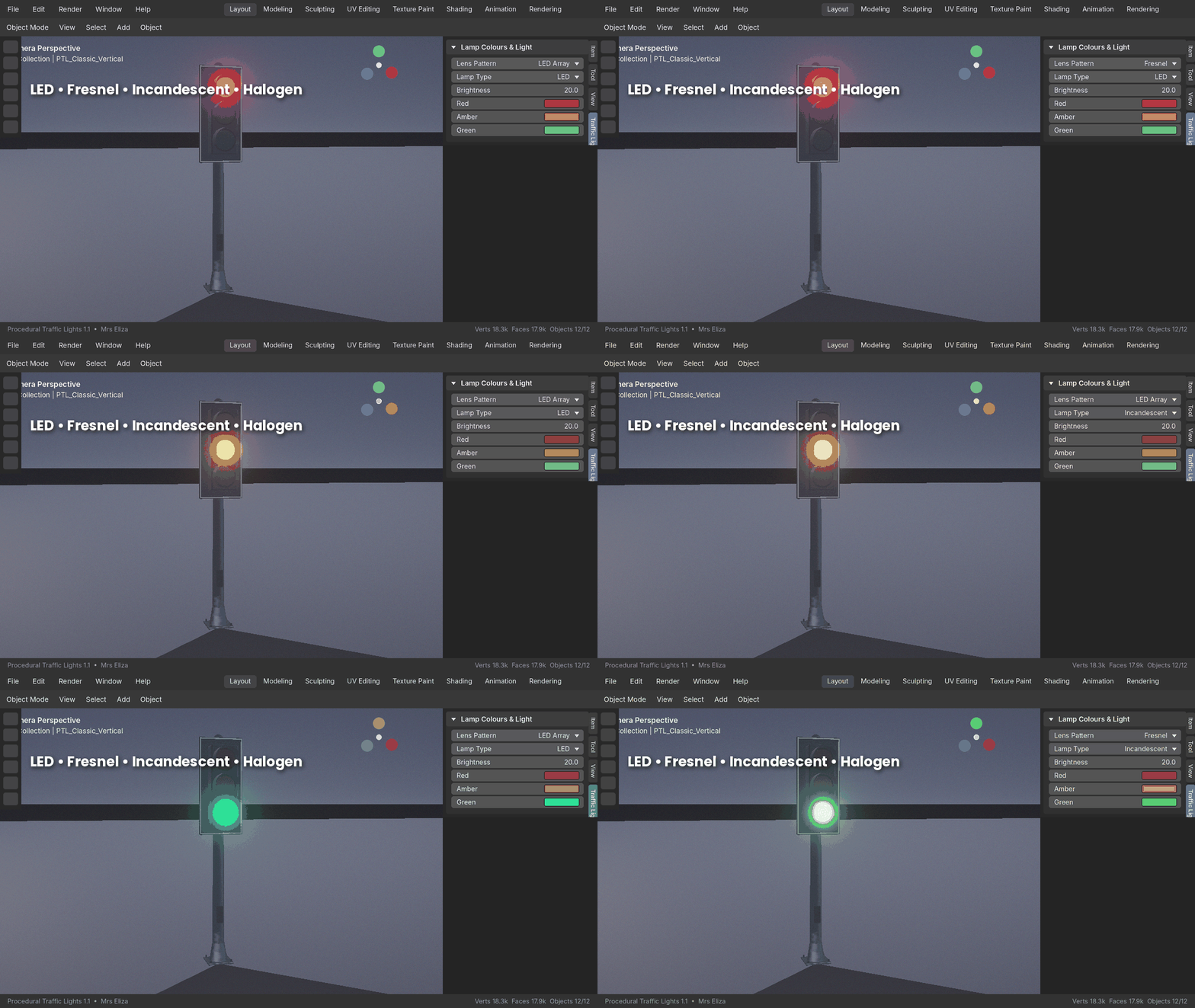
3. Lamp Colours & Light
Control the appearance and illumination of your traffic signals.
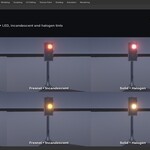
LED array, Fresnel, and solid lens patterns
LED, incandescent, and halogen lamp types
Adjustable brightness
Custom red, amber, and green colours
4. Materials
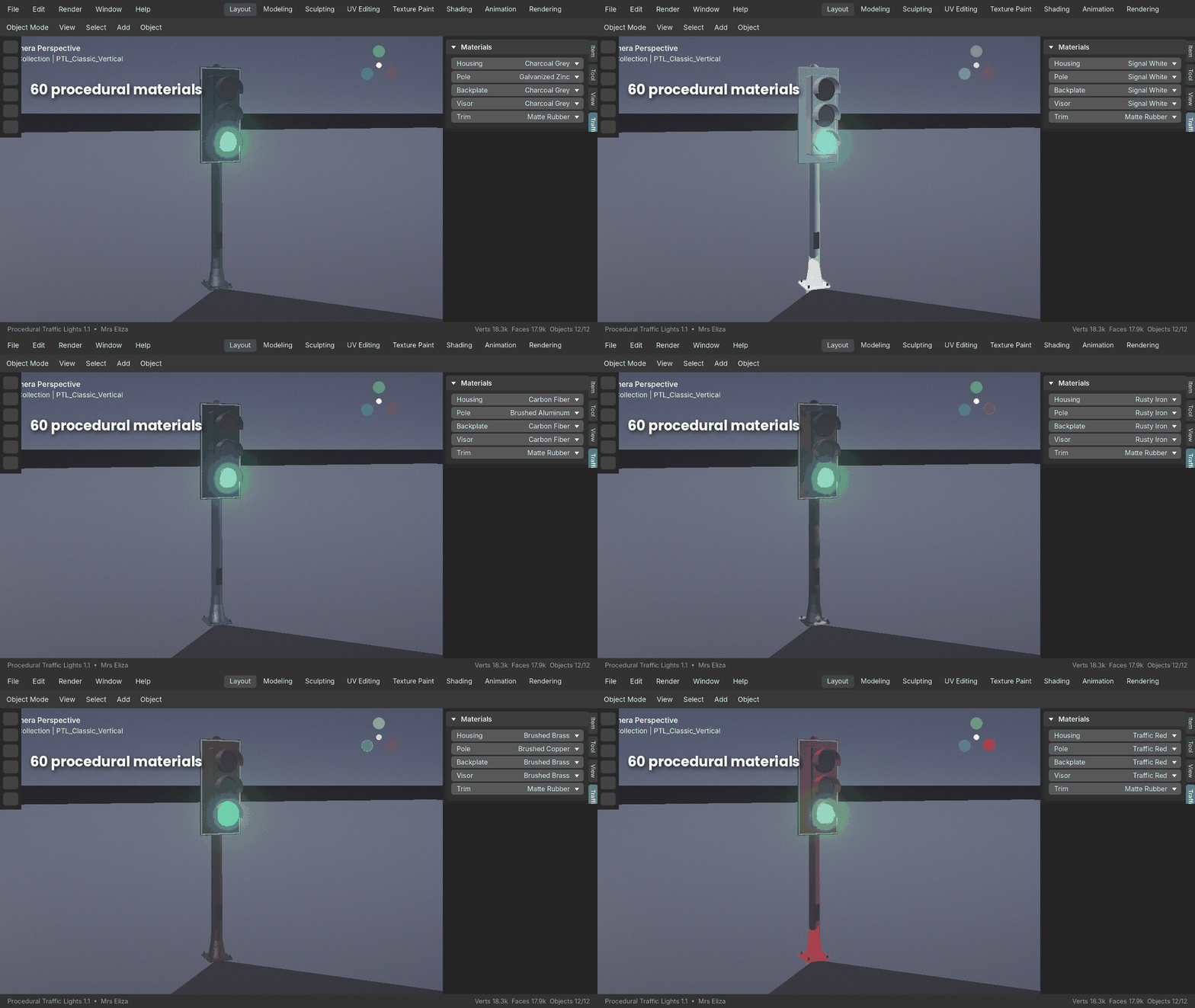
Customize individual traffic light components using the built-in material library.
Separate materials are available for:
Housing
Pole
Backplate
Visor
Trim
Choose from the included 60 procedural materials.
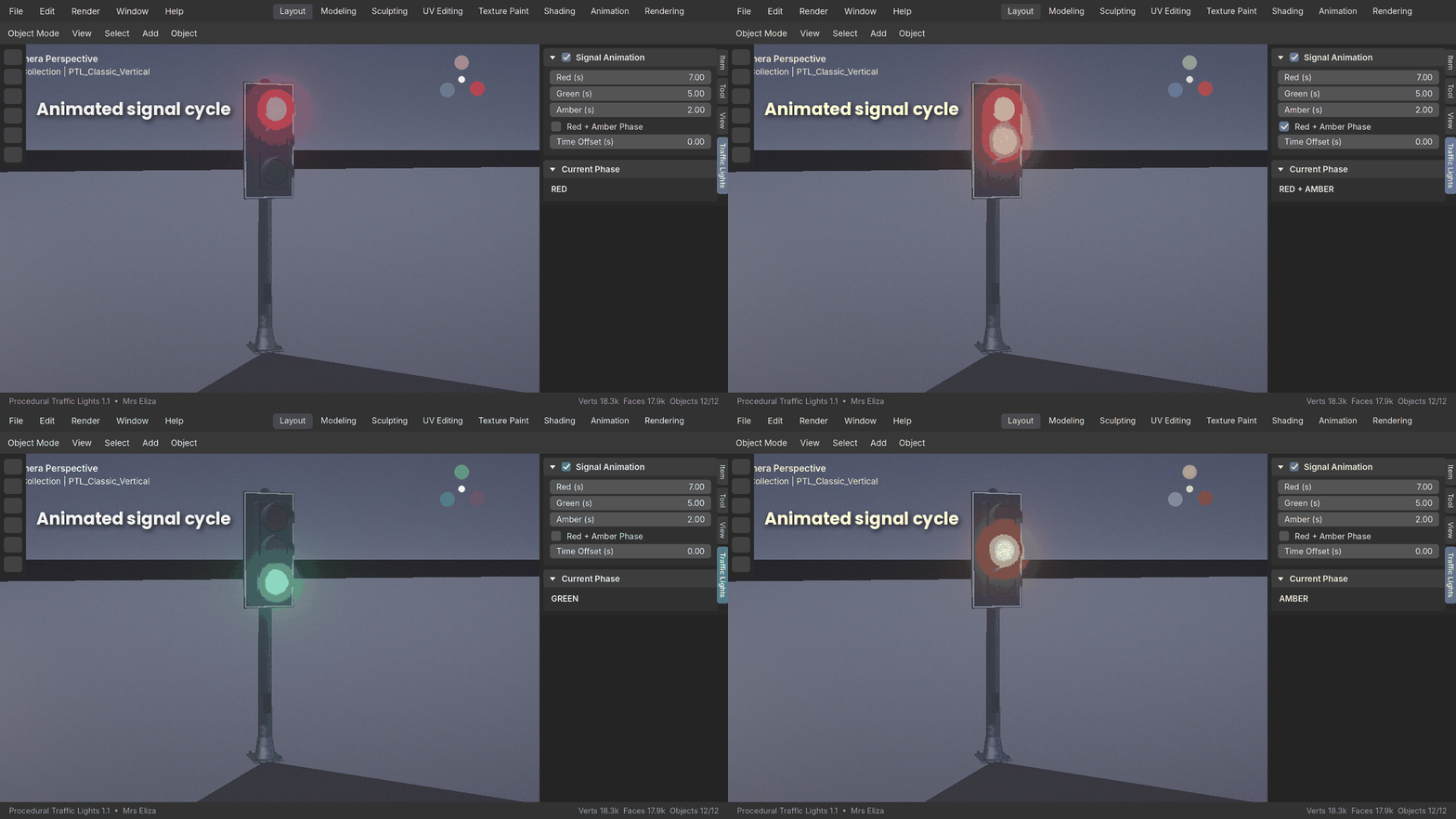
5. Signal Animation
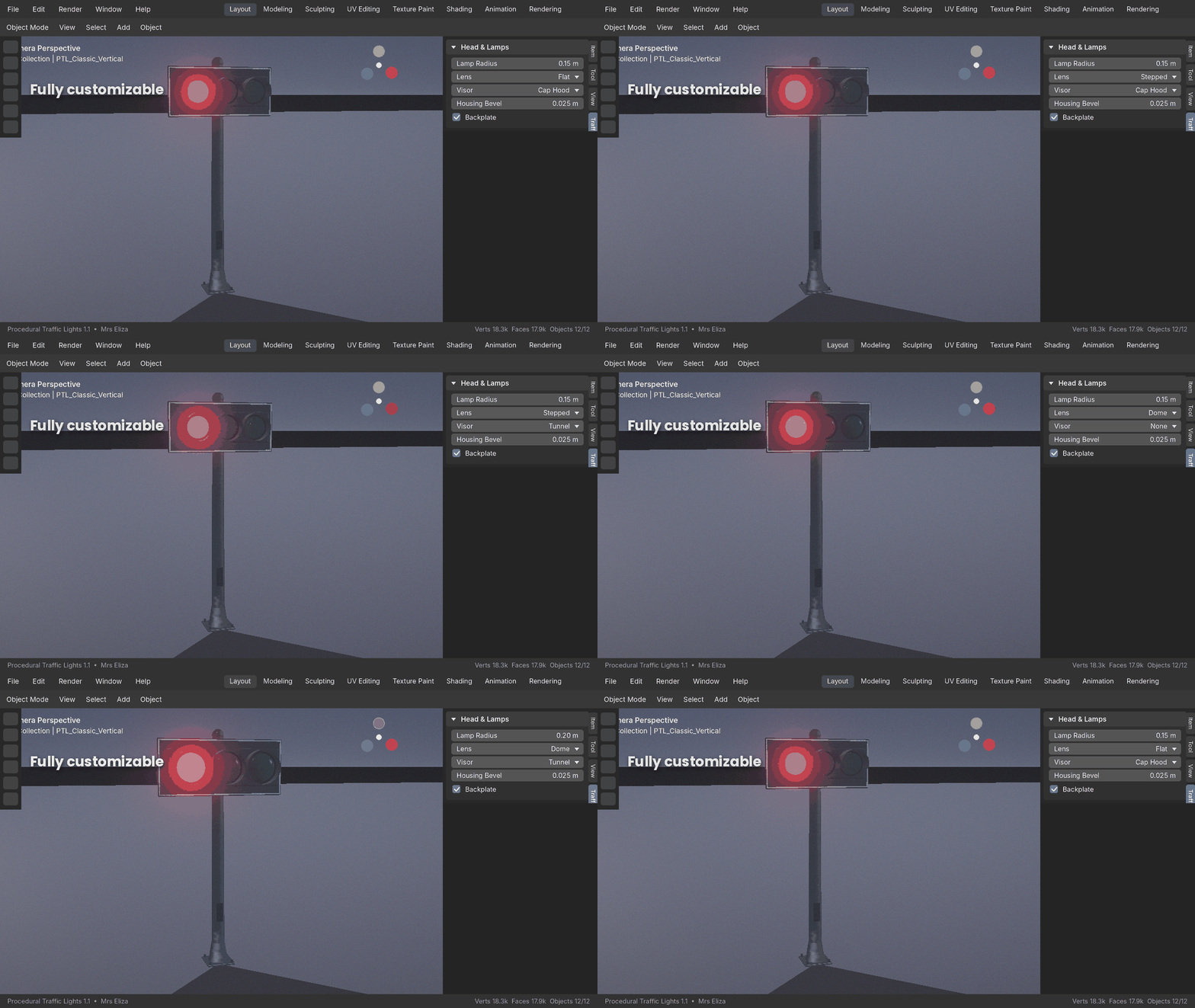
Create customizable traffic signal sequences.
Adjustable red duration
Adjustable green duration
Adjustable amber duration
Optional UK red + amber phase
Animation time offset
Update Animation functionality
6. Signal Light Sources
Add real lighting to your traffic signal lamps.
Spot lights
Point lights
Adjustable light power
Customizable spot size
Individual light sources per lamp
7. Scene Lighting
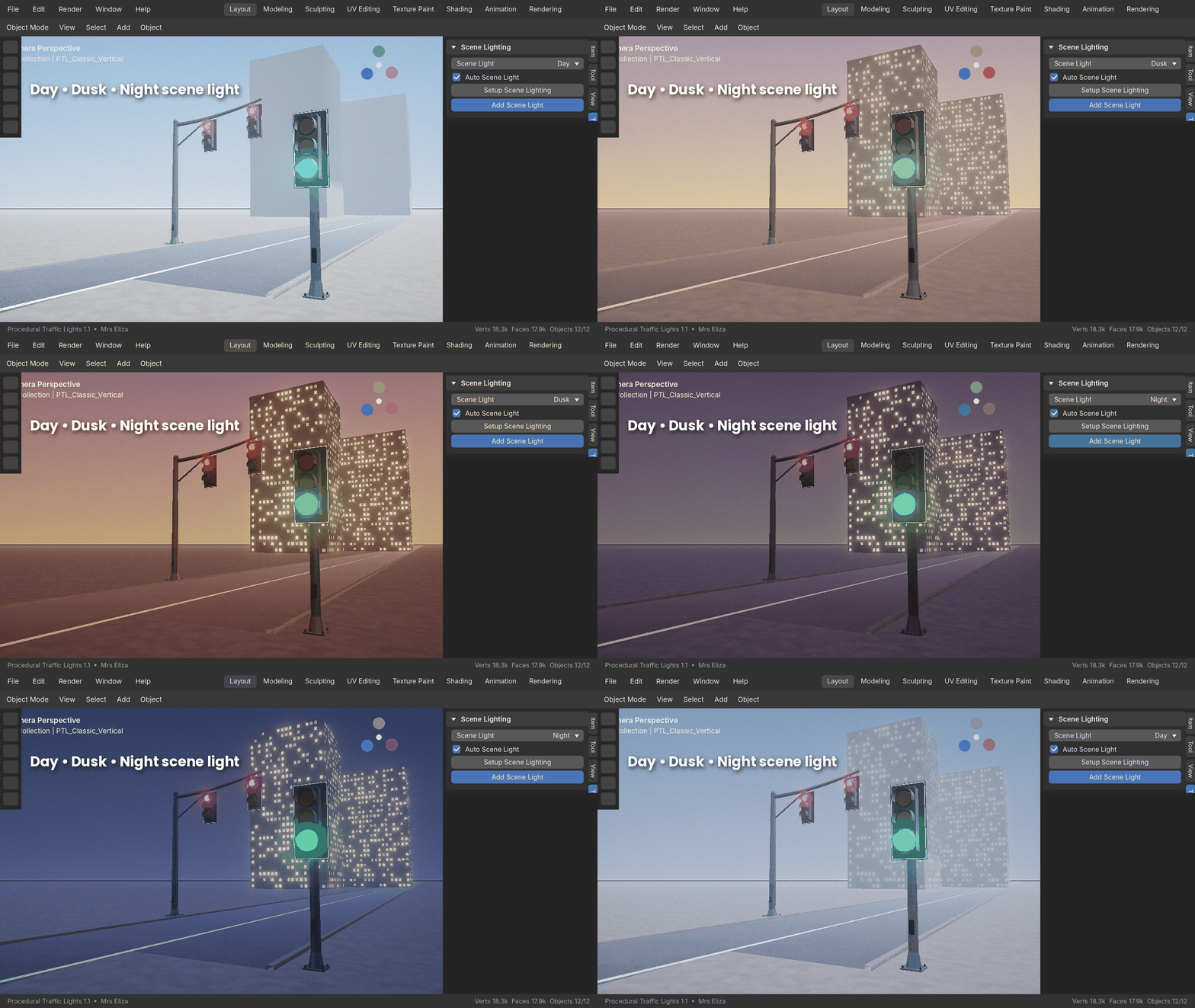
Create different lighting environments with dedicated scene presets.
Day lighting
Dusk lighting
Night lighting
Automatic world setup
Sun and fill lights
Add Scene Light button
8. Selected Light
Easily rebuild or update the currently selected traffic light using your latest settings.
🎬 Animated Traffic Signal System
Bring your traffic lights to life with automatic keyframed animation.
The add-on automatically animates both lamp emission strength and real light energy, creating realistic signal transitions.
Supported Animation Patterns:
Standard traffic cycle
Arrow signals
Two-aspect signals
Pedestrian signals
Countdown signals
Flashing red
Flashing amber
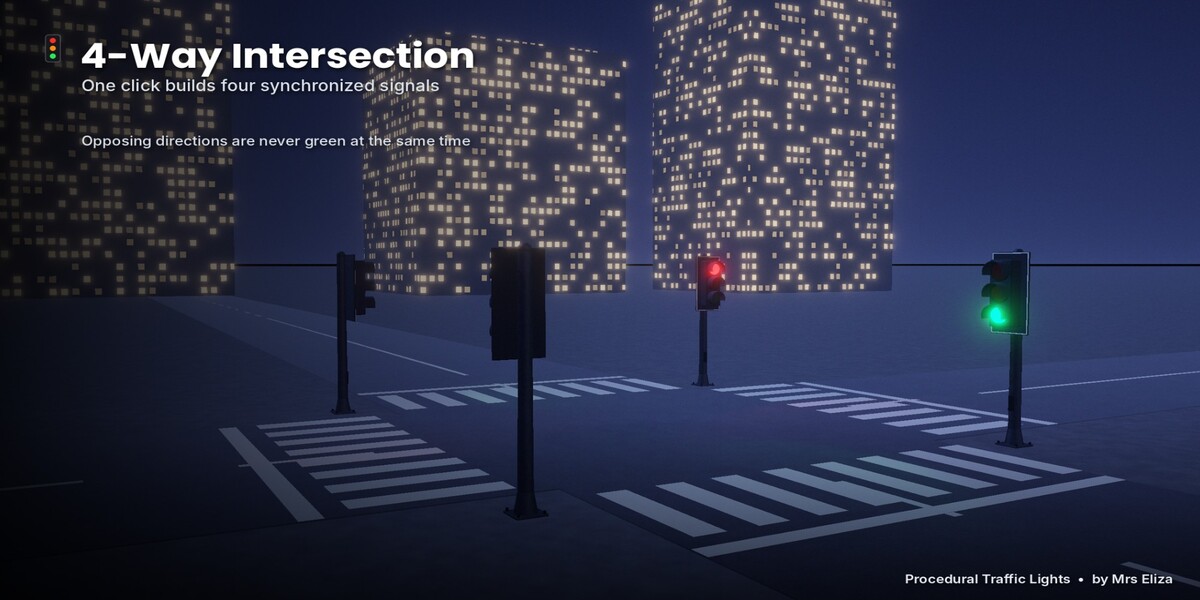
Use the Time Offset feature to synchronize multiple traffic lights, such as opposing directions at an intersection.
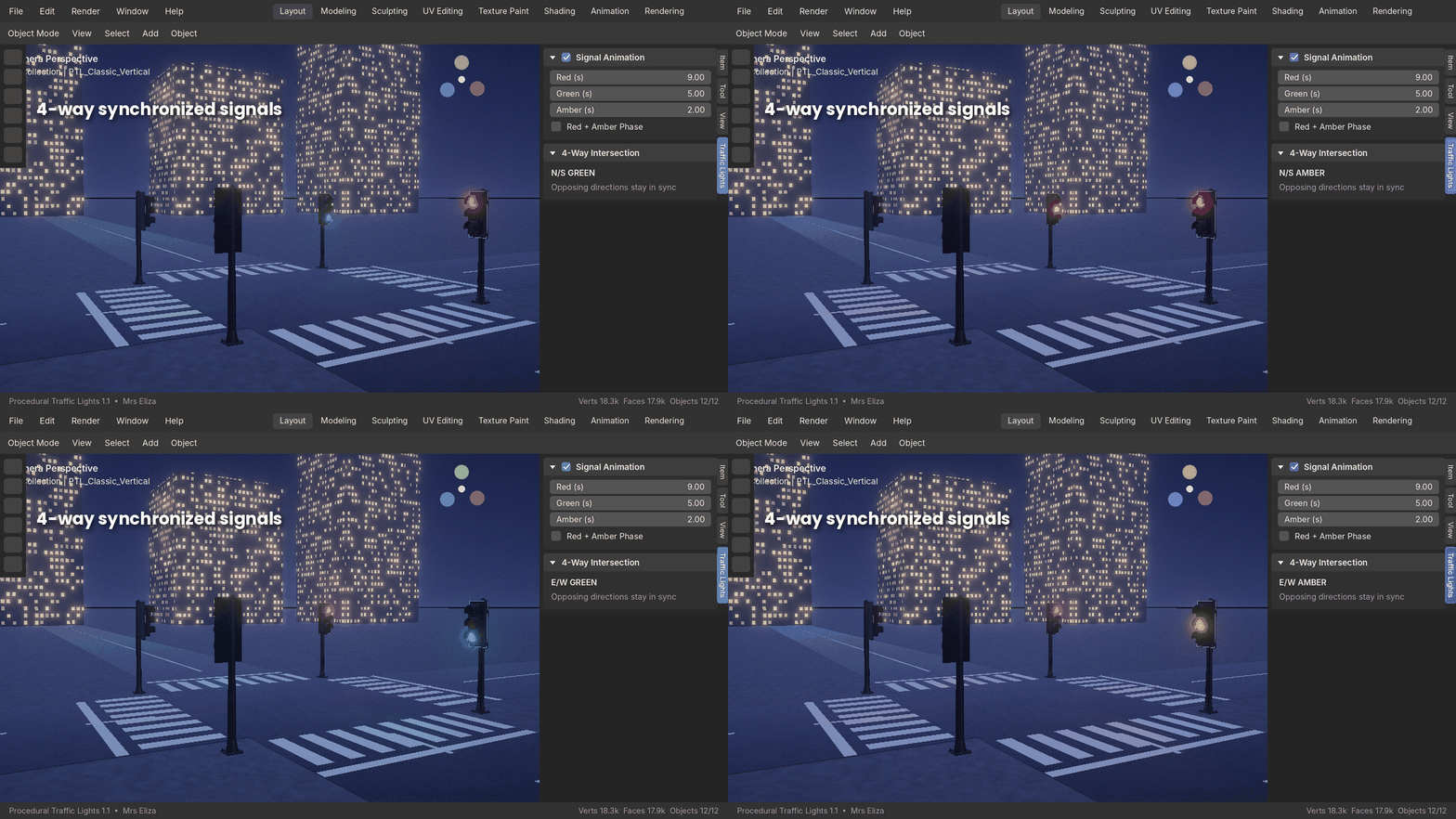
After modifying animation timings, simply press Update Animation to apply the changes.
🌅 Day, Dusk & Night Scene Lighting
Create different environmental lighting conditions for your traffic signal scenes.
Choose between:
Day: Bright daytime environment.
Dusk: Evening atmosphere.
Night: Dark nighttime environment.
The add-on configures the world, sun, and fill lights automatically.
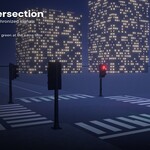
Traffic signal lamps can also cast real light onto surrounding roads and poles, producing additional visual realism and wet-road reflections in both Eevee and Cycles.
🚀 One-Click Setup
Get started quickly with the built-in One-Click Setup feature.
With a single click, automatically create a complete traffic light scene containing:
Selected traffic light
Ground
Camera
Scene lighting
Signal animation
Alternatively, browse the thumbnail library and add individual traffic light designs directly to your existing scene.
Press Play (Space) to preview the animated traffic signal cycle.
🛠️ Installation Guide
Follow these simple steps to install Procedural Traffic Lights:
Open Blender.
Navigate to Edit → Preferences → Add-ons → Install.
Select the
procedural_traffic_lights.zipfile.Enable Procedural Traffic Lights.
Open the 3D Viewport.
Press N to open the sidebar.
Select the Traffic Lights tab.
You can also access the add-on through:
Add → Traffic Lights
💡 Tips for Best Results
Use night scenes with glossy or wet roads to showcase the traffic lamp glow.
Use Rebuild with Current Settings after changing geometry options.
Material changes apply instantly.
Enable Bloom in Eevee or use Cycles for stronger lamp glow.
Reduce pole segments and signal head count when creating large scenes with many traffic lights.
📦 What's Included
Procedural Traffic Lights Blender add-on.
13 procedural traffic light types.
60 procedural materials.
Built-in thumbnail library.
Customization controls.
Automatic signal animation system.
Real Spot and Point light support.
Day, Dusk, and Night scene lighting.
One-Click Setup functionality.
💻 Technical Requirements
Specification |
Details |
|---|---|
Software |
Blender |
Blender Version |
3.6 or newer |
Supported Versions |
Blender 3.6 – 4.x |
Render Engines |
Eevee & Cycles |
Dependencies |
No extra dependencies |
Product Type |
Blender Add-on |
Version |
1.1.0 |
Author & Maintainer |
Mrs Eliza |
🎯 Perfect For
Procedural Traffic Lights is ideal for:
Urban and city environment creation
Road and highway visualization
Architectural visualization
Traffic and transportation simulations
Game environment development
Animation and cinematic projects
Realistic nighttime street scenes
Infrastructure and intersection visualization
⭐ Why Choose Procedural Traffic Lights?
Save time and simplify your traffic signal creation workflow with a fully procedural solution.
Instead of manually modeling individual traffic lights, building materials, setting up signal animations, and configuring scene lighting, you can generate and customize complete traffic signal systems directly inside Blender.
With 13 traffic light designs, 60 procedural materials, automatic animation, real light sources, and one-click scene setup, this add-on provides a flexible workflow for creating detailed traffic environments.
Build, customize, animate, and illuminate your traffic signals — all inside Blender!