Procedural Volume Simulation Pack (Blender 5.0)
 Blender Procedural


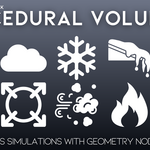
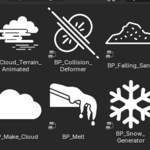
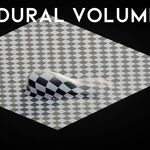
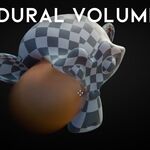
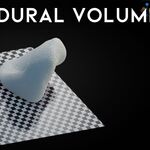
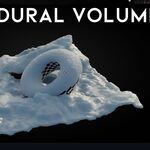
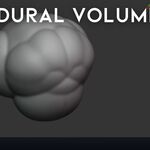
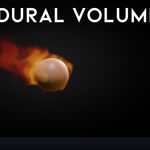
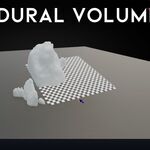
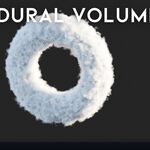
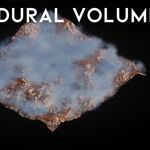
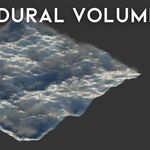
Installation
To install the asset library in Blender:
-
Download the file Procedural Volume Simulation Pack.blend.
-
Open Blender and go to Edit → Preferences.
-
Navigate to File Paths → Asset Libraries.
-
Click Add New.
-
Give the library a name (e.g. Procedural Volume Simulation Pack).
-
Set the Path to the folder containing the .blend file.
Blender requires a folder, not a single .blend file, so make sure the folder is selected.
-
Open the Asset Browser, choose the library, and all assets will be visible.
How to Use
-
Open the Asset Browser and browse the included nodegroups.
-
Drag any asset onto an object in your scene to apply it as a modifier.
-
Adjust parameters in the modifier panel to customize the simulation.
-
Most effects run in real time and do not require baking.
-
Combine multiple assets for more complex setups.
Have questions about this product?
Login to message
| Sales | 90+ |
| Dev Fund Contributor | |
| Published | 10 months ago |
| Blender Version | 5.0 |
| Render Engine Used | Cycles, Eevee |
| License | Royalty Free |
Discover more products like this
volume grid VFX volume simulation voxel asset library realtime simulation cloud generator geometry nodes simulation-nodes snow-generator procedural effects