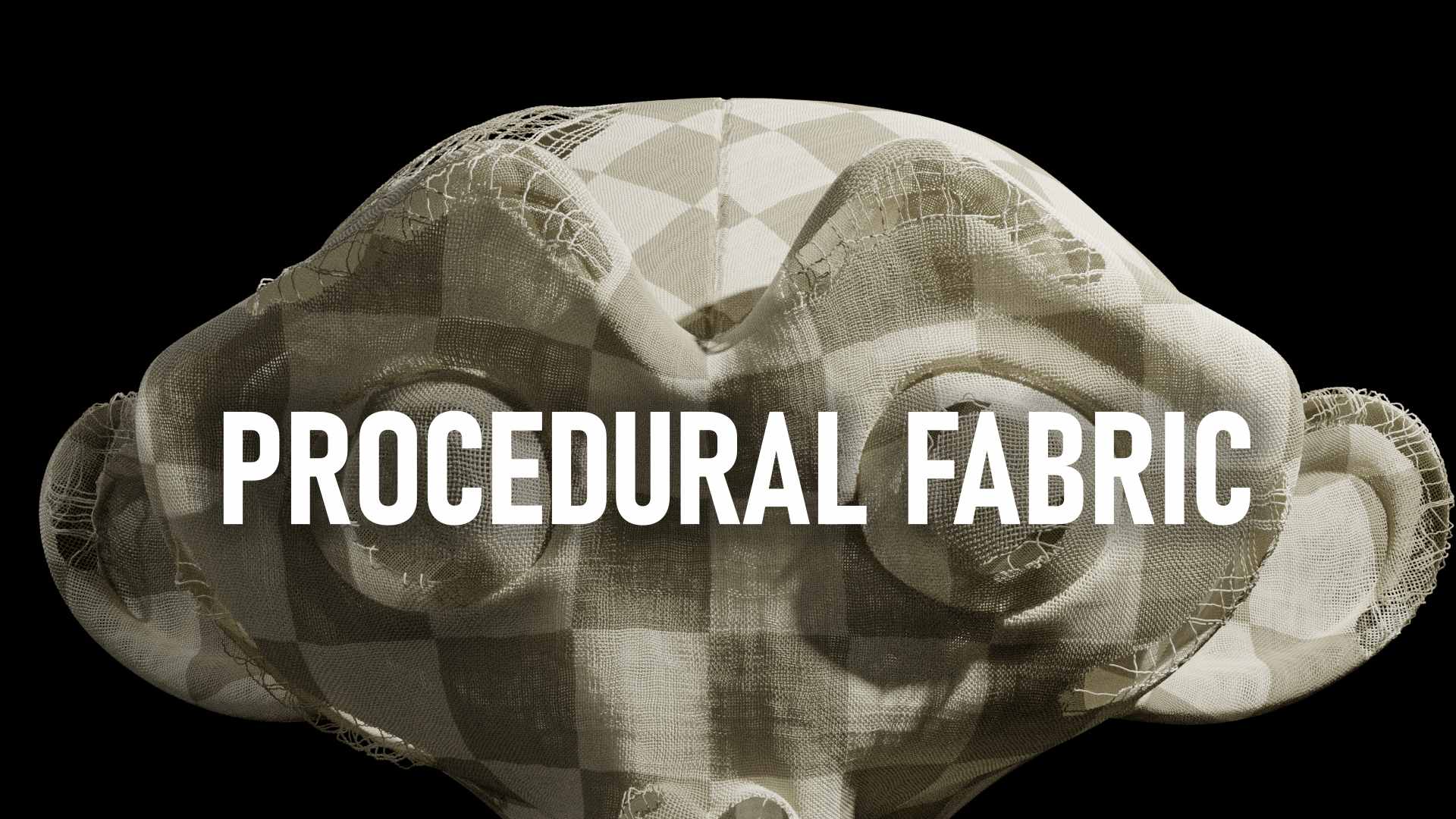
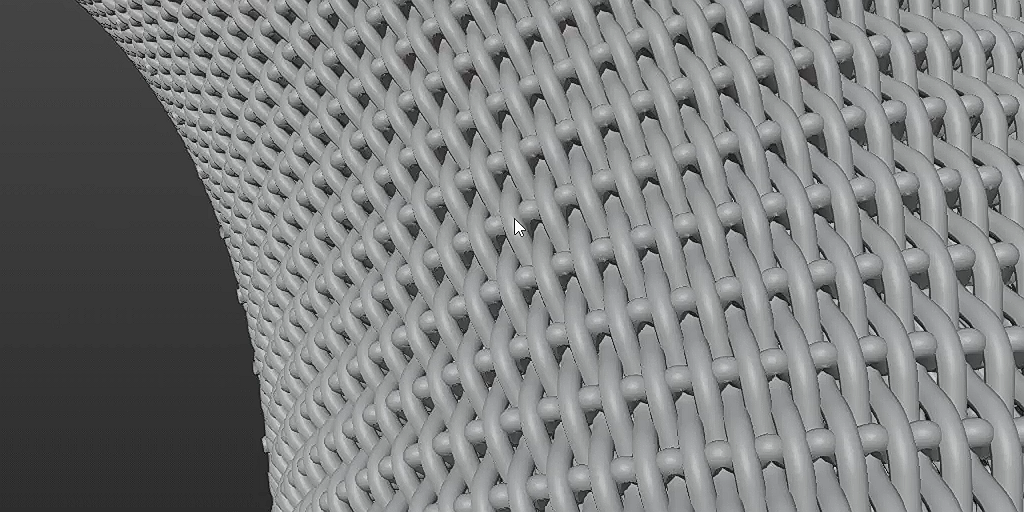
Procedural Fabric

Blender Easy in Procedural Generators


Item Rating

This item has an average rating of 3 from 1 rating by the community.

0%
0%
100%
0%
0%

Purchase this item to leave a review!

  • Mad Cat Productions
    11 months ago

    Don't get me wrong, this is pretty good- but there is quite a bit of issues that come with it.
    Let's start with first biggest one: Lack of Instruction.

    Besides the instructions on how to get it into your blender scene, you're sorta left hanging on everything else. The Youtube Video doesn't help much because you're not explaining how each piece works; especially if you don't consider that your setup might be different than the creator of this. Like I got it loaded up and went to fiddle with the setting like shown in the video- only to notice, not only is it stuck on one color with no way of changing it, despite manually adjusting the material it comes with in Shading tab- and in the video it shows that you can pick the material, that didn't show up on mine. (I'm on 4.5.4).

    Next Issue: The Curves seem to freak out when you have a different type of uv map, I was struggling to get the worn fabric to work- I made my vertex map, typed it, and it only made a duplicate cage of worn fabric on the existing version of curves already set on my model, and this was after i hid the OG. I wish the video went more into depth of how to handle this, let alone a full breakdown of appending up until you get to fiddle with the controls. I know this ties into the same issue of lack of instructions but even though I'm a light dabbler of geometry nodes- I usually know how to work them once I get them going long as they're working as indented or unintended.

    I hope the creator at some point goes back through on some of their older stuff and cleanup and clarify the instructions, especially for people who really don't touch the geometry nodes.

    • Pedro Henrique de Oliveira

      11 months ago

      Thank you for the feedback! I’m sorry to hear you had trouble setting things up.

      To install the asset, place the .blend file inside your Asset Library folder. After that, Procedural Fabric will appear in the Asset Browser.

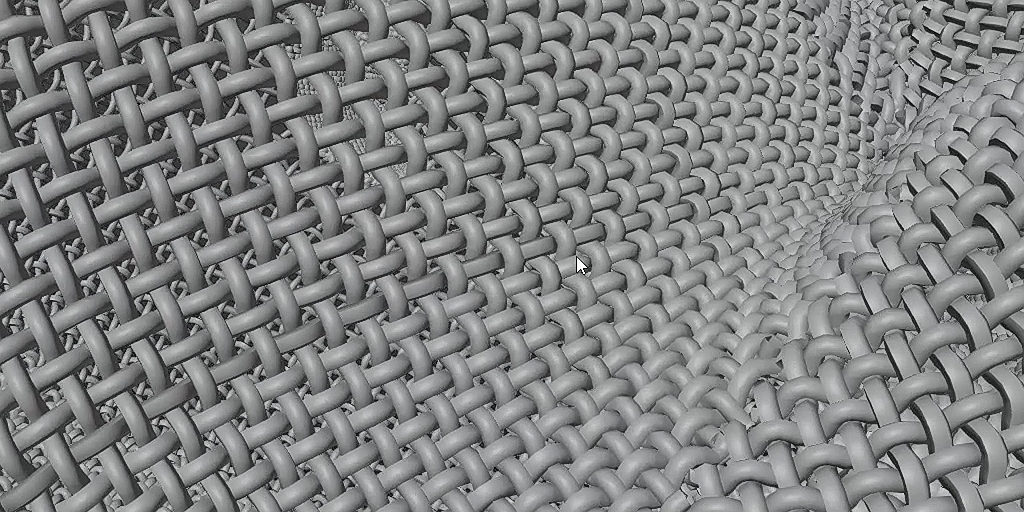
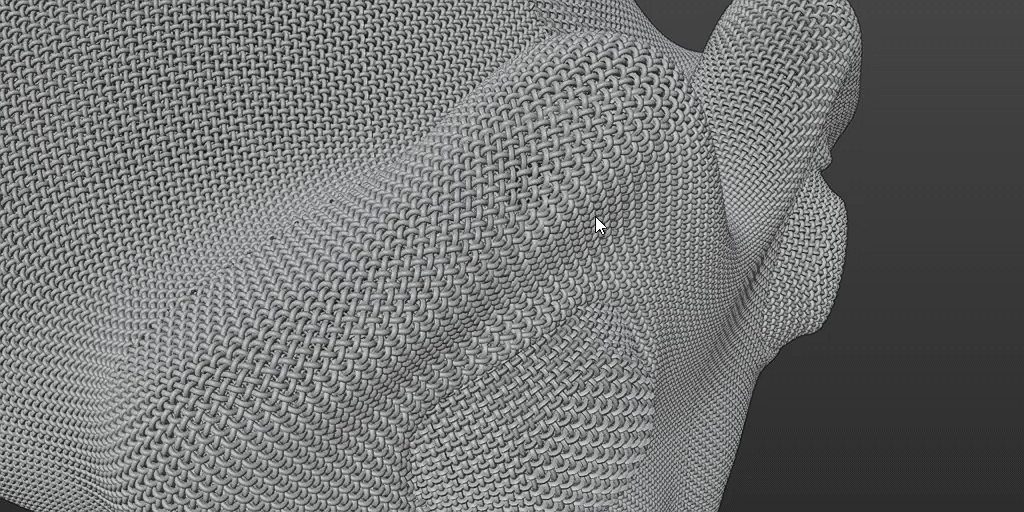
      This tool is designed to work best with Hair Curves. It generates each strand of fabric using hair curves for a more optimized and controllable result.
      To use it, simply add an Empty Hair system to your surface object. With the hair object selected, open the Modifiers tab, click Add Modifier, and load Procedural Fabric from the Unassigned dropdown.

      The system supports any UV map, as long as the UVs are clean (no overlaps) and it need to be inside of the first square of the UV coordinate. You must also enter the correct UV name in the modifier.
      If you want to map textures onto the fabric, add an Attribute node in the material, enter the name SurfaceUV on it, and connect the Vector output to the Vector input of your texture.

      If you’d like help getting everything working in your specific file, feel free to message me. I’m always happy to assist, especially since different Blender versions can behave differently.

  • Displaying 1 rating
$15$13.50

Have questions about this product?
Login to message

Details
Sales 20+
Rating
1 ratings
Dev Fund Contributor
Published almost 3 years ago
Blender Version 4.1 - 5.1
License Royalty Free
Discover more products like this

fabric bfcm23 spring24 Weave winter24 cloth
