 noahsrenders


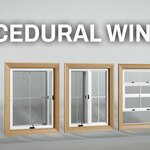
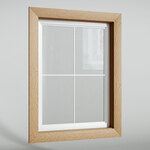
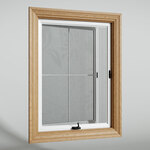
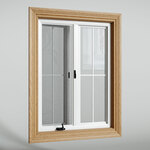
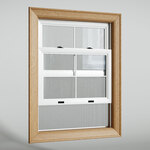
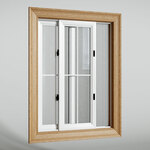
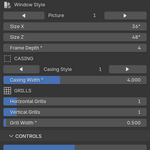
This Procedural Window Generator Add-On was built using Geometry Nodes with the goal of giving the end user a realistic, functional and flexible Window with easy-to-use controls.
Key Features :
5 Window Styles
1. Picture |
2. Casement 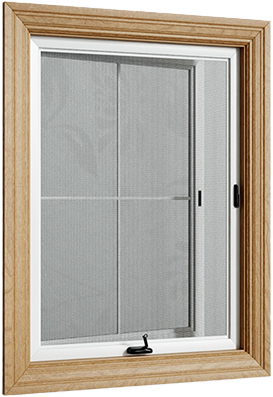
|
3. Split Casement 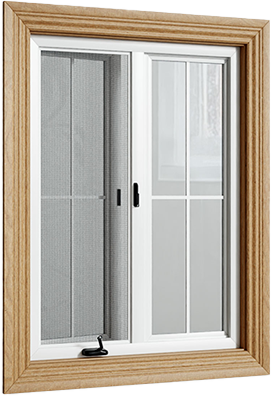
|
4. Vertical Slider 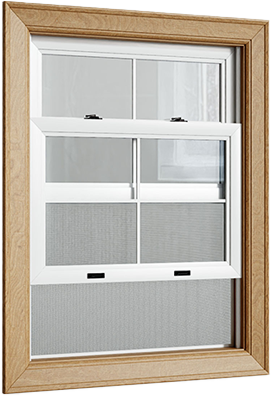
|
5. Horizontal Slider |
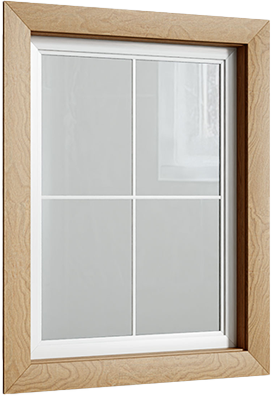
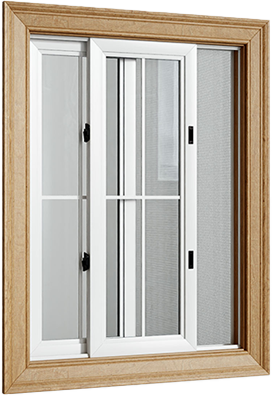
5 casing styles.
1. |
2. |
3. |
4. |
5. |
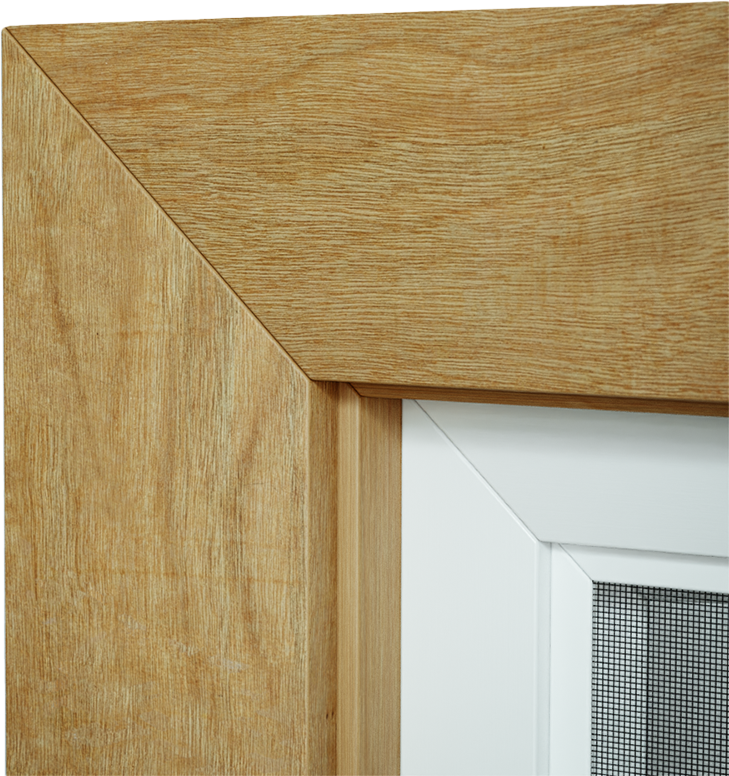
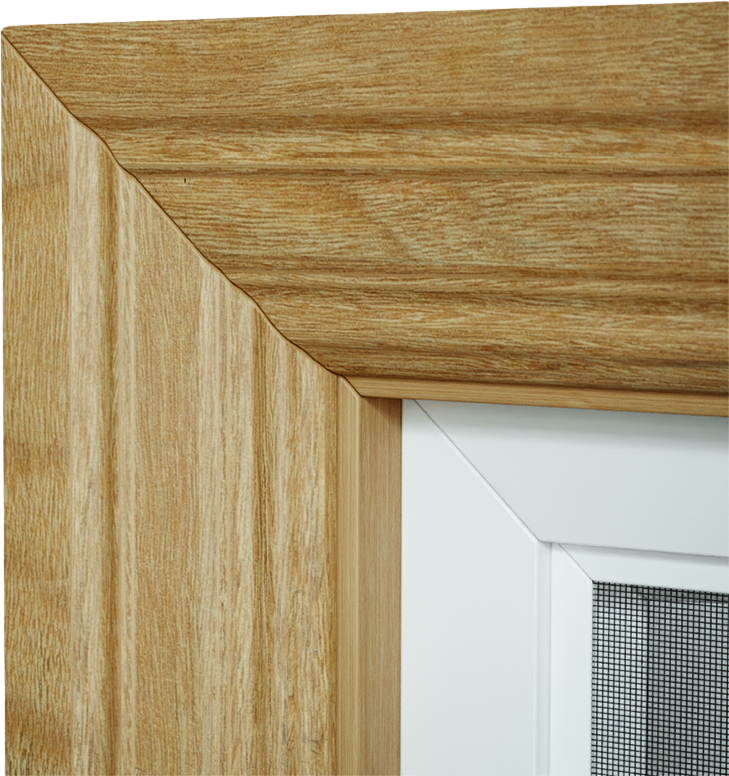
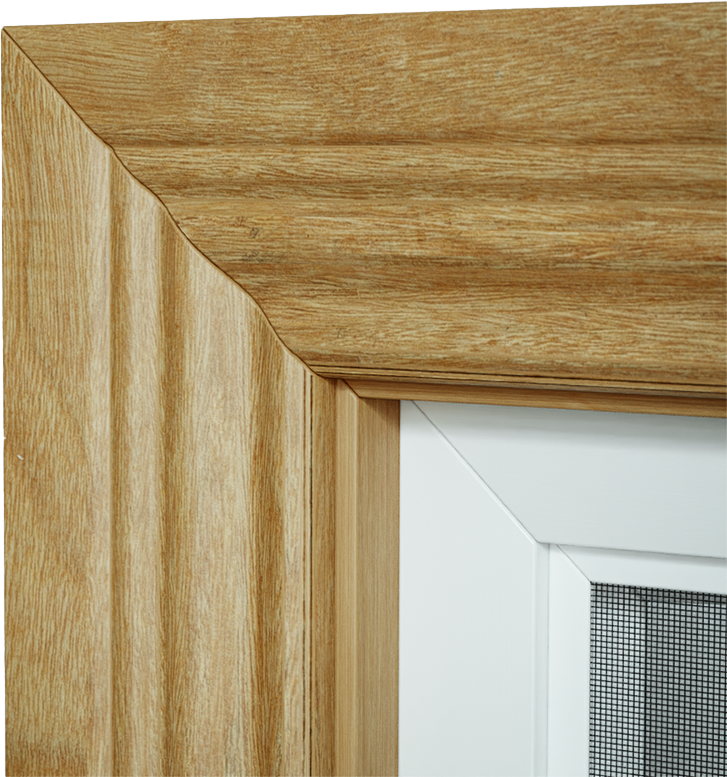

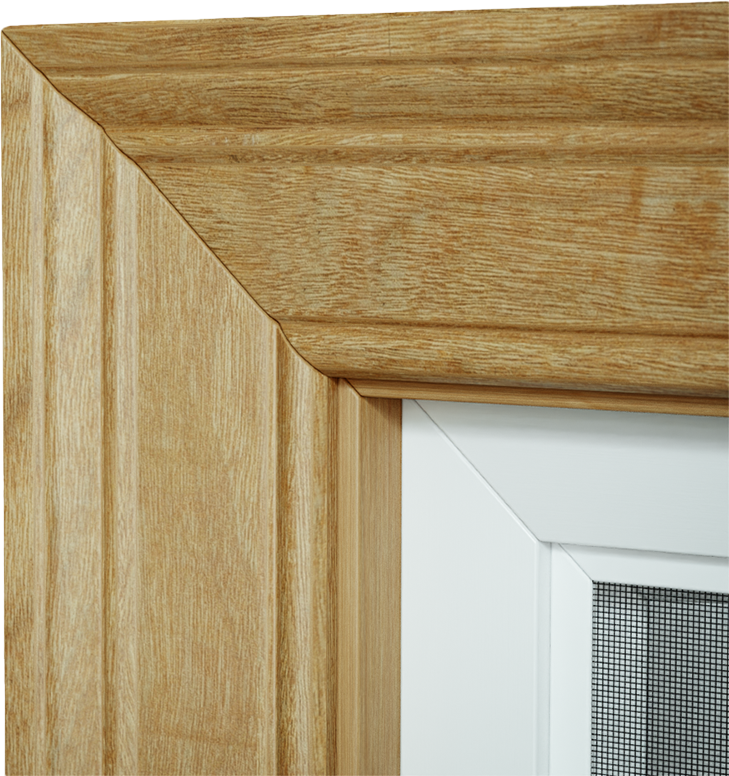
-
Change the depth/inset of the window from the casing.

-
Set the number of window "grills" and their thickness.

-
Open the windows with a single control.

Controls :

Installation :
Download the zip file
Edit > Preferences > Add-Ons
-
Install zip file and enable Add-On
Boolean :
Place window and tweak settings to taste.
Select your Walls and add a Boolean modifier. Select the Window Cutter as the object (the cutter is the child of the window)
Materials :
Feel free to use any materials you'd like! Simply assign your materials in the material panel within the add-on.
IMPORTANT - The 'main' material must have an Attribute Node in the place of a Texture Coordinates node, plugged into your vector inputs. Set the Name to 'uv_map'. Add a Texture Mapper after the Attribute and adjust the XYZ scale. I find 0.500 works best. You may also need to rotate the Z axis by 90 degrees, depending on the orientation of your texture map.
