Blender Procedural


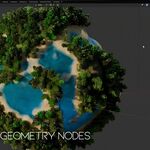
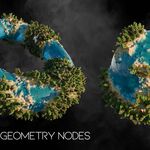
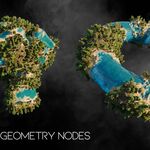
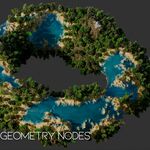
BP Planet Generator
BP Planet Generator is a procedural Geometry Nodes setup for creating detailed planet style terrains, island worlds, and fantasy landscapes directly inside Blender.
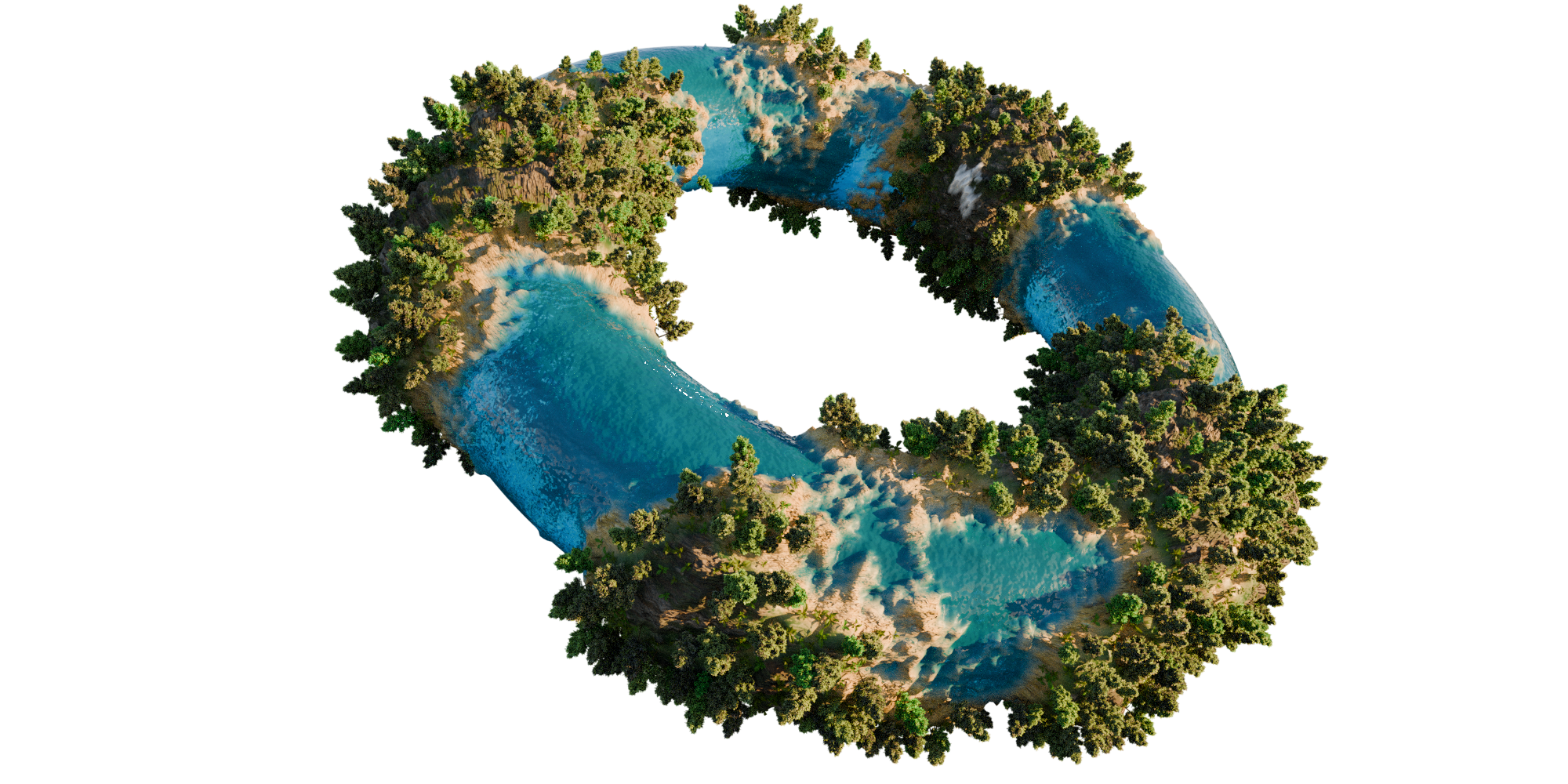
With simple modifier controls, you can generate unique terrain shapes, adjust height, noise, distortion, roughness, scatter amount, and instance scale without manually modeling anything.
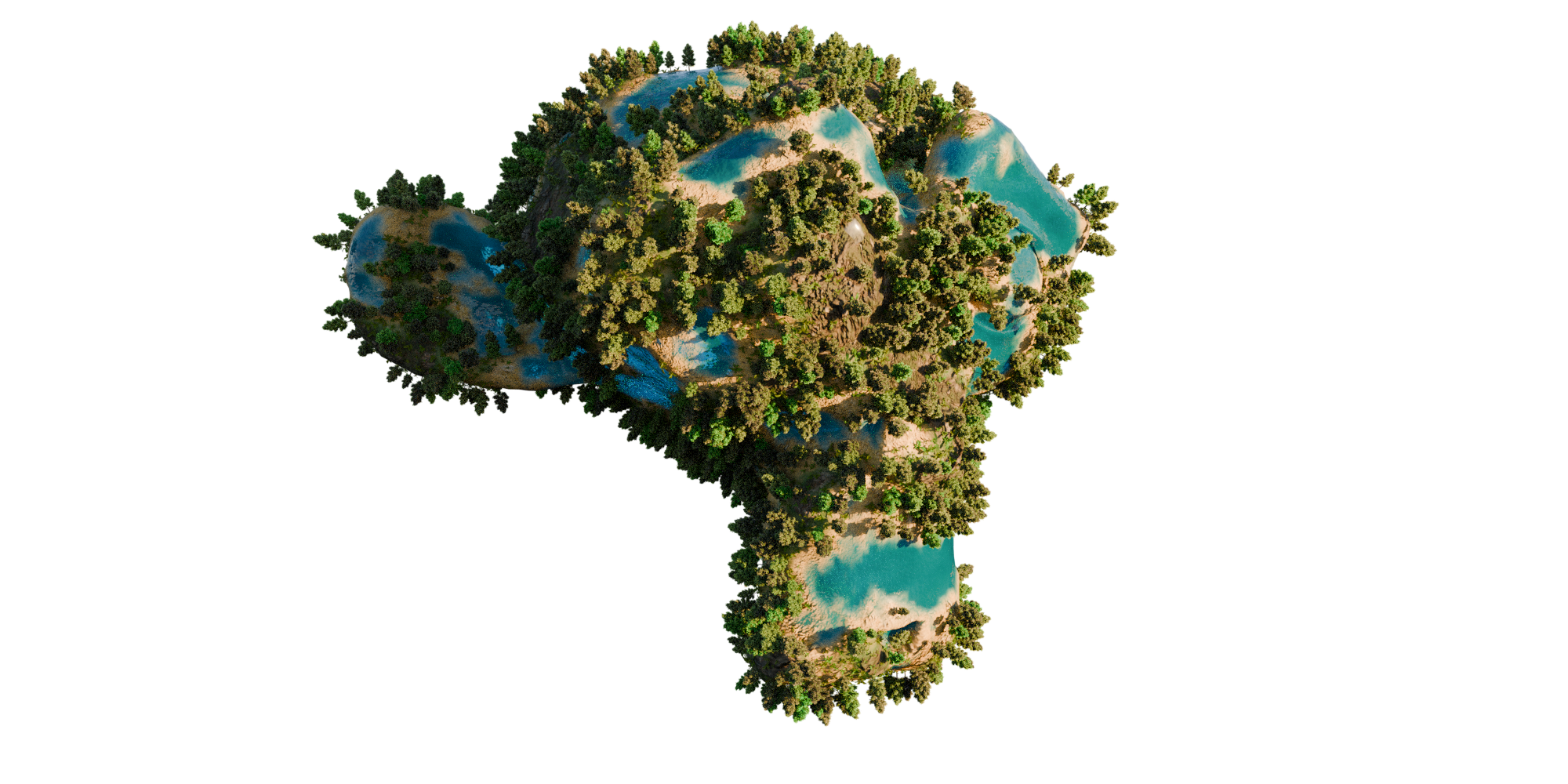
It is perfect for creating stylized planets, miniature worlds, floating islands, game environments, fantasy scenes, background assets, and procedural world concepts.

Key Features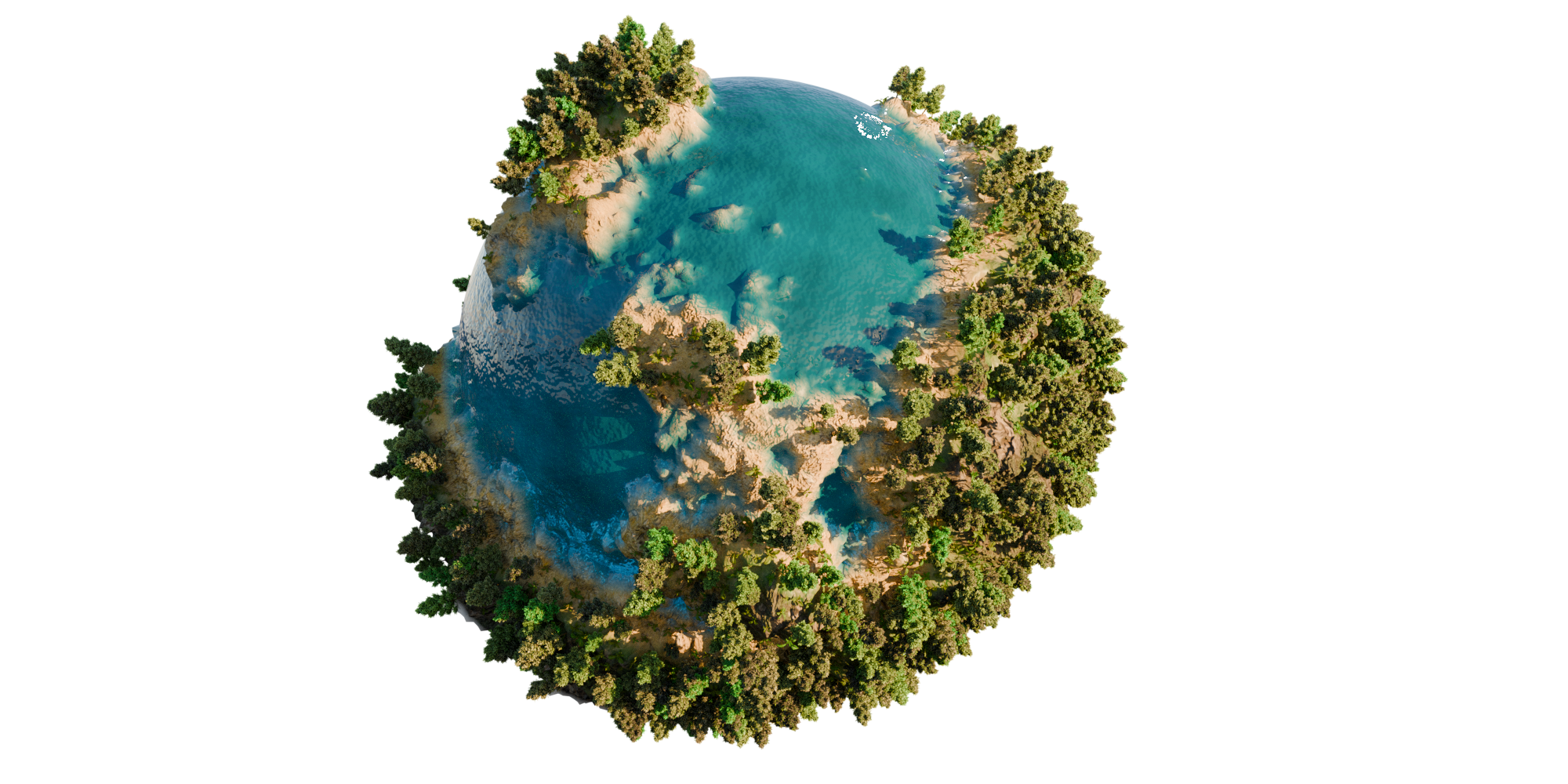
- Procedural planet and island terrain generation
- Geometry Nodes based workflow
- Easy modifier controls
- Adjustable subdivision level
- Height control for terrain depth
- Noise scale and distortion settings
- Roughness control for natural terrain variation
- Scatter amount control for vegetation and details
- Instance scale minimum and maximum controls
- Custom material slot support
- Great for fantasy worlds, stylized islands, game assets, and environment design
How To Use
Add the asset to your scene and select the object with the BP_Planet_Generator Geometry Nodes modifier.
Use the modifier panel to adjust the planet shape, terrain height, noise style, scatter amount, and instance scale.
You can quickly create different procedural worlds by duplicating the object and changing the modifier parameters.
Main Controls
-
Subdivision Level: Controls terrain resolution and surface detail.
-
Height: Changes the overall terrain elevation.
-
Noise Scale: Controls the size of the procedural terrain shapes.
-
Noise Distortion: Adds more organic variation to the land shape.
-
Noise Lacunarity: Changes the complexity of the procedural noise.
-
Roughness: Controls how sharp or smooth the terrain variation looks.
-
Scatter Amount: Controls the amount of scattered vegetation and detail objects.
-
Instance Scale Minimum / Maximum: Controls the random size range of scattered instances.
-
Material: Lets you assign the main terrain material.
BP Planet Generator
BP Planet Generator is a procedural Geometry Nodes setup for creating detailed planet style terrains, island worlds, and fantasy landscapes directly inside Blender.
With simple modifier controls, you can generate unique terrain shapes, adjust height, noise, distortion, roughness, scatter amount, and instance scale without manually modeling anything.
It is perfect for creating stylized planets, miniature worlds, floating islands, game environments, fantasy scenes, background assets, and procedural world concepts.
Key Features
- Procedural planet and island terrain generation
- Geometry Nodes based workflow
- Easy modifier controls
- Adjustable subdivision level
- Height control for terrain depth
- Noise scale and distortion settings
- Roughness control for natural terrain variation
- Scatter amount control for vegetation and details
- Instance scale minimum and maximum controls
- Custom material slot support
- Great for fantasy worlds, stylized islands, game assets, and environment design
How To Use
Add the asset to your scene and select the object with the BP_Planet_Generator Geometry Nodes modifier.
Use the modifier panel to adjust the planet shape, terrain height, noise style, scatter amount, and instance scale.
You can quickly create different procedural worlds by duplicating the object and changing the modifier parameters.
Main Controls
- Subdivision Level: Controls terrain resolution and surface detail.
- Height: Changes the overall terrain elevation.
- Noise Scale: Controls the size of the procedural terrain shapes.
- Noise Distortion: Adds more organic variation to the land shape.
- Noise Lacunarity: Changes the complexity of the procedural noise.
- Roughness: Controls how sharp or smooth the terrain variation looks.
- Scatter Amount: Controls the amount of scattered vegetation and detail objects.
- Instance Scale Minimum / Maximum: Controls the random size range of scattered instances.
- Material: Lets you assign the main terrain material.
🚀 Explore More by Blender Procedural