 bhdesign
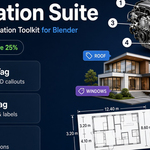
Annotation Suite – Documentation
Thank you for purchasing the Annotation Suite!
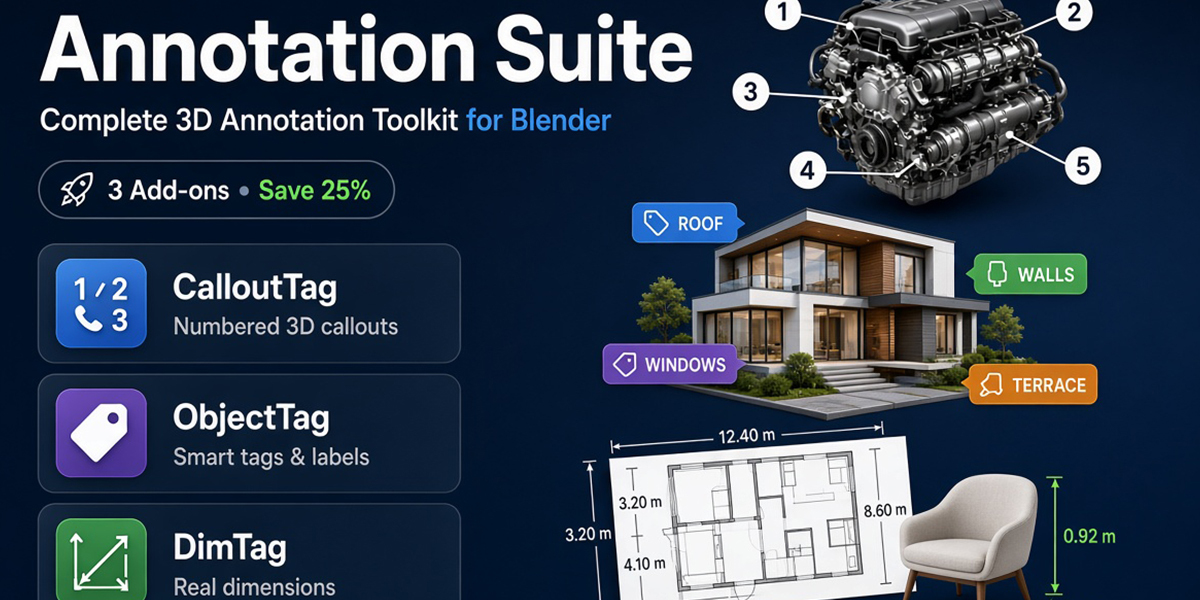
This pack contains three add-ons that work great together:
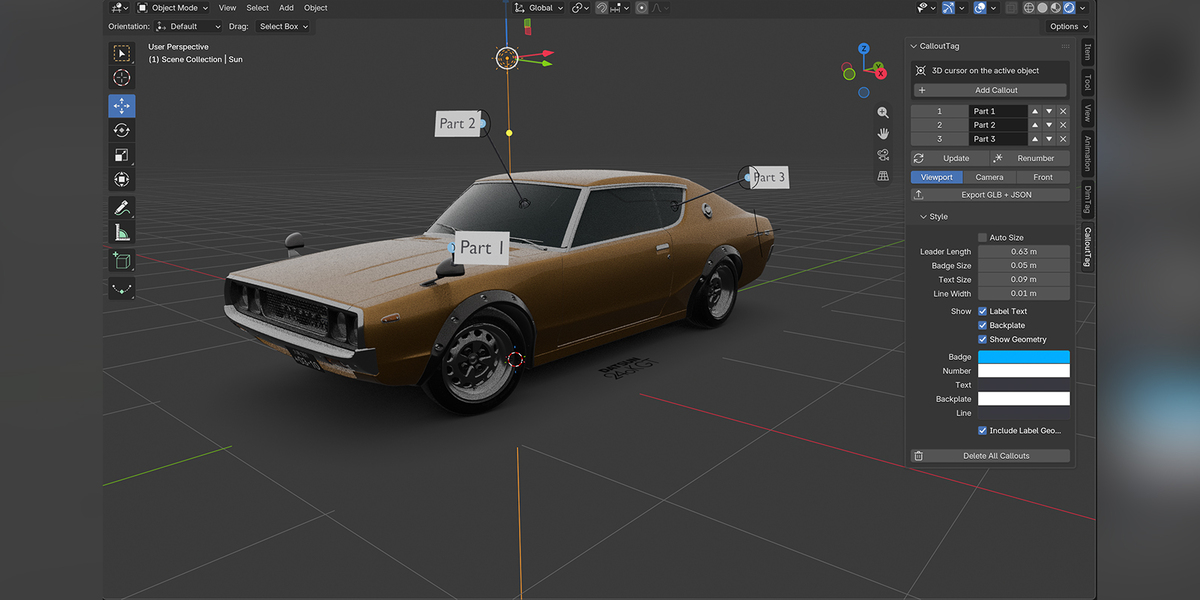
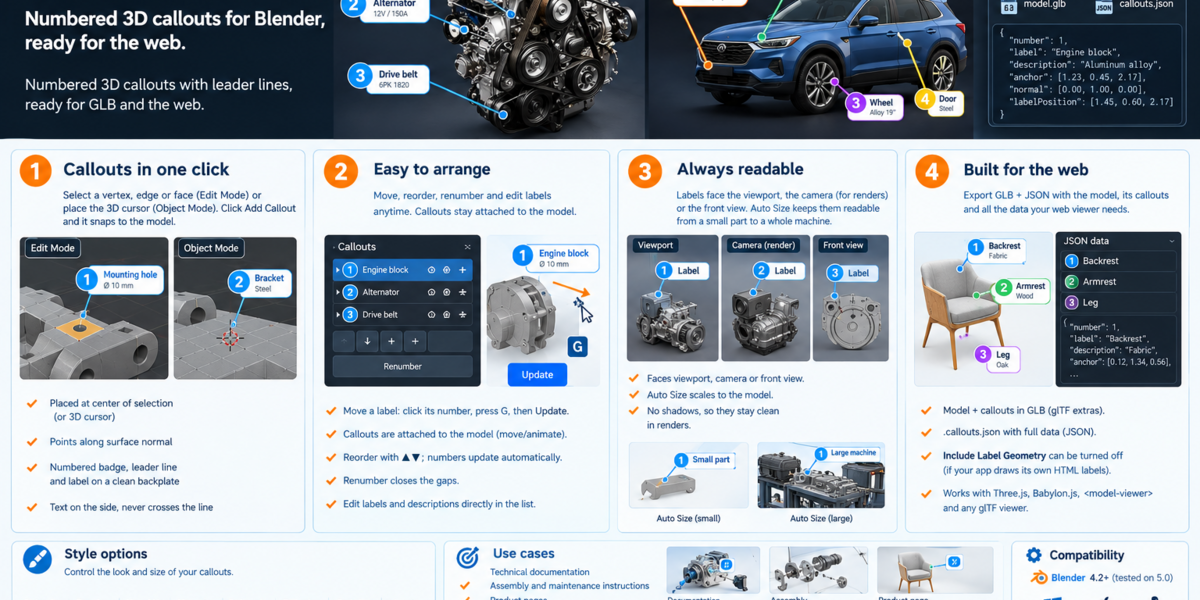
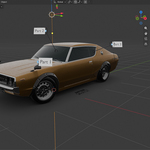
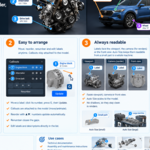
- CalloutTag → Numbered 3D callouts with leader lines
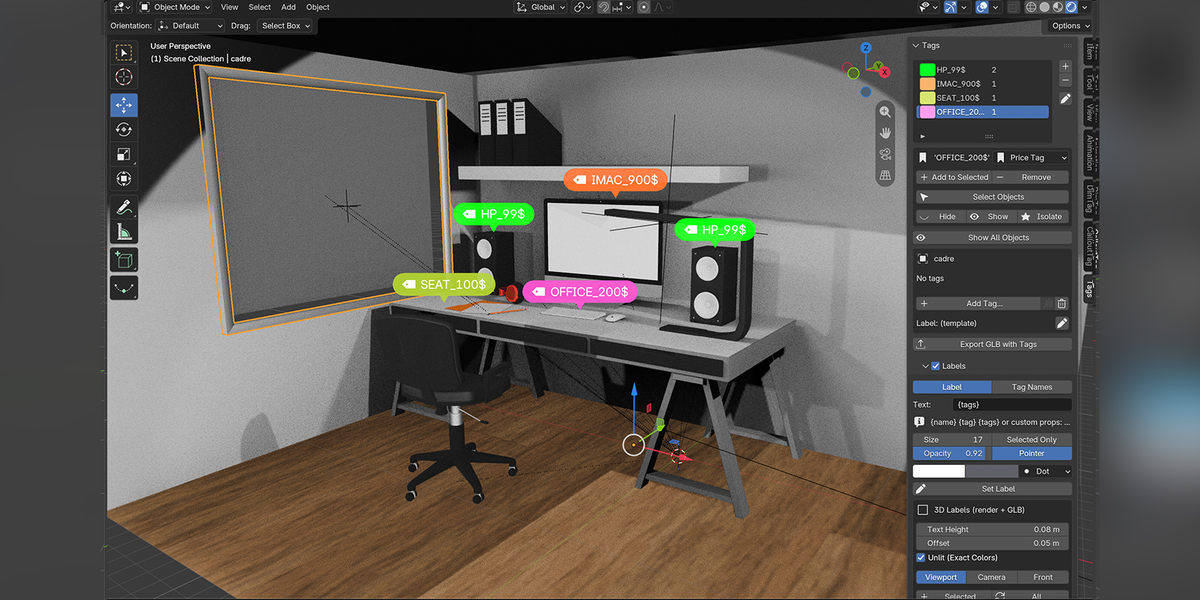
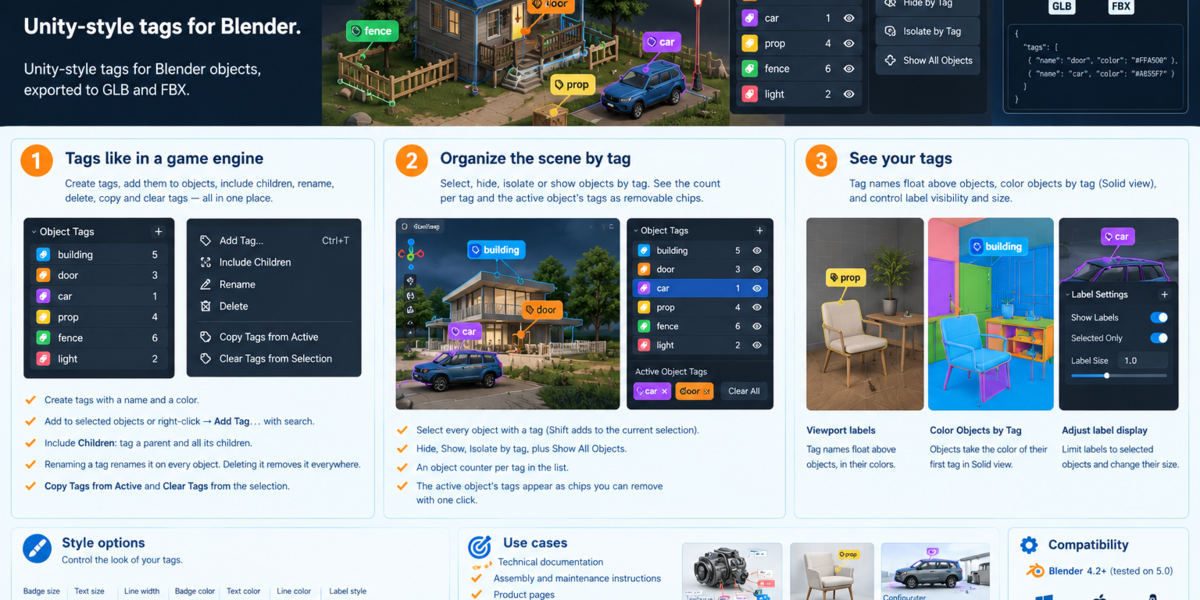
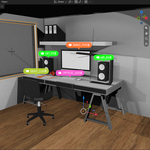
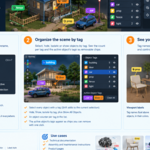
- ObjectTag → Smart tags + 3D product labels
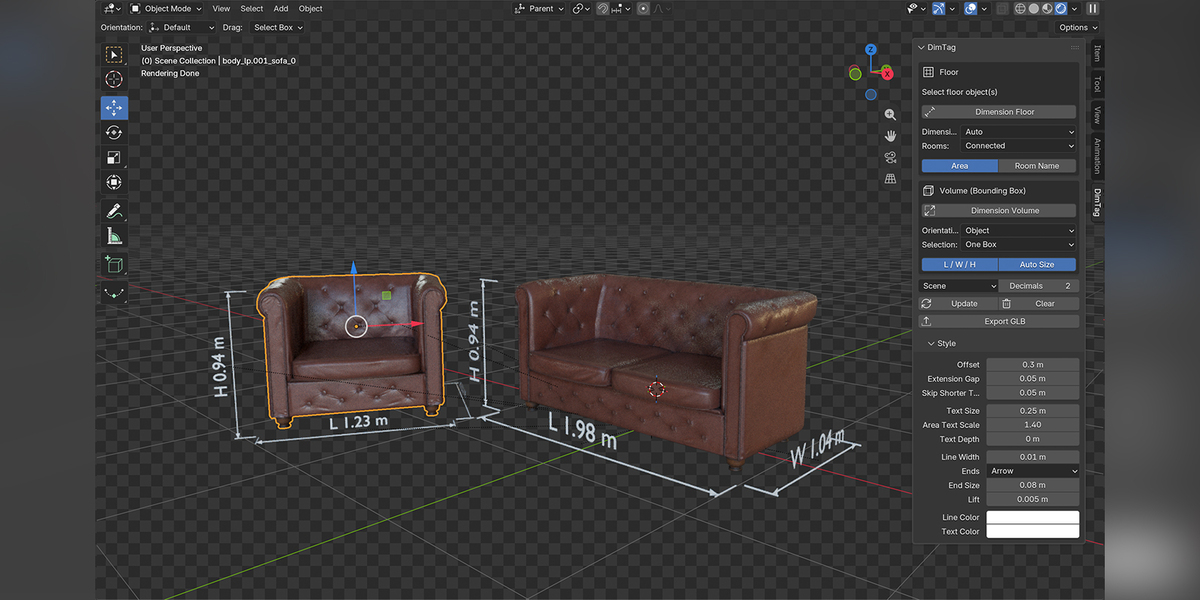
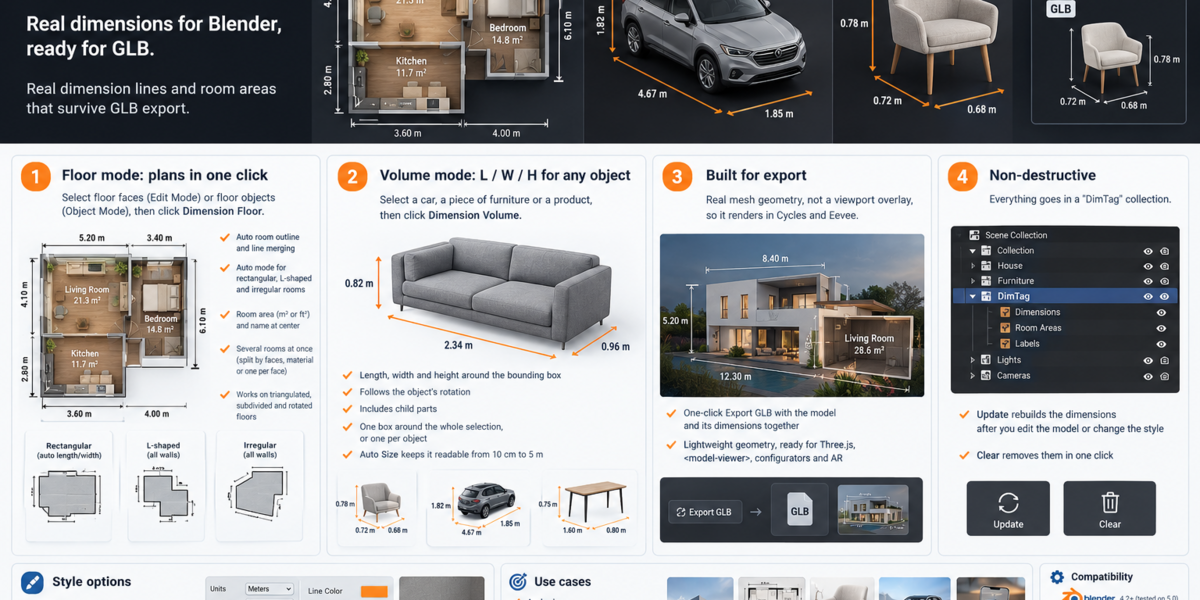
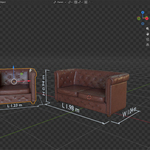
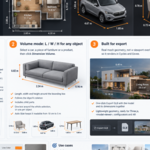
- DimTag → Real dimension lines and room areas
All tools are non-destructive and export-ready (GLB / FBX / JSON).
Installation
- Download the zip file
- Open Blender
- Go to Edit → Preferences → Add-ons → Install
- Select the zip and click Install Add-on
- Enable the three add-ons:
- CalloutTag
- ObjectTag
- DimTag
You can also install them one by one if you prefer.
Quick Start
CalloutTag
- Select a vertex / edge / face (or place the 3D cursor)
- Click Add Callout
- Move and edit labels as needed
- Export with Export GLB + JSON
ObjectTag
- Create tags in the panel
- Assign them to objects
- Add 3D labels (price, SKU, etc.)
- Use Select / Hide / Isolate by tag
DimTag
- Floor mode: Select floor faces → Dimension Floor
- Volume mode: Select object → Dimension Volume
- Click Update after modifying the model
Export
All three add-ons are designed to work with GLB export:
- Callouts and dimensions are real geometry
- Tags and labels data are stored in the GLB (extras / userData)
- Perfect for Three.js, Babylon.js, configurators and web viewers
Have questions about this product?
Login to message
| Published | about 2 hours ago |
| Blender Version | 4.2 - 5.2 |
| Extension Type | N/A |
| Render Engine Used | Cycles, Eevee |
| License | Mit |
Discover more products like this
annotation ArchViz Technical Documentation callout labeling E-commerce furniture product-visualization