 bhdesign
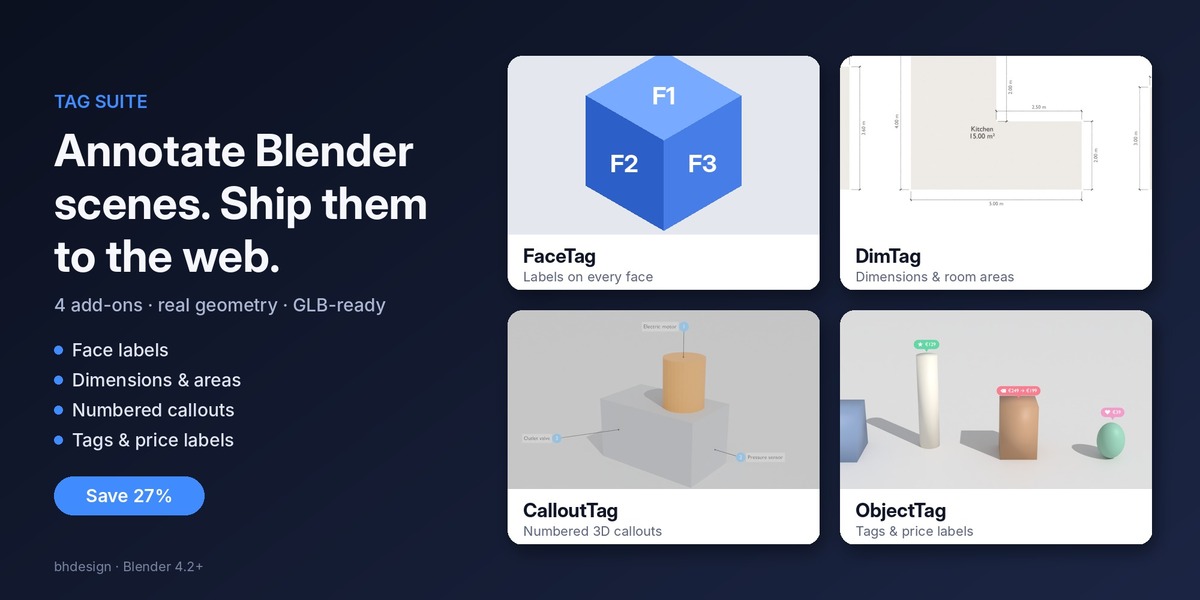
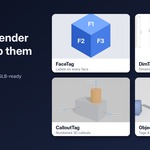
Tag Suite: annotate Blender scenes and ship them to the web.
Four add-ons that add information to your 3D scenes (labels, dimensions, callouts, tags, prices) as real geometry that renders in Cycles and Eevee and exports to GLB. Built for arch viz, product visualization, e-commerce, configurators and technical documentation.
Save 27% compared to buying them separately.
What’s included
FaceTag: labels on mesh faces
- One-click 3D text labels on every face, facing outward along its normal
- Custom prefix, text size and depth
- Non-destructive, exports to GLB with the mesh
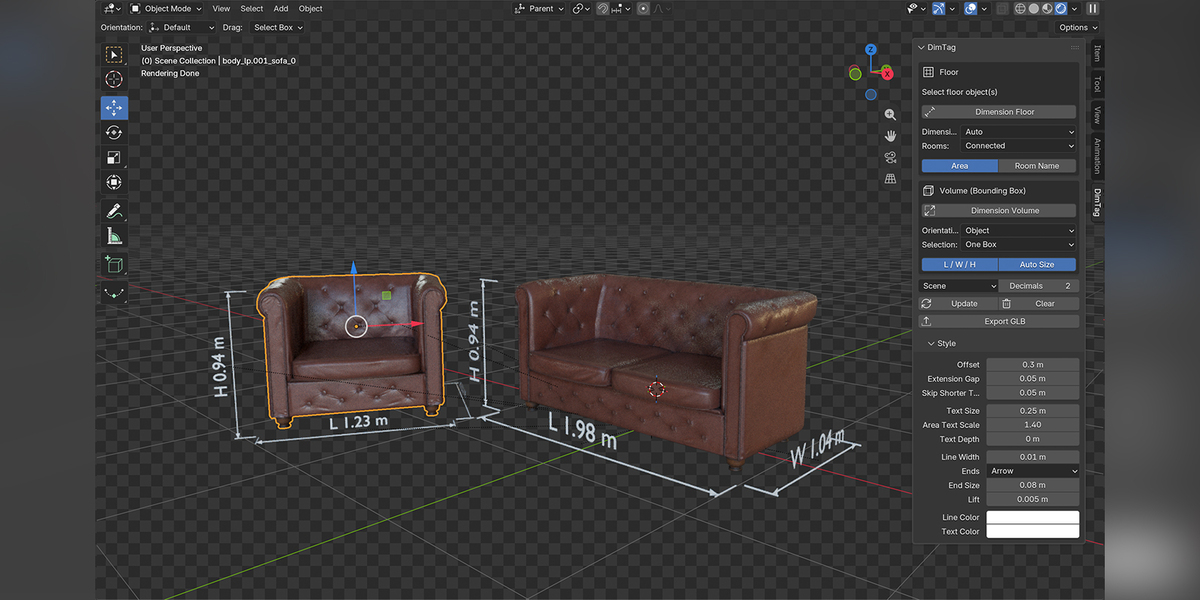
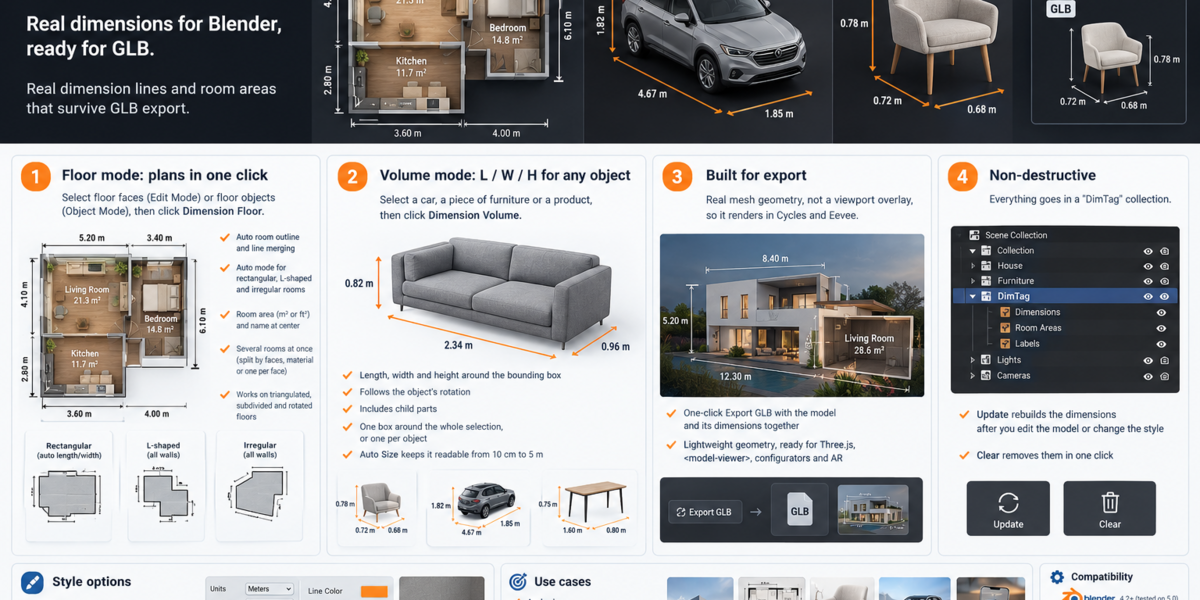
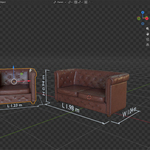
DimTag: dimensions and room areas
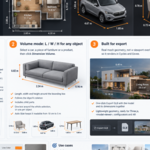
- Select a floor and click once to get every wall dimensioned plus the room area in m² or ft²
- Volume mode: L × W × H around any object (cars, furniture, products)
- Units, arrows or architectural ticks, Update, Clear, Export GLB
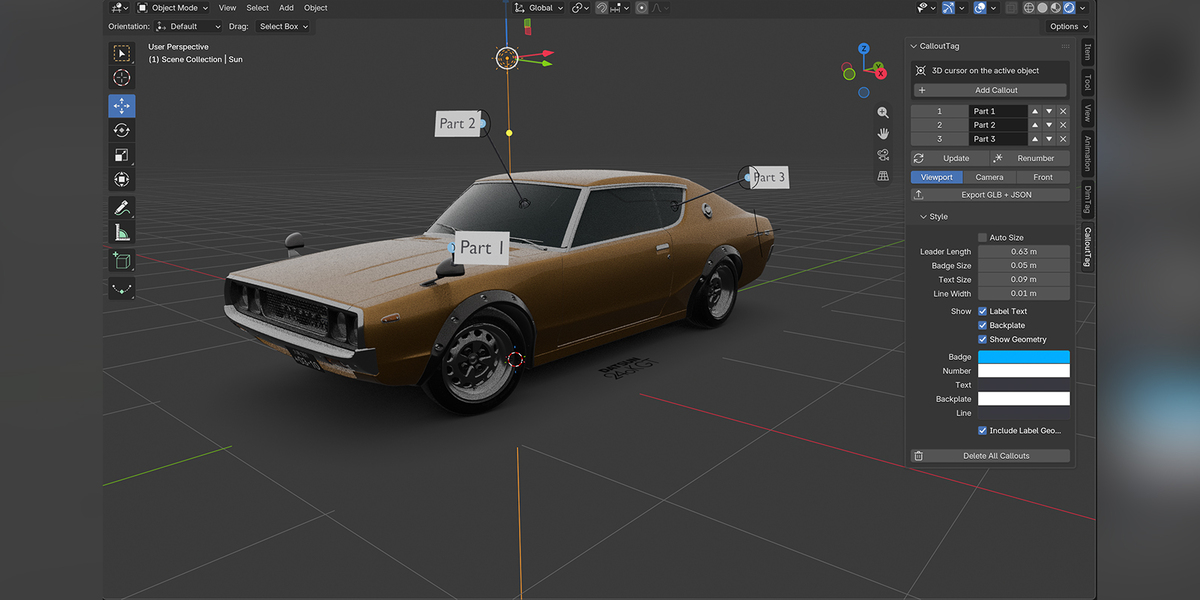
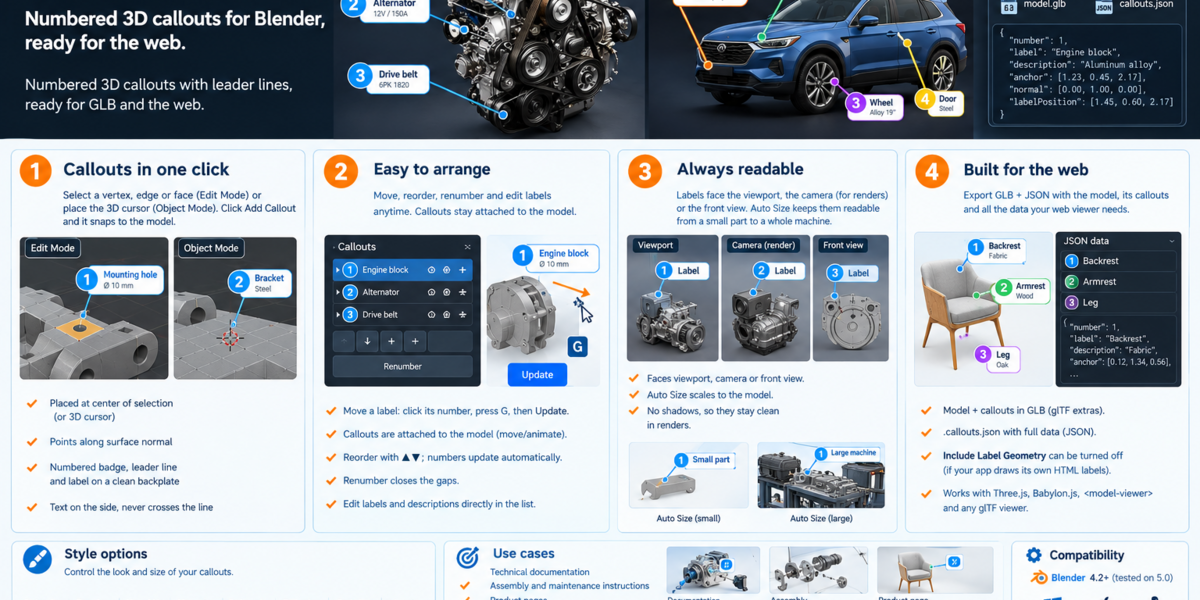
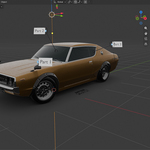
CalloutTag: numbered 3D callouts
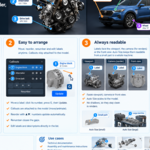
- Numbered badge, leader line and label in one click
- Labels face the camera or the viewport, and follow the model
- Export GLB + a JSON file (position, normal, label, description) ready for Three.js
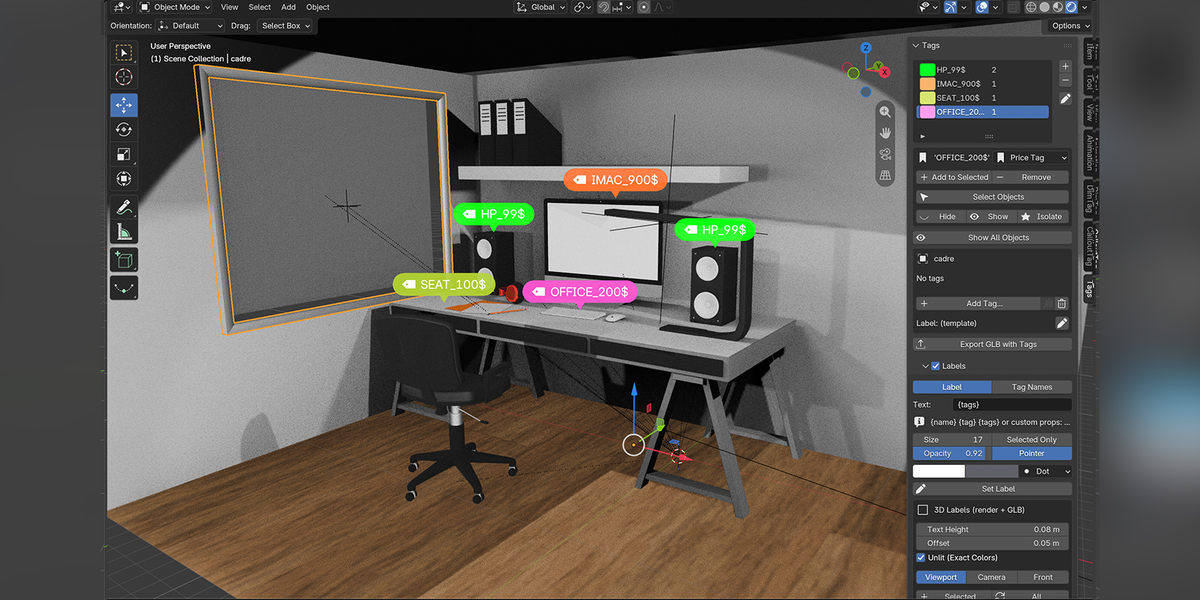
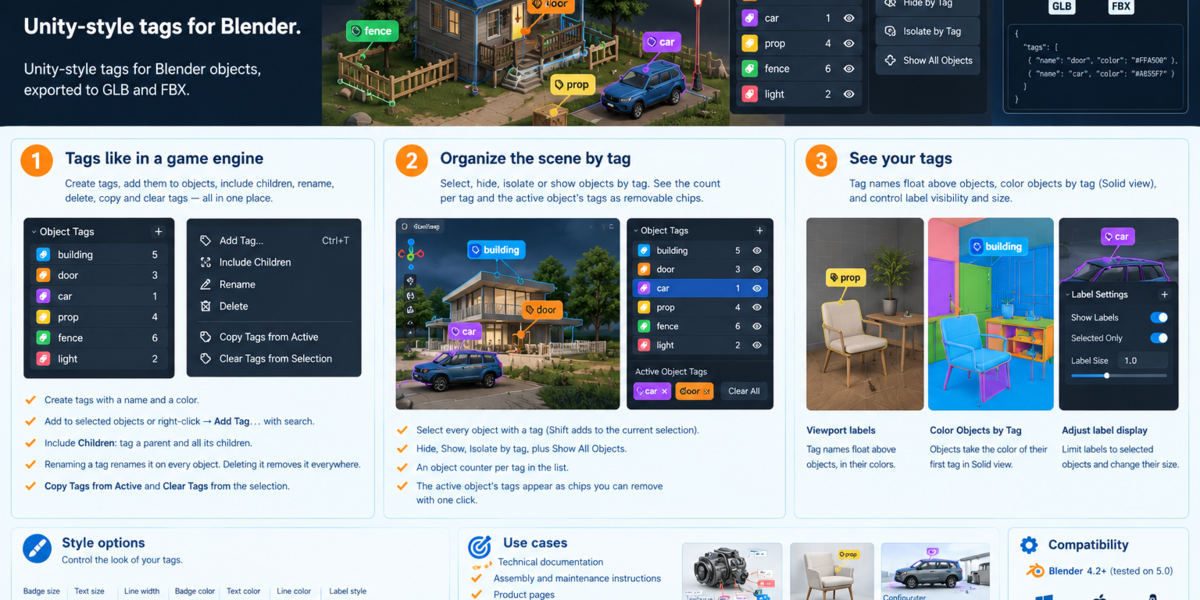
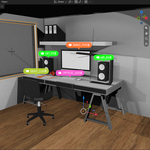
ObjectTag: tags and product labels
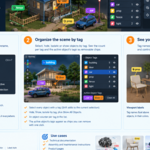
- Unity-style tags: select, hide or isolate by tag
- Product labels above objects: price, SKU or name, with a colored background and an icon
- Templates like
€{price}, numbering likeSKU-{n:03}, real 3D labels for renders and GLB - Tags and data travel with your export (
userData.tagsin Three.js)
Why a suite?
All four tools share the same workflow and style and export the same way, so you can dimension, number, tag and price a whole scene, then ship it to a web viewer in one GLB.
Installation
The download contains one zip per add-on. Install each one in Blender with Edit → Preferences → Get Extensions → ⌄ → Install from Disk… (don’t unzip them). See the included README.txt.
Compatibility: Blender 4.2 and newer · Windows, macOS, Linux · GPL license
Updates: every update to an included add-on is added to this bundle.