 Domenas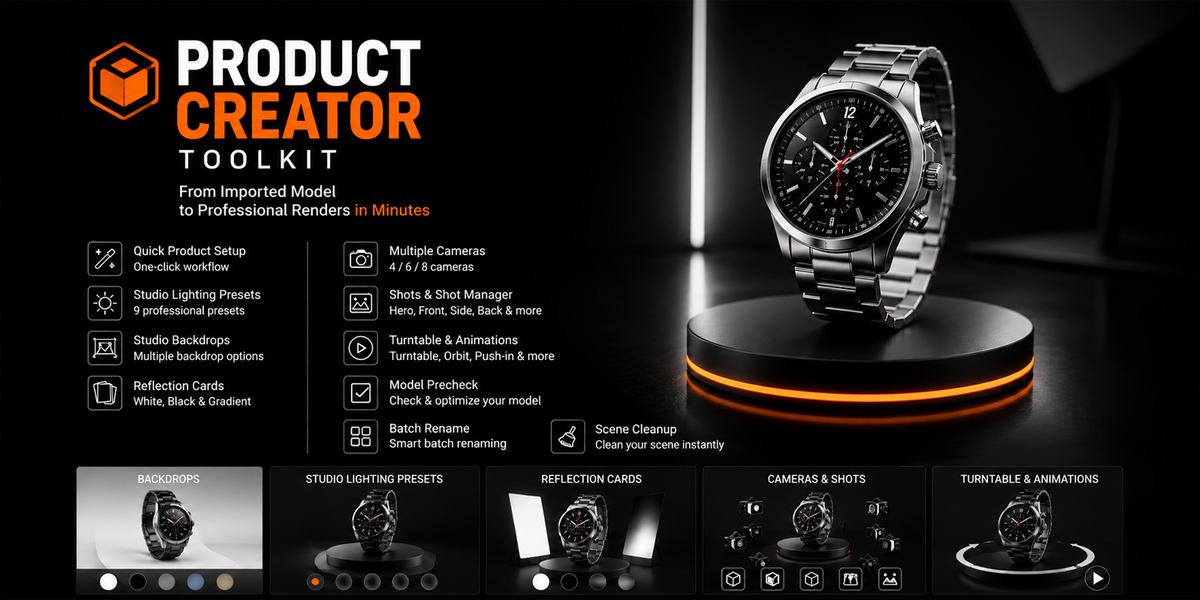








Installation
- Open Blender.
- Go to Edit → Preferences → Add-ons.
- Choose Install from Disk and select the downloaded Product Creator Toolkit ZIP file.
- Enable Product Creator Toolkit.
- Open the toolkit panel in Blender to access the available tools.
Basic Workflow
Product Creator Toolkit is designed to help prepare imported or existing models for product presentation.
A typical workflow is:
- Select the product model you want to work with.
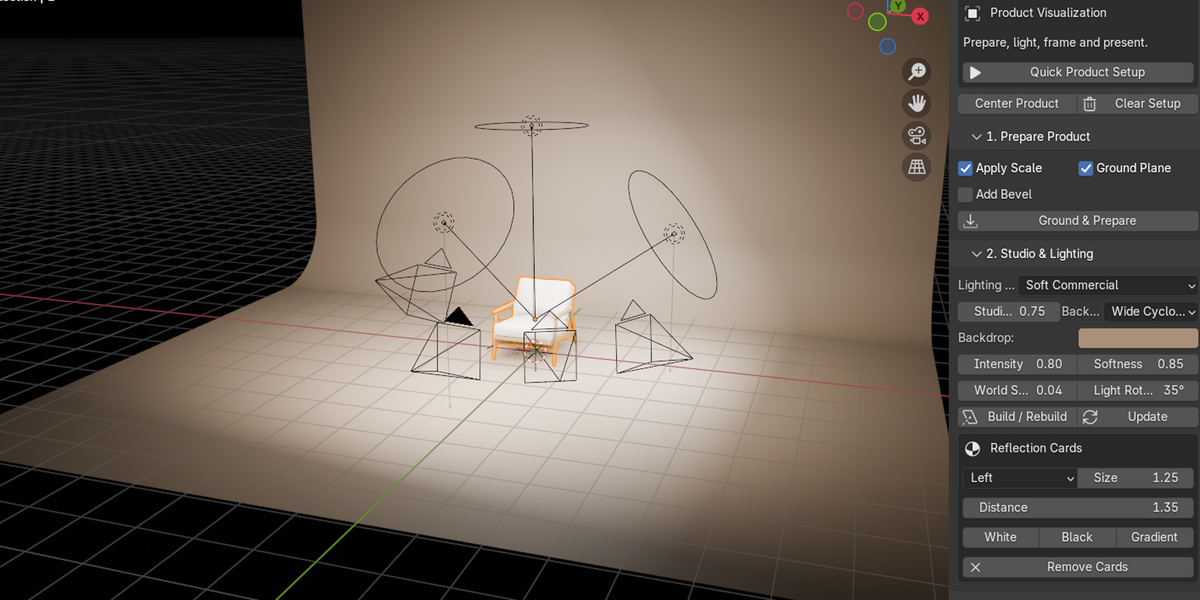
- Use Quick Product Setup to prepare the initial scene.
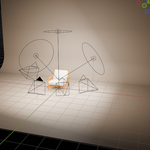
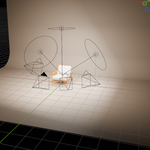
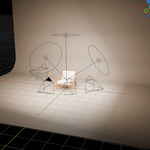
- Choose and adjust the Studio Lighting setup.
- Add a Backdrop and, when needed, Reflection Cards.
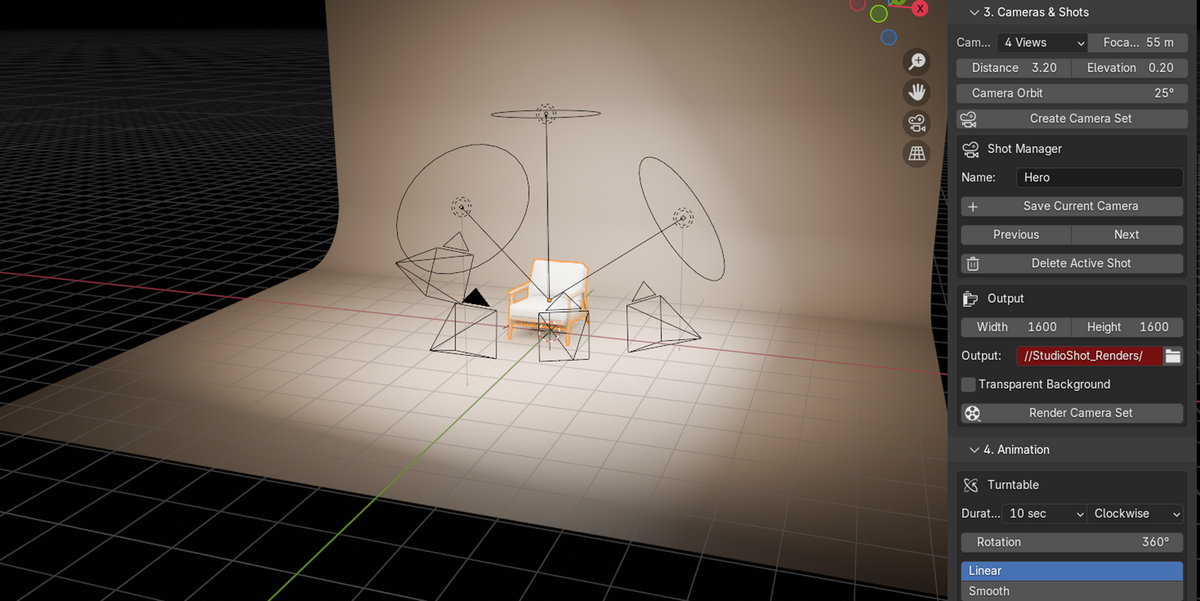
- Create product views using the Camera & Shot tools.
- Use the available Turntable & Animation tools when animation is required.
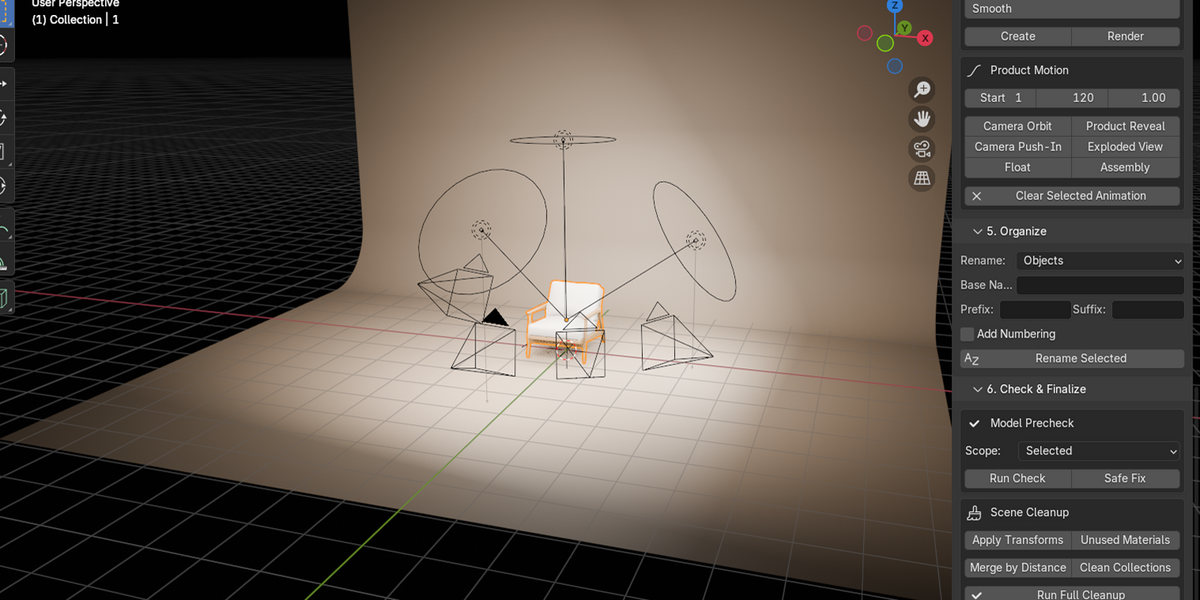
- Run Model Precheck to check the model before final output.
- Use Batch Rename when you need to organize object names.
- Use Scene Cleanup when preparing the scene for final use.
All tools remain accessible individually, so you can use only the parts required for your workflow.
Requirements
- Blender 4.5 or newer
- No external Python dependencies are required
Important
Always save your Blender project before performing major scene changes or cleanup operations.
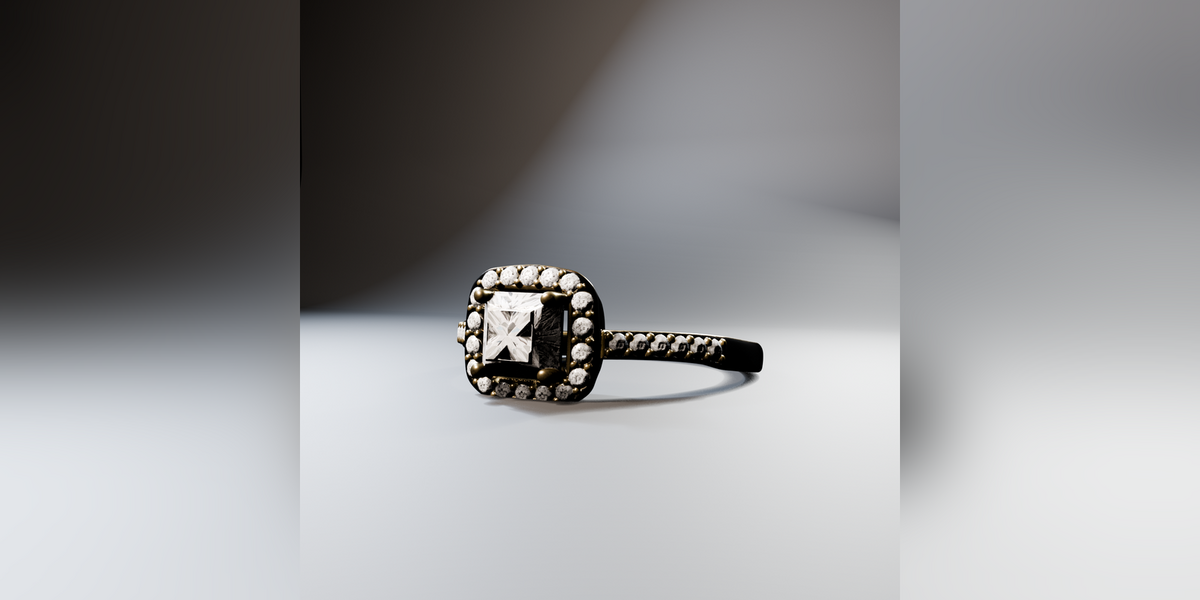
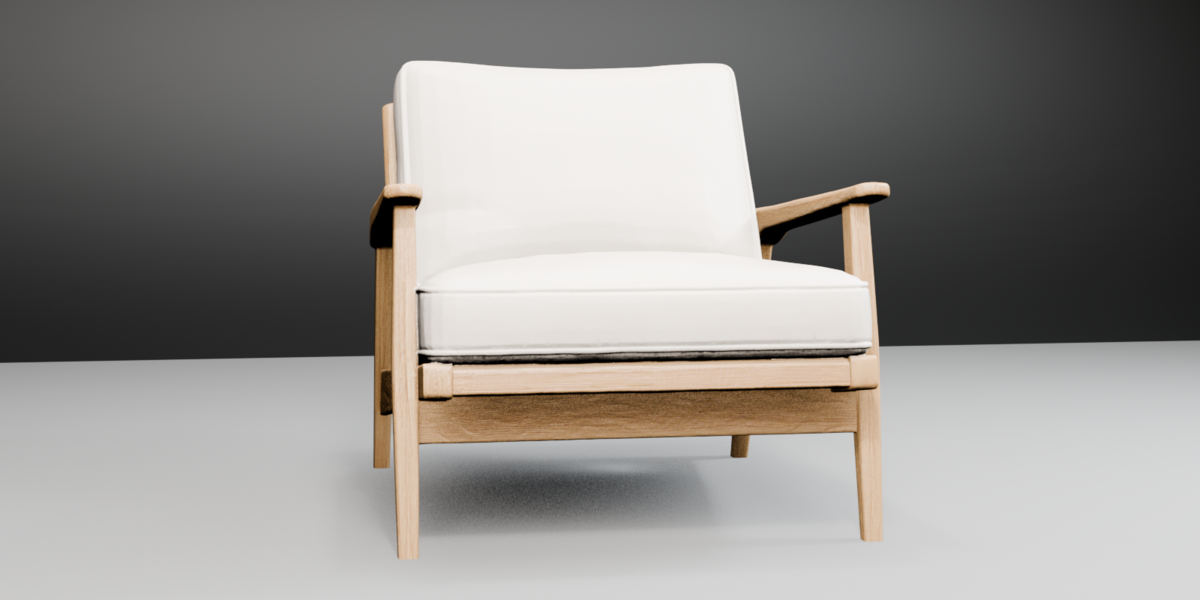
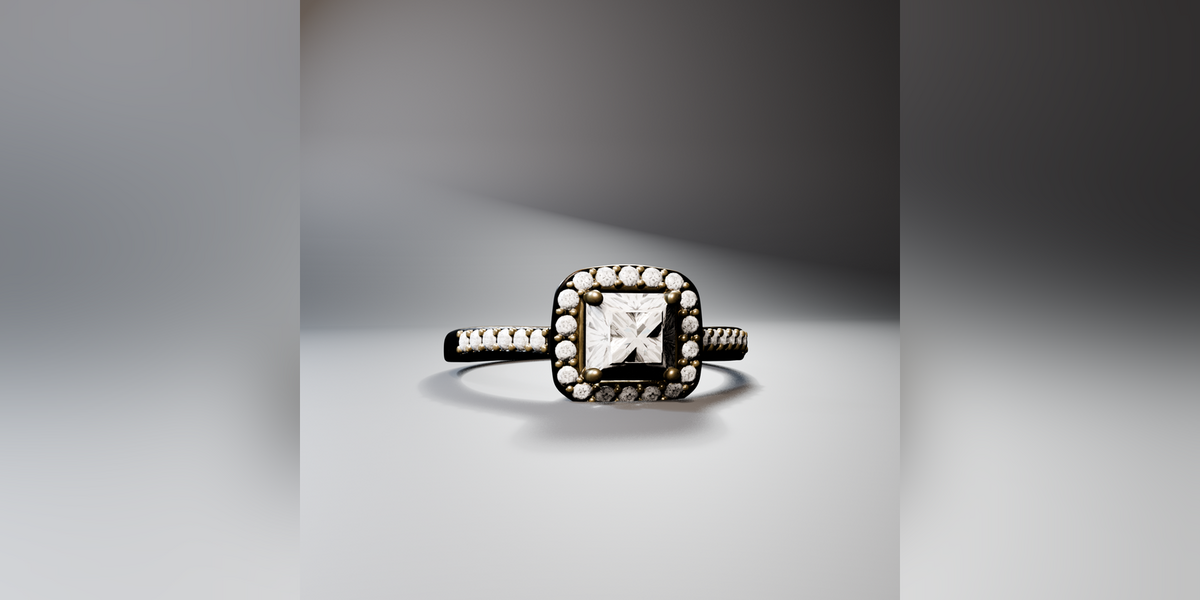
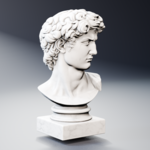
The 3D models shown in promotional images are for demonstration purposes and are not included with the add-on.
$14.99$10.49
Have questions about this product?
Login to message
| Blender Extension Compatible | Yes |
| Published | about 2 months ago |
| Blender Version | 4.5 |
| Extension Type | Add-on |
| Render Engine Used | Cycles, Eevee |
| License | GPL |

Discover more products like this
animation rendering scene cleanup camera Model Check studio setup Product presentation product-visualization batch-rename Workflow