Does it work with ArcSlice?
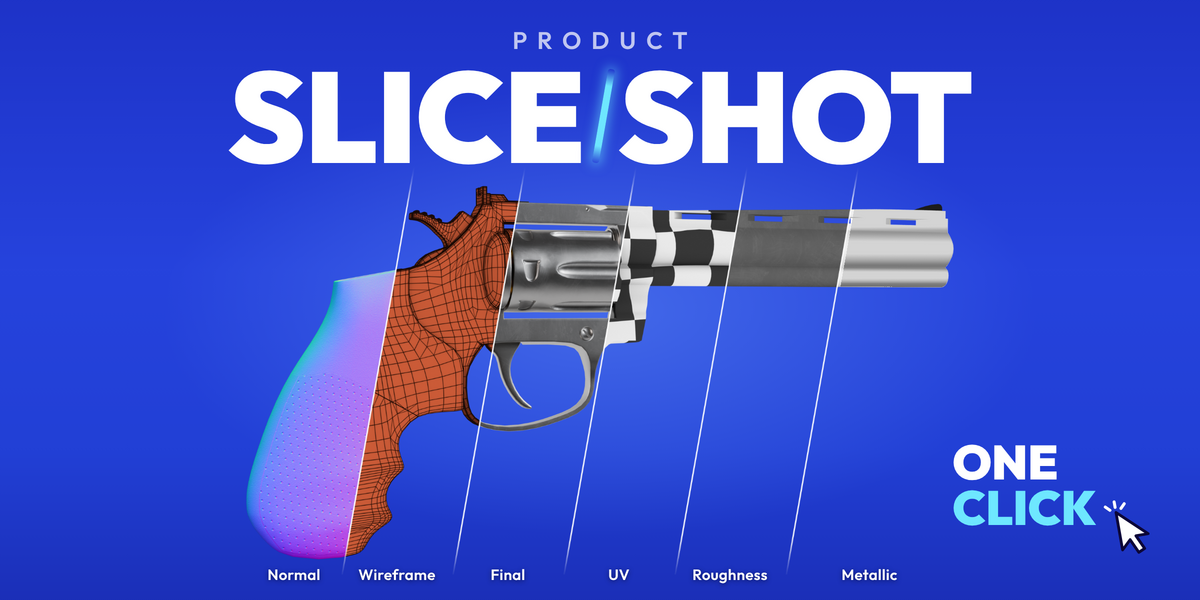
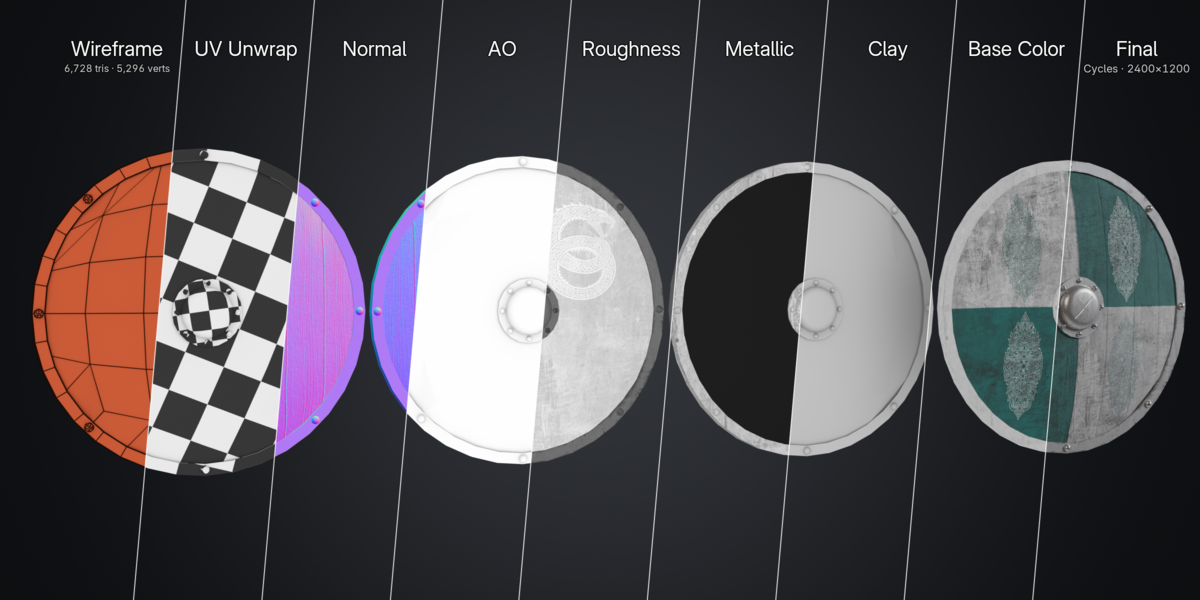
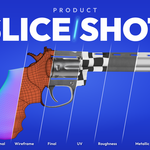
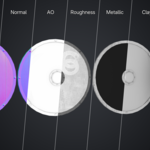
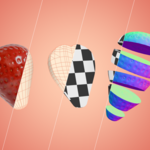
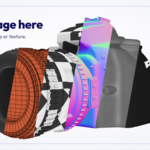
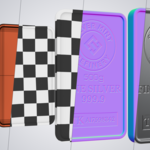
Yes. With Product SliceShot 1.1 or newer installed and enabled, ArcSlice can add Wireframe, UV, Normal, AO, Base Color, Roughness, Metallic and Opacity views to its 360° turntables. They are rendered by SliceShot with your own SliceShot settings. ArcSlice arrives on November 29 and the Product SliceShot + ArcSlice Bundle on November 30.
Can I upgrade my license later?
Yes. Choose the bigger license on this page and you only pay the difference to what you already paid.
I already own Product SliceShot. Can I get the bundle for less?
Yes. When the bundle arrives on November 30, use the code for the license you own, on the same bundle license: SLICESHOT19 (Personal), SLICESHOT59 (Team) or SLICESHOT99 (Studio). The code takes the full price of your license off the bundle, so you only pay the difference.
Does SliceShot change my scene?
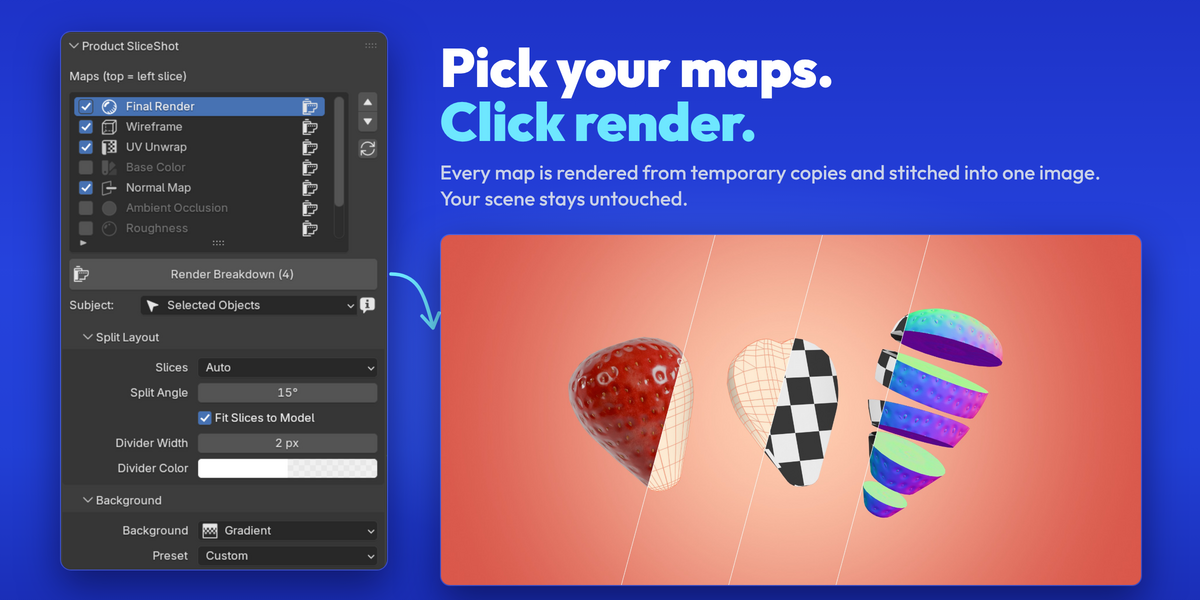
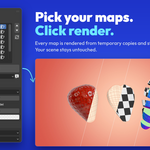
No. Every map is rendered from temporary copies in a temporary scene, which are removed afterwards. If Blender is interrupted mid-render, Clean Up Leftovers removes anything left behind.
The Final slice is pink or purple.
Blender cannot find an image texture or HDRI file. Fix the file paths, or use File → External Data → Pack Resources so the images travel with the .blend file. The same scene renders pink with F12 too.
An object I hid still shows up.
Hiding with H only hides it in the viewport. To keep it out of renders, turn off its camera icon (Disable in Renders) in the Outliner. SliceShot follows the same rules as F12.
The Render Breakdown button is greyed out.
With Subject set to Selected Objects, select the model first; the panel shows a hint. Or switch Subject to Entire Scene.
Leaves, hair cards or fences look like solid planes in the Wireframe map.
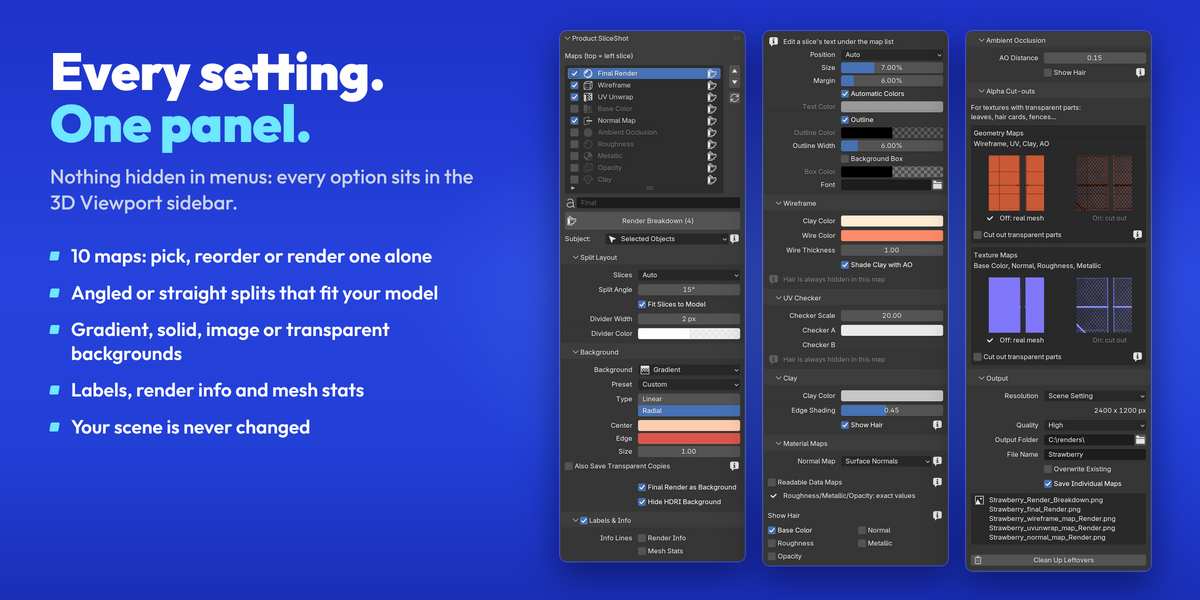
That is the real geometry, shown on purpose so buyers see how the model is built. To cut the transparent parts away, turn on Alpha Cut-outs → Geometry Maps (and Texture Maps if you want).
My Metallic or Roughness map is completely white or black.
These maps show the exact values the material uses. A material with Metallic set to 1.0 everywhere renders white. Readable Data Maps adds light shading if black areas disappear on a dark background.
How is glass shown?
In the Final slice glass looks exactly as in your render. In the other maps glass is real geometry, so it is shown as a solid surface. The Opacity map shows how see-through every surface is: white = solid, black = see-through.
Can I use EEVEE?
Yes. The Final slice uses your scene's own engine and compositor. The other maps are always rendered with Cycles, because they show data, not lighting.
Rendering is slow.
Turn on your graphics card in Preferences → System → Cycles Render Devices, use Quality Draft for previews, or pick a smaller Resolution.
My transparent PNG shows a black background in WhatsApp or Discord.
Chat apps flatten transparency. Use one of the backgrounds, and tick Also Save Transparent Copies if you need both versions.
Does it work with Geometry Nodes, instances and hair?
Yes: modifiers, Geometry Nodes instances, collection instances, particle hair and Hair Curves are all supported. Hair is always hidden in the Wireframe and UV maps so the body underneath stays visible. Clay and Base Color show it by default, and every other map has its own Show Hair switch.
Which Blender versions are supported?
Blender 4.5 LTS and newer. Blender 4.2 and older are not supported.
 Artmesh Studios