Product SliceShot

Artmesh Studios in Rendering


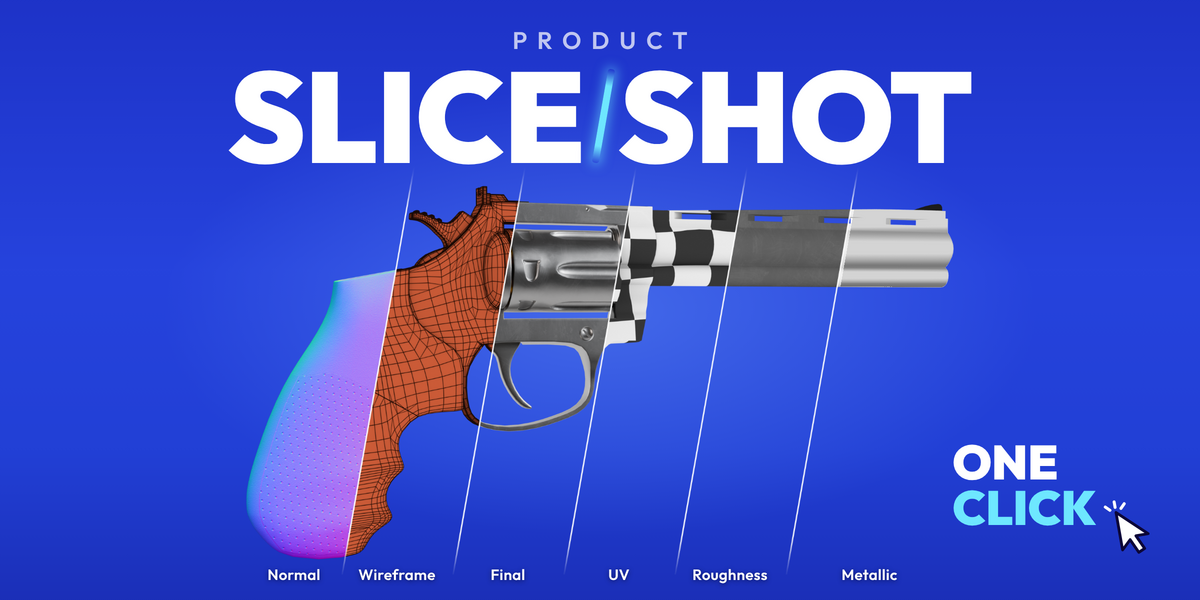
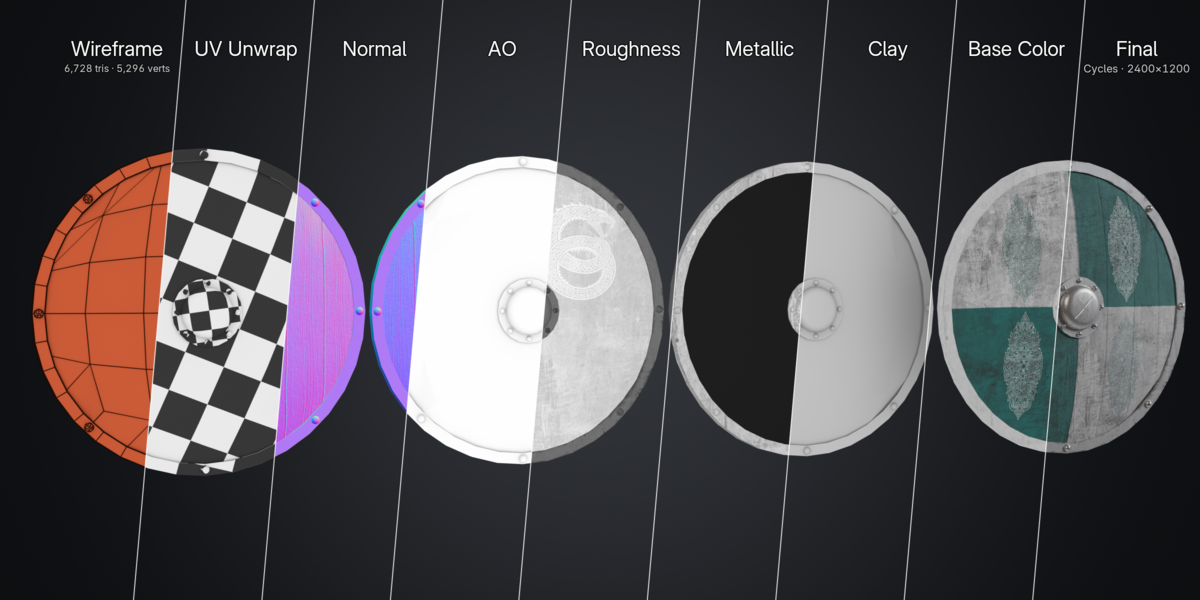
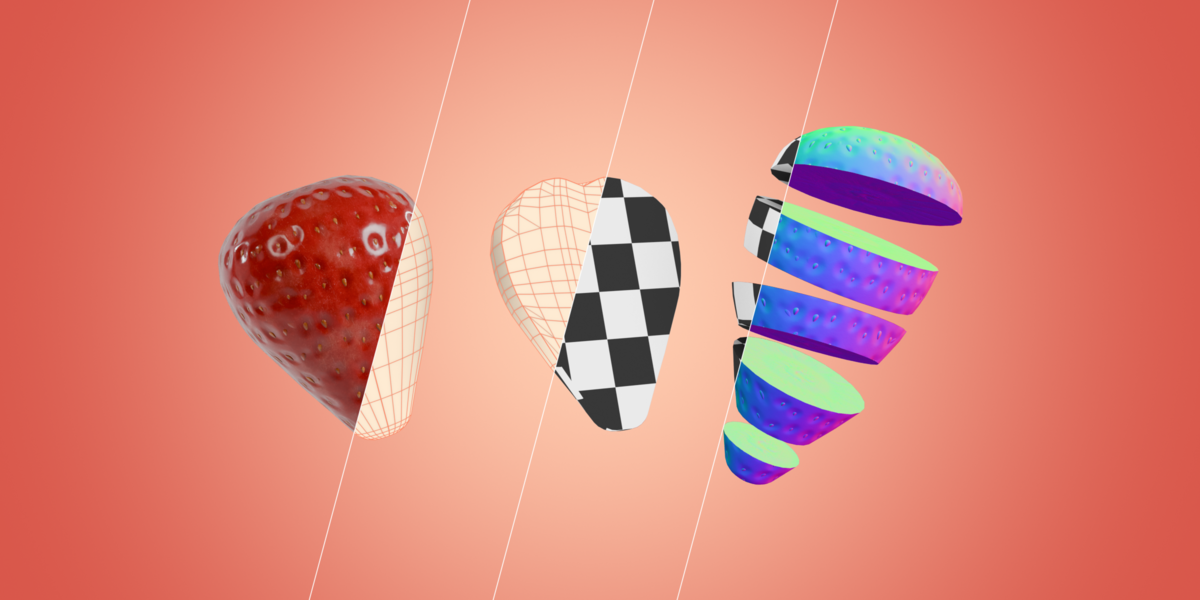
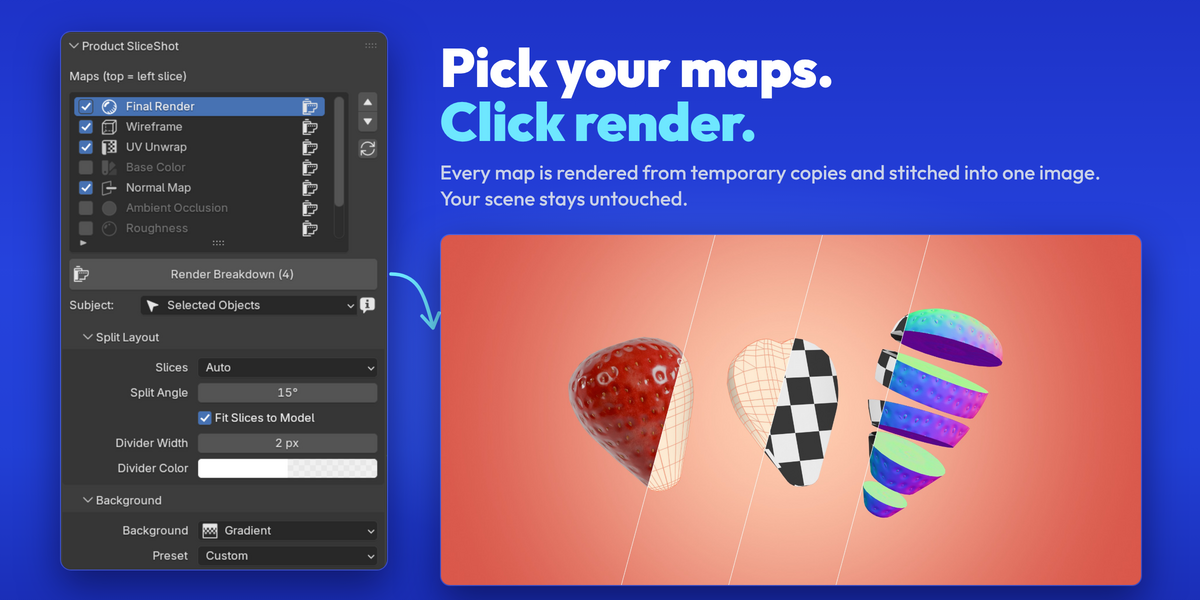
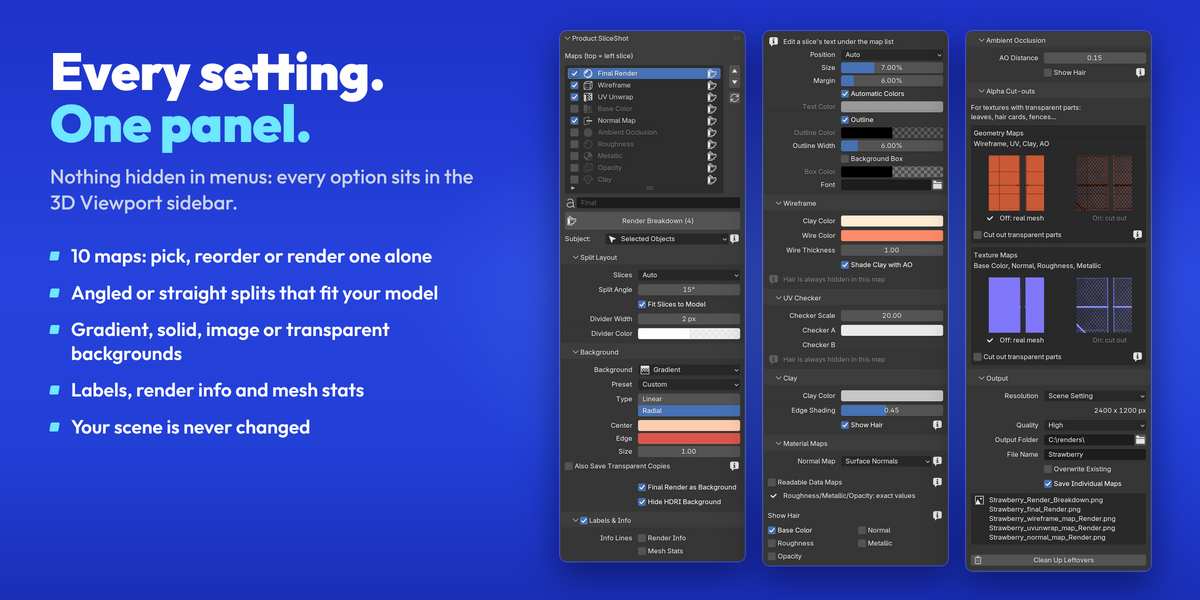
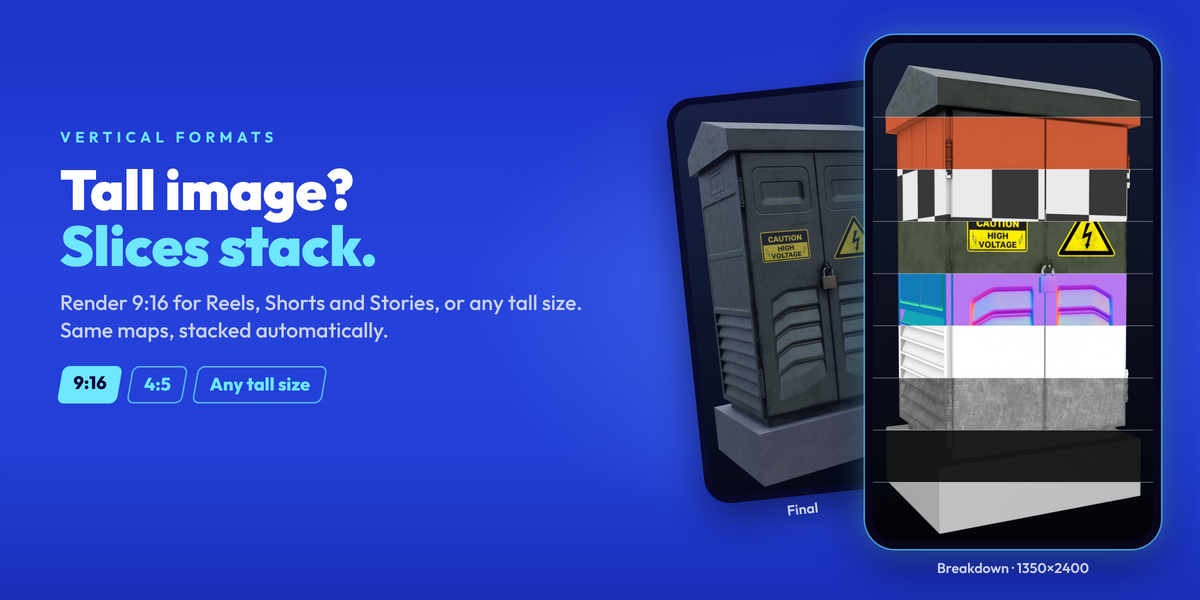
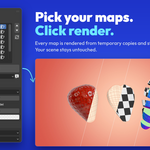
One click: press Render Breakdown and SliceShot renders every map and stitches them into one image. Ten maps in any order. With Save Individual Maps on, each map is also saved as its own file next to the breakdown. One map: every row in the map list has its own render button. Render only the map you need, or just the Final, with the background you picked. No breakdown, no slices. Split layout: any angle, any format. Tall images like 9:16 stack the slices automatically. Backgrounds: six gradient presets or your own two-color gradient, a solid color, your own image or a transparent PNG. Labels and info: map names on every slice, plus render engine, resolution and mesh stats. Alpha cut-outs: fences, leaves and hair cards keep their real geometry by default. Turn on Cut out transparent parts and the maps show the holes, like the Final render. Hair and fur: Clay, AO and every material map have their own Show Hair switch. By default hair shows in Final, Base Color and Clay; Wireframe and UV always show the bare mesh. Your scene stays untouched: every map renders from temporary copies that are removed when done. Tutorial: see SliceShot in action, step by step. Questions? Send Artmesh Studios a message on Superhive.

Product SliceShot

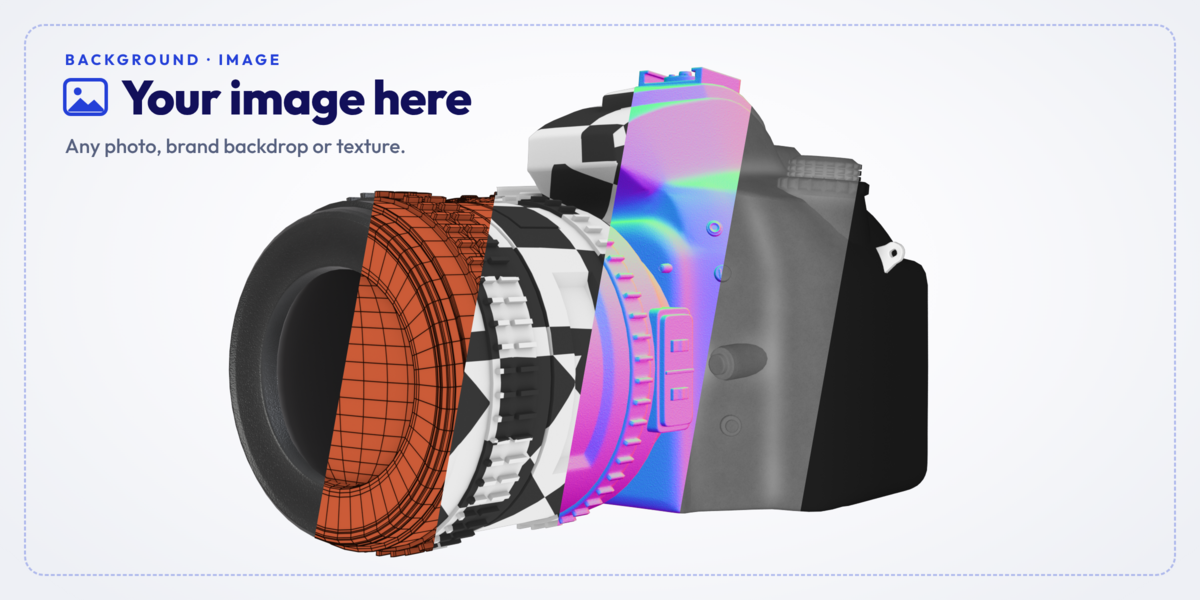
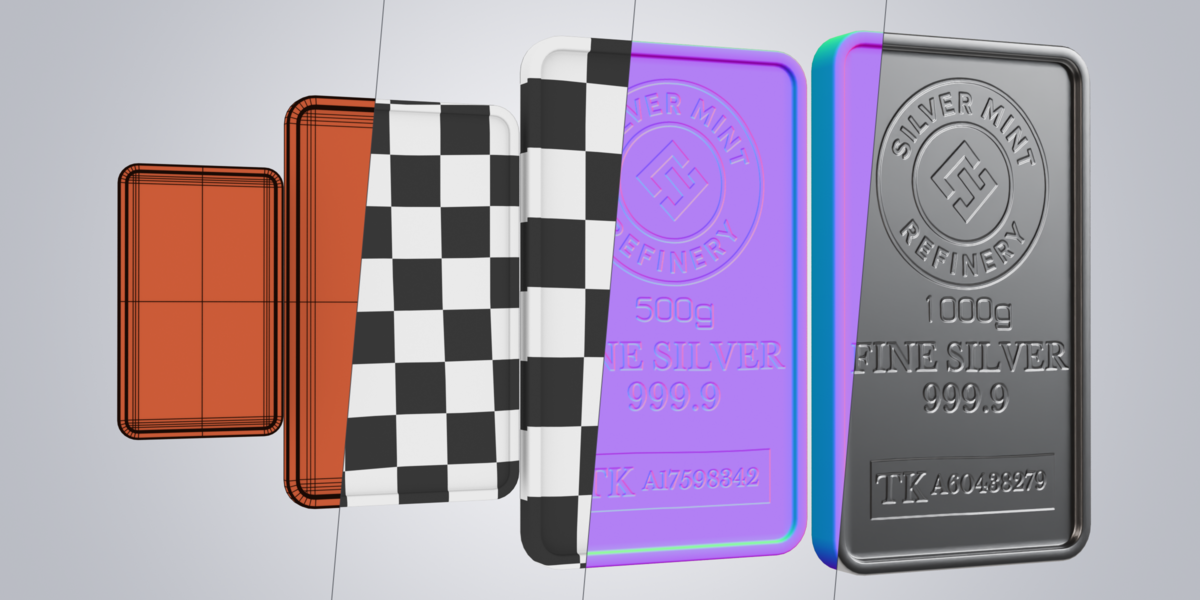
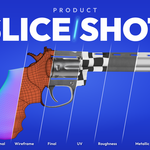
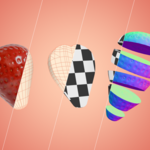
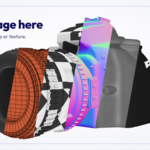
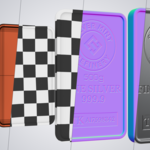
Product SliceShot is a Blender add-on that renders every map of your model with one click and stitches them into a single, sliced breakdown image, ready for your portfolio, store page or social media.

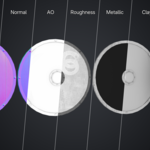
  • Ten maps: pick any of them and set their order. Each map can also be saved as its own image.
  • Render a single map on its own, with your background and no slices.
  • Split layout at any angle. Tall formats like 9:16 stack the slices automatically for Reels and Shorts.
  • Six gradient presets, your own gradient, a solid color, your own image or a transparent PNG.
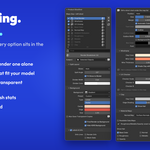
  • Labels and info: map names on every slice, plus render engine, resolution and mesh stats.
  • Alpha cut-outs for fences, leaves and hair cards, and a Show Hair switch on every material map.
  • Your scene stays untouched: every map renders from temporary copies.

Make it turn: ArcSlice, our 360° turntable add-on, arrives on November 29. It uses Product SliceShot to show every map in a turntable that switches views while your model turns. The Product SliceShot + ArcSlice Bundle follows on November 30.

Requires Blender 4.5 or newer. Questions? Send Artmesh Studios a message on Superhive.


  • For one artist. Use SliceShot on all of your own computers, for personal and commercial work.

    $12.35 $19
  • For teams of 2 to 5 people in one company. Every team member can use SliceShot on their own computers.

    $38.35 $59
  • For studios of 6 or more people. Unlimited users within one company.

    $64.35 $99
$12.35

Have questions about this product?
Login to message

Details
Blender Extension Compatible Yes
Published about 1 hour ago
Blender Version 4.5 - 5.2
Extension Type Add-on
Render Engine Used Cycles, Eevee
License GPL