Proframe - Camera Composition Guides & Platform Overlays For Blender Add-On
 david emil


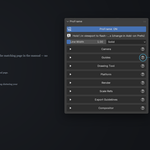
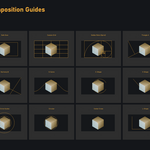

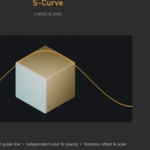
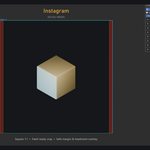
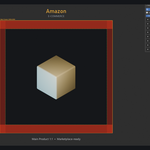
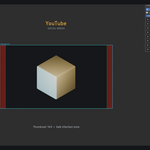
Three things ProFrame needs: a Camera object in the scene, the viewport set to Camera view (Numpad 0), and the ProFrame ON toggle at the top of the panel switched on. Also check that the specific guide you expect is actually enabled under Guides.
In your Blender user config folder, not inside the .blend file — so they follow you between projects. That also means they don't travel with the file if you send it to someone else; they'd need ProFrame installed with their own presets.
Switch to the Compositing workspace tab at the top of Blender, enable Use Nodes, then come back and click the button again (or use Enable Compositor Nodes directly in the panel).
-
$10
Me, Myself & I
-
$30
5 Seats, Zero Drama
-
$40
Go Wild — No Limits!
Have questions about this product?
Login to message
| Blender Extension Compatible | Yes |
| Published | about 2 months ago |
| Blender Version | 5.0 - 5.2 |
| Extension Type | Add-on |
| Render Engine Used | Cycles, Eevee |
| License | GPL |
Discover more products like this
drawing tool addon cropping color grading camera overlay composition camera composition guides E-commerce composition guides viewport overlay blender