 Lazy3D








Downloads &
Documentation.
Choose the Project Damage ZIP for your platform. The presets, CC0 materials, and standalone benchmarks are separate downloads.
Blender 5.1.0–5.3.0.
Project Damage add-on
Project_Damage_1.0.1_Windows_x64.zip
Standard Project Damage build for 64-bit Windows.
Project_Damage_1.0.1_macOS_arm64.zip
Standard Project Damage build for Apple silicon Macs.
Experimental_Project_Damage_1.0.2_Windows_x64.zip
Experimental Windows build with a multithreaded core that can speed up some calculations.
Experimental_Project_Damage_1.0.1_README.txt
Release notes and usage guidance for the experimental Windows build.
Standalone benchmarks
Run timed damage workloads on your computer. The benchmarks run independently of the Project Damage add-on.
project_damage_benchmark-1.0.0-windows-x64.zip
Simple Benchmark for the standard Windows core.
project_damage_benchmark-1.0.0-macos-silicon.zip
Simple Benchmark for Apple silicon Macs.
Experimental_Project_Damage_Benchmark_1.0.1_Windows_x64.zip
Simple Benchmark for the experimental multithreaded Windows core.
Benchmark - How to Use.png
Illustrated guide to installing the benchmark, running a test, and reading the results.
Presets, materials & tutorial scene
Extended Built-In Presets.zip
Library of effect presets with previews. Load it using Install Built-in Presets in Project Damage.
CC0 Materials For Project Damage.zip
Optional material library from ambientCG and Poly Haven. Connect it in the add-on Preferences.
[1] Project Damage Tutorial Scene.blend
Blender practice scene for following along with the Project Damage tutorial series.
Documentation is included with the add-on.
Click Open Documentation in the Project Damage panel to open the manual. With Editorial Mode enabled, click a question-mark button in the interface to jump straight to the relevant guide.
The written manual includes detailed instructions, screenshots, and renders. Follow along in the Project Damage video tutorial playlist.
Detailed information & limitations.
What’s included
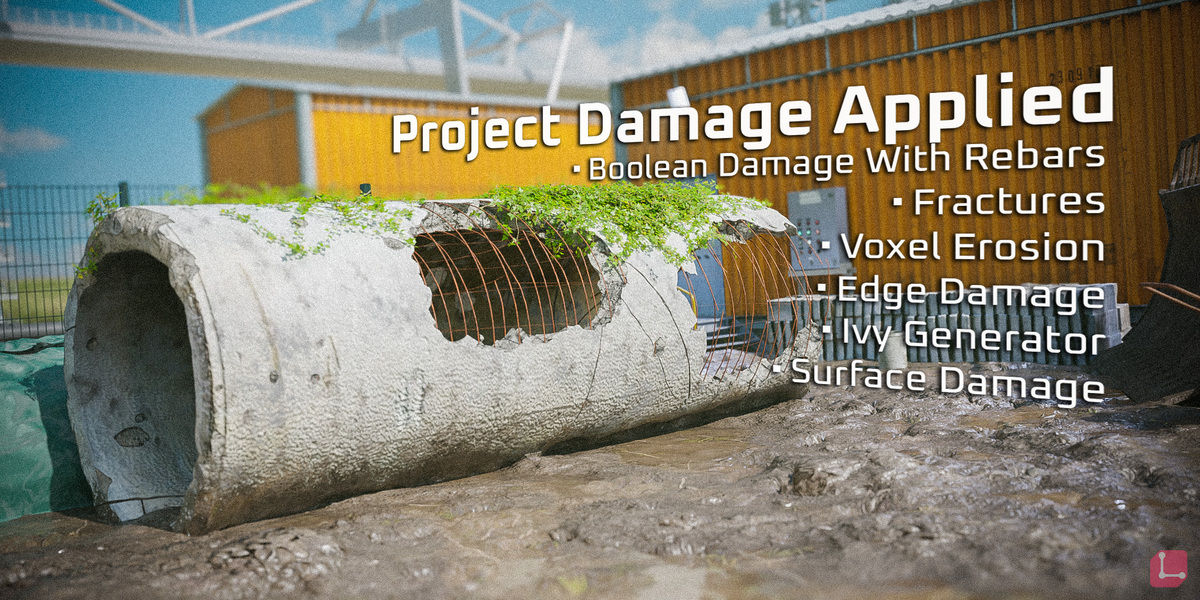
Project Damage generates editable geometry for wear, fractures, cuts and exposed structures. The Project Damage 1.0 catalog groups 64 effects and generators into 71 asset choices when the eight Boolean Break variants are listed separately. The extended library contains 1,512 presets.
Installation and setup
Choose the ZIP for your platform and Blender version. In Blender, open Edit → Preferences → Add-ons → Install from Disk, select the ZIP and enable Project Damage. Open its panel in the 3D Viewport sidebar. The product previews were made with the Blender 5.2 build.
Adjust damage materials and structural materials in the relevant effect settings. Connect the optional CC0 library from the add-on Preferences.
Source mesh requirements
Check the object’s dimensions and scene units first. Most damage sizes are set in centimetres. Select the mesh in Object Mode and run Add Project Damage. It applies rotation and scale while preserving the mesh’s world-space shape.
- Walls and solid props. Use a closed, manifold mesh with outward-facing normals and enough thickness for the intended cut or reinforcement. Remove loose geometry and overlapping faces, and merge accidental duplicate vertices.
- Planes and open scans. Use Thin Shell for temporary backing, or Add Thickness to give a plane depth. If a wall already has front and back faces, Make Closed can bridge matching boundary loops.
- Cloth. Use Fabric Tears → Flat for a single sheet. For a garment with thickness, use Solidify and keep the Panel Thickness Limit smaller than the gap to the next layer.
- Curved or sculpted meshes. Choose Organic Models where available. Keep damage patches and generated parts smaller than the local bend radius. Tight folds can cause neighbouring pieces to overlap.
Grease Pencil support
What a stroke controls depends on the effect.
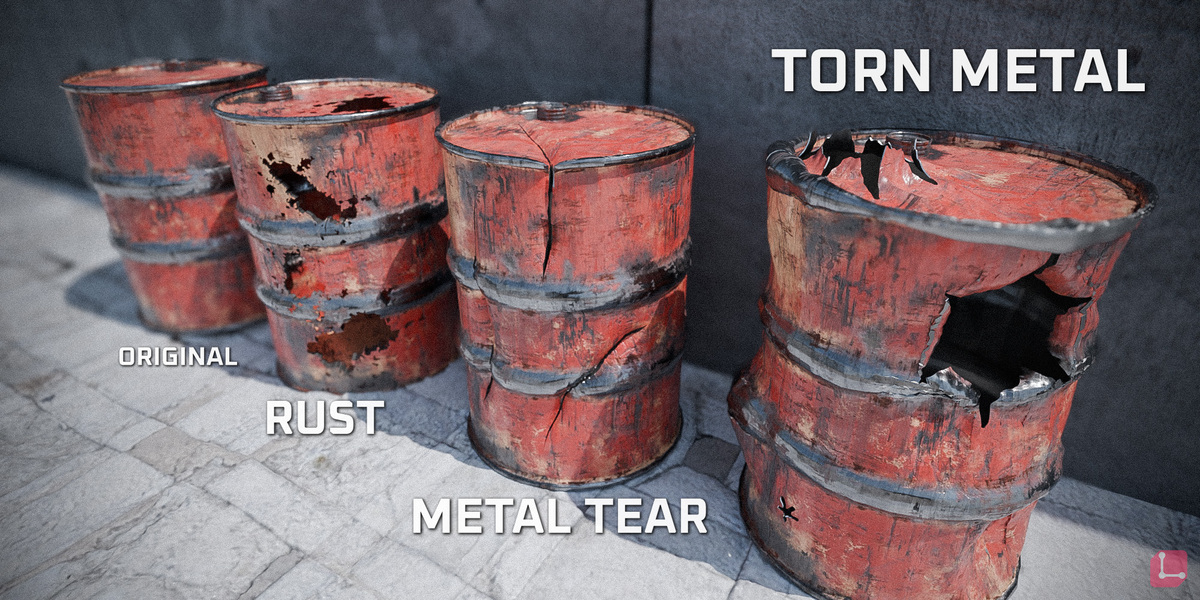
- Place damage. Draw chips with Edge Damage, Corner Damage, Surface Damage or Damaged Edge Bevel. Place marks with Scratches Draw, Bullet Impacts, Metal Tear Draw, Rusty Holes or Clay.
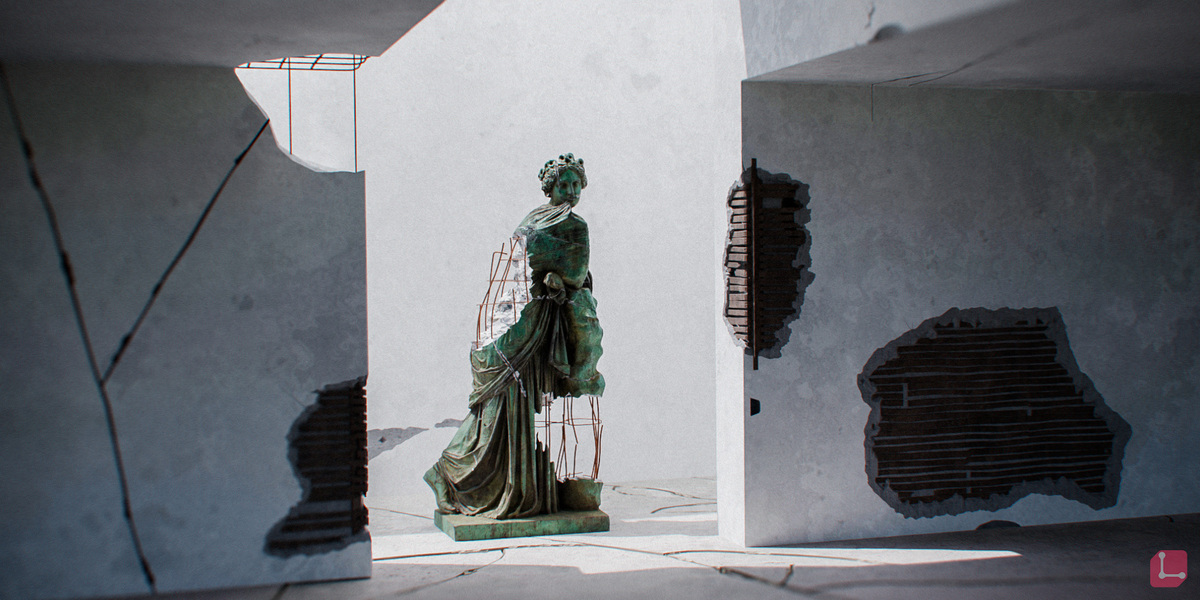
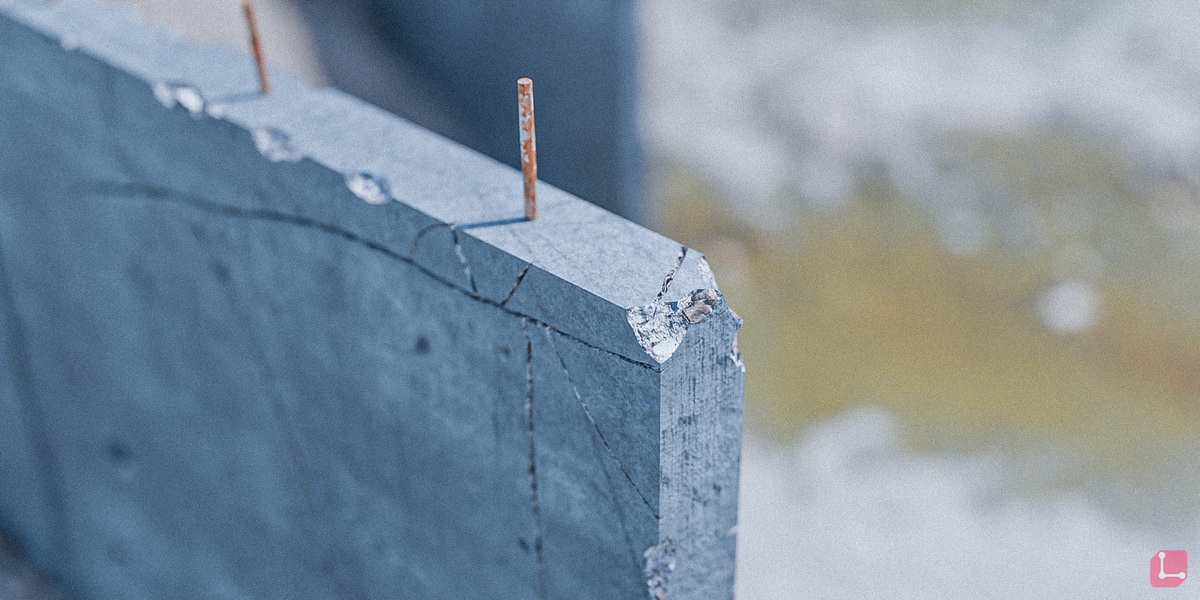
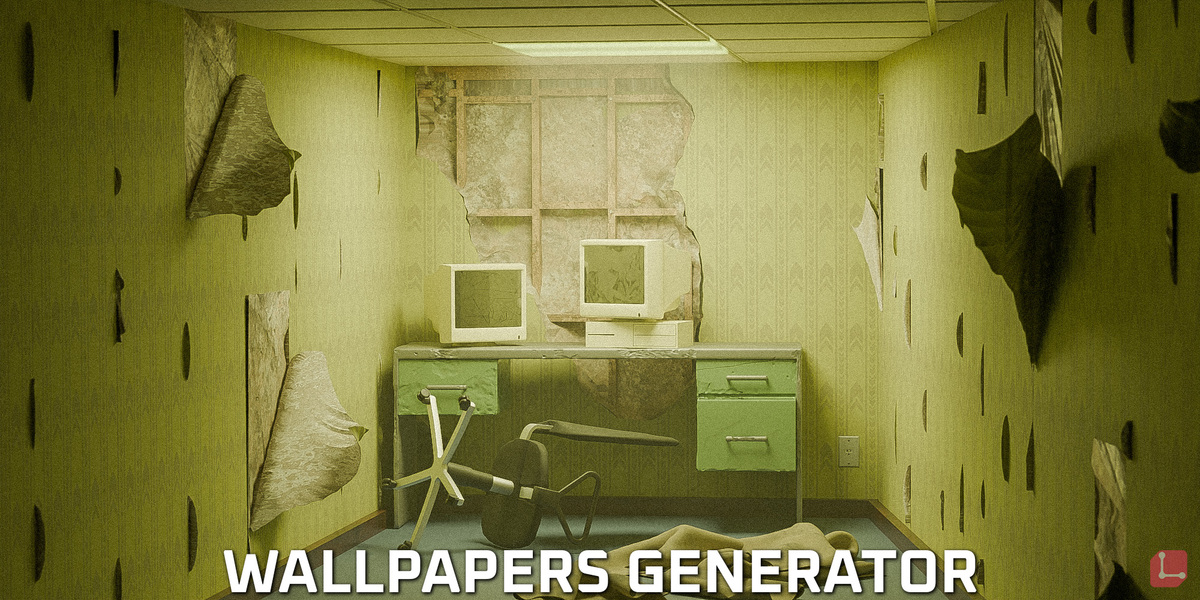
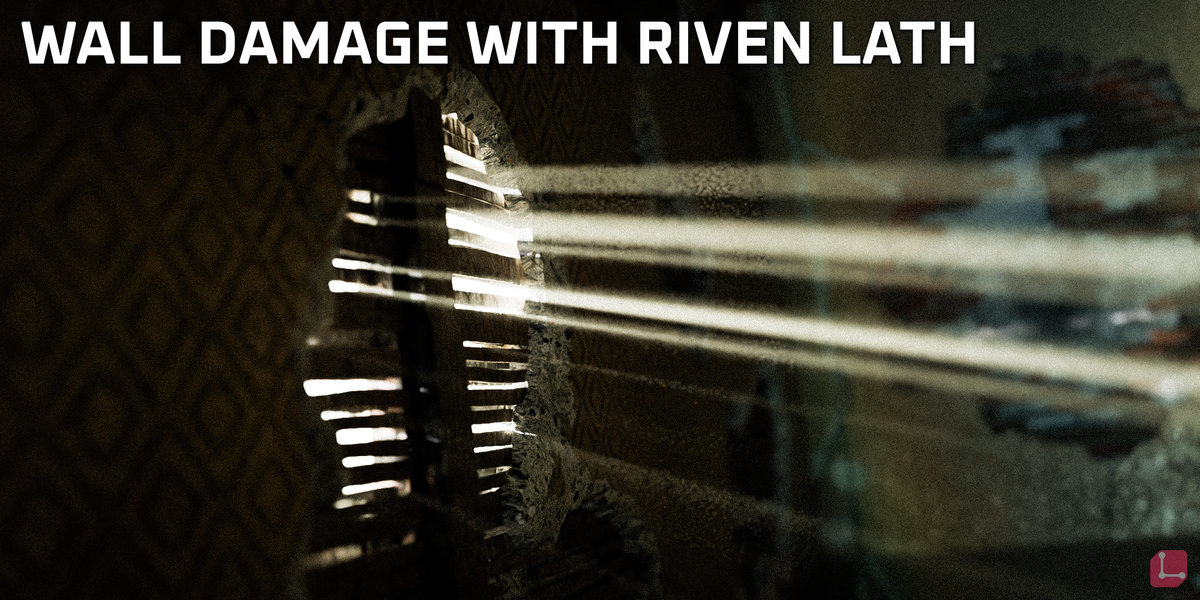
- Expose a structure. Draw openings with Concrete Damage and V2, Wood Damage, Lath Damage and its V2, Riven Lath, Stud Framing, Pipe Damage and Cable Damage. The standalone Rebars, Pipes, Wooden Laths, Studs and Bricks generators also accept damage drawings.
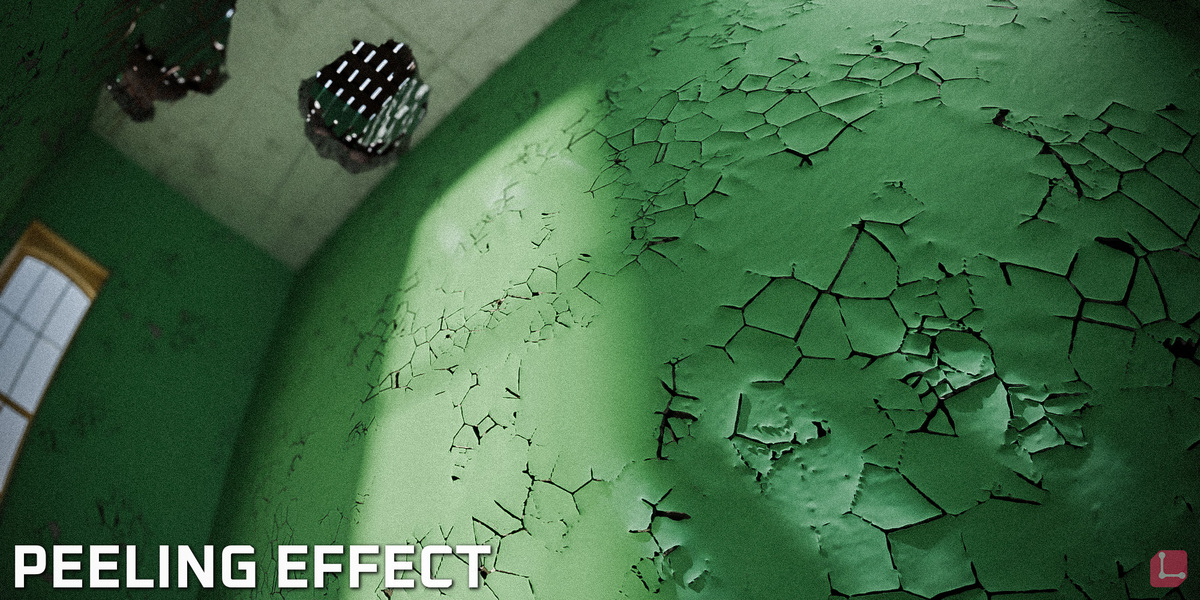
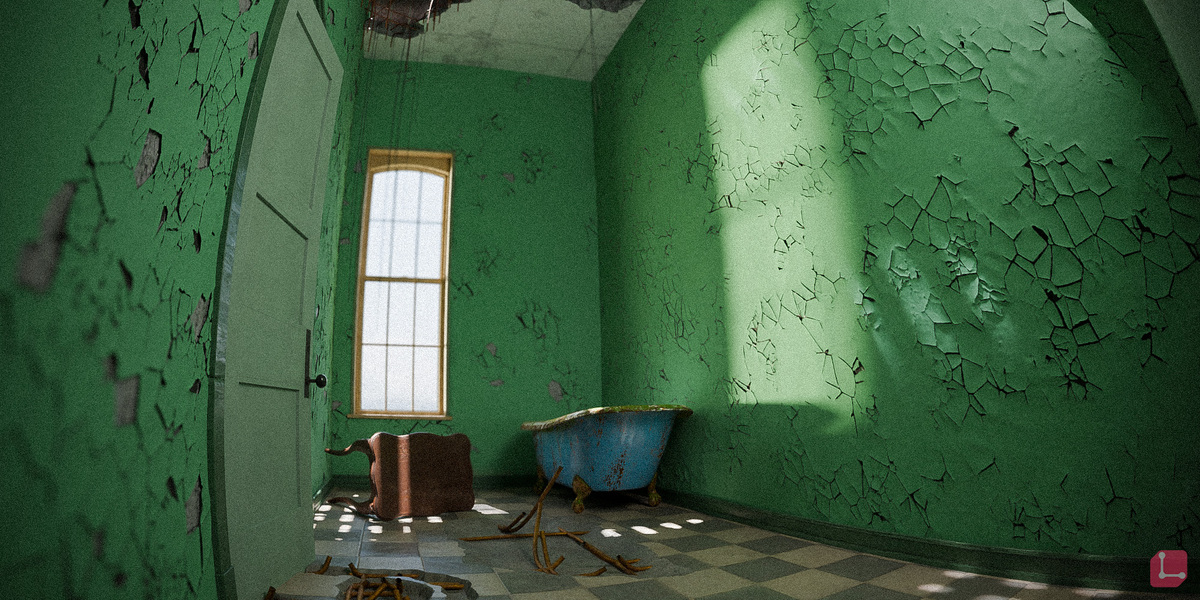
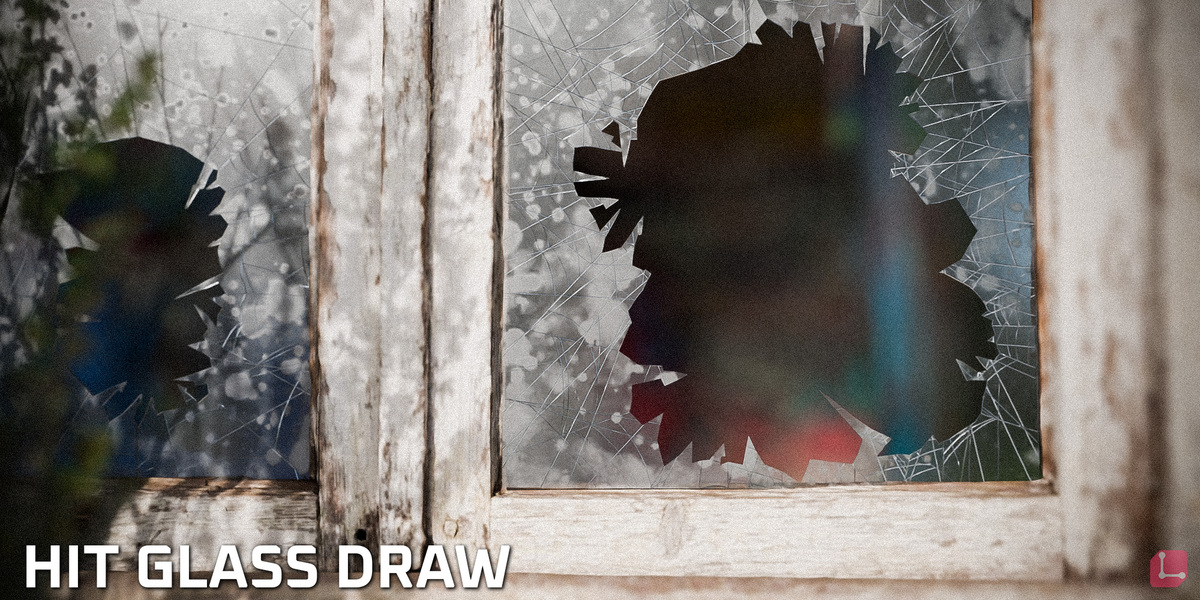
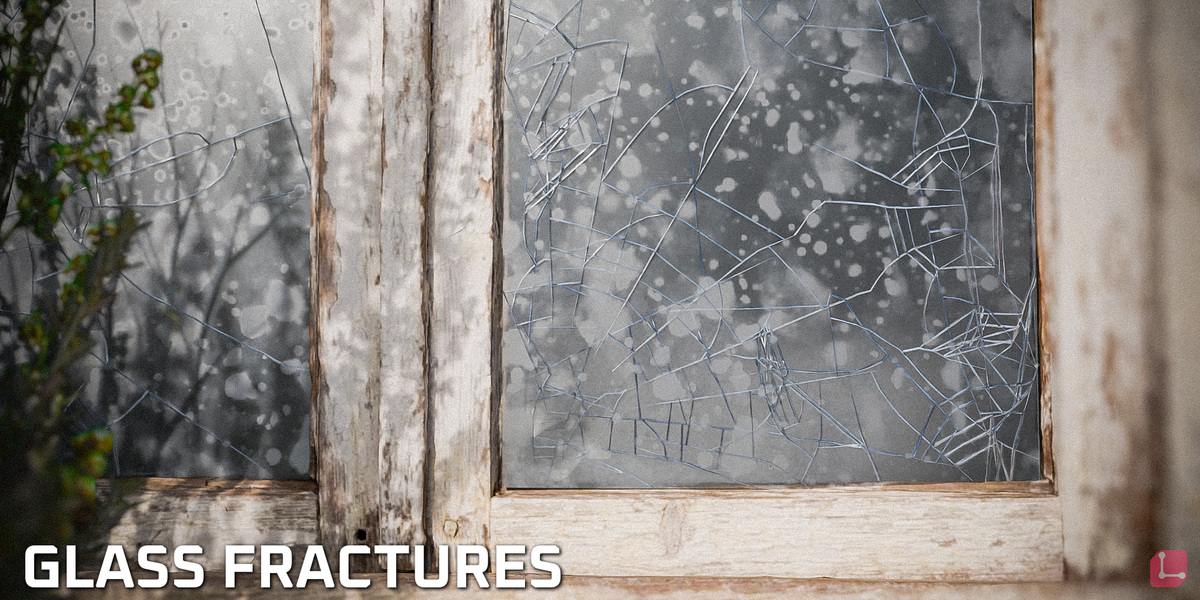
- Cut and peel. Glass Drawn uses contours for holes. Wallpaper, Peeling, Paper Generator and Fabric Tears have drawing controls for their respective surfaces. Fracture, Cell Fracture, Ground Cracks and Ground Fissures use strokes to guide breaks.
- Trace or scatter. Guide Ivy and Roots growth, trace Expanding Foam or Welded Edges, and mark regions for Grass Scatter and Gravel Scatter.
What the mesh keeps
Preserve Source Data carries UV maps, source materials, vertex groups and supported mesh attributes onto the result. Surviving faces keep their material assignments. UVs and weights are mapped onto rebuilt geometry. New fracture interiors can use their own material and inside-face UV map.
Damage zones get their own PD_… vertex groups by effect. Select a group to work on the affected vertices, or use its face mask to select the damaged faces along a shared rim. The editable source stays available while you build the stack.
Apply All bakes the final stack and keeps a hidden editable source. Mesh scale, thickness and quality settings affect the result. Use Draft Mode while placing damage and inspect the full-quality mesh before applying the stack.
Fill, fracture and rigid-body physics
Fill Damage and drawing-guided fracturing in Cell Fracture are experimental. In my tests, these tools worked well on roughly 90% of the models I tried. Particularly complex meshes can produce incomplete fills or cuts.
Fill Damage & Fill V2
Both tools restore missing volume on the following effects.
- Edge Damage, Corner Damage, Surface Damage and Damaged Edge Bevel
- Concrete Damage, Concrete Damage V2 and Hanging Rebar Holes
- Pipe Damage and Cable Damage
- Lath Damage, Laths V2 Smoother Edges, Riven Lath and Stud Framing
- Boolean Break, including the Rebar, Central Rebar, Planks, Laths, Framing, Pipes and Cables variants
Fill Damage only
Bullet Impacts can fill impact holes and fracture the fills into rigid-body pieces.
Direct fracture
Cell Fracture splits the source mesh directly into pieces for simulation. Use its Glass pattern for moving glass shards.
Use Fracture Fills to turn restored volumes into pieces. Assign colliders, choose when the pieces activate, then run or bake the simulation. Chain Reaction lets activation spread between pieces.
I’ll keep improving reliability in future updates. The current price covers the static toolkit, and you can try the experimental physics tools at no extra cost. Once I finish the physics module, the price for new purchases will increase by 30%.
Limits on complex meshes
Fill Damage reconstructs the difference between the source and the damaged mesh. Open boundaries, self-intersections or overlapping shells can produce an incomplete or unexpected fill. Inspect the restored volume before fracturing it.
In Cell Fracture, Guidance concentrates smaller pieces near a stroke. Knife Through projects a cut through depth and needs a stroke that divides a piece or joins an existing cut. Complex geometry can give uneven results or leave pieces uncut. Extend the stroke across the piece, or use a Cut Plane for a more predictable through-cut.
Topology, performance and animation
A retopology pass for game assets.
Procedural damage can create dense, triangulated areas and irregular edge flow. Clean, production-ready topology is not generated automatically. For game-engine assets, plan for retopology and optimization by hand or with your preferred external tools.
Detailed geometry takes calculation time.
A capable computer is recommended, especially for dense meshes and detailed damage. Even with the compiled C++ core, complex geometry needs time to rebuild after changes.
Manual Update lets you choose when to recalculate. Background Calculation moves supported calculations into a separate process, helping keep Blender responsive, while Draft Mode offers a lighter preview.
Work from a static mesh.
Animated source objects, including rigged or deforming meshes, are not supported. Generate damage on a static source. This is separate from the supported rigid-body workflow, which can animate the generated fragments.
Damage settings are not animatable.
Keyframed animation of damage parameters is not supported. Settings are sent to an external compiled C++ core to rebuild the mesh. Rebuilding an effect is a separate calculation.
Have questions about this product?
Login to message
| Blender Extension Compatible | Yes |
| Sales | 90+ |
| Downloads | 10 |
| Dev Fund Contributor | |
| Published | about 2 hours ago |
| Blender Version | 5.1 - 5.3 |
| Extension Type | Add-on |
| Render Engine Used | Arnold, Blender-Internal, Blender-Game-Engine, Cycles, Eevee, Freestyle, Luxrender, Mental-Ray, Octane, Vray, Yafaray |
| License | GPL |
Discover more products like this
physics rigid body Concrete edge damage Damage simulation destruction fracture cracks VFX procedural debris