 Arcwork
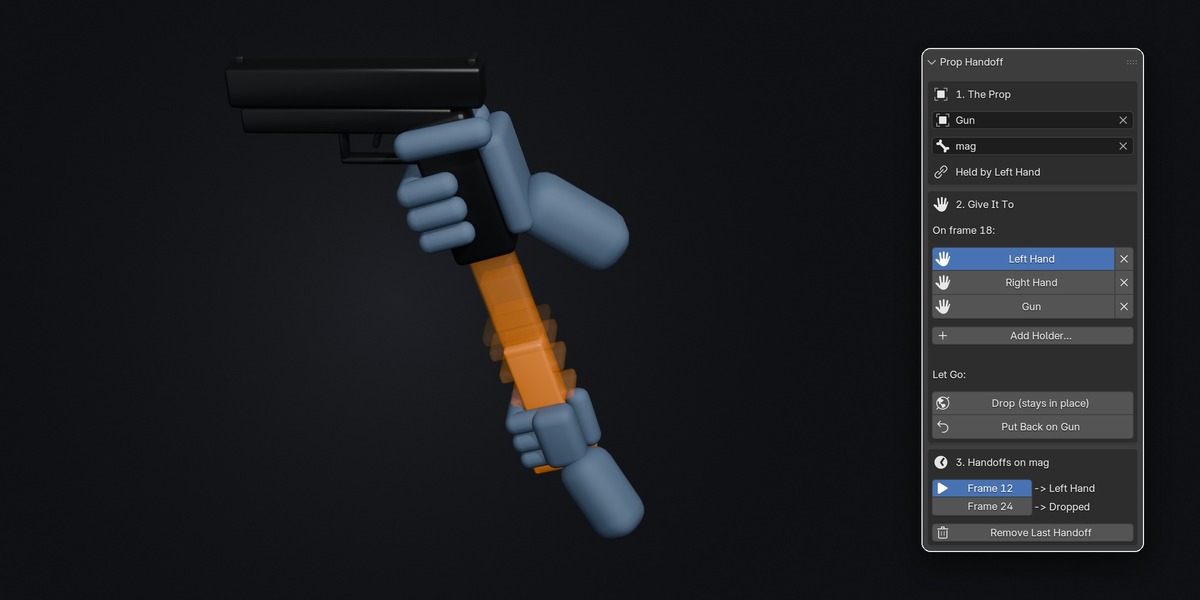
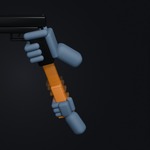
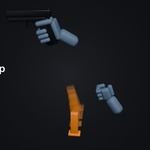
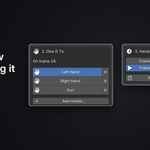
Prop Handoff passes a prop from one hand to the other, into a prop or onto the floor in one click and with no popping.
Reloads, weapon swaps, grenade throws, picking up a phone. Any time something changes hands, you normally have to juggle constraints, influence keys and "Set Inverse" and then fix the jump. Prop Handoff does all of that for you.
How it works
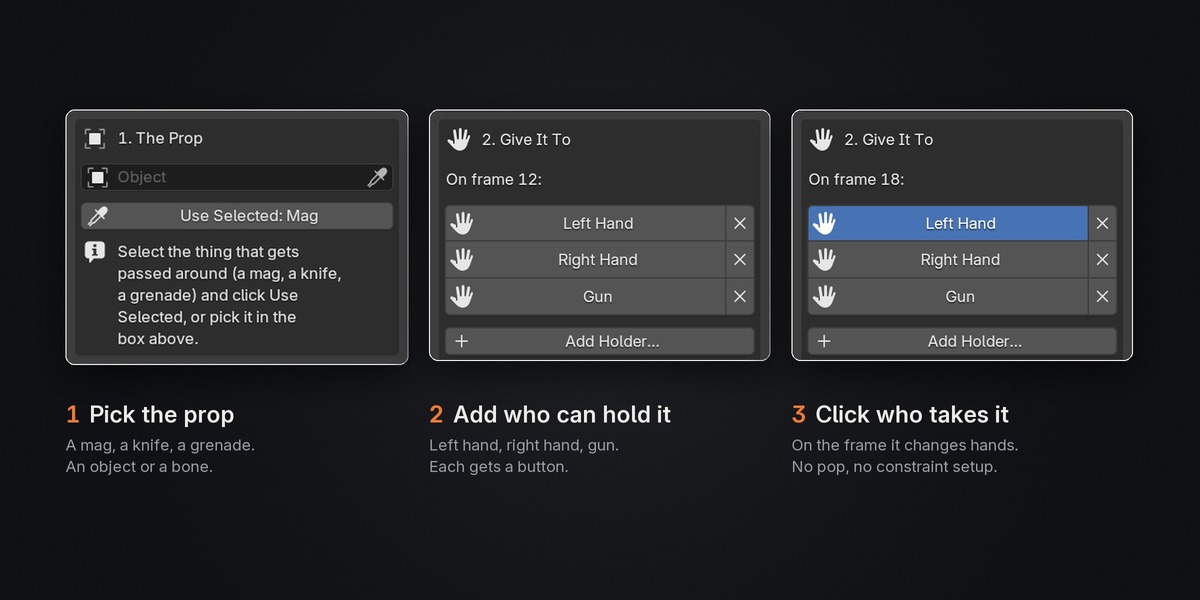
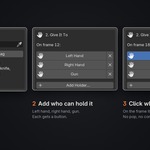
1. Pick the prop. A mag, a knife, a grenade. A bone or an object.
2. Add your holders. Left hand, right hand, gun. Each gets its own button.
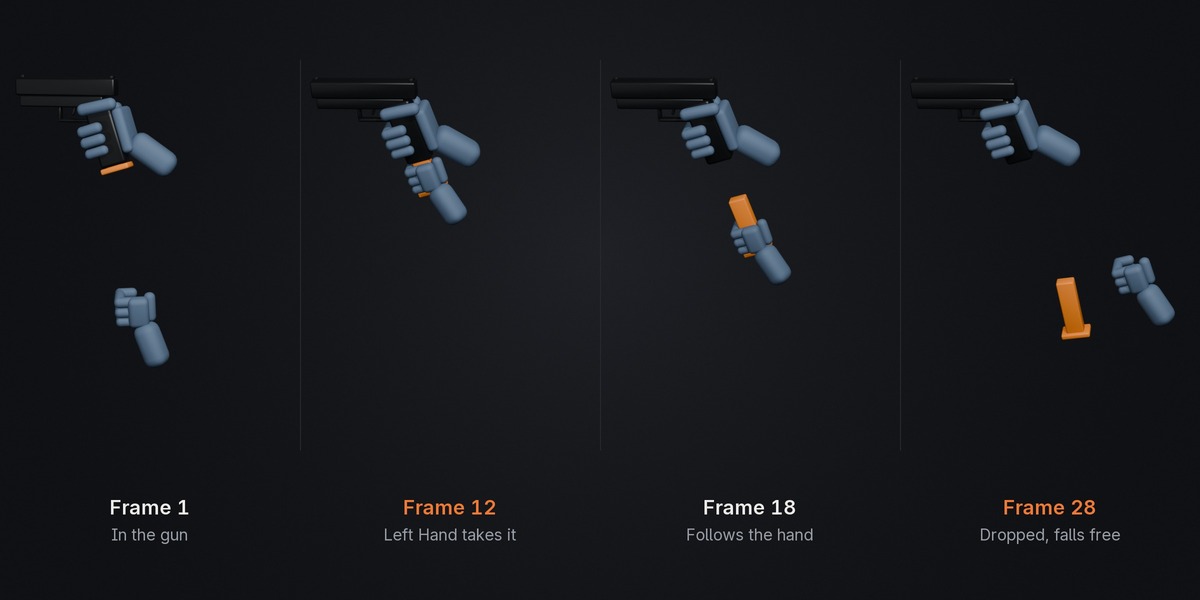
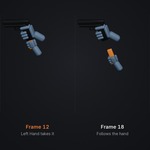
3. Go to the frame and click who takes it. The prop stays exactly where it is on that frame, then follows its new holder.
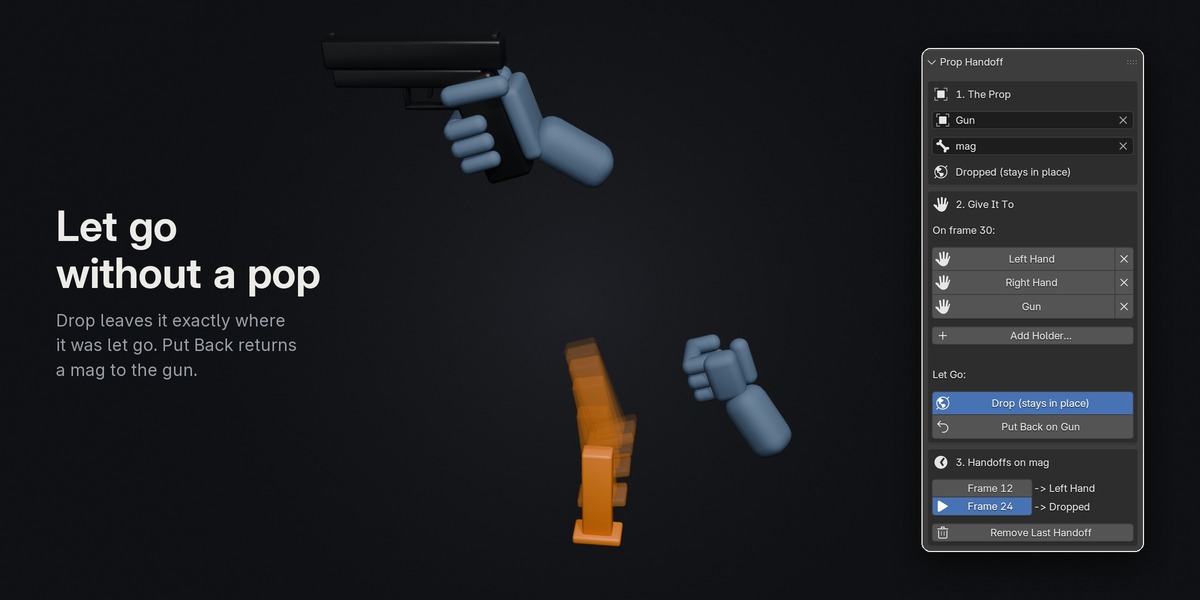
Let go at any time with Drop (it stays in place in the world) or Put Back (a mag goes back into the gun).
Features
- No popping. Every handoff keeps the prop exactly where it is on screen.
- Works across rigs. Pass a mag bone on the gun rig to a hand bone on the arms rig.
- Handles parented props properly. A mag bone held in the hand ignores the gun's motion and follows only the hand.
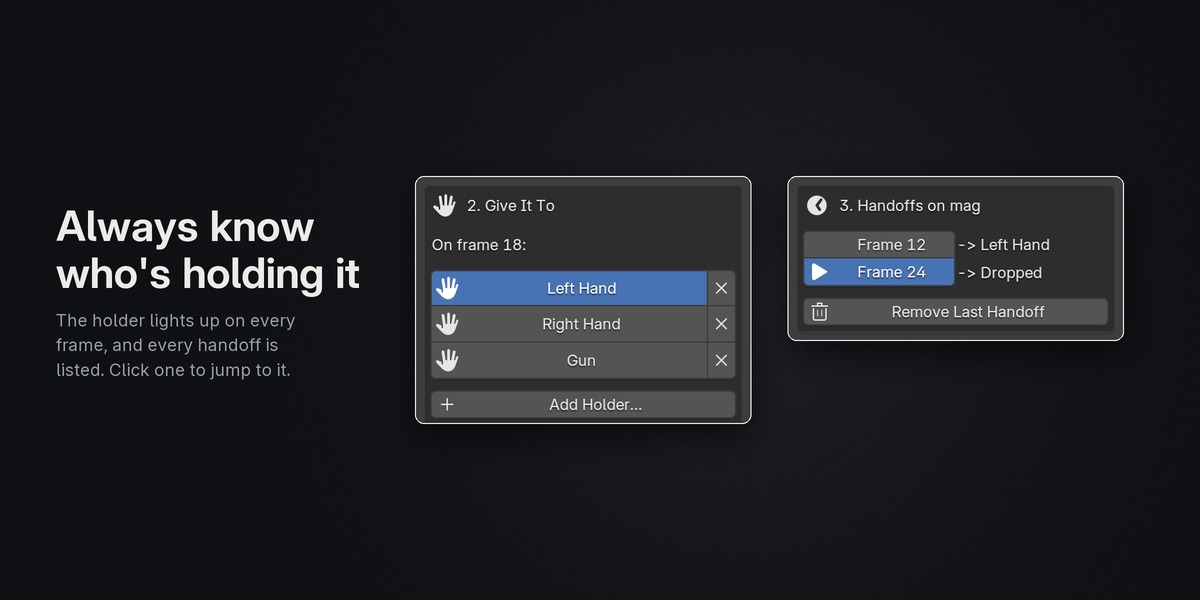
- A handoff list shows every handoff on the prop. Click one to jump to its frame, or remove the last one cleanly.
- Step-by-step tips right in the panel for your first time, and hidden with one click after that.
- Bones or objects, on any rig: Rigify, Mixamo, UE Manny, custom FPS arms.
- Export-ready. Turn on Bake Animation in FBX/glTF export and the handoffs go to Unreal, Unity or Godot.
Included
- The add-on for Blender 4.2 and newer, plus a version for 3.6–4.1
- An illustrated HTML guide
Made with AI: I designed Prop Handoff and its code was written with Claude. Every release is tested on Blender 3.6, 4.1, 4.2 and 5.3.