 Arcwork
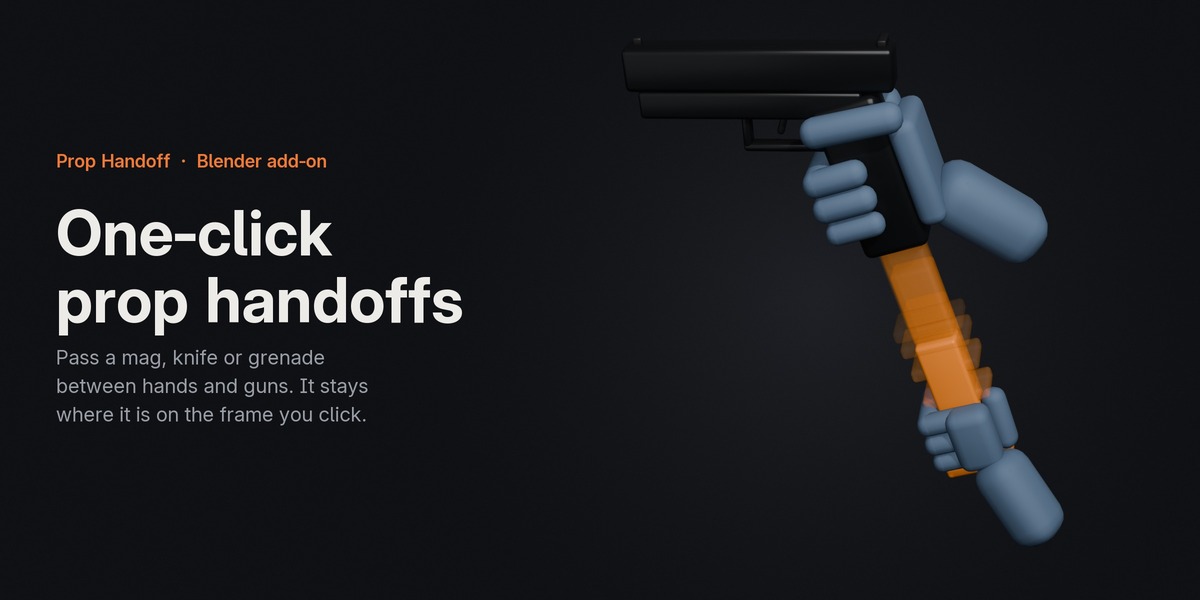


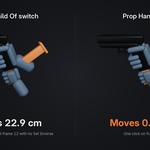
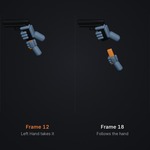

Prop Handoff passes a prop from one hand to the other, into a gun or onto the floor in one click. On the frame you click, the prop stays exactly where it is.
Reloads, weapon swaps, grenade throws, picking up a phone. Doing a handoff by hand means keying Child Of influences and hitting Set Inverse on exactly the right frame, and the prop often jumps anyway, so you go back and fix it frame by frame. Prop Handoff makes the constraints, sets the keys and checks the result for you.
How it works
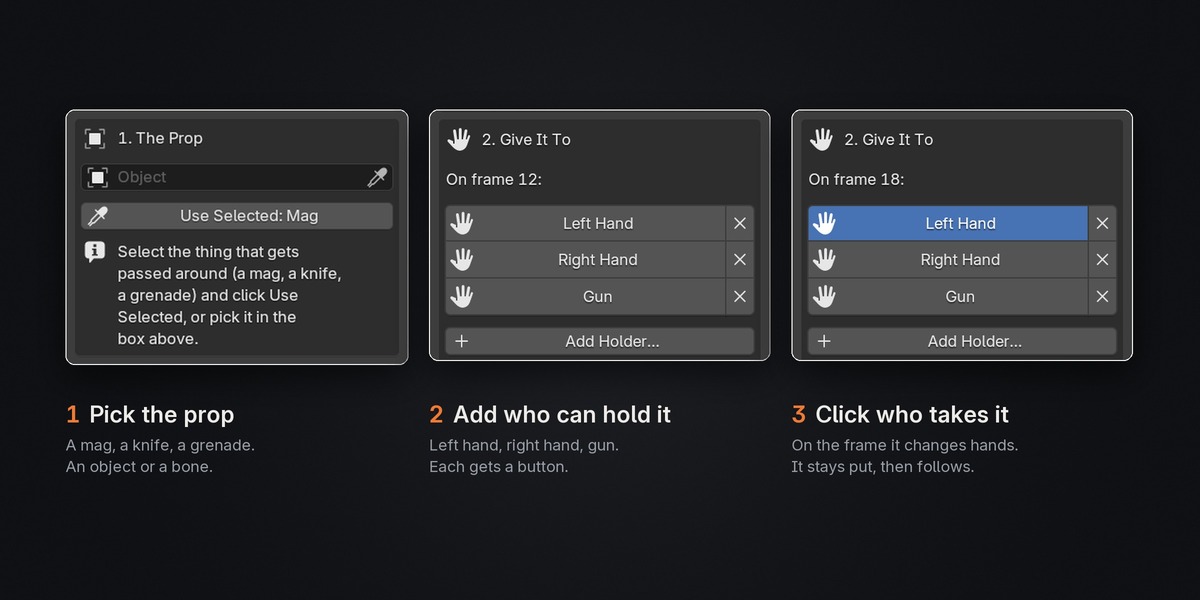
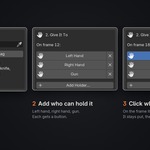
1. Pick the prop. A mag, a knife, a grenade. A bone or an object.
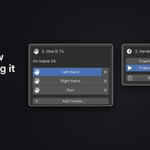
2. Add your holders. Left hand, right hand, gun. Each gets its own button.
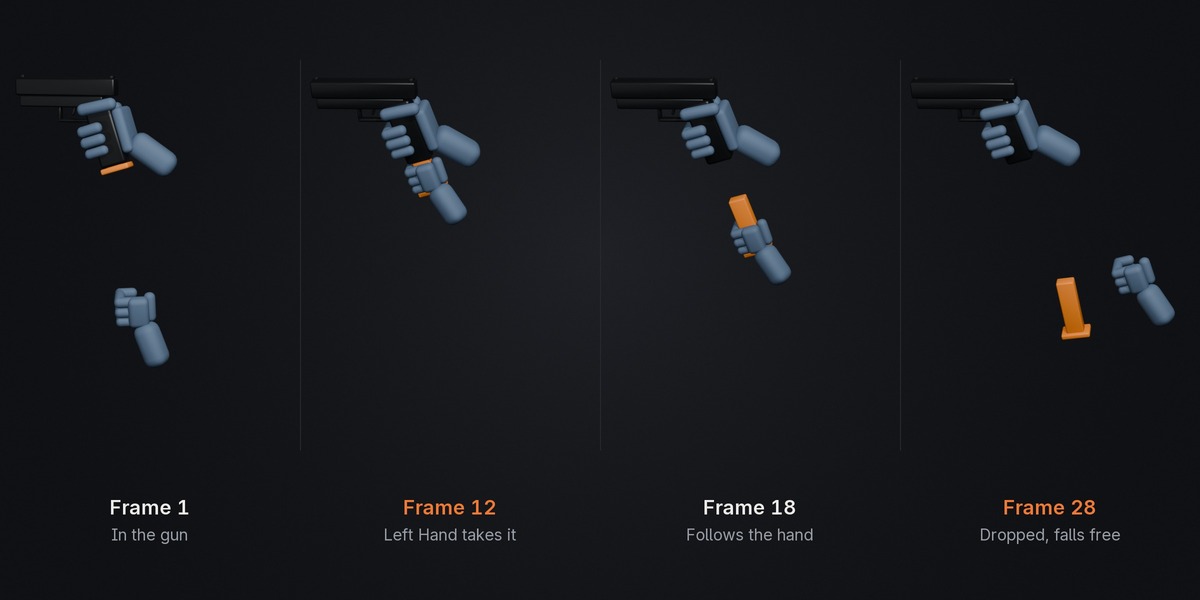
3. Go to the frame and click who takes it. The prop stays exactly where it is on that frame, then follows its new holder.
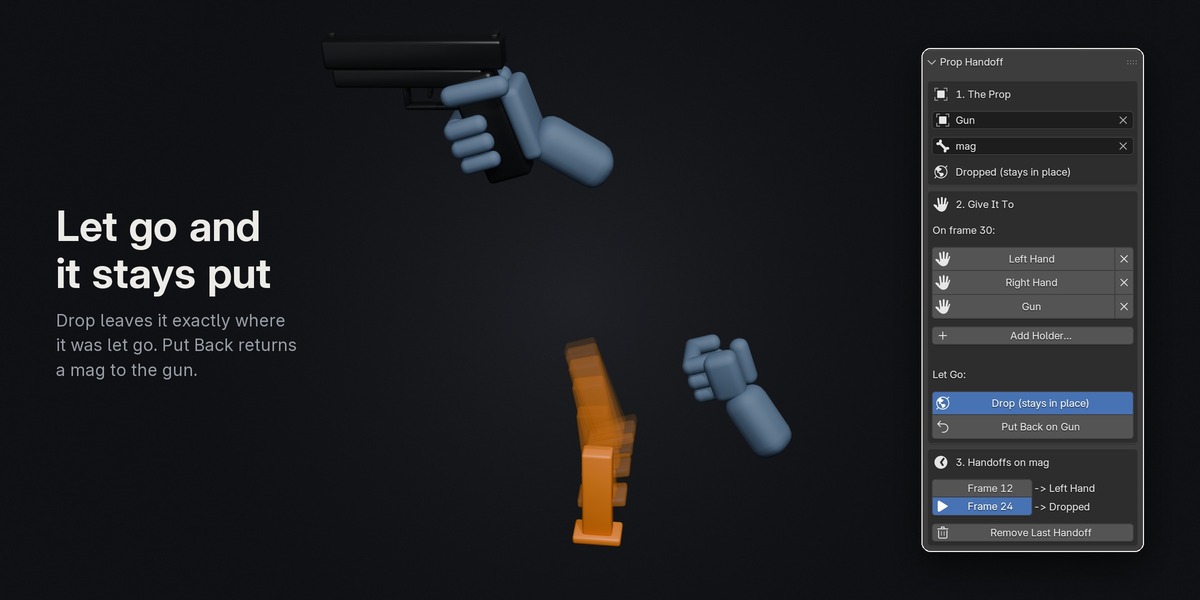
Let go at any time with Drop (it stays in place in the world) or Put Back (a mag goes back into the gun).
Features
- The prop stays put on the handoff frame. After each click, Prop Handoff measures where the prop landed and corrects it. If something on your rig stops it, you get a warning with the distance, instead of finding the jump later.
- Works across rigs. Pass a mag bone on the gun rig to a hand bone on the arms rig.
- A mag held in the hand ignores the gun. A prop with its own parent follows only the hand while it's held, and Put Back returns it to its parent.
- Works with the constraints your rig already has. If the prop already follows something (a hand pinned to the gun grip, a mag with Limit constraints), those switch off while it's away and come back as they were when it goes home.
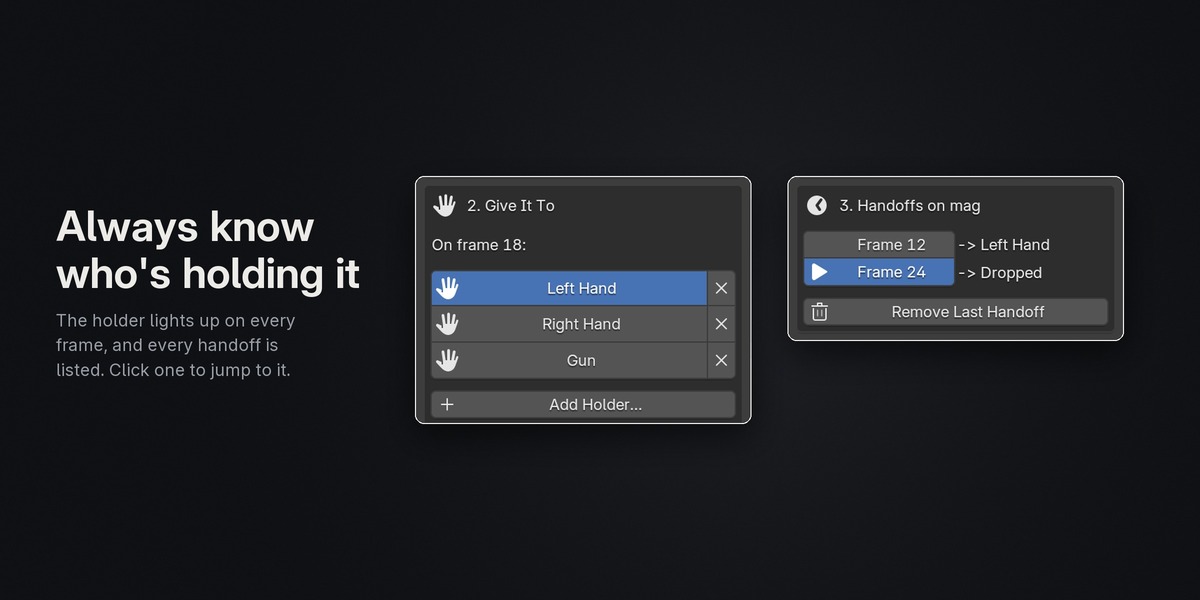
- A handoff list shows every handoff on the prop. Click one to jump to its frame, or remove the last one cleanly.
- Step-by-step tips right in the panel for your first time, and hidden with one click after that.
- Bones or objects, on any armature: hand IK controls, mag bones, empties, cameras.
- Export-ready. Turn on Bake Animation in FBX/glTF export and the handoffs go to Unreal, Unity or Godot.
Included
- The add-on for Blender 4.2 and newer, plus a version for 3.6–4.1
- An illustrated HTML guide (the same guide is on the Documentation tab)