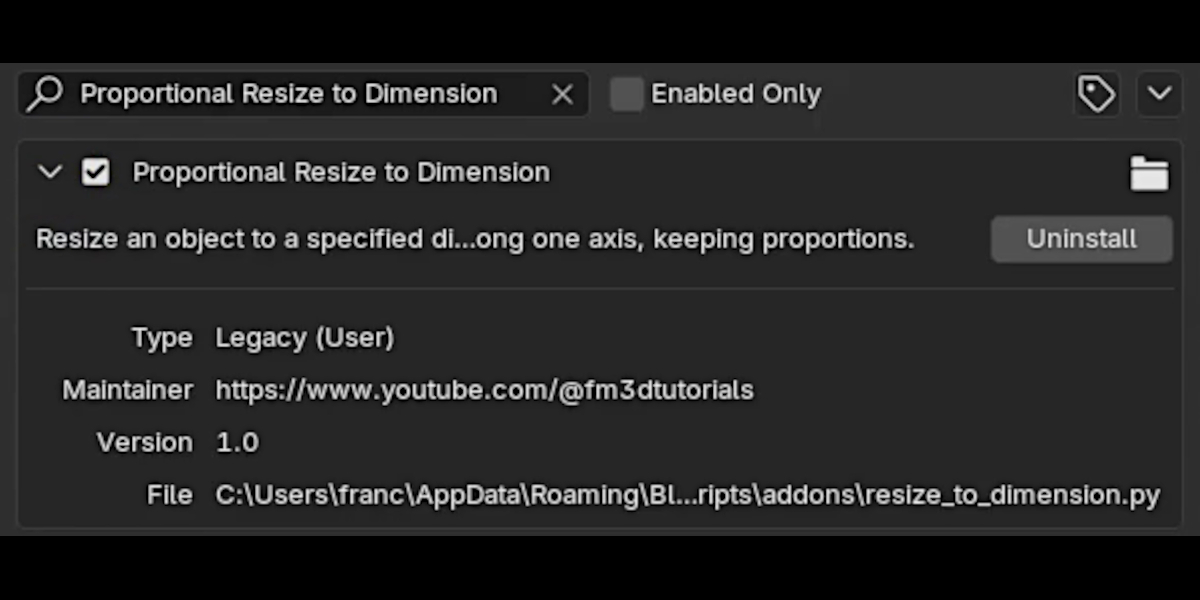
Proportional Resize to Dimension Add-On
 FrancescoMilanese
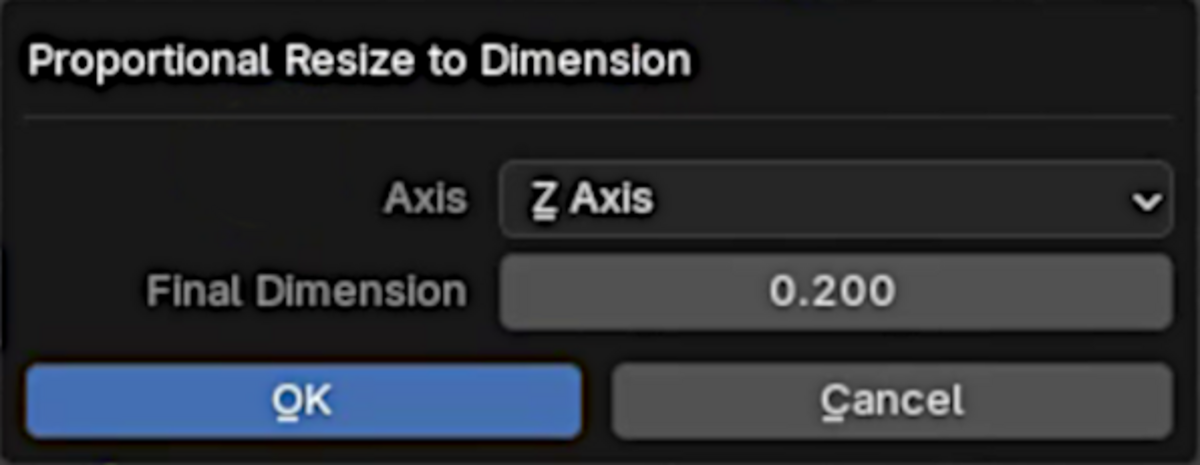
How to Use
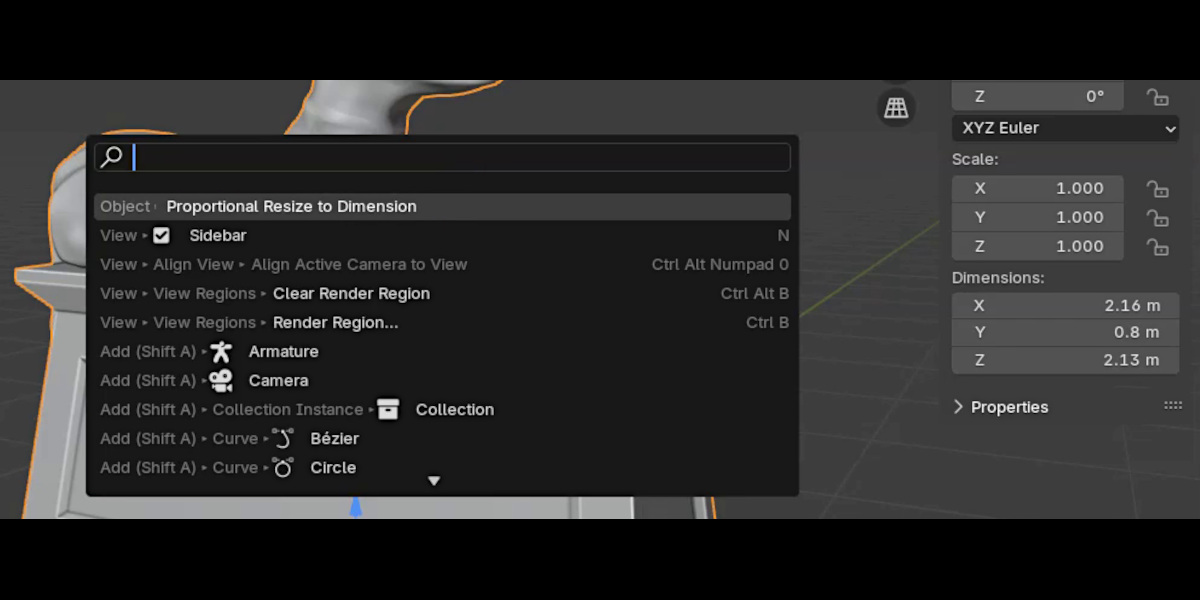
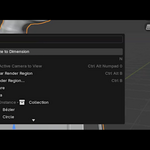
- Open the Search Menu (
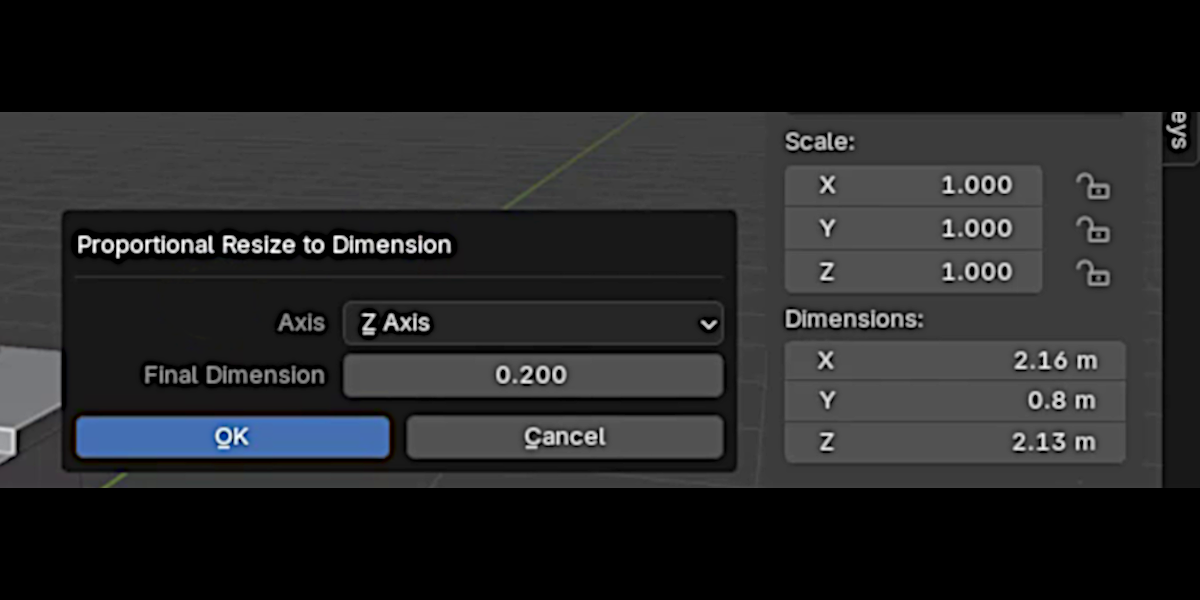
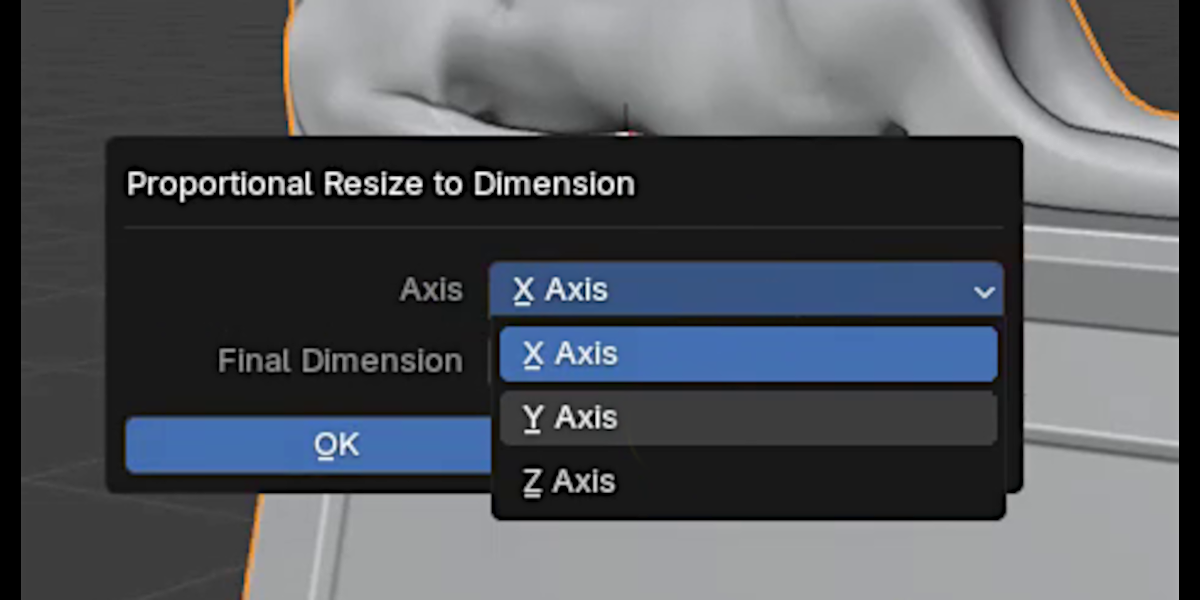
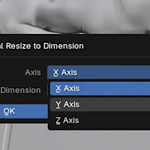
F3) and type "Resize to Dimension". - In the dialog box, select the axis (
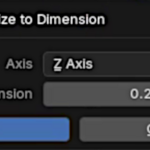
X,Y, orZ) you want to scale to a target size. - Enter the desired final dimension.
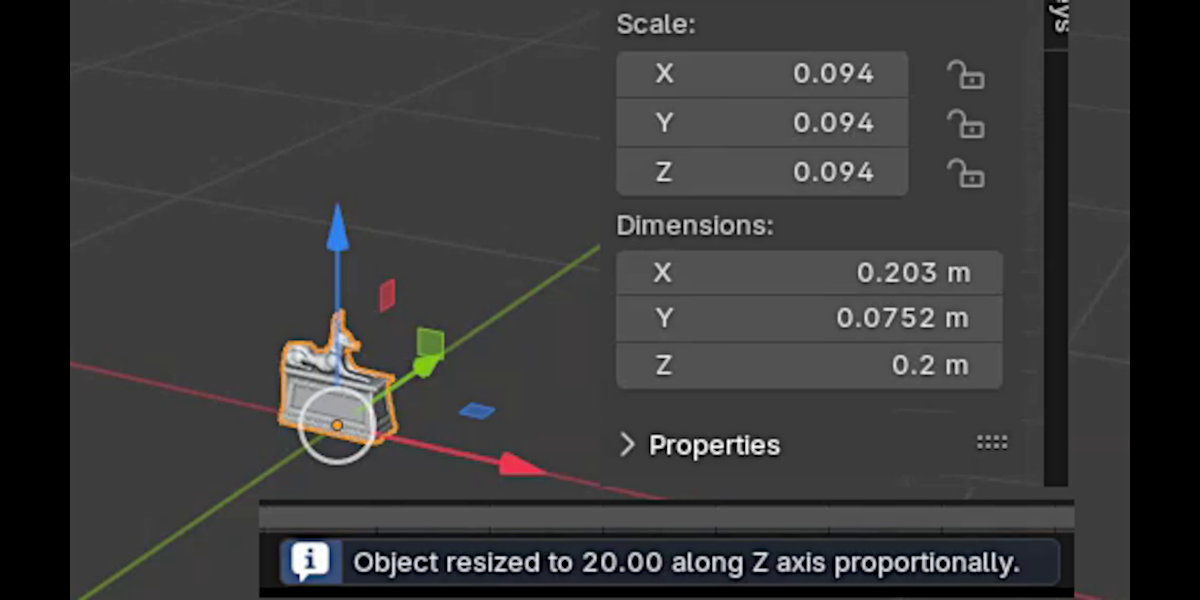
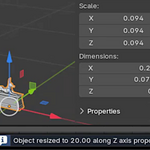
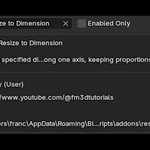
- Click Execute, and the object will be proportionally resized to match the specified dimension on the selected axis.
Have questions about this product?
Login to message
| Sales | 20+ |
| Published | almost 2 years ago |
| Blender Version | 4.3 |
| Extension Type | N/A |
| License | Royalty Free |
