 Tinquify



Introduction
Are you looking for a reliable set of materials to cover all your creative project needs?
While many collections exist, they often fall short either by lacking attention to detail, overloading with rarely-used options or very simple variations, or being prohibitively expensive or subscription-based.
Some others offer high-resolution textures which, though realistic, come with issues like tiling, and VRAM limitations. Also, sometimes they do not have enough resolution, leaving you with materials that don't meet your close-up needs.
Sometimes you end up gathering materials from various creators, which often results in an incohesive set, complicating your workflow.
That’s why we created “Proterials”.
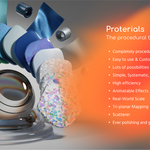
A thoughtfully designed, ever-growing collection of high-quality procedural materials and building blocks. With Proterials, you get a perfect balance of versatility, customizability, efficiency, and affordability.
Whether you're a Blender beginner or a seasoned pro, you'll find materials tailored to your needs, crafted with love and experience to streamline your creative process.
Ready to explore their potential? Let’s dive in!
Key concepts
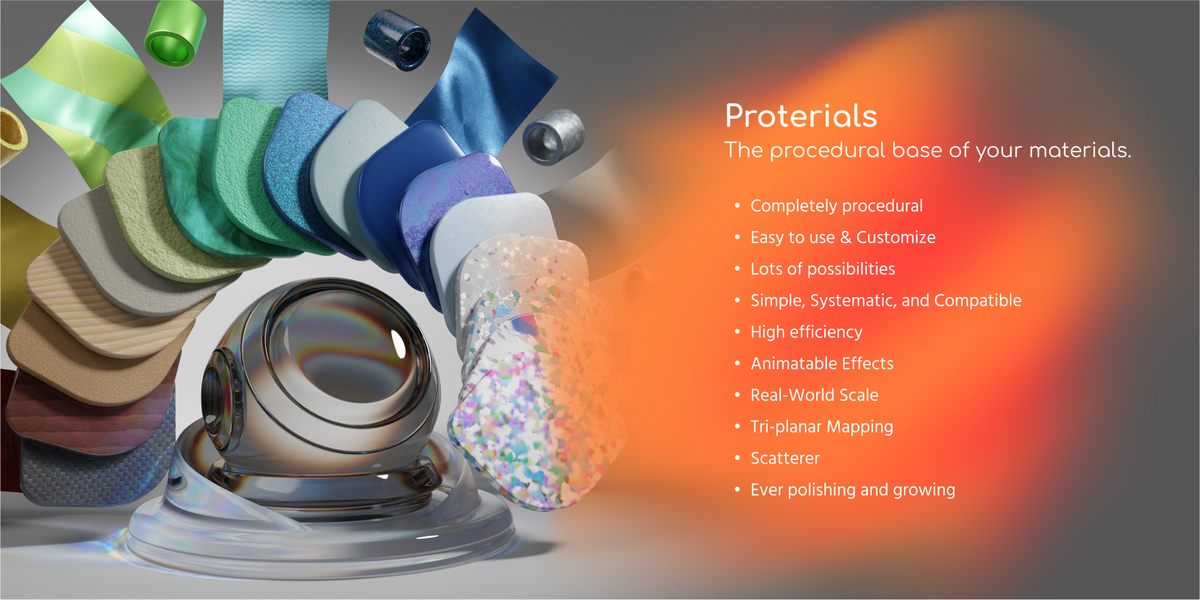
1 Proterial = Lots of possibilities
A key concept was to maximize the power of proceduralism.
This means that each Proterial is actually the spawn point of many output possibilities.

While many material packs offer numerous options, they often rely on simple tweaks like color changes. Instead, we focus on providing powerful starting points that you can easily customize to suit your needs.
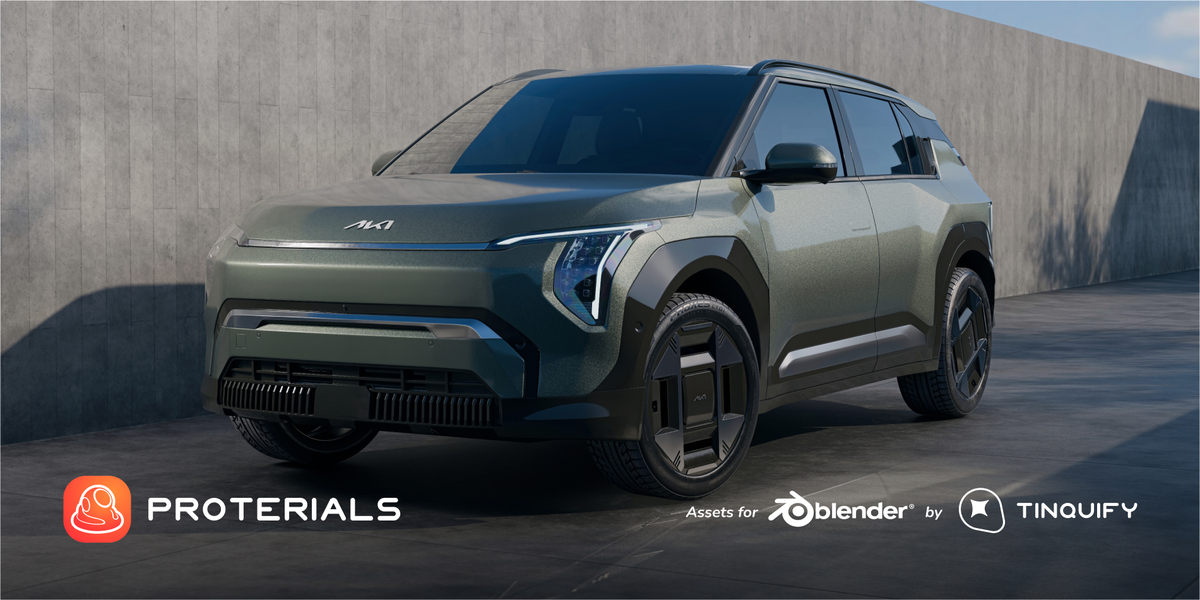
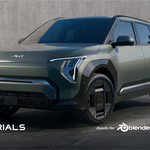
For instance, we include 3 Car Paint materials + a set of color palettes & a color randomizer node. These will serve as a solid beginning that will look realistic from the moment of the load, and they have many sliders for you to play with and customize. All of this in combination will let you get lots of different outputs, from just 3 initial presets.
Another example is our Tiles material, which lets you change the mortar color, separation, roughness, pattern properties, and all you need, served in the easiest way possible, to get the variant that you want.
Now, if “1 proterial = Lots of possibilities”, can you solve the “Many proterials = X” equation? ;)
High detail & high efficiency
You ask: How detailed is it? We say: Yes.

Jokes aside, we made them with a very high level of detail and optimized them as much as possible.
To give an example of our optimization approach, we decided not to rely on displacement to make our materials look good, as some procedural materials do. This is a fantastic option but it is extremely heavy to compute in an everyday production environment.
We decided to create our materials using the bump effect only by default. This way, the material ends up being much lighter.
%20-%20eee03.gif)
Easy to use & Customize
The pack is “Asset Browser ready”. So you can simply drag & drop them into your scene!
And in a few parameter tweaks you will get the results you want.
%20(x8)%20-%20f66aa.gif)
Simple, systematic, and compatible
To create our materials collection we decided to systemize it as much as possible.
We decided to build a robust but simple system that can let you (and us) create many great-looking materials extremely fast and consistently.
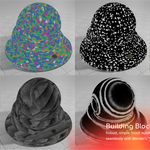
Our "Building Blocks" are specialized group nodes designed to work like Lego pieces, enabling flexible and intuitive material creation.
This system seamlessly integrates with Blender’s “Vanilla” workflow, requiring no new methods or learning curves. It’s a toolset that enhances your existing setup without disrupting it.
%20(x10)%20optimized%20-%20e19e6.gif)
Real Principled

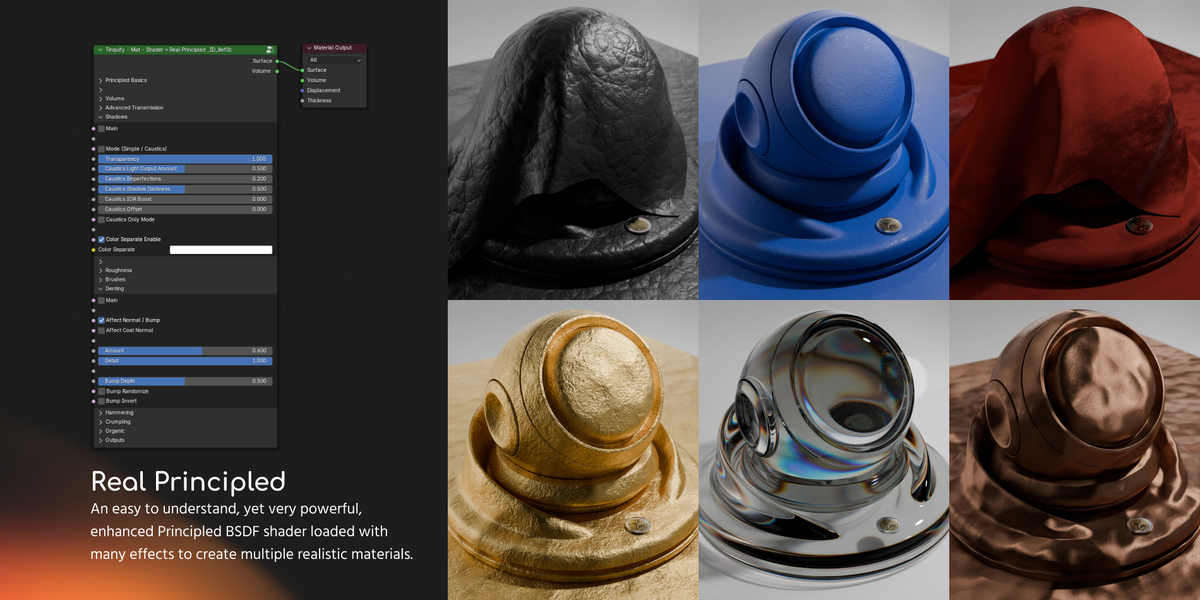
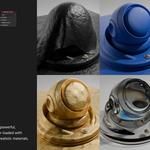
This shader node is meant to be an enhanced version of the already powerful Principled BSDF.
We have added a set of parameters to it that will let you create a realistic material in a matter of seconds.
This material node adds natural imperfections and characteristics that every material in real life tends to present.
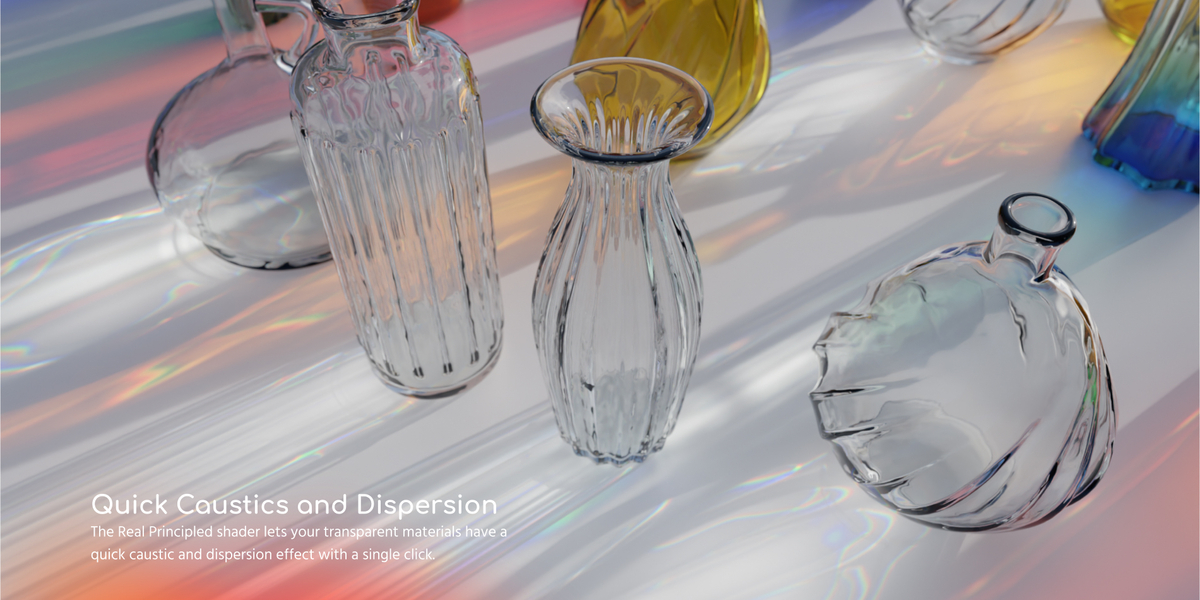
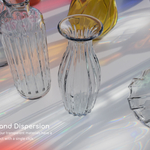
Moreover, it is tuned to include advanced Blender “hacks” to get some special effects like Quick Caustics, Dispersion, and Volume parameters, which are very useful when creating different transparent materials.

Textures
Boost the materials with complex textures and details that are present in everyday surfaces. Give that sense of realism by just plugging some nodes into the chain.

Patterns
Patternify your textures with special nodes to imitate motifs. Very useful when creating fabrics, wood floorings, and bricks, or for scattering some textures for example.

Masks
Masks are useful nodes for creating more advanced patterns and materials.

And more!
You will find more useful nodes and we will gradually create the necessary nodes (Building Blocks) to create more materials over time.

For example, the pack also includes some color palettes to easily find realistic color values of common used materials.
%20-%20f3a4d.gif)
It is worth mentioning that you can use the patterns with your traditional image textures!
You can see how the scatterer node can be used for PBR setups to easily add some randomization to break the typical pattern of the textures.
%20(x8)%20Optimized%20-%20c6c11.gif)

Lots of Proterials
Using this system, we created many different Proterials with a high quality standard and they are included in different packs.
Full collection
Our Full collection includes all the materials we have created (materials from all packs + materials not yet released in packs) + all the Building Blocks + Extras.
%20(x4)%20-%20f74c3.gif)
Metals
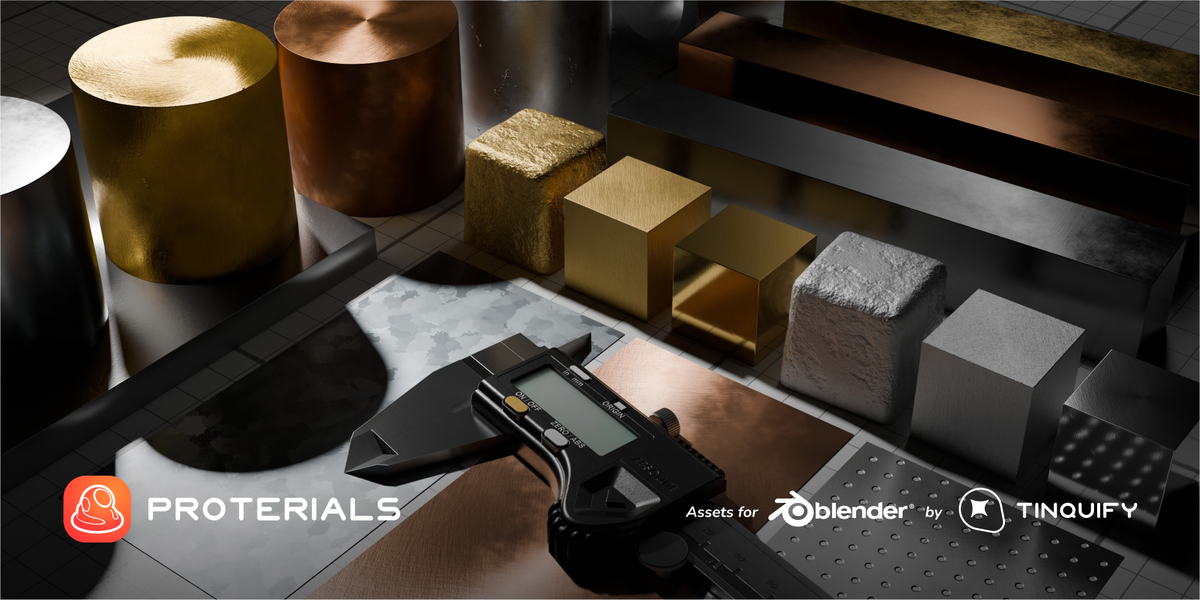
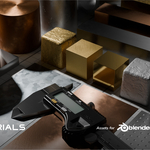
Brushed, corroded, foiled, hammered, polished, and galvanized are some of the finishes that our developed metal Proterials presets have. In combination with their corresponding metal color presets (Aluminum, Brass, Bronze, Chrome, Copper, and so on), they will easily let you choose and form the type and aspect of the metal you require for your object. Again, the possibilities are limitless.

Plastics
As with all of our materials, we have built a series of plastic presets that re-create the composition and look of different types of plastics that are present in the objects that surround us.
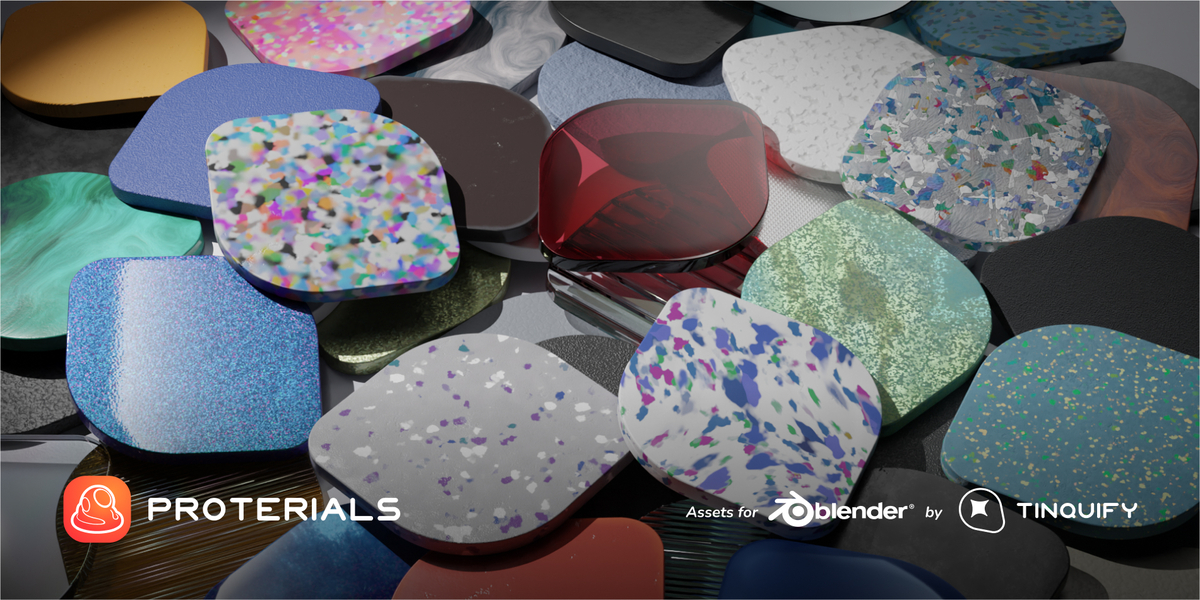
Our developed collection incorporates basic starting points such as Flaked, Micro textured, Rugged, and Styrofoam, advanced plastics such as 3D printing (which, for example, incorporates the tracing lines of the printer), Foam, and more sustainable plastics such as Eco Recycled Plastic Chips and Waves that are being more implemented day by day in the industry.

Woods
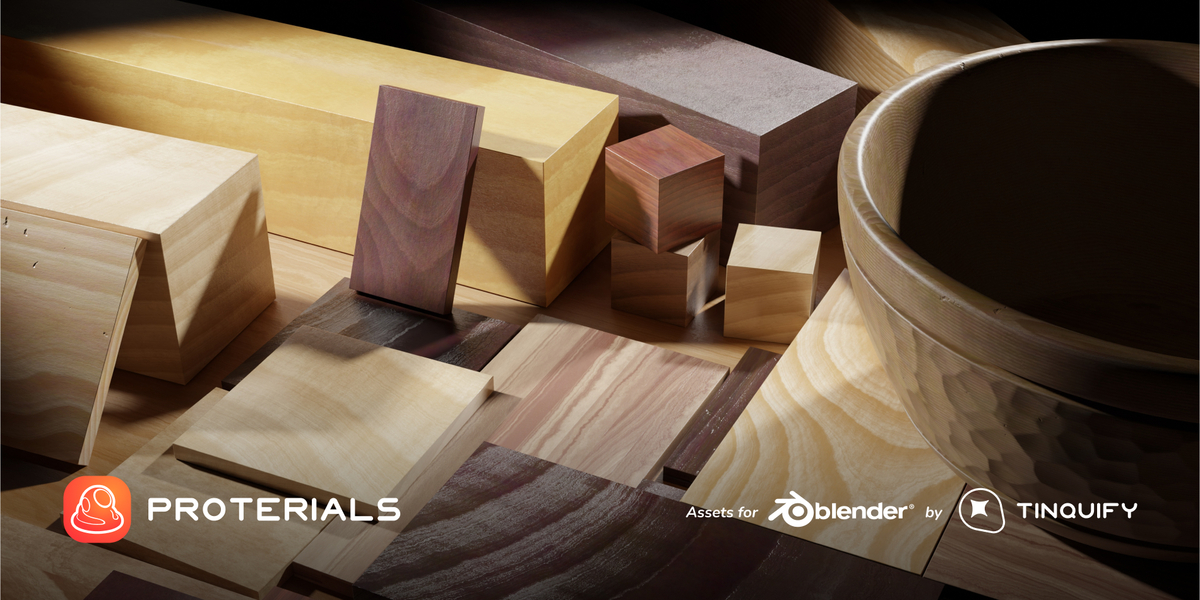
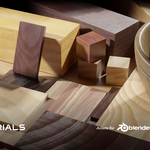
Our set of woods pays careful attention to the wood details, considering many aspects such as the wood grain, its detailed and complex texture to create a procedural texture that can be used to imitate solid or stripped wood blocks, and planks (useful for floors).

Organic
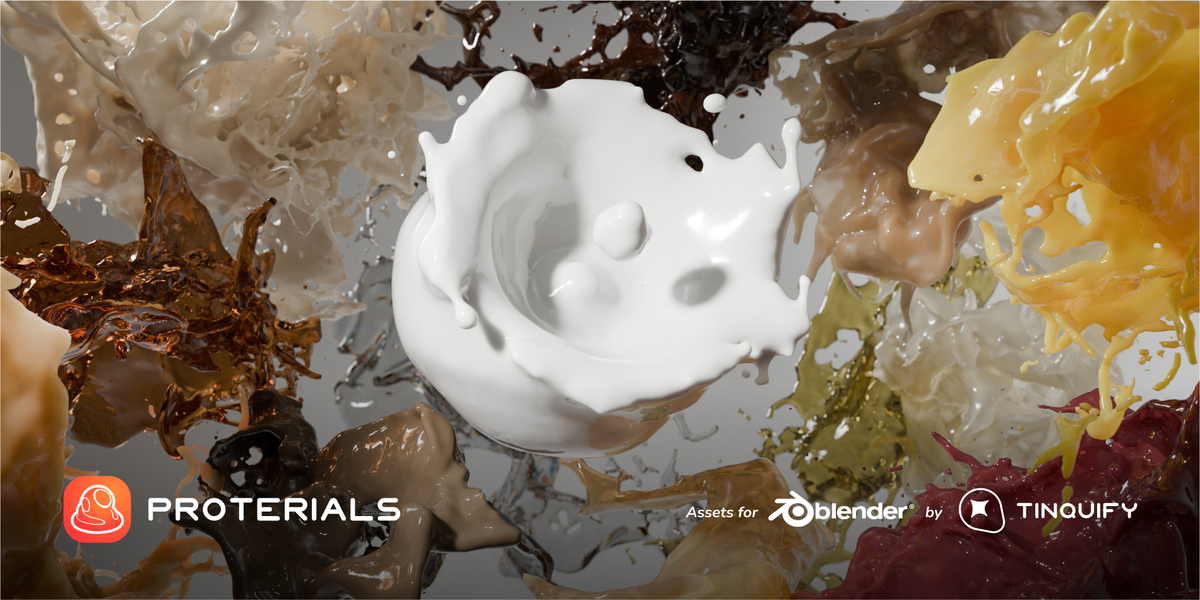
This group covers materials that tend to be in a liquid or semi-liquid form, or that come from a rather biological or natural source.
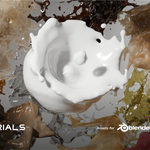
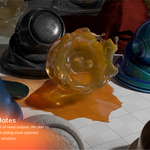
Some examples of these are Orange juice, Caramel, Water, Soy Sauce, Milk, and Candle Wax, to name a few.

Eco & Innovative materials
In our passion to add our grain to the world, we decided to create and include materials that are pushing the boundaries. Materials that are trying to break the mold and make the world a bit better for all of us.
Consider including them and innovate in your designs! They are Eco materials like plastic chips, fabric alternatives like piñatex, mycelium-based foam, biodegradable ones like cork, or noble metals and ceramics. These are some of the ones included in this pack.
Collections
Elemental
The elemental collection includes materials created with the “Real Principled” node (and sometimes some vanilla Blender nodes too).
Arch
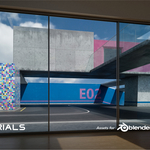
If you tend to do architectural renderings then this pack is for you. Bricks, tiles, concrete, wood floors, painted walls, and so on are the different materials that you will enjoy having.

Vehicles
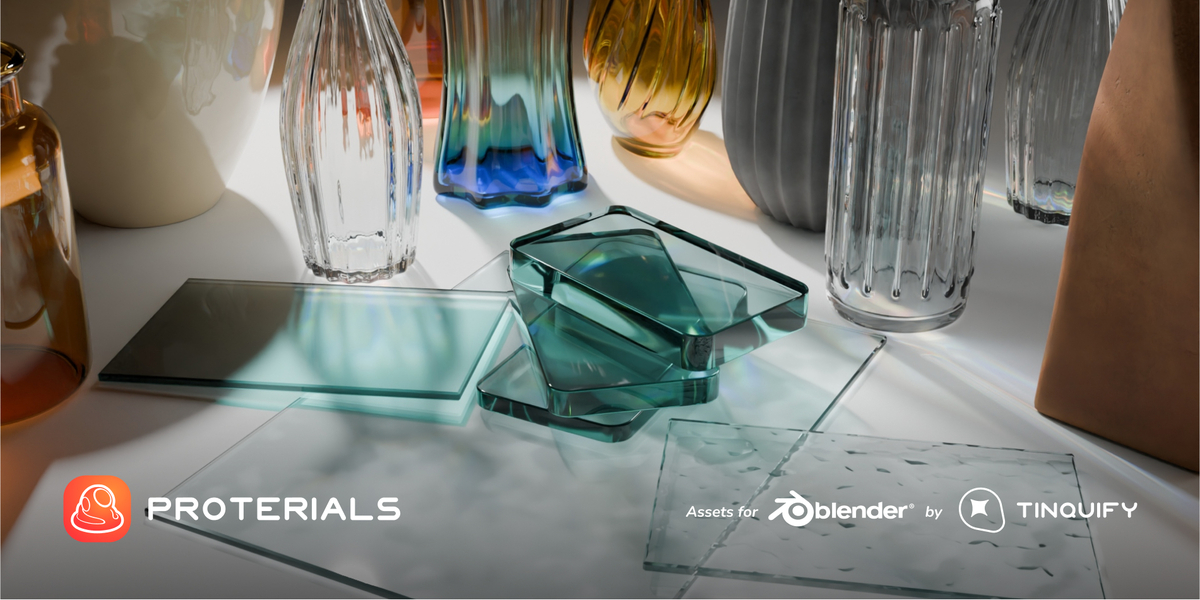
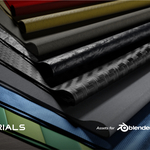
This collection aims to cover the different materials that are typically found in vehicles. Car paint, rubber, tinted glass, brake disk, and standard and forged carbon fiber, will give your vehicle representation a high level of realism.

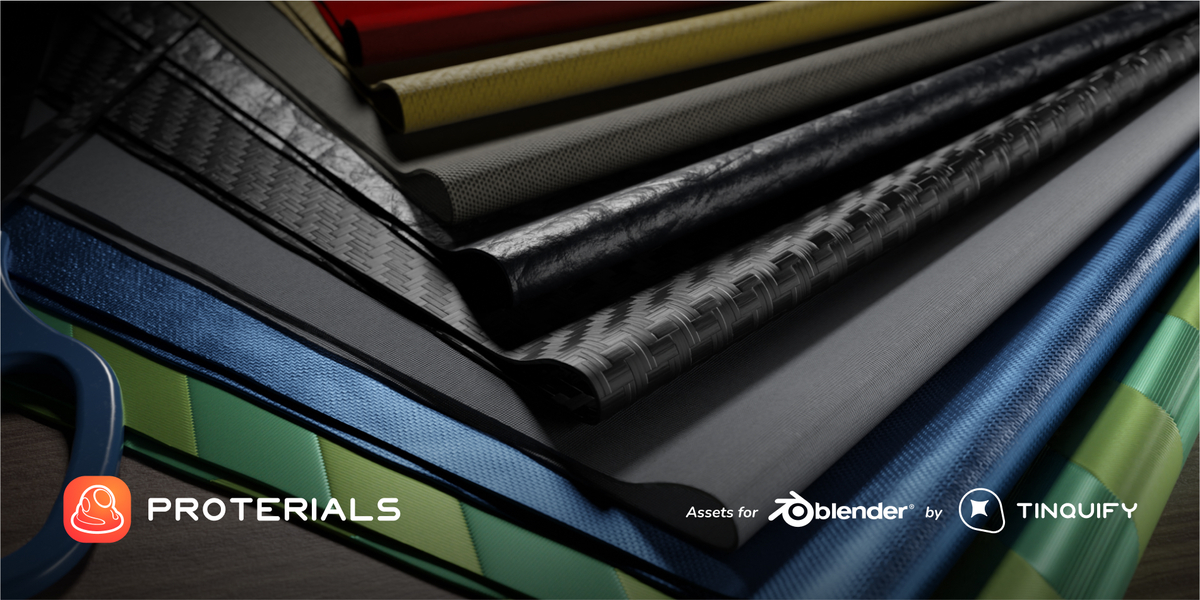
Textile
The Textile pack includes a set of extremely detailed fabrics to make your close-up renders be confused with real photos. A pack ideal for product rendering, and even logos mockups.

Industrial
If you create renders for real-life physical products this collection will suit you. Metals, woods, and plastics of different kinds will give your creations a sense of realism like never before. A great palette for the Industrial Designer!

And more to come!
We plan to expand the collection packs gradually over time. Getting the Full pack will give you instant access to them even when we are still in the making.
Do you want to see what you get more in detail? Check this link to see each material!
%20-%20f47ef.gif)
More Features
Oh, is this enoughn’t yet? Let's see moooar features!
Ever polishing and growing
We plan to keep it growing, step by step, by adding more common materials and current innovative solutions. Also, we want to keep polishing it over time.

Tri-planar mapping and Real-world Scale by default
Sorry unwrapping, but you are very… very hated… So yes, by default our materials use the object coordinates and a very efficient tri-planar node to let you skip the UV mapping process.
Not only the textures have the option to be projected using a tri-planar method, but they will also have a real-world scale by default. This means that, if you scale the object, the texture will remain the same size.
And, if you need to, you can switch the texture coordinates to your liking.
%20-%20ec2ce.gif)
Technically correct
When creating procedural materials, you have many ways to make them, but we ensure to apply all the knowledge we have in the CGI field. Normalized values, minimal amount of nodes, real-world scale values, accurate colors, and a realistic light-material interaction, are a few of our checks in the list to meet a high standard.
%20-%20fa116.gif)
Compatible with our Smart Weathering tool
If you want to add that extra sauce to the render you can also use these materials with our Smart Weathering add-on! It is advised of course to bake the PBR setup before to improve performance, but in some cases, it can be used straight away.

Created with expertise
Our team has a formation in CGI and Industrial Design.
We have been creating 3D materials and renderings for a long time (10+ years).
The Industrial Design perspective made us pay close attention to the material / physical aspect and we wanted to create a material collection that would mean having the dreamed material supplier.
Having a wide and high-quality palette of materials like this in your design workflow lets you boost your concept ideas without worrying about the technical aspect of the representation.
Organized
Our collection is tagged using intuitive names, material types, and IDs to easily find the one you need.
Also, they use custom thumbnails to preview how the material would look in your scene in the best way possible.
Get free updates!
Buying this pack will give you access to future updates. From new materials to optimizations. Please check our important notes below if you want to learn more.
We plan to include more materials, and logically, the pack will gradually be more expensive. So it is advised to grab it now!

🧡 Blender Foundation support!
Part of this product's value is donated to the Blender Foundation!
More information
Who can benefit from this?
Well, anyone who creates 3D content, but especially the ones who make renderings for different creative fields / design branches. Some of the most notable professionals that will take advantage of it are:
- Architectural renderers
- Product renderers
- Industrial designers
- Videogame developers
- Textile designers
- Asset artists
- Concept art artists
- Texturing artists
- Multimedia designers
I'm a beginner, will this work for me?
Yes! This is a drag & drop collection of materials. They will work fine just out of the box.
I’m an advanced user, will this work for me?
Yes! You will not only have the ease of the drag and drop option, which saves a lot of time, but you will be able to edit them as your liking. The exposed parameters are very intuitive and artistically oriented. It is a matter of playing a bit with a few sliders.
Do the materials work on Eevee?
To be direct, we prefer to say “no” to prevent creating expectations.
The materials are created to be used mainly on Cycles.
They can be tried to be loaded on Eevee but, sincerely, using heavy procedural materials on Eevee is not recommended yet. Mainly because of the shader compilation time and the responsiveness you get after loaded.
Hopefully, the moment Eevee makes an upgrade on its core, they will work as fast as in Cycles.
You still can bake the textures!
If you do so, Eevee will have no problem on showing them because they are much lighter. However, you lose the proceduralism.
If you are interested in this method, we recommend you to check some PBR baker add-ons on the market as they will help you a lot with this.
What is the difference between the price tags?
We want to be really sincere with you.
We are a small studio and we know that not everybody has Pixar’s budget.
That is why we believe the fairest way to offer this product is by splitting it into usage ranges.
-
Indie
- For individuals and small creators.
- Up to USD 25k/year in combined gross income.
- Up to 15 yearly add-on installations (≈1–3 seats guideline).
- This tier may also be divided into subcategories, each offering different combinations of assets in terms of quantity and/or quality.
-
Pro
- For professional creators and growing studios.
- $25k–$250k/year gross income.
- Up to 25 yearly add-on installations (≈10 seats guideline).
- Up to 10 seats for non-software assets.
-
Company
- For established businesses.
- $250k–$1M/year gross income.
- Up to 50 yearly add-on installations (≈20 seats guideline).
- Up to 20 seats for non-software assets.
-
Enterprise
- For large organizations.
- $1M+/year gross income.
- Up to 125 yearly add-on installations (≈50 seats guideline).
- Up to 50 seats for non-software assets.
- Additional licenses may be required for multi-division deployments.
To be clear:
- All tiers include the same product and the same license. There are no differences in quality or functionality.
- Revenue, seats, and installations are guidelines, not hard technical locks. They exist to keep things fair across different scales of use.
-
After purchase, you receive a commercial, royalty-free license,
with:
- no per-use or per-sale royalties
- no time-based usage limits
- no media reproduction limits
- access to free updates and previous releases
- yearly installation limits (tier-based) only for add-on products
Some components are licensed under the GNU GPL, while all other assets are covered by our commercial license.
Please review the full license documents before purchasing:
We hope you understand that, we set our prices at what we believe is the lowest reasonable level for each tier, aiming to be both accessible and fair to the work behind the product.
It is a matter of common sense that those who benefit more at scale help support the project accordingly.
To sum up, choosing a tier is based on honest self-assessment, and we decided to trust you.
For more information please visit our FAQ section.
Documentation
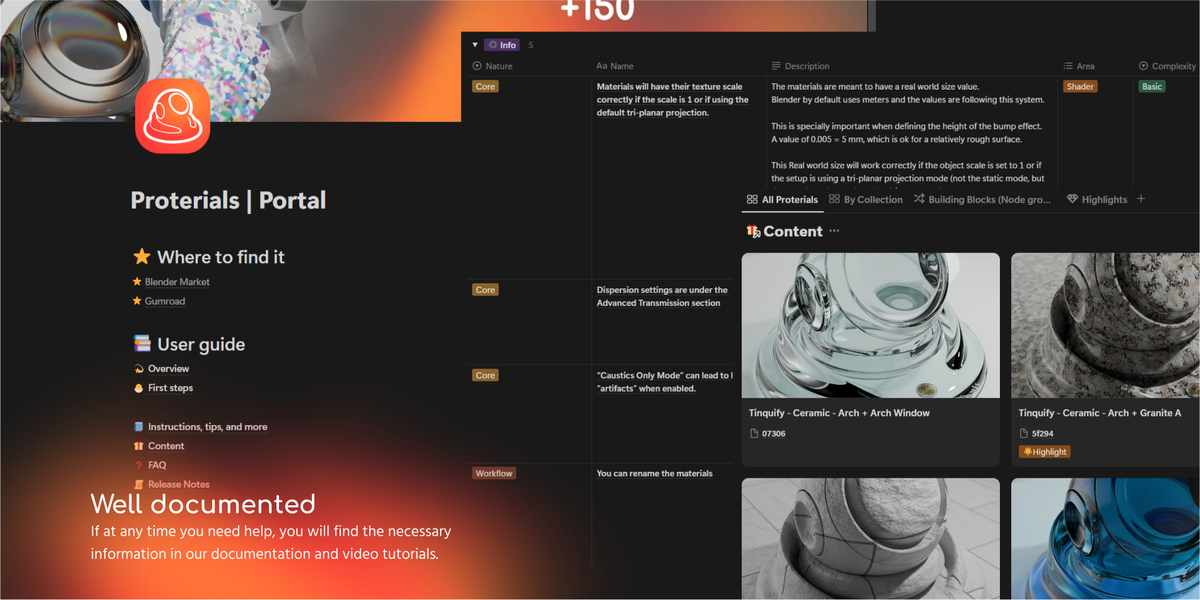
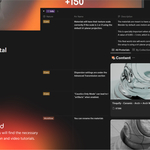
Along with the assets we have created an exhaustive documentation of all the things you need to know about our addon.
Covering the basics and first steps, it has descriptions of all the important parameters with gifs showing the effect, and a whole wiki with lots of tips that we want to share with you to let you get the most out of it.
Take a look at it here. Also, you can check our YouTube channel.
Important Notes
- The product is provided "as is" without warranty of any kind.
- The materials are created to be used on Cycles. We prefer to say that they are not compatible with Eevee.
- We will of course try to improve it and release updates, despite we are not obligated to provide maintenance, technical support, error corrections, or updates that will ensure a "perpetual" development of the pack.
- Big structural changes may naturally be considered as a different product that may be charged as a paid update for the sake of keeping the project running. It is worth noting that we will keep the free updates initiative as long as we can. We just need to mention this in case Blender restructures the system quite heavily or we decide to introduce a very different and surpassing approach to create these assets, which is not planned in the short nor medium term.
You can check more important notes in this section of our documentation.
Extras
We wanted to give special thanks to the ones who are extraordinary teachers and information sources for developing a product like this and for learning Blender in general. So special thanks to: Erindale, CGMatter, Adan Martin, CG Vertex, and all those Youtube channels who upload a few videos but are right there when you need to! Thank you very much for your effort in teaching.
Contact
If you have any doubts, please, feel free to contact us at: [email protected]
You can check more information about us at tinquify.com/links
