Ps5 Controller For Blender
 Team Blender
PS5 Controller for Blender - Documentation
1. Installation
Download the PS5 Controller add-on file
Open Blender
Go to Edit > Preferences > Add-ons
Click "Install" and select the downloaded file
Enable the add-on by checking the box
2. Basic Setup
Connect your PS5 controller to your PC
Open the Controller panel in the 3D Viewport sidebar
Select your target object
Click "Start Controller"
3. Controller Settings
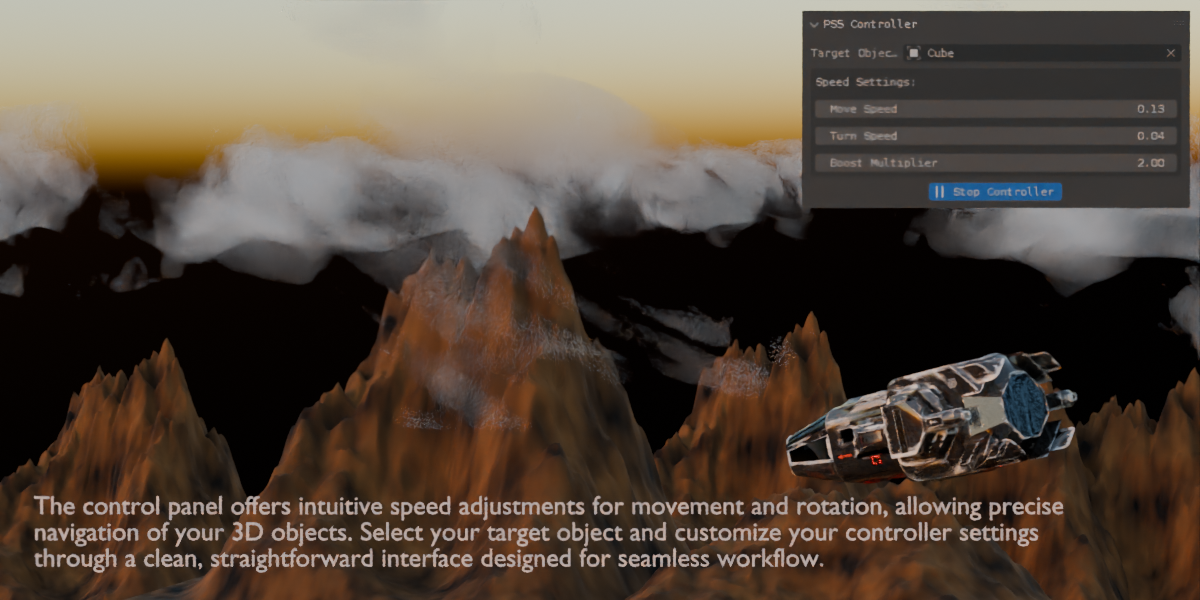
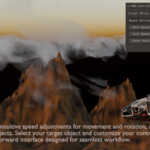
Movement Speed: Adjusts object translation speed
Turn Speed: Controls rotation sensitivity
Boost Multiplier: Sets speed multiplier
4. Controls
Left Stick: Object movement
Right Stick: Rotation control
Circle Button: Switch to camera view
L1 Button: Return to normal view
5. Troubleshooting
Ensure controller is connected before starting Blender
Check if controller is recognized in Windows
Verify add-on is enabled in preferences
Restart Blender if controller isn't responding
Have questions about this product?
Login to message
| Published | over 1 year ago |
| Blender Version | 4.3, 4.2, 4.1, 4.0, 3.6 |
| Extension Type | N/A |
| License | GPL |