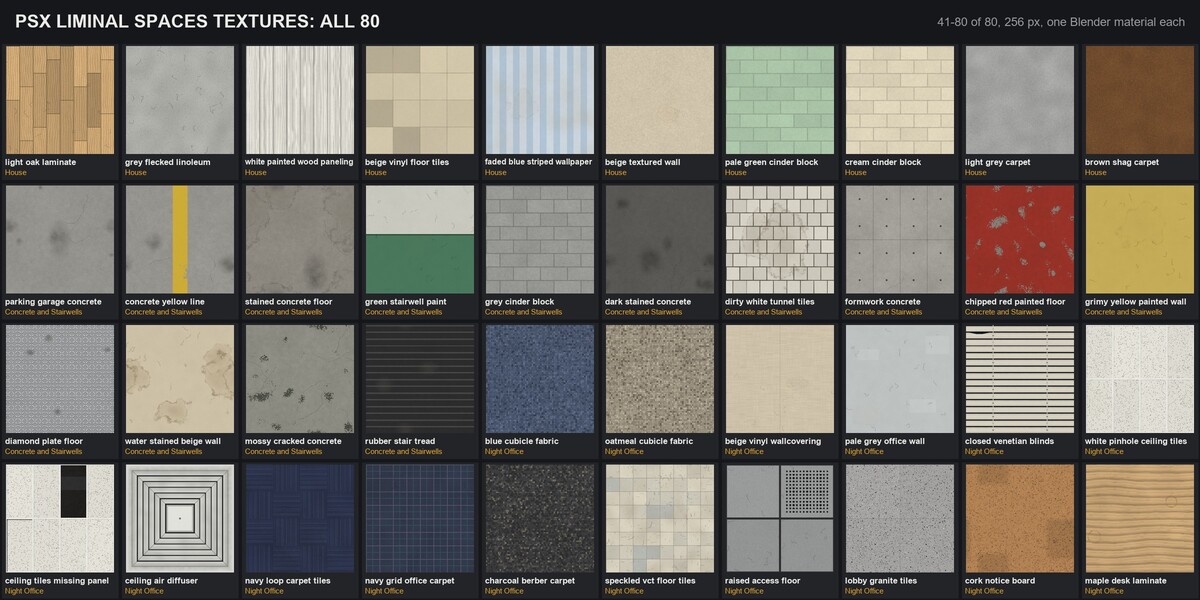
PSX Liminal Spaces Textures - 80 Seamless Retro Materials
 AssetsFactory
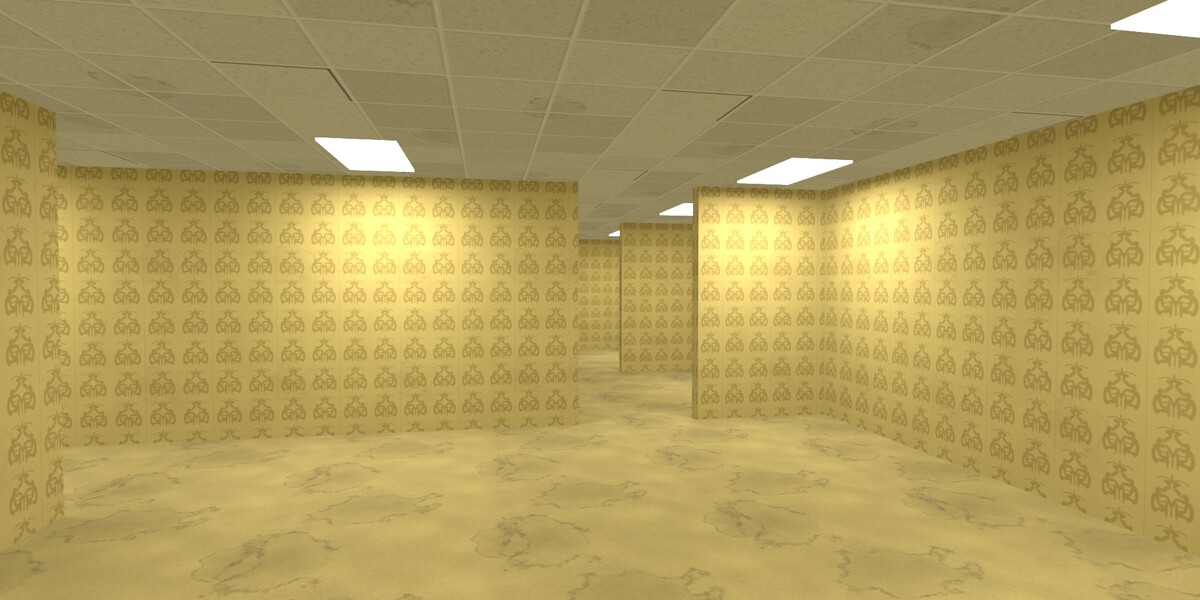
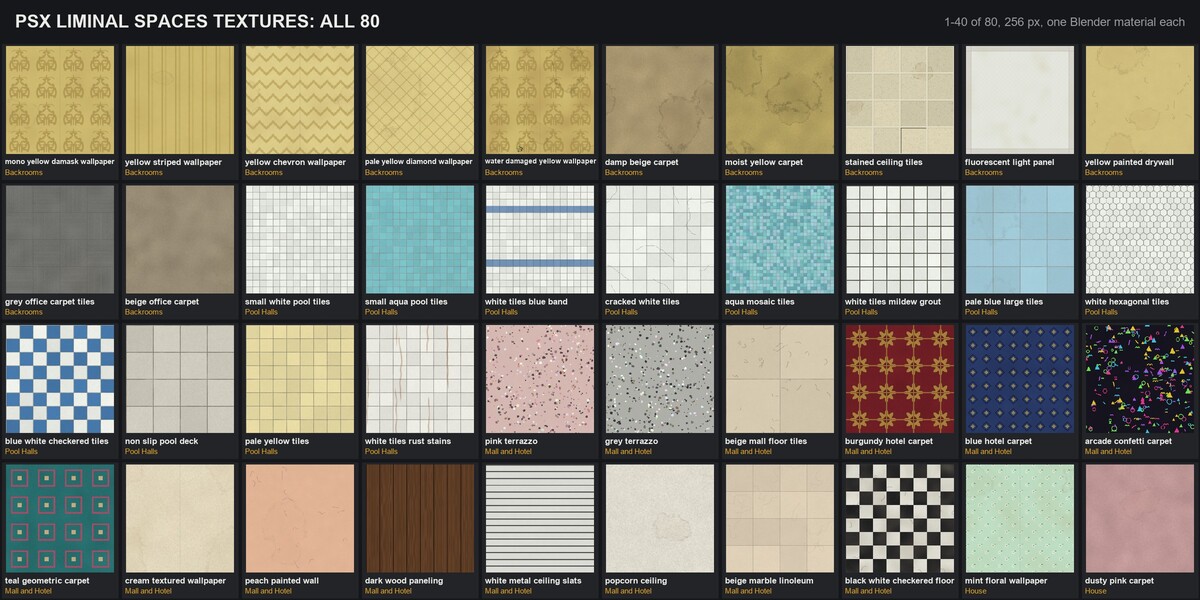
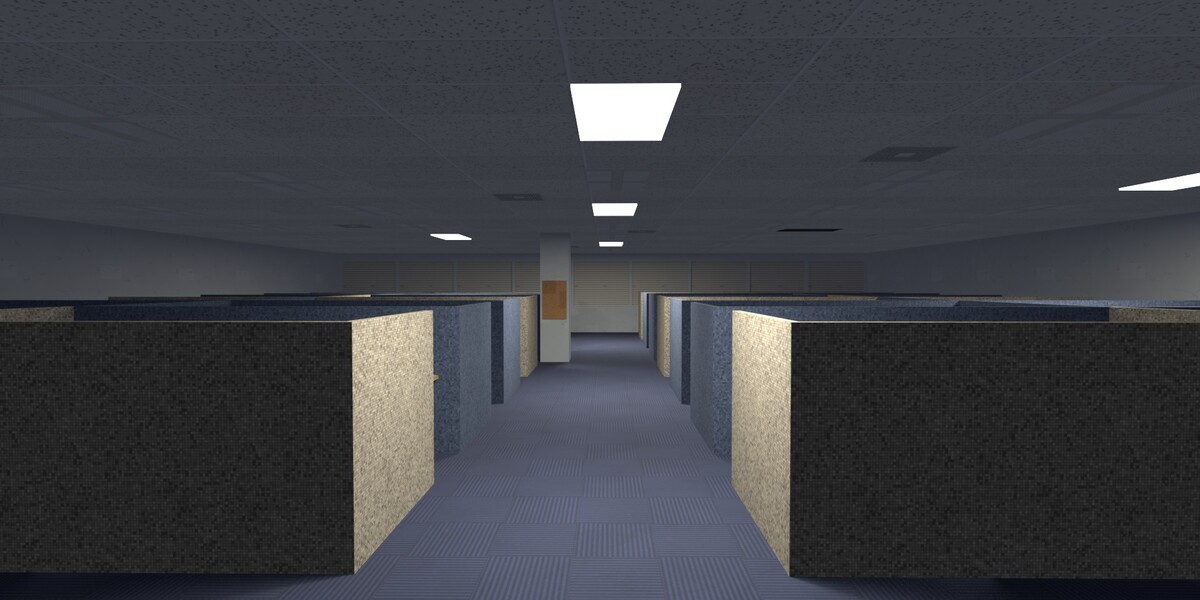
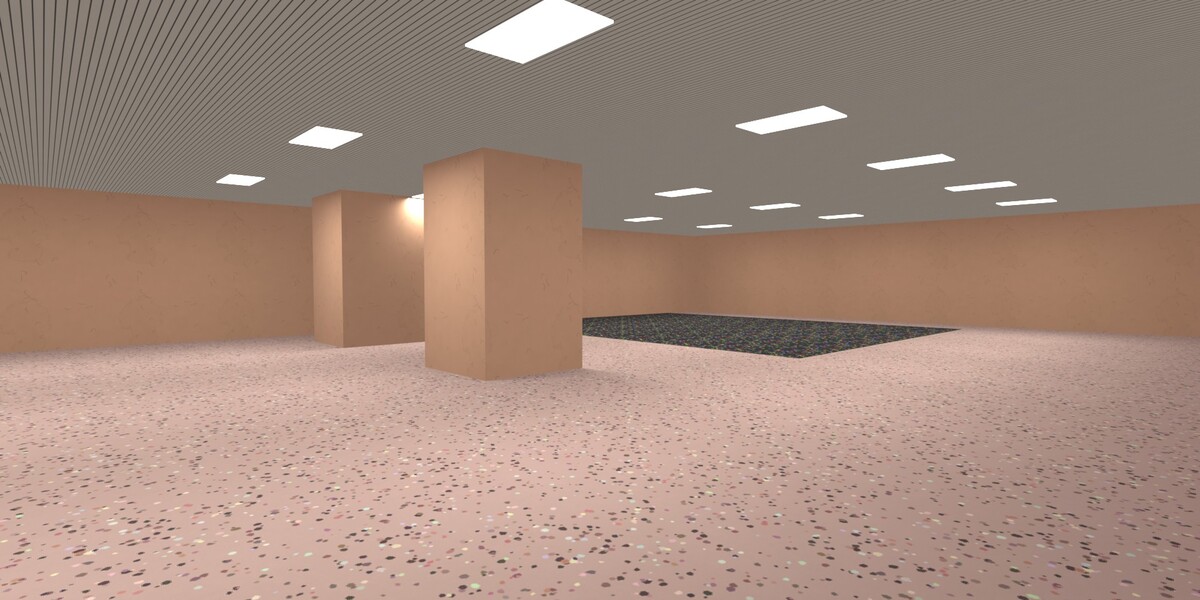
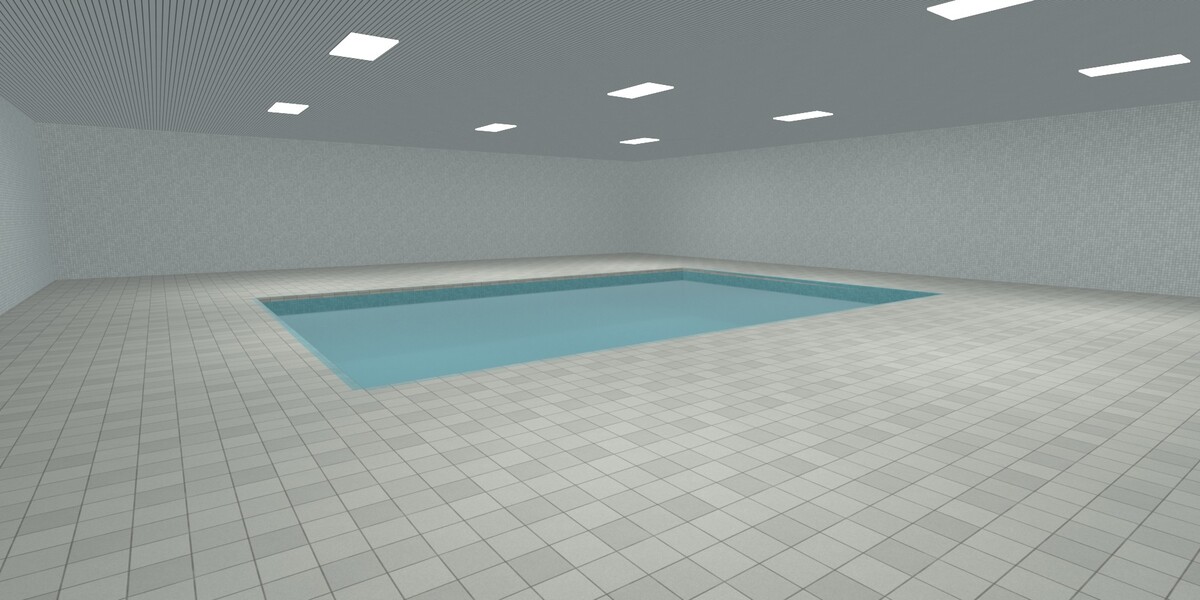
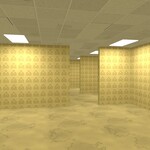
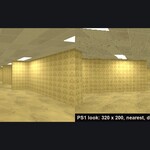
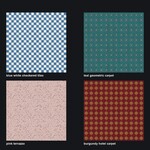
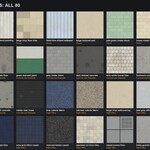
Open the rooms
- Unzip "PSX_Liminal_Spaces_Textures_Blender.zip" and open PSX_Liminal_Spaces_Textures.blend.
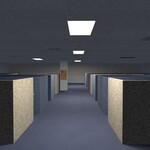
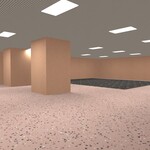
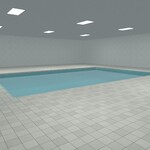
- Pick a room in the Scene selector (top right): Backrooms, Pool Hall, 1990s Mall, Night Office.
- Press F12.
Use the materials
- Edit > Preferences > File Paths > Asset Libraries > "+" and pick the unzipped folder.
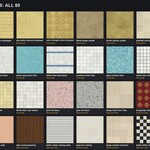
- Open an Asset Browser, choose that library and drag a material onto an object.
- Apply the object's scale (Ctrl+A > Scale) so the texture keeps its real size.
- Texture size: in the material, the Mapping node's Scale is 1 / metres per repeat (the material's custom property "texture_metres" gives the value it ships with).
- UV-unwrapped models: connect the UV output of the Texture Coordinate node to the Mapping node instead of Object.
Other engines
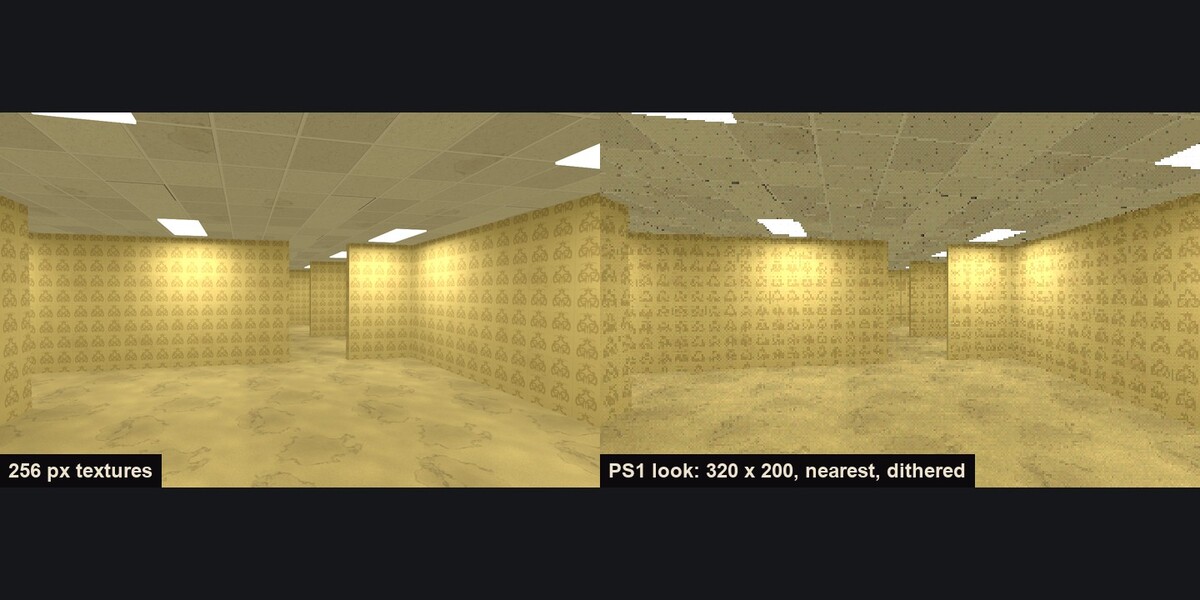
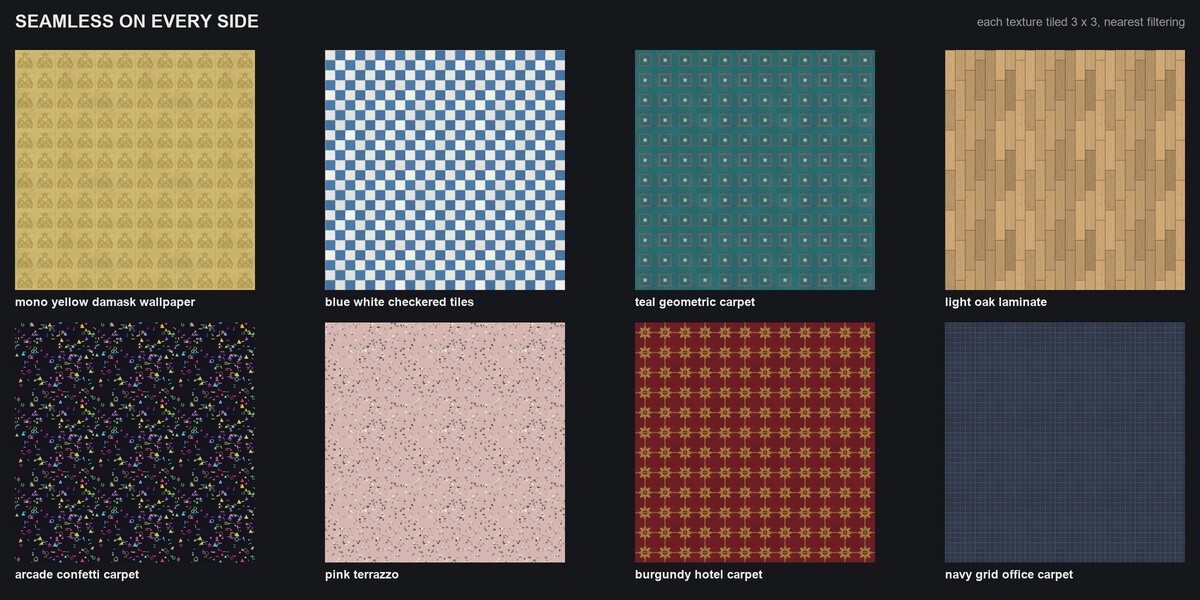
The PNG download has every texture at 256 and 128 px, plus the PS1-color versions ("PSX_Liminal_Spaces_Textures_PNG.zip"). For the PS1 look, set texture filtering to Nearest / Point.
Have questions about this product?
Login to message
| Published | about 24 hours ago |
| Blender Version | 5.2 |
| Render Engine Used | Eevee, Cycles |
| Misc Data | Textured |
| License | Royalty Free |
