 ZEG
Installation
In Blender open Edit, Preferences, Get Extensions, then use Install from Disk and pick the zip.
Usage
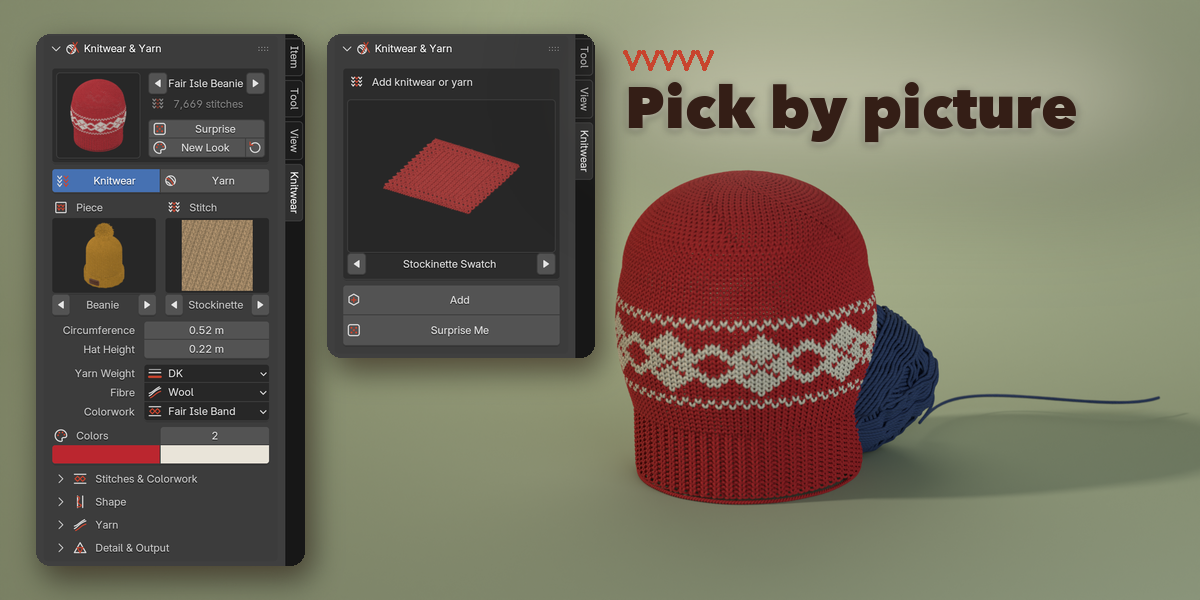
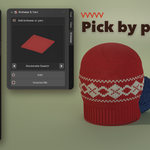
- Open the sidebar (N) in the 3D Viewport and pick the Knitwear tab, or use Add, Knitwear & Yarn.
- Click the big picture to choose a design and press Add (or Surprise Me).
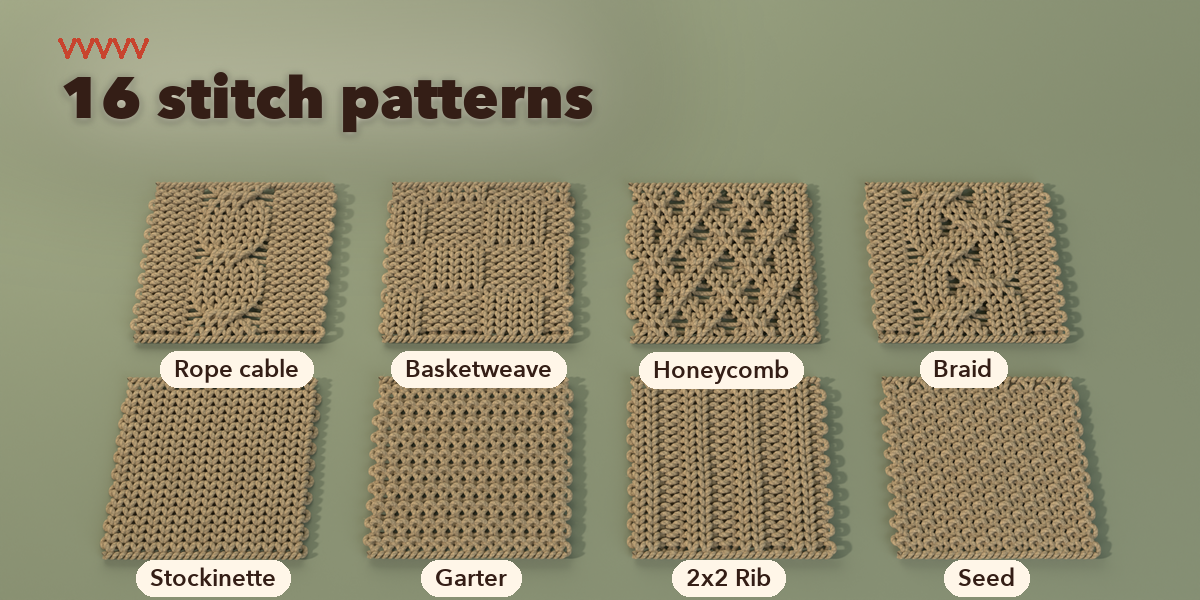
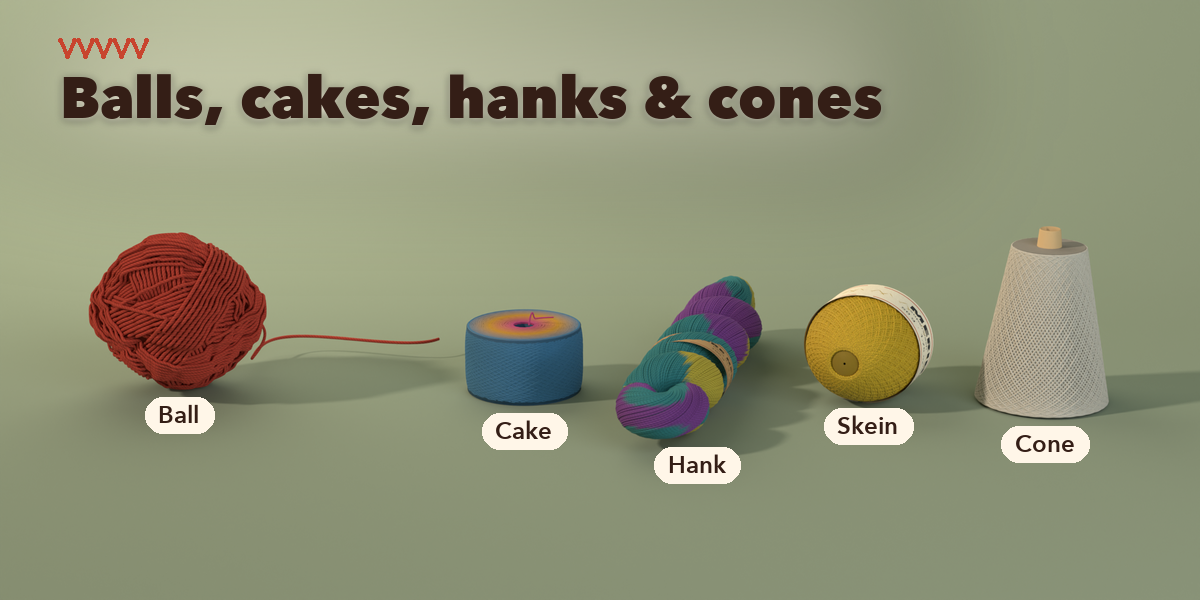
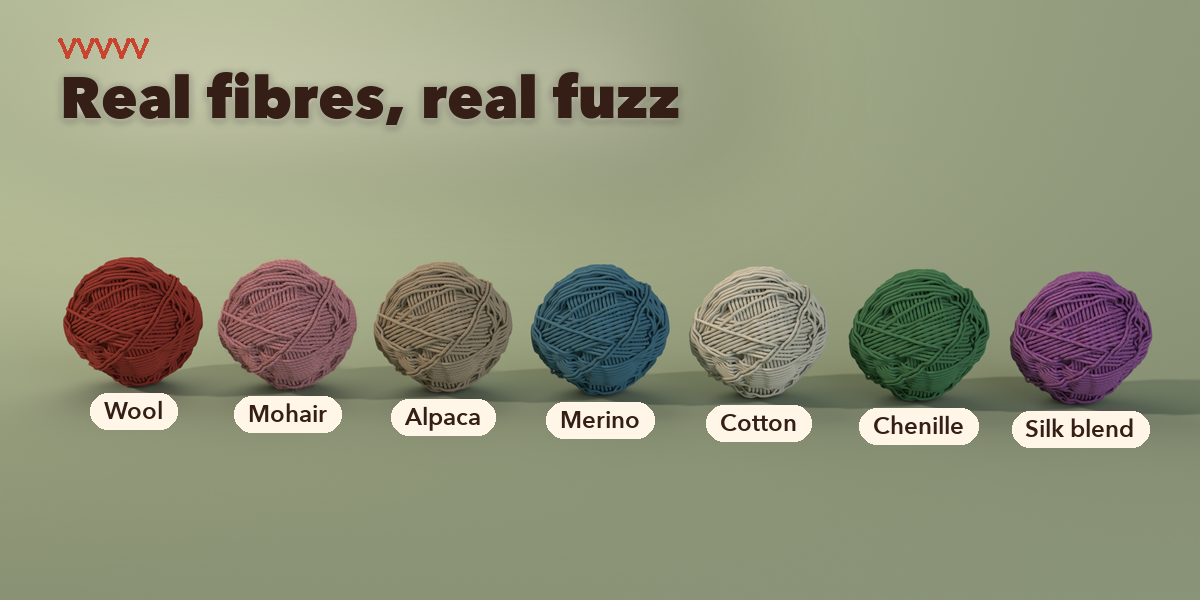
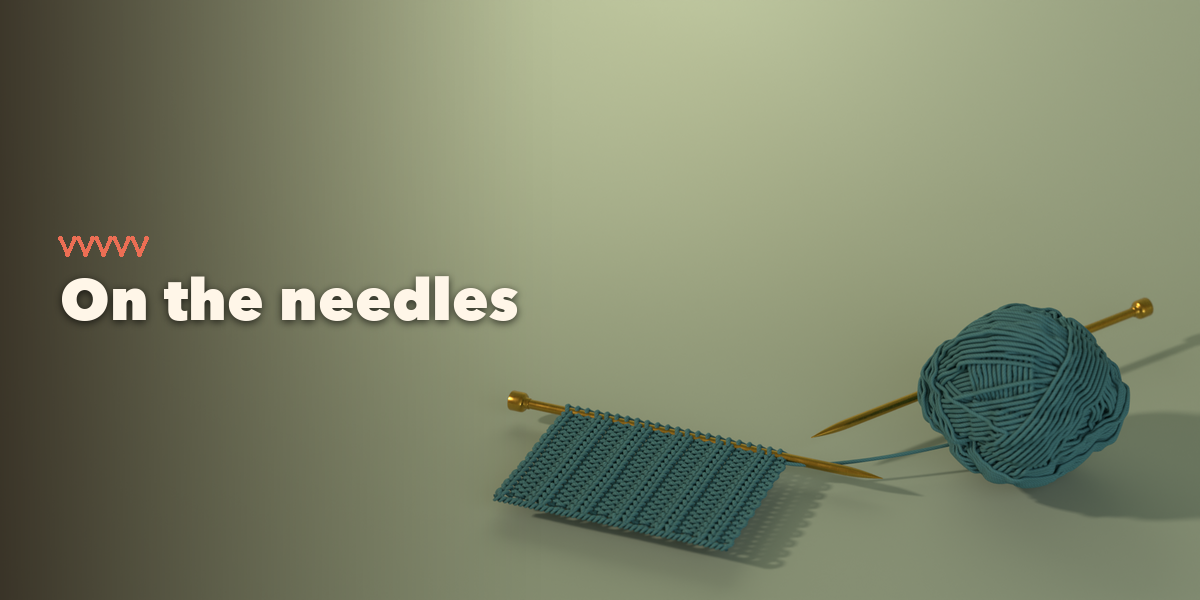
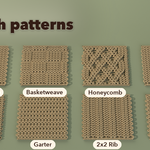
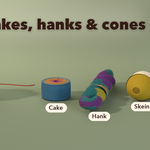
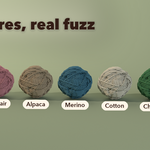
- With the design selected, pick the piece and the stitch from their pictures and set the size, yarn weight, fibre and colors.
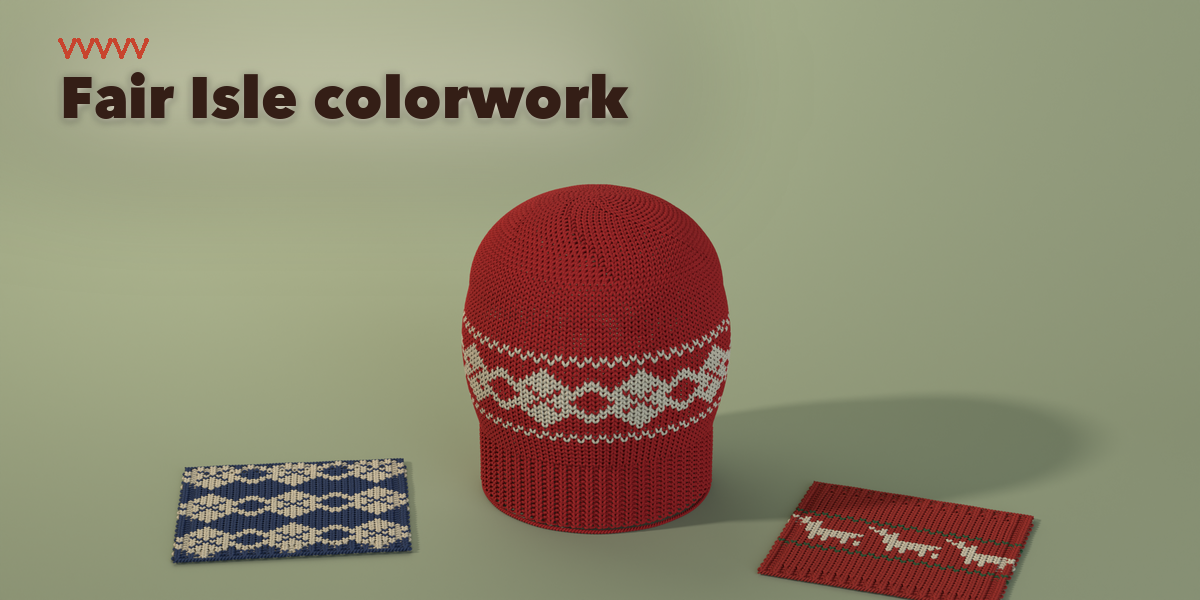
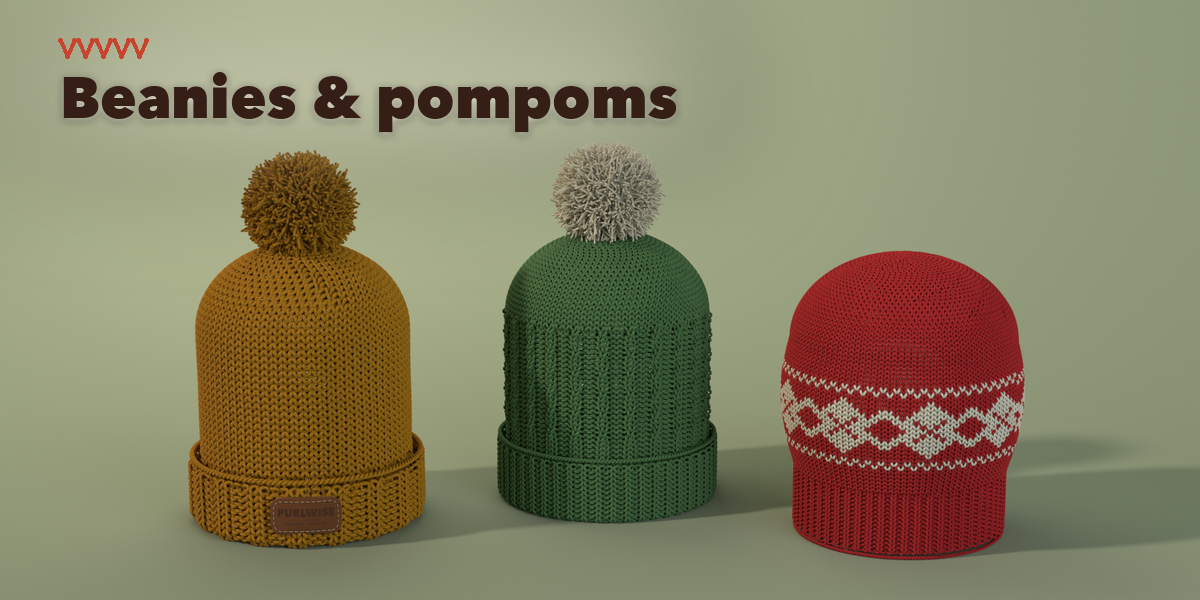
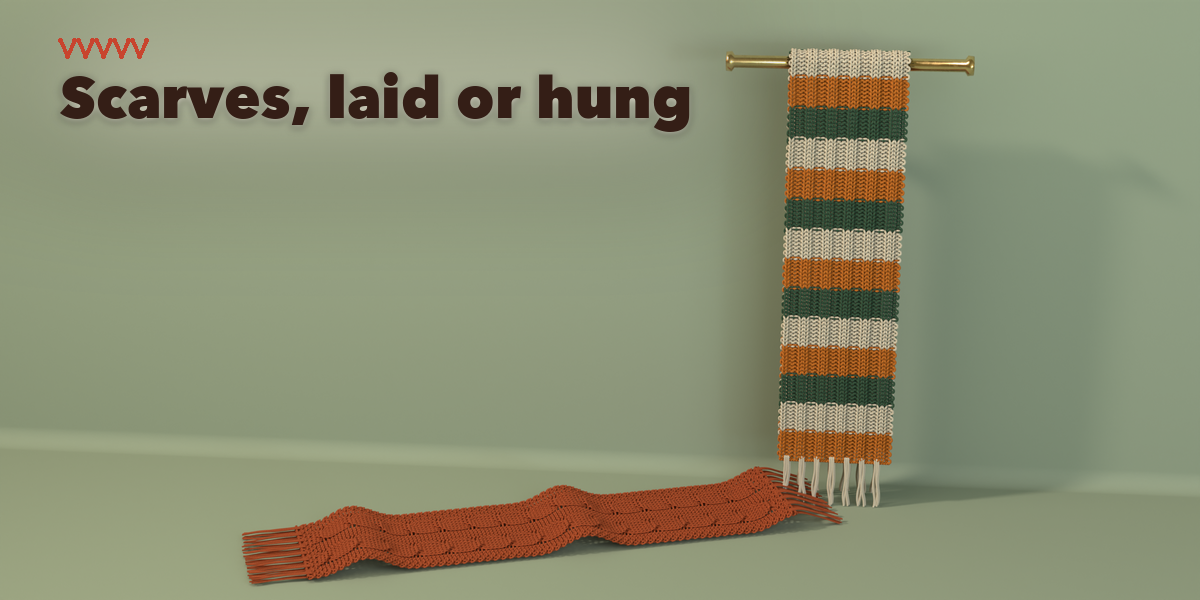
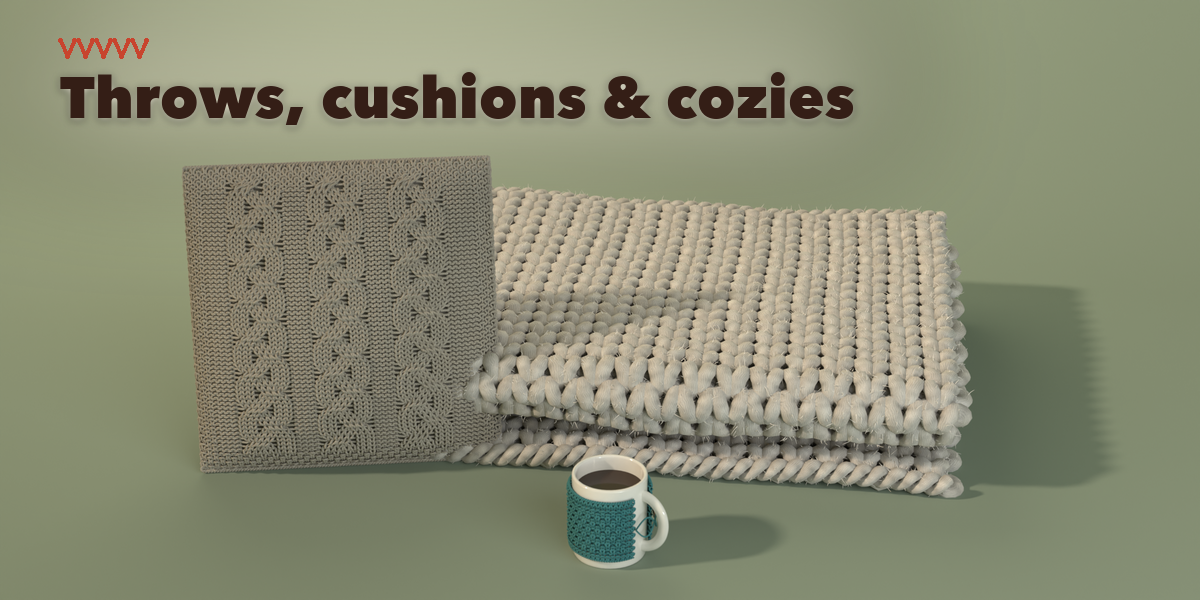
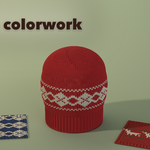
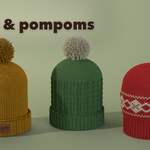
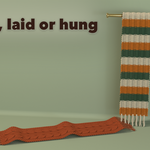
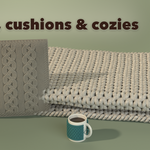
- Open Stitches & Colorwork, Shape, Yarn and Detail for borders, cables, Fair Isle motifs, fringes, pompoms, dyes and halo.
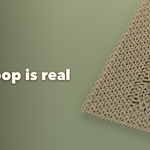
- Make Real turns the design into plain objects when you want to edit it by hand.
Tips
Large pieces in fine yarn have many stitches; the addon lowers the detail by itself when a piece gets too heavy. Use High detail and Modelled Plies for close-ups.
Have questions about this product?
Login to message
| Blender Extension Compatible | Yes |
| Published | about 5 hours ago |
| Blender Version | 4.2 - 5.2 |
| Extension Type | Add-on |
| Render Engine Used | Cycles, Eevee |
| License | GPL |

Discover more products like this
knit wool fabric yarn-ball cable-knit procedural scarf knitting sweater-pattern Generator yarn beanie