Blender Easy
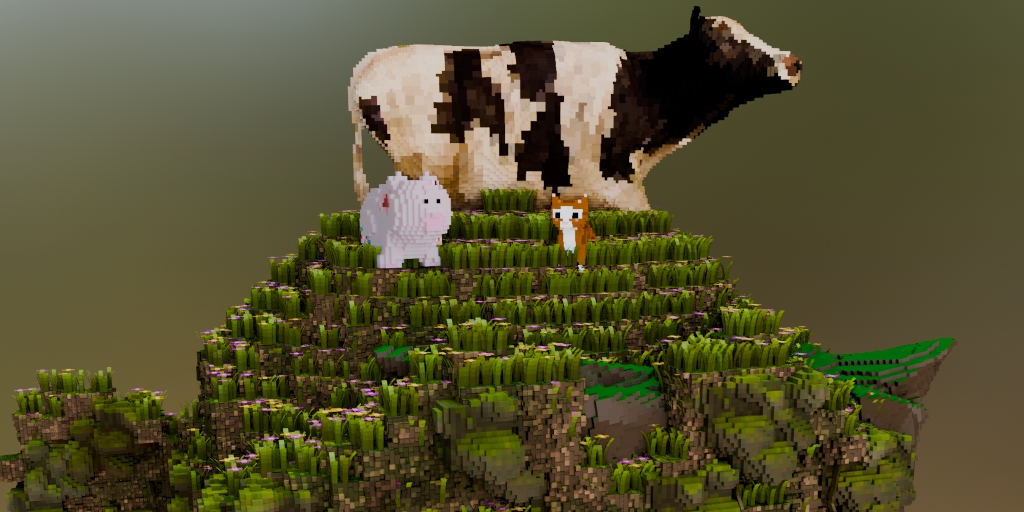
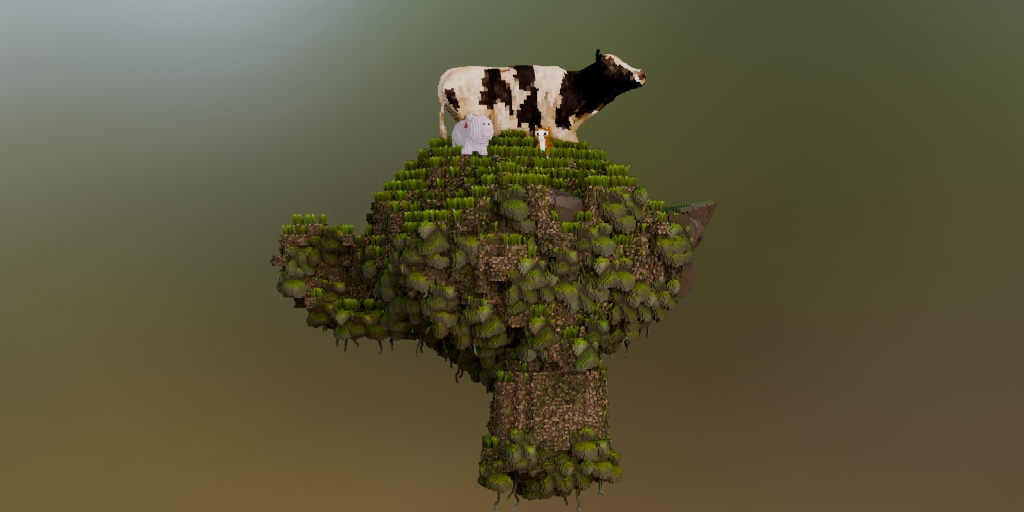
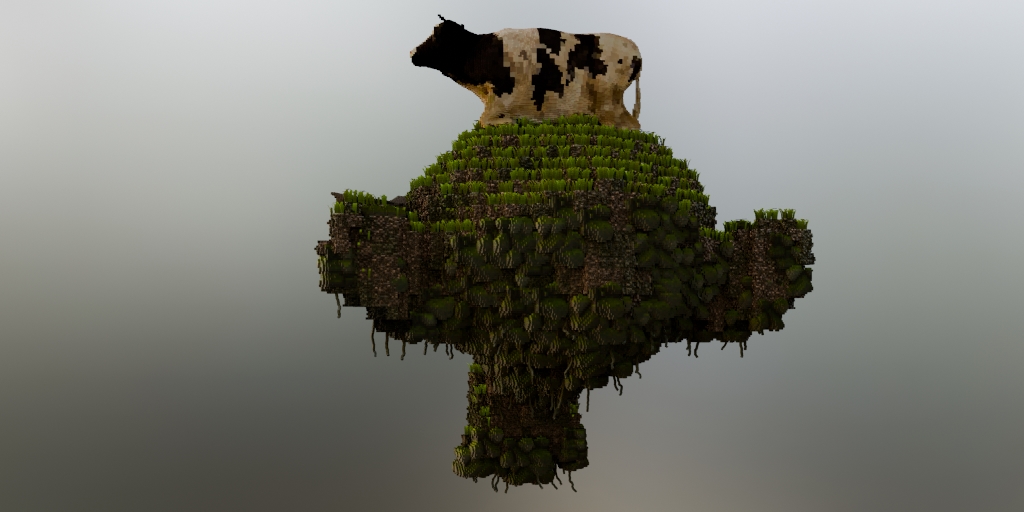
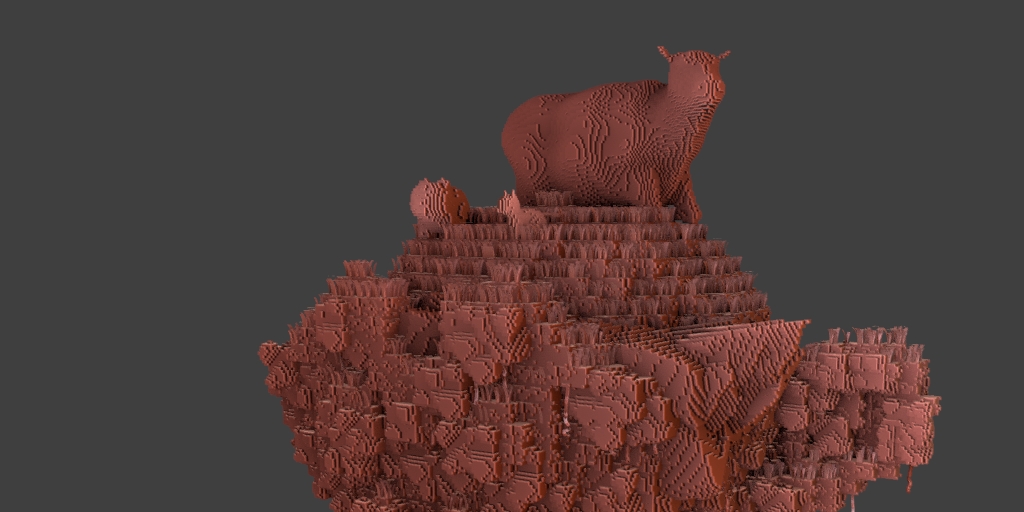
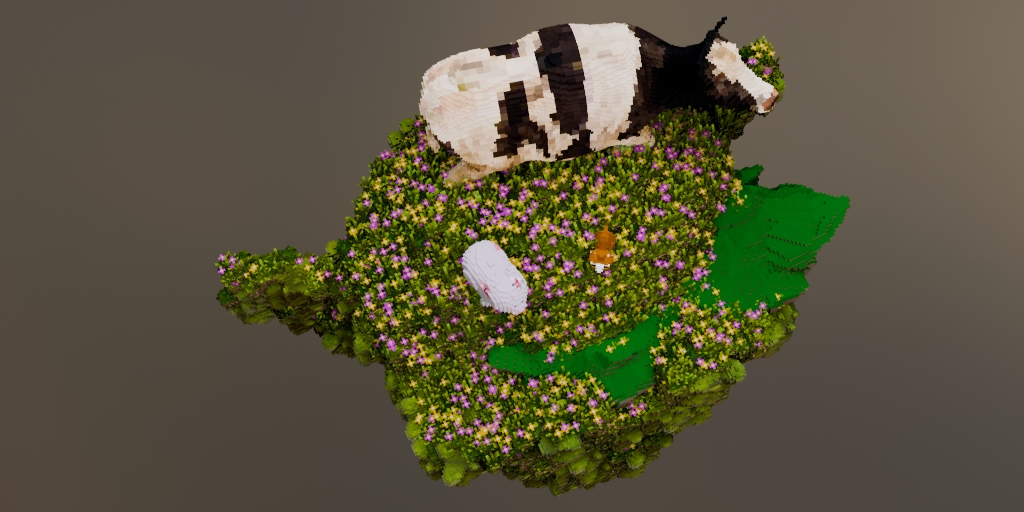

To use that you just need to Append the "Pixel Terrain" to your scene, selecting the "PIXEL TERRAIN" inside the "Node tree folder.
After that, select an object, go to the Modifiers tab and load the PIXEL TERRAIN modifier.
Load a Render Camera and play with the settings.
You can watch this video to learn more about it.
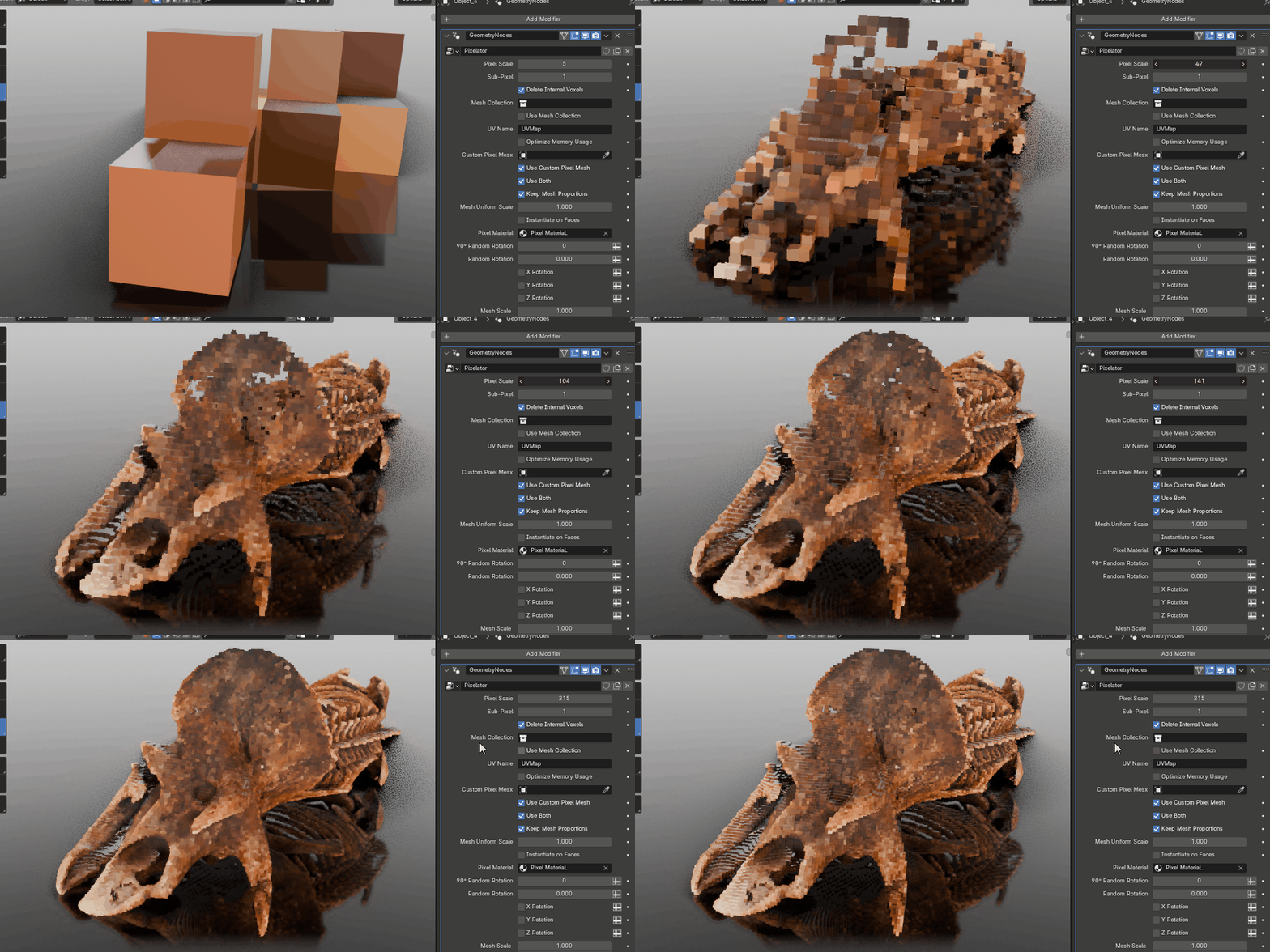
It also comes with the Pixelator, that is a fantastic tool to help you generating pixelated geometry from existing meshes.
This tool supports UVs, and will automatically pixelate your textures for you too.
Check the Pixelator product page to learn more about it.
https://blendermarket.com/products/pixelator