Qblocker
 Balazs Szeleczki
New features
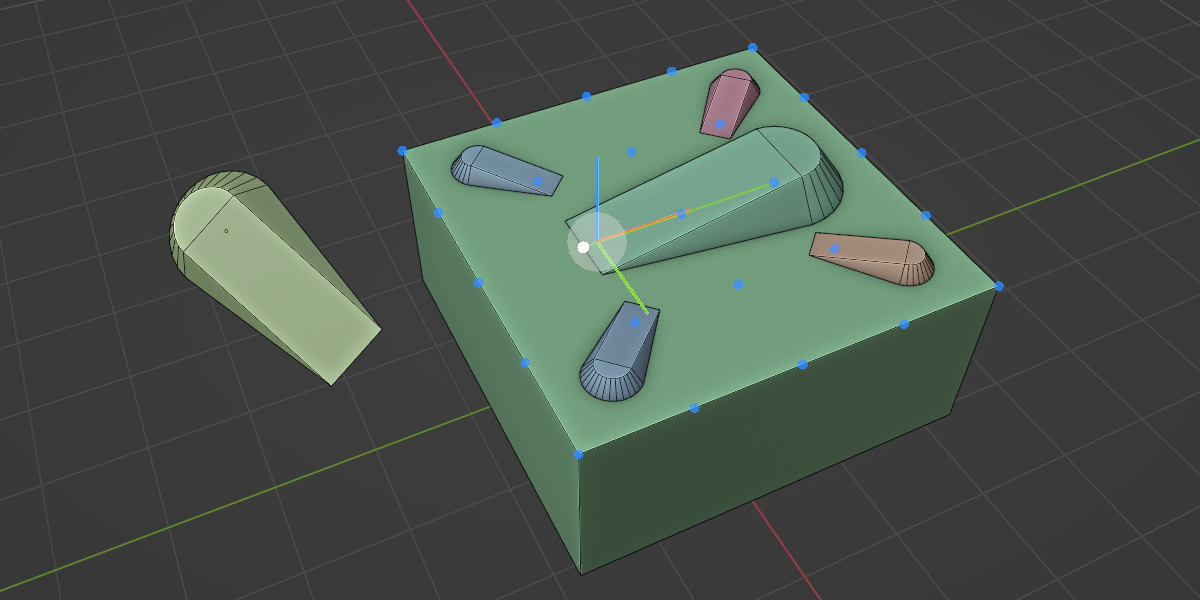
- New visual helper system for object creation.
- Visuals now include outlines, circles, arrows, and tick marks.
- Dimension values are shown in system units during creation.
- Object type displayed next to the mouse cursor.
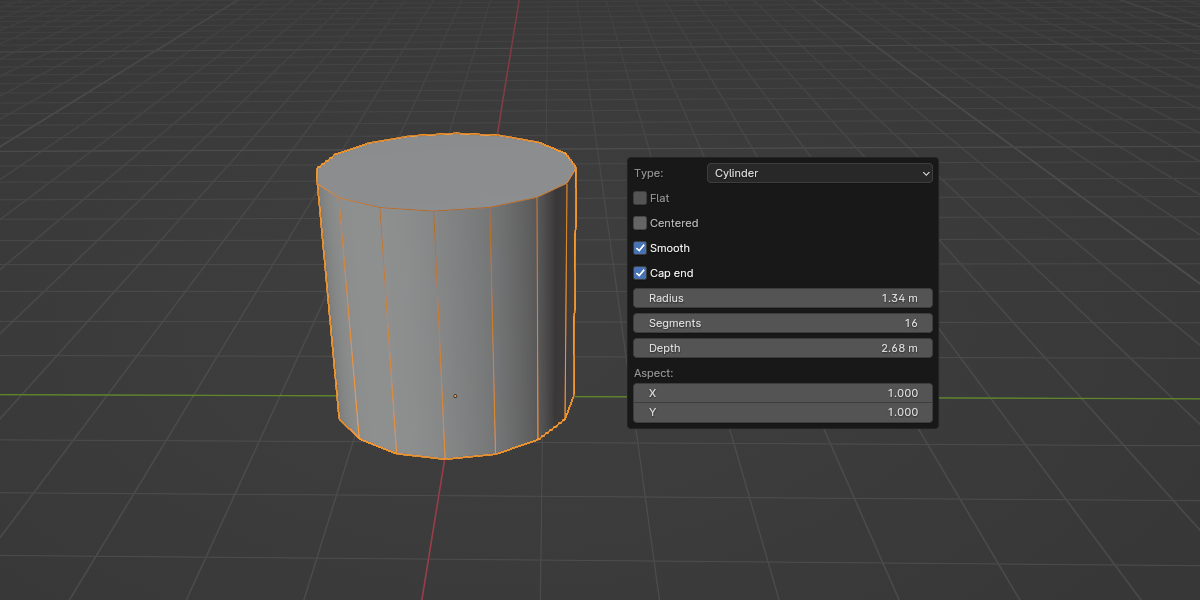
- Cylindrical objects can start from a radius base.
- Second / top radius is now cleaner and radius-based.
- Non-uniform bases snap with an elliptical indicator.
- Sharp edges can be toggled on or off per object.
- Hotkeys:
- Preferences now use proper dropdowns for hotkeys.
- Users can assign which QBlock objects are on the number keys.
Improvements
- Draw handlers are more reliable and self-clear if a tool fails.
- Height adjustment is more stable with snapping and increments.
- Working plane fade now scales with zoom, not world units.
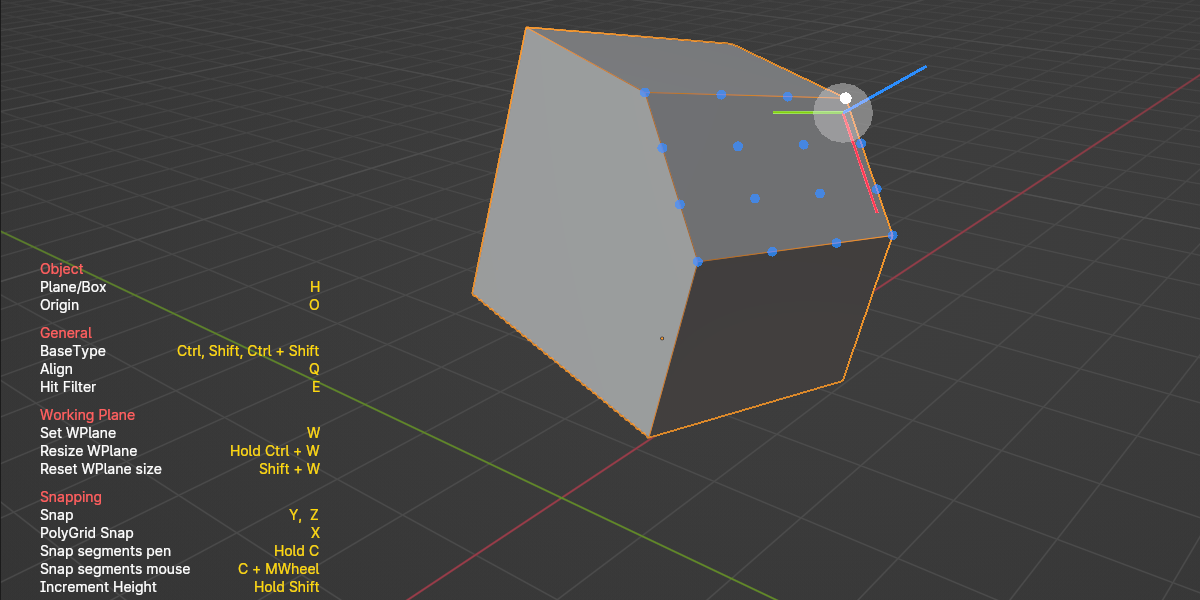
- Help overlay shows clearer hotkeys, plus a new “Toggle Visuals”.
Changes
- Visual helpers extended from lines to arrows, ticks, and numbers.
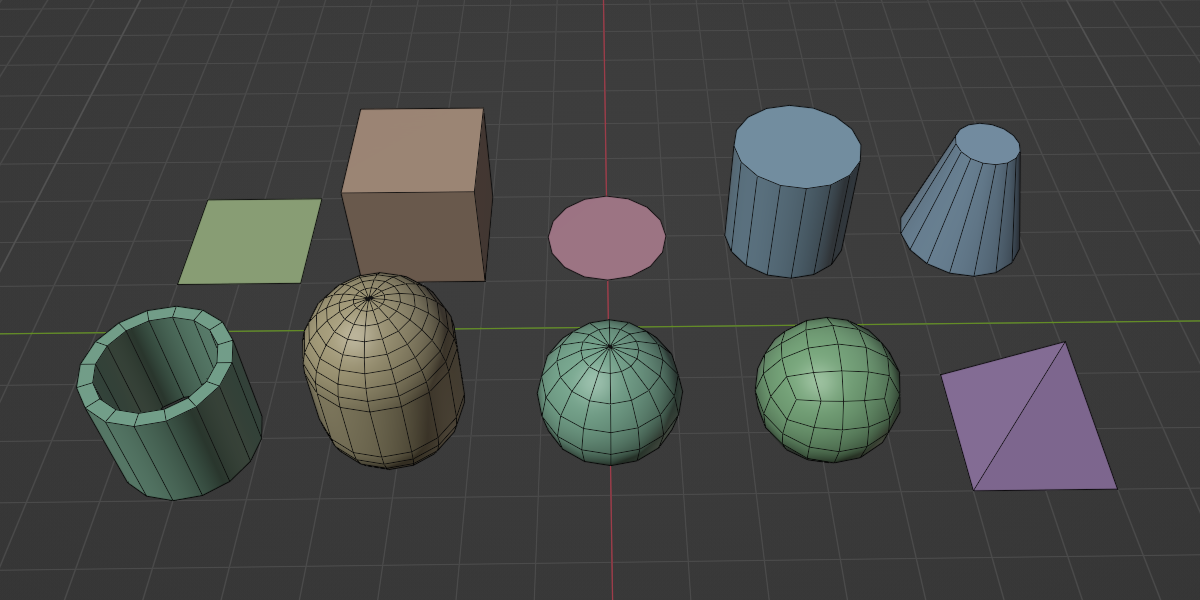
- Cylinder, Tube, and Capsule updated for radius-based creation.
- Overlay line widths adapt to Blender UI scale.
- Cylindrical objects allow 3 segments in modal tools (was 4).
Fixes
- Fixed snapping, sometimes creating zero-height objects.
- Fixed overlays sticking when a tool failed or was cancelled.
Compatibility
- Fully compatible with Blender 3.6 LTS, 4.2 LTS, 4.5 LTS, and 5.0.
Developer notes
- Code reorganized and simplified internally.
- Added more error checks for better stability.
New features
Optional slice parameters for all cylindrical objects.
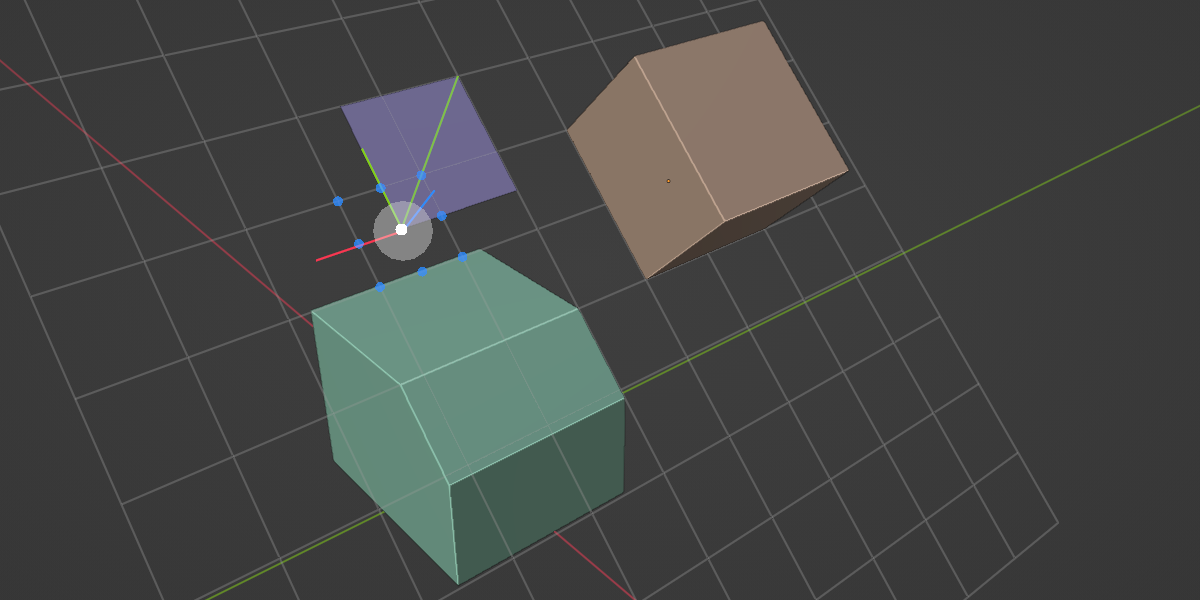
Working plane now using an endless grid.
The cube object got a taper parameter.
Close the caps parameter for the Tube object.
The mesh generators now set custom sharp edges for all objects.
Improvements
The addon got a major code rework to ensure stability and improve performance.
Compatibility with 3.6 LTS, 4.2 LTS, and later versions.
The working plane can use the new UBO shader variant to run better on the latest versions. (and starting to support changes coming with the 5.0)
Changes
The working plane position won’t reset when changing the size.
Flat variants won’t need a second click to finalize the object.
The Pyramid object is now using the cube generator with a maximum taper parameter.
Fixes
The object may not be entirely initialized for the raycast.
Fix the capsule zero height bug.
Fix the width of the line while setting the segments.

Discover more products like this
create blockout snapping parametric primitives 3D Sketching Tool qblocker