Quad Maker
 Mark Kingsnorth
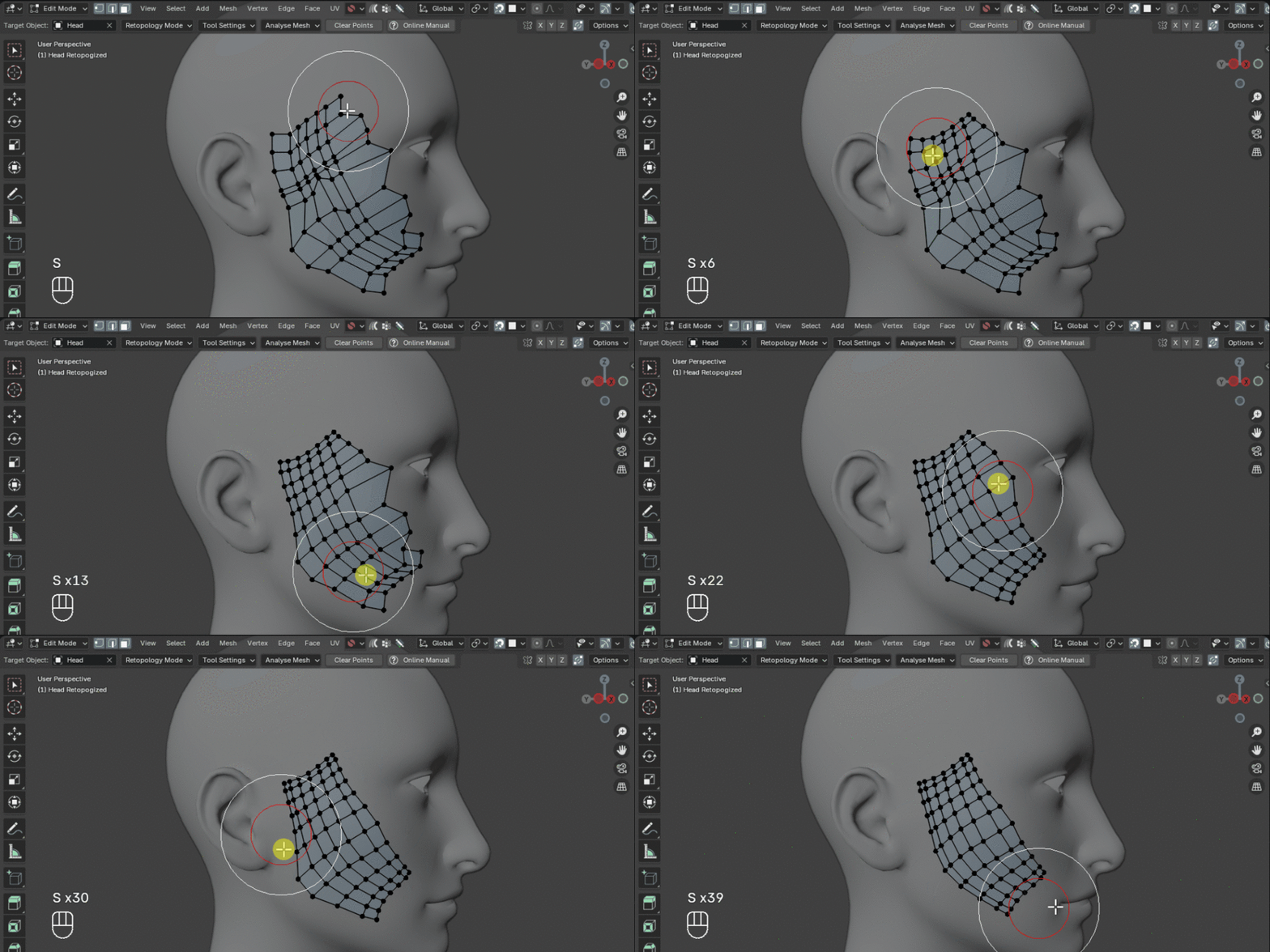
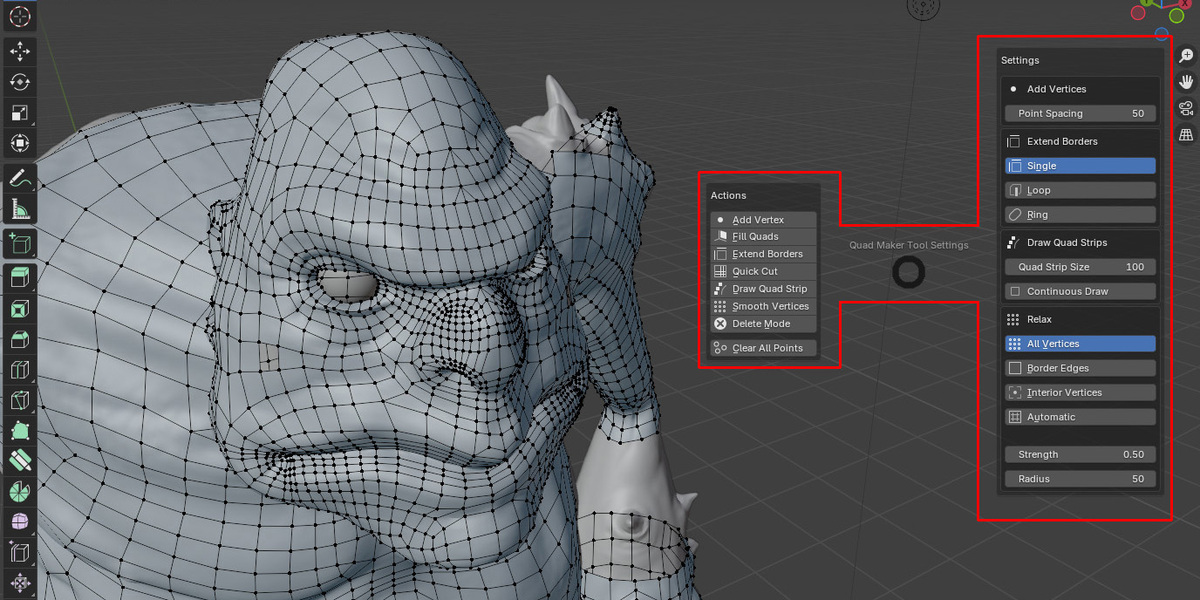

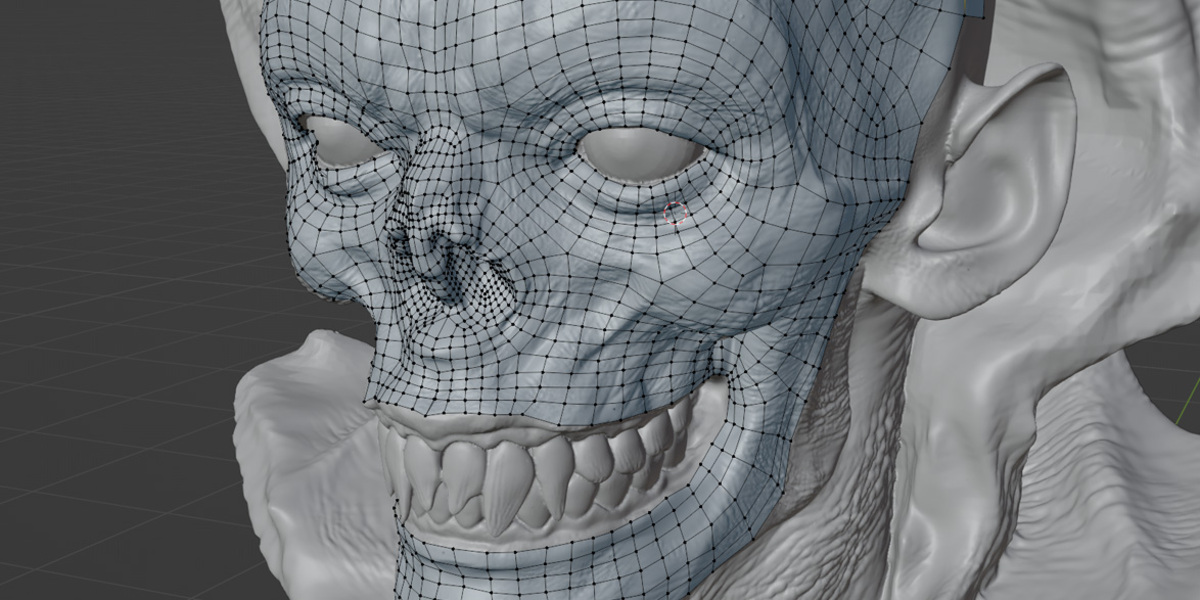
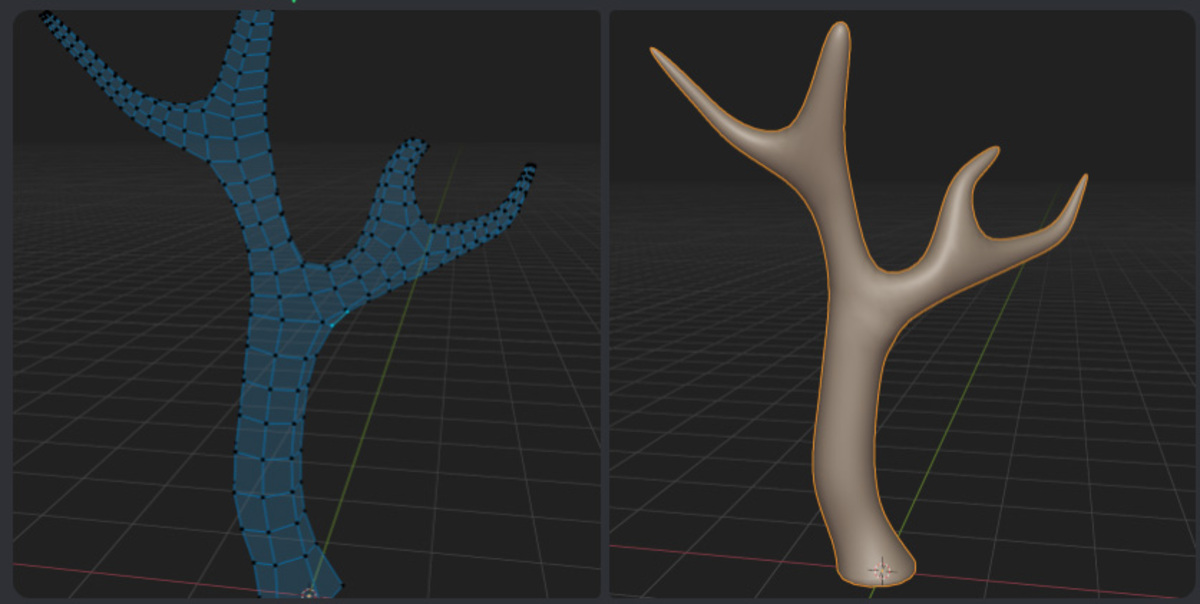
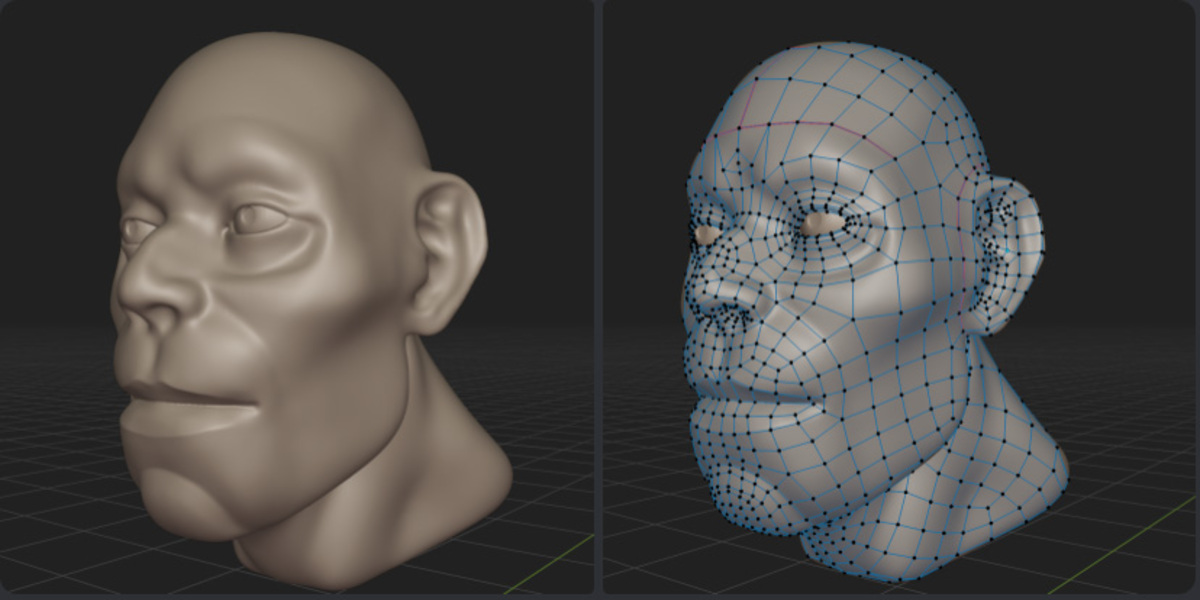
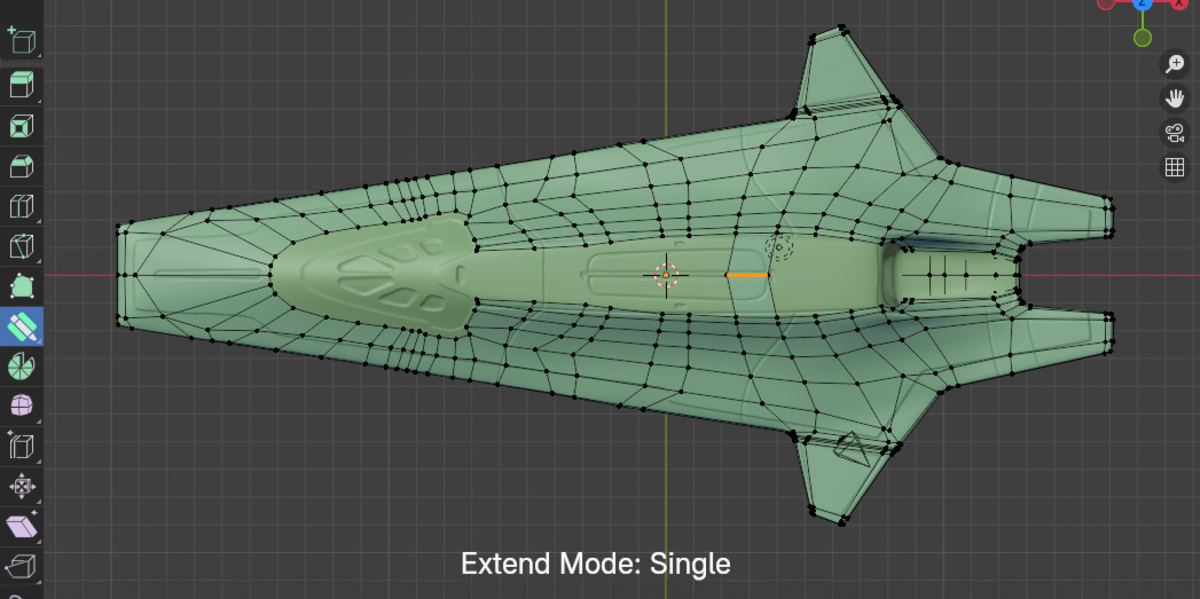

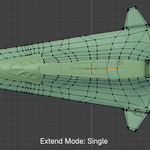
New: Place Ring Mode
Video: https://youtu.be/FQcFKhMepgM
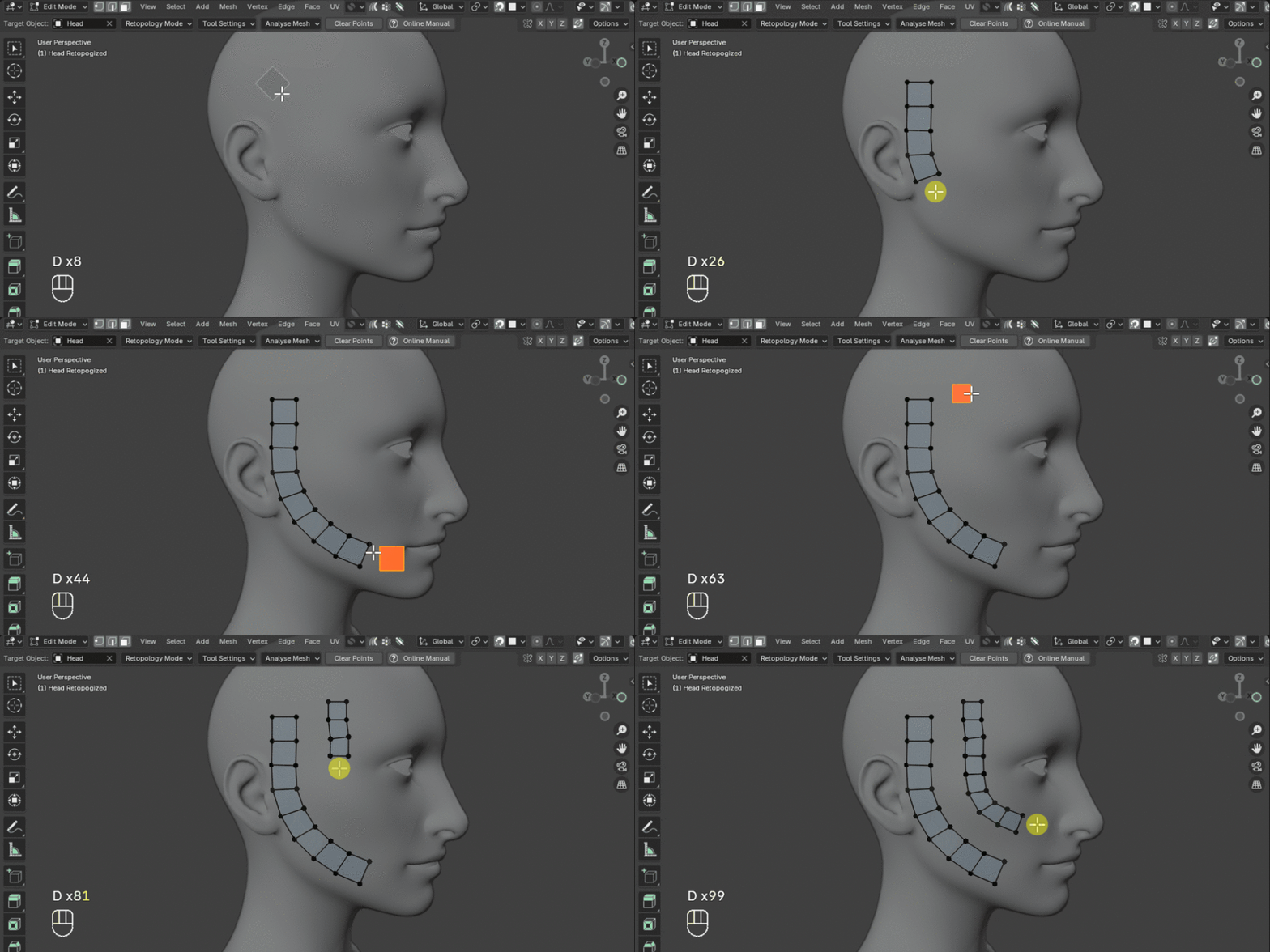
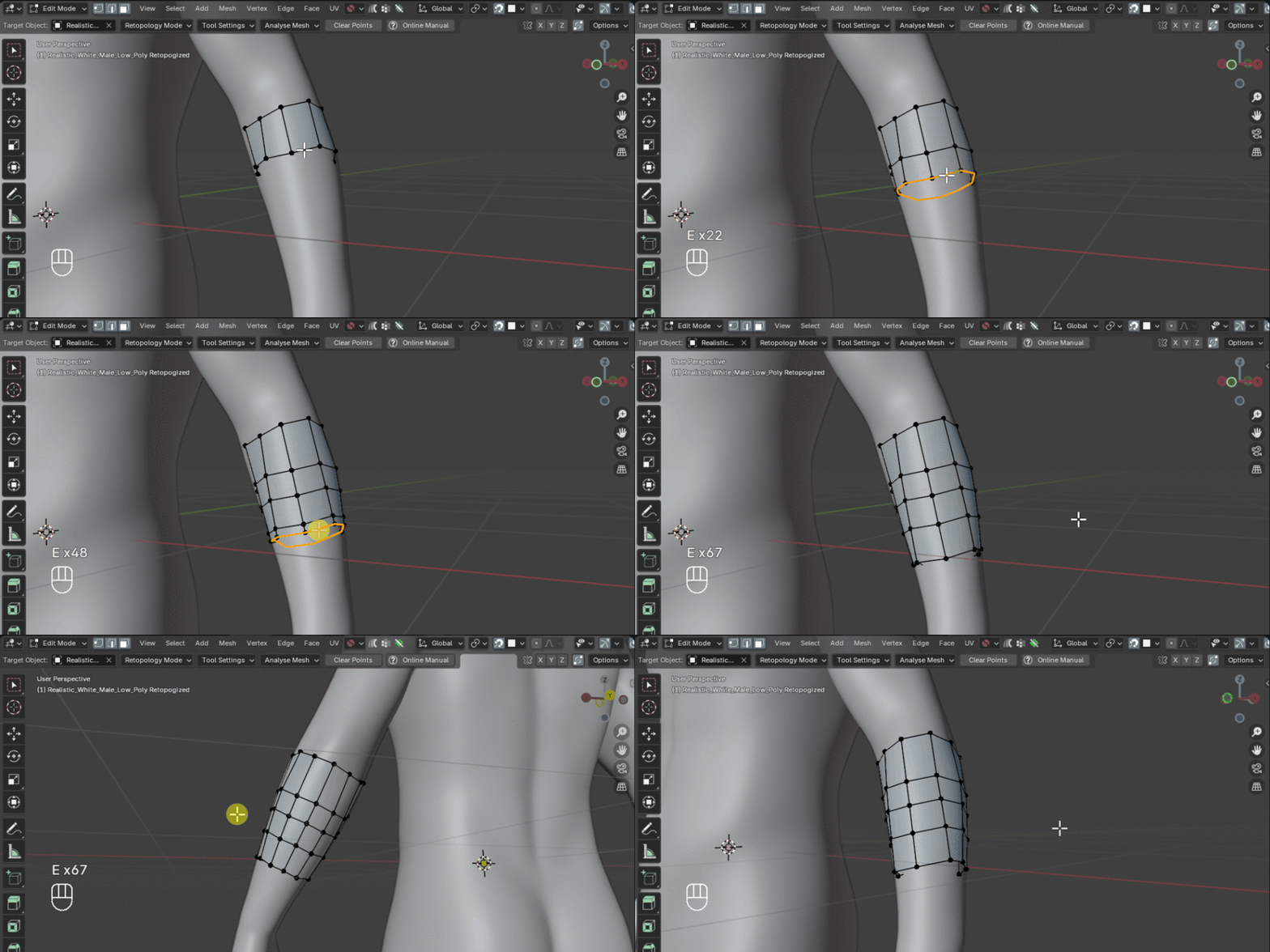
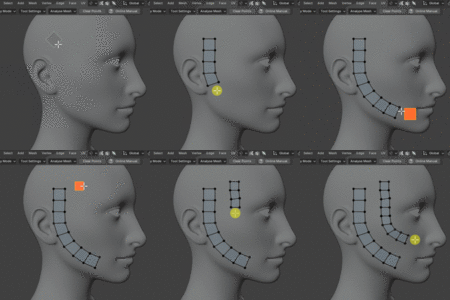
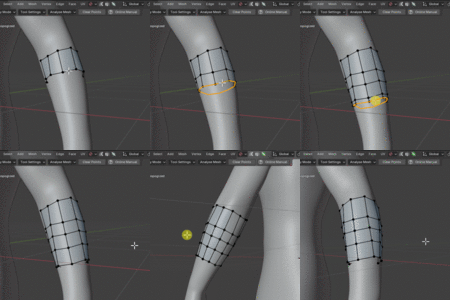
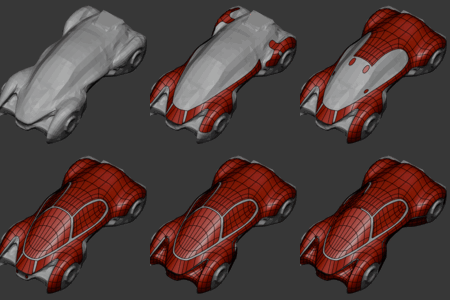
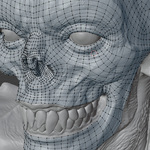
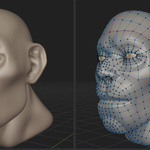
A new Draw Quads mode for retopologizing tube-like forms (arms, legs, fingers, necks) with more control than a continuous drag.
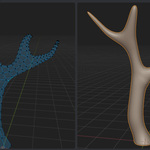
- Click a path for the cylindrical form instead of dragging. Place a handful of points across the surface; Quad Maker fits a smooth curve through them and builds a ring-based quad sleeve along it.
- Edit before you commit. After placing points, review and adjust the whole path: drag points, insert new ones by clicking the curve, extend from either end with Ctrl+Click, or delete a point by holding X and clicking it (the cursor shows an eraser icon so you always know what you're about to remove).
- Per-point loop density. Hold Shift+F on any point to pack rings tighter around a bend or joint, useful for better deformation when rigging.
- Resize anytime. Press F (or use the arrow/bracket keys) while placing or editing to change ring spacing along the whole sleeve.
- Clearer preview. A dashed line distinguishes Place Ring's live preview from Strip mode's solid line, and the default preview color now matches Blender's own orange.
Improvements
- Accidental destructive keypresses fixed. Two issues reported by testers are resolved: Space no longer cycles modes (and silently discards your in-progress path) while a Place Ring path exists, and Ctrl+Z no longer does a full-path cancel while editing: it's disabled there instead, with a status message pointing to Esc or the new hold-X delete gesture.
- More robust ring geometry. Control points are now centered using a view-ray probe rather than surface-normal or neighbor-direction heuristics, fixing jitter and instability seen in earlier builds. Ring computation was also simplified to treat every ring independently, removing a continuity-check mechanism that could cause a single bad ring near a joint to cascade into neighboring rings.
Bug Fixes
- Fixed Esc/Right-click exiting Draw Quads entirely while the invoke key was still held in Place Ring mode.
- Fixed the arrow/bracket resize keys not working correctly in some modes.
- Fixed seam twist and off-center cross-sections in ring geometry.
- Fixed a joint-gap issue where rings could separate near sharp bends.
- Fixed Enter/right-click losing in-progress placement instead of finishing it.
Documentation
A full covering placing, editing, per-point density, ring resizing, and the delete gesture, plus new screenshots and GIFs throughout.
Known Limitations
- Points placed directly on ambiguous joints (e.g. a shoulder) can produce a larger ring than expected: this is an inherent limitation of medial-axis detection there, not a bug.
- Sleeves are always open at both ends; there's no cap option yet (tracked in ).
Toggle Retopology Settings is now enabled by default:
When you enter the Quad Maker tool, Blender's retopology-friendly settings (snapping, overlays, automerge, etc.) are now automatically applied straight away and restored to whatever you had before when you exit. No need to turn this on manually in preferences.
This feature has also been made more reliable:
- If any settings can't be applied (e.g. due to an unusual viewport state), Quad Maker now warns you rather than silently leaving things in a partial state
- Settings are no longer added to Blender's undo history, so your undo stack stays clean
- Edge cases around crashing or force-quitting during a session are handled more gracefully
- Refactored the main operators file into a cleaner package structure. No change to functionality — groundwork for future improvements.
Any issues? Do not hesitate to contact [email protected]
- Fixed error for when entering and exiting Blender's Enlarged View (when pressing CTRL+SPACE)
- Added fix for 5.1.0 delete error when pressing X
Updated loop selection for Blender 5.1.0 API changes.
A version that resolves crashes spotted by a user when exiting edit/object mode and hiding other objects.
Any issues? Contact [email protected]!
Added some safer handling around freeing up temporary background mesh data.
Added Bug Fix to address crashing when hiding/unhiding other objects.
Updates:
- Added Smooth by Selection.
- Added Shortest Path Selection using Shift.
- Fixed small bugs when smoothing mirrored vertices when they become detached from the center.
- Changed retopology view default from 0.2 to 0.01 to be consistent with Blender defaults.
Added runtime checks if target object is not in view layer.
Added error checking when smoothing border edges with no faces.
 Included
Includes 12 months of
- Support from Mark Kingsnorth
- Product updates
Extend this product’s Support Period +12 months: 25% of product price
Have questions before purchasing?
Login to message
| Blender Extension Compatible | Yes |
| Sales | 1100+ |
| Rating | 35 ratings |
| Published | almost 2 years ago |
| Blender Version | 4.2 - 5.2 |
| Extension Type | Add-on |
| License | GPL |
Discover more products like this
3d modelling gamedev retopologize retopologise maya topology quad draw modeling clean-topology