QuadForge Lite — Hand Retopology for Blender
 alastorv





Install
- Download the QuadForge Lite zip. Do not unzip it.
- In Blender 4.2 or newer: Edit › Preferences › Get Extensions › the arrow menu (top right) › Install from Disk.
- Pick the zip. QuadForge Lite is enabled right away.
Quick start
- Put your low-poly mesh next to the high-poly source and enter Edit Mode on the low-poly mesh.
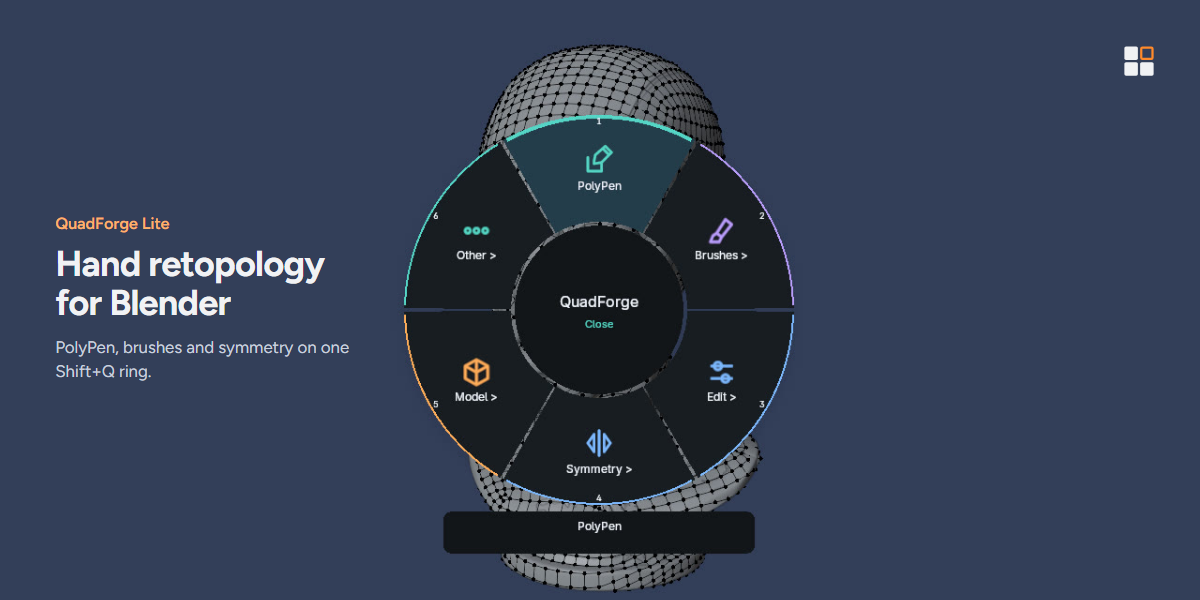
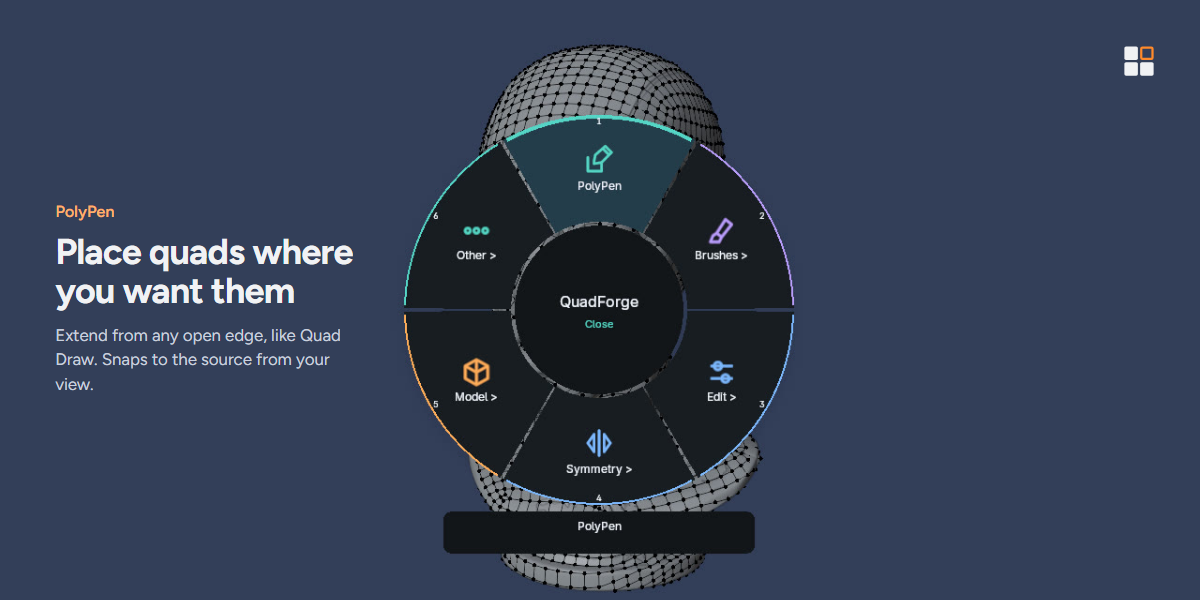
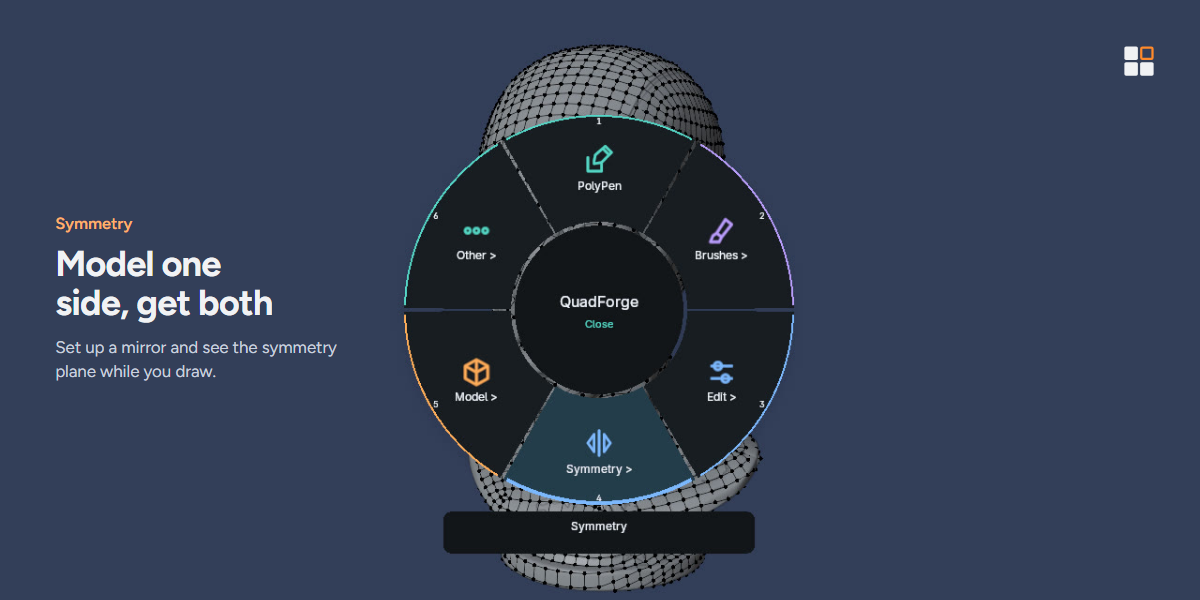
- Press Shift+Q to open the ring menu and pick PolyPen.
- Click to place vertices and quads on the source; drag from an open edge to extend a row of quads.
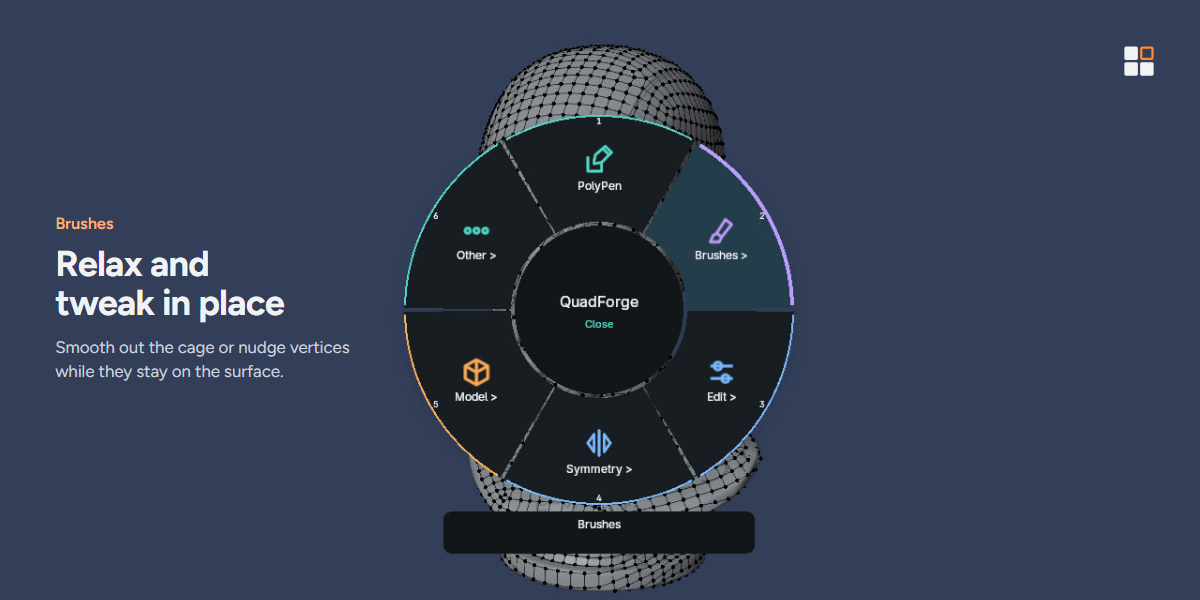
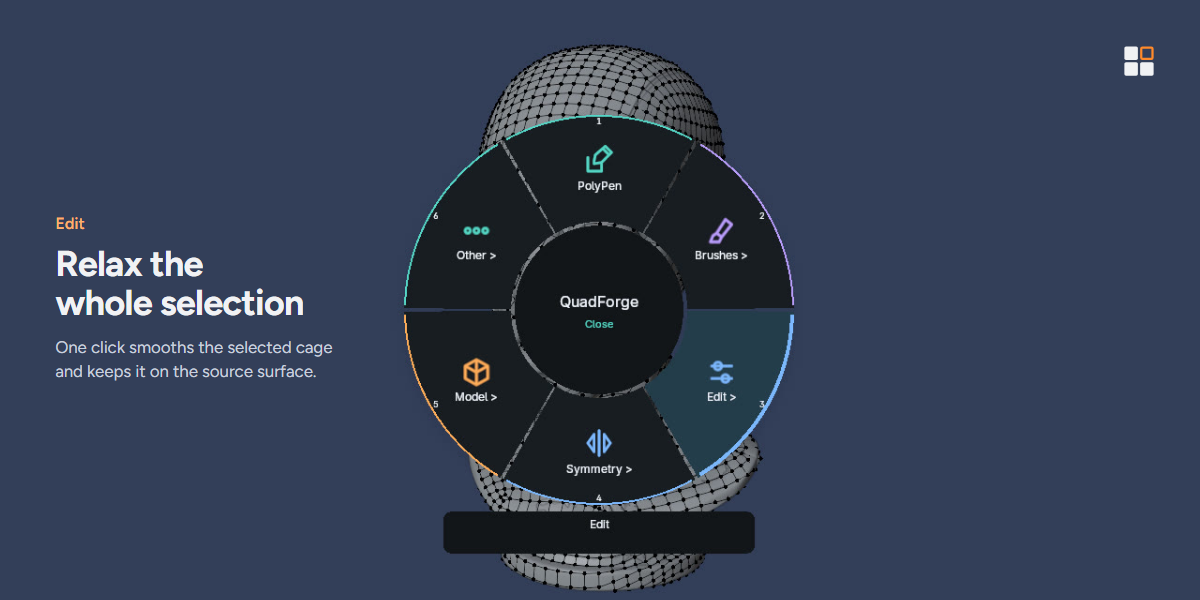
- Use the relax and tweak brushes to even out the cage, and Symmetry to mirror your work.
Notes
- Tested on Windows with Blender 4.2, 4.5 and 5.2. macOS and Linux are not tested yet.
Have questions about this product?
Login to message
| Blender Extension Compatible | Yes |
| Published | about 1 hour ago |
| Blender Version | 4.2 - 5.2 |
| Extension Type | Add-on |
| License | GPL |