 alastorv






Install
- Download the QuadForge zip. Do not unzip it.
- In Blender 4.2 or newer: Edit › Preferences › Get Extensions › the arrow menu (top right) › Install from Disk.
- Pick the zip. QuadForge is enabled right away.
Quick start
- Select your high-poly or AI mesh. Open the sidebar (N) and the QuadForge tab.
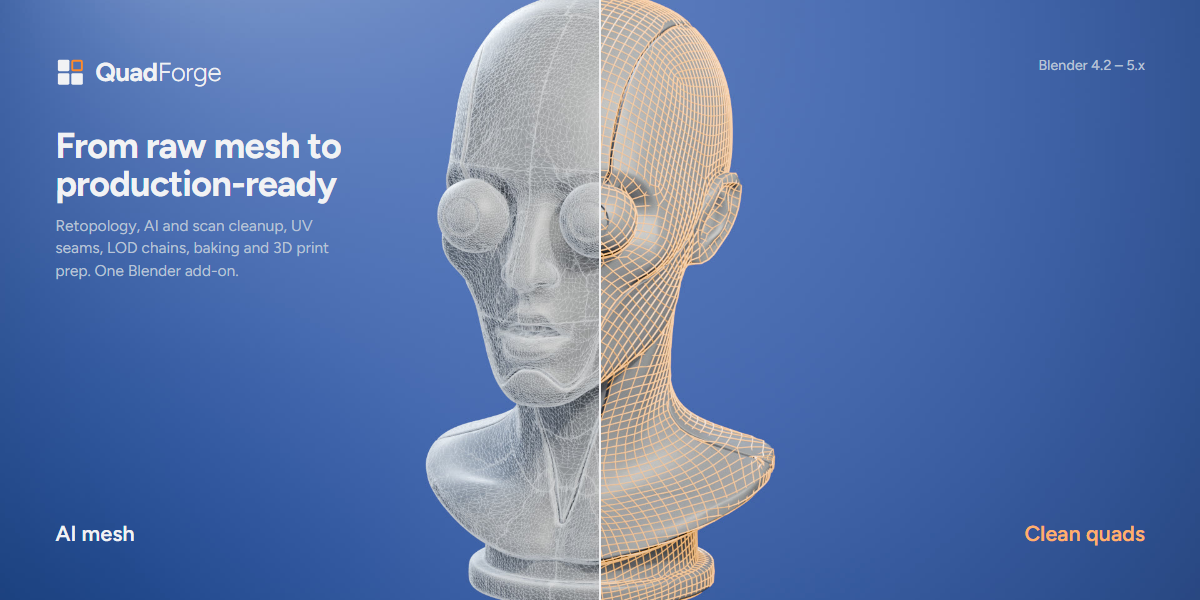
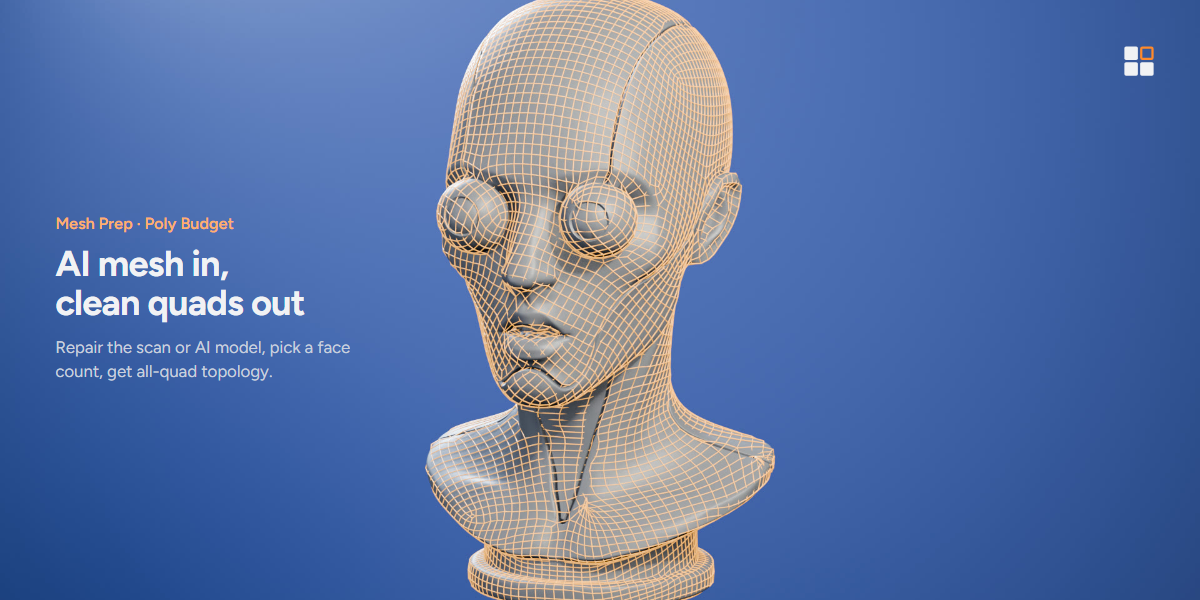
- For an automatic result, run Mesh Prep with a target face count. You get a cleaned copy and a new all-quad mesh; the source stays untouched.
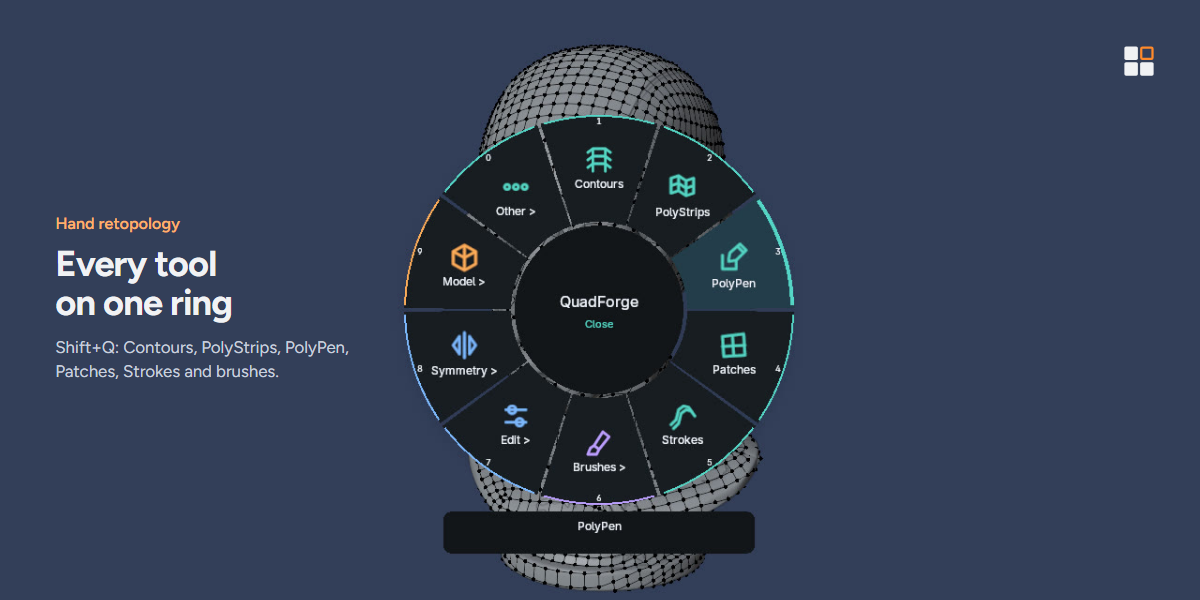
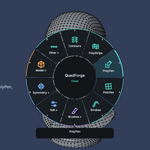
- For hand retopology, create or select your low-poly mesh, enter Edit Mode and press Shift+Q to open the ring menu. Pick PolyPen, Contours, PolyStrips, Patches or Strokes and draw on the source.
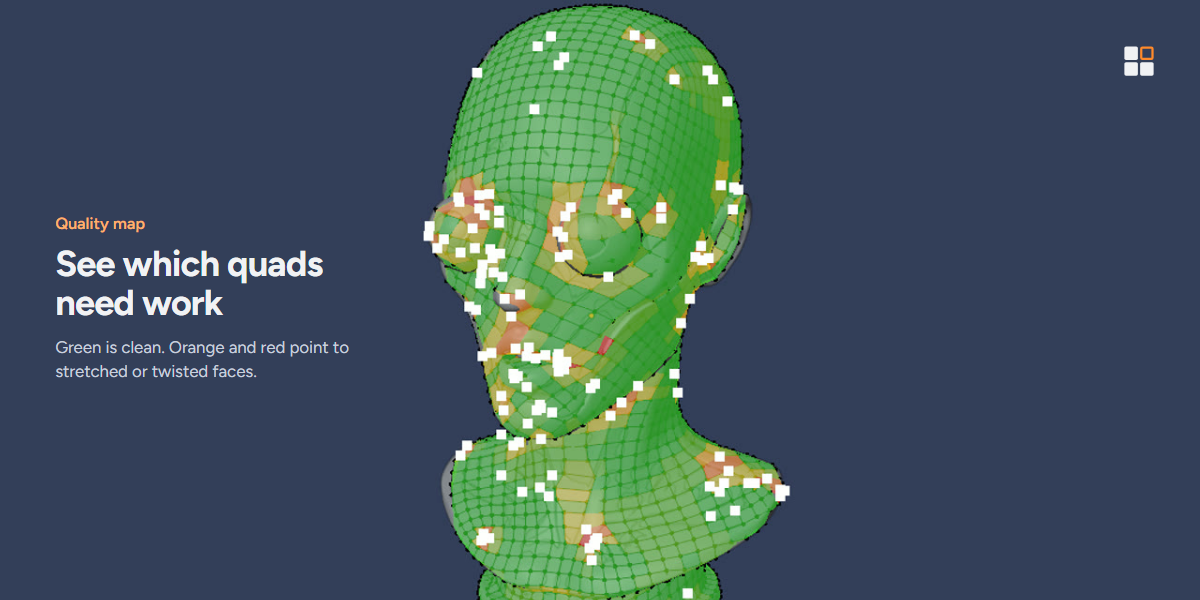
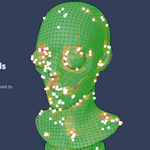
- Turn on the Quality map to see stretched or twisted quads and poles.
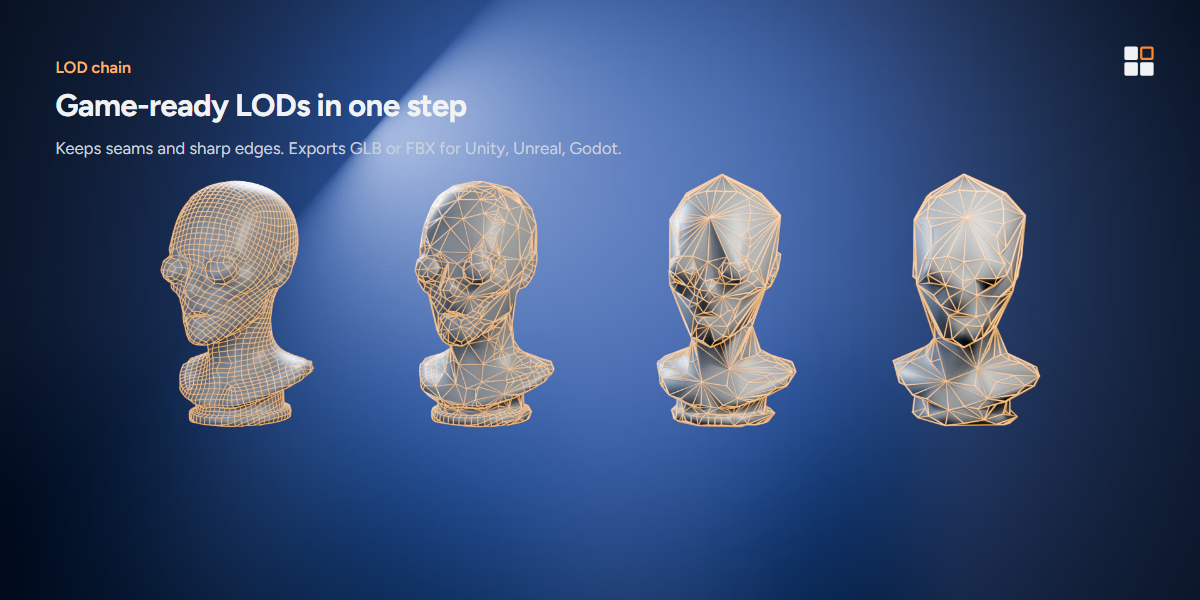
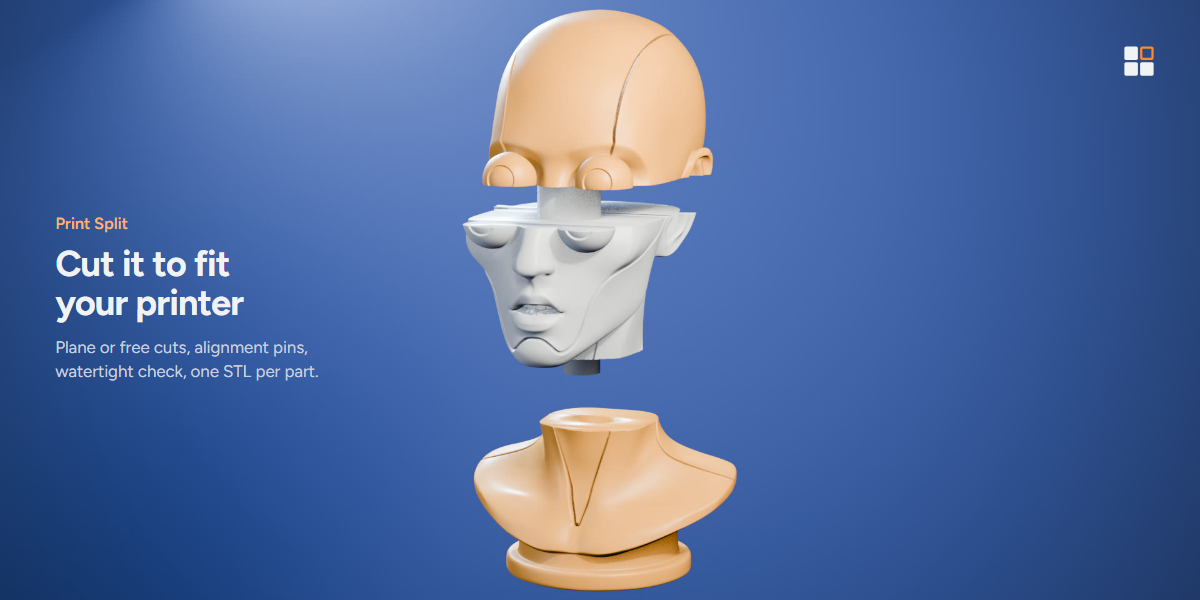
- Use Sections to mark seams and unwrap, LOD Chain to build and export LODs, and Print Split to cut the model into printable parts.
Notes
- Poly Budget is built on Blender's QuadriFlow remesher. Very dense or broken AI meshes should go through Mesh Prep first.
- Tested on Windows with Blender 4.2, 4.5 and 5.2. macOS and Linux are not tested yet.
Have questions about this product?
Login to message
| Blender Extension Compatible | Yes |
| Published | 22 minutes ago |
| Blender Version | 4.2 - 5.2 |
| Extension Type | Add-on |
| License | GPL |
Discover more products like this
retopo scan cleanup 3d printing UV seams quads remesh topology game ready AI mesh retopology LOD quad