 Anvil Interactive Solutions


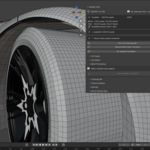
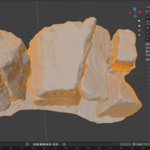
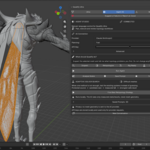
When normal retopology fails, Quadify has another plan.
Stop guessing which remesher to try next. Quadify Ultra analyzes the mesh, chooses a safe starting workflow, and when one route is not enough, Adaptive Solver Search can test multiple existing strategies on protected copies, measure the actual results, and keep the strongest candidate.
Built for the meshes that waste time: AI-generated assets, scans, triangulated hard-surface models, dense CAD-like geometry, damaged topology, and cases where a single automatic method is simply the wrong bet. Agent Studio is optional and can operate the same Quadify systems for you.
Different bad meshes fail for different reasons.
A scan, a CAD shell, an AI-generated prop and a triangulated car panel should not all be forced through the same algorithm. Quadify treats retopology as a routing and verification problem instead of pretending one solver is ideal for everything.
| AI-generated meshes Irregular density, internal geometry, non-manifold regions, loose fragments and inconsistent topology need repair plus the right reconstruction route. | Triangulated hard surface Some authored meshes already contain useful structure beneath the triangles. Rebuilding them blindly can destroy information that should be recovered. |
| Scans and dense geometry Millions of faces, tiny fragments and noisy details can make otherwise good solvers slow, unstable or unnecessarily dense. | Ambiguous cases When mesh statistics do not make one method clearly superior, Ultra can test candidates instead of committing your source to a guess. |
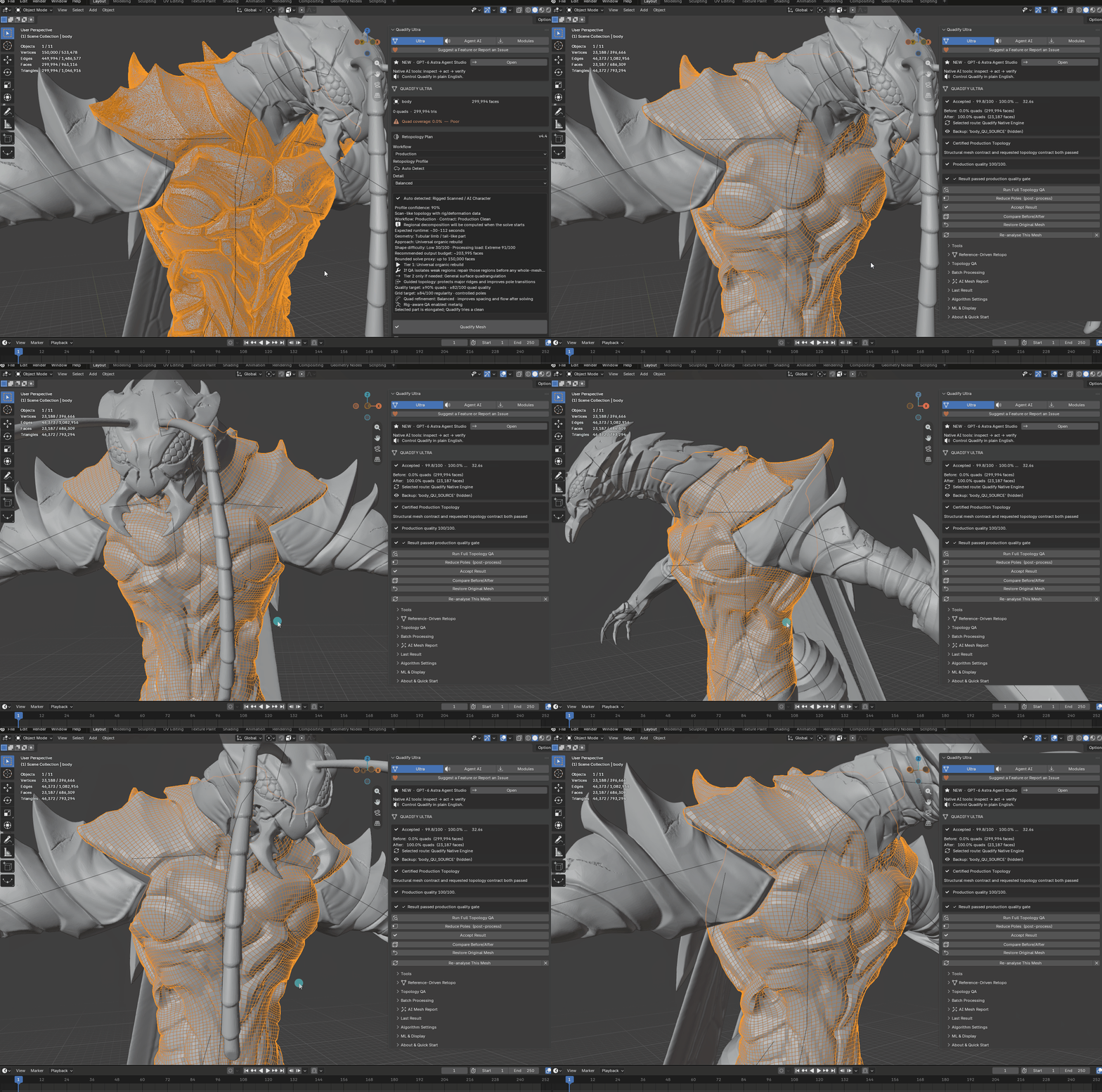
Impossible mesh? Don't guess the solver. Let Quadify test them.
When a mesh is too difficult or ambiguous for a confident one-shot decision, Quadify turns retopology into a measured experiment. It creates protected candidates, runs viable existing strategies, scores the real results, rejects weak attempts and keeps the strongest safe candidate.
| 1 · PROTECT Keep the original source while tests run on safe candidates. | 2 · TEST Run multiple viable Quadify strategies instead of betting on one. | 3 · MEASURE Compare QA, regularity, defects, fidelity and topology quality. | 4 · KEEP BEST Commit the strongest measured candidate, not merely the first one to finish. |
Start with the obvious route. Escalate only when the mesh earns it.
Adaptive Solver Search is not meant to make every remesh complicated. Ultra still performs local analysis and picks a safe starting workflow first. Search is the fallback for cases where one-shot routing is not convincing.
| 1. Analyze Measure structure, boundaries, curvature, feature edges, n-gons, density, connectivity and other routing signals. | 2. Route Choose a safe starting workflow for authored hard surface, organic geometry, scans, dense inputs or repair/conversion work. |
| 3. Escalate when uncertain If the obvious route is not strong enough, launch Adaptive Solver Search instead of forcing the least-bad option. | 4. Verify Review topology statistics, QA state, candidate scores, elapsed time and the result actually committed. |
Let an AI agent operate the system for you.
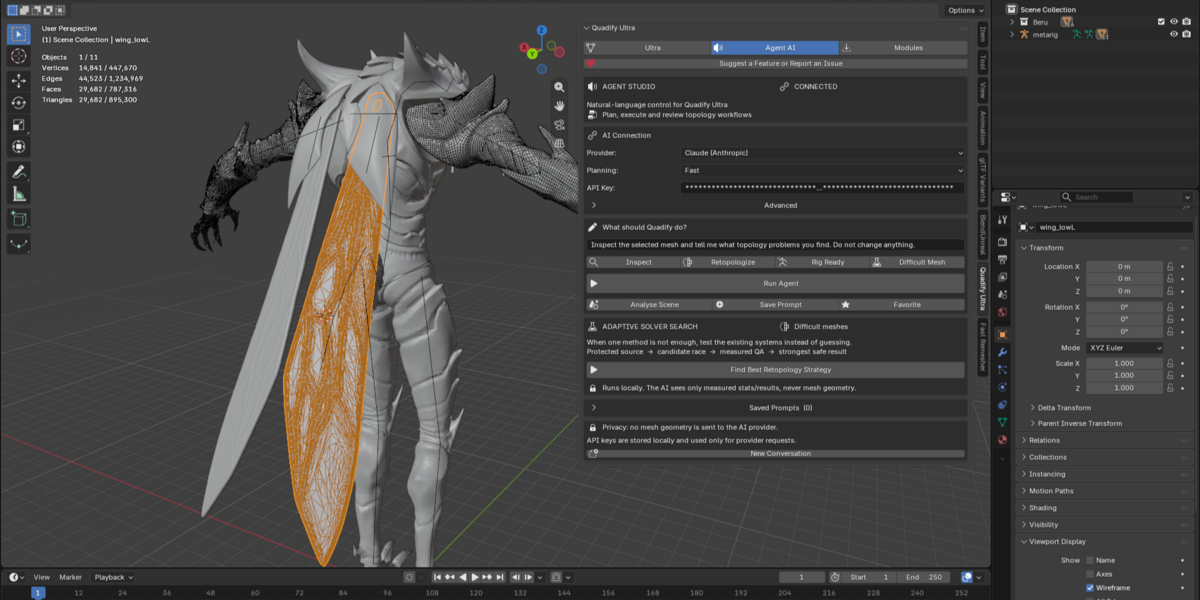
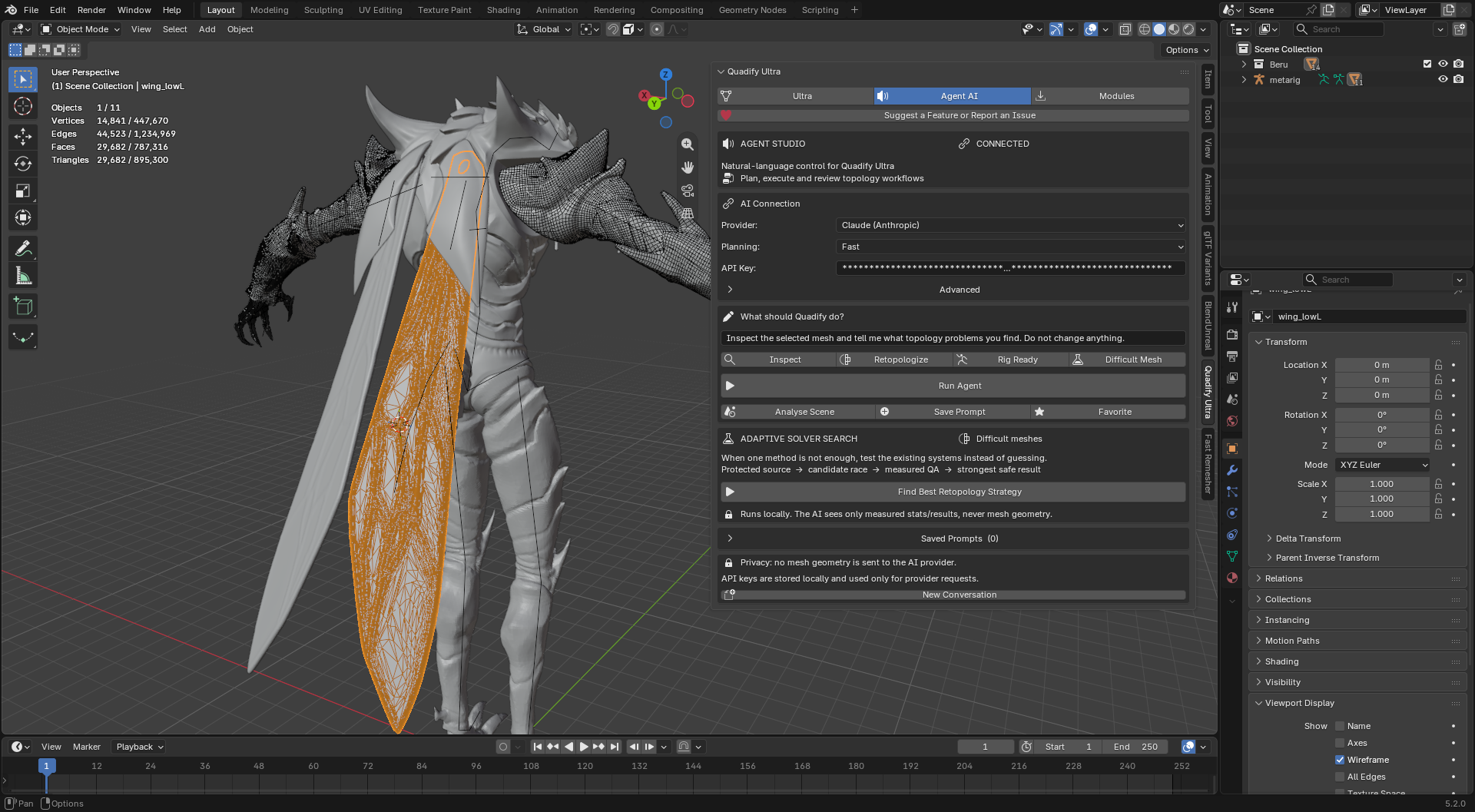
Agent Studio adds a tool-using AI layer on top of Quadify. A supported agent can inspect compact mesh statistics, choose a controlled Quadify operation, run it locally, inspect the result and decide whether to continue or escalate into Adaptive Solver Search.
| Native OpenAI tool workflow GPT-6 Astra and compatible OpenAI models can call controlled Quadify tools through the Responses API instead of only returning advice text. | Claude support Anthropic remains supported through Quadify's current plan-based agent workflow. |
| No geometry upload The AI receives instructions, compact statistics and local tool outcomes. Mesh geometry itself is not sent to the AI provider. | Visible tool activity See what the agent inspected, what tool it called and what happened before it continues. |
Built around the meshes artists actually struggle with.
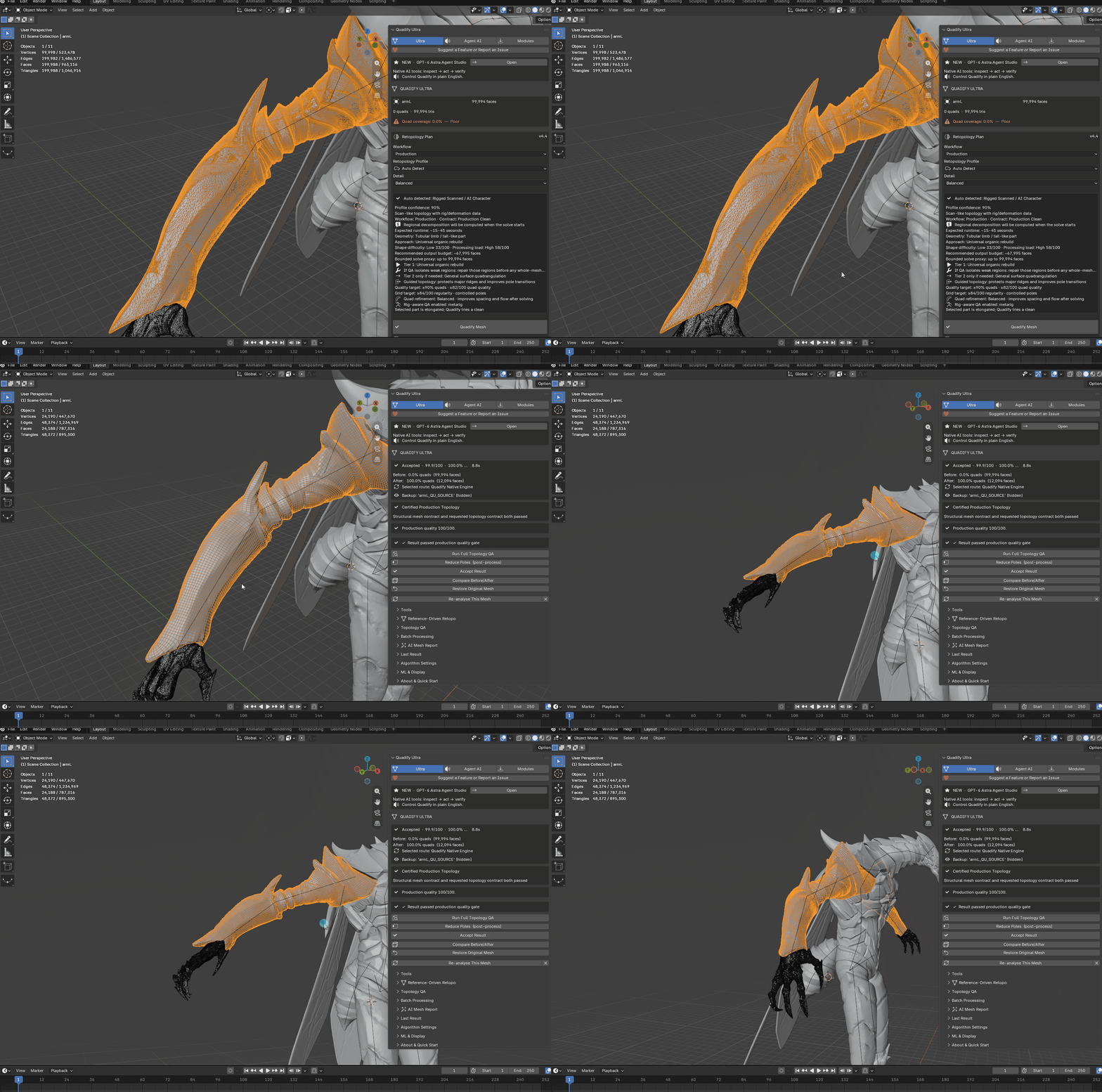
Measured results, not a promise that one number tells the whole story.
Topology quality depends on flow, defects, fidelity and intended use—not quad percentage alone. These are representative development tests; performance varies with CPU, mesh construction, target density and workflow.
| Mesh | Input faces | Measured result | Time |
| Car hood | 7,043 | 88.8% quads | 0.9s |
| Roof panel | 12,984 | 91.1% quads | 0.9s |
| Organic mesh | 39,190 | 100% quads | 7.7s |
| AI mesh — park bench | 412,204 | 100% quads | 69.2s |
There are still meshes that need an artist.
The point of Ultra is not to hide uncertainty. It is to protect the source, detect when confidence is weak, compare alternatives and tell you when manual cleanup is still the right answer.
| Hero-character deformation still needs deliberate topology For faces, shoulders, hands and other deformation-critical regions, artist-authored loops may still be necessary. Ultra can prepare, analyze, search and transfer trusted reference flow; it does not claim to replace topology art direction. |
| Severely fragmented or overlapping sources can still need cleanup If a source contains contradictory surfaces, severe self-overlap, internal shells or extreme fragmentation, Ultra may return REVIEW or preserve the source instead of forcing a bad commit. |
| Shape keys cannot survive topology replacement Any workflow that rebuilds vertex topology changes vertex identity. Bake or duplicate important shape-key states before destructive remeshing. |
Fits into the Blender pipeline you already use
Use Ultra before subdivision, rigging prep, baking, UV work, cleanup, export or downstream Unity / Unreal workflows.
The value is not one magic algorithm. It is knowing what to try next.
| Problem | Quadify Ultra 4.5 |
| Which method? | Local routing recommends a safe starting workflow; Adaptive Solver Search can compare real candidates when the answer is unclear. |
| Difficult meshes | Protected-source experimentation, measured QA, candidate scoring, safe checkpoints and explicit REVIEW / FAIL states. |
| AI workflow | Agent Studio can inspect mesh state, call controlled Quadify operations, review outcomes and escalate difficult cases instead of only producing advice. |
| Privacy | Retopology runs locally. Agent Studio sends compact mesh statistics and tool outcomes—not mesh geometry—to the selected AI provider. |
| License | One-time purchase, $150. No subscription. |
| Do I need AI or an API key to use Quadify Ultra? No. Core retopology, routing, QA, protected-source workflows and Adaptive Solver Search run locally without an AI model. API keys are only needed for optional Agent Studio provider features. |
| What does Adaptive Solver Search actually do? It creates safe working candidates, runs multiple viable existing Quadify strategies, evaluates measured topology quality and keeps the strongest safe candidate. It is meant for meshes where choosing one solver in advance is unreliable. |
| Is Quadify Ultra dependent on GPT-6 Astra? No. GPT-6 Astra is the flagship native OpenAI tool-agent integration, but Agent Studio is optional and the core product does not depend on it. Claude is also supported through the current plan-based workflow. |
| Does Agent Studio upload my model? No mesh geometry is sent to OpenAI or Anthropic. Quadify sends the instruction, compact mesh statistics and local tool outcomes required for the agent to reason about the workflow. |
| Can it automatically produce hero face-rig topology? Not reliably enough to make that promise. Deformation-critical topology still benefits from artist-authored loop placement. Ultra can clean, analyze, score animatability and use Reference-Driven Retopo when you have a trusted topology reference. |
| Which Blender versions and platforms are supported? Quadify Ultra 4.5 supports Blender 5.0 through 5.9 on Windows 64-bit. This release includes Windows native components, so macOS and Linux are not included in the 4.5 distribution. |
| What if Ultra cannot produce a strong result? Ultra reports REVIEW or failure states rather than silently accepting weak topology. The protected source remains available, and Adaptive Solver Search can compare alternatives before you decide whether manual cleanup is necessary. |
