 Nucleonsoft




Automatic Retopology for Blender
Ugly mesh in.
Usable topology out.
Turn triangulated meshes, dense scans, AI-generated geometry, and boolean-heavy models into cleaner quad-dominant geometry — directly inside Blender.
Get Quadrify — $14.99 See it in actionOne-time purchase · Blender 5+ · Windows · macOS · Linux
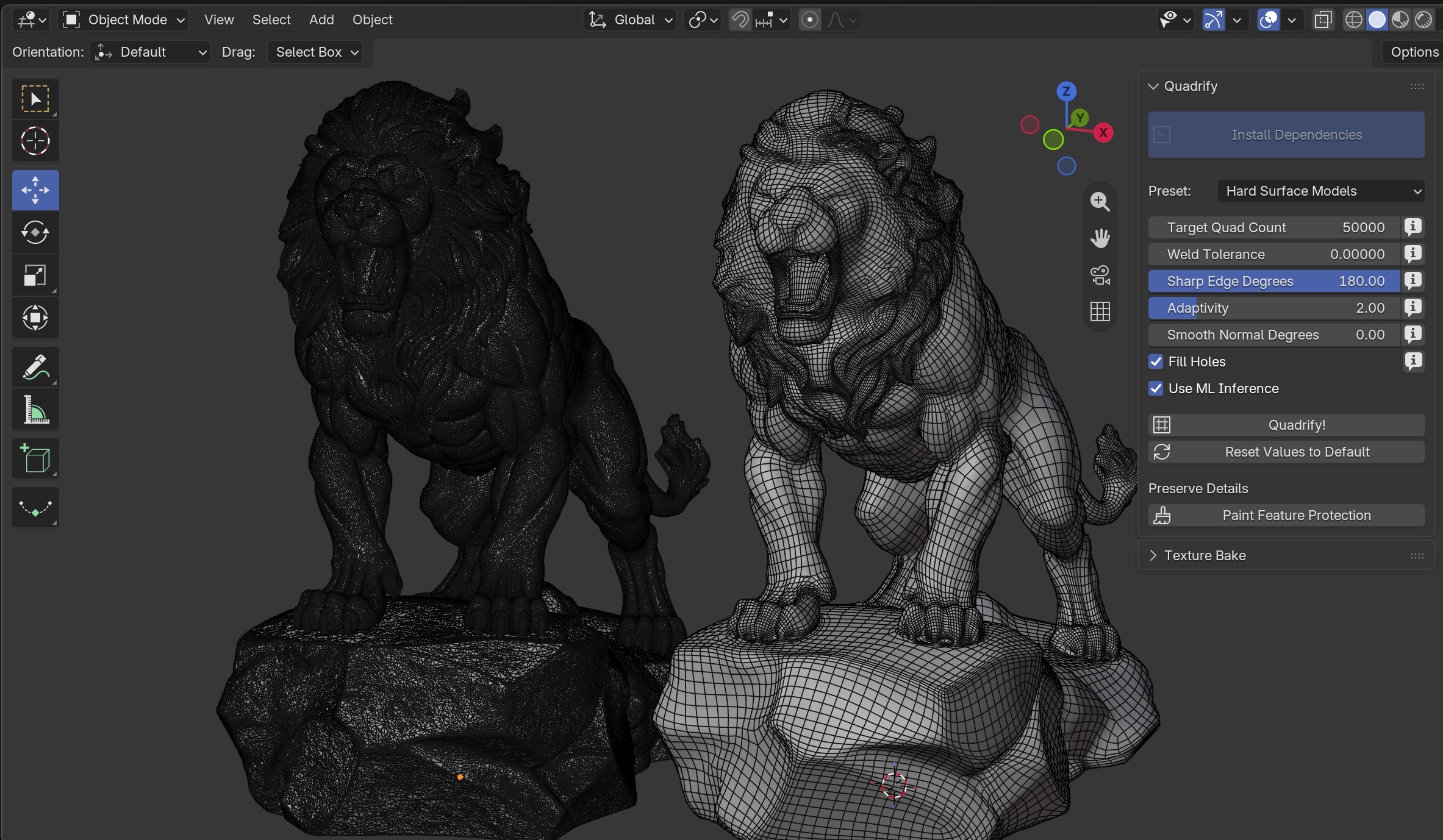
See the topology change — not just the final render.
The problem
You shouldn't have to rebuild every mesh by hand.
AI-generated models, scans, triangulated imports, and boolean-heavy meshes can look fine until you need to actually edit them. Quadrify helps automate the repetitive topology cleanup so you can get back to the work that matters.
01
Too many triangles
Dense or irregular topology makes editing harder.
02
Bad edge flow
Imported geometry can be difficult to continue working with.
03
Manual cleanup
Rebuilding everything yourself takes time away from creating.
See the difference
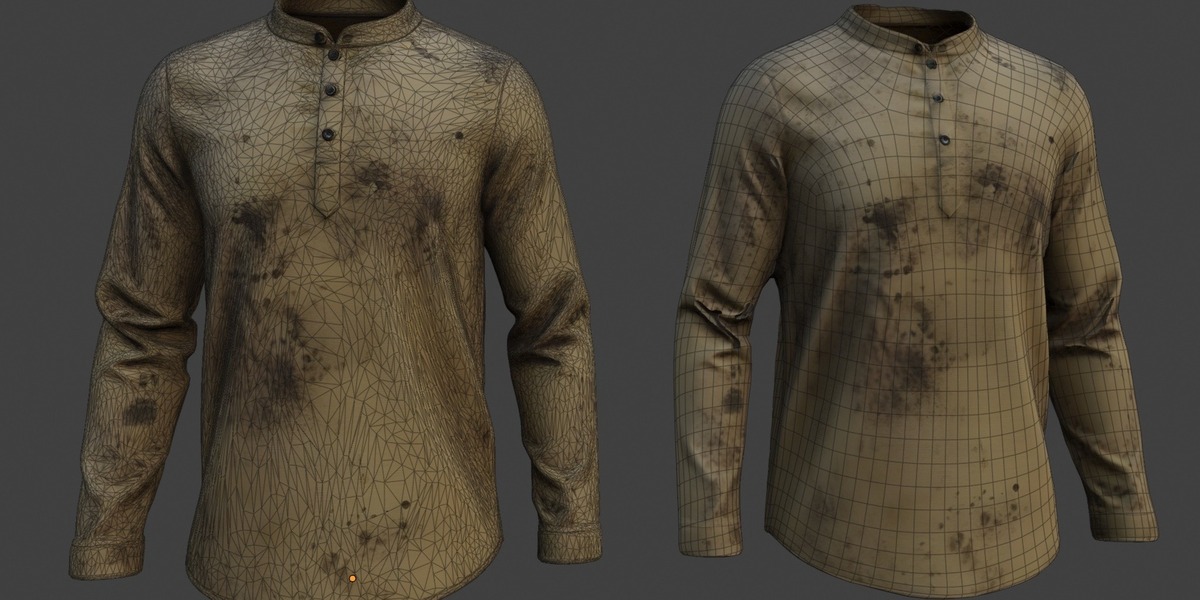
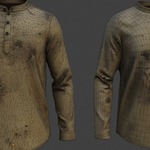
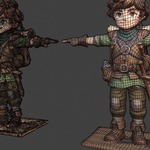
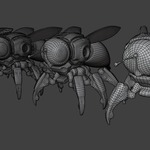
Look at the wireframe. That's where Quadrify matters.
The goal isn't simply to make the mesh look different. It's to give you a cleaner, more manageable topology starting point.
BEFORE
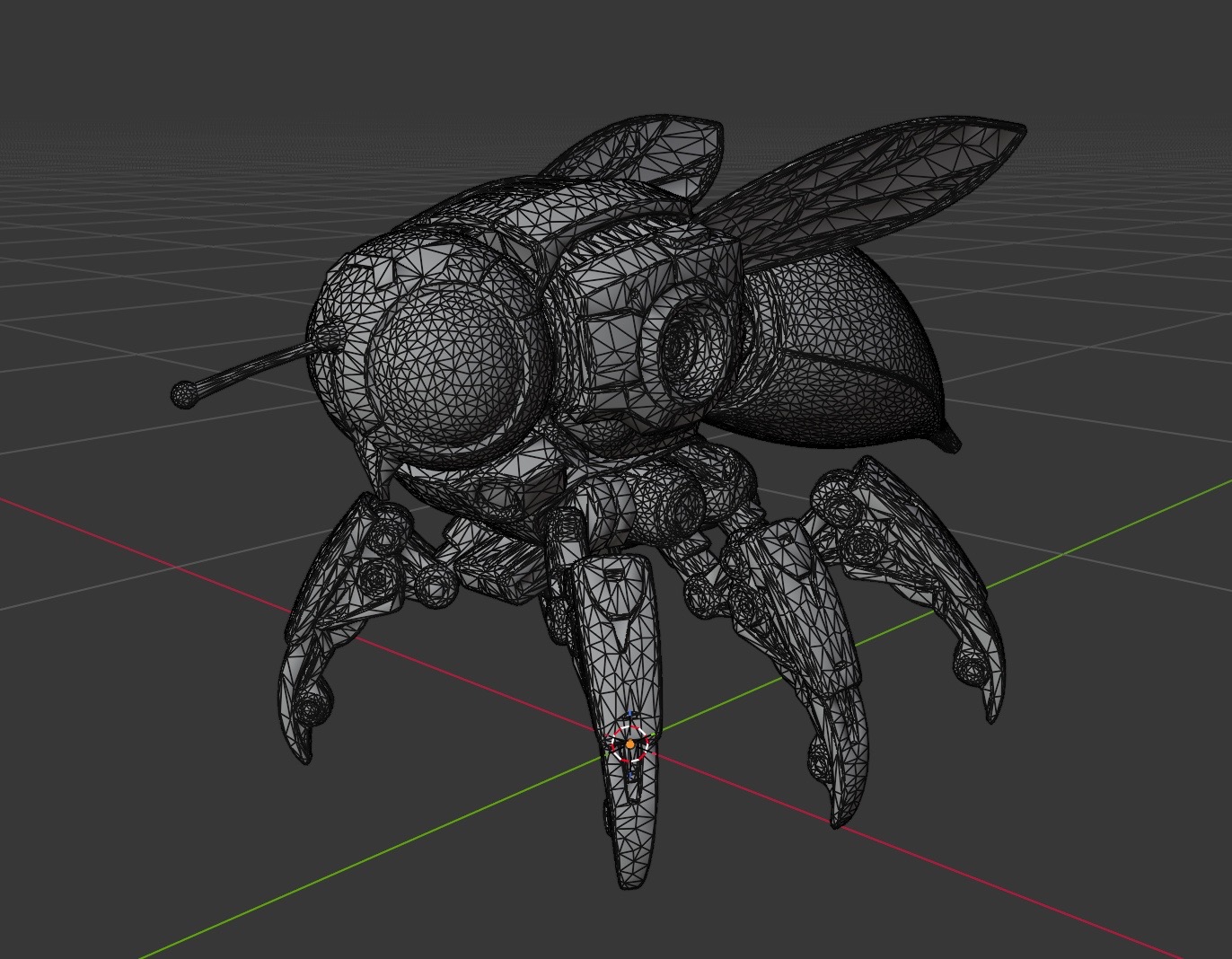
Messy input geometry
Dense triangles, irregular topology, and difficult-to-edit geometry.
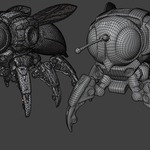
AFTER
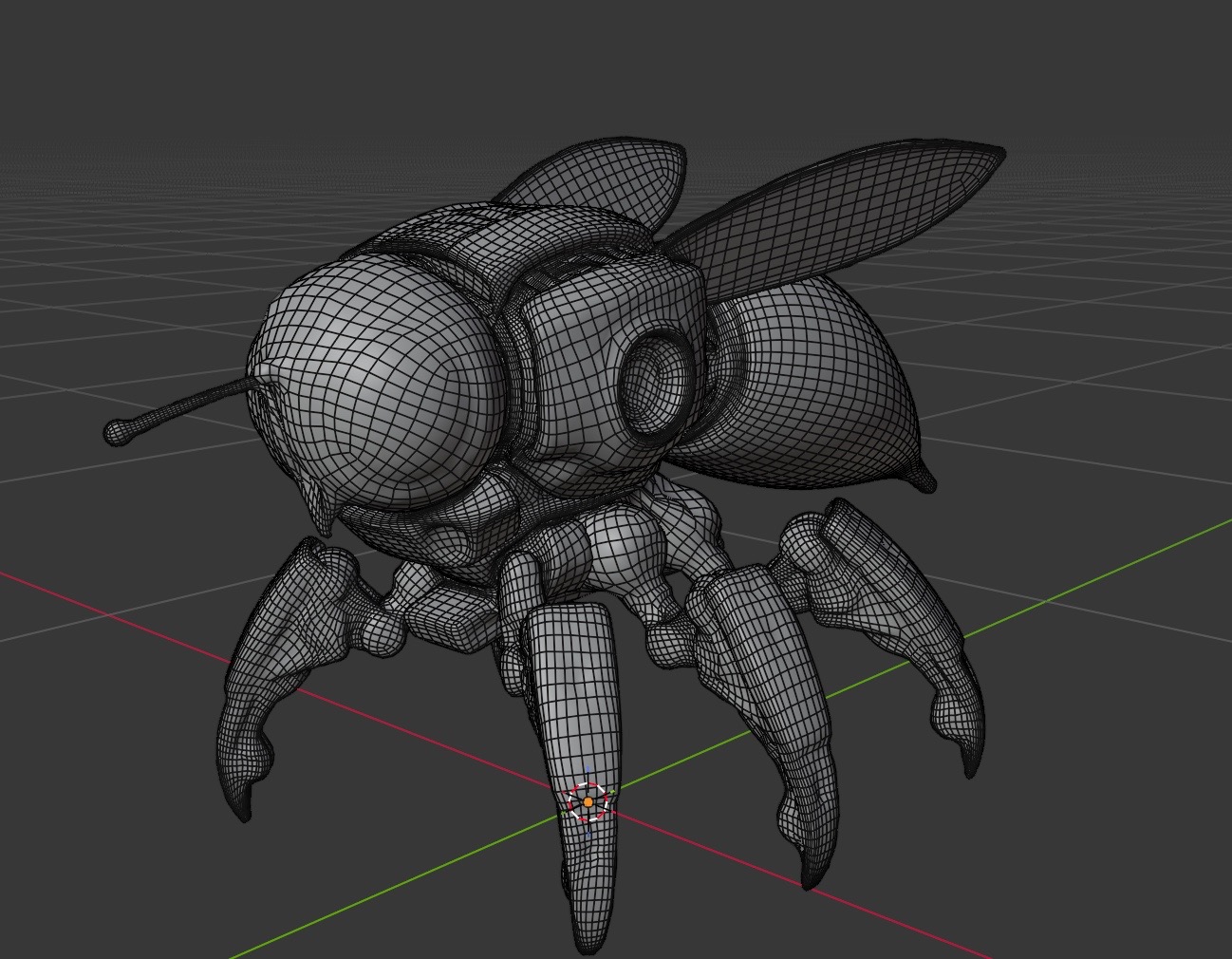
Cleaner quad-dominant geometry
A more manageable mesh that you can continue editing in Blender.
See it in action
From messy mesh to cleaner topology.
Select your mesh, run Quadrify, inspect the result, and continue working in Blender.

01 / SELECT
Choose your mesh
Select the geometry you want to process.
02 / QUADRIFY
Run the process
Use the available density, welding, and smoothing controls.
03 / CONTINUE
Keep creating
Inspect the topology and continue editing in Blender.
A growing use case
AI generated the model.
Quadrify helps clean the topology.
Generative 3D tools make it easier to create models, but generated geometry can still be dense, irregular, or difficult to edit. Quadrify can give suitable generated meshes a cleaner starting point for your Blender workflow.
STEP 01
Generate
Start with the model you already have.
STEP 02
Quadrify
Process suitable generated geometry.
STEP 03
Keep creating
Use the resulting mesh as your next starting point.
Control the result
The automation does the repetitive work. You still control the result.
Quadrify gives you controls for working with different types of challenging geometry instead of forcing every mesh through the same fixed process.
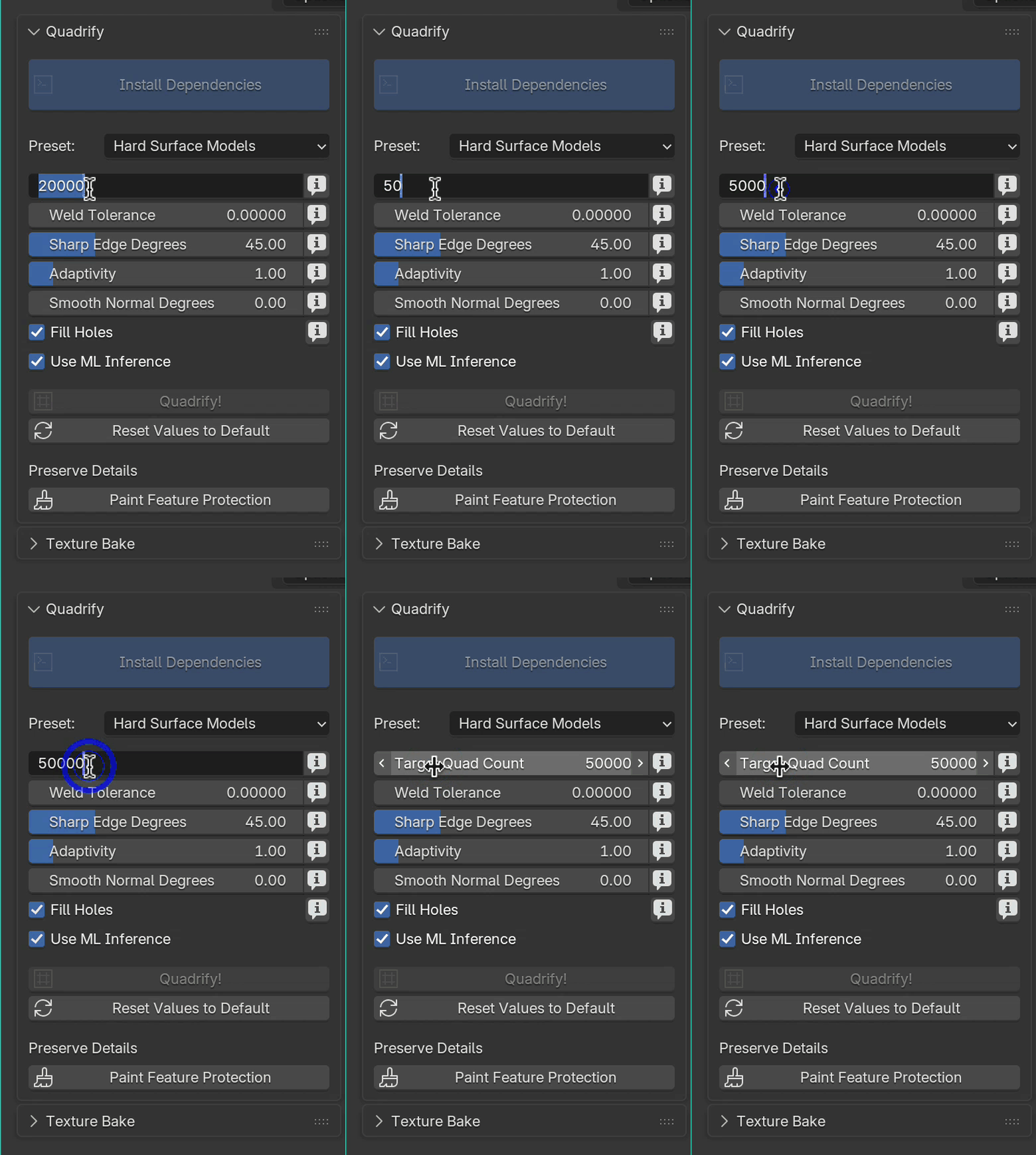
Adaptive polygon density
Control how geometry is distributed across the surface.
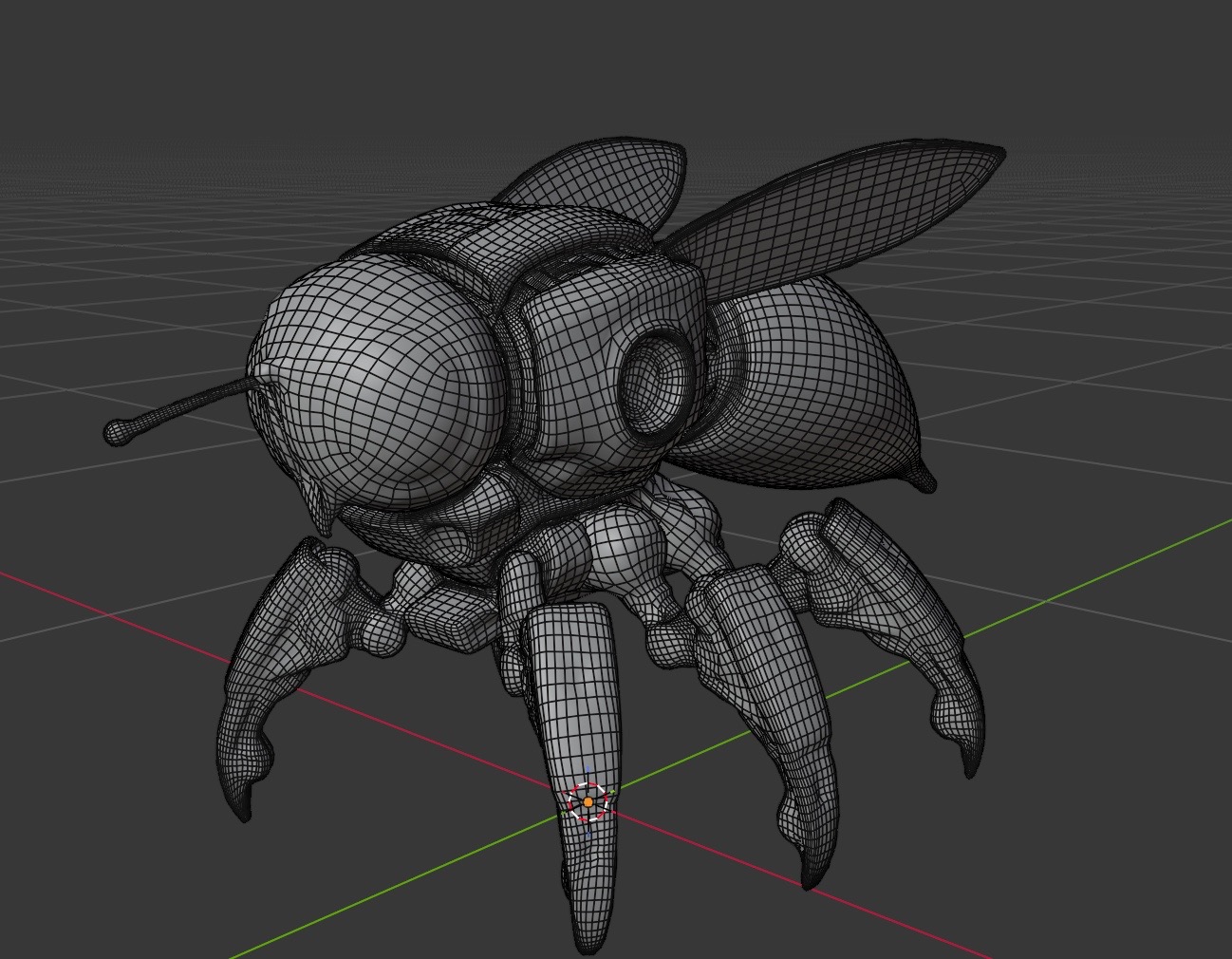
Preserve important features
Handle creases, curves, and important surface details.
Adjust the output
Use the available controls to tune the result for your mesh.
Built for the meshes that waste your time
You probably have one of these sitting in your Blender folder.
Quadrify is designed for situations where the original topology is usable enough to keep the shape, but difficult enough that rebuilding it manually is not worth the time.
AI-generated meshes
Create a cleaner topology starting point from suitable generated geometry.
Dense 3D scans
Make dense scanned meshes more manageable for continued work.
Boolean-heavy models
Clean up challenging geometry produced by complex hard-surface workflows.
Triangulated meshes
Convert suitable triangulated geometry into quad-dominant topology.
Real examples
Don't just look at the render. Inspect the topology.
See how Quadrify handles different types of geometry. Use the wireframe as the proof.

Dense scan
Inspect the retopology result on a dense scanned mesh.
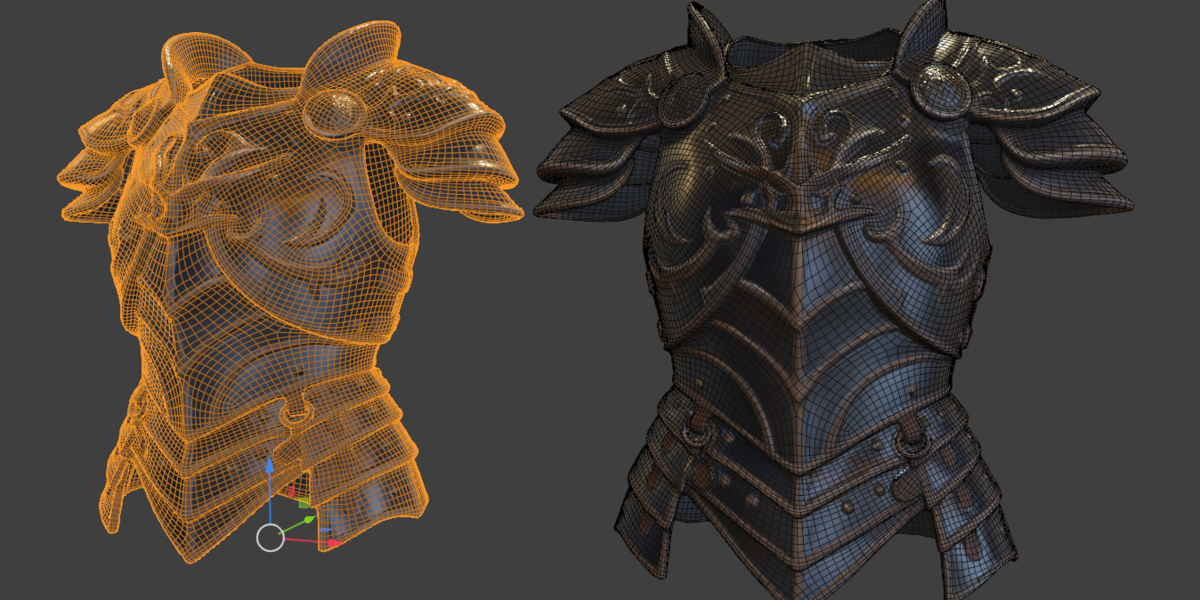
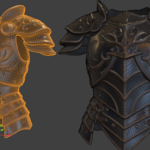
Hard-surface model
See how important edges and surface features are handled.
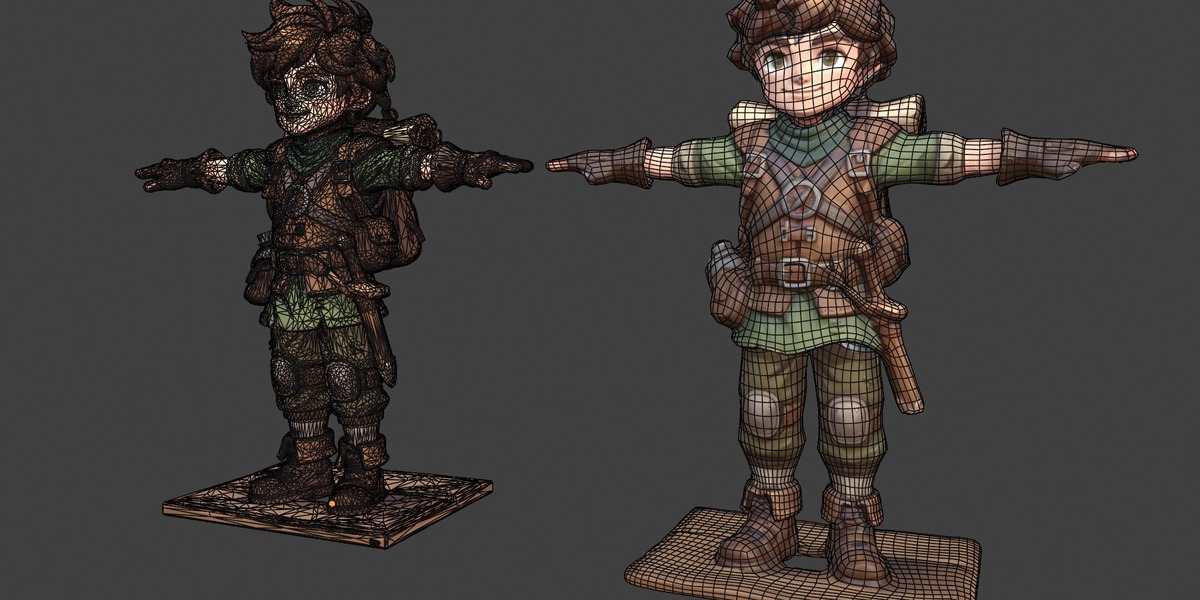
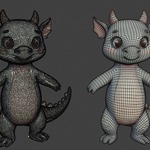
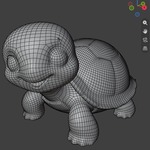
Organic model
Inspect the resulting topology on an organic model.
Before you buy
Know what Quadrify is designed to do.
Quadrify is designed to reduce repetitive topology cleanup and give you a cleaner, more manageable starting point.
- Supported Blender versions: 5+
- Supported operating systems: Windows, macOS & Linux
- License: GPL
- Installation: One-click button install
- Dependencies: Automatic install
Frequently asked questions
Does Quadrify work on every mesh?
Results depend on the input geometry. Check the product documentation for recommended mesh conditions and known limitations.
Does it create animation-ready topology?
Automatic retopology may require additional manual work for deformation and animation. Quadrify is intended to reduce repetitive topology work, not replace deliberate topology design for every character.
How do I install Quadrify?
Follow the installation instructions included with your purchase.
Which Blender versions are supported?
The current listing supports Blender 5+. Check the product listing for the latest compatibility information before purchasing.
Ready to clean up your mesh?
Stop rebuilding topology by hand.
Give Quadrify your messy geometry and get a cleaner, more manageable starting point for your Blender workflow.
Get Quadrify — $14.99One-time purchase · Check compatibility before purchasing