Quick Craft - Fasteners
 Yasine Imerie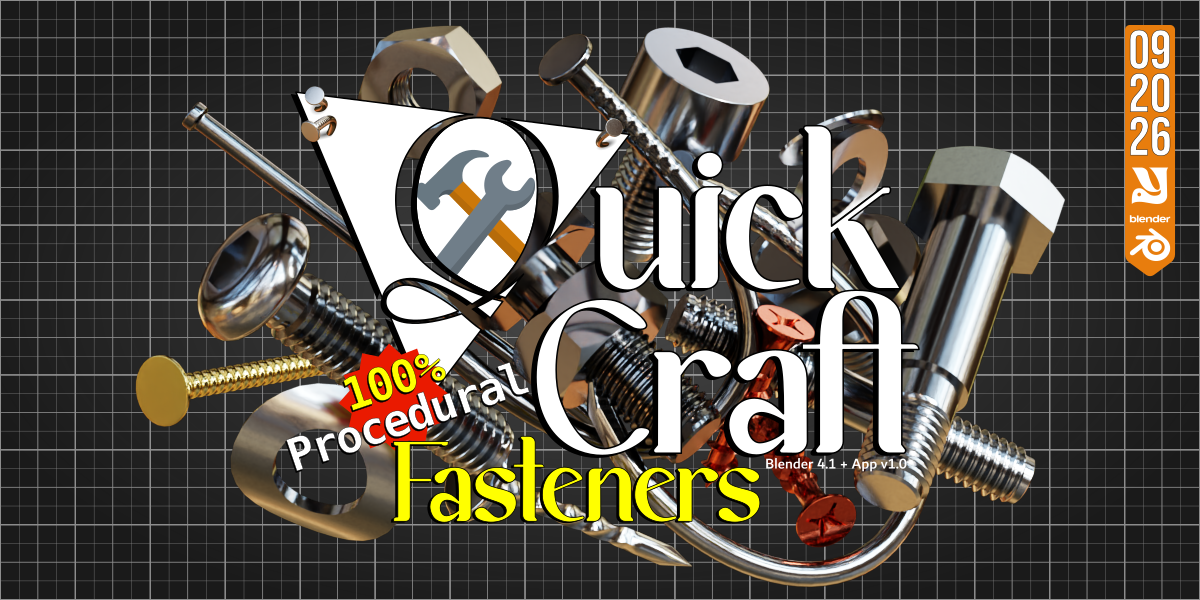


Quick Start Guide
1. Installation & Setup
To add Quick Craft - Fasteners to your permanent Blender Asset Browser layout, follow these steps:
Open Blender and navigate to Edit > Preferences.
Select the File Paths tab on the left.
Under Asset Libraries, click the + icon.
Browse to the extracted folder containing the
.blendfile, the.cats.txtcatalog file, and thePreviewfolder.Save your preferences.
2. Using the Assets
Open a new or existing project.
Change any editor window to an Asset Browser.
Switch the library dropdown from Current File to Quick Craft - Fasteners.
Simply drag and drop your chosen eye preset (Realism, Stylized, or Fantasy) directly onto your character mesh.
 Included
Includes 12 months of
- Support from Yasine Imerie
- Product updates
Extend this product’s Support Period +12 months: 25% of product price
Have questions before purchasing?
Login to message
| Published | about 2 months ago |
| Blender Version | 4.1 - 5.2 |
| Render Engine Used | Cycles, Eevee |
| License | GPL |
Discover more products like this
fasteners 3d-Asset procedural topology construction mechanical non-destructive Generator geometry nodes parametric