Quick Craft - Stitches
 Yasine Imerie

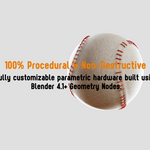
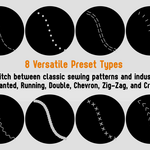
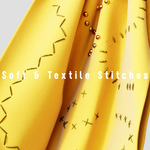
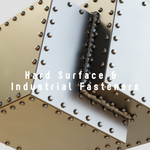
How do I install the Quick Craft - Stitches library so it appears in my Blender Asset Browser?
To install the library, follow these simple steps:
1. Open Blender and go to Edit > Preferences.
2. Navigate to the File Paths tab on the left.
3. Under the "Asset Libraries" section, click the '+' button to add a new path.
4. Browse to and select the main folder you extracted. Ensure this folder contains your 'Quick Craft - Stitches.blend' file, the 'blender_assets.cats.txt' catalog file, and the 'Preview' folder.
5. Save your preferences, open a new Asset Browser window in Blender, and change the library dropdown from "Current File" to your newly added library path.
$1
Have questions about this product?
Login to message
| Published | about 23 hours ago |
| Blender Version | 4.2 - 5.2 |
| Render Engine Used | Cycles, Eevee |
| License | GPL |
Discover more products like this
hard surface textiles geometrynodes tools stitches procedural