 MDREECE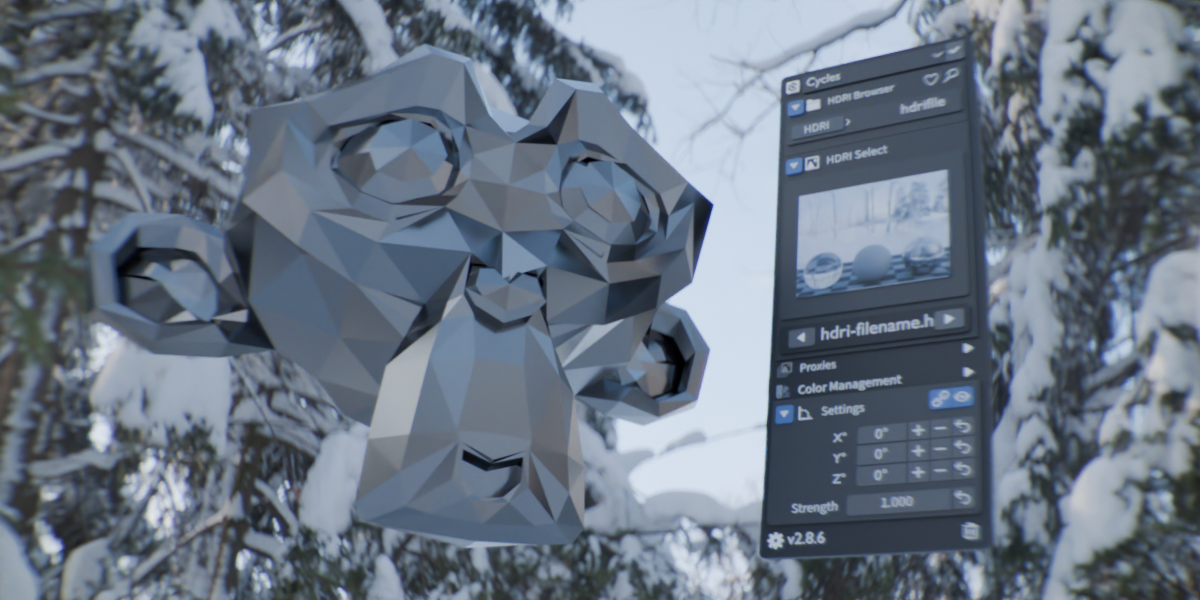
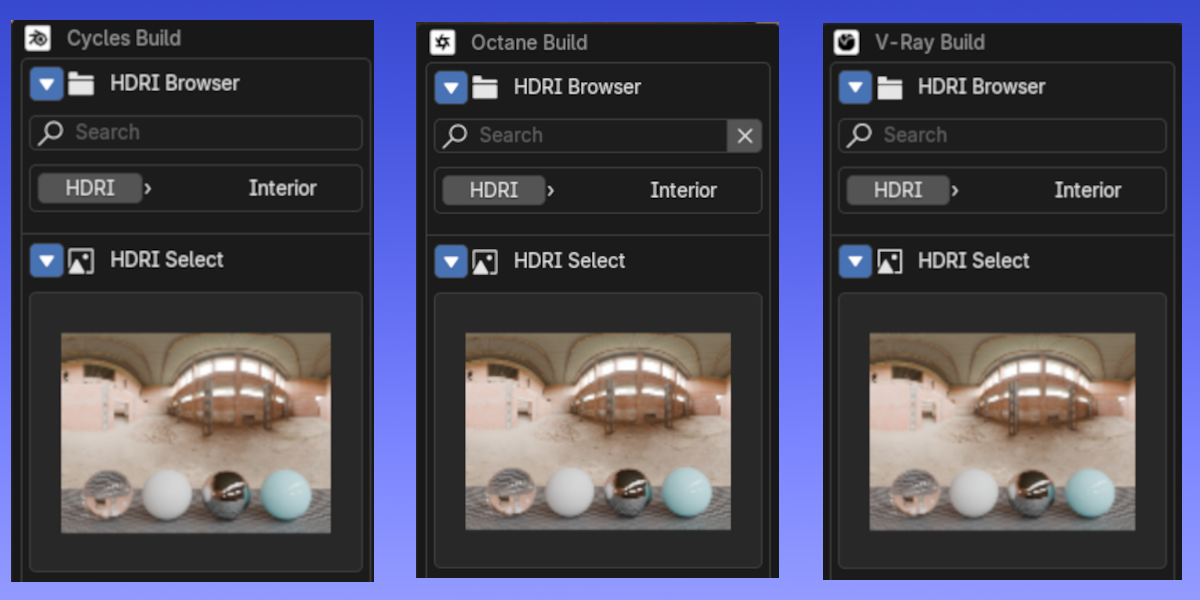
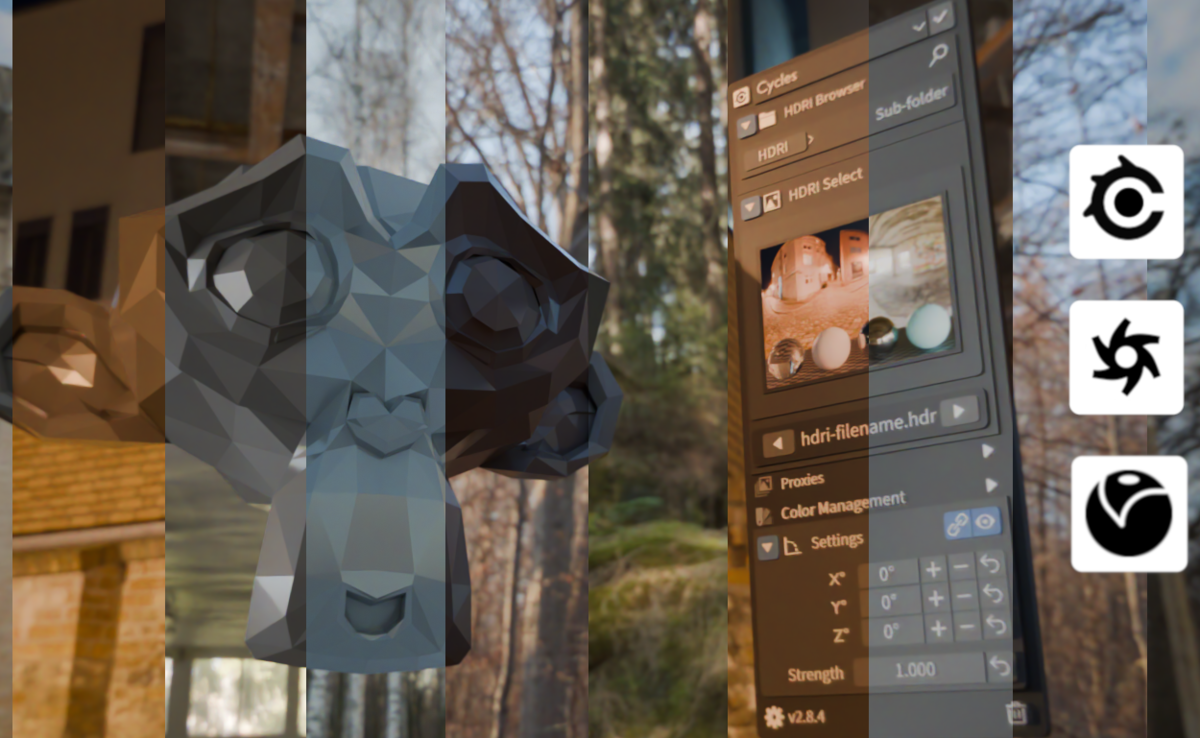
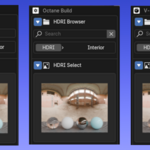
Quick HDRI Controls | Cycles | Octane | V-Ray | v3.0.3
Cycles up to 5.1.2 | V-Ray up to 5.0.1 (7.10.00) | Octane up to 5.1.2 (31.9)
THIS ADD-ON IS FREE. PAID OPTIONS ARE ONLY FOR FUNDING THE BLENDER DEVELOPER FUND (download from Github for free/ most up to date version and documentation) If downloaded from BlenderMarket/Superhive, update when able!!!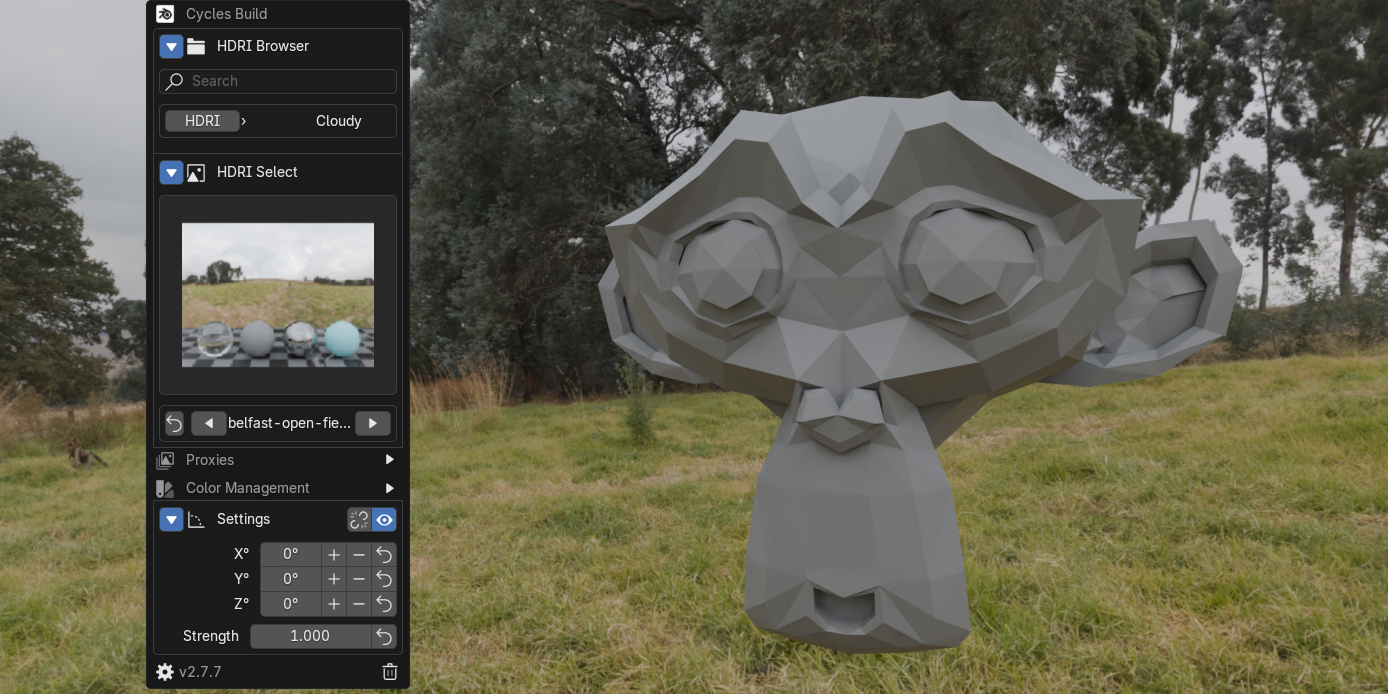
Github: https://github.com/mdreece/Quick-HDRI-Controls
Requirements:
- Blender 4.2.0+ (older instances may work)
- Supported Operation Systems & Render Engine
- Windows 10/11 (older may work): Cycles, V-Ray, Octane
- Linux Manjaro (others may work): Cycles (Octane may work)
- MacOS 14.0+ (older may work): Cycles
Support:
Need help? Found a bug? Have a suggestion?
- Directly message on Blender Market
- Open an issue on GitHub
- Check existing issues for solutions
- Include steps to reproduce any bugs
Installation:
1. Download the latest release.zip.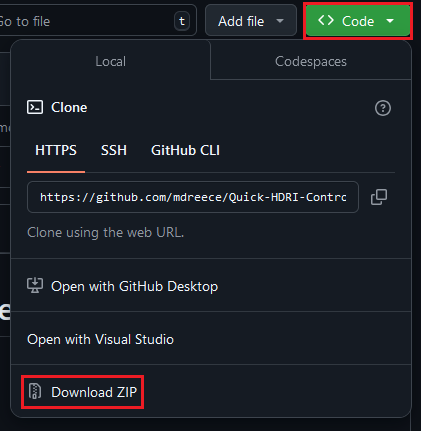
- Click Code
- Click Download ZIP
3. Click the drop down and click "Install" and select the downloaded zip
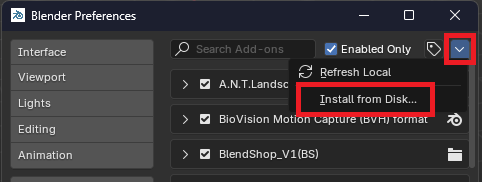
4. Enable the add-on by checking the box next to "3D View: Quick HDRI Controls"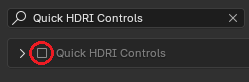
Quick Start Guide:
1. Open the add-on preferences (Edit > Preferences > Add-ons > Quick HDRI Controls)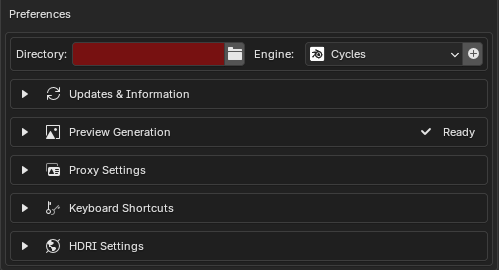
2. Perform the following:
- Set your HDRI folder by clicking the folder icon next to "HDRI Directory".
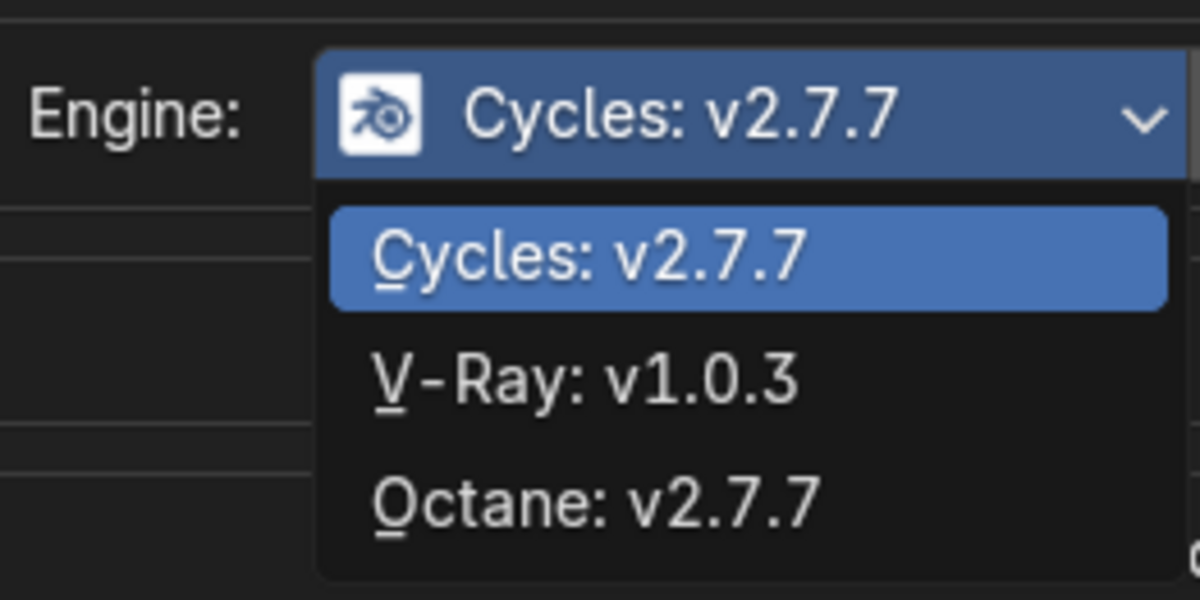
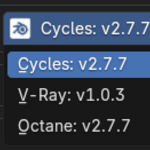
- Select your desired Render Engine and Apply '+'. (Cycles by default, but supports Cycles, V-Ray and Octane. Blender will need to be restarted after changing and applying.)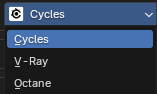
If this is not done, when attempting to use you will be prompted to set it anyway.
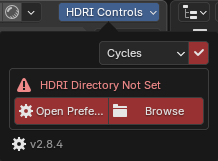
- Open Preferences set to HDRI Directory
- Open/Choose HDRI Directory directly
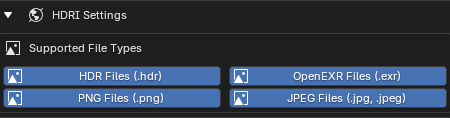
4. Close the preferences.
Using the Add-on:
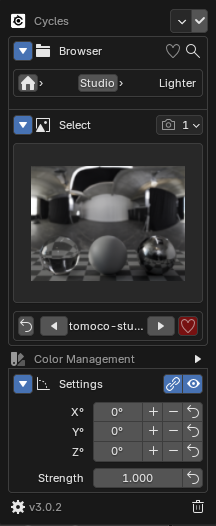
1. Look for "HDRI Controls" in your 3D viewport header (top bar)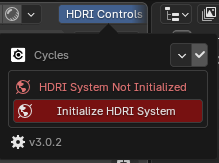
Click it and then 'Initialize HDRI System'
- IF set to Cycles, the View Transform changes to AgX (can be adjusted in panel)
- IF set to Octane, the View Transform changes to Raw (can be adjusted in panel)
- IF set to V-Ray, the View Transform changes to Standard (can be adjusted in panel)
2. You'll be prompted with your HDRI folders/main directory in the "Browser" section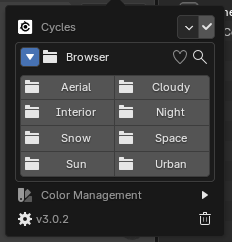
- Click a folder to browse the HDRIs
- Use the search option to find HDRIs (use clear button to enter new search)
- 'HEART' shows only saved 'favorite' HDRIs. (more below)
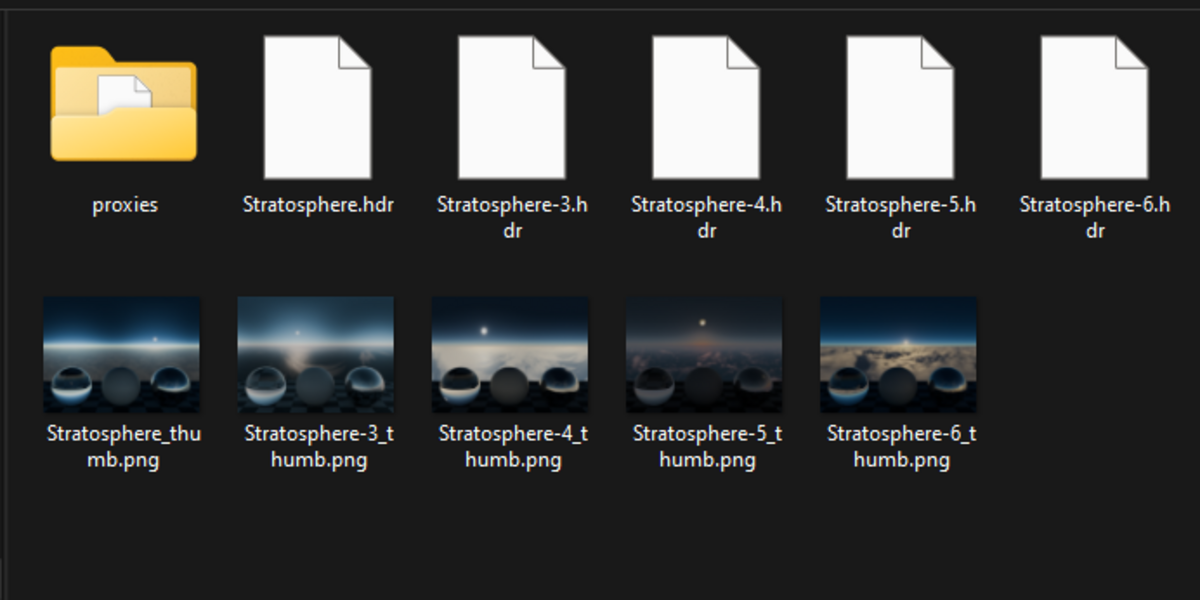
- Choose a proxy resolution if desired for faster viewport rendering (a proxy will generate if one does not exist)
3. Once a folder has been selected, 'Select' panel appears.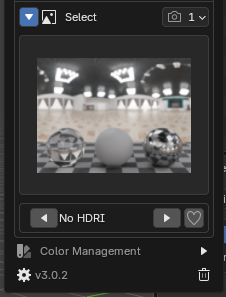
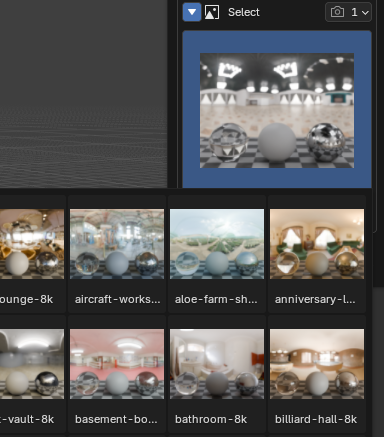
- Click the box to see thumbnails of your HDRIs
- Click on the desired HDRI to load it to use it
- The navigation buttons can be used as well to choose the next or previous HDRI in the list.
- The 'HEART' button is to save an HDRI to favorites. Click to save or remove from favorites (will show as RED if saved)
Proxies: (more info below)
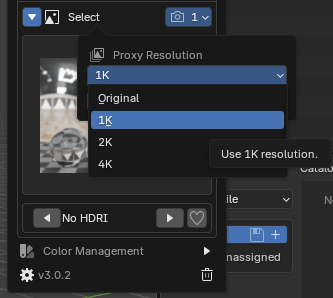
Use the drop down to choose a proxy resolution:
- Original: The original quality HDRI file will be loaded
- 1K, 2K, 4K: A proxy of the selected HDRI will be generated (or loaded if one exists already).
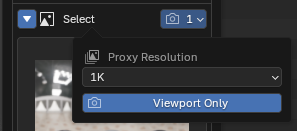
Click the 'View-port Only' button for the proxy file to only show during view-port rendering. If deselected, when a render (single image or animation as well as flamenco network rendering) the original quality HDRI file will be loaded for the render. Once the render is completed, the previously chosen proxy instance will be reloaded.
4. 'Settings' will appear once an HDRI has been loaded.
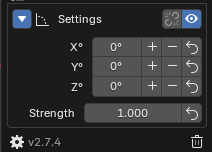
Options:
- X, Y, Z rotation ( + and - relates to rotation step size in Preferences)
- X, Y, Z rotation reset (resets rotation options to 0)
- Control the lighting strength
- Quick access to preferences
- Addon version
- Delete World
Full Add-on Panel: