 Blender.Fun
Cutting through objects has never been easier and quicker:
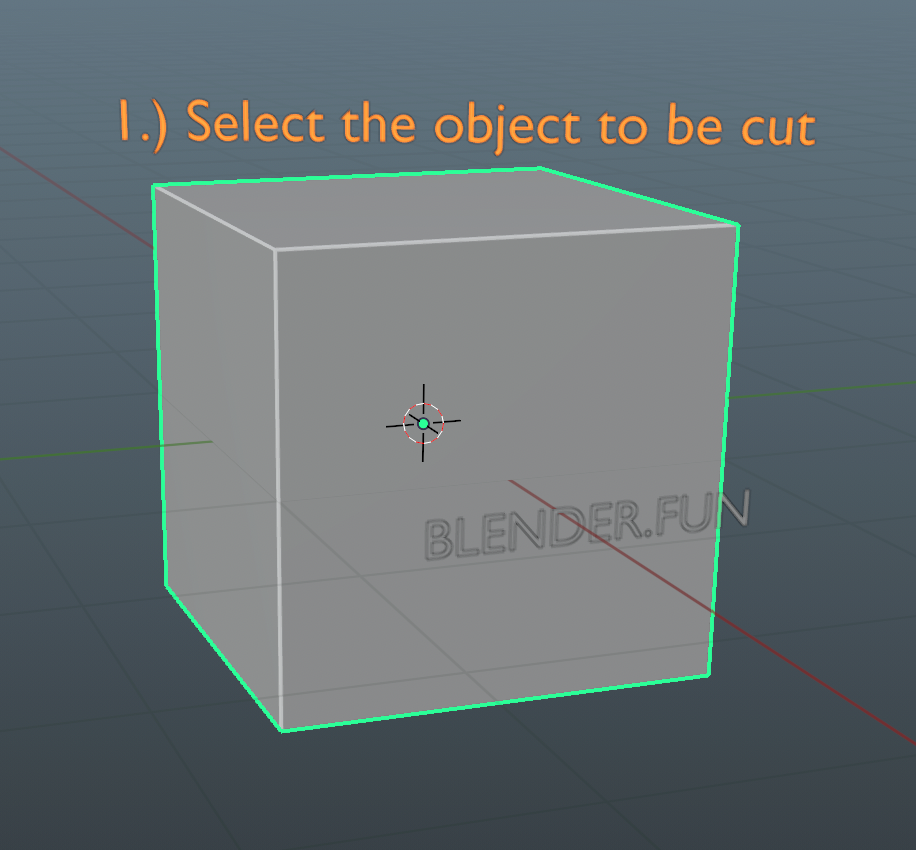
1) select your cutting object
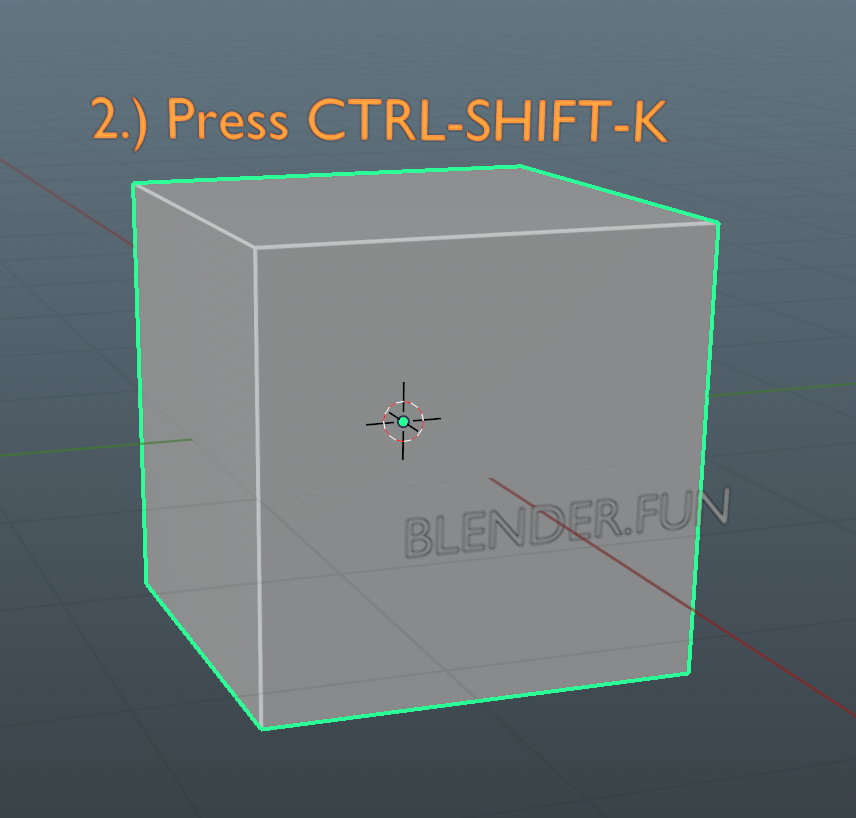
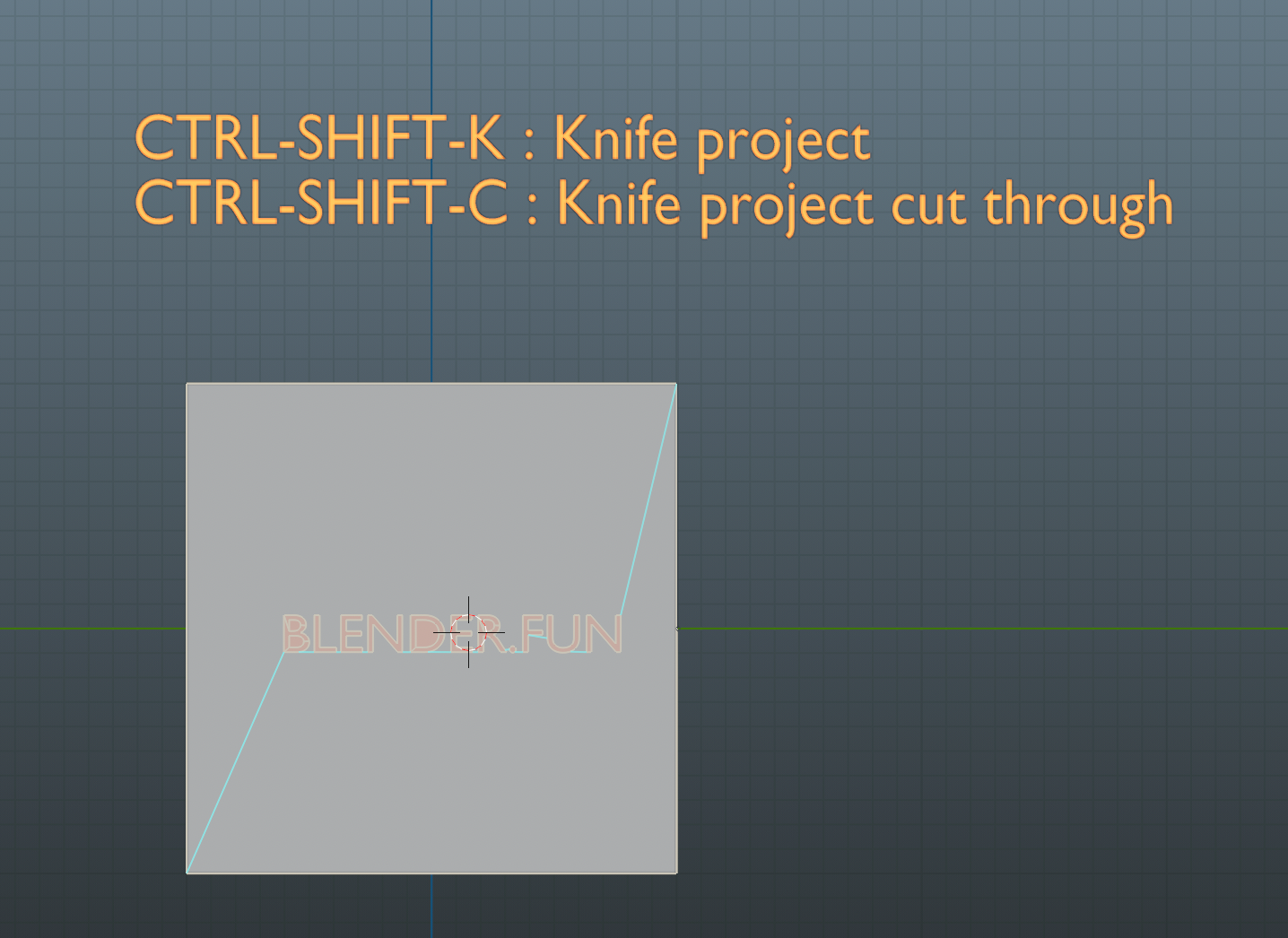
2) press CTRL-SHIFT-K
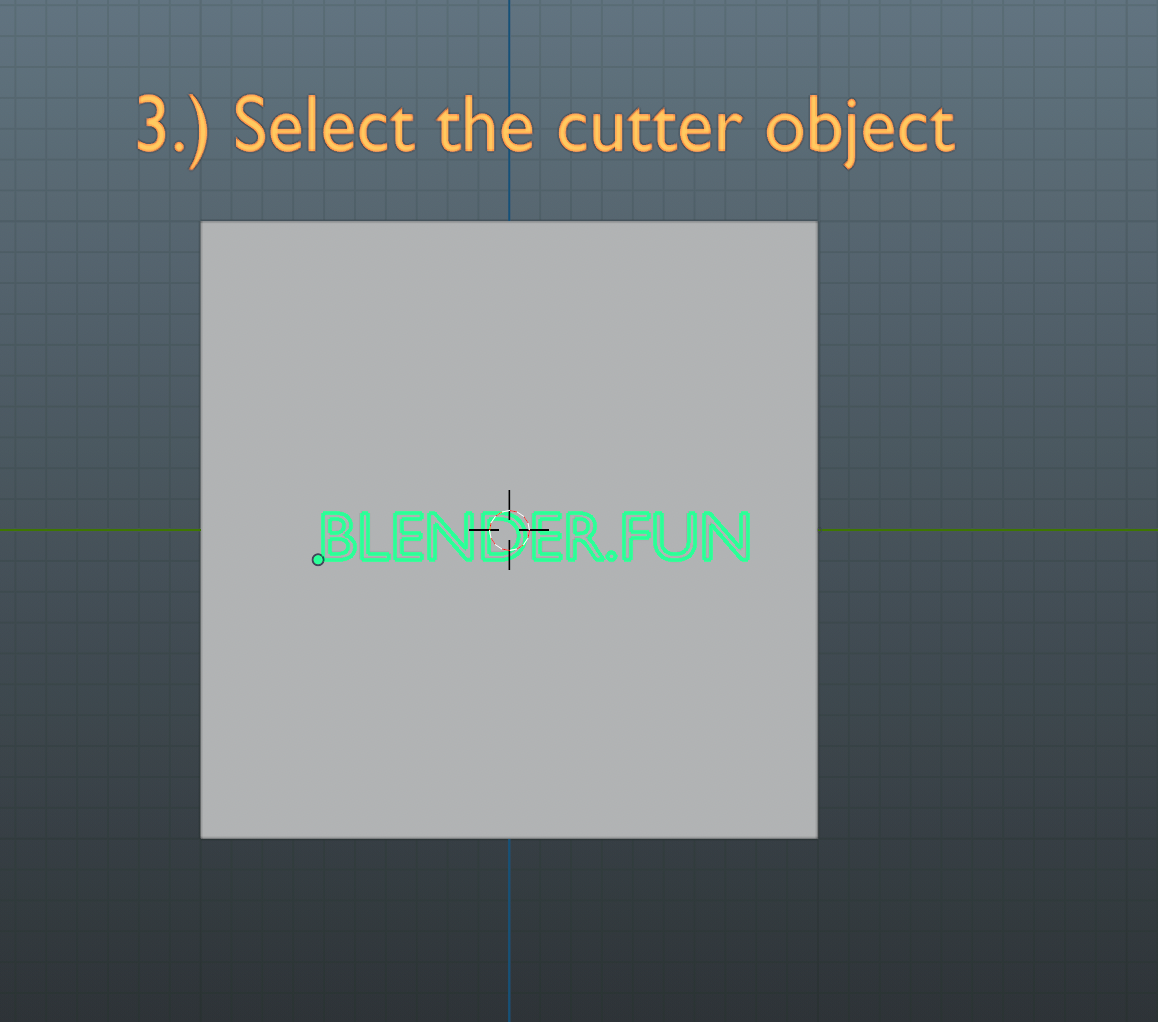
3) select your cutter object
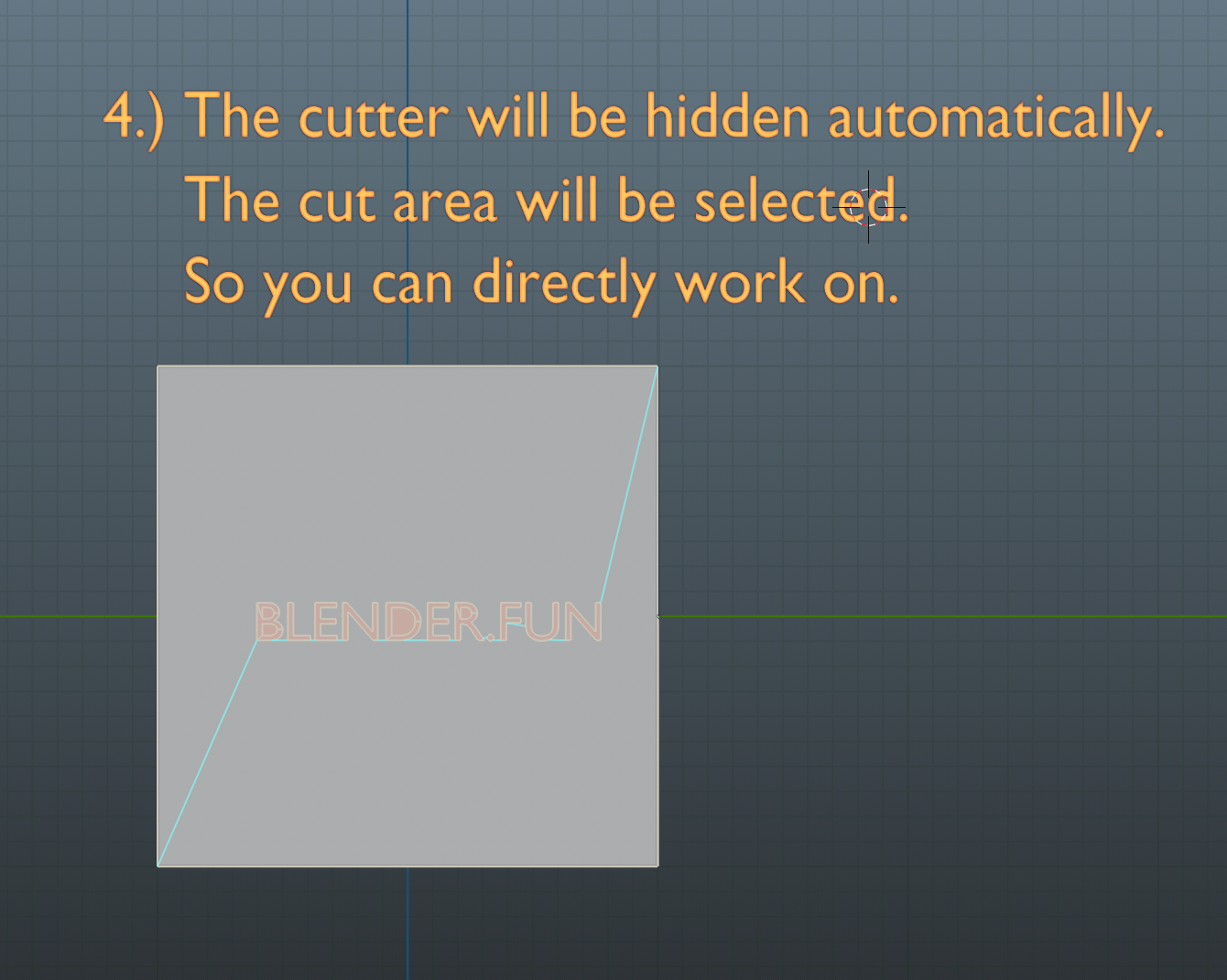
Now you are automatically in edit mode, the cut is selected and you are ready to go!
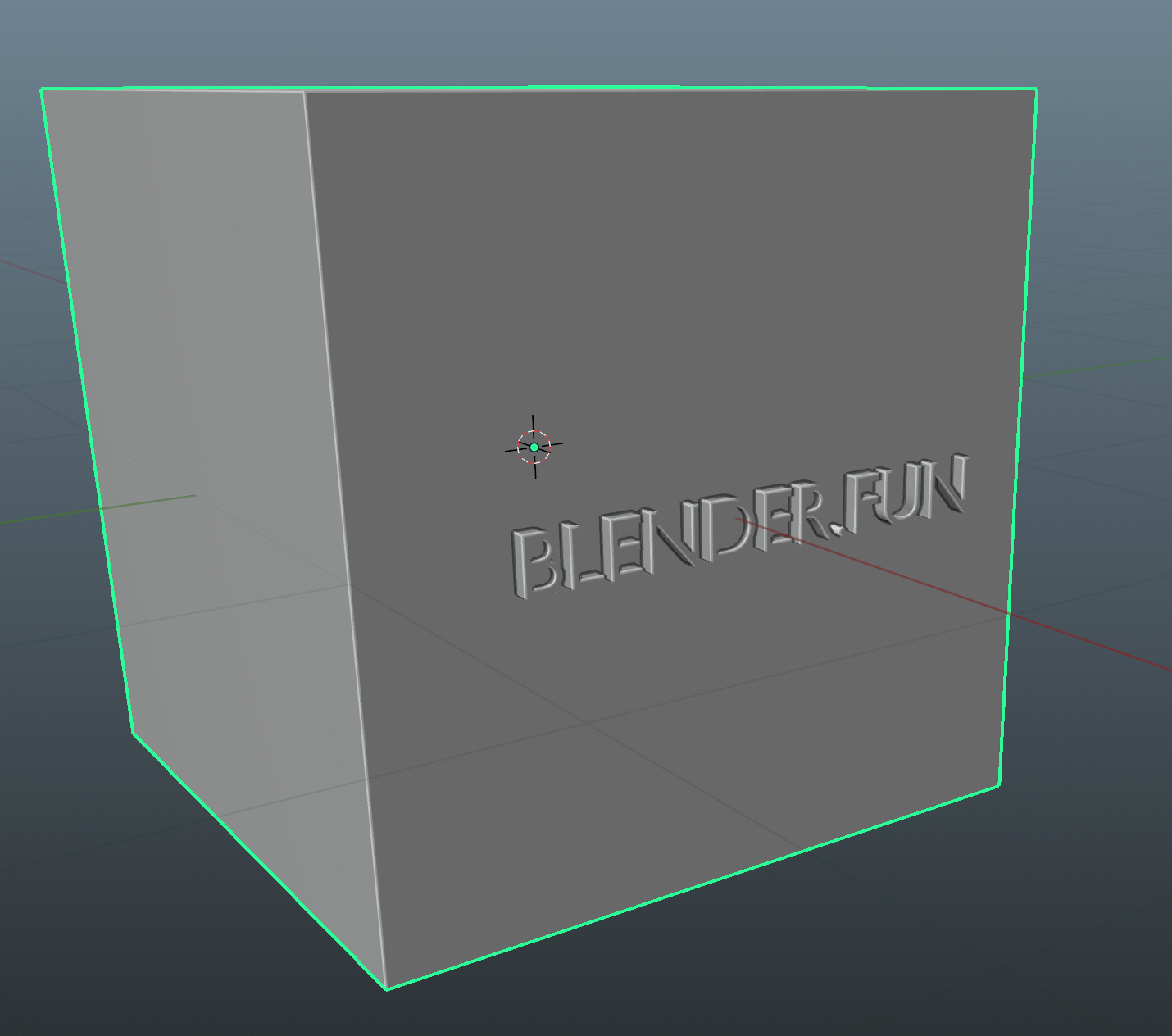
Cutting through objects has never been easier and quicker:
1) select your cutting object
2) press CTRL-SHIFT-K
3) select your cutter object
Now you are automatically in edit mode, the cut is selected and you are ready to go!
Have questions about this product?
Login to message
| Sales | 30+ |
| Dev Fund Contributor | |
| Published | over 3 years ago |
| Blender Version | 4.3, 4.2, 4.1, 4.0, 3.6, 3.5, 3.4, 3.3, 3.2, 3.1, 3.0, 2.93, 2.92, 2.91 |
| License | GPL |
