 Liryc Creative Design Studio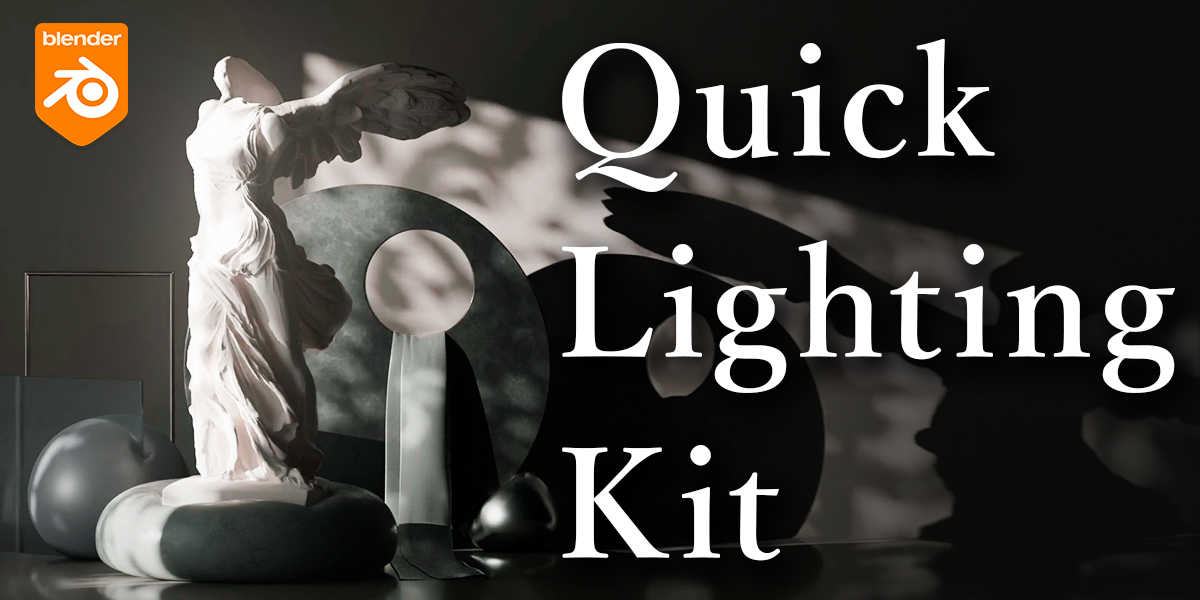
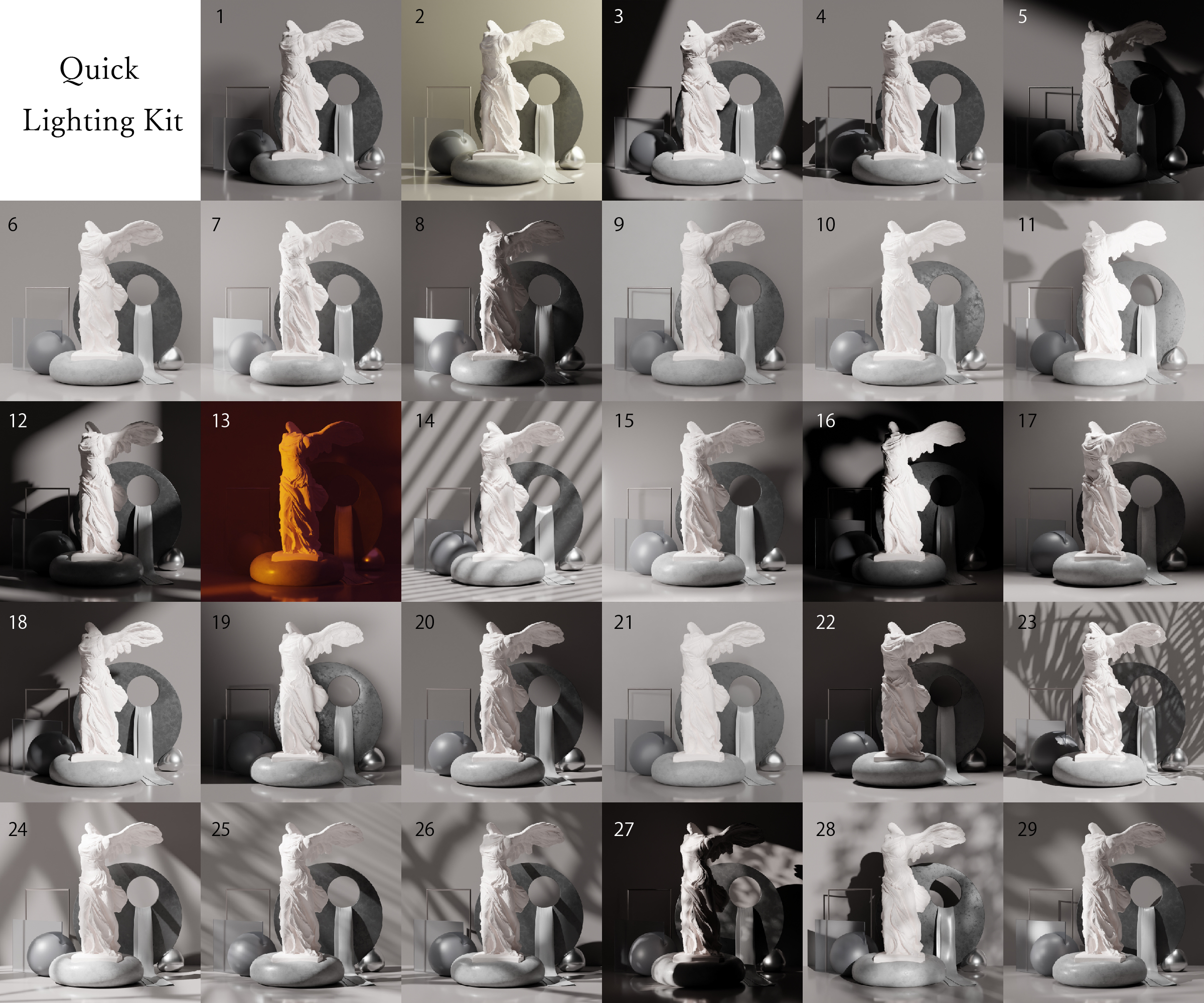
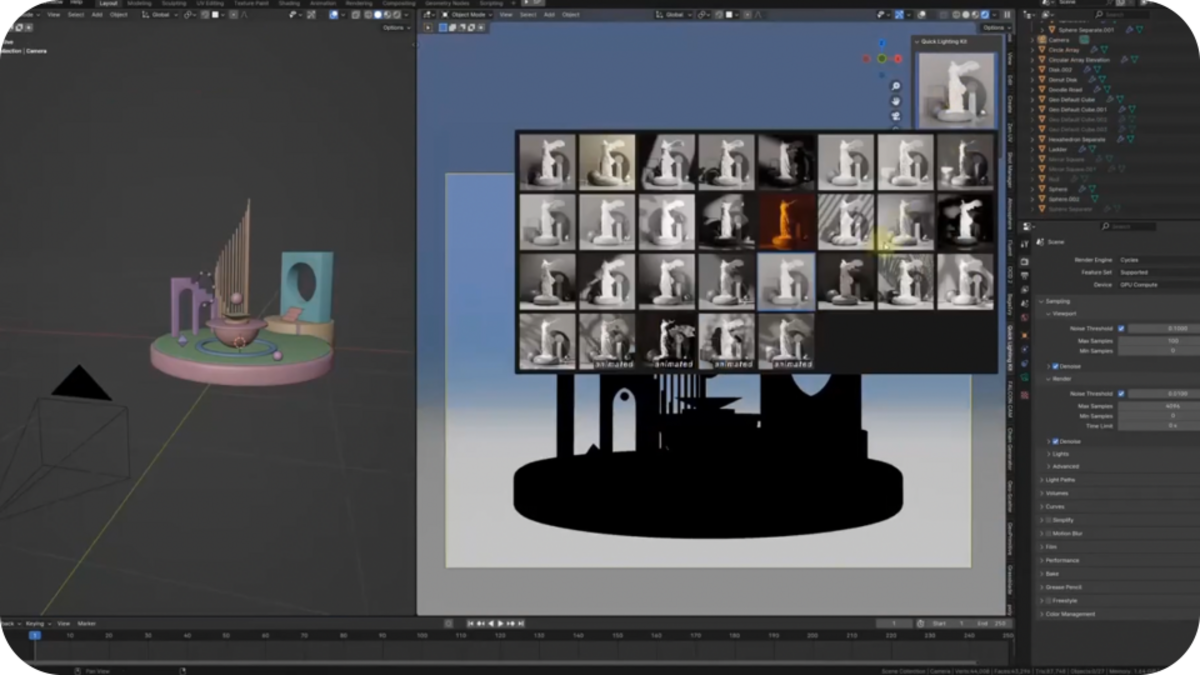
29 different lighting collections for easy setup💫
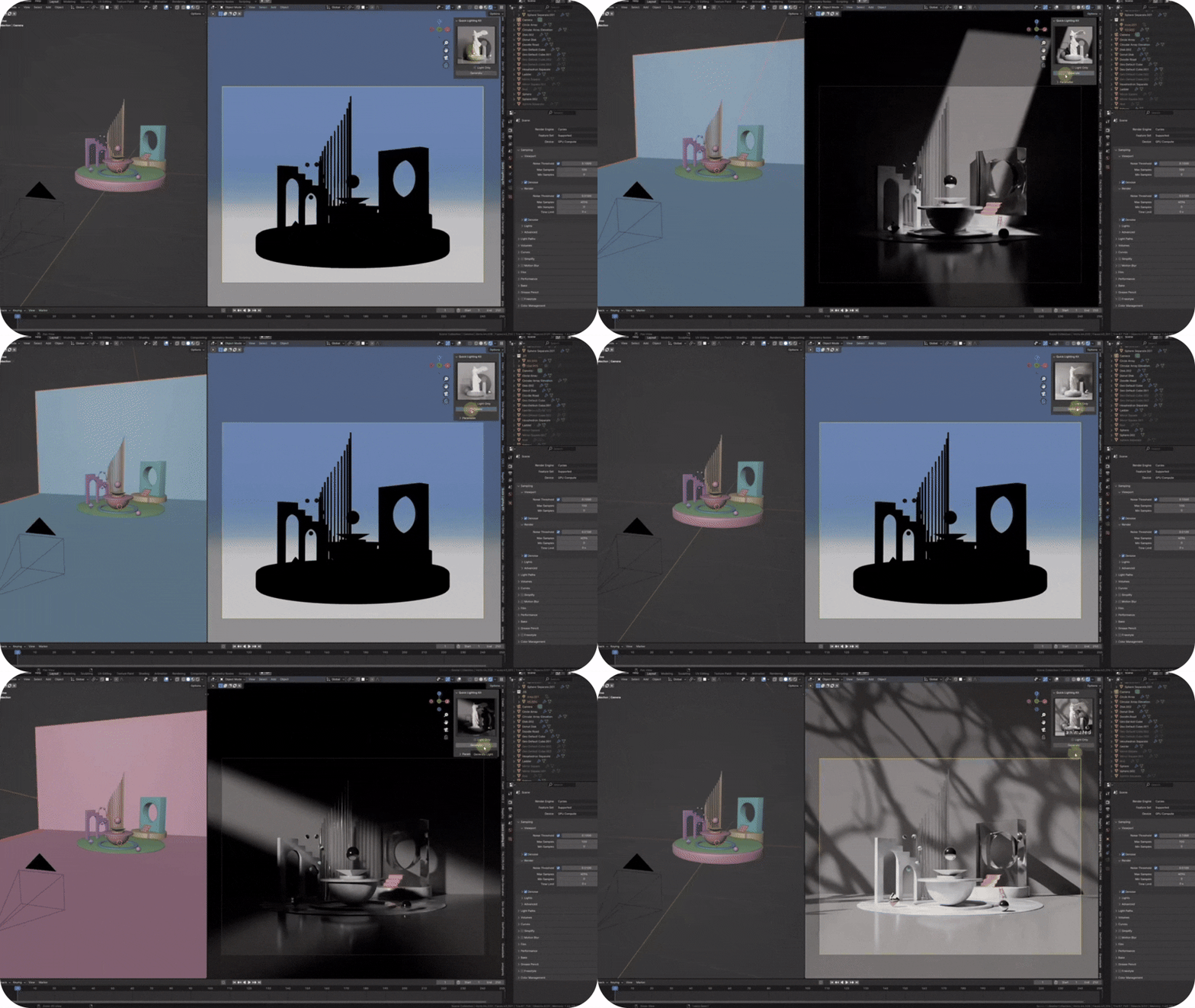
- 29 professional lighting collections
- Five different tree shadow materials
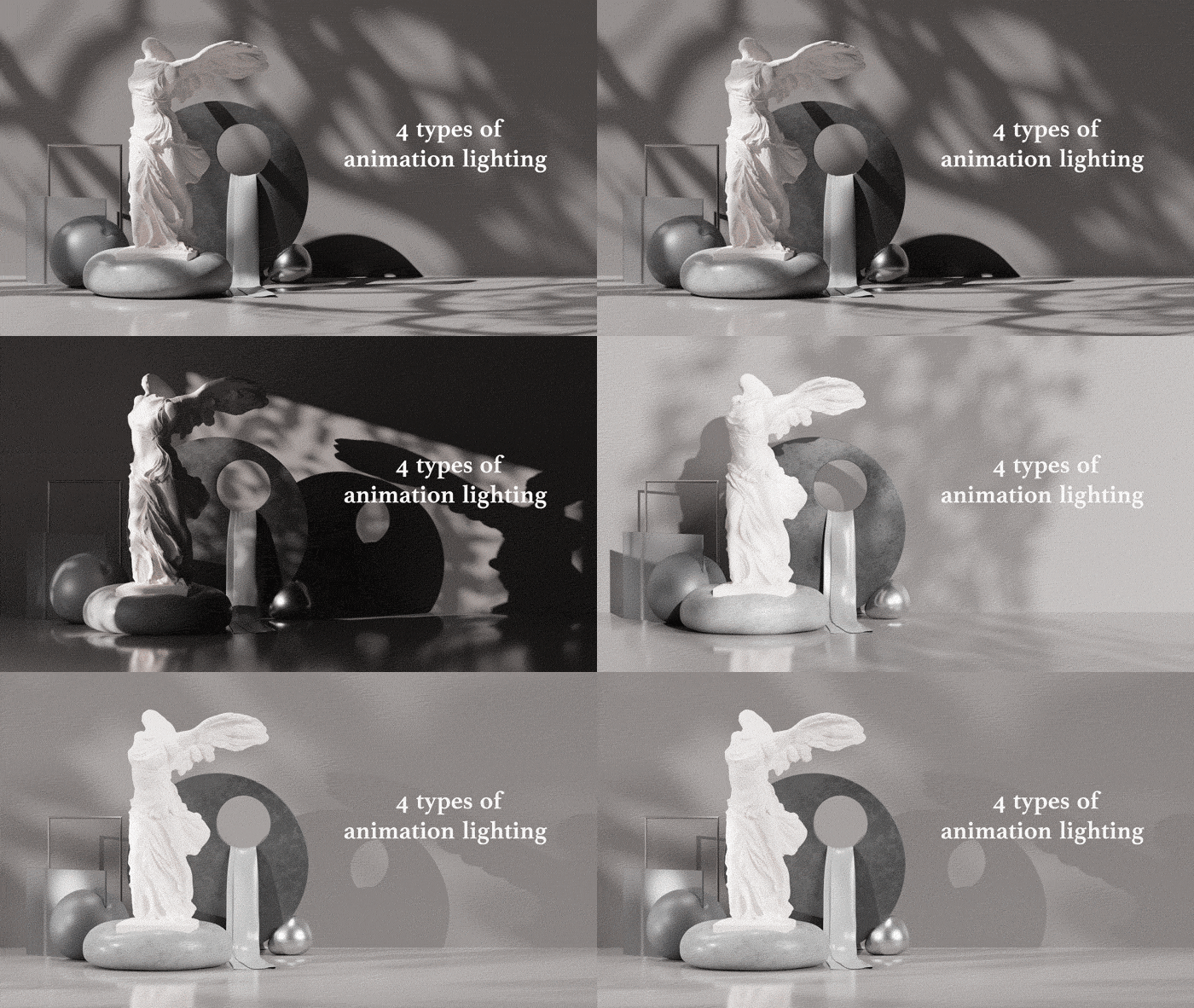
- Three types of tree shadow animations
- Addon support
- Cycles & Eeeve support
Detailed usage instructions are available in the tutorial.
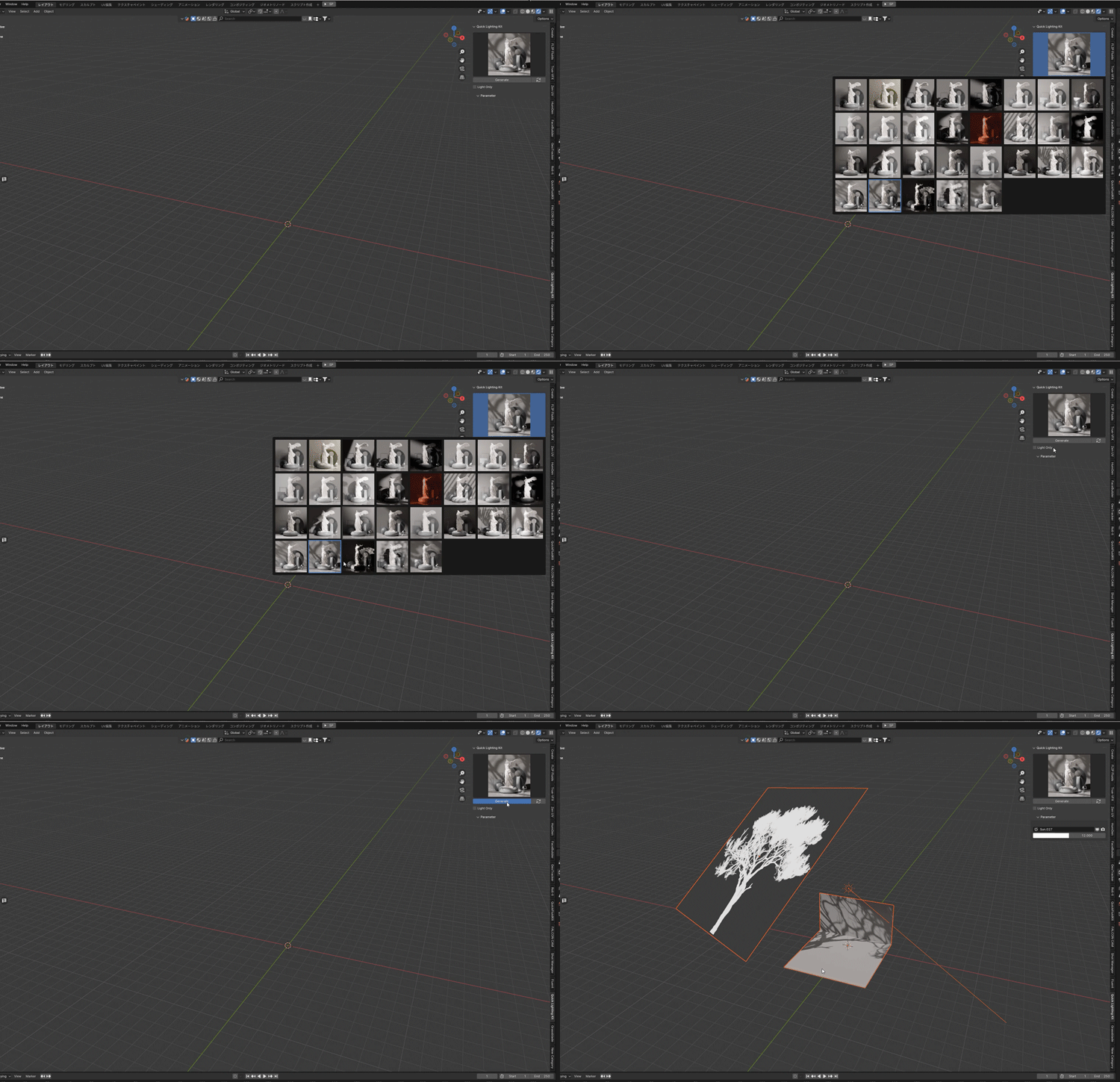
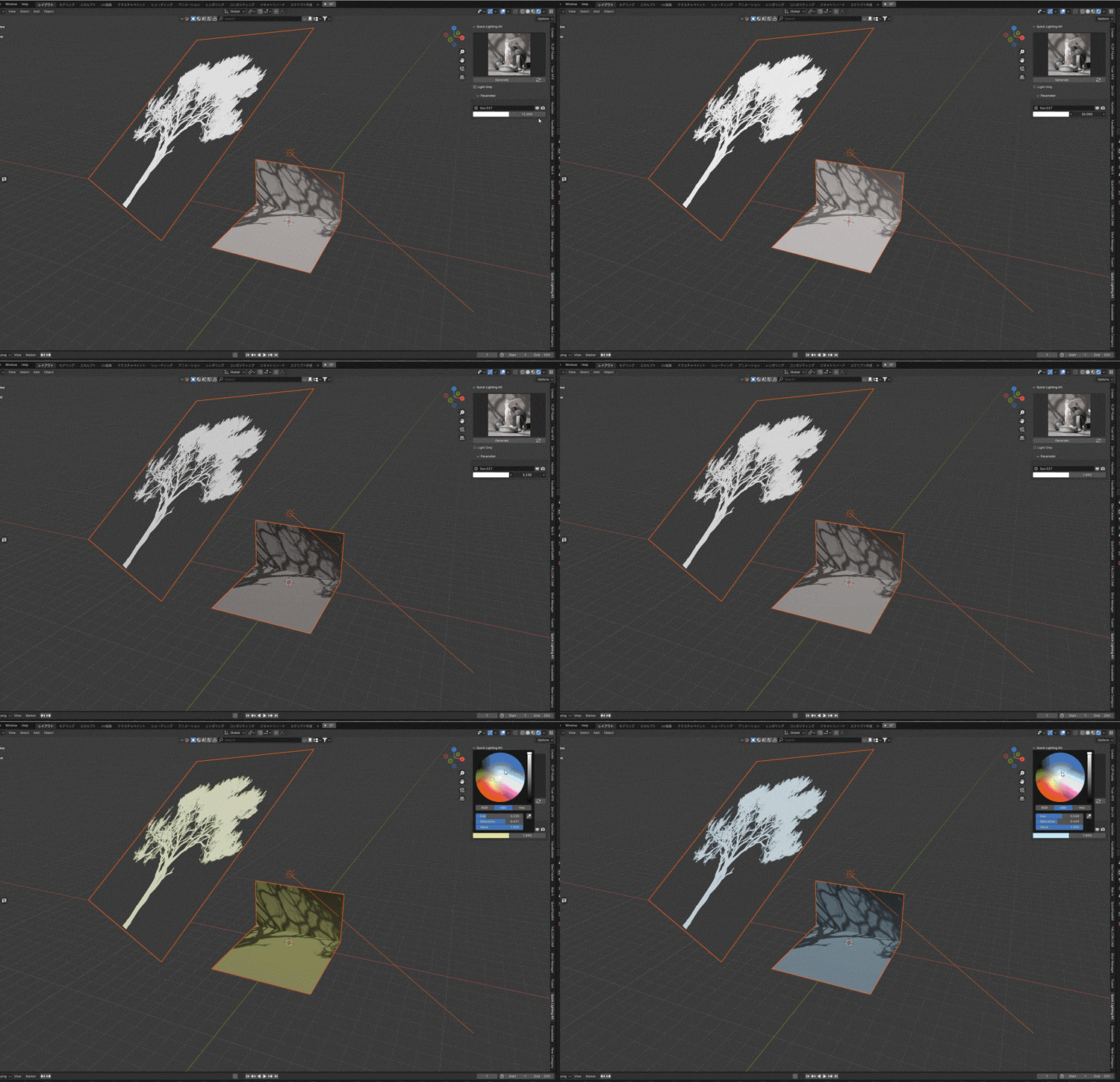
Select the desired light from the sidebar and click the “Create” button to add the light to the scene.
Check the “Light Only” checkbox to add only the light, or uncheck it to add the light and the backsheet together.
Lights can also be moved individually. For detailed adjustment, please use the light properties.
You can select the intensity and color of the light in the sidebar.
You can also choose to enable or disable viewport and render.
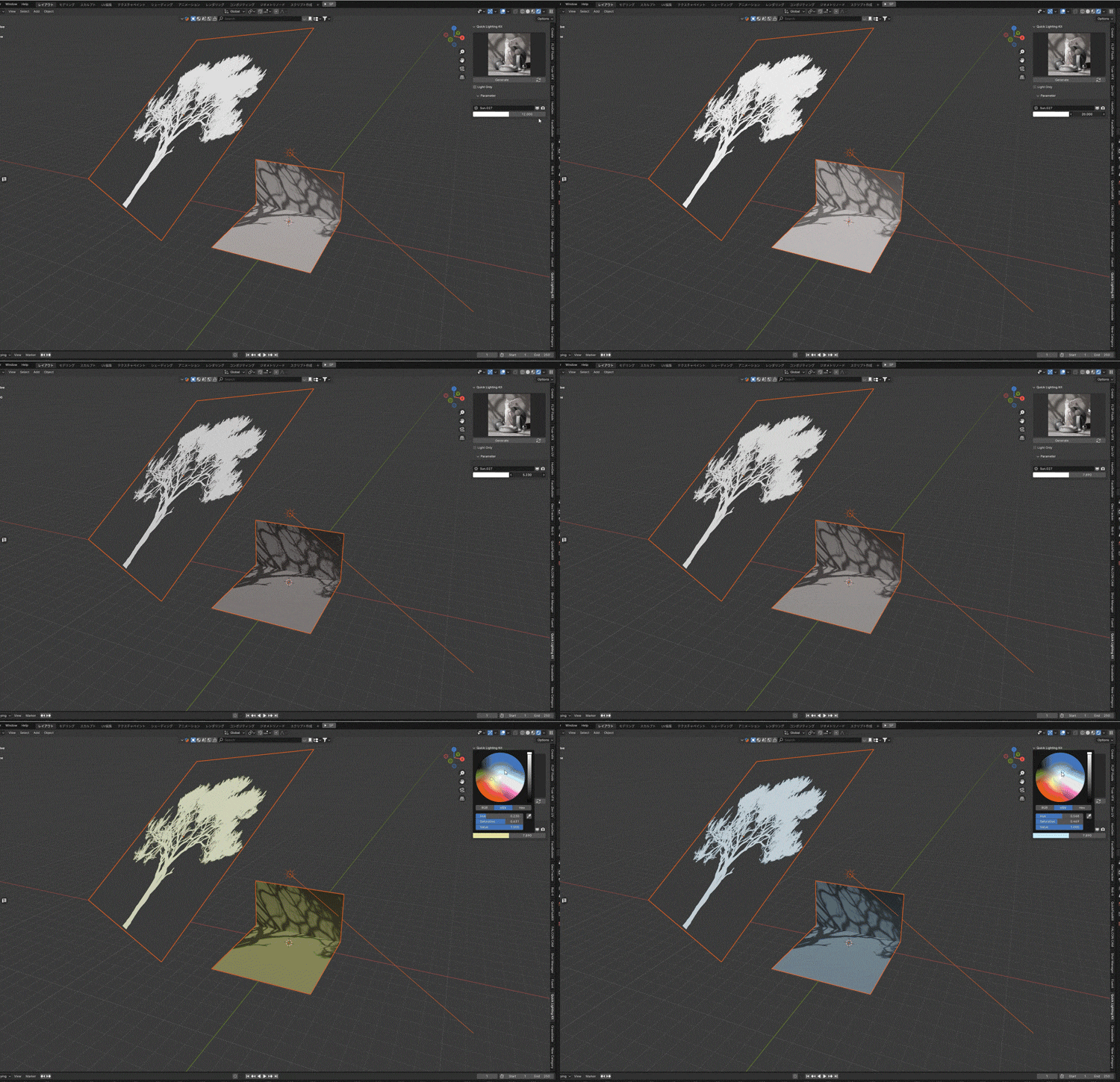
The lighting collection of Nos. 26-29 has a lighting animation that loops at 120F.
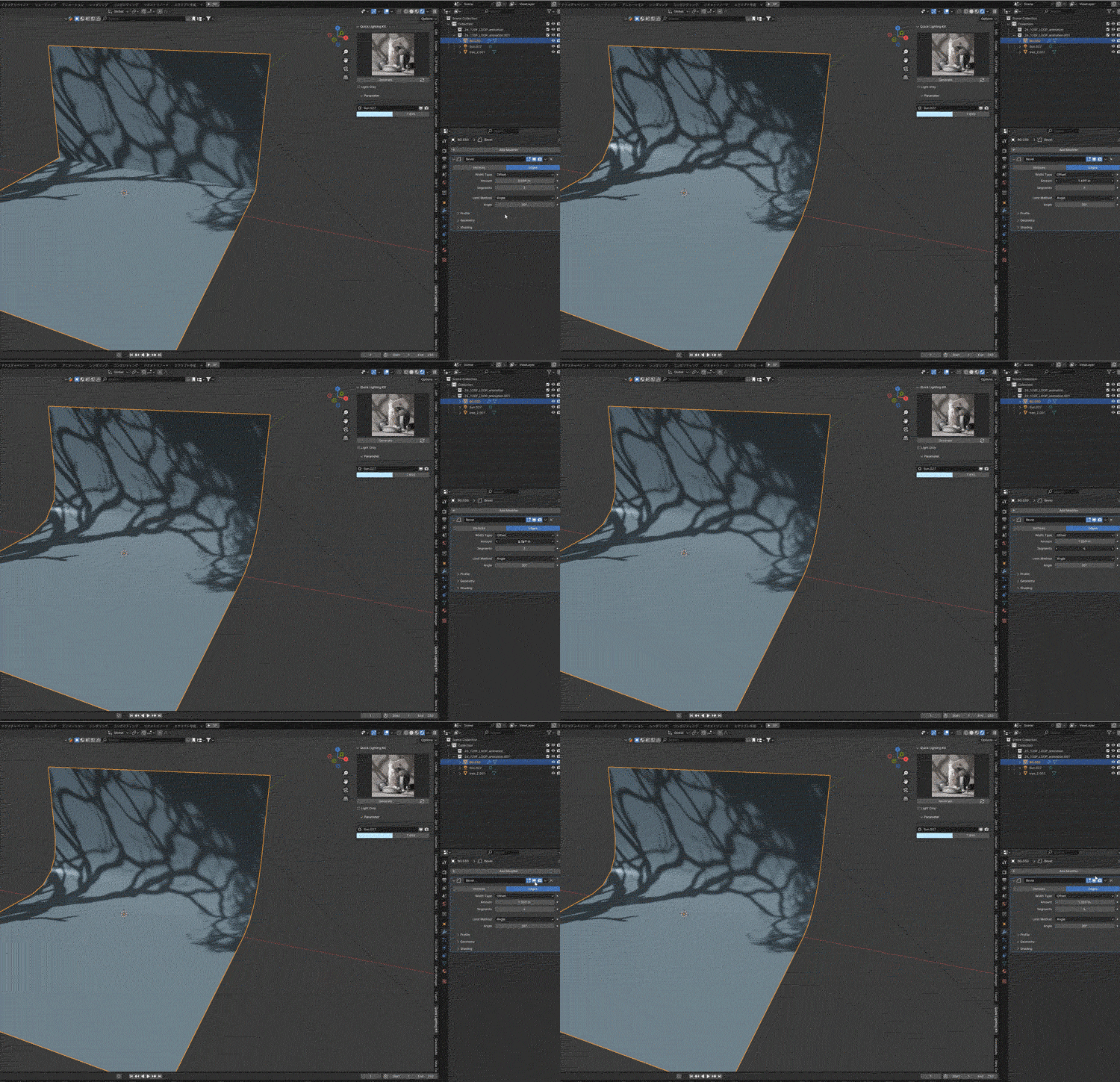
Backsheets have adjustable rounded corners with beveled modifier properties.

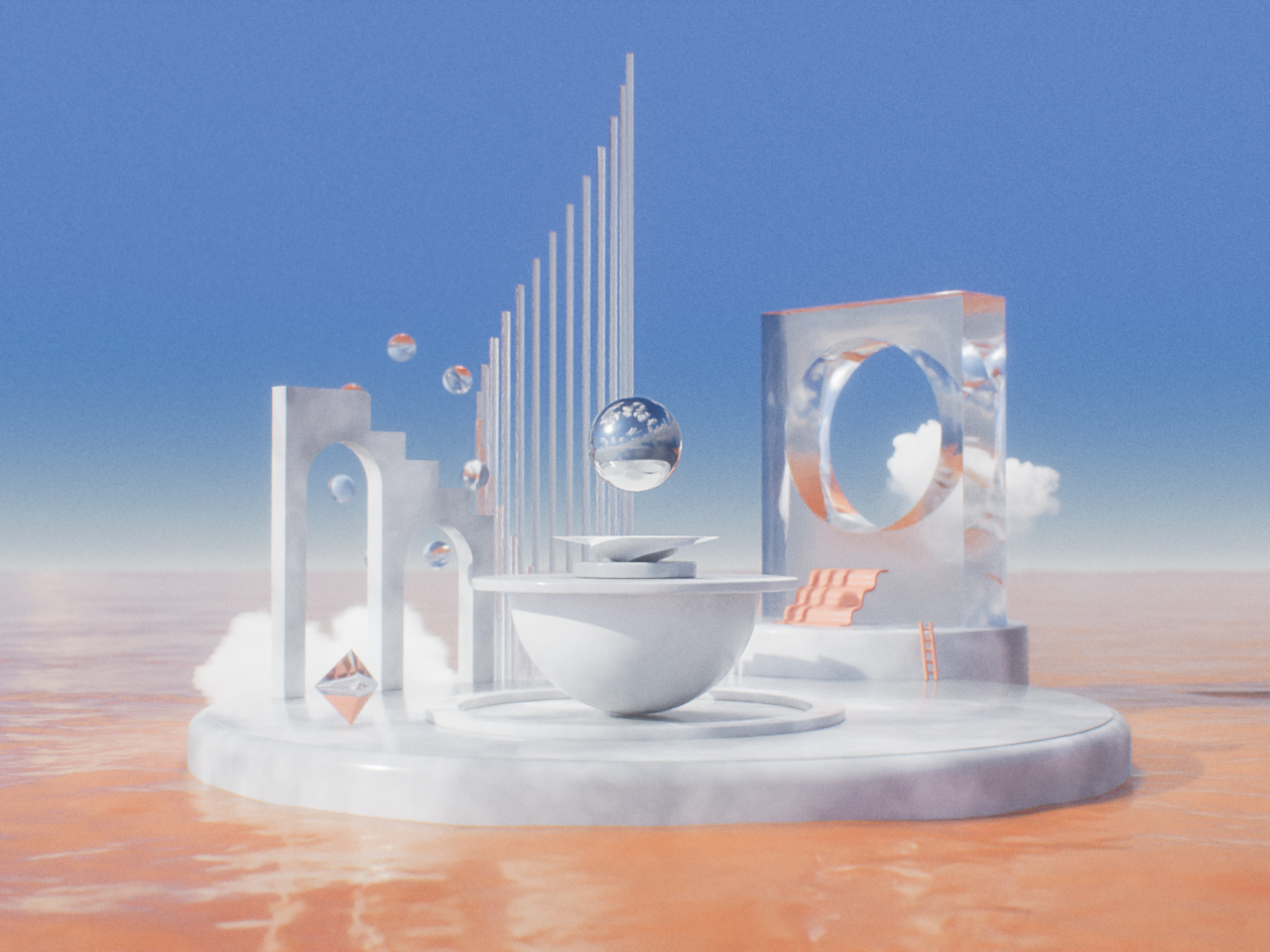
【Gallery】
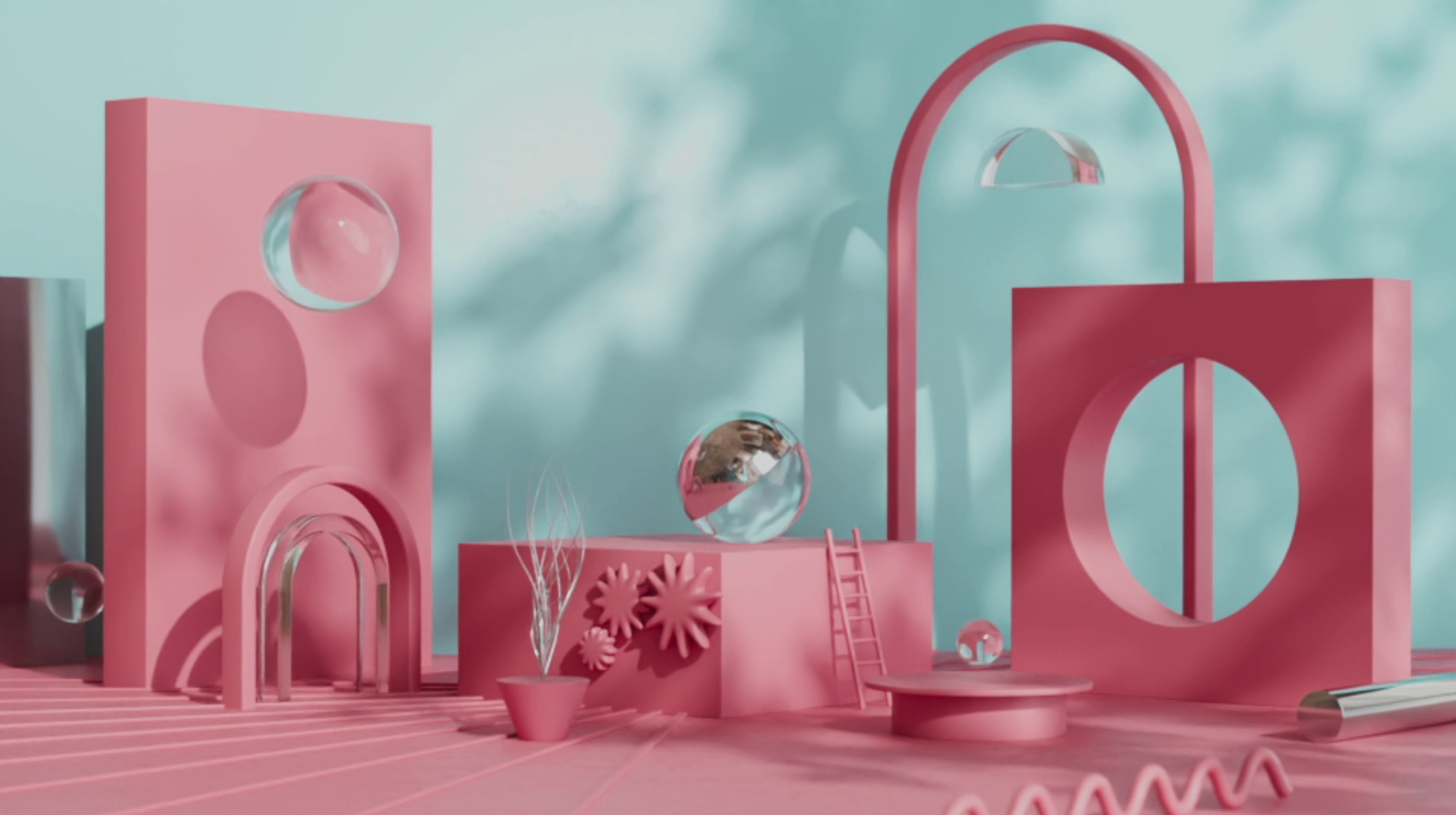
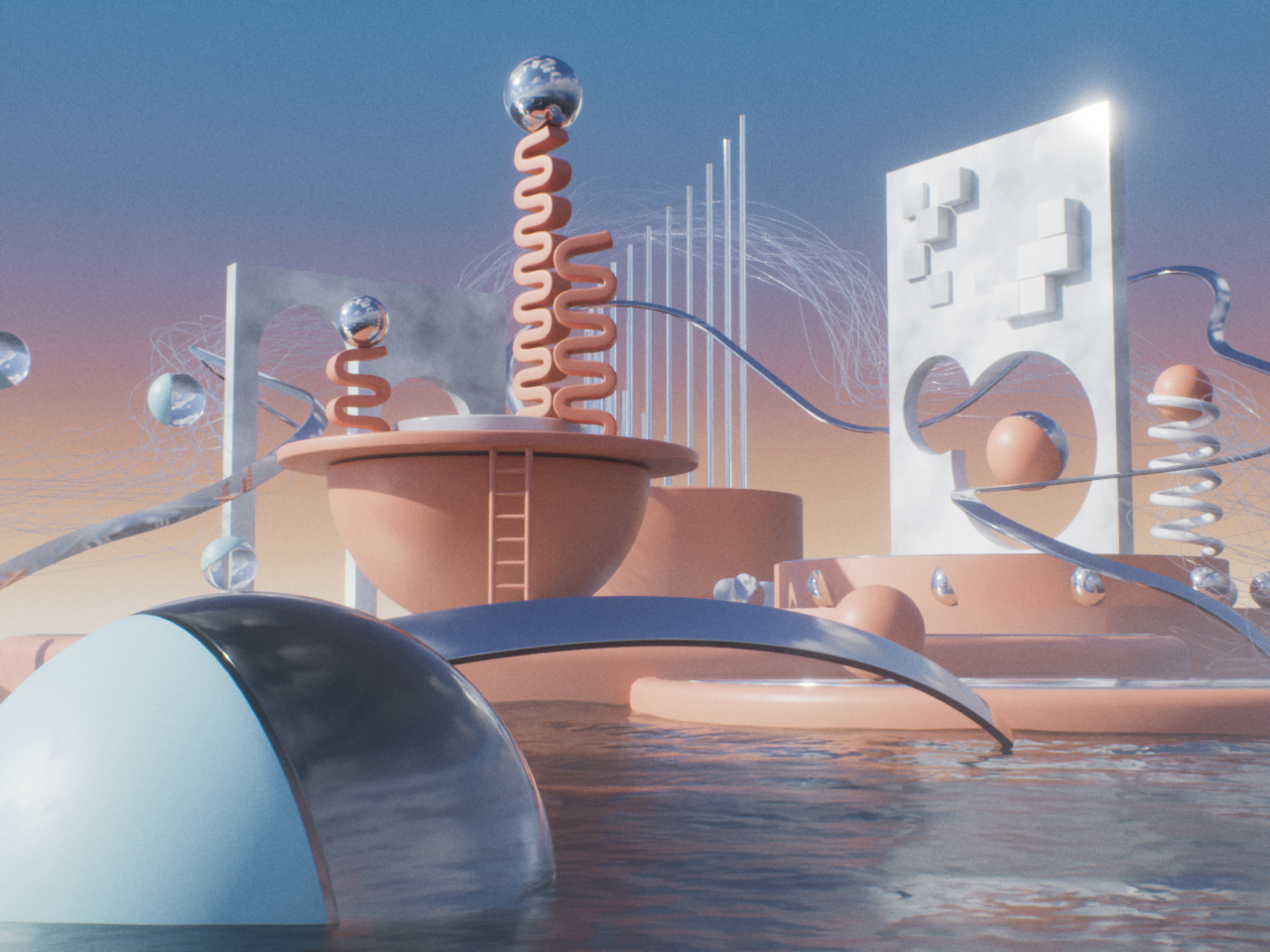
Created by X:@thehalaldesign
・Updated specifications. (2026/2/25)
Twitter Instagram
Addon's designer is AI-Desel
【Commercial use】
Commercial use is permitted if this asset is used as part of a work or production.
You are free to modify the mesh data and materials. Redistribution or sale of this asset data as is for the purpose of supporting Blender artists' production activities is prohibited.
