Quick Mask
 Yasine Imerie

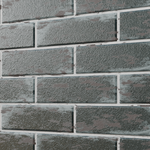
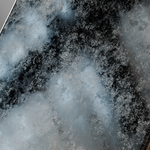
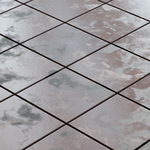

Quick Mask Documentation
Overview
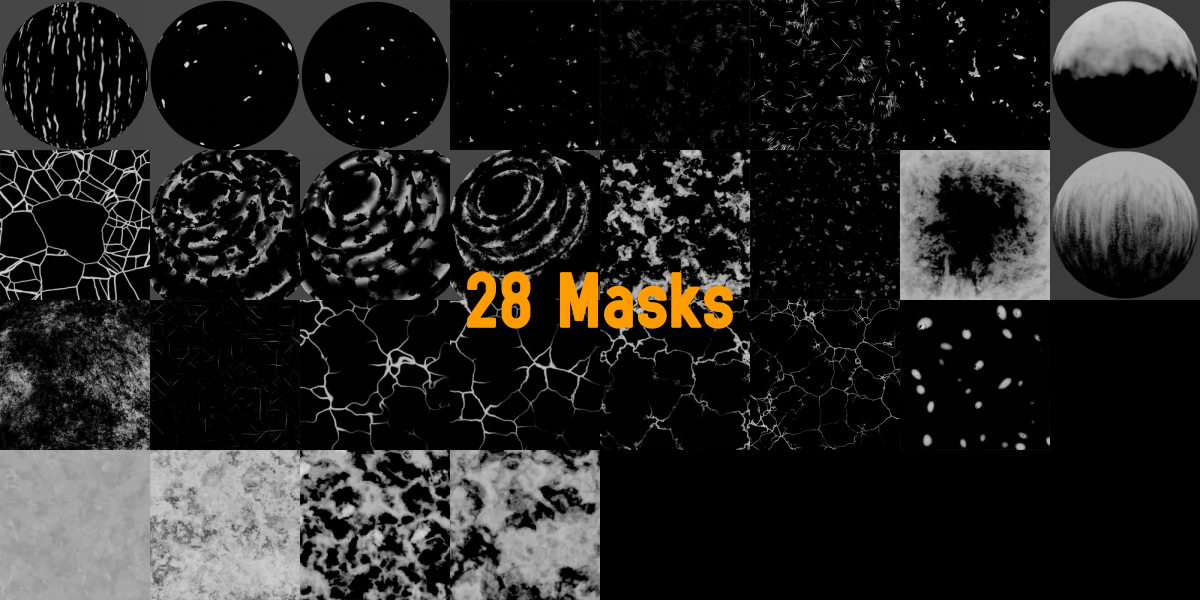
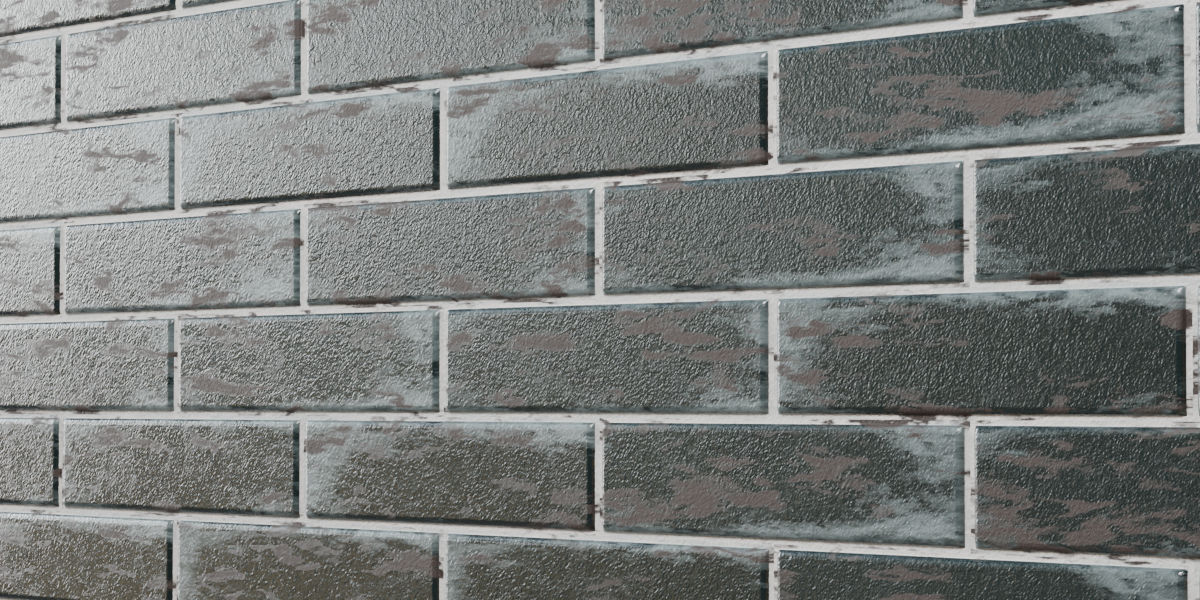
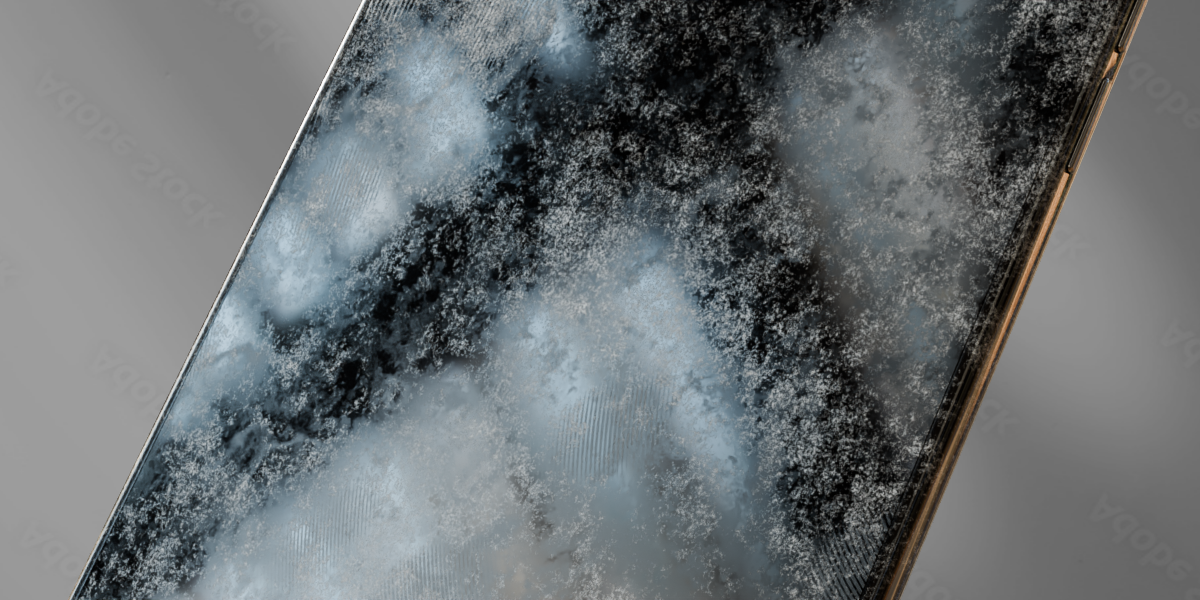
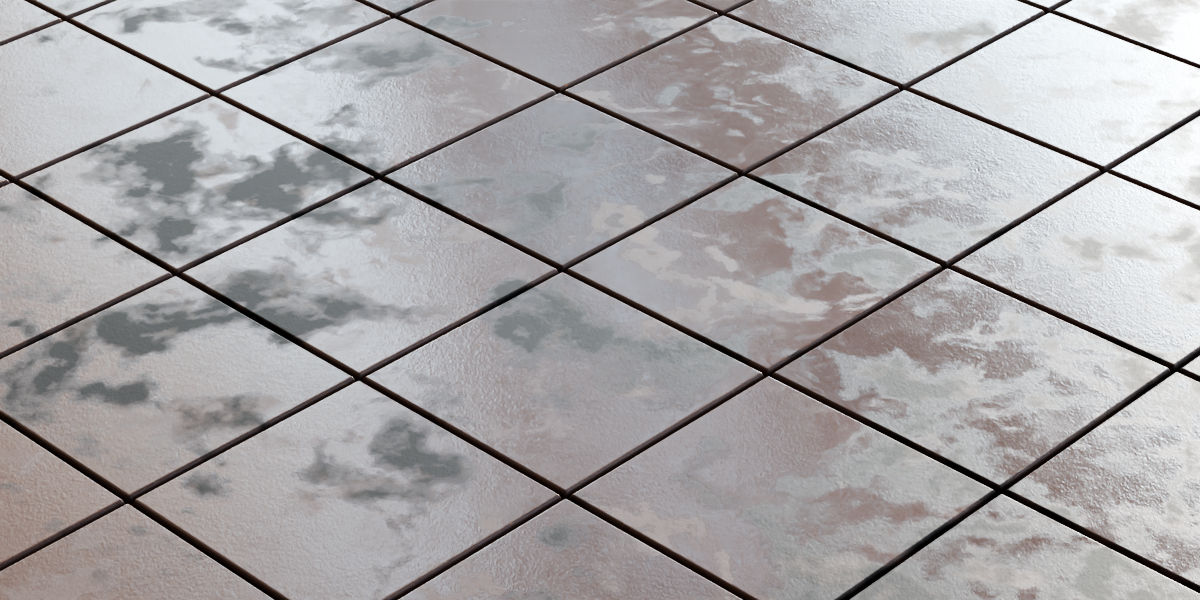
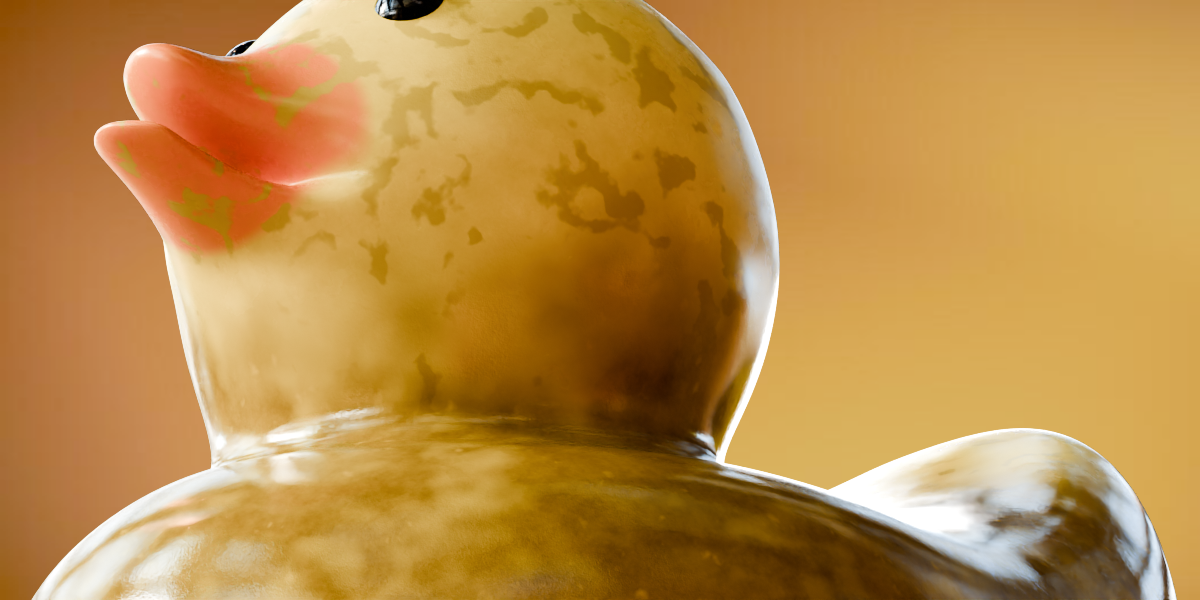
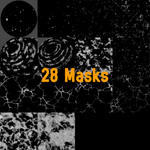
Quick Mask is a workflow utility for Blender that lets you instantly insert procedural noise, grunge, and pattern masks directly into your active Shader Editor node setup.
System Requirements
Blender Version: 4.0 or newer (built natively for Blender 4.2+ Extensions system).
Render Engines: Compatible with both Cycles and EEVEE.
Setup & Workflow Guide
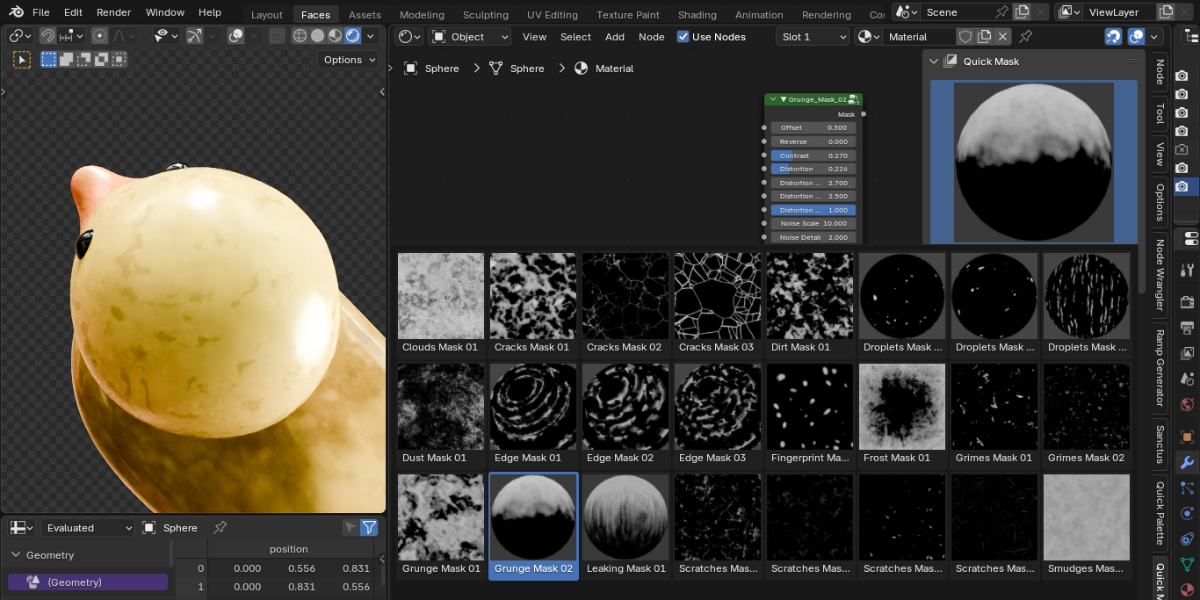
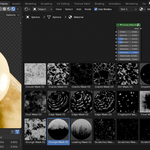
Accessing the Panel: Open the Shader Editor window and press
Nto open the sidebar. Click on the Quick Mask tab.Browsing Masks: Scroll through the icon grid to preview available procedural masks.
Appending Nodes: Select an active material on your object, pick a mask from the browser, and click Add Shader. The node group will spawn at your cursor position with clean display settings applied automatically.
Directory Structure
If you want to add your own custom masks or thumbnails to the package:
quick_masks_data.blend: Contains all the raw▼ Mask_Namenode groups.icons/: Contains.pngthumbnail previews.
Have questions about this product?
Login to message
| Blender Extension Compatible | Yes |
| Published | 2 days ago |
| Blender Version | 4.2 - 5.2 |
| Extension Type | Add-on |
| Render Engine Used | Cycles, Eevee |
| License | GPL |