Blender Quick Organizer
 Mamba CG


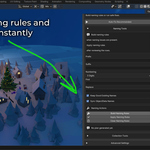
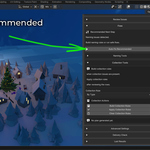
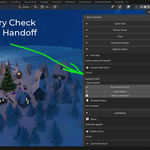
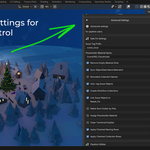
Quick Organizer - How to Use
Deterministic production scene audit, cleanup, handoff checks, and report export for Blender 4.2+.
1. Install
- Open Blender:
Edit > Preferences > Add-ons. - Click
Install...and choose the add-on package. - Enable Quick Organizer.
2. Open Quick Organizer
- Open your project file.
- Go to the add-on panel (usually in the
N-panel or assigned UI tab). - Load the current scene context.
3. Run Scene Audit
- Click Audit (or equivalent audit action).
- Review detected issues (naming, unused data, structure consistency, etc.).
- Confirm what should be fixed automatically vs. manually.
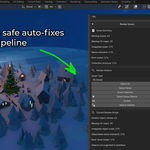
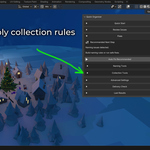
4. Cleanup
- Choose cleanup options relevant to your pipeline.
- Run Cleanup to remove/normalize selected items.
- Re-run audit to verify clean state.
Tip: Save a backup before large cleanup passes on complex production files.
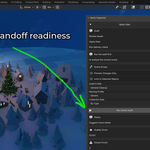
5. Handoff Checks
- Run Handoff Check before delivery to another artist/team.
- Confirm required project standards pass.
- Resolve all blocking issues before export.
6. Export Report
- Click Export Report.
- Choose output path and file name.
- Attach the report to your task/review/handoff package.
Best Practices
- Run audit at key milestones (blockout, lookdev, final).
- Use cleanup in small, controlled passes.
- Keep exported reports for QA traceability.
- Standardize settings across team members for deterministic results.
Troubleshooting
- Panel not visible: confirm the add-on is enabled in Preferences.
- Unexpected audit results: verify scene is fully saved and dependencies are loaded.
- Report export fails: check folder permissions and valid output path.
$15$3
Have questions about this product?
Login to message
| Blender Extension Compatible | Yes |
| Published | 5 months ago |
| Blender Version | 4.2 - 5.1 |
| Extension Type | Add-on |
| Render Engine Used | Cycles, Eevee |
| License | GPL |
Discover more products like this
QA management reporting handoff Production Workflow organization