 Markom3D
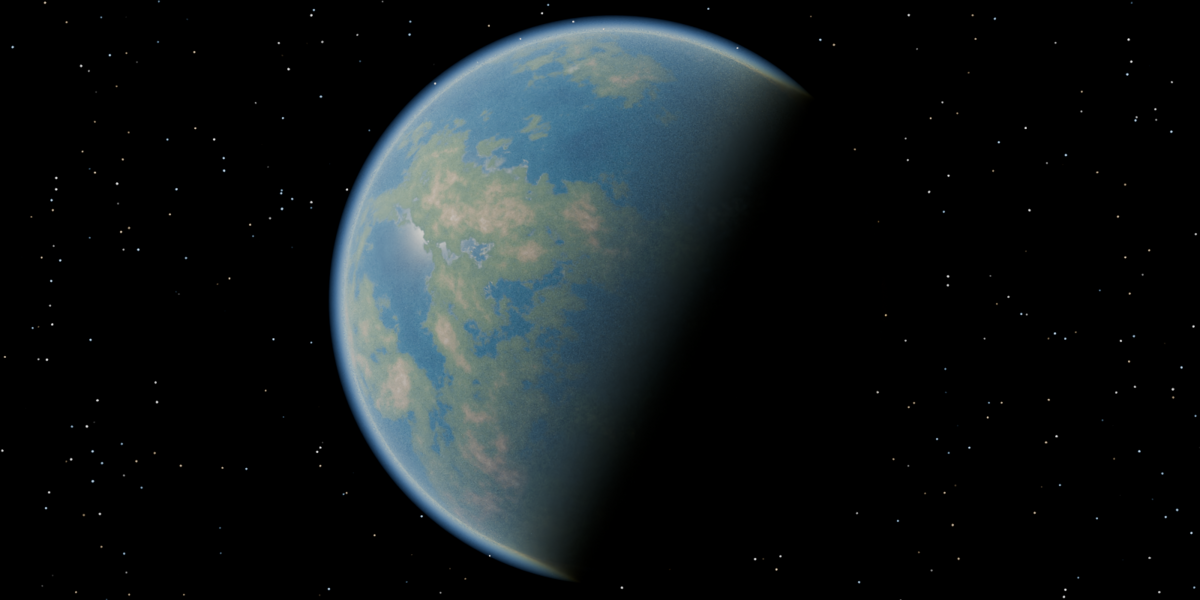
Quick Planets: Procedural Planets for Blender
Build stunning, cinematic planets in seconds, right inside Blender.
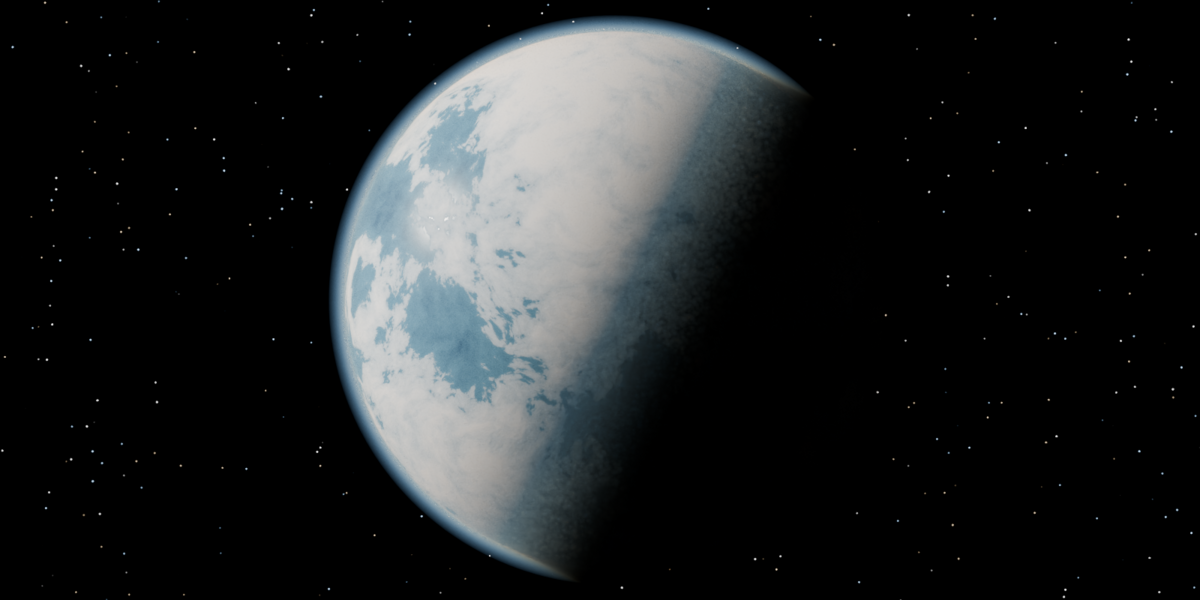
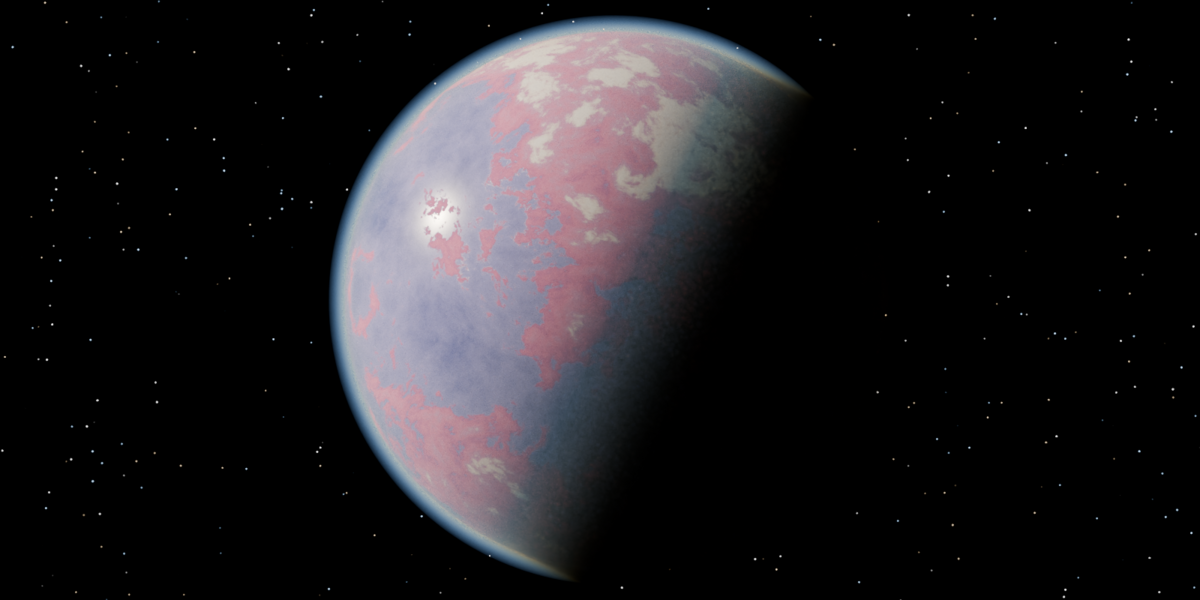
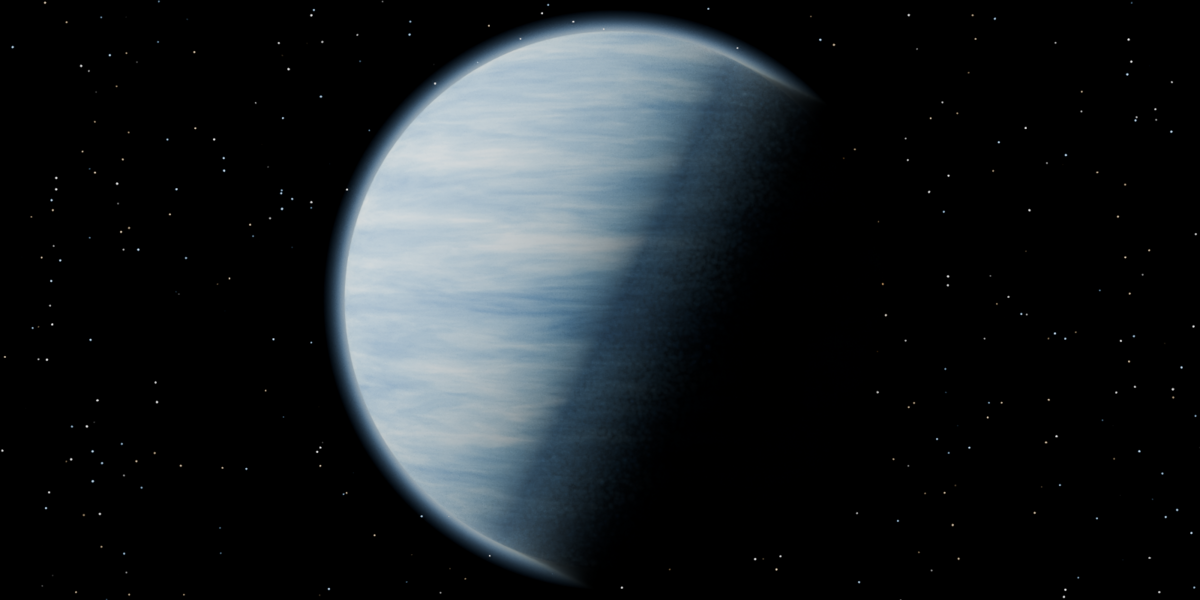
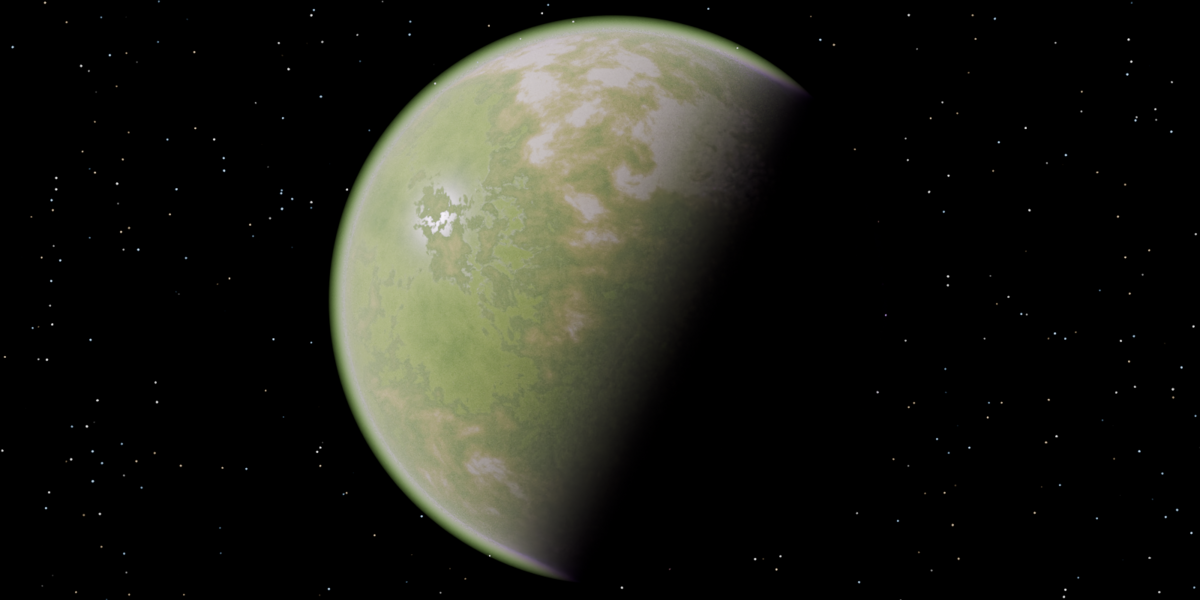
M3D Planets turns a single click into a fully procedural world: swirling continents, glowing atmospheres, drifting clouds and starfields, all ready to drop into your sci-fi shots. No textures to download, no UV maps to unwrap, and no node-wrangling required. Pick a planet type, nudge a few sliders, and render.
I built Quick Planets for my own sci-fi short film work, and it’s now the fastest way I know to fill a Blender scene with believable worlds.
Why Quick Planets?
🌍 Real volumetric atmospheres. Most planet setups fake their glow with a rim shader that glows evenly all the way round. Quick Planets uses a true volumetric atmosphere that scatters sunlight the way a real one does: a soft blue limb on the day side, a warm band at the sunset line, and darkness on the night side. Move your sun and the atmosphere follows.
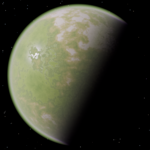
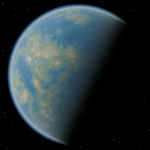
🪐 11 planet types, ready to go. Choose from a visual preview library: Pink Marble, Earth-like, Ocean World, Desert, Red Planet, Ice World, Lava World (with glowing magma seas), Toxic Jungle, Barren Moon, Gas Giant and Ice Giant.
🎲 Infinite variations. Every planet runs on a seed. Hit the dice button and you get brand-new continents in the same style, so you’ll never run out of unique worlds.
💾 Save your own planet types. Dial in a look you love, click +, and it’s added to your library with its own rendered preview thumbnail.
🌌 One-click space scene. Setup Space Scene gives you a layered starfield and nebula world, a sun and tuned Cycles settings in a single click.
⚡ Live, non-destructive controls. Every slider updates the planet instantly. Settings are stored per planet, so one scene can hold a whole solar system.
What you can control
Terrain: sea level, continent size, swirl, highland range, bump, octaves, roughness and gas-giant banding
Close-up detail: a ridged micro-detail layer for crisp surface structure when the camera gets close
Colours: seven editable colour bands (deep ocean through to peaks), plus glowing oceans for lava worlds
Clouds: coverage, softness, scale, opacity, height and colour
Atmosphere: thickness, density, falloff, scatter colour and forward scattering for backlit halo shots
What’s included
The Quick Planets add-on (installable extension .zip)
11 built-in planet types with preview thumbnails
A ready-made space world: a layered starfield with nebula
Requirements
Blender 4.2 or newer (tested in Blender 5.2 and 5.3)
Cycles render engine. The volumetric atmosphere is designed for Cycles. EEVEE will display the planet surface, but the atmosphere won’t render correctly.
A GPU is recommended for interactive viewport previews.
Installation
In Blender, go to Edit > Preferences > Get Extensions.
Click the dropdown arrow (top right) and choose Install from Disk.
Select the M3D Planets .zip.
Open the M3D Planets tab in the 3D viewport sidebar (press N) and click Add Planet.
Created by Markom3D. Find tutorials, behind-the-scenes and more sci-fi Blender content at www.youtube.com/Markom3D
