 Shuimeng
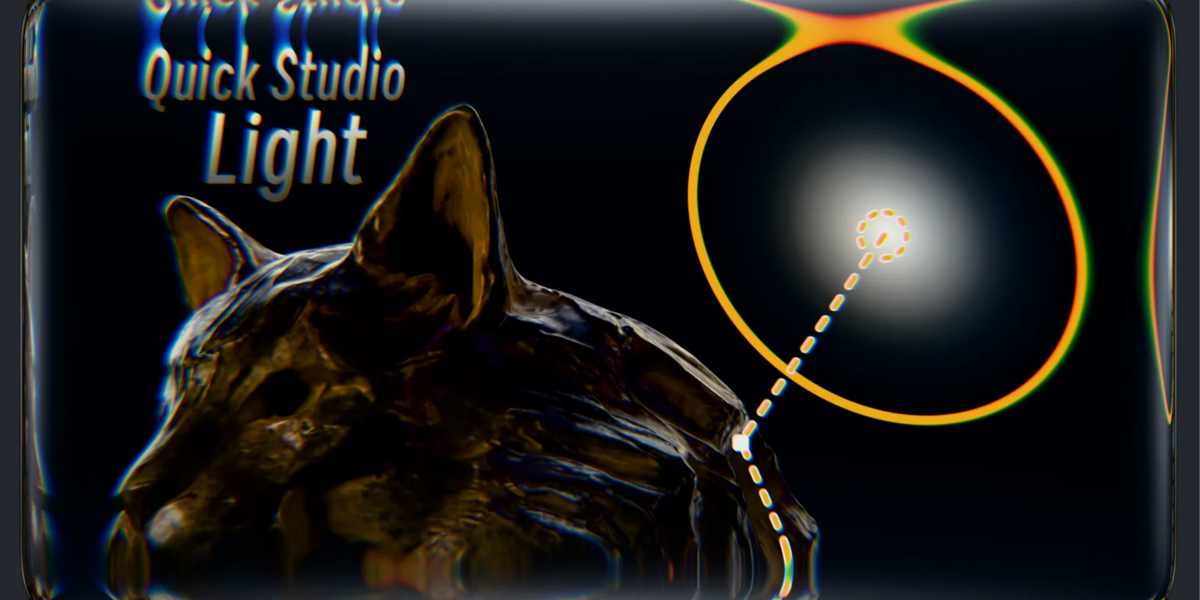



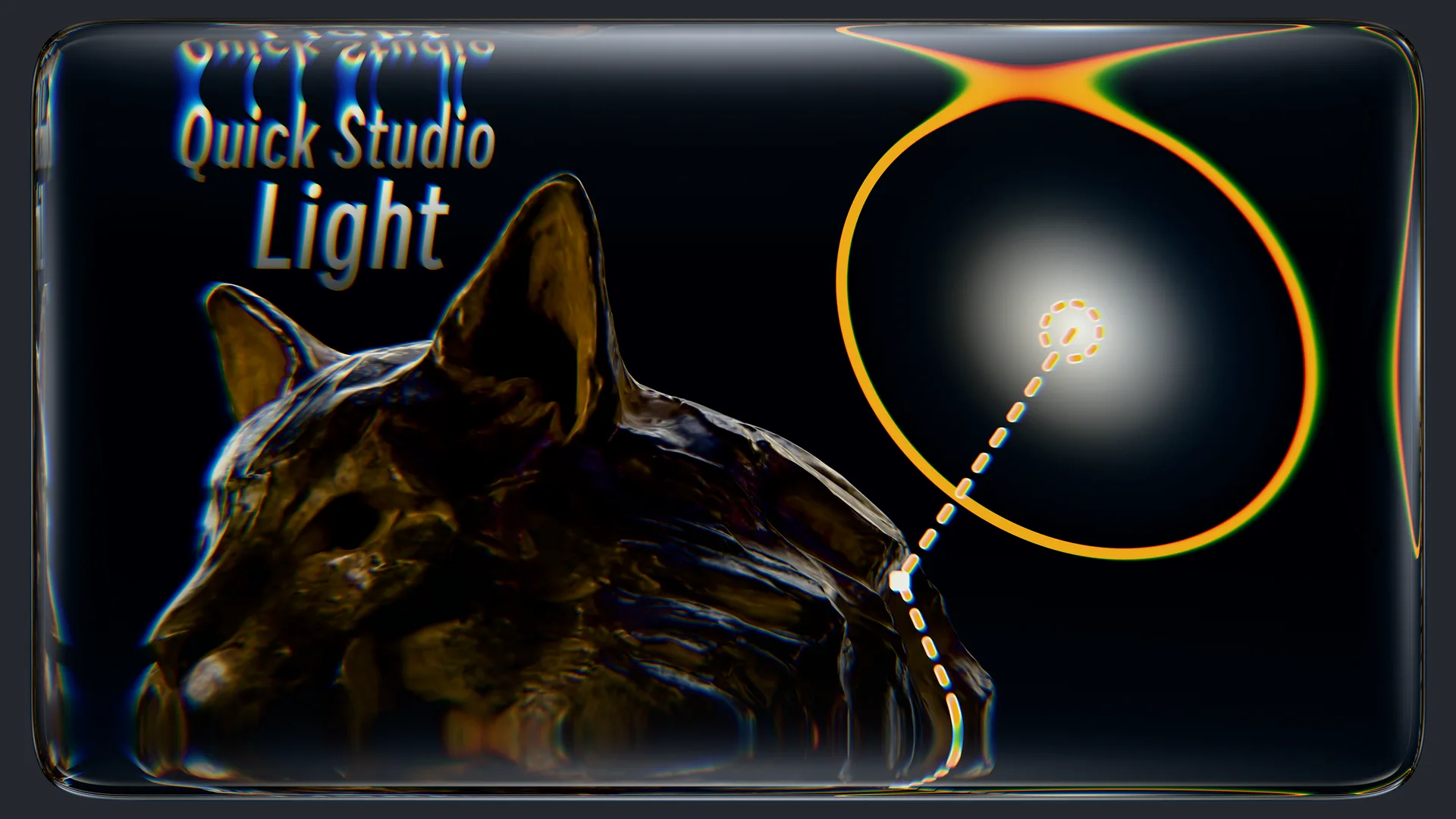 Efficient Light Control/高效控制灯光
Usage:
- Press
Shift + Rto activate Lighting Mode. Hover the cursor over objects to automatically control the light and illuminate the desired area. - Press
Spacebarto switch to Precision Adjustment Mode. UseLeft Mouseto confirm positioning, orRight Mouse/Escto cancel. - Press
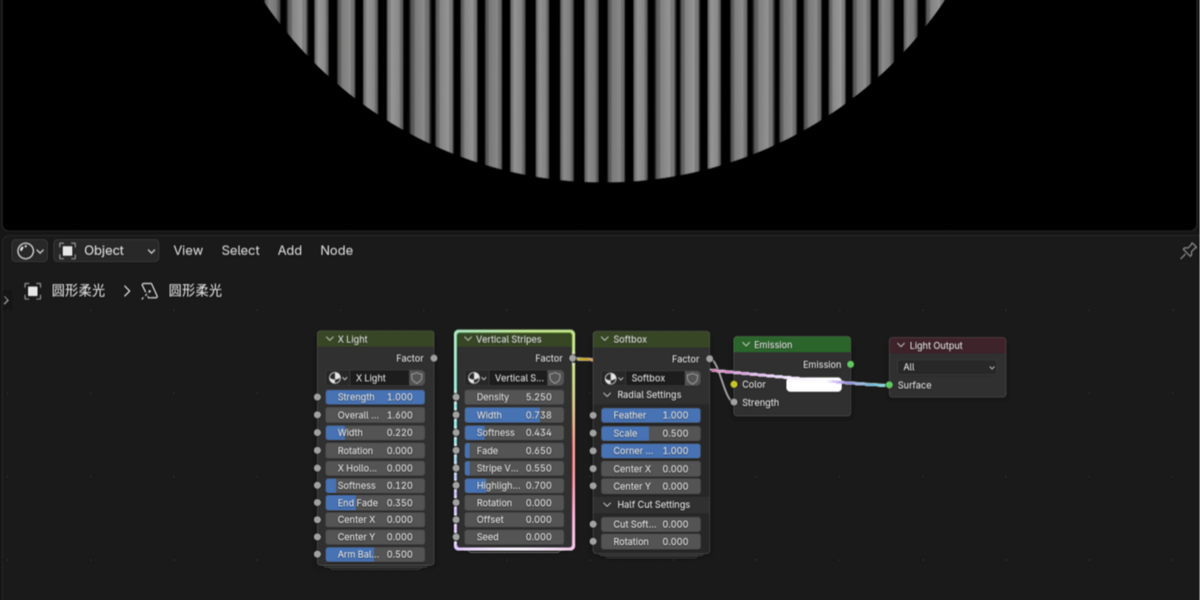
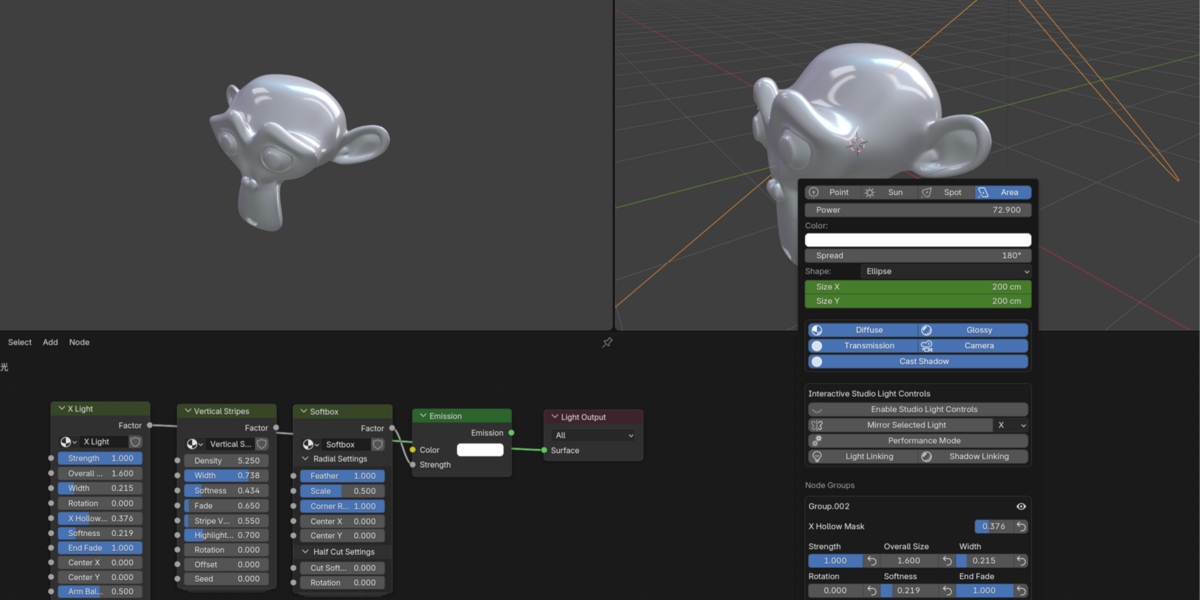
Ctrl + Right Mouseto open the Light Parameters Panel. This panel displays both standard light parameters and automatically retrieves available parameters from light node groups for easy node adjustments. - Quickly and precisely select corresponding lights by pressing
Alt + Right Mouseon areas lit by the lights, eliminating the need to search through scattered lights. - Customize shortcuts in the Preferences settings.
使用说明:
- 按下
Shift + R进入灯光模式,鼠标悬停于物体表面时将自动控制灯光照亮目标区域。 - 按下
空格键切换至精细调整模式,确认角度后使用鼠标左键放置灯光,鼠标右键或Esc键取消操作。 - 按下
Ctrl + 鼠标右键触发灯光参数面板,该面板除常规参数外,还会自动读取灯光节点组中的可用参数,便于直接调整节点属性。 - 通过在模型被灯光照亮的区域上按下
Alt + 鼠标右键,精准快速的选择对应的灯光,而不需要在大量灯光中无序的寻找灯光。 - 可在偏好设置中自定义快捷键。