 Iurii Kotlov


Overview
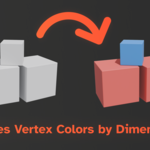
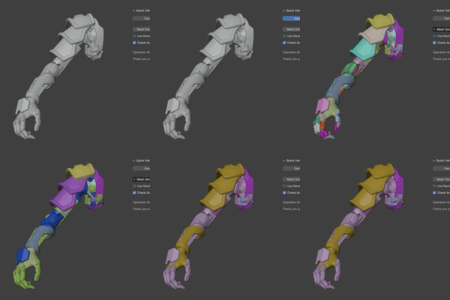
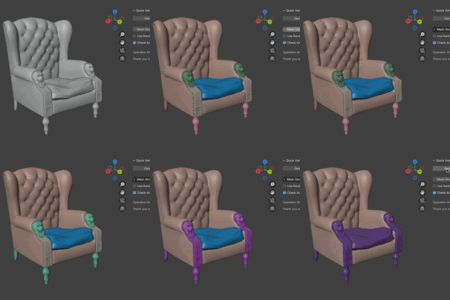
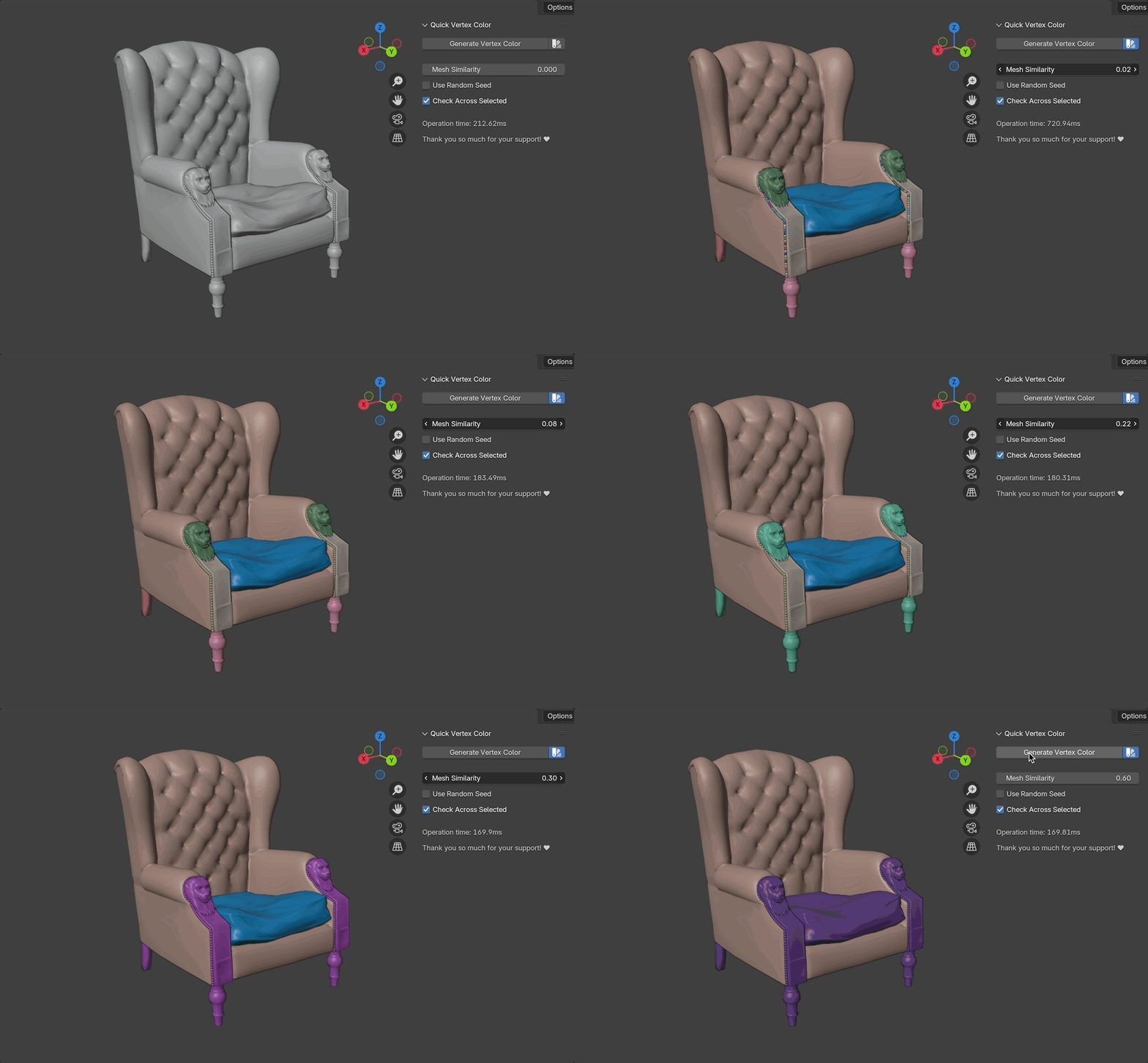
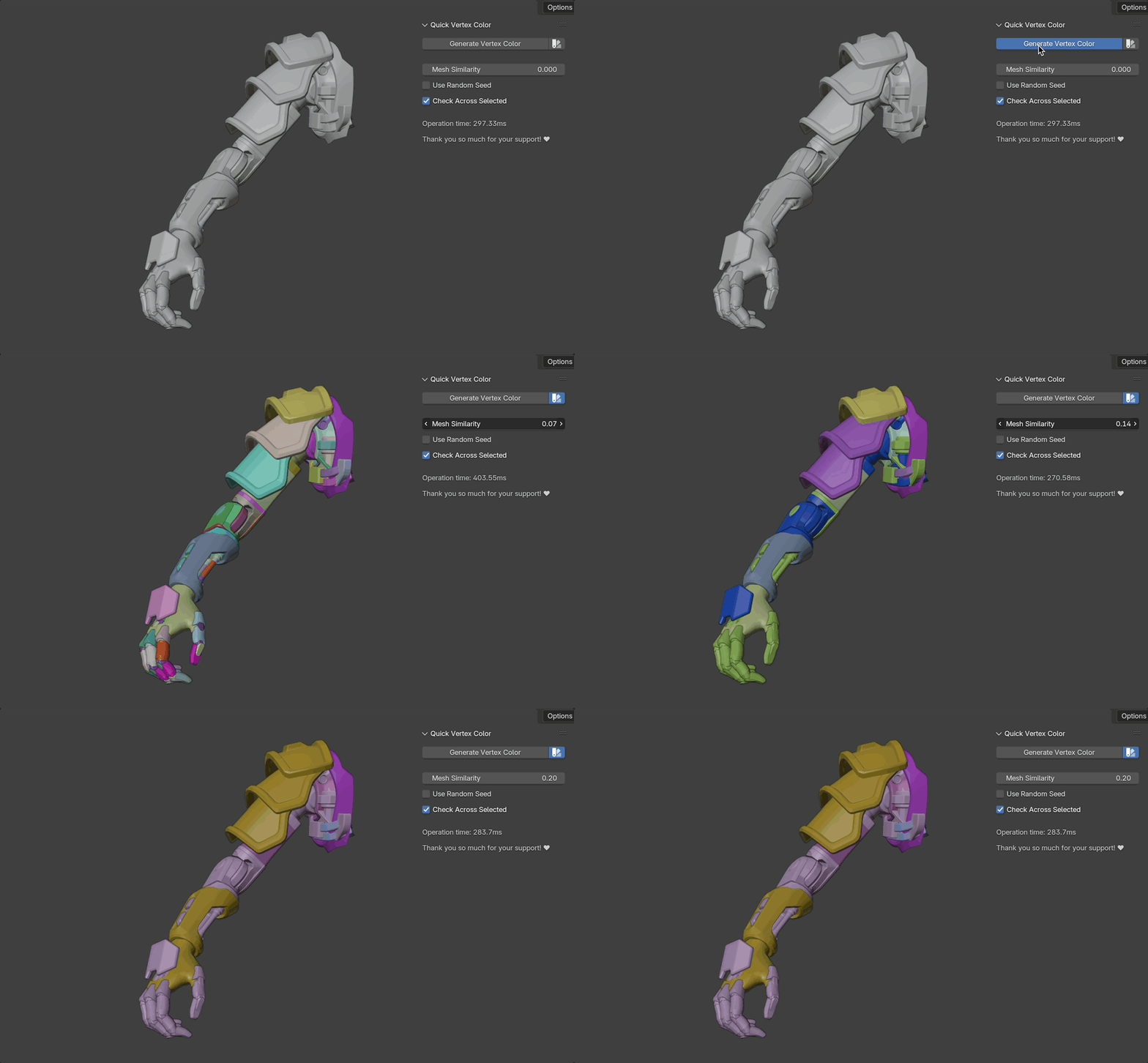
Quick Vertex Color creates automatic vertex color for all submeshes (loose parts) of the objects, and groups them by dimensions.
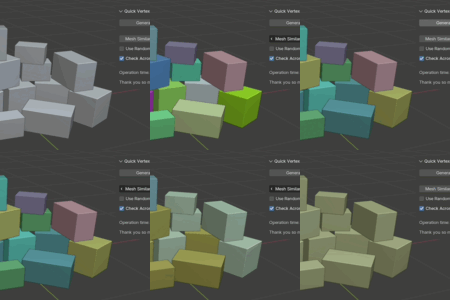
For example, if your object has a lot of similar-sized parts, like bolts, nuts, repeating details, it will assign all of them a single vertex color, that could be exported straight to Substance Painter or Mari to bake an ID Map, or to assign materials by vertex colors.
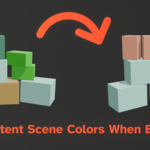
It supports color persistency - when regenerating colors only edited objects will get recolored, the rest will stay the same, even if selected.
Installation
- Download the add-on.
- At the top-left corner of Blender, navigate to Edit > Preferences > Add-ons.
- Press on the ∨ button in the top-right corner, and press "Install from Disk".
On older Blender versions: Just press "Install from Disk" - Select the .zip file with the add-on.
- (Optional) Check the box next to "Quick Vertex Color" list item, if not checked already.
- Press N in your Blender viewport and locate the tab "Quick Vertex Color"
Models used in images and videos:
https://sketchfab.com/3d-models/set-of-cardboard-boxes-8986ba512f704ac5b253286a0d1ad8bb by NotAnotherApocalypticCo.
https://sketchfab.com/3d-models/the-matrix-red-chesterfield-chair-1fd13a270f2f44dbbf88fd3d4bcbb816 by Rodrigo Villani
https://sketchfab.com/3d-models/halo-reach-cybernetic-arm-c7c9b5e36e114f4084e2380d2dd08187 by McCarthy3D