Quickmat Bake Pro – Ultimate Texture Baking Tool For Blender
 Studio156


Installation
- Download the addon ZIP file.
- Open Edit → Preferences → Add-ons.
- Click Install.
- Select the downloaded ZIP file.
- Enable QuickMat Bake Pro.
How to Use
Select the objects you want to bake.
-
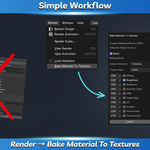
Go to Render > Bake Material To Textures in the top menu.
-
In the QuickMat Bake Pro panel:
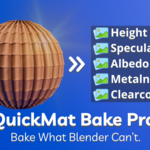
Choose the bake types you want (e.g., Diffuse, Normal, ORM, etc.).
-
You can switch between Neutral and Scene mode at the top of the addon panel:
Neutral Mode ignores your scene’s lighting and materials — use this when you want clean, uniform baking.
Current Scene Mode uses the current scene’s lights, materials, and render settings — useful when baking textures based on the actual look of your project.
Select the file format for each bake type.
Set the image resolution or enter a custom size.
-
Choose the output directory for saving the textures.
Click OK.
-
The addon will:
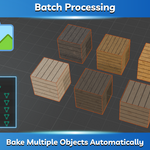
Bake textures for each selected object.
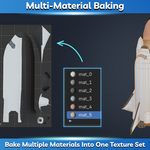
Create folders for each material.
Save textures with the selected format and resolution.
Discover more products like this
metalness albedo material-baking batch-baking MetalnessMap baking material-bake Heightmap bake albedo map texture-baking height map