Quickstats
 atelier ToK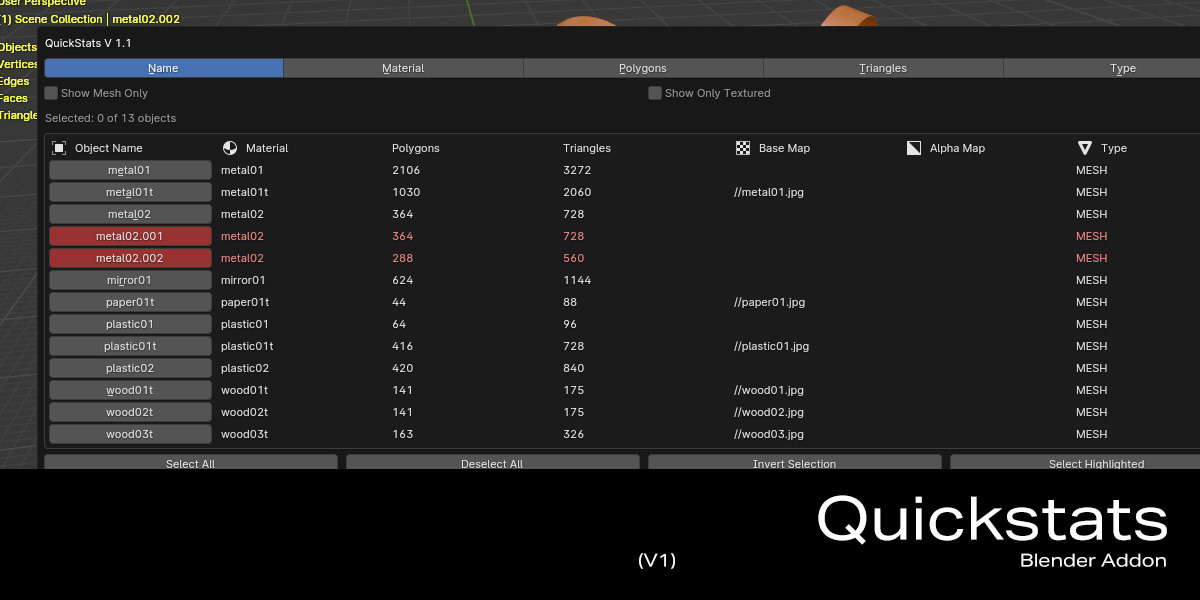
QuickStats - Advanced Scene Statistics and Asset Management for Blender

Overview
QuickStats is a powerful Blender addon that revolutionizes how you manage and analyze your 3D scenes. Perfect for artists, technical directors, and quality assurance teams who need detailed insights into their scene organization and asset management.
Key Features
Comprehensive Scene Analysis
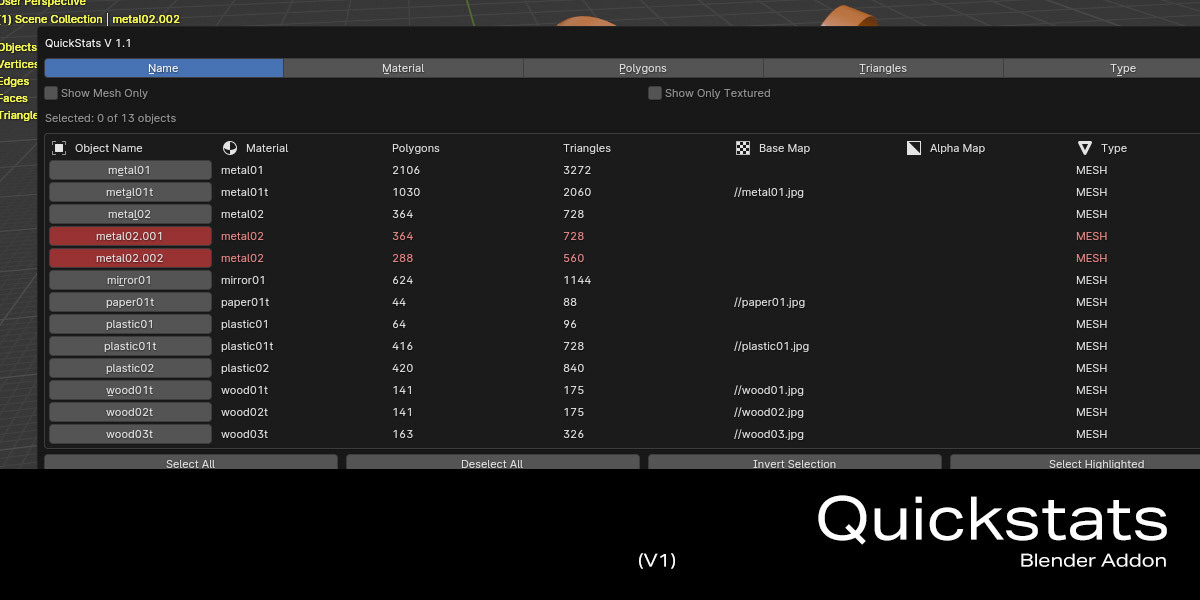
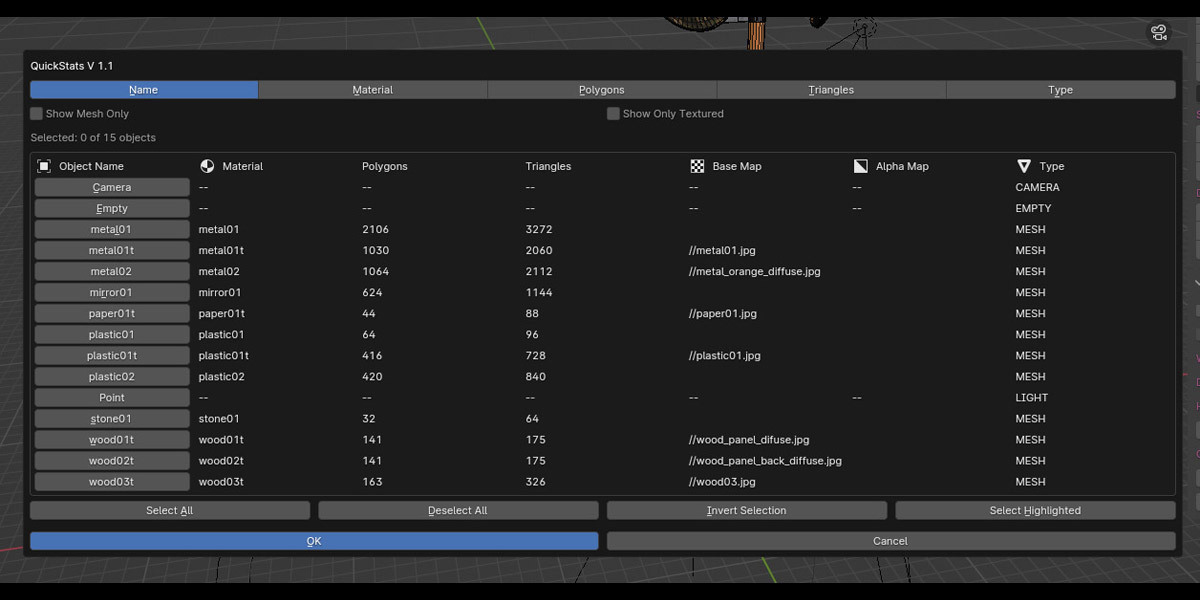
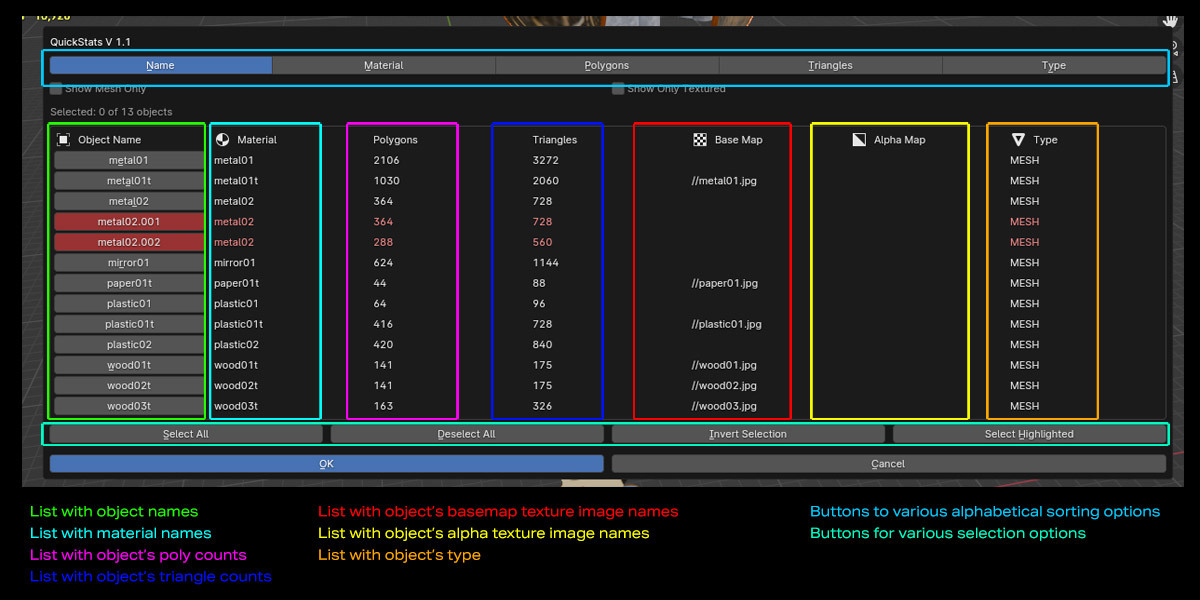
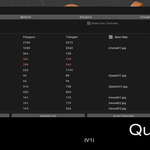
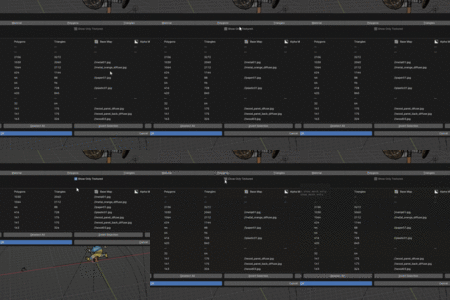
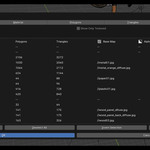
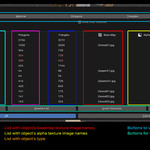
Instantly view all objects, materials, and texture statistics in a single interface
Track polygon and triangle counts for performance optimization
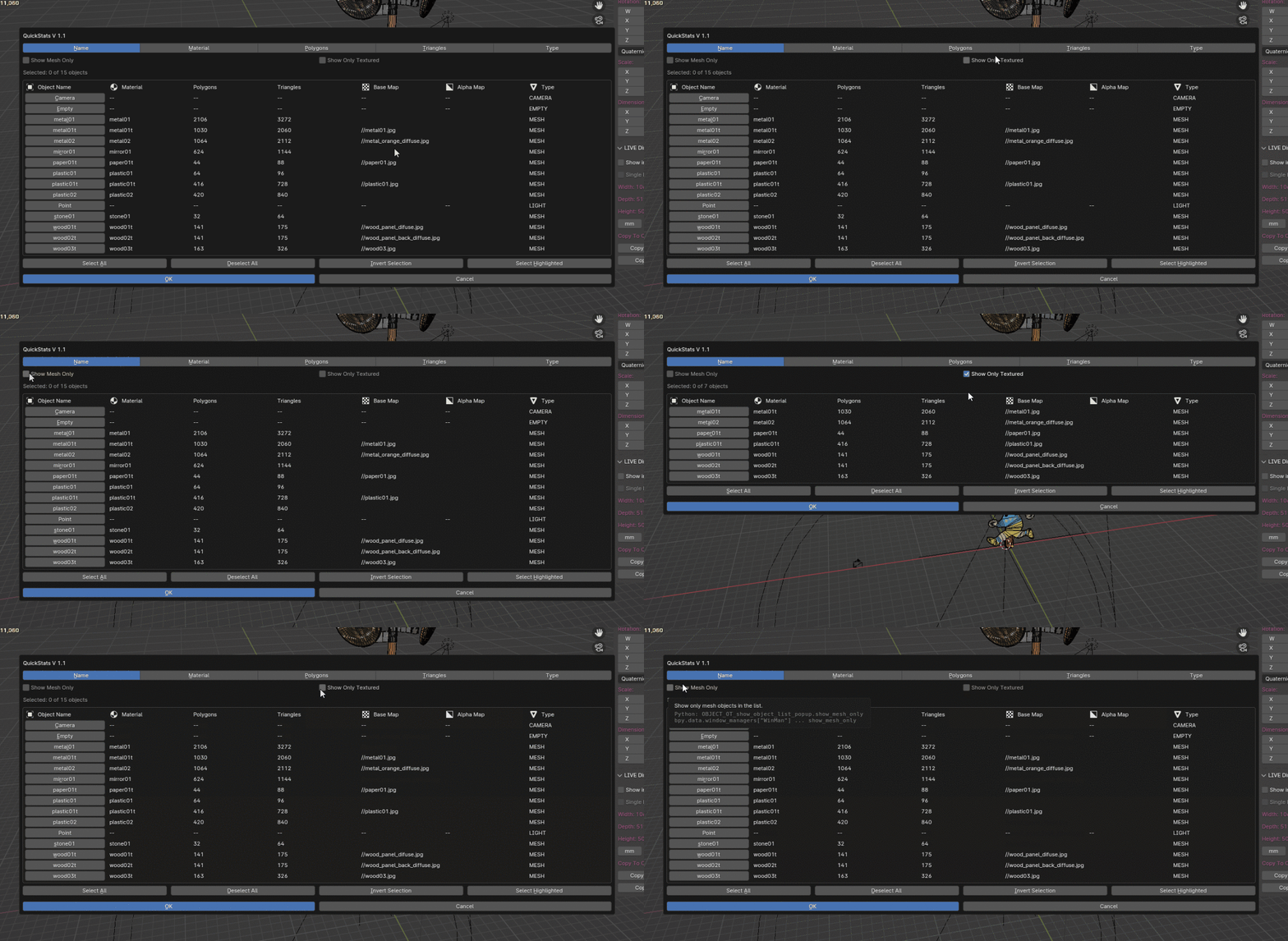
Smart filtering system for mesh-only and textured objects
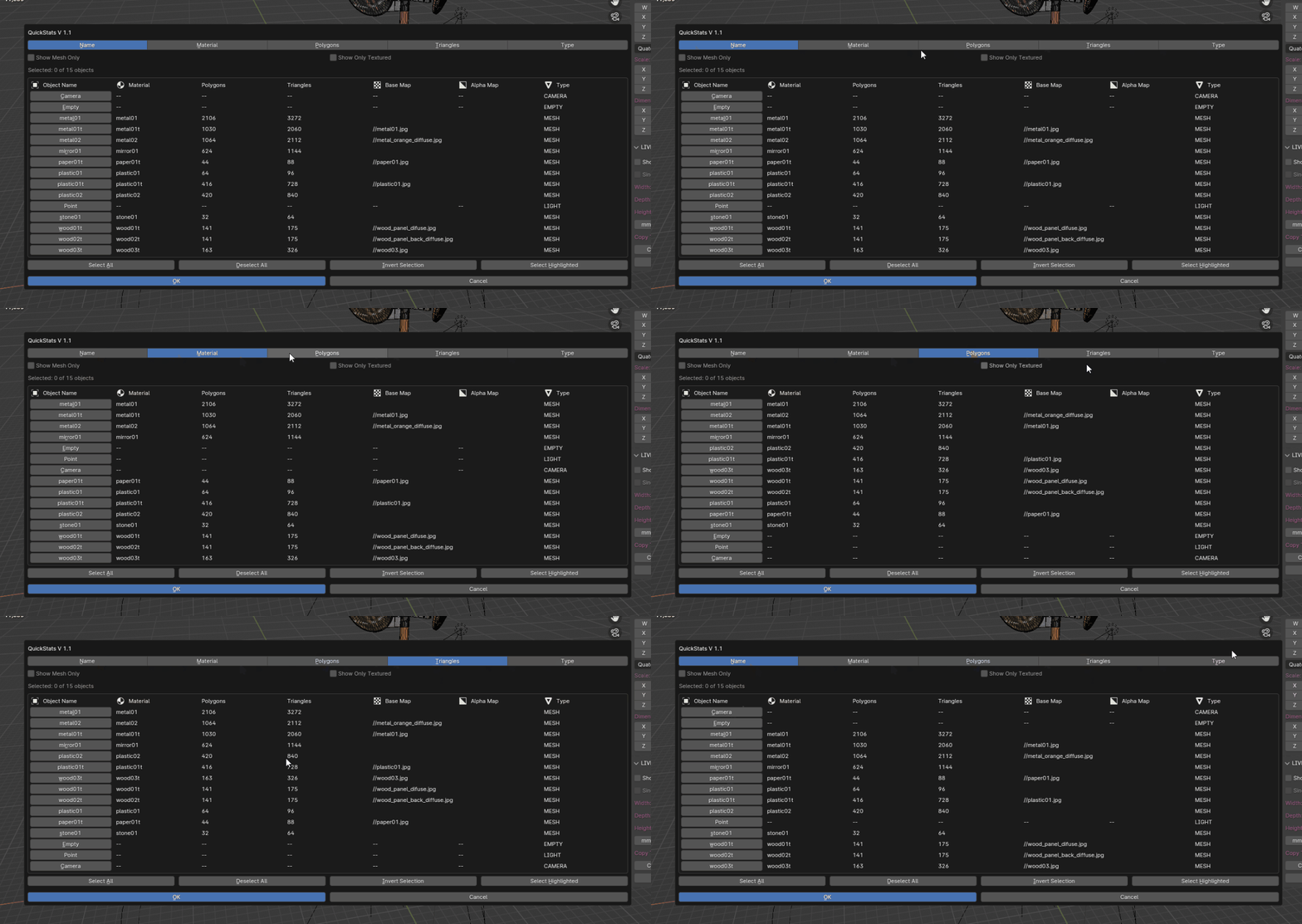
Advanced sorting capabilities by name, material, polygon count, and type
Smart Asset Validation
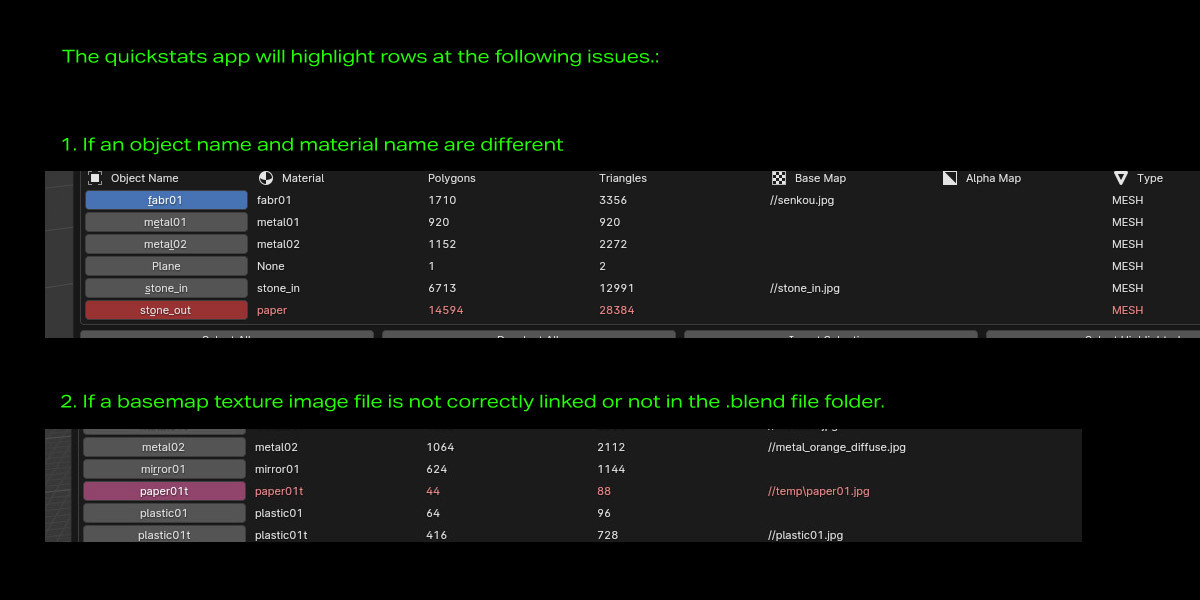
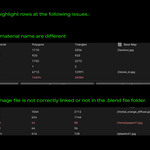
Automatic detection of naming inconsistencies between objects and materials
Intelligent texture path validation to prevent broken links
Visual highlighting of problematic assets for quick identification
One-click selection of highlighted issues for rapid fixes
Efficient Workflow Tools
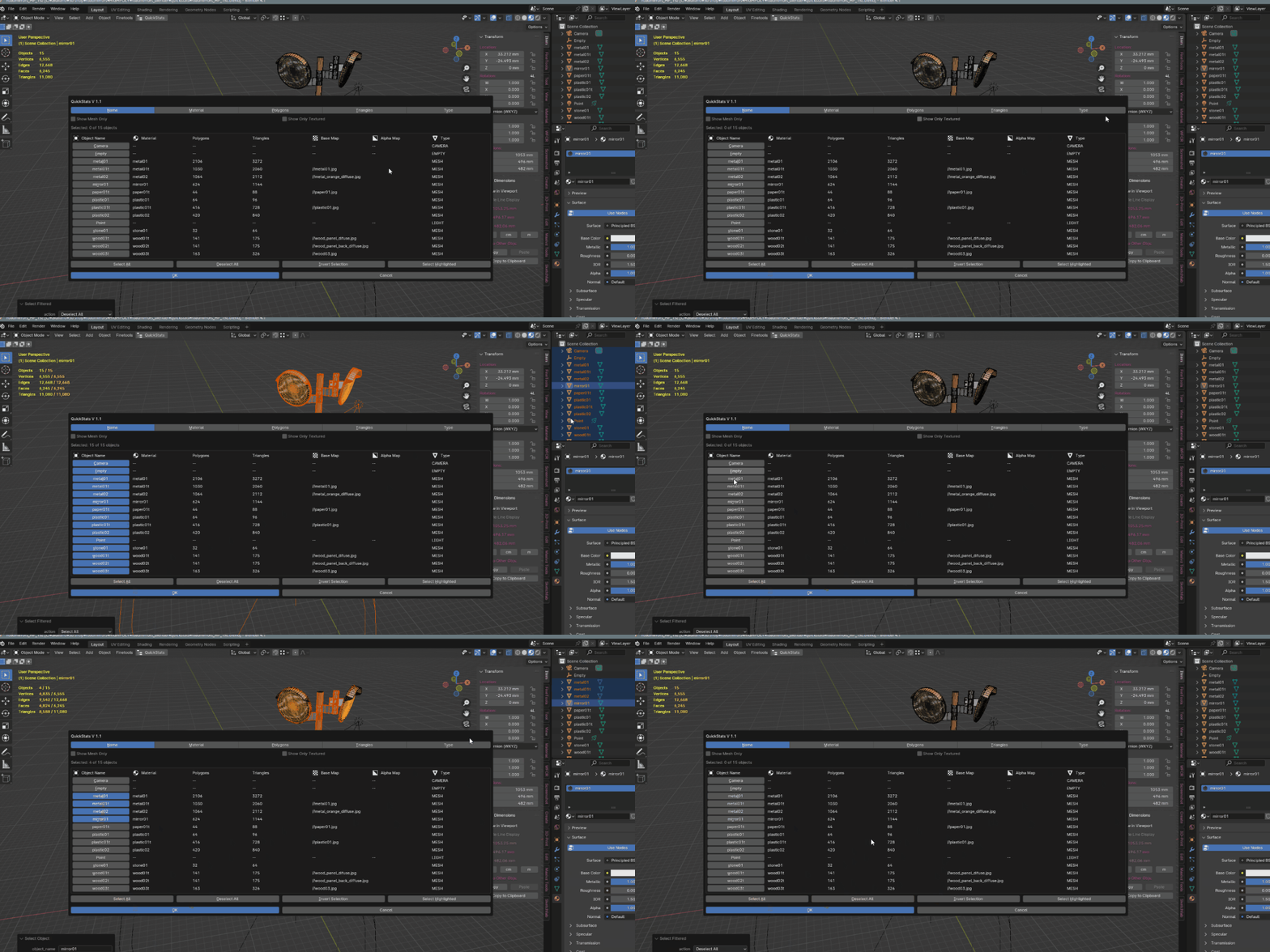
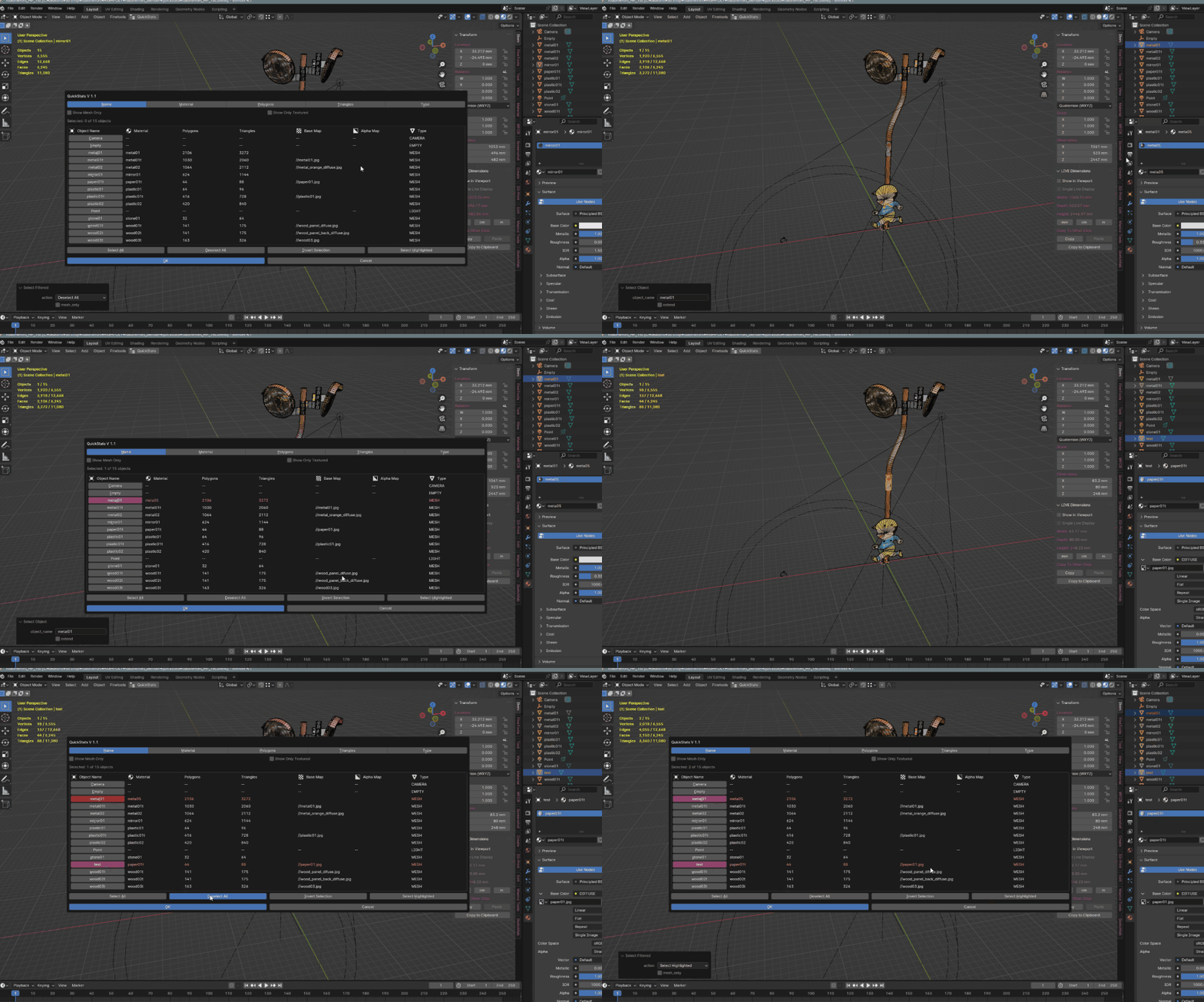
Quick selection tools with multi-object support
Shift-click functionality for extended selection
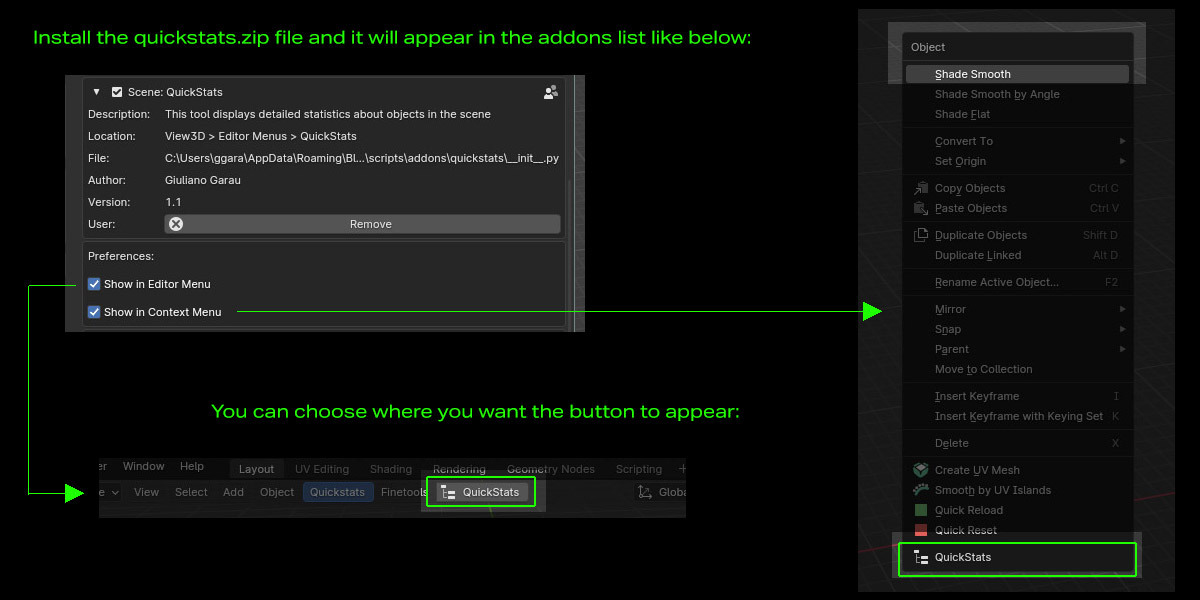
Convenient access through both the editor menu and right-click context menu
Wide monitoring window with customizable sorting options
Perfect for
Game Asset Artists needing to maintain consistent naming conventions
3D Production Teams managing large scenes
Quality Assurance teams validating asset compliance
Technical Artists overseeing scene optimization
Anyone working with structured asset pipelines
How It Works
Access QuickStats
Through the View3D editor menu

Via right-click context menu in Object mode

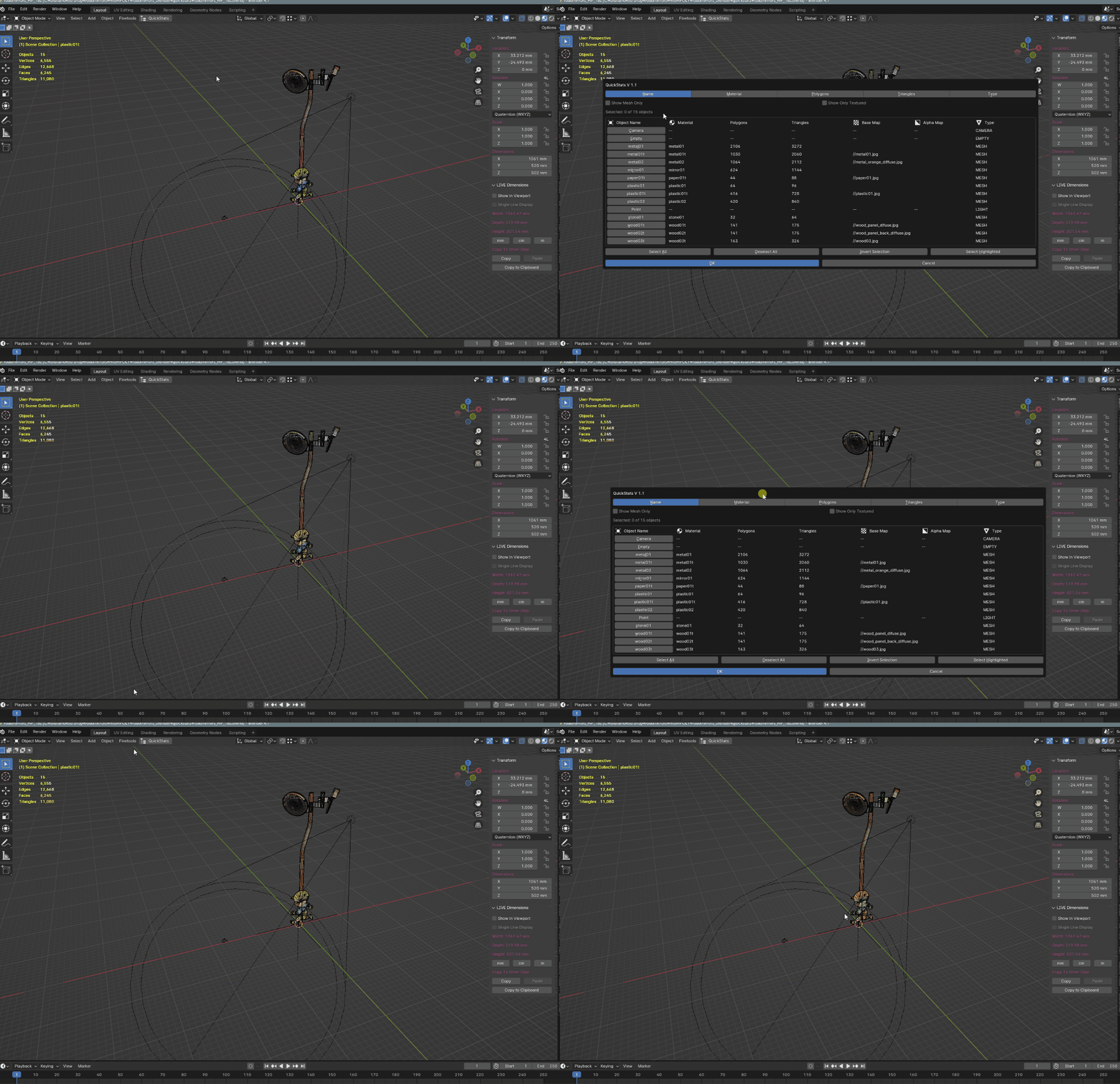
Opens in a clear, organized dialog window
Analyze Your Scene
View comprehensive object statistics
Sort by various criteria (name, type, polygon count)

Filter mesh-only or textured objects

Track selection counts and total objects
Fix Issues
Use "Select Highlighted" to quickly find problem assets

Fix naming inconsistencies and texture path issues

Maintain clean, organized scenes effortlessly
Technical Benefits
Lightweight and optimized for performance
Compatible with Blender 3.2.2 ~ 4.2
Clean, intuitive interface
No external dependencies
Why QuickStats?
Whether you're managing game assets, working on large architectural visualizations, or maintaining consistency in production pipelines, QuickStats provides the tools you need to keep your scenes organized and optimized. It's like having a dedicated QA assistant that helps you maintain high standards in your 3D workflow.
Installation
Download the QuickStats addon file
Open Blender Preferences
Go to Add-ons section
Click "Install" and select the downloaded file
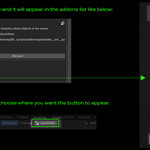
Enable the addon by checking the checkbox
Choose whether you'd like the button to show up in the toolshelf menu, right mouse context menu or both.
Support
The addon includes detailed documentation and is actively maintained. For any questions or support, please contact through Blender Market's messaging system or email me at [email protected].
-
$9.95
The LITE version of the Quickstats addon offering the basic options.
-
$19.95
The PRO version of the Quickstats addon offering all the extra goodies.
Have questions about this product?
Login to message
| Dev Fund Contributor | |
| Published | over 1 year ago |
| Blender Version | 3.6 - 5.0 |
| Extension Type | N/A |
| License | GPL |