 Me Bman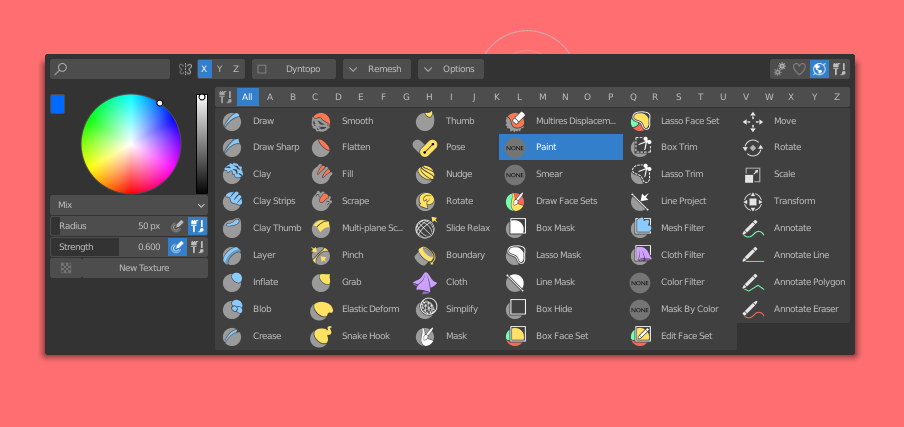

INSTALLING
- Go to Edit > Edit Preferences
- Go to Add-on tab
- Click on the Install button
- Browse to the downloaded .py file and accept and enable the addon
- DONE!
OPENING THE TOOLBOX
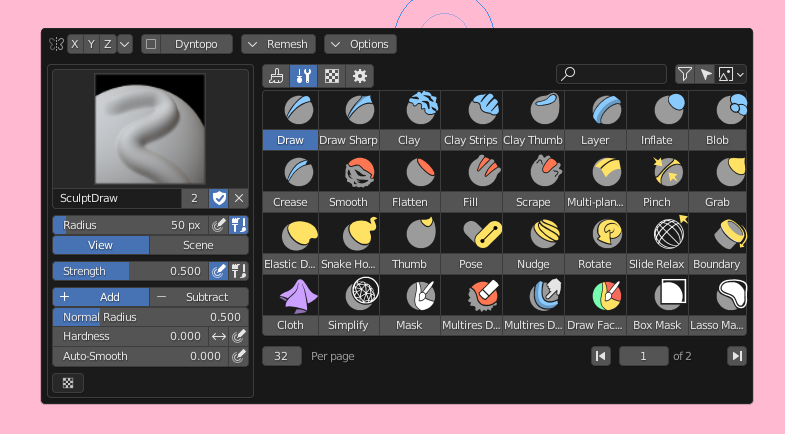
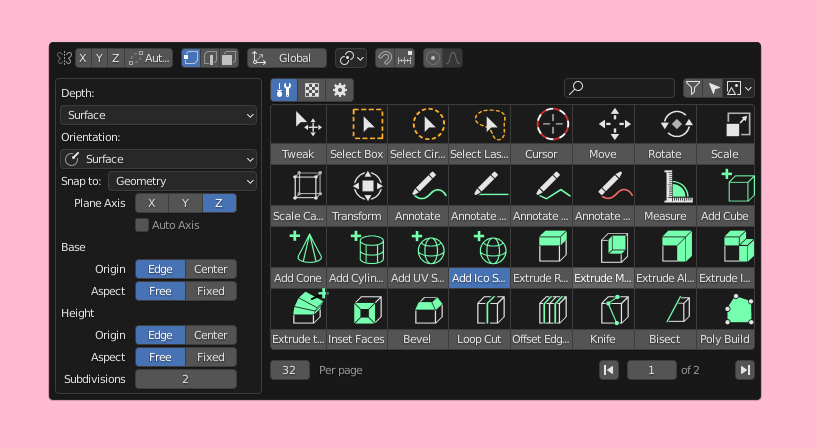
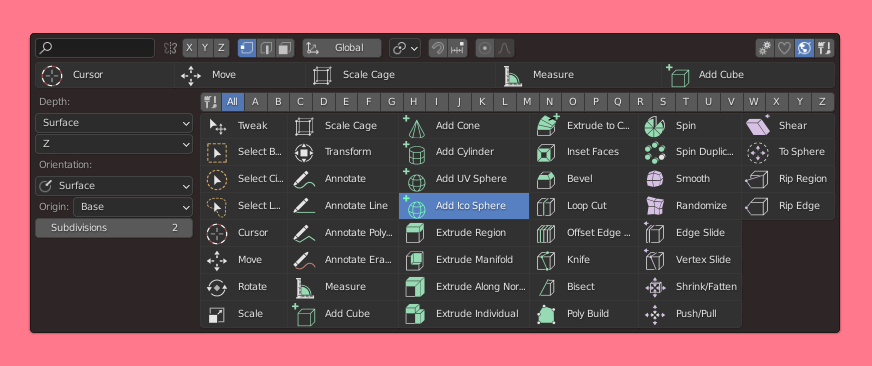
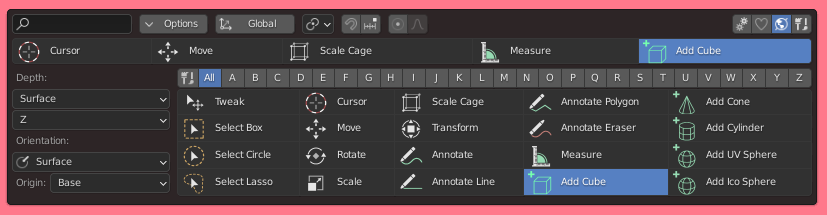
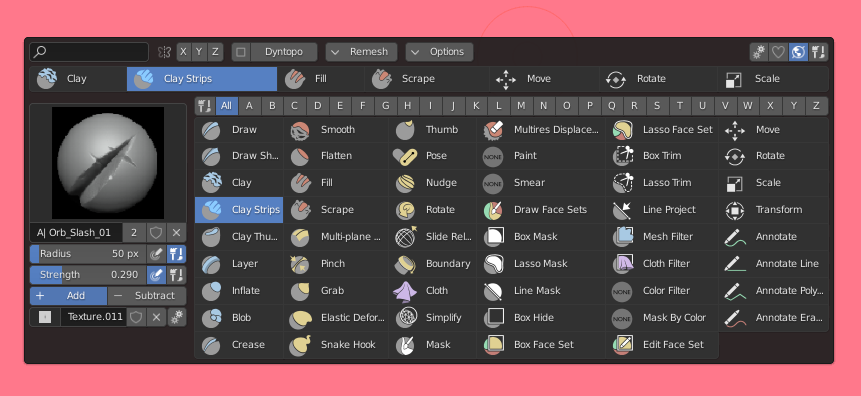
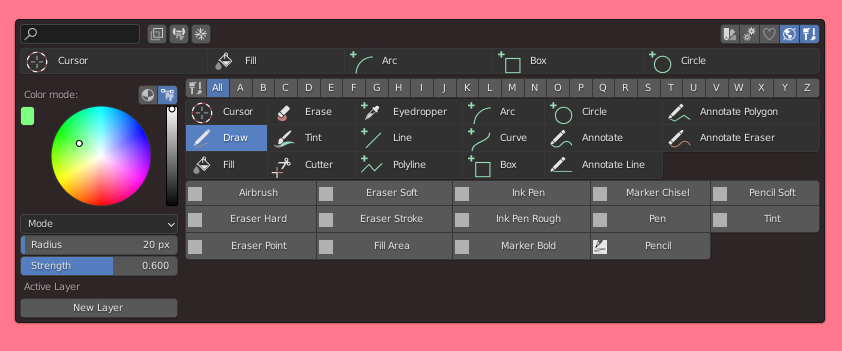
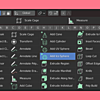
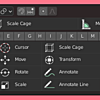
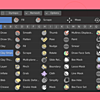
Press Spacebar to open the toolbox or press the toolbox button at the top right corner of the editor.
If pressing Spacebar doesn't open the toolbox, goto Edit > Preferences > Keymaps > Spacebar Action: Tools
CHANGING SHORTCUTS
First way-
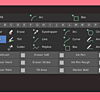
- To change shortcuts, you can open the toolbox by pressing Spacebar and click on the Settings button (Icon with cog wheels) at top right corner. At the bottom of the Settings popup you can change the shortcuts.
Second way-
- Goto Add-on preferences, and change it there.
$10
Have questions about this product?
Login to message
| Sales | 400+ |
| Rating | 14 ratings |
| Published | almost 6 years ago |
| Blender Version | 2.8, 2.81, 2.82, 2.83, 2.9, 2.91, 2.92, 2.93, 3.0, 3.1, 3.2, 3.3 |
| License | GPL |
Discover more products like this
asset quick toolbox brushed spring22 toolbox bfcm23 fluent summer23 Blaze brush manager spring23 Asset Manager loveblender Brushes all in one asset management quick tools