 R2raghu
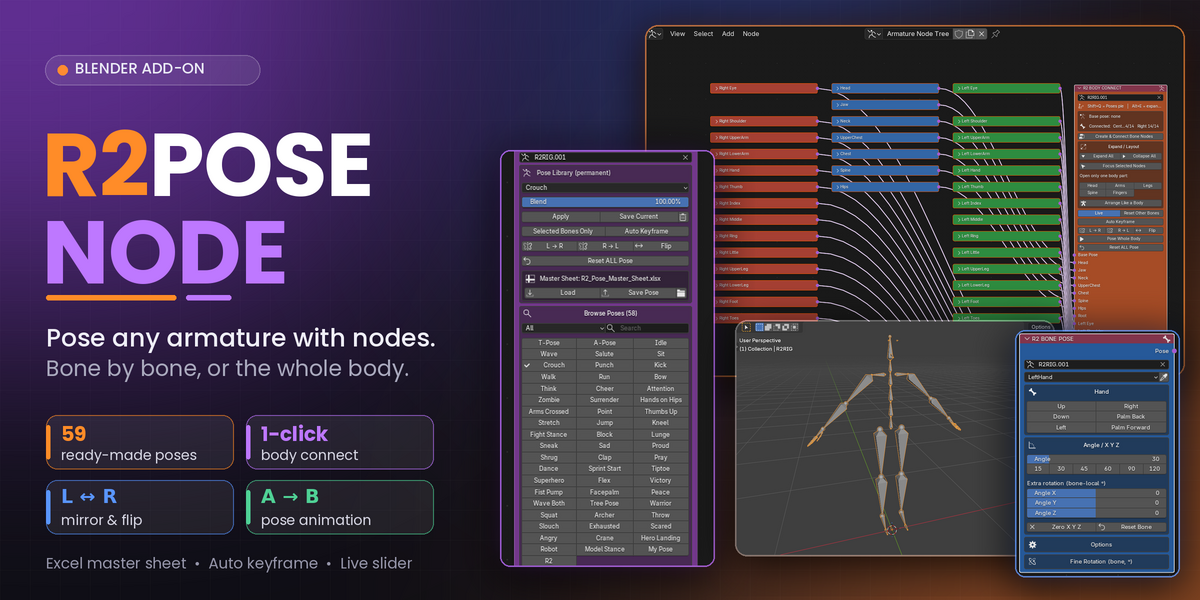
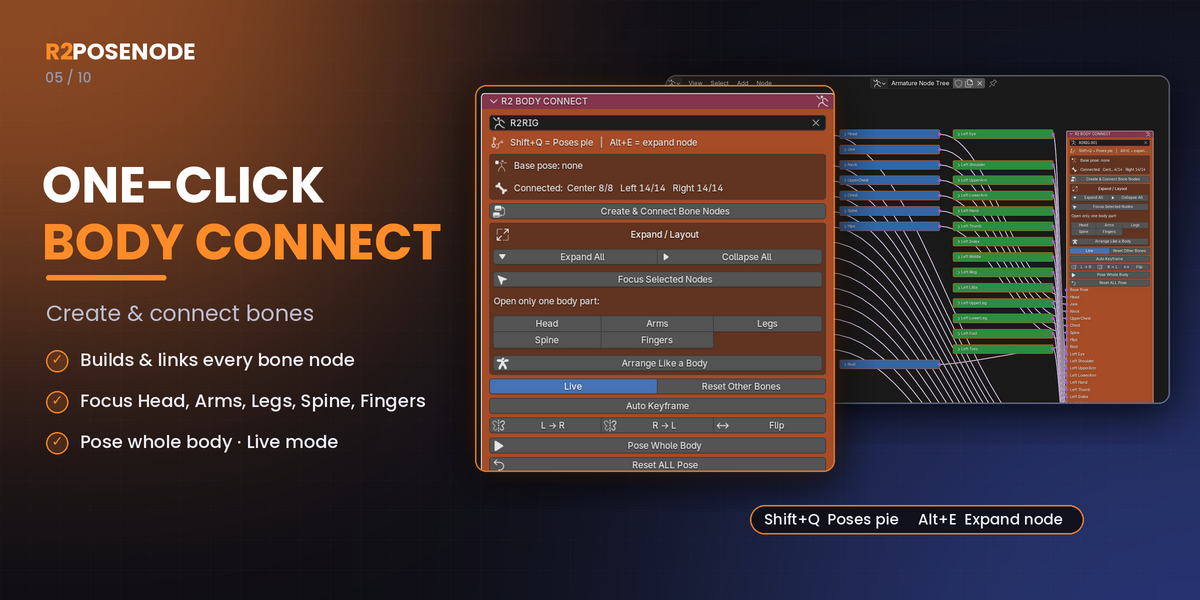
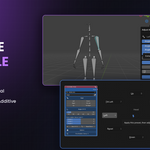
R2POSENODE is a Blender add-on that makes posing a character easier.
The problem: posing a character in Blender means finding each bone in a long list and rotating it by hand. It is slow.
What R2POSENODE does:
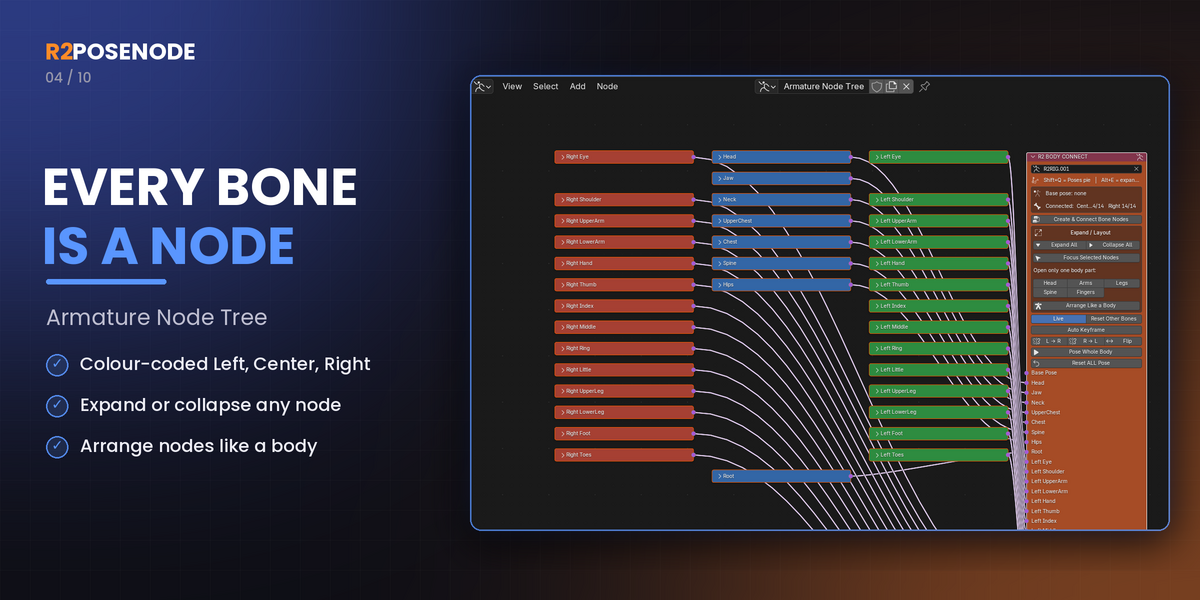
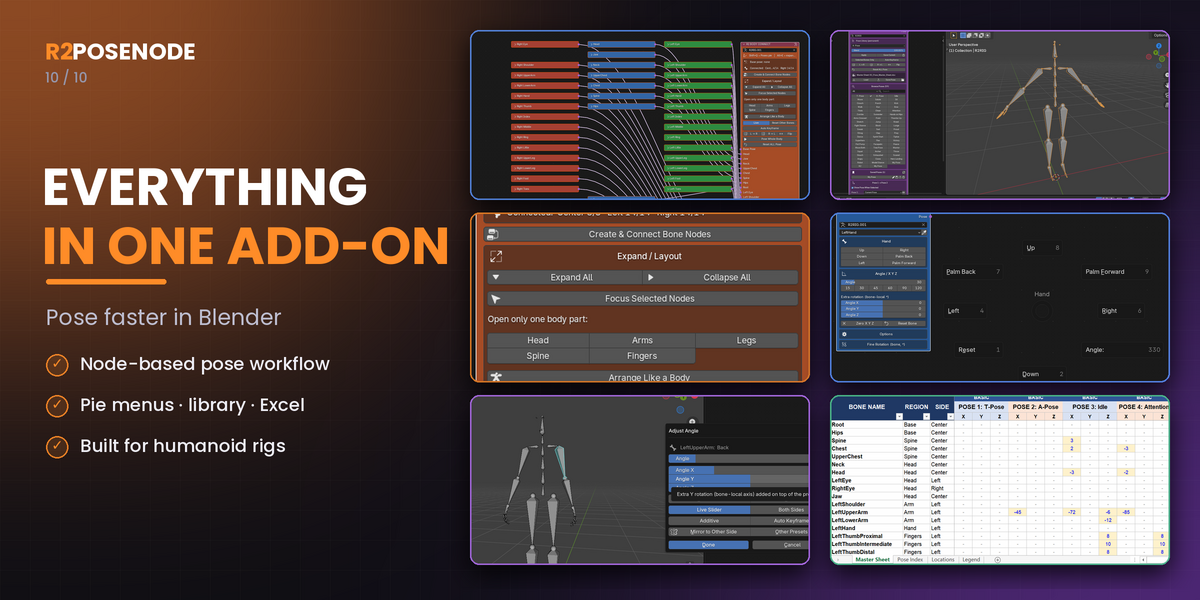
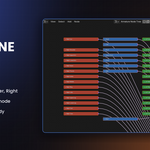
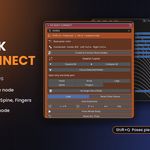
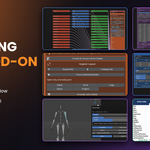
- Bones become nodes. Click one button (Create & Connect Bone Nodes). Every bone gets its own coloured box. Left is green, right is red and the centre is blue. Each box controls one body part.
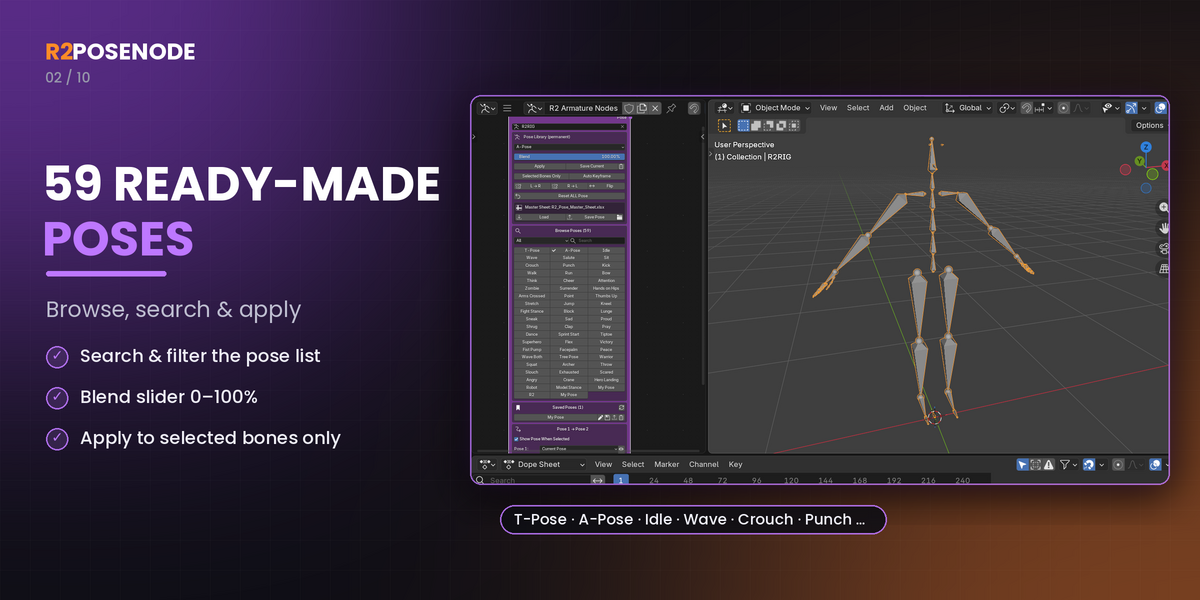
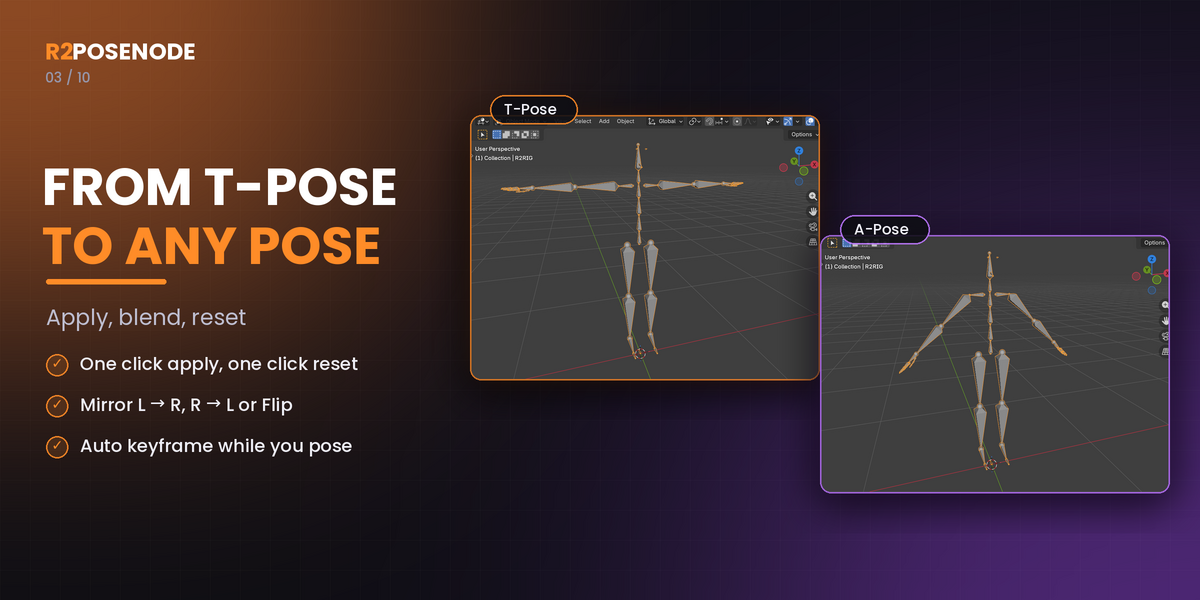
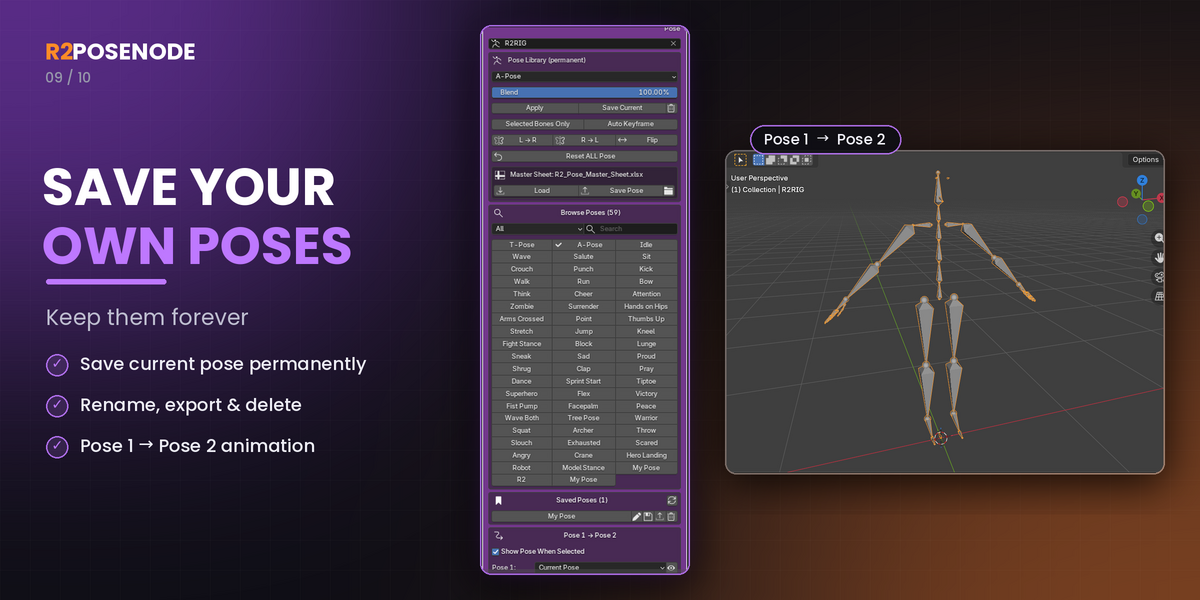
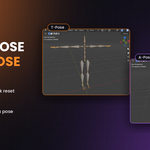
- Ready-made poses. There are 59, such as T-Pose, Wave, Crouch and Punch. Pick one and click Apply. A slider lets you use only part of the pose.
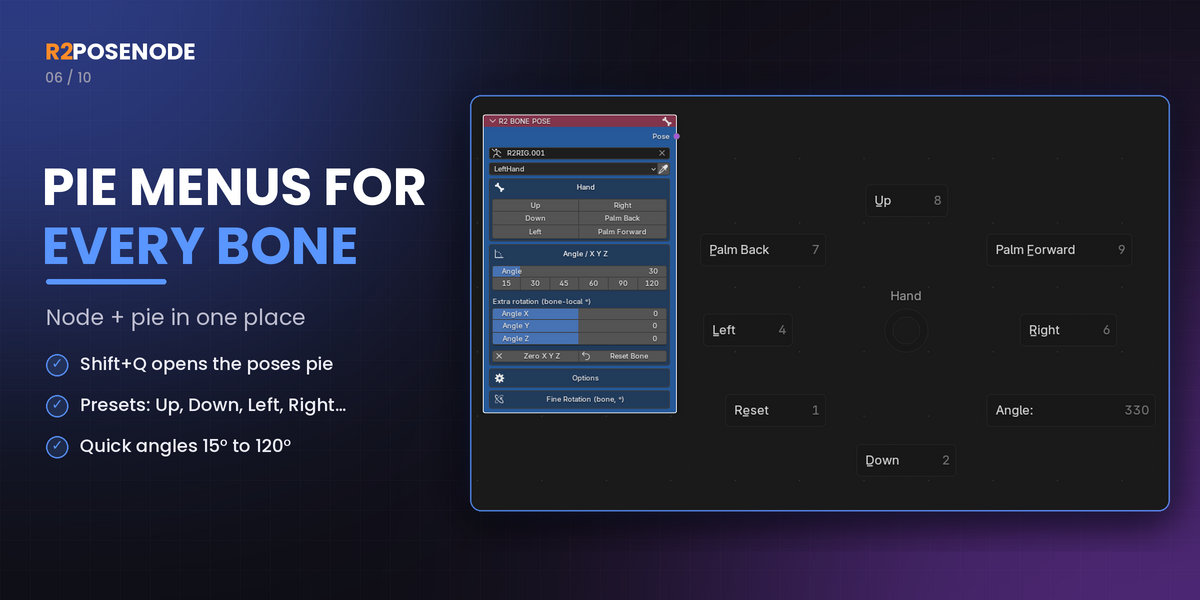
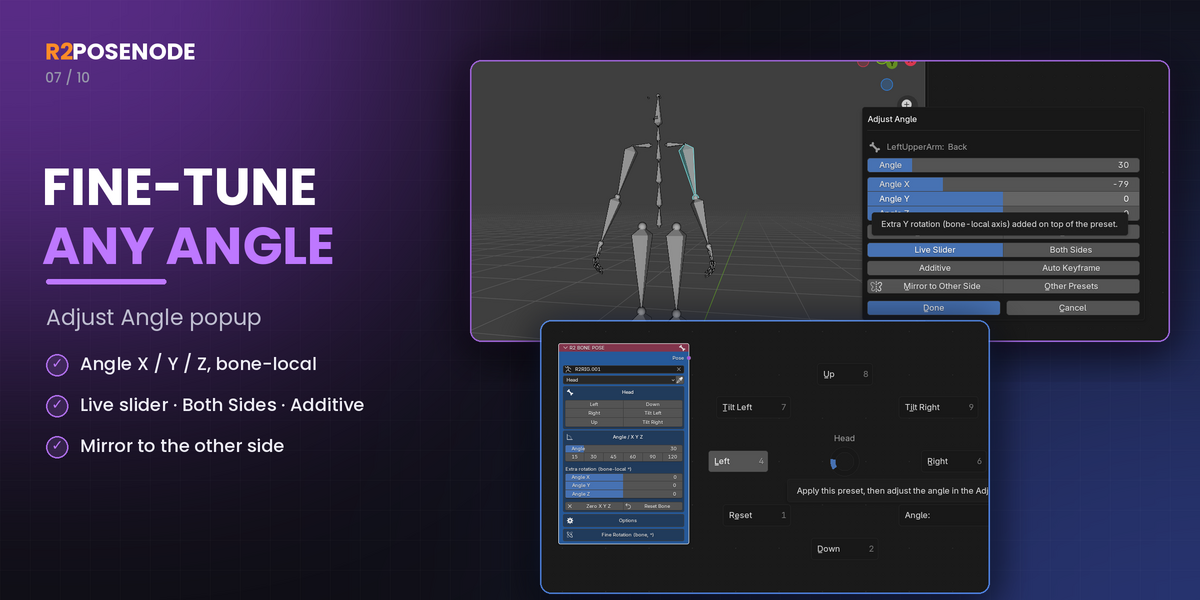
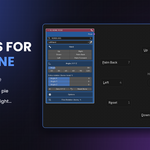
- Pie menus for single bones. Press Shift+Q and pick Up, Down, Left or Right. Choose an angle like 15, 30 or 90 degrees, or type exact X / Y / Z values.
- Mirror. Pose the left side, then copy it to the right with one click.
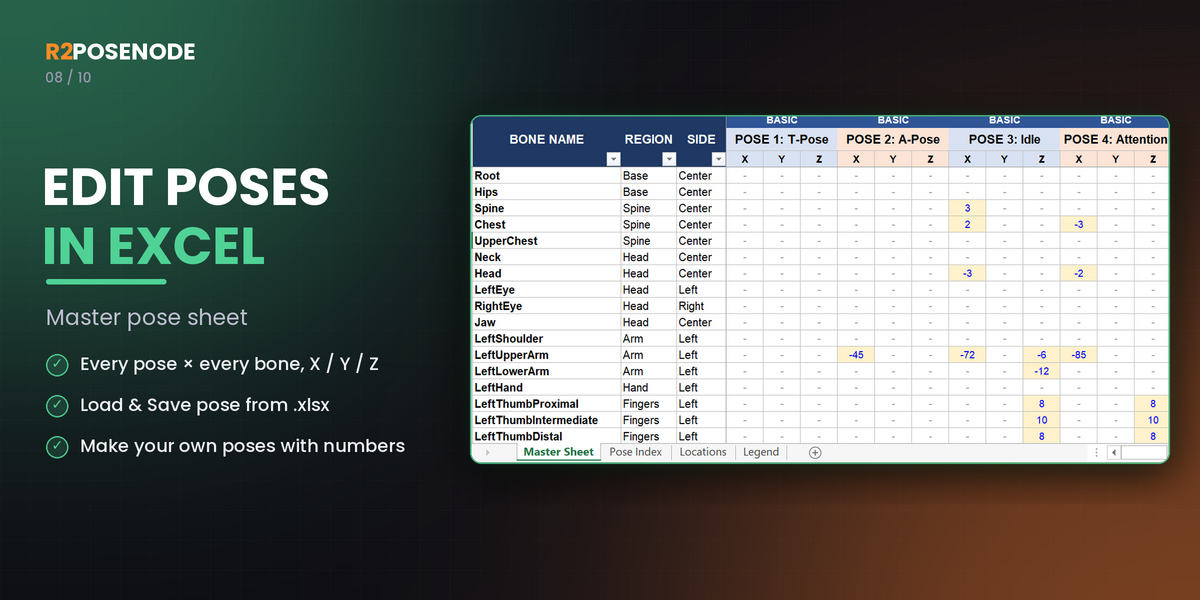
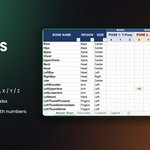
- Excel sheet. Poses are stored in a spreadsheet. Change the numbers and load it back to make your own poses.
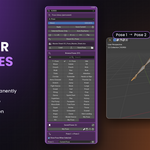
- Save and animate. Save your own poses, then pick Pose 1 and Pose 2 and Blender animates between them. Auto Keyframe can record your poses as you go.
