 Skava


RagdollForge
v1.0.0 · Blender 4.2 LTS and later (tested on 4.2.9 and 5.2.2) · Unity 6 (tested; the scripts avoid Unity 6-only calls, but 2022.3 was not tested) · Windows / macOS / Linux
1. What it does
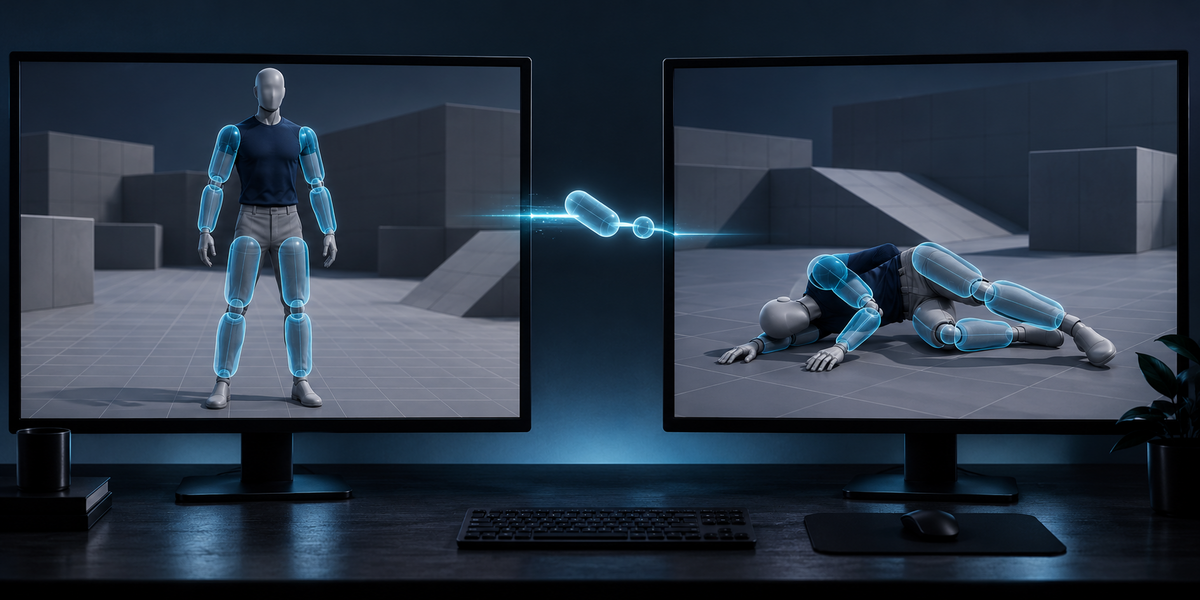
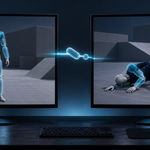
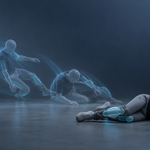
RagdollForge turns a rigged character into a ragdoll for Unity. It decides which bones become rigid bodies, fits a collider to each from the skin, reads every action of the rig to set each joint's limits, and writes a file that a small Unity importer turns into Rigidbodies, colliders and CharacterJoints on your character.
Nothing depends on bone names, on how the rig was built or on the axis settings of the FBX export: the importer places the ragdoll by matching the bones themselves.
2. Installing
Edit, Preferences, Add-ons, the arrow in the top right corner, Install from Disk, pick the zip, tick the checkbox. The panel is in the 3D Viewport sidebar (N), tab Ragdoll.
3. Quick start
- Select the character's armature (or a mesh skinned to it) and press the eyedropper next to the Armature field.
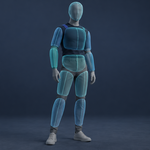
- Leave Bodies on Standard (11 bodies) and press Build Ragdoll. The shapes appear on the character as wireframes and ride along with every action.
- Choose a folder under Unity and press Export for Unity. It writes <armature>.ragdoll.json, a RagdollForge folder with two scripts and, with Also Export FBX on, the character as FBX with the actions that animate this armature's own bones. The scripts are needed once per Unity project: for a second character, untick Unity Scripts (two copies of the same scripts stop Unity compiling).
- In Unity, copy the folder into Assets, put the character in a scene, select it and choose Tools > RagdollForge > Apply Ragdoll To Selected.
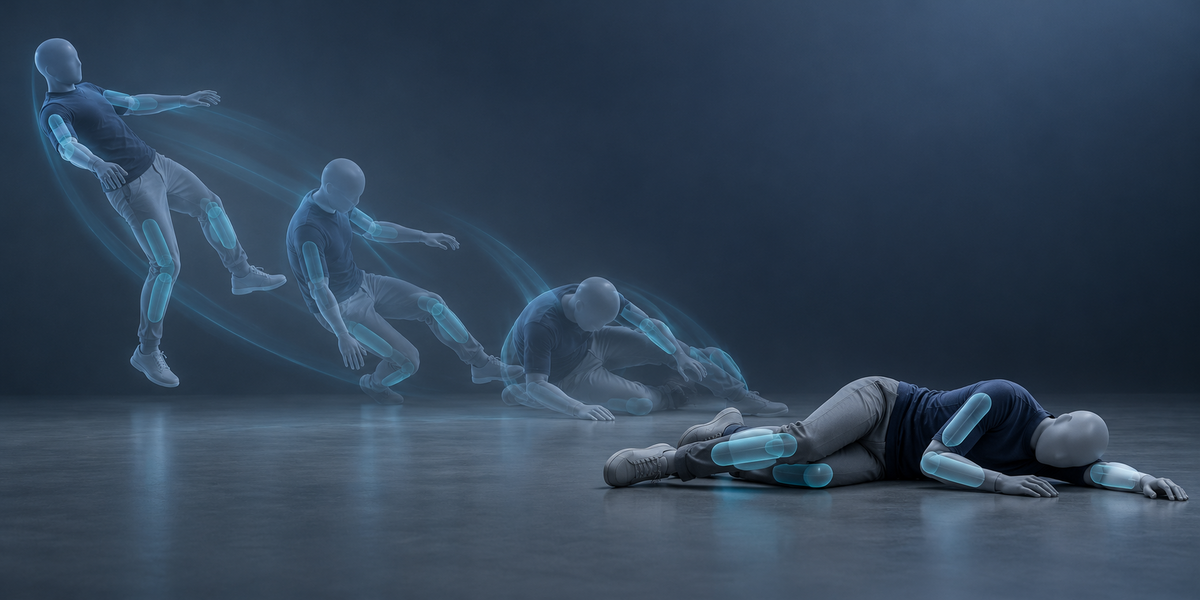
- From your code: GetComponent<RagdollForge.RagdollForgeRig>().SetRagdoll(true) to let the character fall, SetRagdoll(false) to give it back to the Animator, Hit(point, impulse) to knock it over.
4. Settings
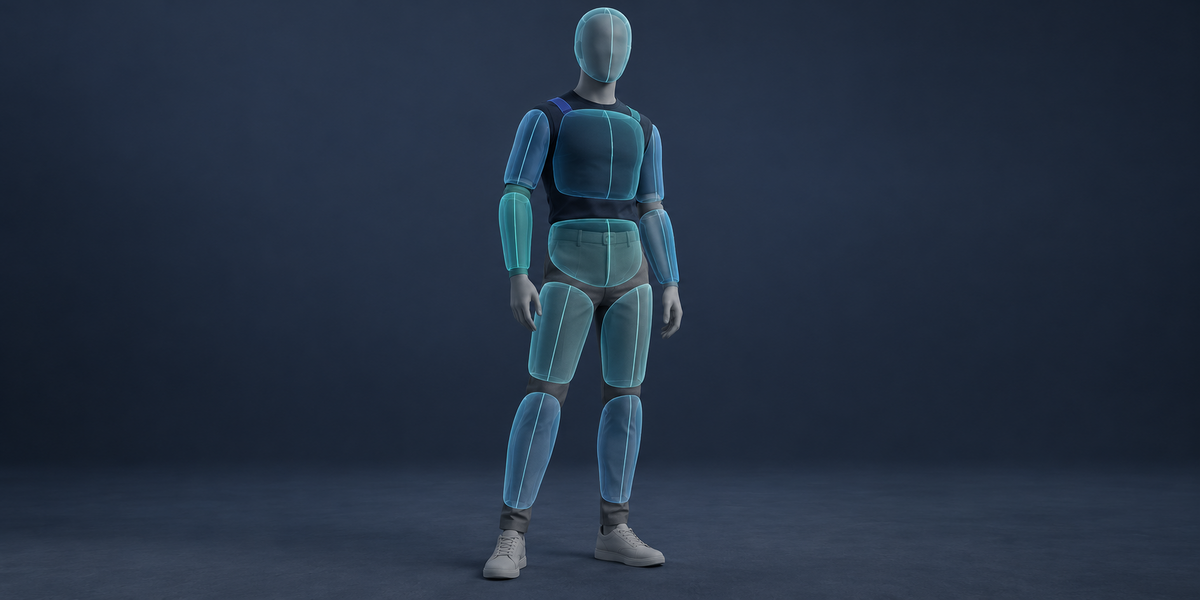
- Bodies — Standard 11 (pelvis, chest, head, upper and lower arms and legs), Detailed 15 (adds hands and feet, or the next joints the skin calls for), Fine 19, or Custom.
- Shapes — Auto (capsules, and boxes for wide flat parts such as a pelvis), Capsules, or Boxes.
- Total Mass — shared by the bodies by the volume their shapes fill inside the skin, with no body more than 8 times lighter than the one it hangs from.
- Margin — degrees added to the widest angle the animations reach at each joint.
- Minimum Range — the least freedom any joint keeps, even one the animations never move.
- Every Nth Frame — read every frame of every action, or every second, third…
- Unity Scripts — write the importer and the runtime component with the export (once per Unity project).
5. How the bodies are chosen
Every vertex belongs to the bone that weighs most on it. Twist and roll bones that lie along a limb join it first. A small end of the skeleton — a hand with its fingers, a foot with its toes — becomes one body. Then, until the chosen number is left, the body that matters least joins its parent: a short one before a long one, one the animations hardly bend (a spine piece, a clavicle) before one they bend a lot (an elbow, a knee), a hand or foot before the joint it hangs from. A body and its mirror image always go together, so the ragdoll stays symmetric.
6. How the joint limits are read
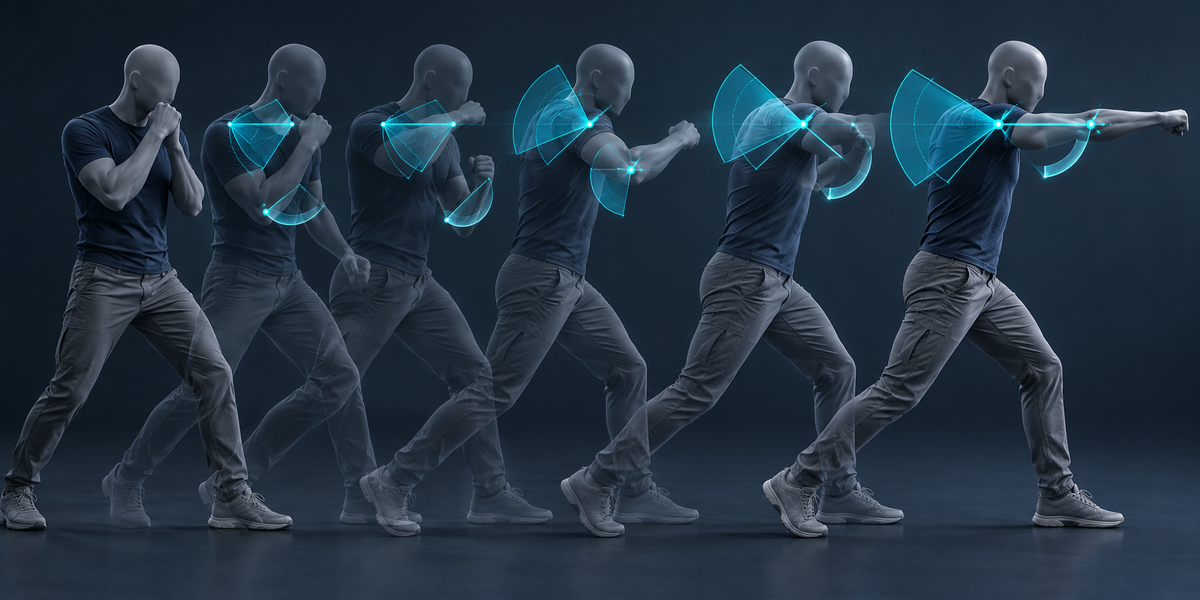
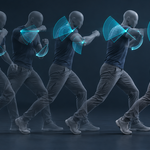
Unity's CharacterJoint lets a body twist around one axis between a low and a high limit, and swing around the two axes across it inside an ellipse. RagdollForge reads every frame of every action, works out each joint's rotation exactly the way PhysX does (parent against child), and for each joint tries three choices of twist axis: along the bone, or across it. A knee or an elbow ends up twisting around its hinge — the only limit with two different ends, so it bends one way only — and a shoulder or a hip twists around its bone with room to swing.
The actions read are those whose bone channels are mostly this armature's (or a control rig's its bones follow). They are read on their own: Rest Position and NLA strips are switched off while reading and put back after.
The limits are the widest angles reached plus the margin, widened so that the swing ellipse holds every frame. A ball joint (a neck, a shoulder, a hip) keeps at least 60° of swing, because a body lying on the floor bends further than any animation. Two caps keep PhysX stable: swings at most 90° and twist within ±150°. Wider joints opened up or shook on impact in our tests. Frames that go past a cap are counted, and the panel says how many and by how much.
7. Going ragdoll without a jolt
Bones that sit between two bodies (a clavicle between the chest and the upper arm, spine pieces between pelvis and chest) are animated, but a ragdoll moves only its bodies. RagdollForgeRig puts those in-between bones back to the bind pose when the ragdoll switches on, while every body keeps the way it faces — so every joint starts closed instead of being pulled together on the first frame.
Once most bodies have lain still for half a second (their median speed, smoothed over 0.2 s), the component puts the ragdoll to sleep; a hit or a collision wakes it again, so a limb resting against a joint limit cannot keep the whole character twitching (Settle Speed and Settle Time on the component; 0 turns it off).
8. Reading the panel
- Bodies, joints — what was built, and how many frames of how many actions were read.
- Frames past the stable range — frames where a joint goes past the 90° swing or ±150° twist cap; these poses settle by up to the stated angle when the character goes ragdoll in them. "Every frame is inside the joint limits" means none will.
- Skin outside the shapes — how far, for 95% of the skin, a vertex sits outside its body's shapes: the part of the character a raycast could pass through.
- Pairs overlap at rest — bodies not joined to each other whose shapes overlap in the bind pose; the component tells Unity to ignore those pairs so they do not push apart on the first frame.
9. Measured
All in Unity 6 with the shipped importer and component, on four characters with 11 bodies each: the UE5 mannequin with four animations (walk, idle, two attacks), CesiumMan, a fox (a quadruped) and RiggedFigure. A character of building size (the fox model is 141 units tall) was scaled to 1.8 m, as it would be in a game.
- Placement — Blender to Unity fit on the bone heads: 0.0 mm off on every character. Skin outside the shapes (95%): 18 mm on the mannequin.
- Every animation pose held — each pose was set on the ragdoll, the bodies let go without gravity for 0.1 s, and each joint's rotation measured before and after. CesiumMan 41 of 41 poses, the fox 97 of 97, RiggedFigure 38 of 38 held with no movement at all. The mannequin: 135 of 146 held; 11, all of the left elbow in an attack, settled by up to 16° — Blender had predicted 11 frames past the stable range by up to 14.7°.
- Falls — 24 falls from the bind pose onto a floor, six different pushes per character, 10 s each: no NaN, joints at most 18 mm apart at the hardest impact, every fall at rest, resting penetration into the floor at most 1.7 mm.
- Importer and component — on all four characters: a bone already carrying someone else's Rigidbody is refused and left untouched; a sword's Rigidbody survives Apply, re-Apply and Remove; a file from a skeleton with other proportions or other bone positions is refused; re-Apply keeps the component's settings; the ragdoll goes to sleep once still, a second SetRagdoll(true) moves nothing, and a Hit after it has settled knocks it over again.
- The check can fail — the same ragdoll with its twist limits mirrored (a sign error) let the mannequin's poses jump by up to 180°; with limits 40% too tight, every one of its 146 poses jumped.
10. Limits
- Unity only in this version. The ragdoll file is plain JSON (bones, shapes, joints, limits) if you want to bring it into another engine yourself.
- The joint limits are as good as the animations: a joint your actions never move gets the Minimum Range and the 60° ball-joint floor, and with no actions at all every joint gets them (the panel says so). Add a few extreme poses as an action if you want tighter, more anatomical limits.
- Swing above 90° and twist beyond ±150° are capped for stability; the panel counts the frames past the caps.
- The character in Unity is put into its bind pose by Apply (joints measure their angles from the pose they are created in). Apply refuses a bone that already carries a Rigidbody or a joint it did not make, and Remove takes away only what it made.
- Actions that animate a control rig drive the limits but are not in the exported FBX (Blender's exporter writes an object's own actions); the export message names them.
- Unity's character joints are rigid bodies joined by constraints: on a hard impact a joint can open by a centimetre or two before projection pulls it back.
- The armature must deform at least one mesh through an Armature modifier; the shapes are fitted to that skin.
11. Changelog
v1.0.0 — first release.
Have questions about this product?
Login to message
| Published | 11 days ago |
| Blender Version | 4.2 - 5.2 |
| Extension Type | N/A |
| License | GPL |
Discover more products like this
Joints colliders ragdoll game development death animation rigging unity character joint Export game ready physics character