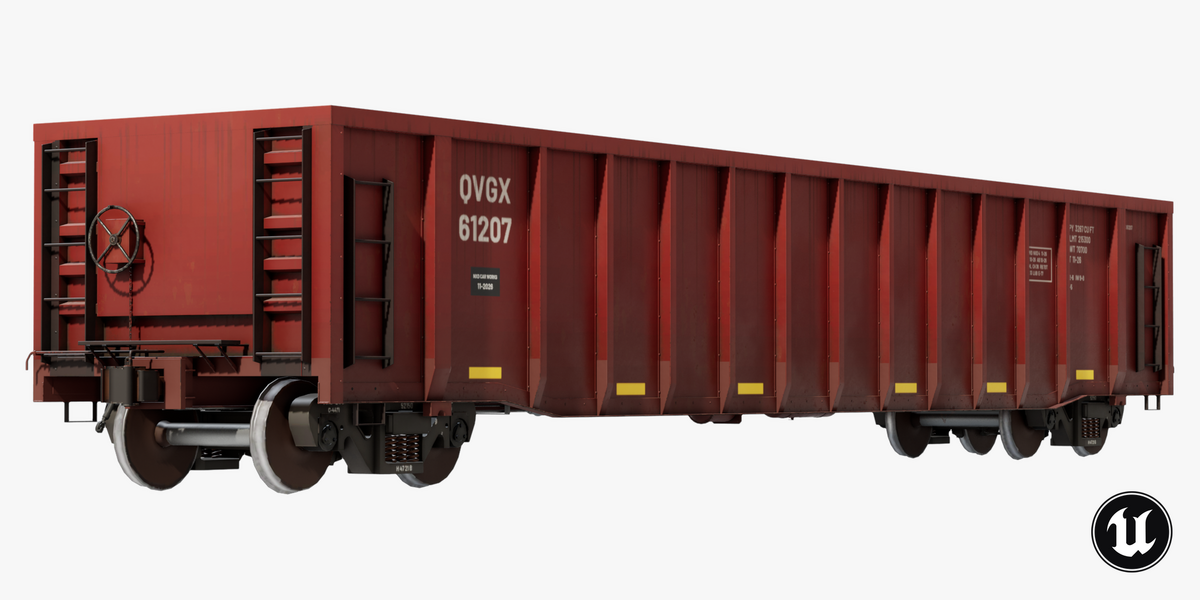
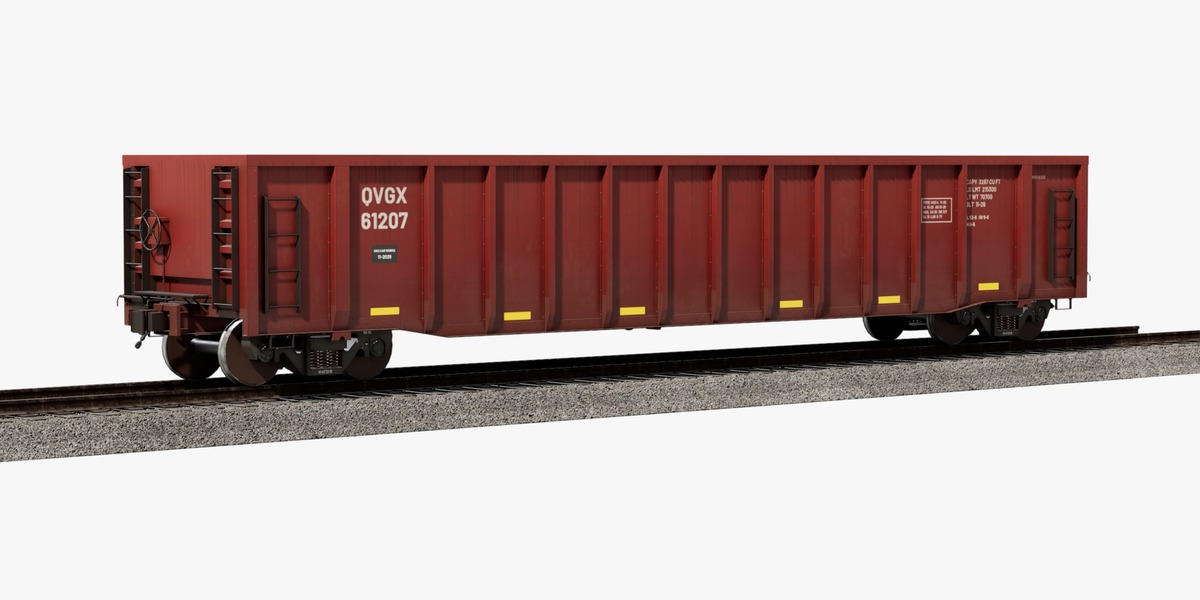
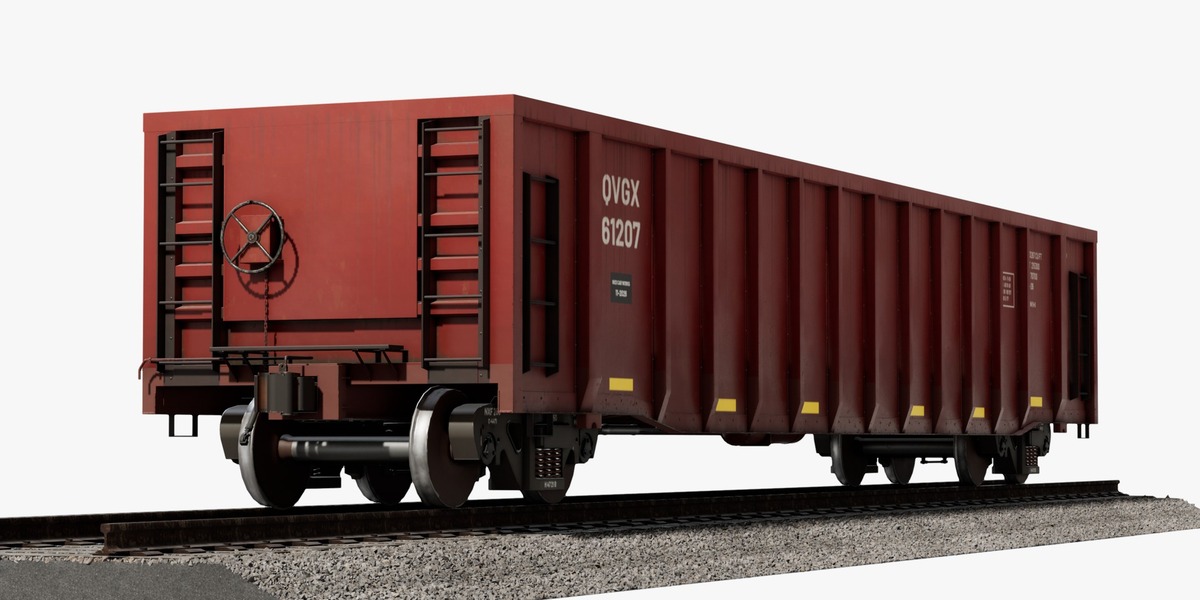
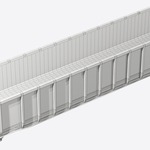
Railroad Mill Gondola Car
 Next Level Models
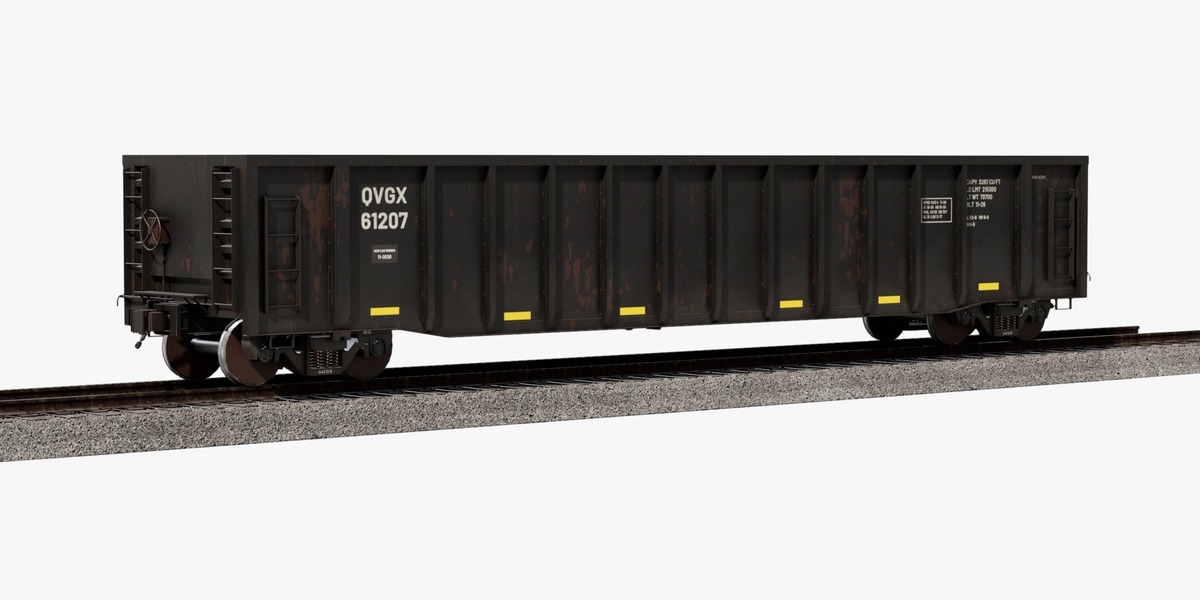
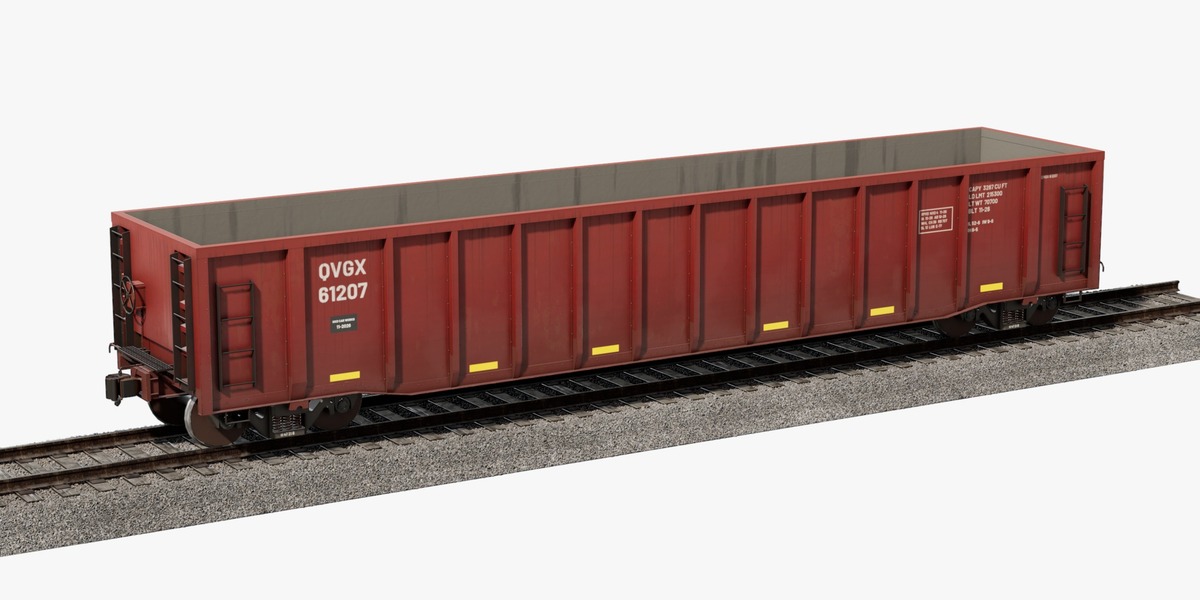
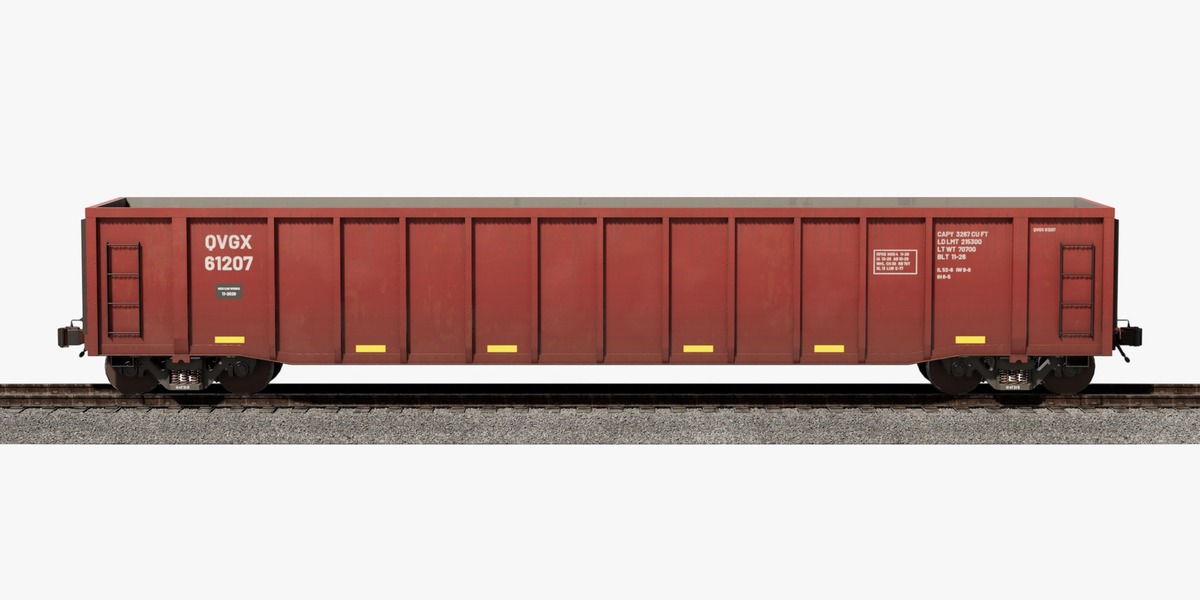
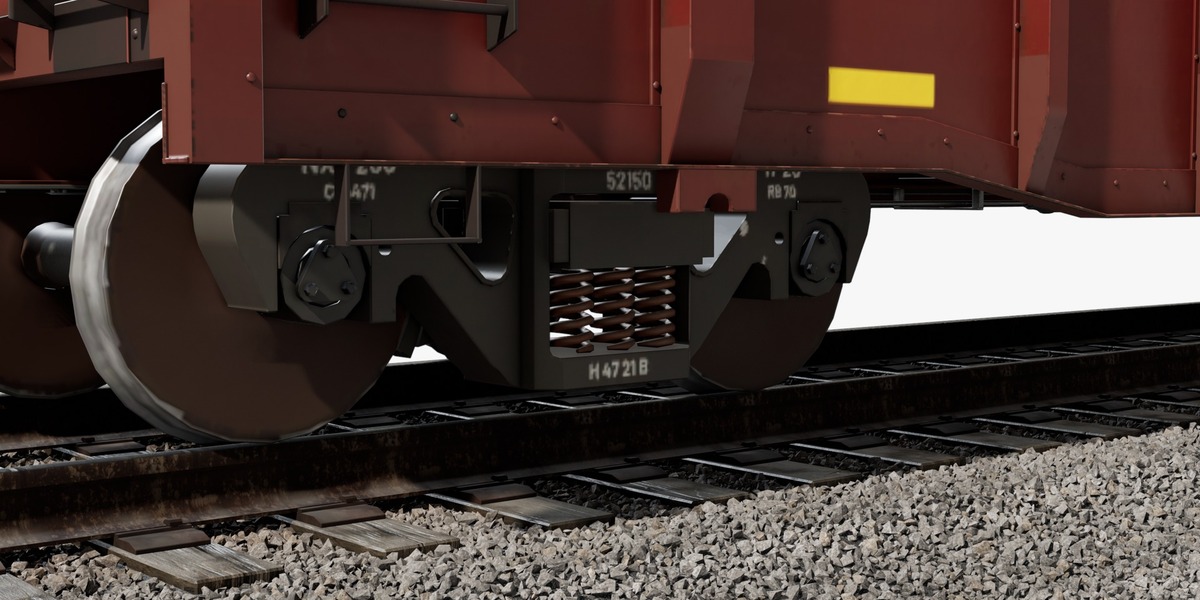
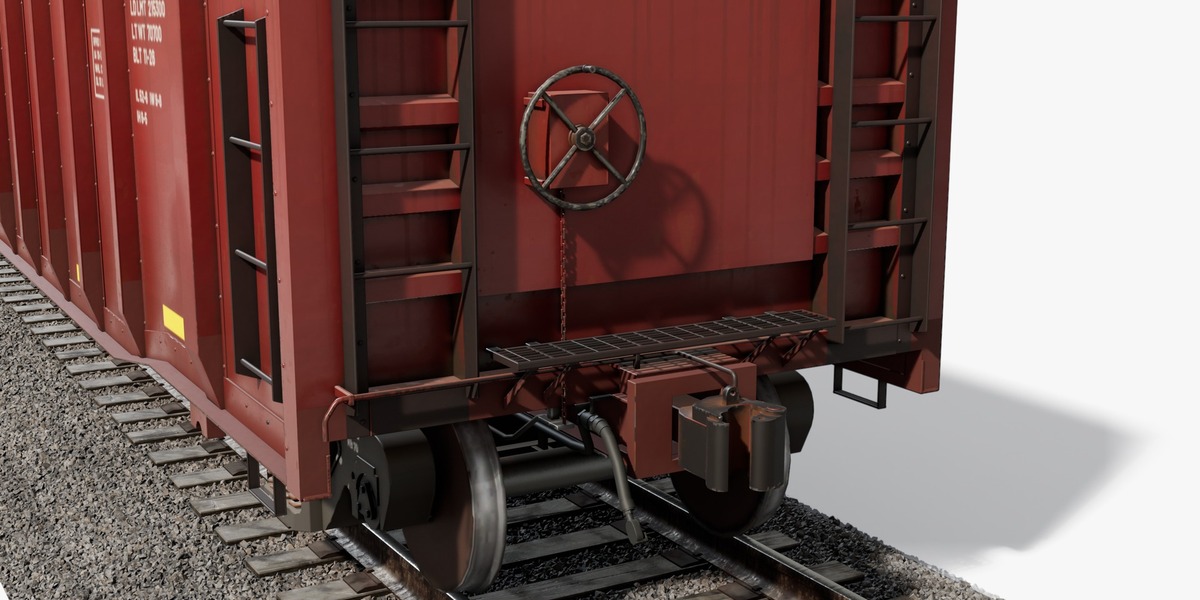
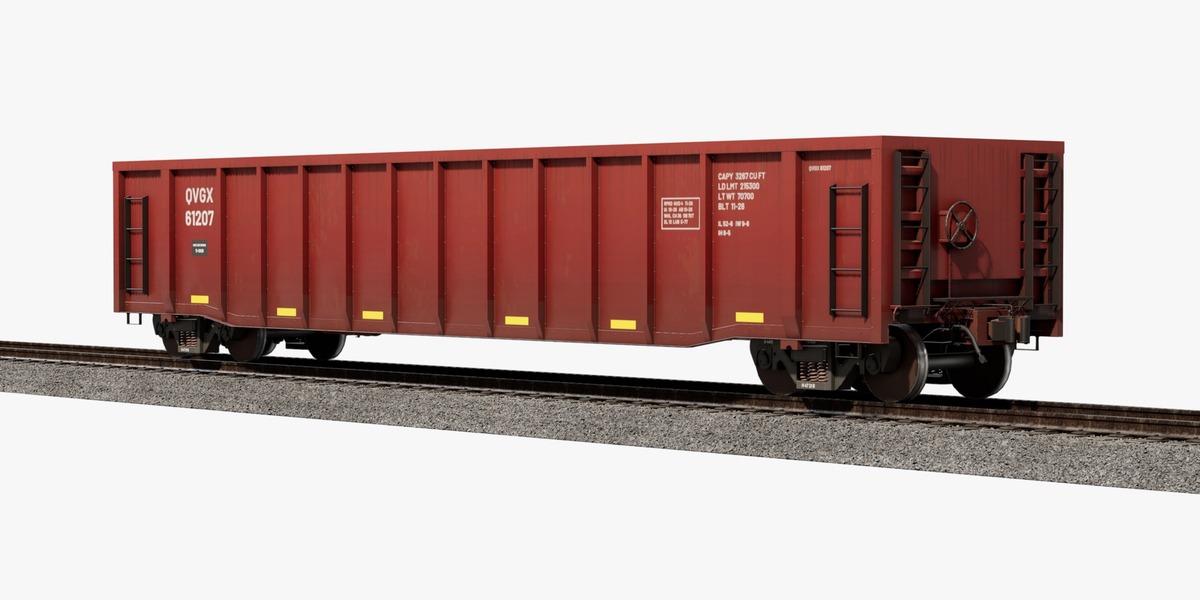
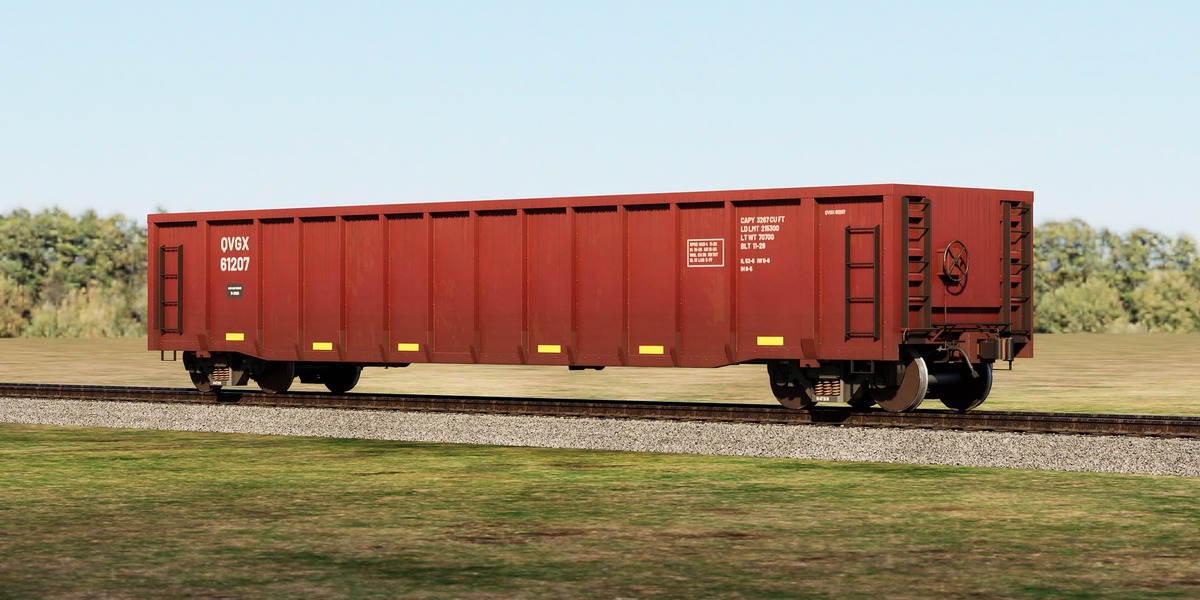
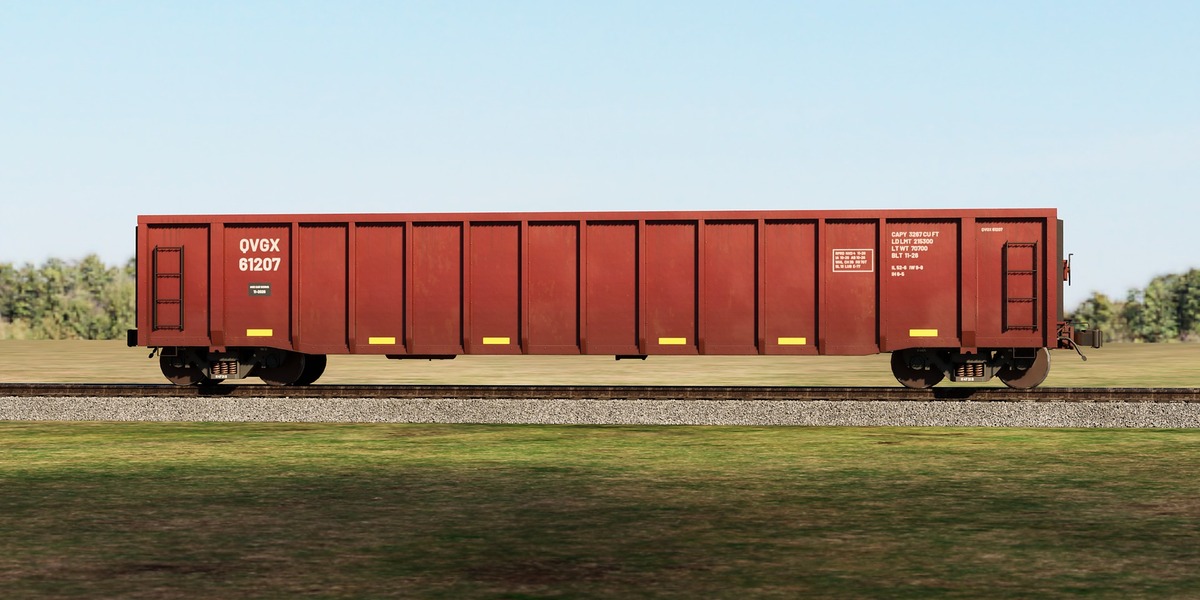
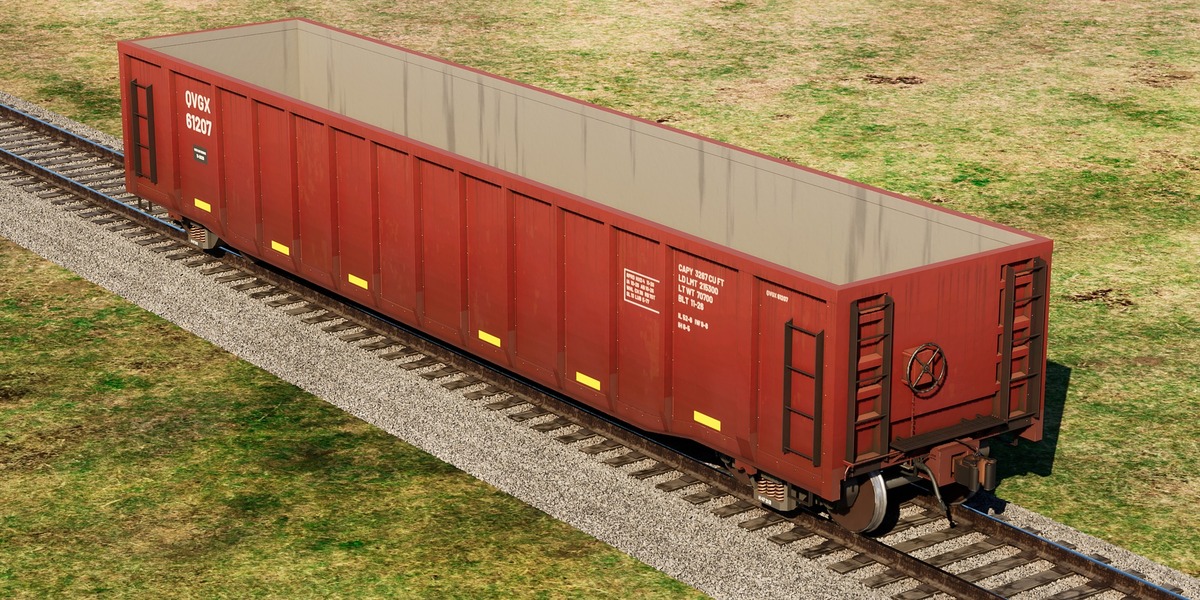
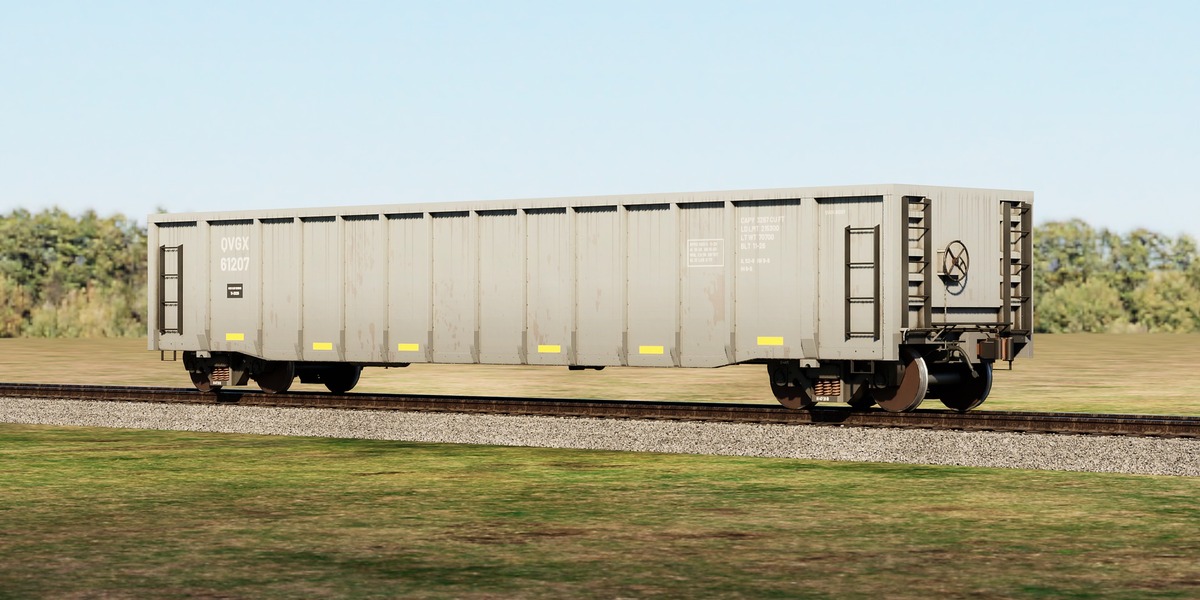
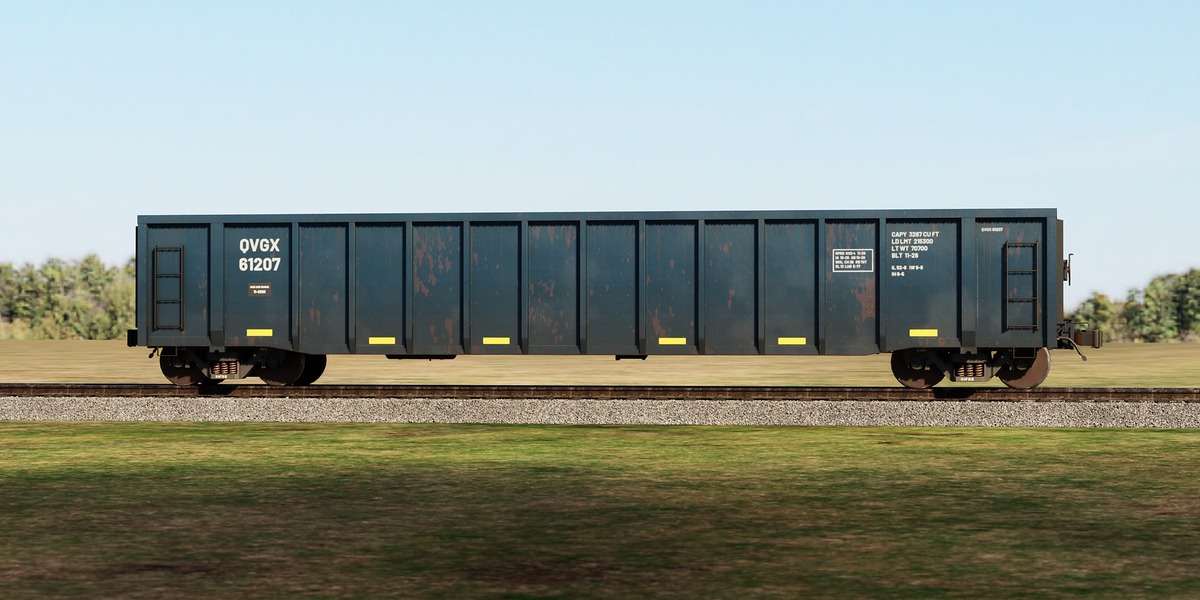
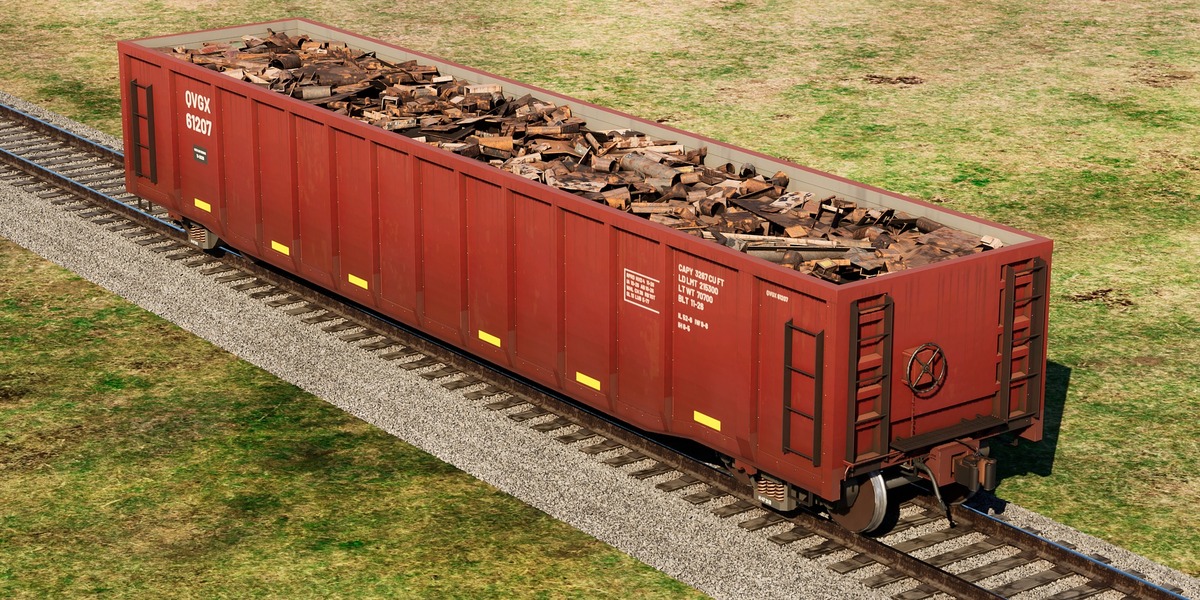
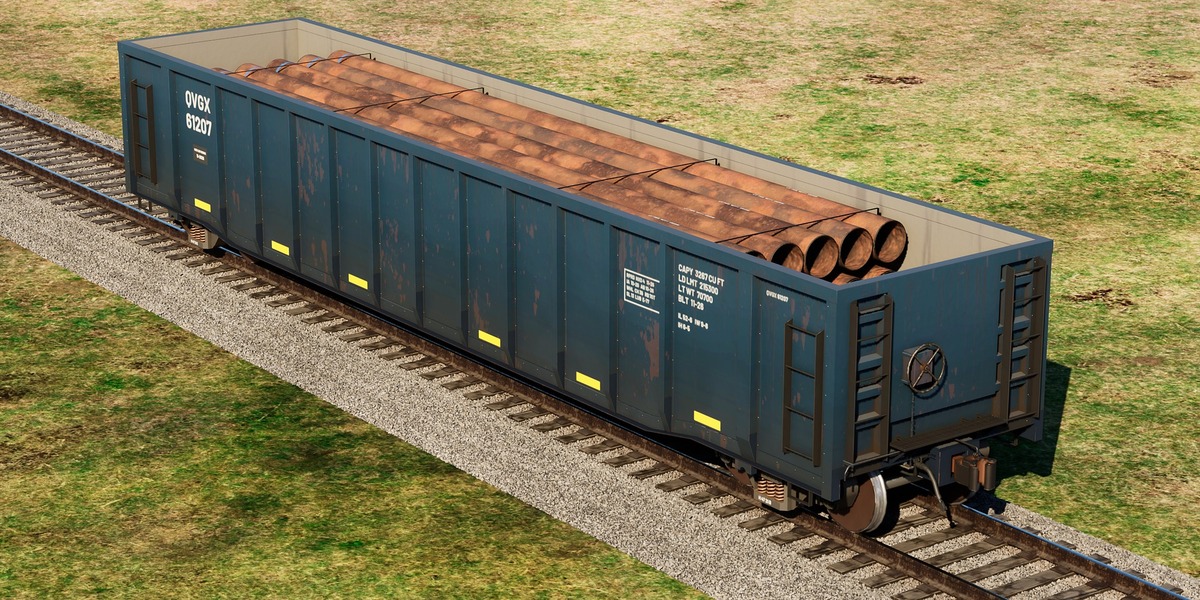
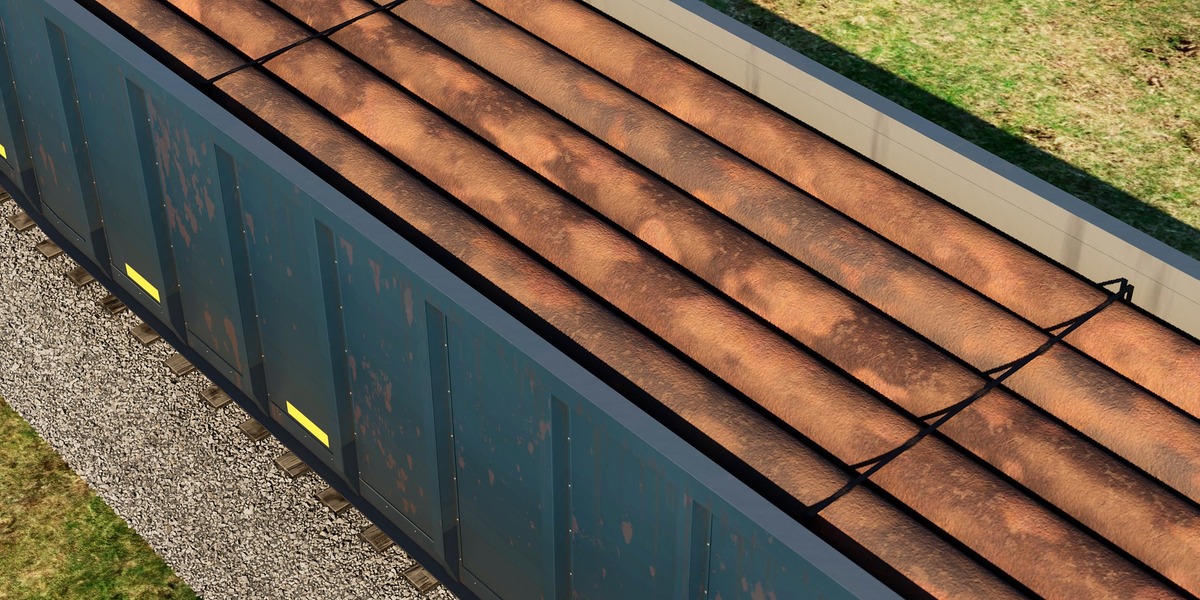
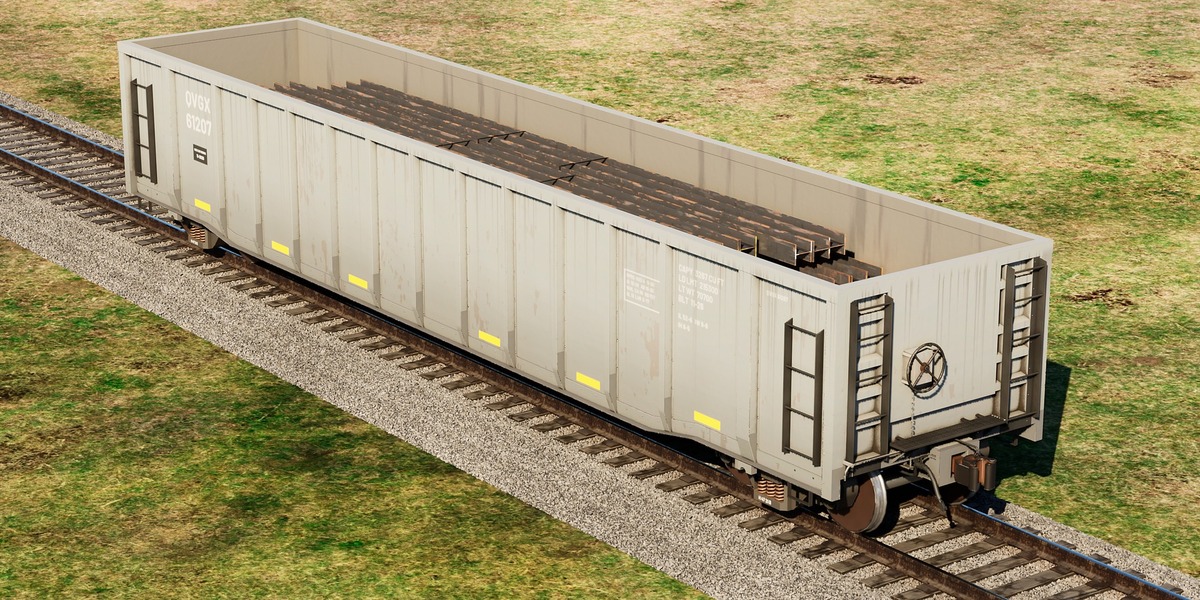
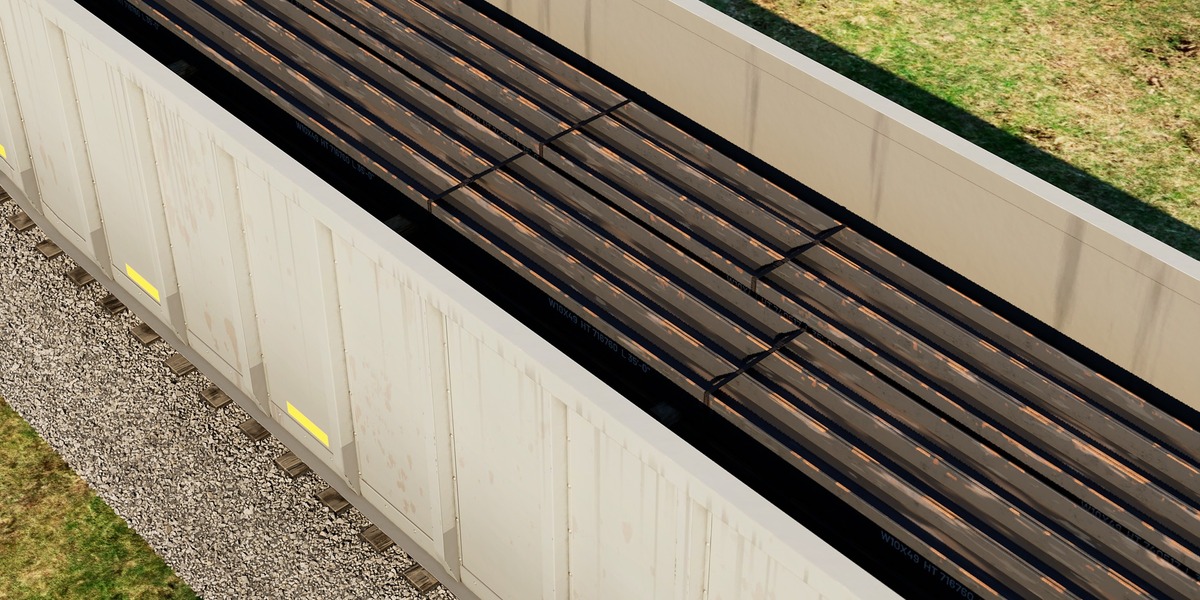
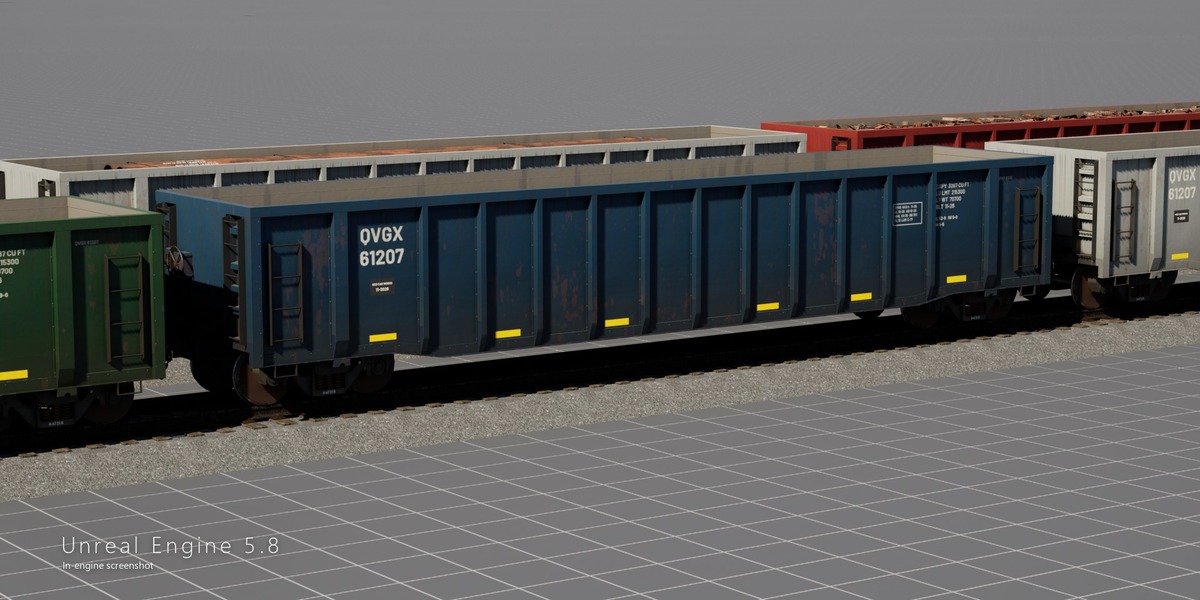
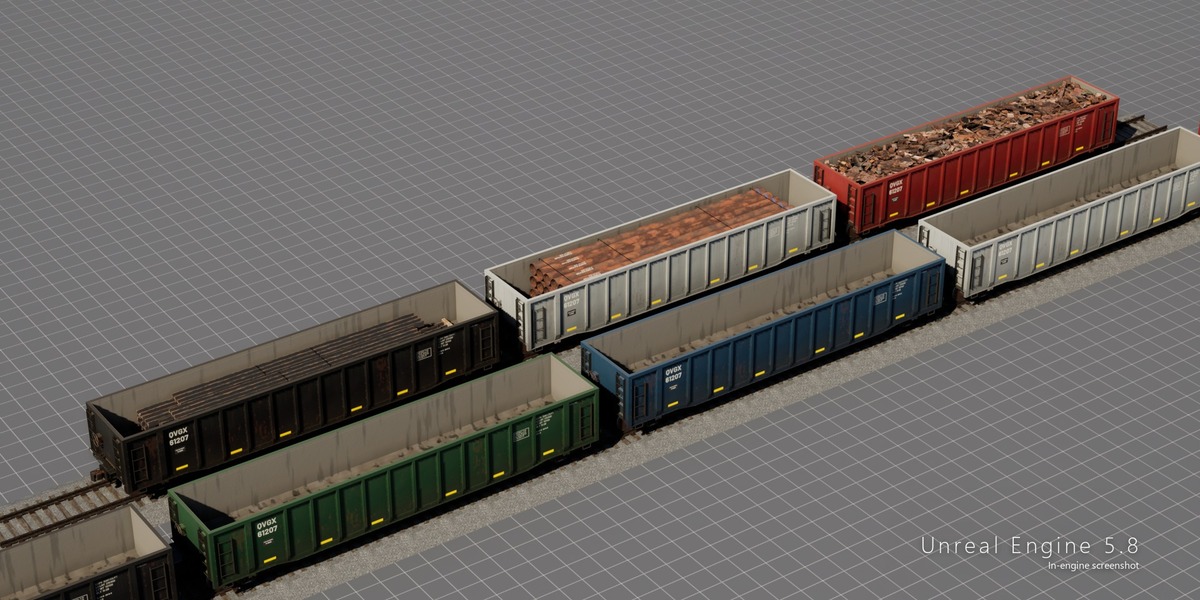
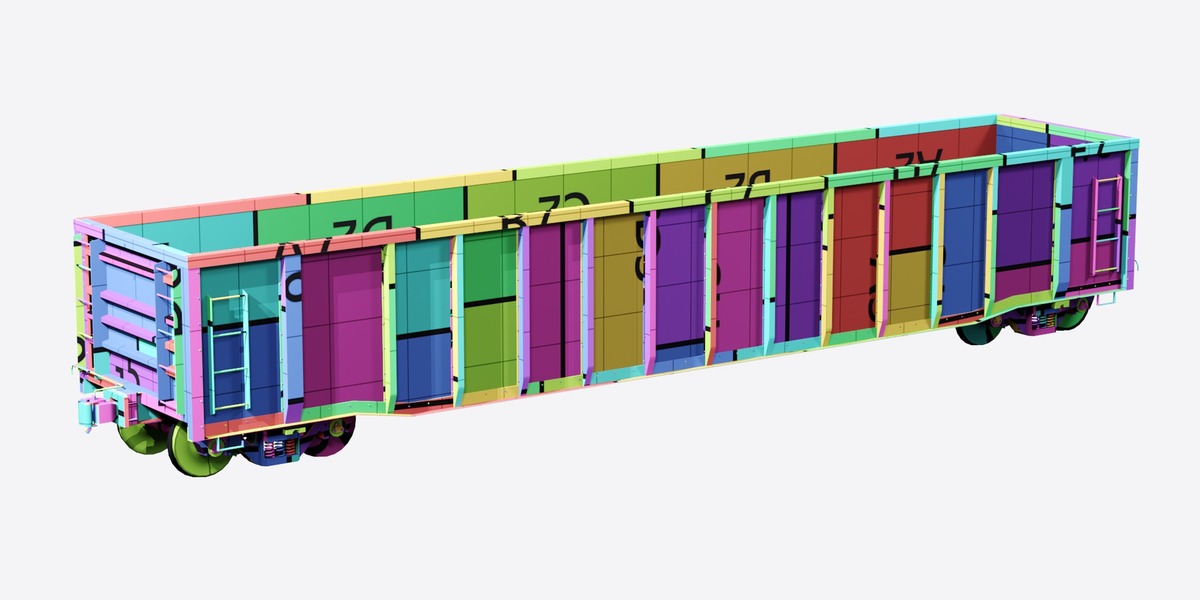
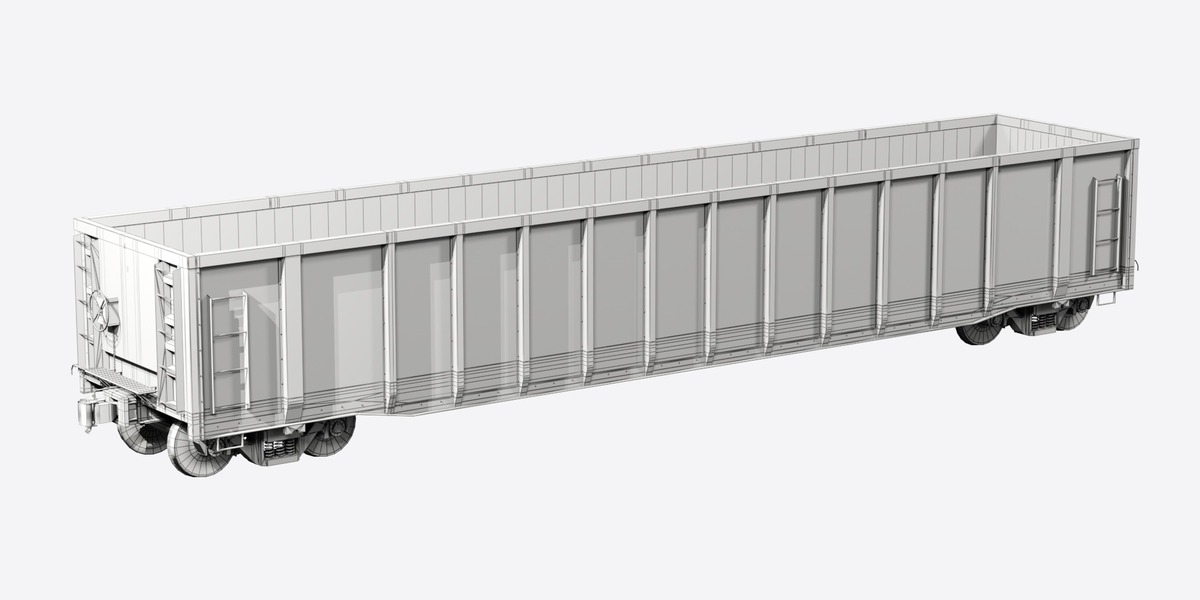
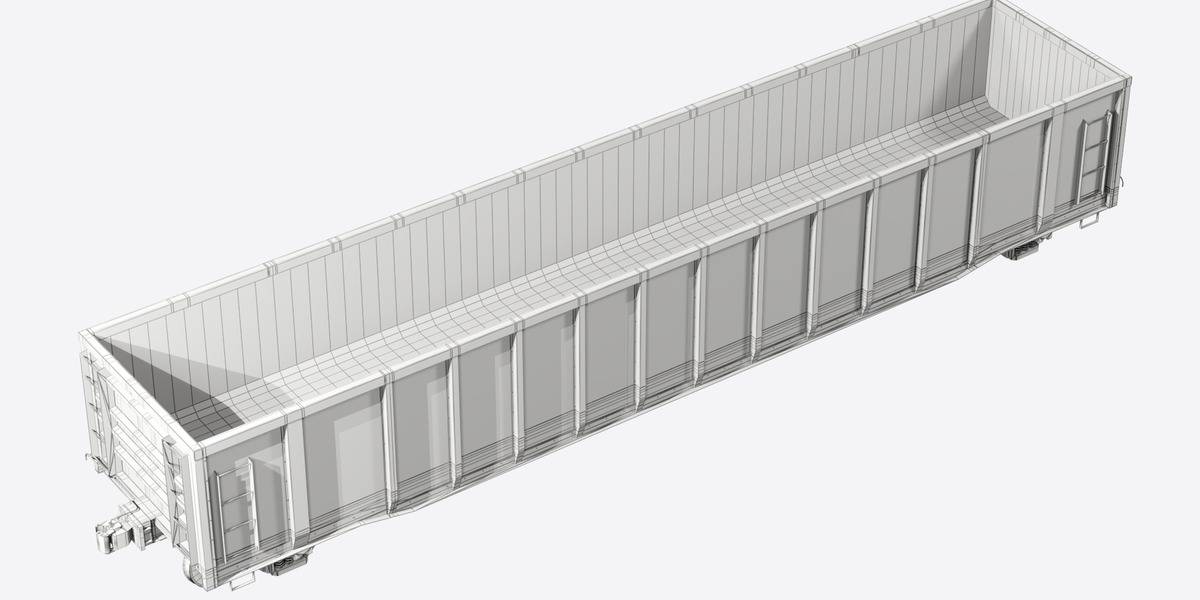
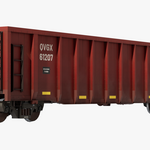
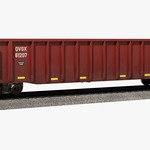
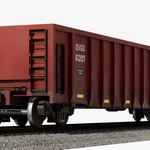
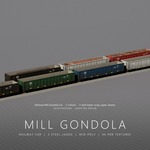
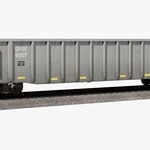
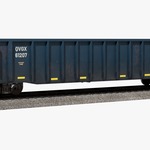
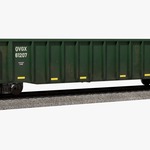
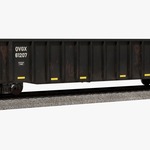
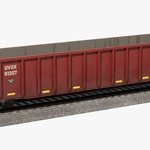
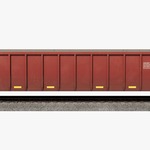
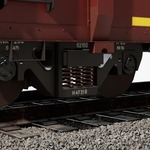
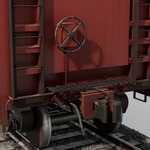
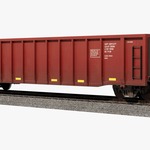
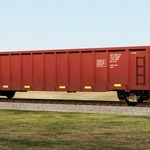
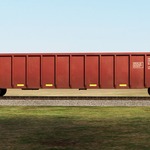
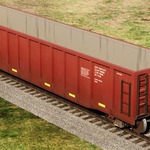
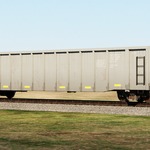
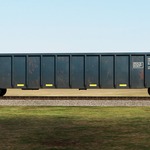
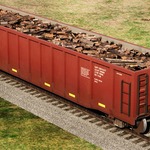
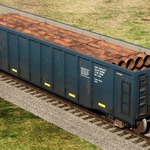
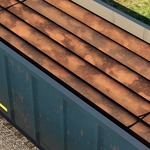
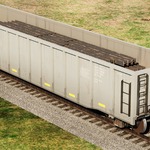
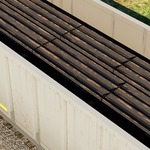
Getting started
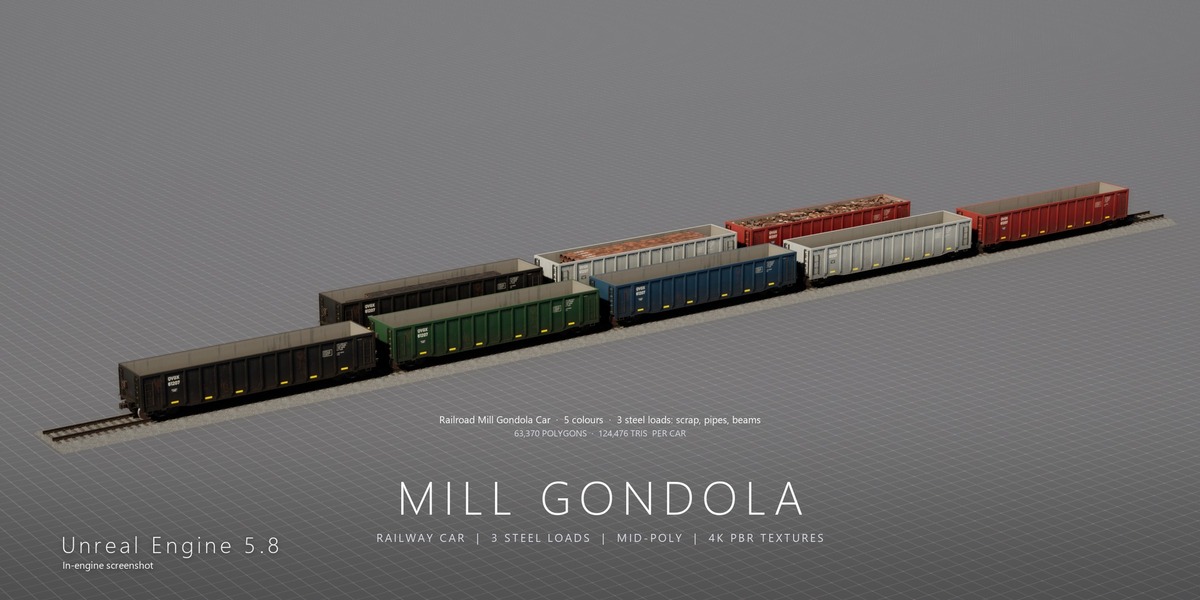
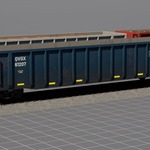
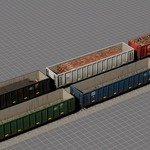
- Unzip MillGondola_Blender.zip and open MillGondola_[Colour].blend (Blender 5.2 or newer). Each file holds the empty car and the 3 loaded cars (Scrap, Pipes, Beams). All textures are packed inside - nothing to relink.
- Use Material Preview or Rendered view to see the PBR materials (Principled BSDF, Cycles and EEVEE).
- Real-world scale, meters, Z up. The car and the loads share one origin at the rail top level in the car centre.
Colours
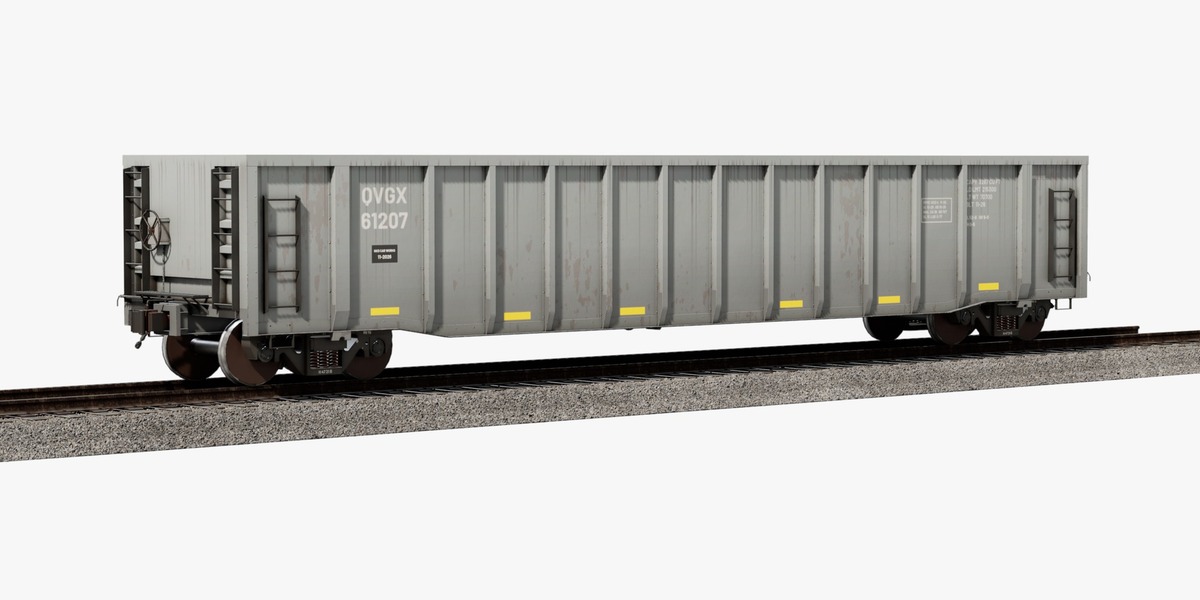
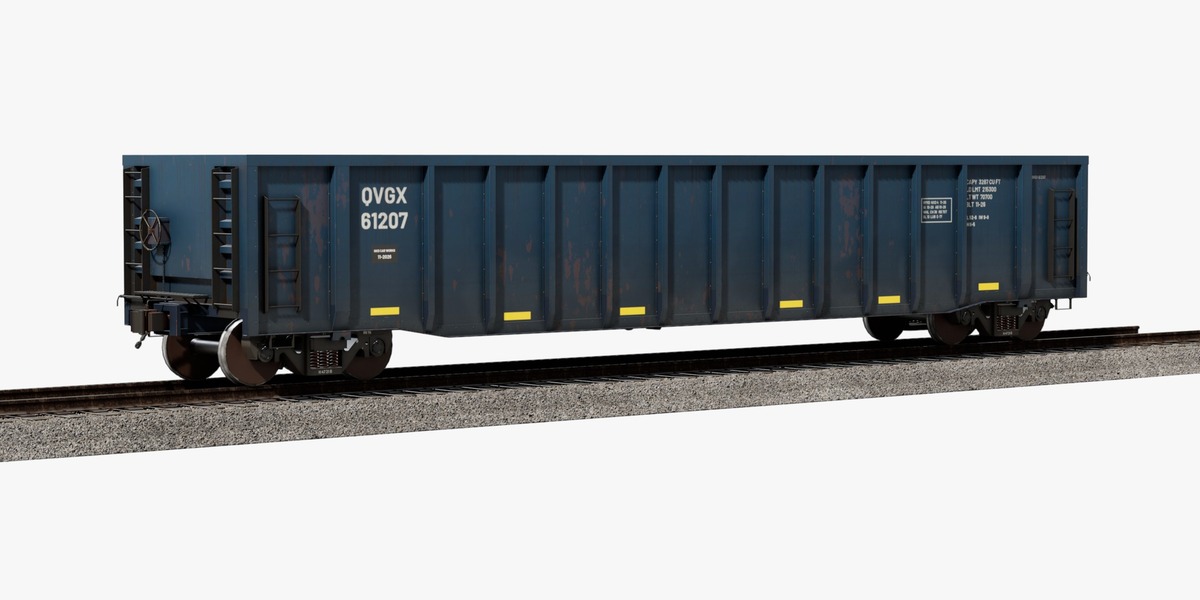
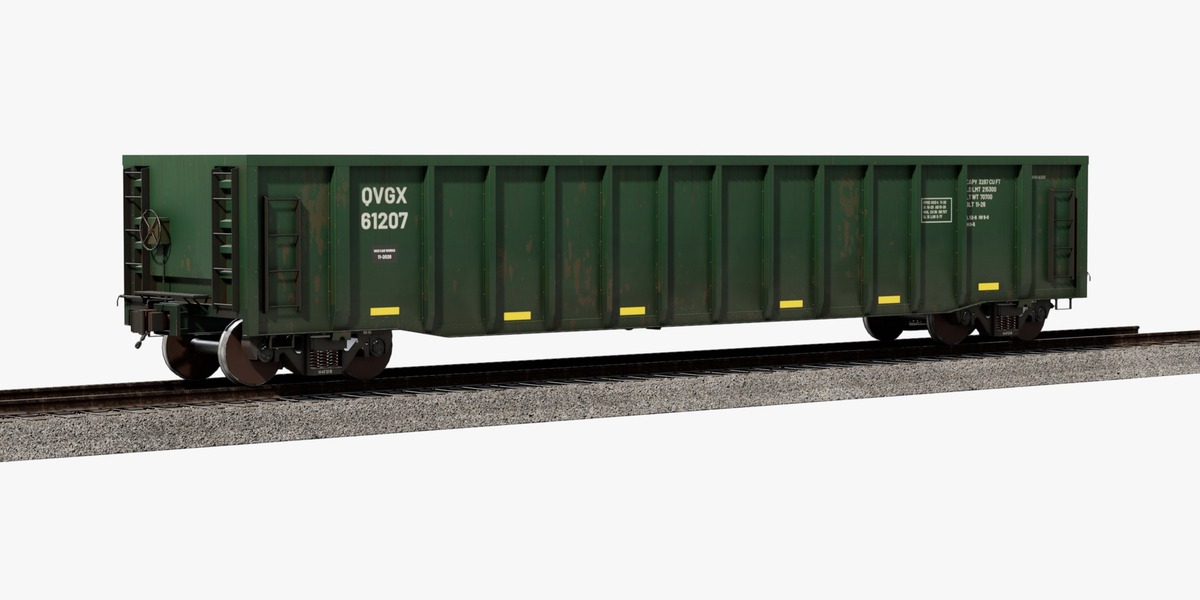
- 5 colours: Brown, Grey, Blue, Green, Black - one .blend per colour.
- To repaint a car swap only the Base Color map in its material - Normal, Roughness and Metallic are shared by all colours.
Other formats
- FBX and OBJ / MTL take their maps from the shared Textures folder (Textures.zip) by relative paths. GLB carries its textures inside.
- Unreal Engine 5.8: unzip MillGondola_UE5.zip and open the .uproject - the showcase level is in Content / MillGondola / Maps. For a manual FBX import into Unreal Engine enable Convert Scene Unit.
Statistics
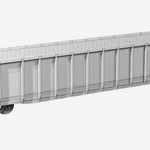
- Car: 63,370 polygons; 124,476 tris.
- Car + 3 loads: 91,336 polygons; 181,854 tris.
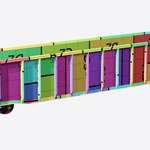
- 4 materials, 20 PNG textures 4096 x 4096.
Have questions about this product?
Login to message
| Published | 2 days ago |
| Blender Version | 5.2 |
| Render Engine Used | Cycles, Eevee |
| Misc Data | Uvs-Unwrapped, Normal-Mapped, Textured |
| License | Royalty Free |
Discover more products like this
scrap metal steel pipes railroad railroad gondola railway gondola car train game ready freight car rolling stock railcar mill gondola