 Bohdan Polovynka
Rain
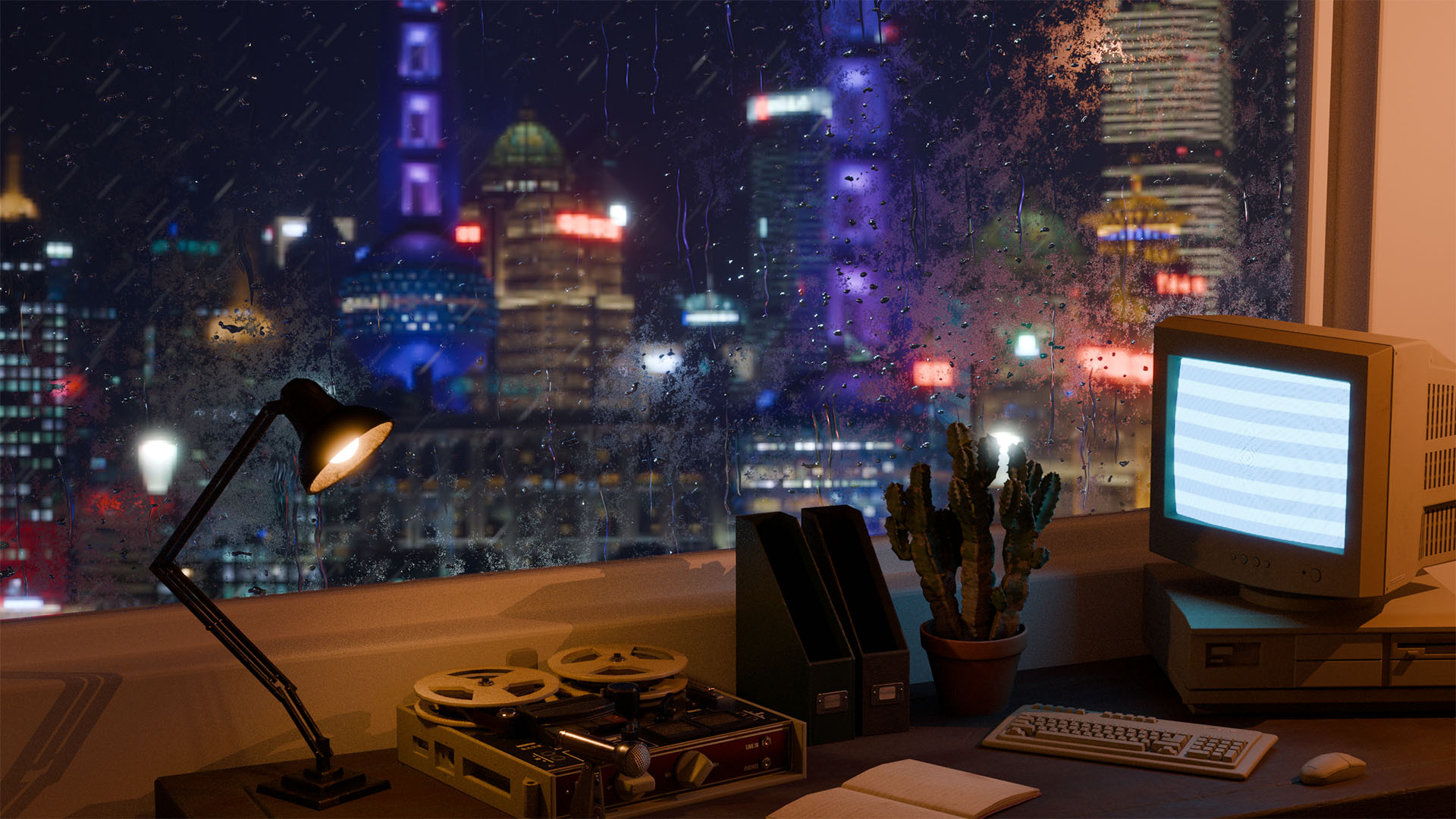
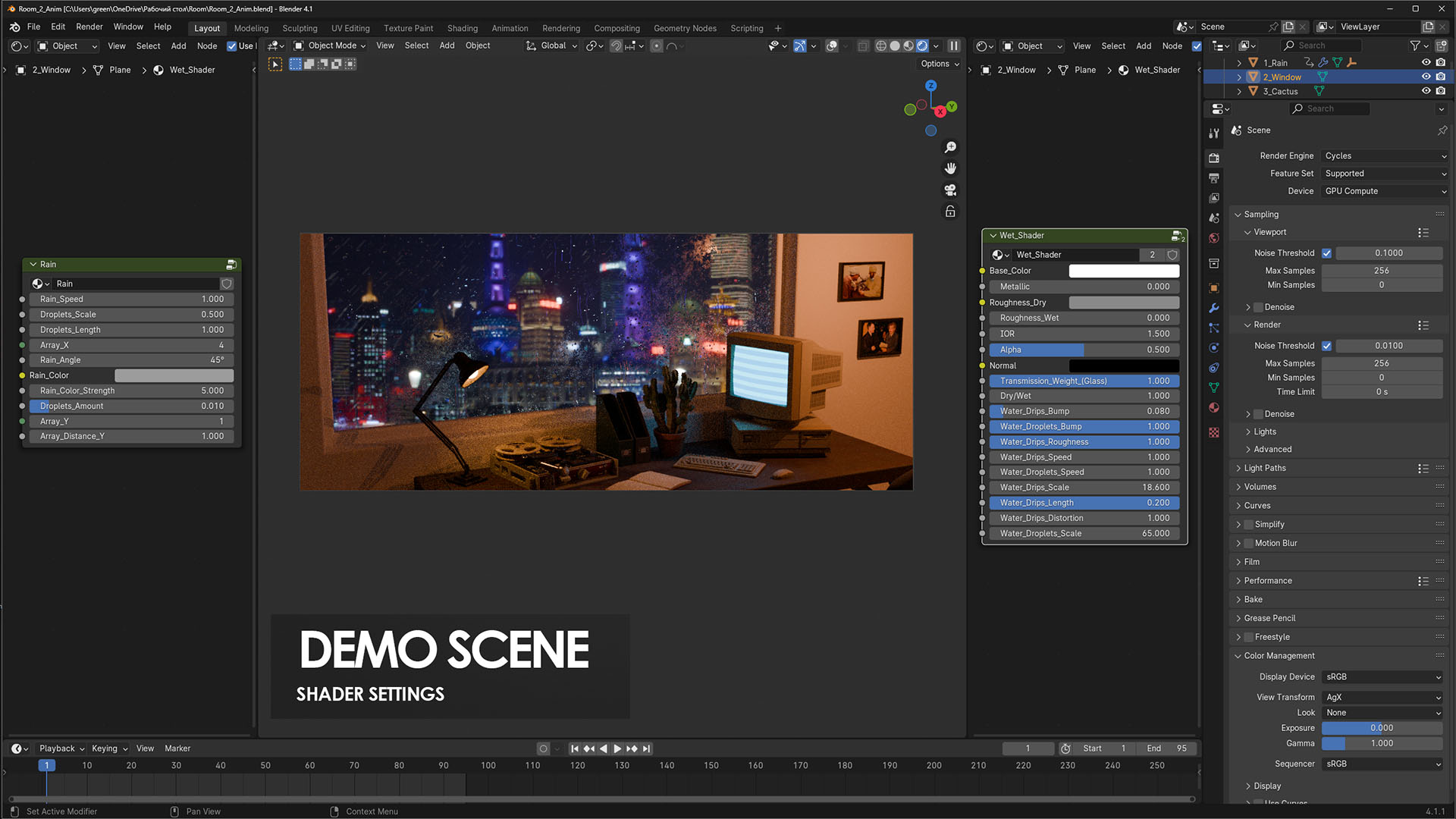
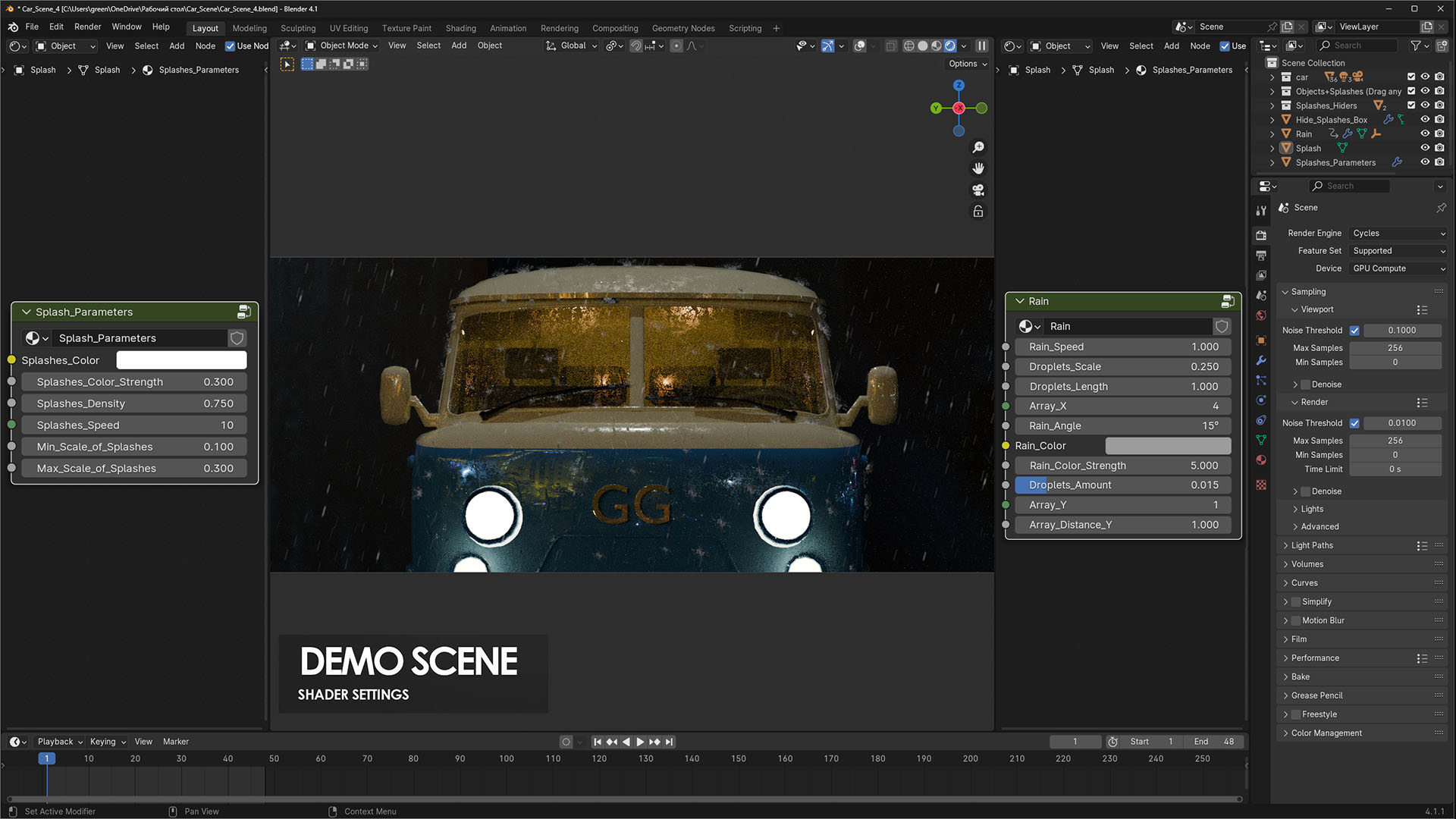
You can adjust the speed and angle of the rain.
Customize the color, scale, length and number of drops.
Control the area where it is raining using the “Array_X_Y” parameter.
By default, rain has a looping animation.
Update v1.0.1
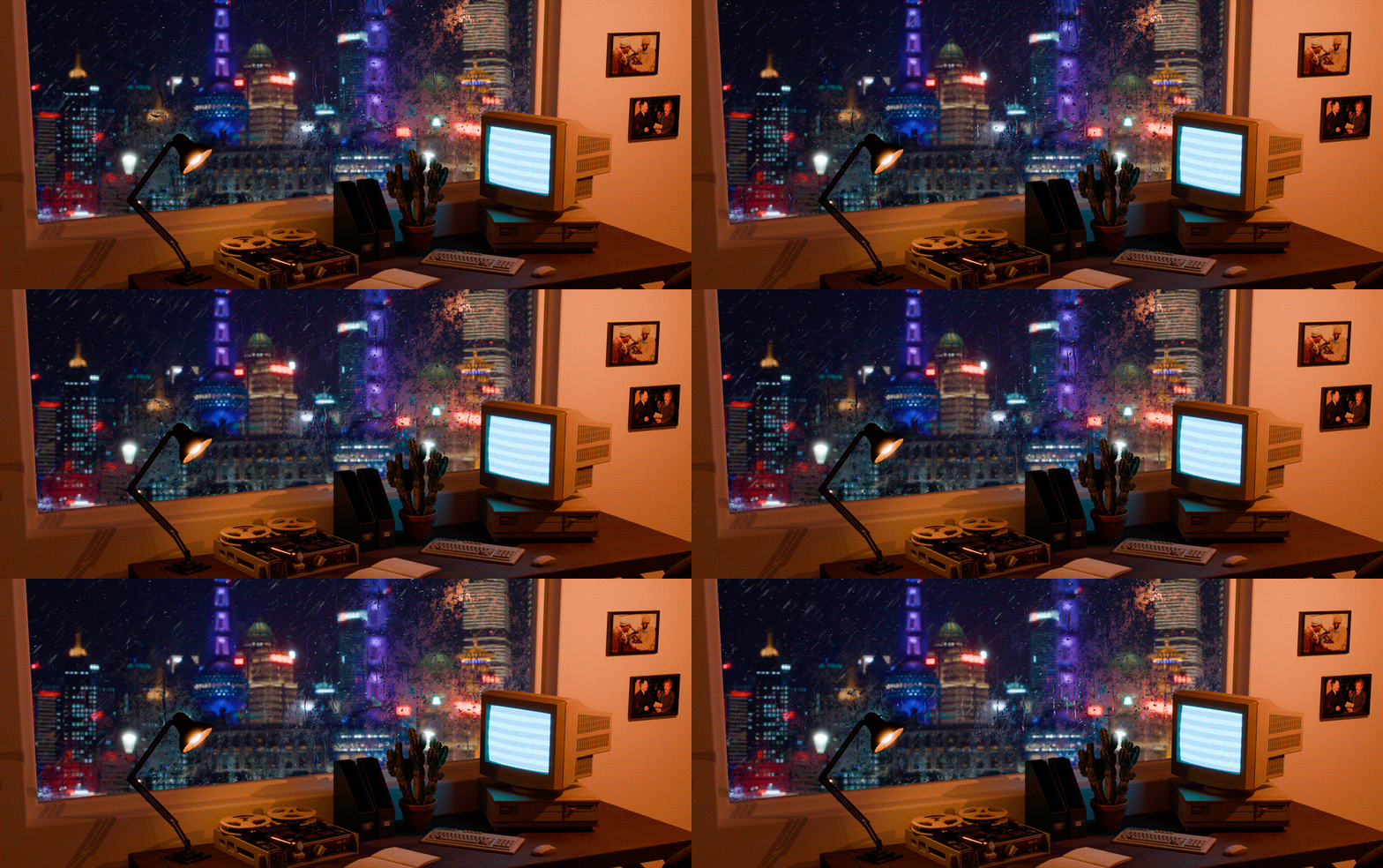
Realtime Material Preview mode (Demo file included)
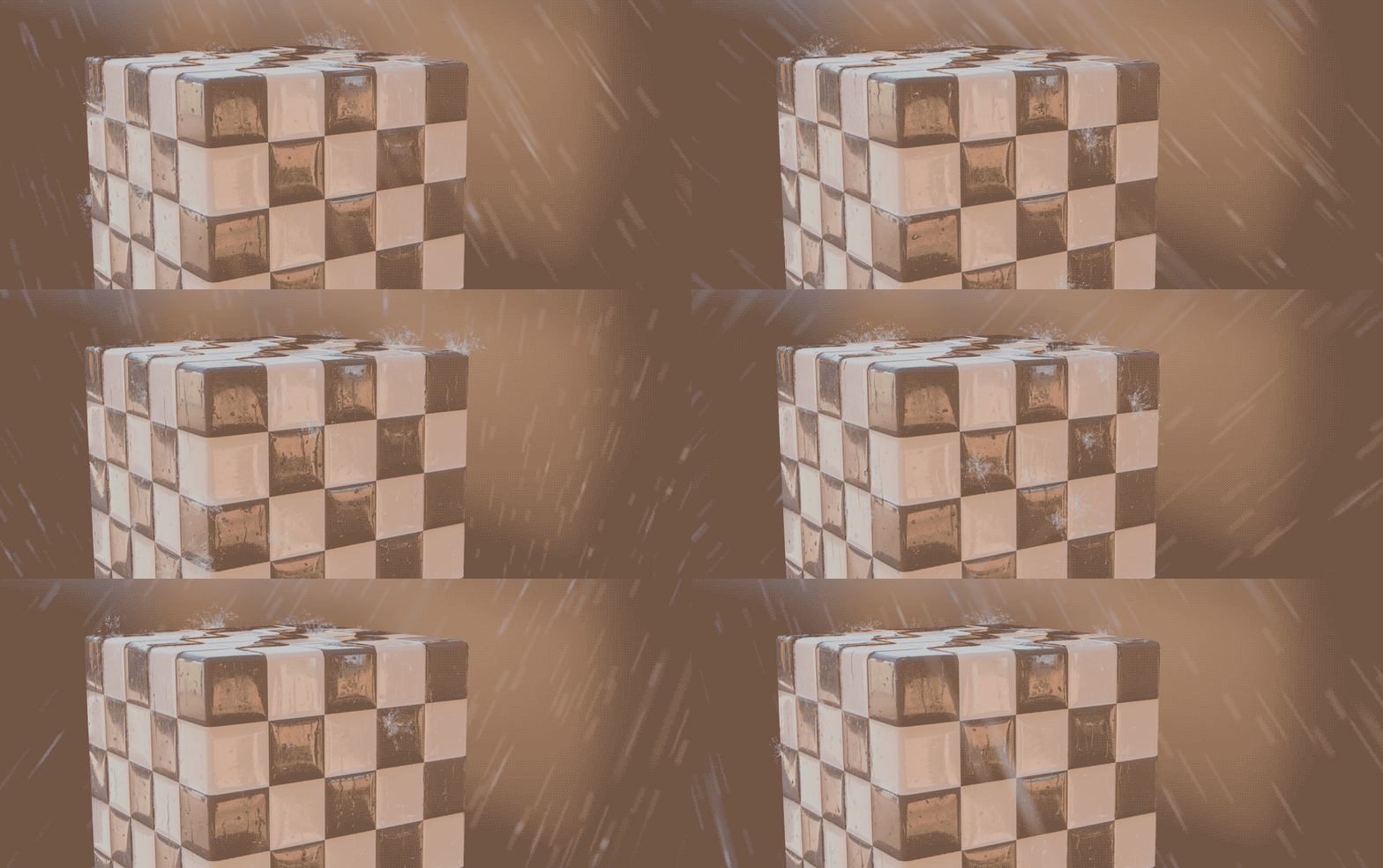
Added new rain for big areas
Rain Splashes
You can adjust the color, transparency, density, speed, minimum and maximum scale of rain splashes.
Move any object to the “Objects+Splashes” collection to add a rain splash effect to its surface.
To hide the effect of rain splashes on a certain part of the object, use “Splashes_Hider”.
You can use any number of “Splashes_Hider”.
If necessary, you can change the shape and scale of “Splashes_Hider”.
* It is not recommended to use very small scale objects with a rain splash effect.
By default, rain splashes are loop animated.
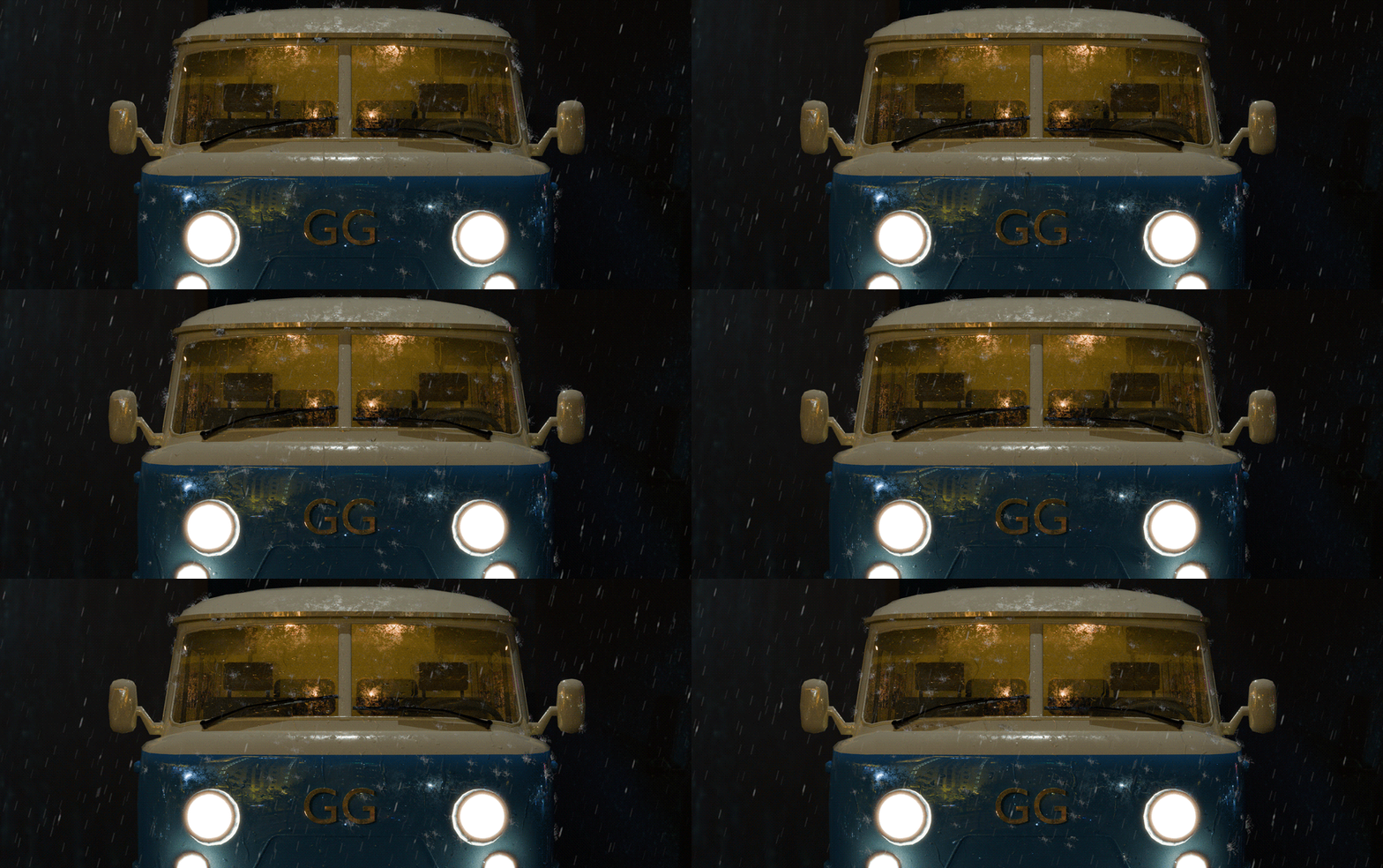
Wet Shader
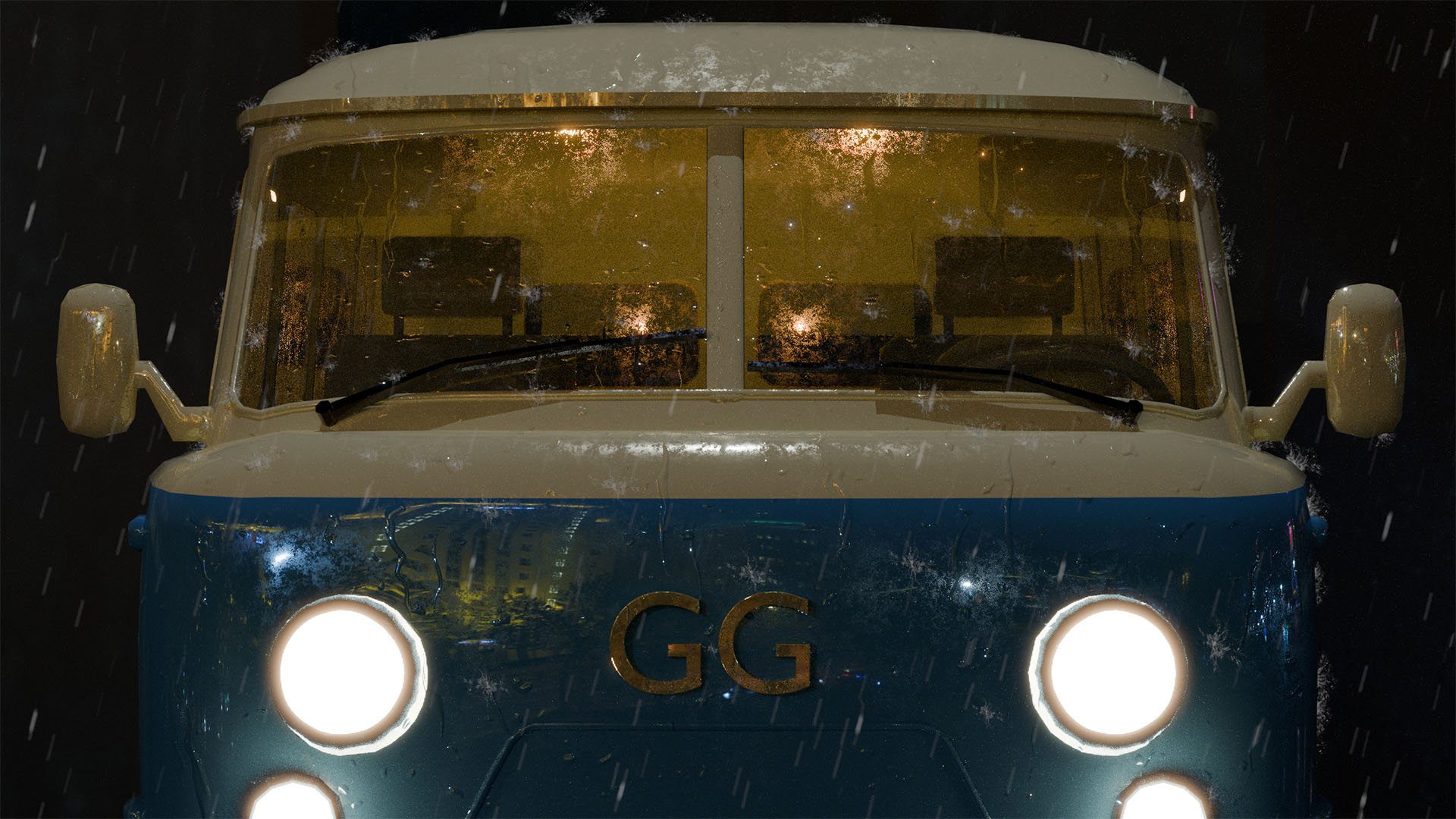
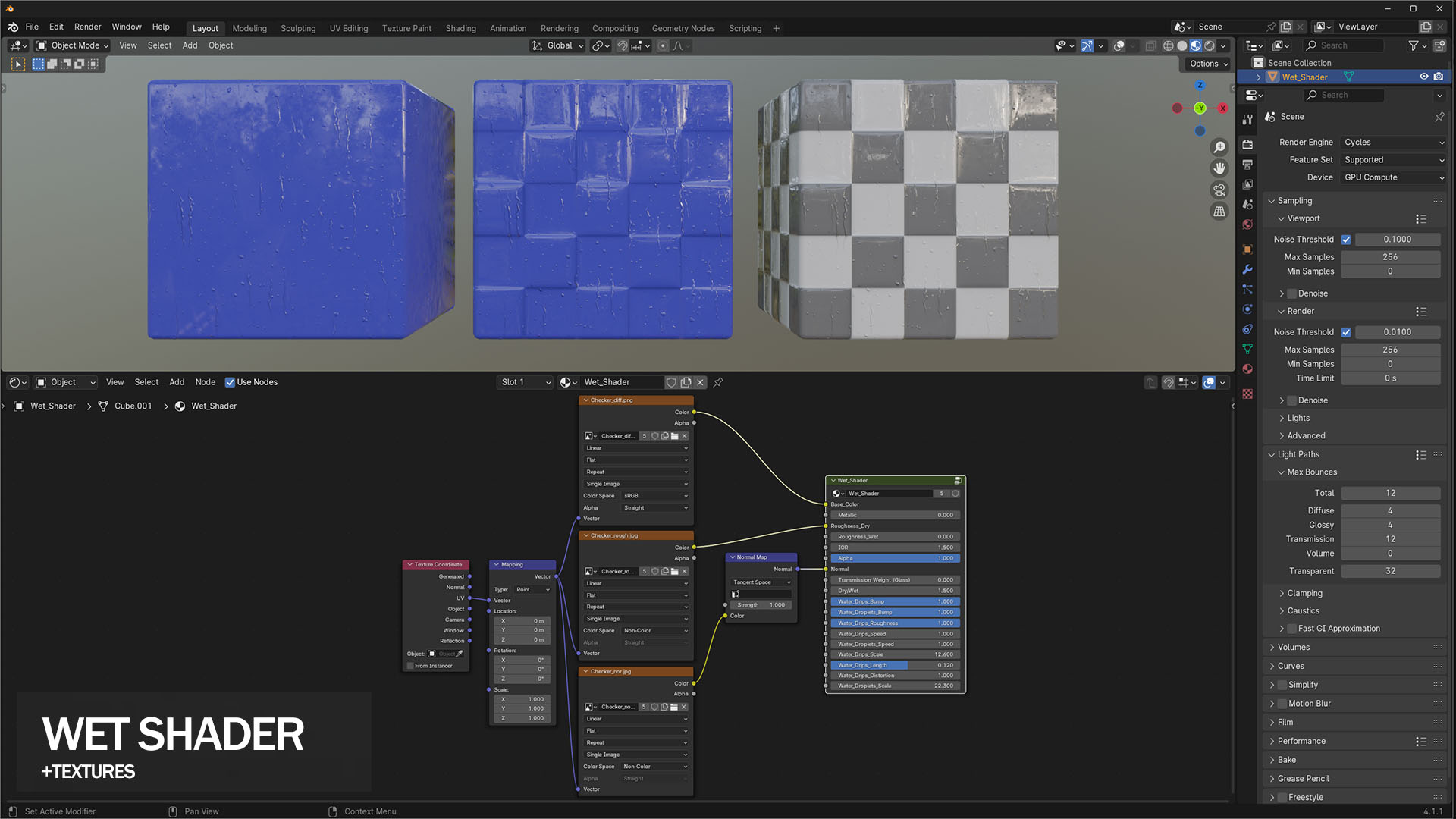
Allow you to create metal, glass, plastic or any other surface with a wet effect.
You can also use textures with this shader.
There is a slider for a smooth transition from dry to wet material.
You can control the spawn speed, scale and bump of the droplets.
Also you can control the speed, scale, length, bump and distortion of the drips.
* The effect of water dripping depends on your UV map.
By default, the wet shader has a looping animation.
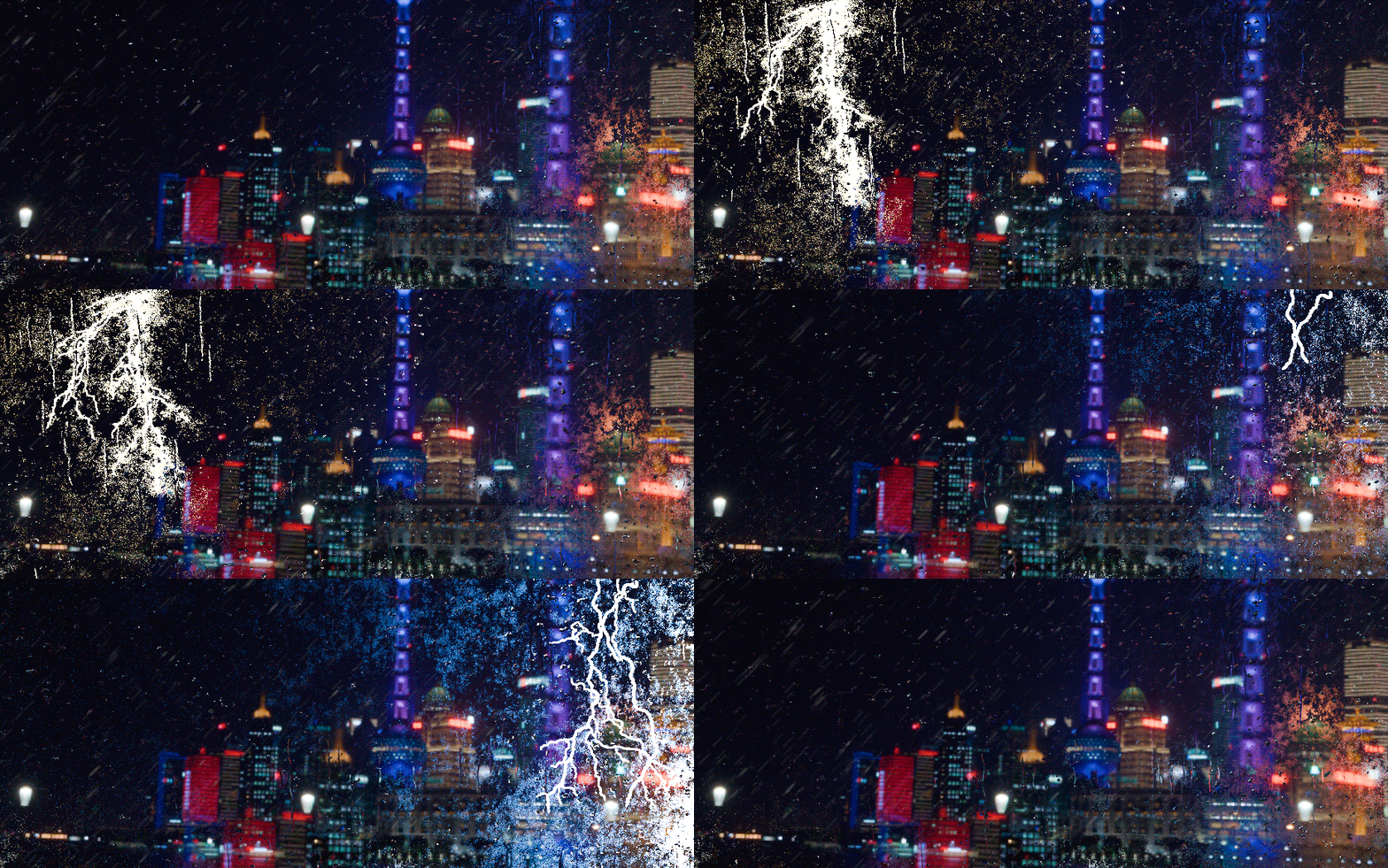
Lightnings
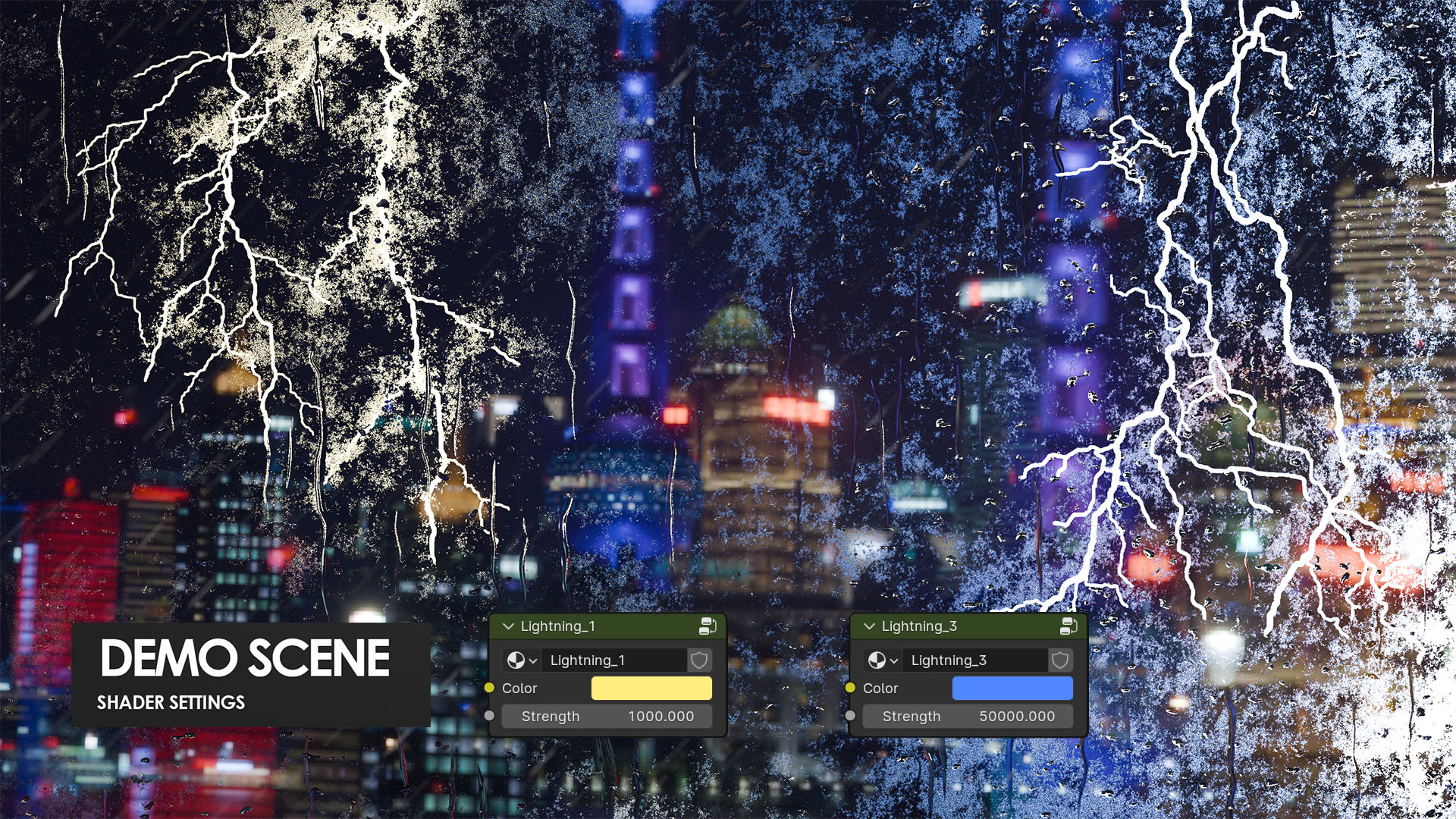
Includes 3 types of lightnings.
You can adjust the color and strength of the lightning.
Move the animation keys on the timeline to select the moment when the lightning starts.
Recommendations:
If you are using Cycles rendering, apply the following settings:
Render Properties > Light Paths >
Transparent = 32 or higher.
