 ZEG
Installation
In Blender open Edit, Preferences, Get Extensions, then use Install from Disk and pick the zip.
Usage
- Open the sidebar (N) and the RC Car tab.
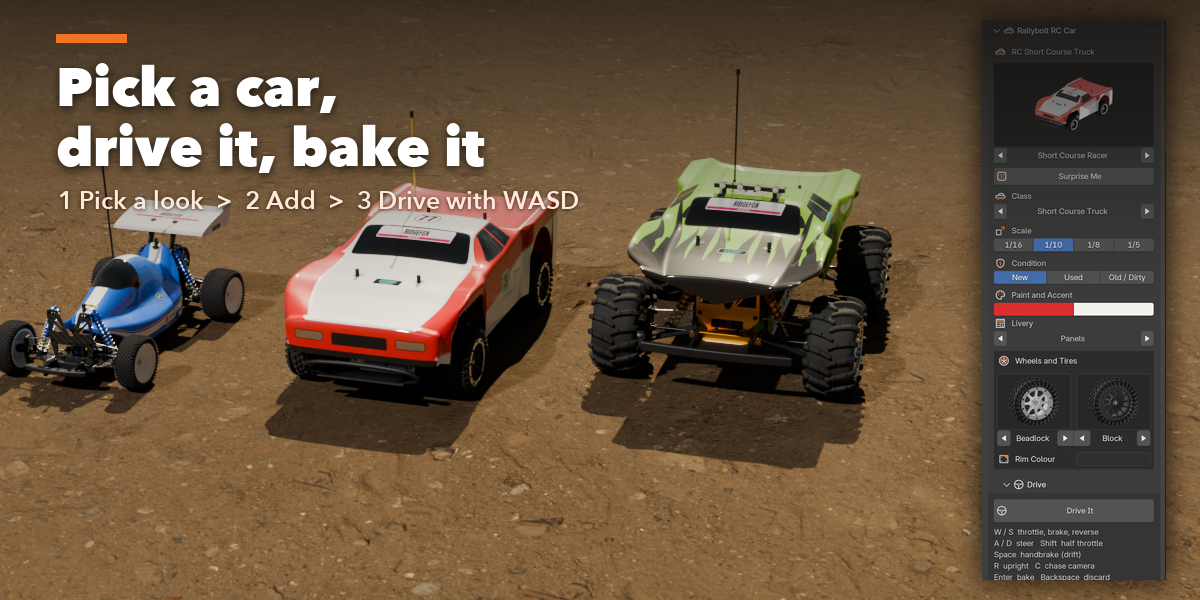
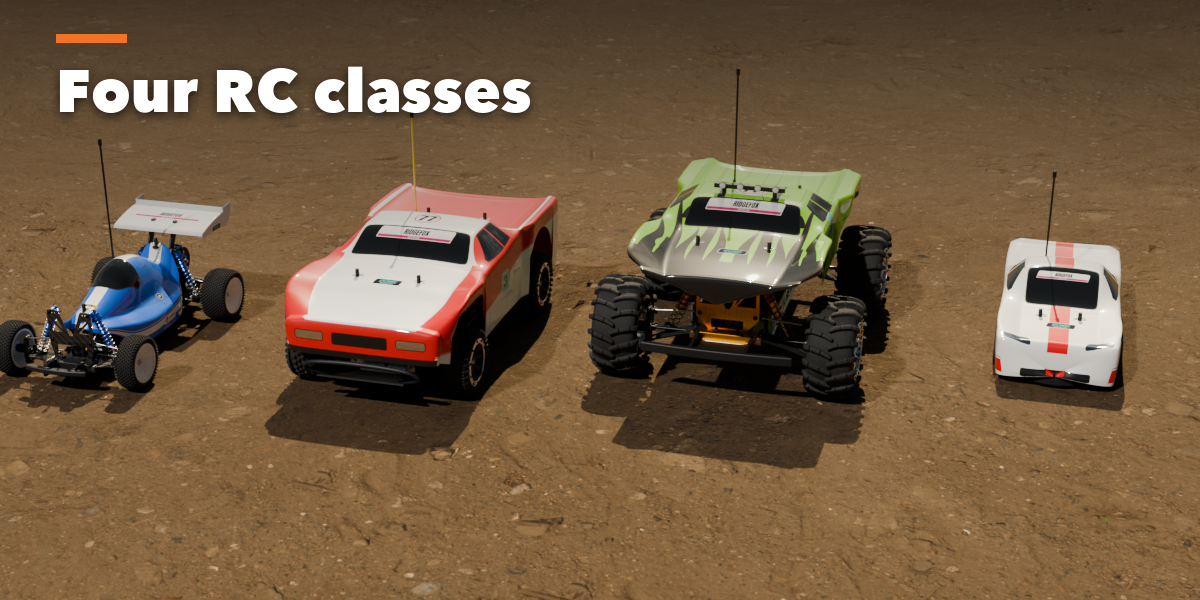
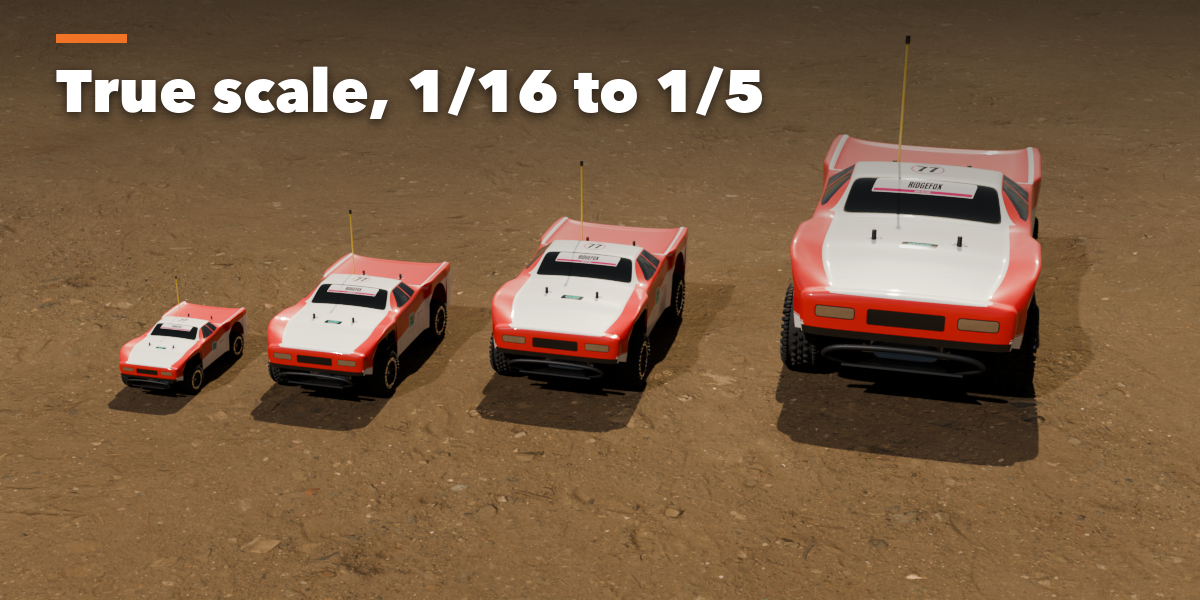
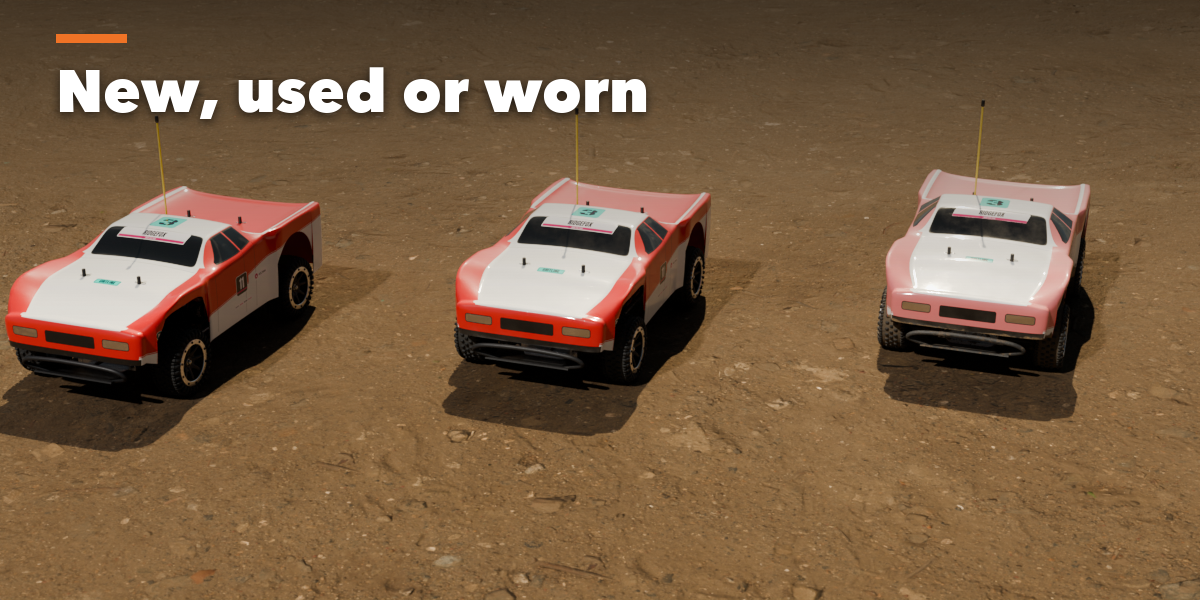
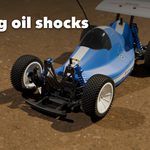
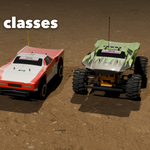
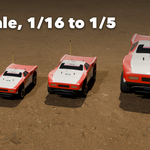
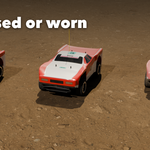
- Pick a preset or press Surprise Me, choose the class, scale and condition, then press Add RC Car.
- With the car selected, change paint, livery, rims and tires; the car updates in place.
- Optionally put your ramps and terrain in a collection and pick it as Ground in the Drive panel.
- Press Drive It. W / S throttle and brake, A / D steer, Space for the handbrake (drift), Shift for half throttle, R to upright, C for the chase camera.
- Press Enter to bake the drive to keyframes, or Backspace to discard it. Play the timeline, render or export.
- Animated the car by hand? Open Rig and Help and press Bake Antenna Wiggle.
Have questions about this product?
Login to message
| Blender Extension Compatible | Yes |
| Published | 1 day ago |
| Blender Version | 4.2 - 5.2 |
| Extension Type | Add-on |
| Render Engine Used | Cycles, Eevee |
| License | GPL |
