 Yatima


RAMPAGE
Color ramp preset manager for Blender
We use Color Ramp nodes all the time, and Blender gives us no real way to keep the ones we make. You spend a while building a gradient until it feels right, and then it just... lives in that one file. Want it again next week? Go find the old .blend, dig the ramp back out, append the node...
There's no proper way to save and reuse the ramps you made. Rampage is the small, faintly embarrassing fix nobody had gotten around to writing.
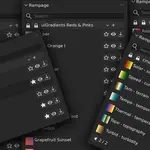
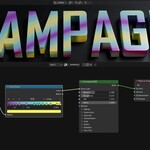
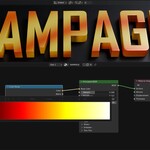
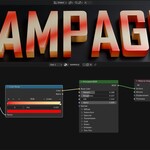
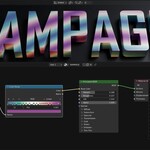
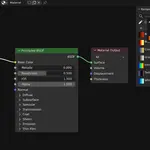
So here it is. Save any Color Ramp as a named preset and it comes back in any project with a single click. Your own collections, 449 bundled gradients, favorites, search across everything, a full-size preview before you commit. Presets live as plain JSON in Blender's config folder, not inside your .blend, so a ramp you save on one file is waiting for you in all the others. It works on the same Color Ramp node you already use, in both the Shader Editor and the Geometry Nodes editor. Nothing new to learn.
Bundled gradients
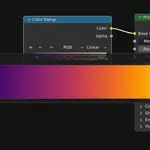
You do not start with an empty library. Rampage ships with 449 gradients in 14 read-only collections, ready with zero setup. Plenty to apply, preview and favorite before you have saved a single ramp of your own. They fall into two clearly different groups.
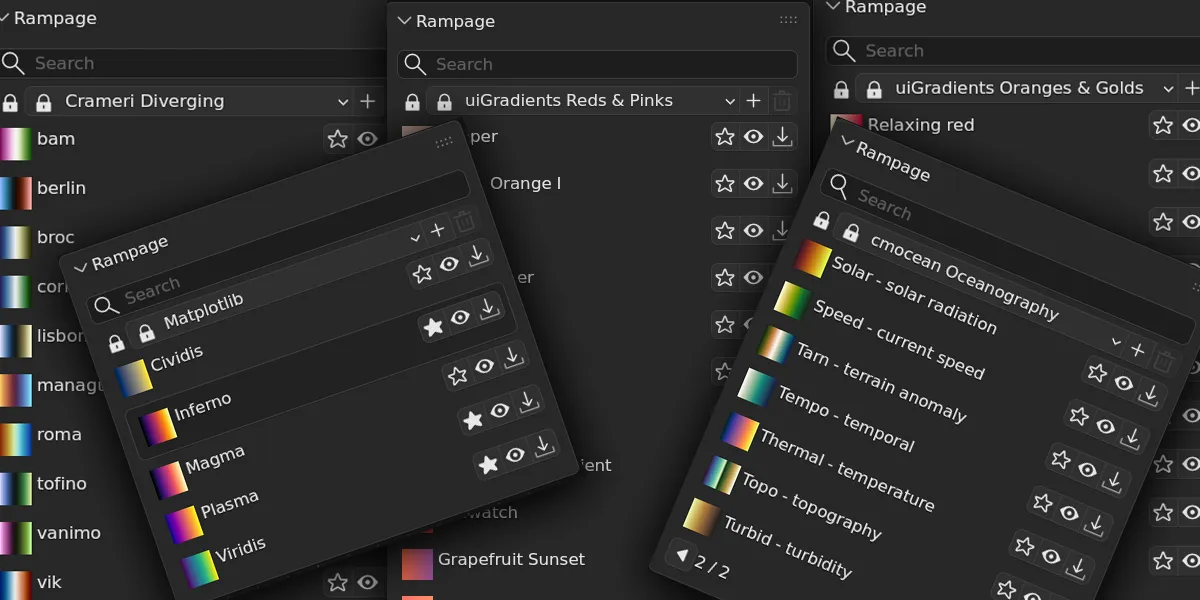
The scientific colormaps are built for accurate data visualisation and perceptually uniform. Matplotlib (Viridis, Magma, Inferno, Plasma, Cividis), 40 Crameri maps split into sequential, diverging, cyclic and multi, and 22 cmocean oceanography maps.
The design gradients are 382 uiGradients, grouped by dominant hue: Blues, Reds & Pinks, Greens and so on, because "something blue" is honestly how you pick these.
Save and apply
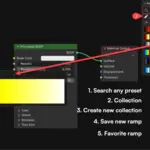
With a Color Ramp selected, click Save Ramp, give it a name, and it is stored. From then on it lives in your library, one click away in any file you open, not tied to the current project.
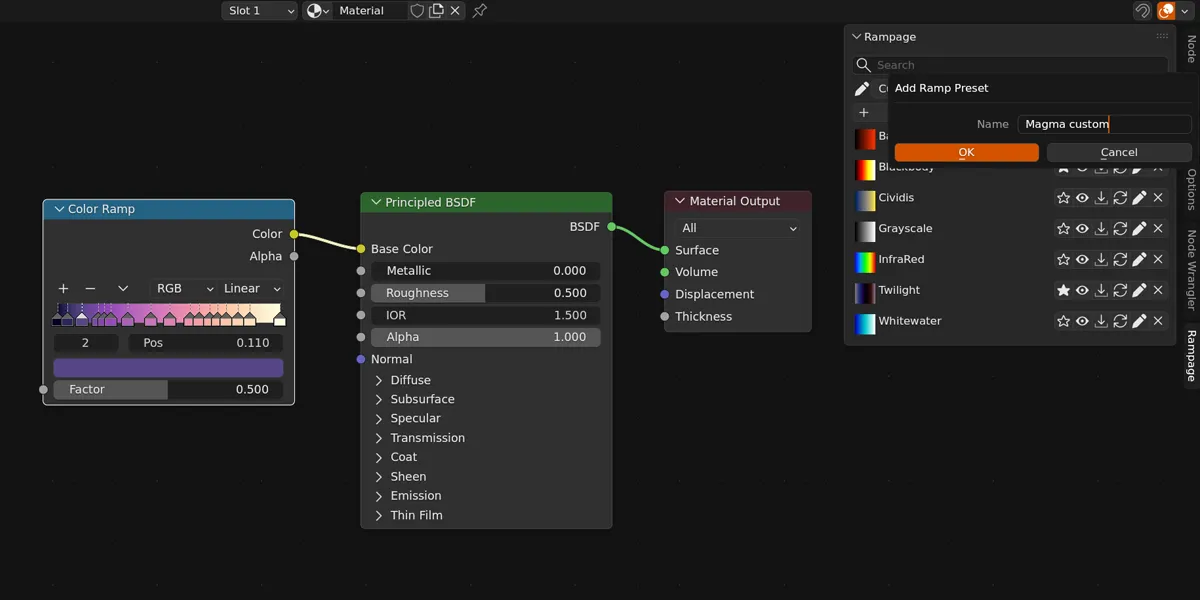
Rampage reads and writes the ramp you are actually working on. Apply writes a preset's colors, stop positions and interpolation onto that node. Save captures whatever is on it. If nothing is selected, Apply creates a new Color Ramp node for you.
Collections
A collection is a named group of presets, chosen from the dropdown at the top of the panel. You can create your own collections to keep, say, your motion graphics ramps apart from your data-viz ones. The icon beside the dropdown tells you where you are: a pencil for your own editable collections, a lock for the factory ones that ship with the add-on.
Factory collections are read-only on purpose. You can apply, preview and favorite anything in them, but you cannot overwrite them by accident, which also means an update can improve them without touching your own work. The dropdown keeps the two kinds in separate labelled sections so the boundary is always clear.
Preview overlay
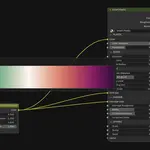
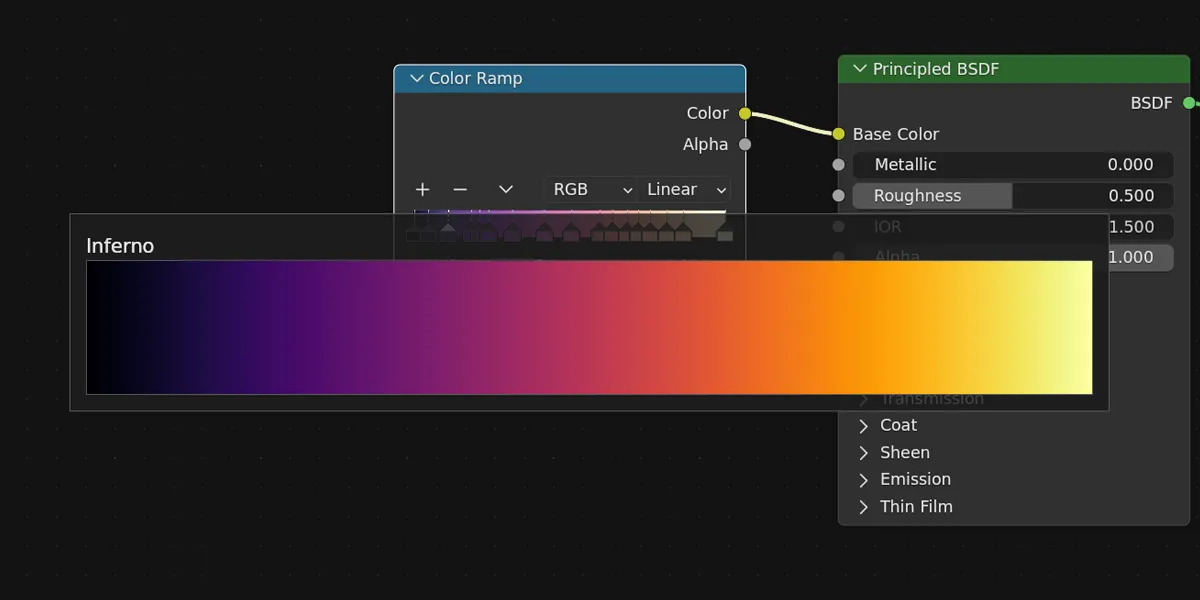
Click the eye icon on any preset to open a large and very cool preview of that gradient over the node editor, so you can judge it at size before committing. It sizes itself to your editor and centers in the space your sidebar does not cover, so the panel never hides it.
COMPATIBILITY & SUPPORT
Fully compatible with Blender 4.2 through 5.2
Comprehensive support: documentation covering every detail, video tutorials, and direct contact with the developer via SuperHive Market or dedicated email at [email protected]
TECHNICAL SPECIFICATIONS