 KLZ Studio
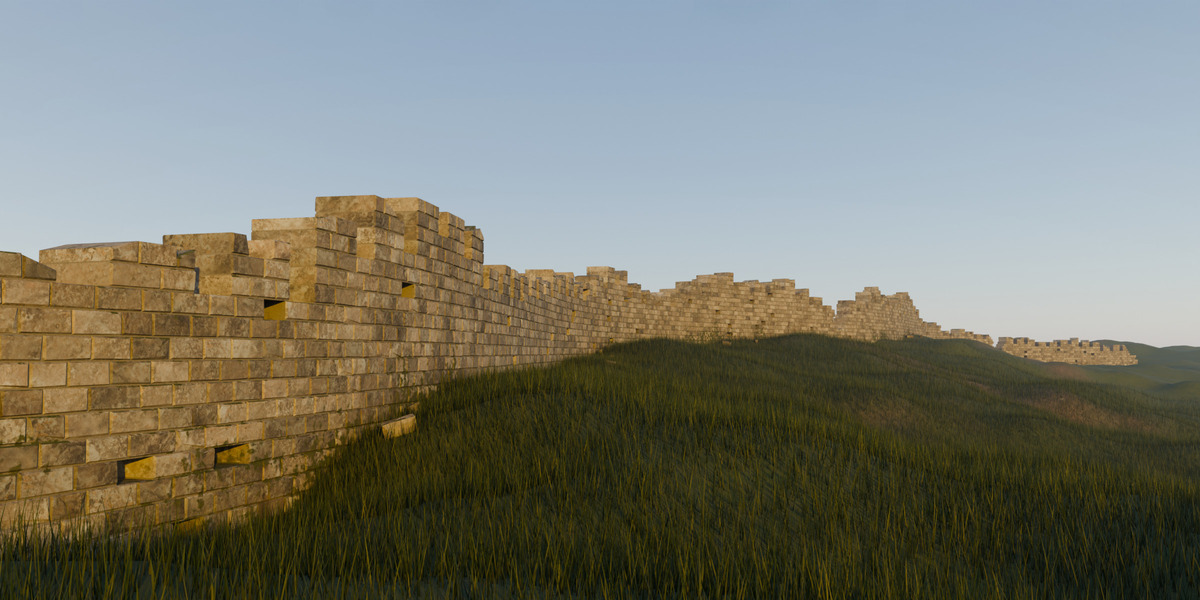
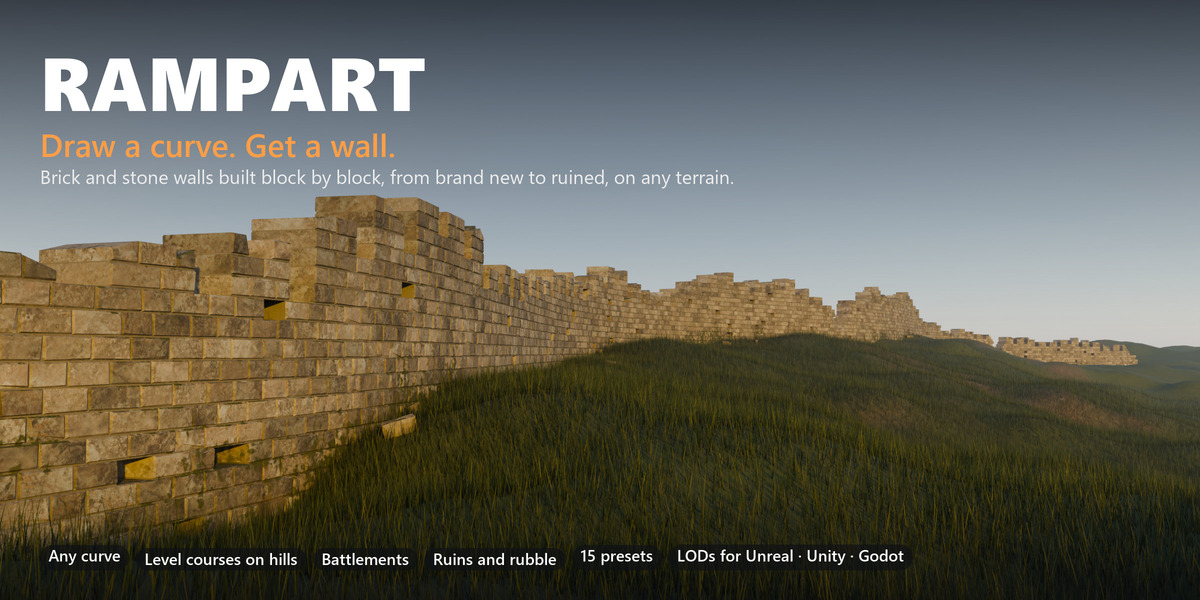
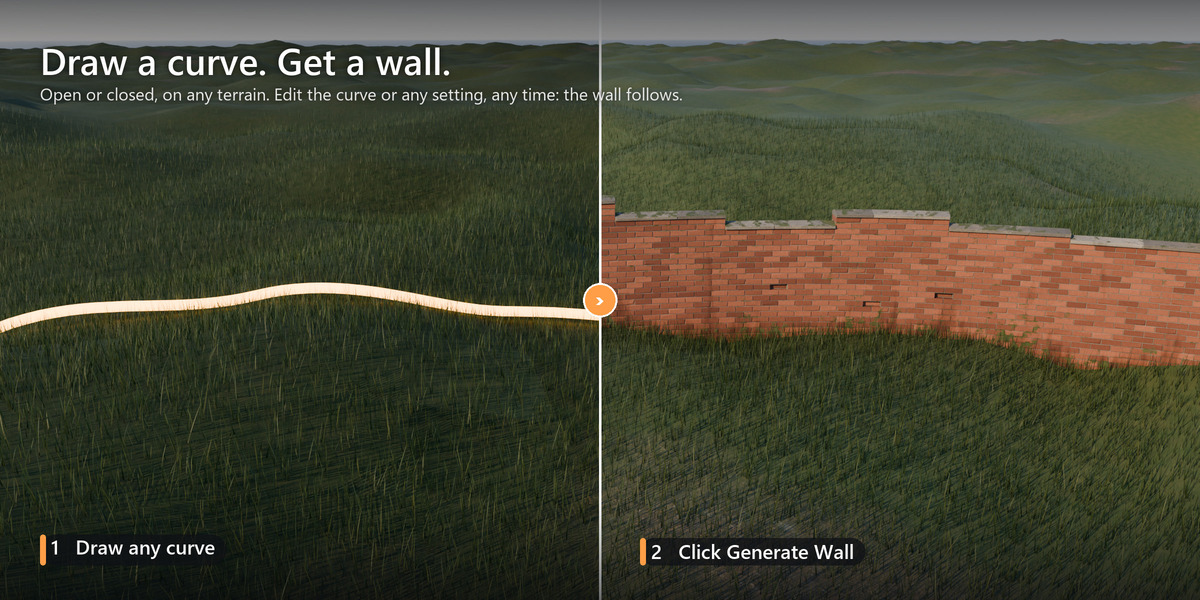
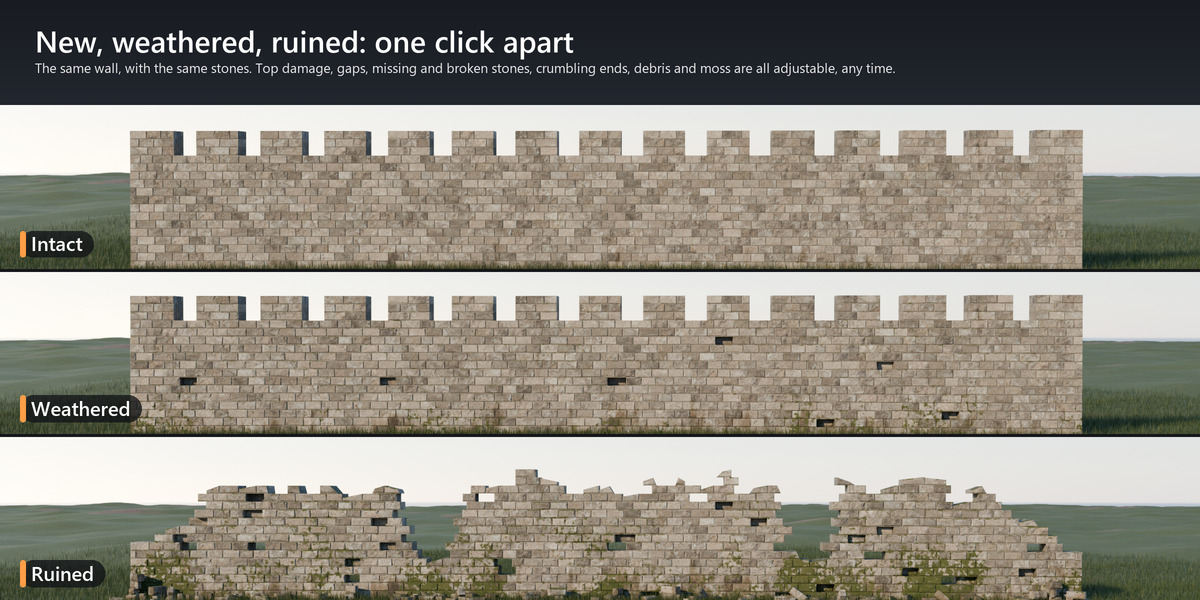
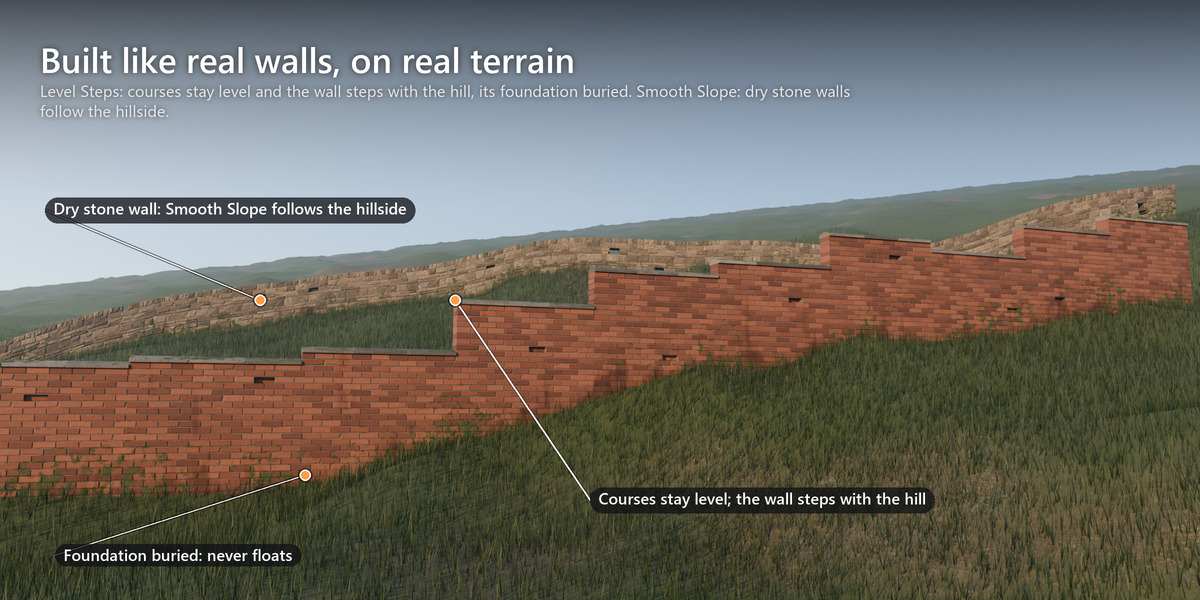
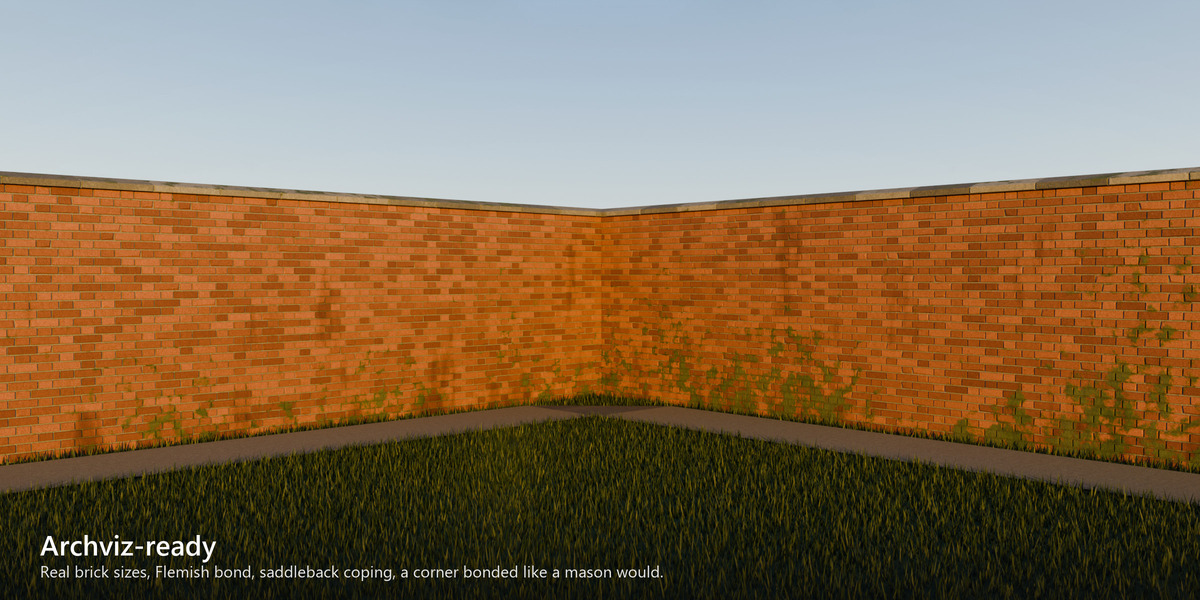
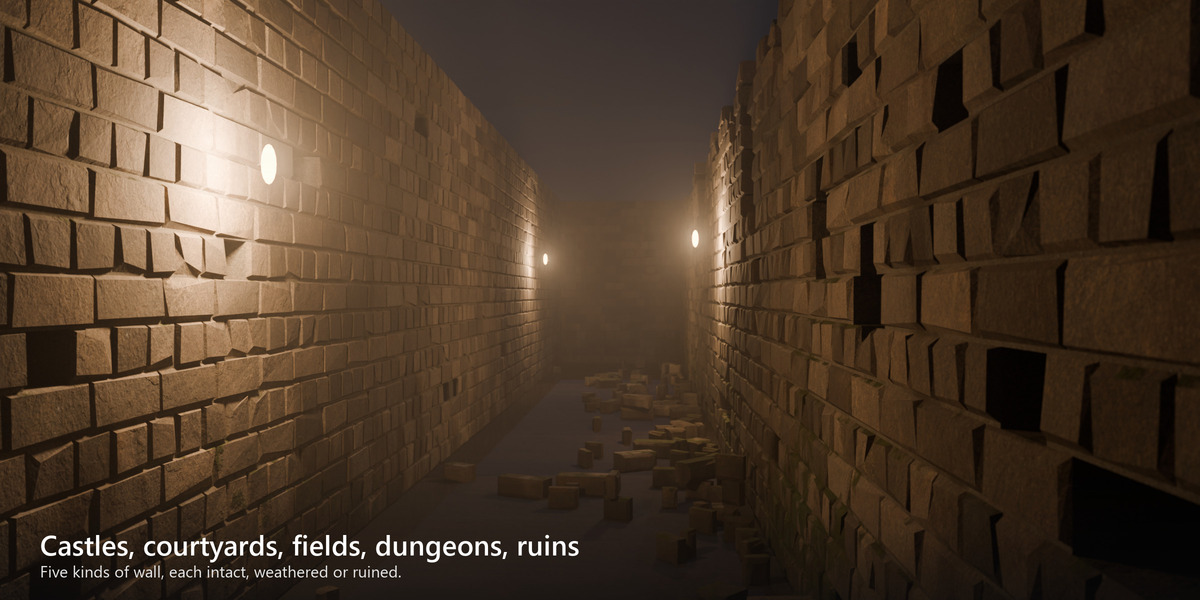
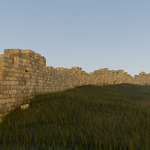

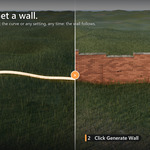
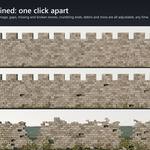
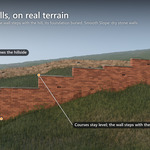
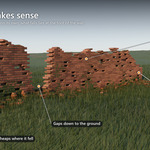
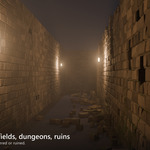
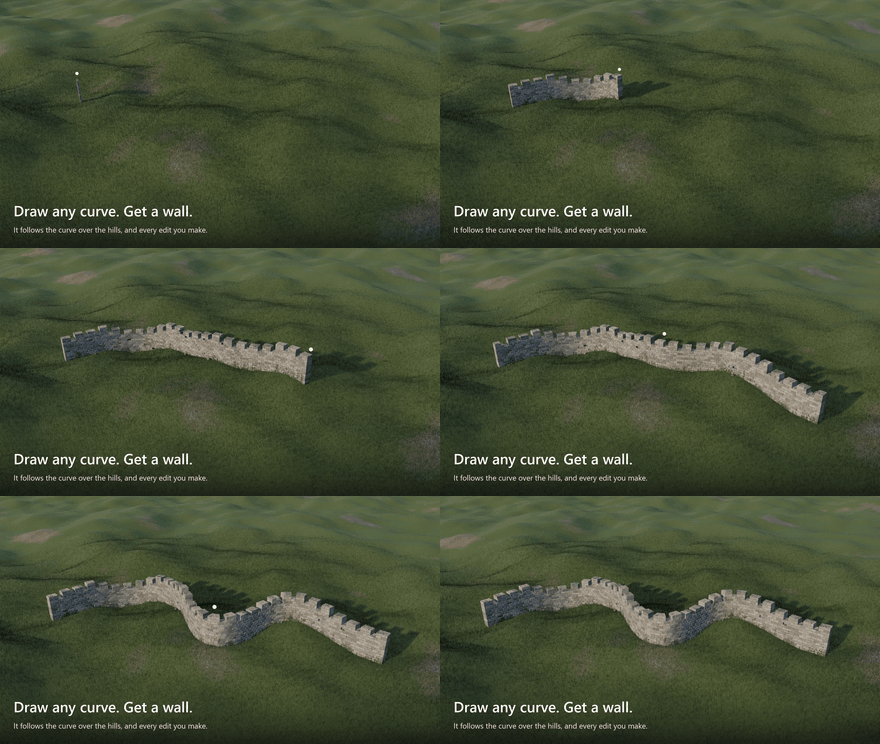
 Draw a curve. Get a wall. Rampart builds a brick or stone wall along any curve, one block at a time: a castle wall with battlements, a courtyard wall with coping, a dry stone field wall, a dungeon, the ruin of a house. It can be brand new or half fallen down. On a hillside the courses stay level and the wall steps down the slope, as a mason would build it. Every setting stays editable.
At a glance
- Any curve, open or closed. Edit the curve and the wall follows.
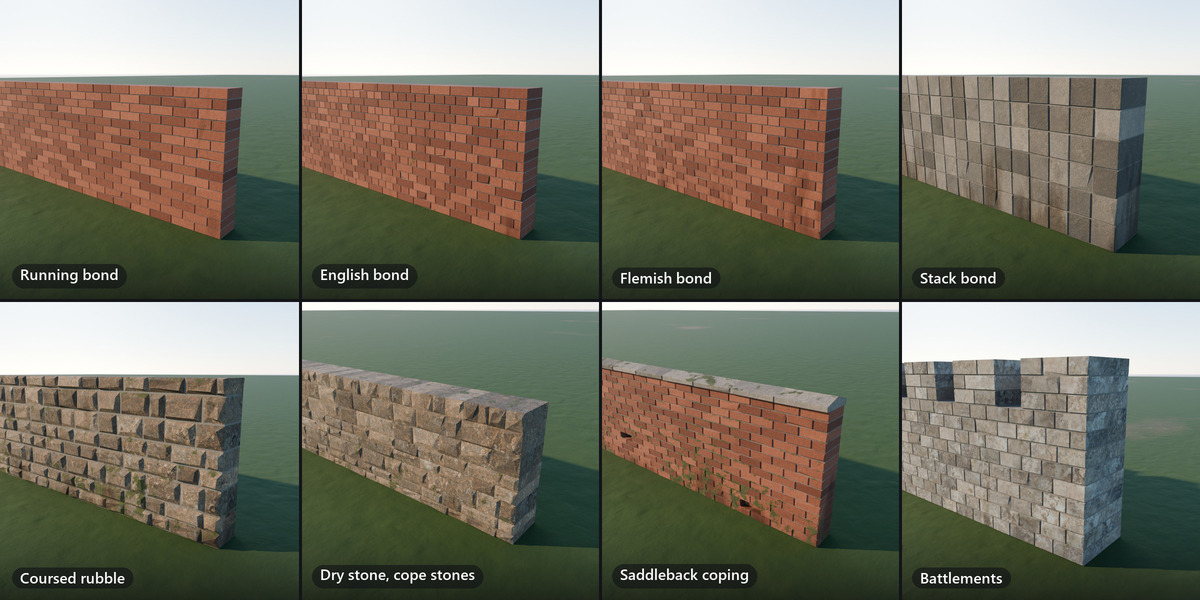
- Running, English, Flemish and stack bond, or coursed rubble. Mortar of any width, or dry stone.
- Level courses on hills, with the foundation buried in the ground.
- Battlements and copings.
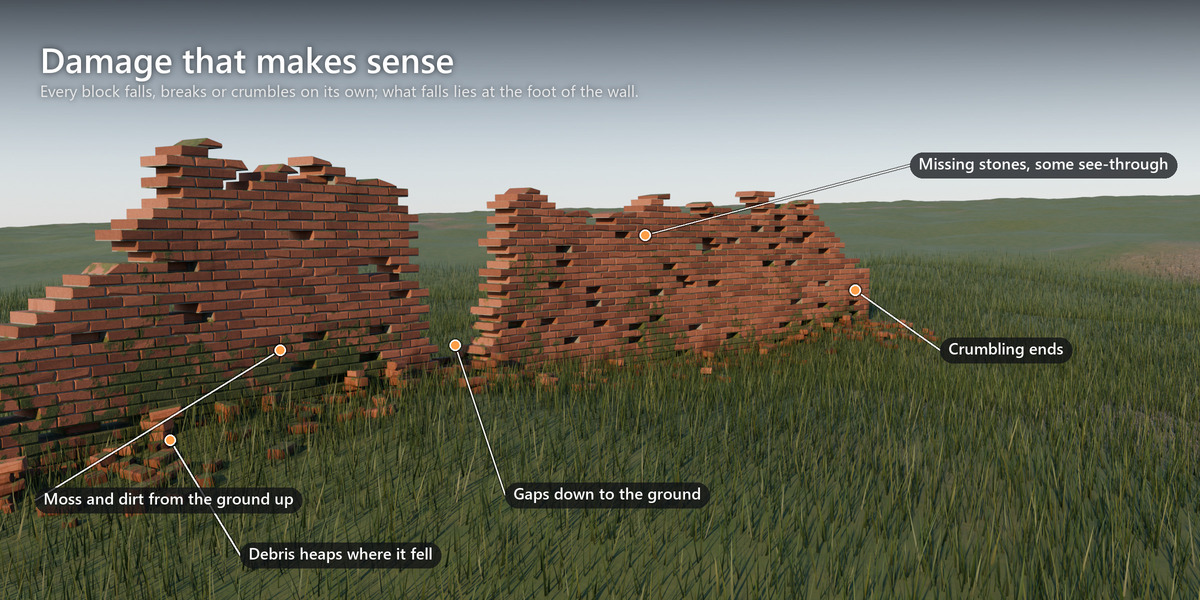
- Ragged tops, collapsed gaps, crumbling ends, holes, worn and chipped stones, rubble at the foot of the wall.
- Scanned CC0 materials with moss and dirt, plus UVs and masks for your own materials.
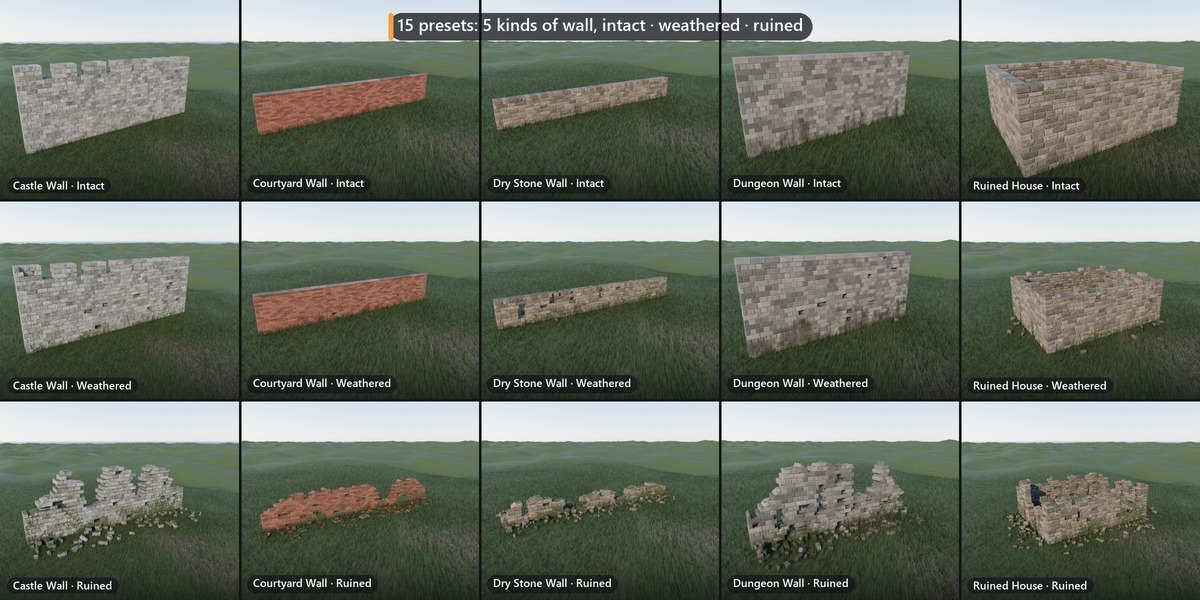
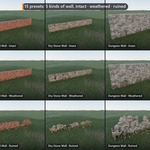
- 15 presets: five kinds of wall, each intact, weathered or ruined.
- About 0.1 s per change on a 20 m wall.
- Hidden faces removed, and the triangle count always on screen.
- LODs, baked textures, collision and export to Unreal, Unity and Godot.
- English or Chinese interface.
Any outline, open or closed
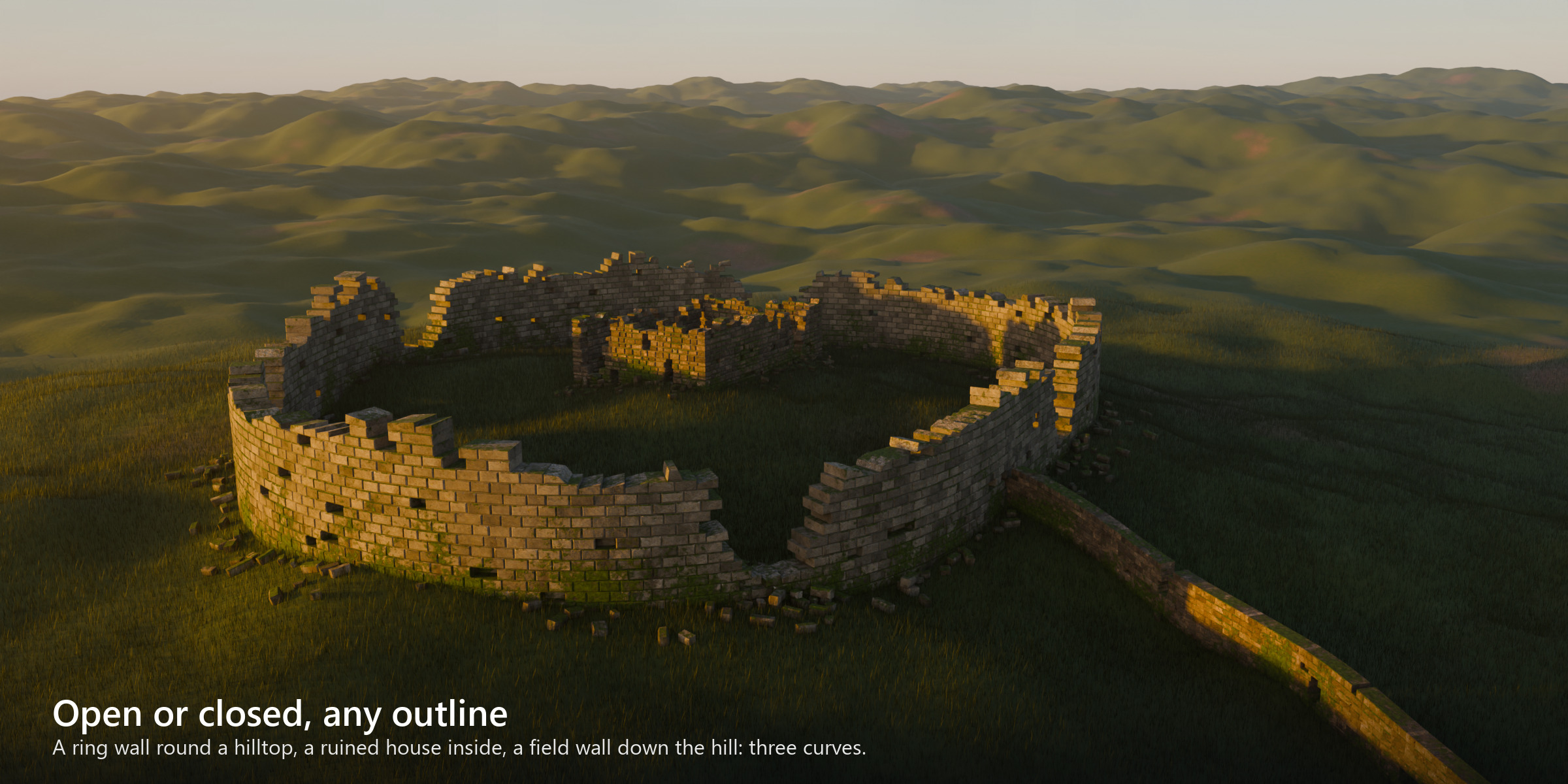
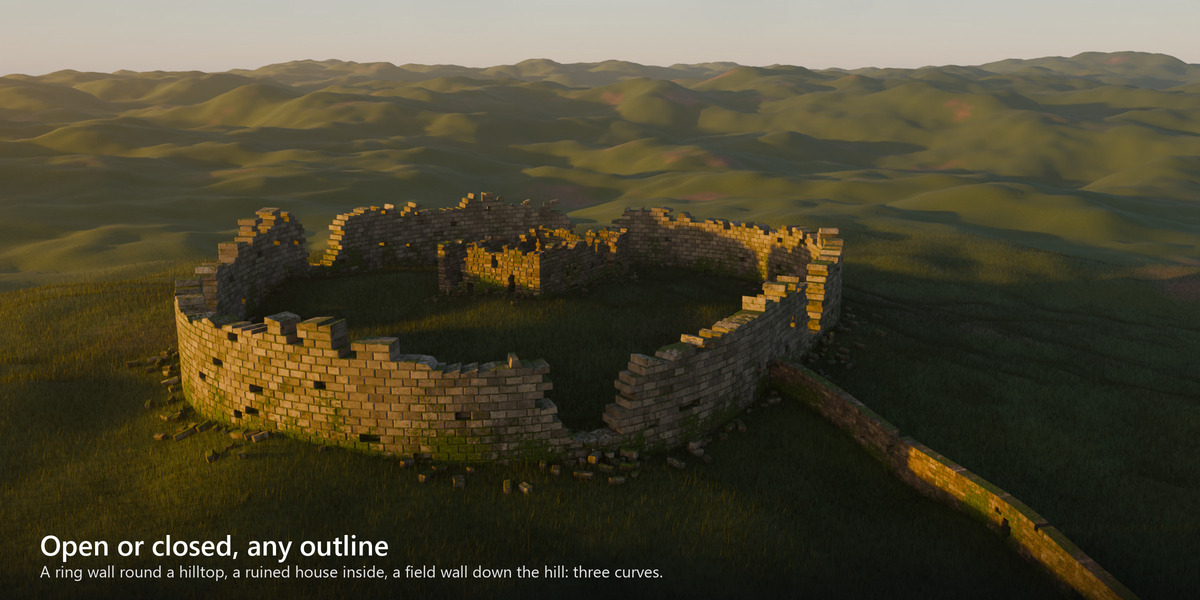
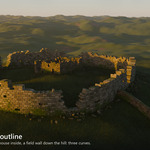
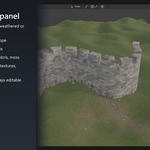
Close the curve and the wall goes all the way round: a ring wall on a hilltop, the walls of a ruined house. Gaps, crumbling tops, rubble and moss work as on any other wall. The image above is three curves on one terrain: two closed, one open.
On real terrain
Level courses on a hillside
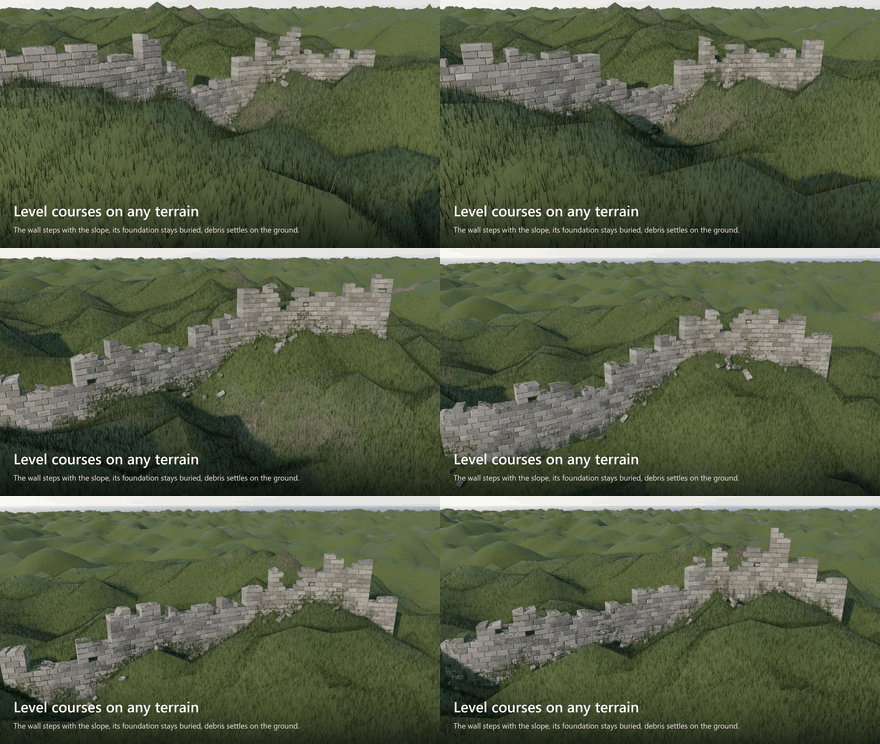
Draw the curve on your terrain. The courses stay level and the wall climbs the slope in level stretches, with the bond carried across every step. Under each stretch the foundation goes below the lowest ground, so the wall never floats.
A dry stone wall can follow the hill instead (Smooth Slope), and a ramp or a bridge parapet can follow the curve exactly (Follow Curve). Pick your terrain as the Ground: the rubble lands on it, and the moss starts where the wall meets it.
From intact to ruined
Set how far it has fallen
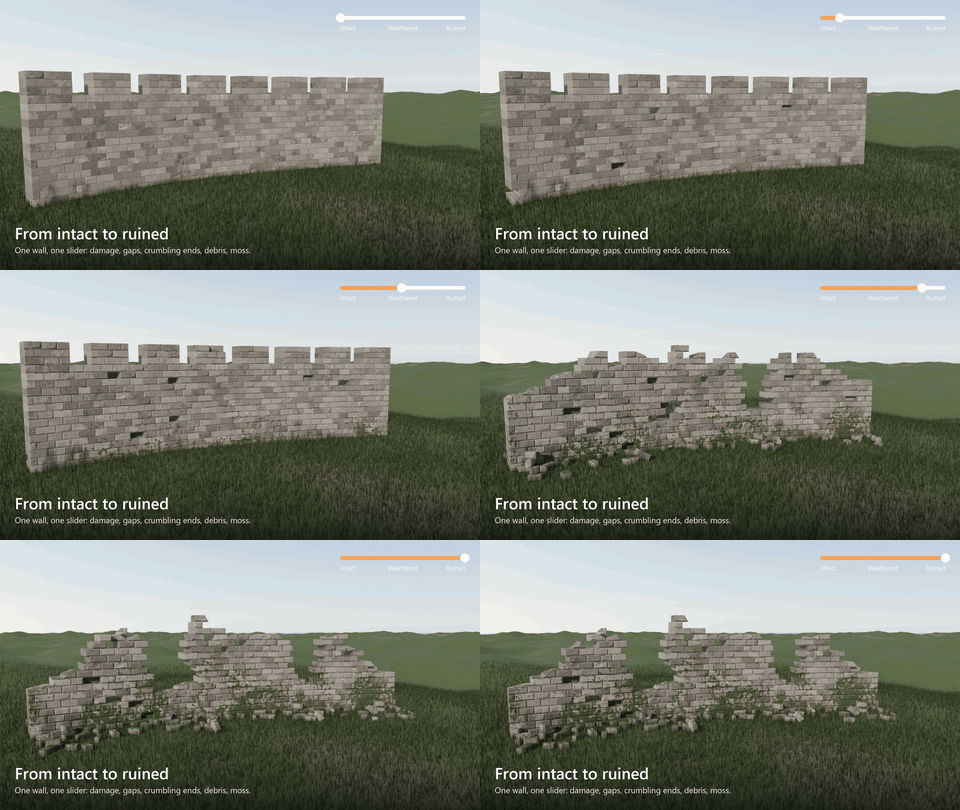
- Top damage: the top breaks away, course by course.
- Gaps: sections fall in, as deep as you want, down to the ground.
- Crumbling ends: an open wall ends in steps instead of a clean cut.
- Missing stones: pockets in the face, some going right through.
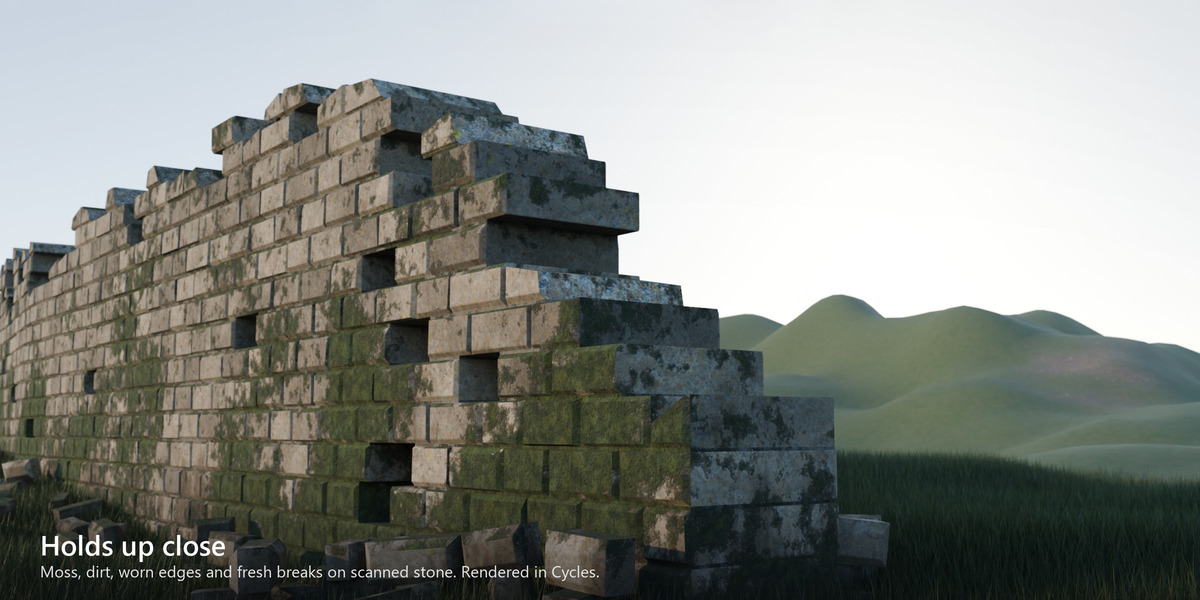
- Weathering: rounded edges, chipped corners and nicks along the top edges. The faces stay flat, so they shade cleanly in any renderer or engine.
- Breakage: exposed corners and ends snap off and show fresh stone.
- Rubble: whole and broken blocks at the foot of the wall. They lie on their broad side, stack two high and lean on each other, and never pass through one another.
Change the Seed and you get a different ruin with the same settings.
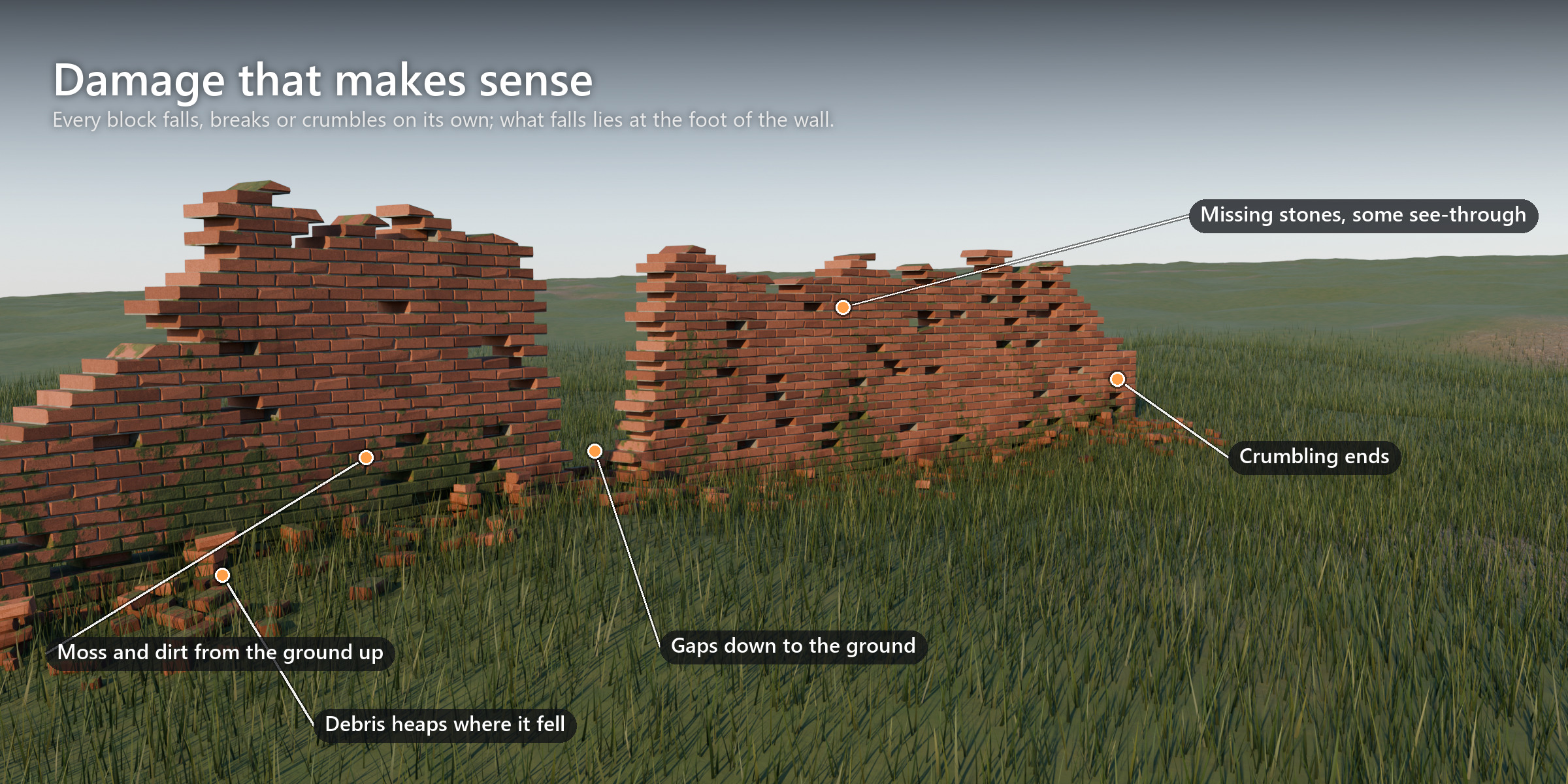
Castle walls, courtyard walls, dungeons
Bonds, battlements and copings
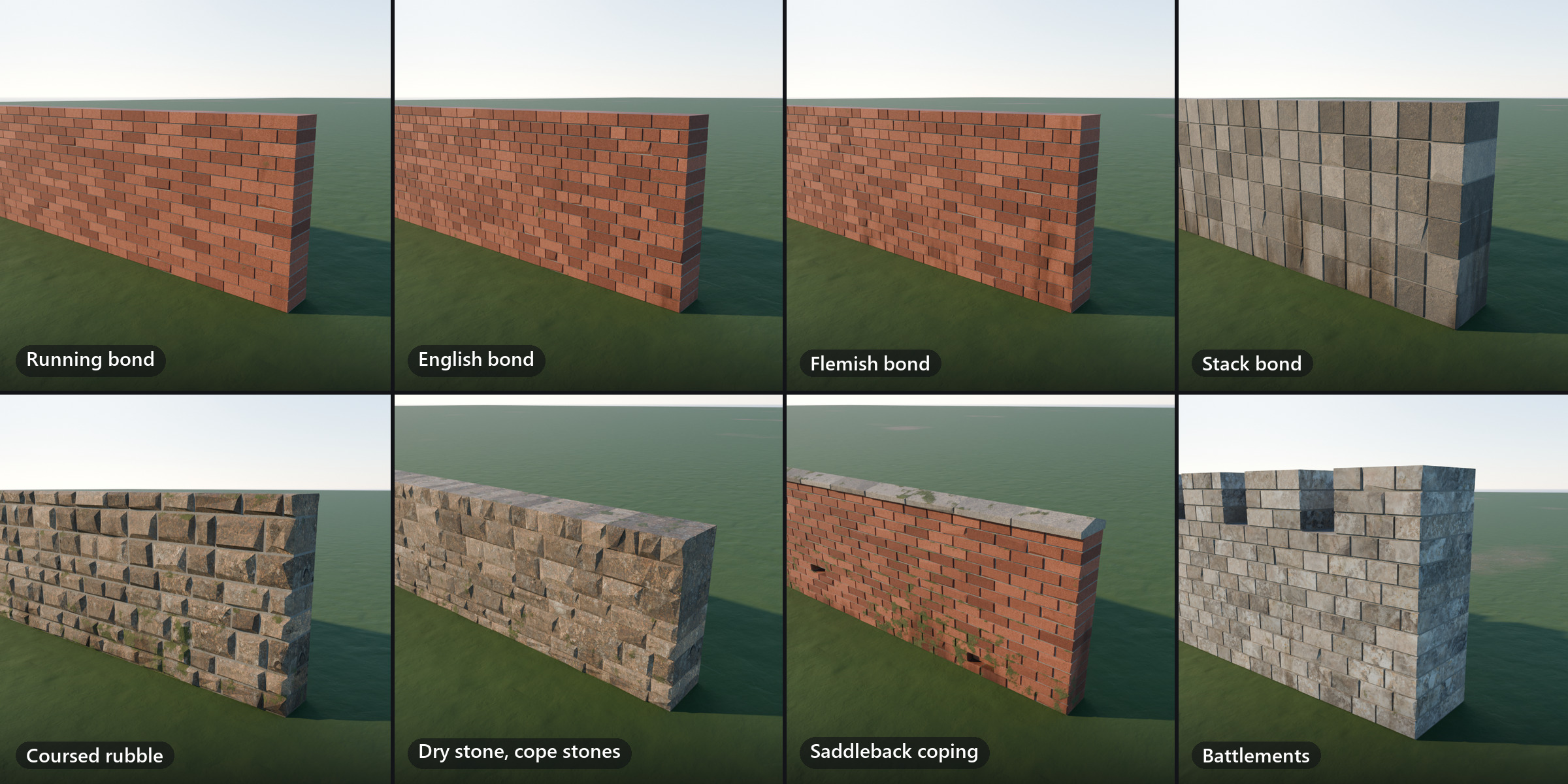
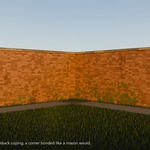
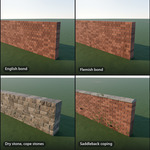
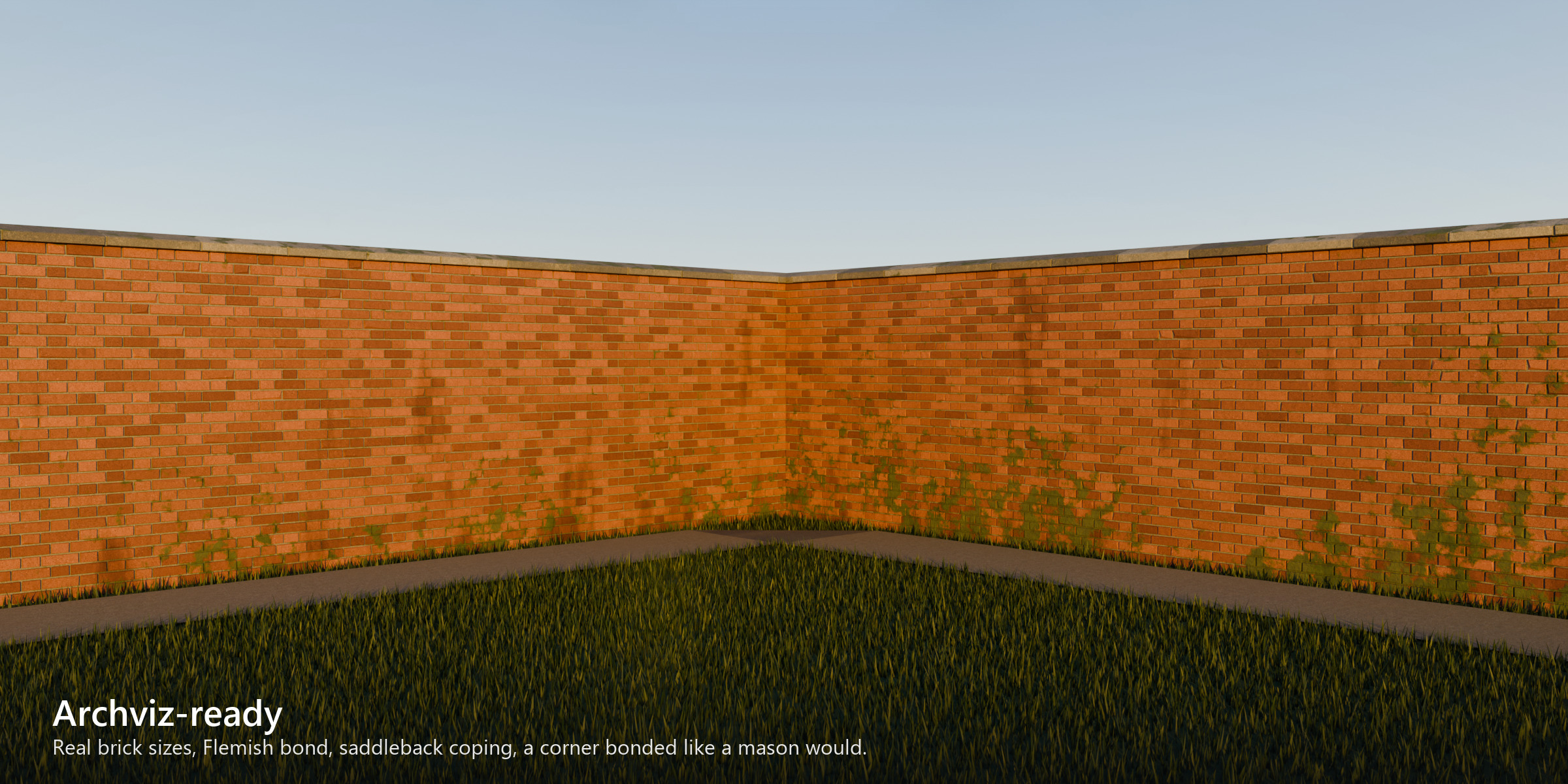
- Bonds: running (stretcher), English, Flemish and stack bond, and coursed rubble with adjustable irregularity. Corners are bonded block by block, and a closed curve goes all the way round without a break in the bond.
- Battlements: merlons and crenels spaced evenly between the corners, with the same merlon on every corner. On a hill they step merlon by merlon, with level tops and level sills.
- Copings: bricks or stones on edge, flat slabs or saddleback slabs.
- Mortar: any width, or none for dry stone.
Close up
Scanned stone, moss and dirt
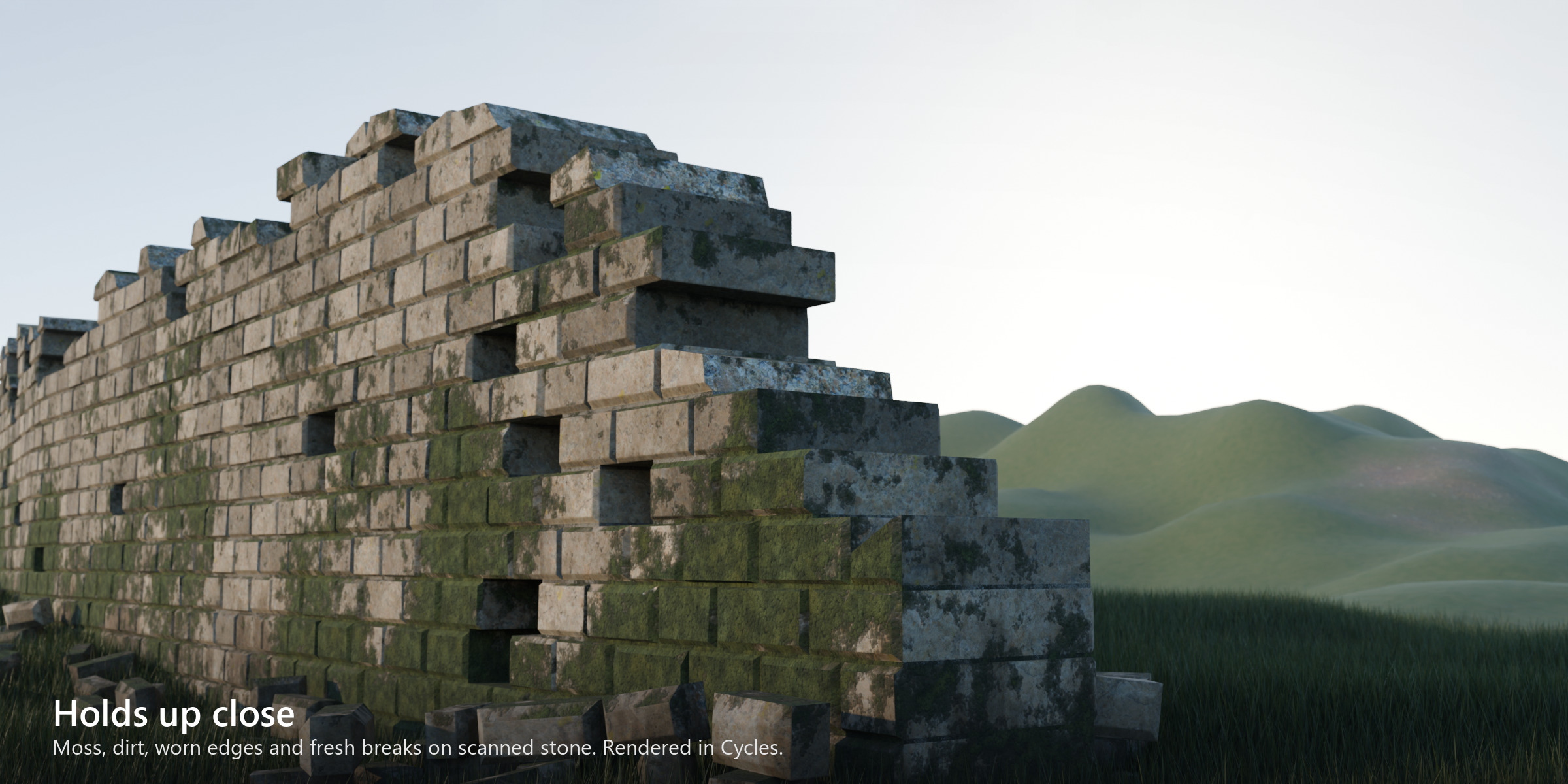
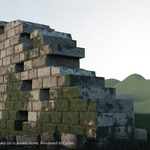
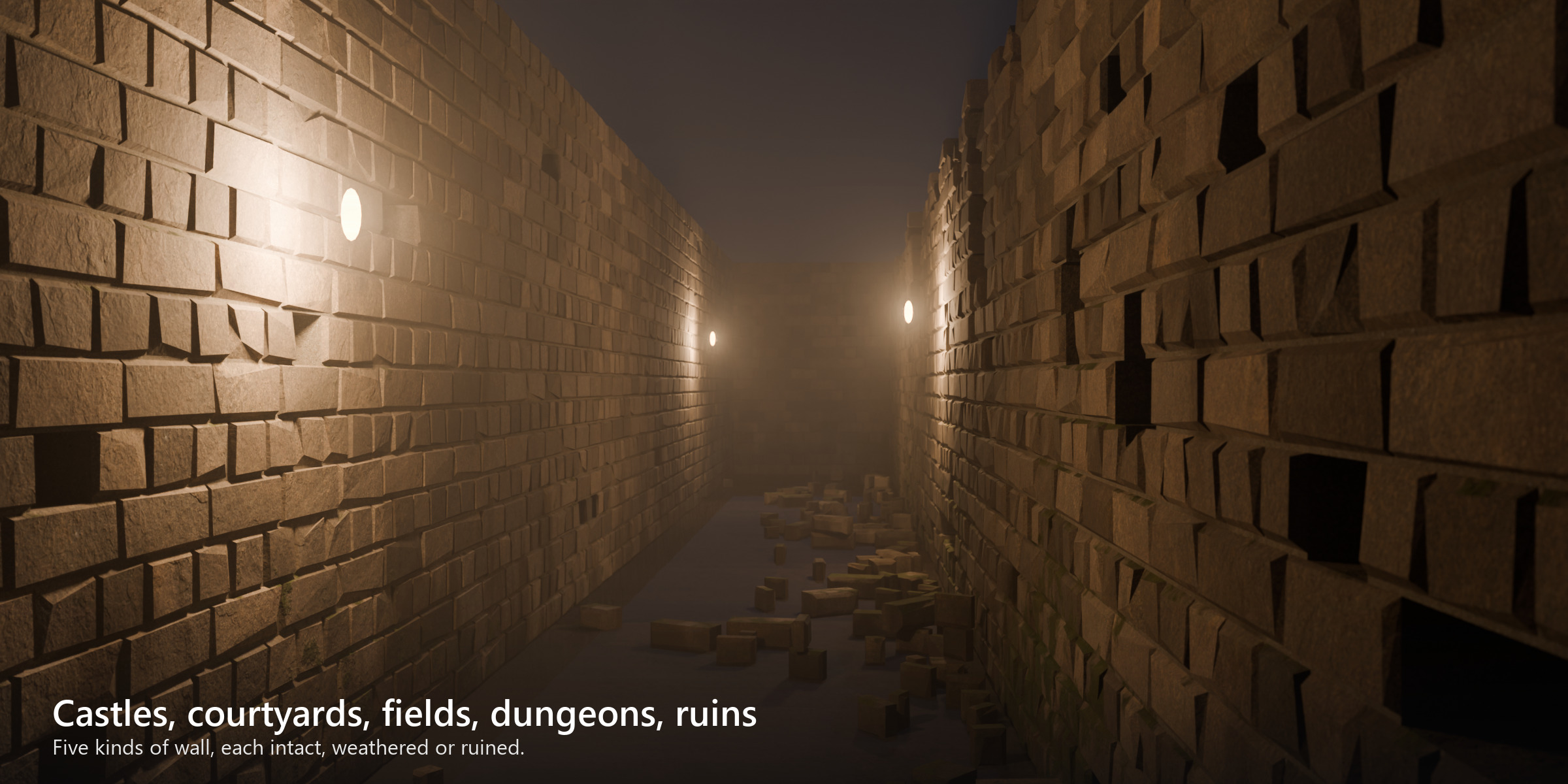
The five materials (brick, stone, limestone, fieldstone and mortar) are made from scanned CC0 textures from Poly Haven. Each block samples a different part of the scan and gets its own shade between two colours you set. Where a stone has broken off, the face shows lighter, cleaner stone.
Moss comes from a scan of real cushion moss (ambientCG, CC0). It grows up from the ground and along the tops of the courses, more on the shaded side you choose. Dirt runs down the face in streaks.
Your own materials
Every wall has UVs: world-scale tiling at a texel density you set (512 px/m by default), or one atlas cell per block. Moss, dirt and a random value per block are stored as vertex colours (rampart_masks) for your own shaders.
15 presets
Start from a preset, then change anything
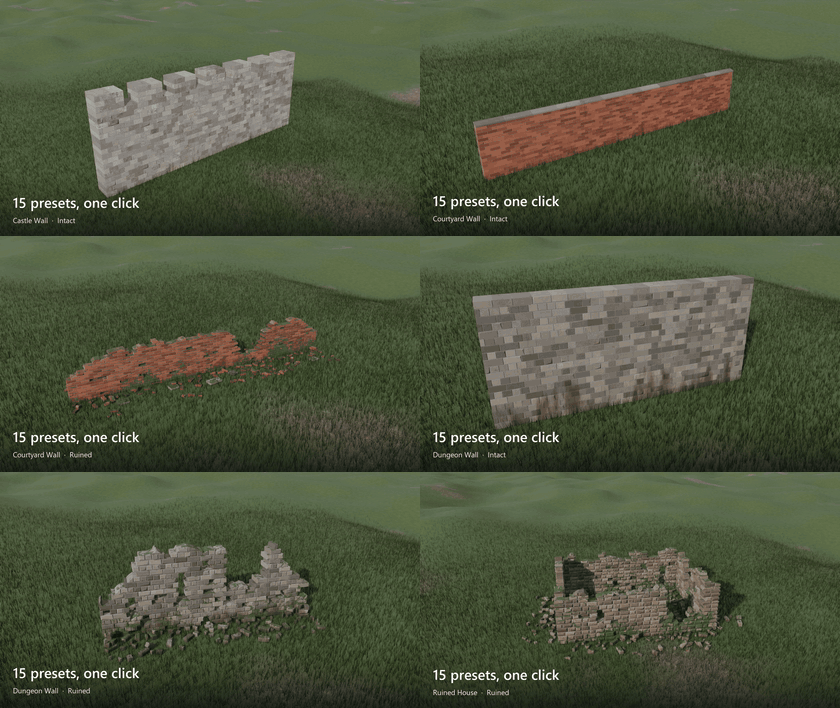
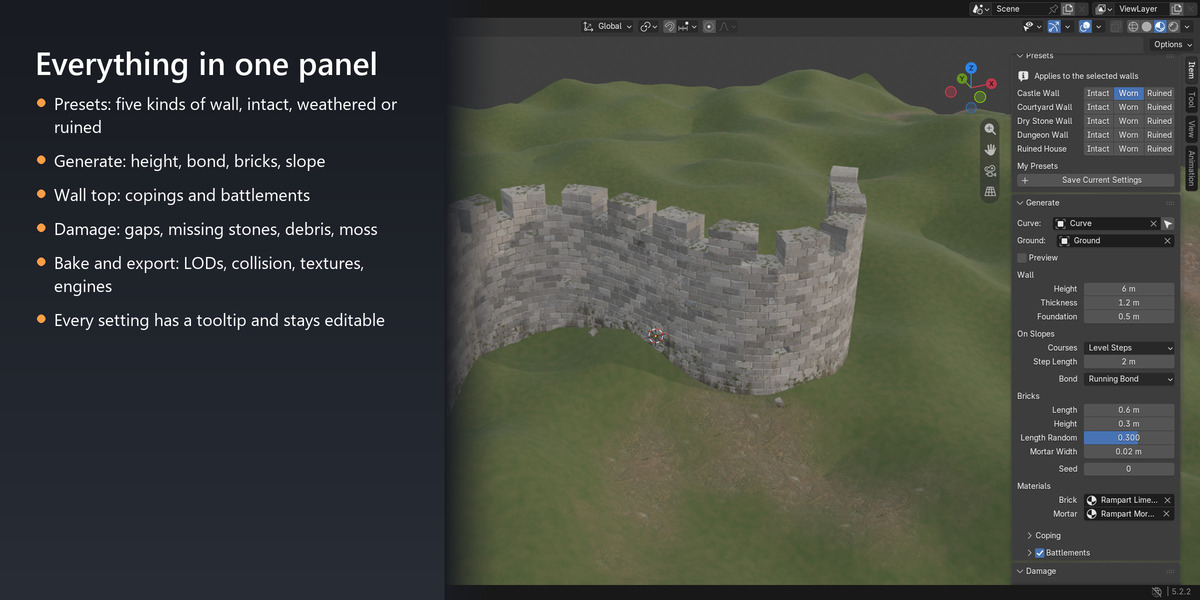
Castle wall, courtyard wall, dry stone wall, dungeon wall and ruined house, each intact, weathered or ruined. With a wall selected, a preset changes it. With a curve selected, it builds a wall along the curve. With nothing selected, it adds a new wall at the 3D cursor. Going from intact to ruined keeps the layout, so the same stones crumble. You can save your own presets too.
Working with it
One tab in the sidebar, a tooltip on every setting
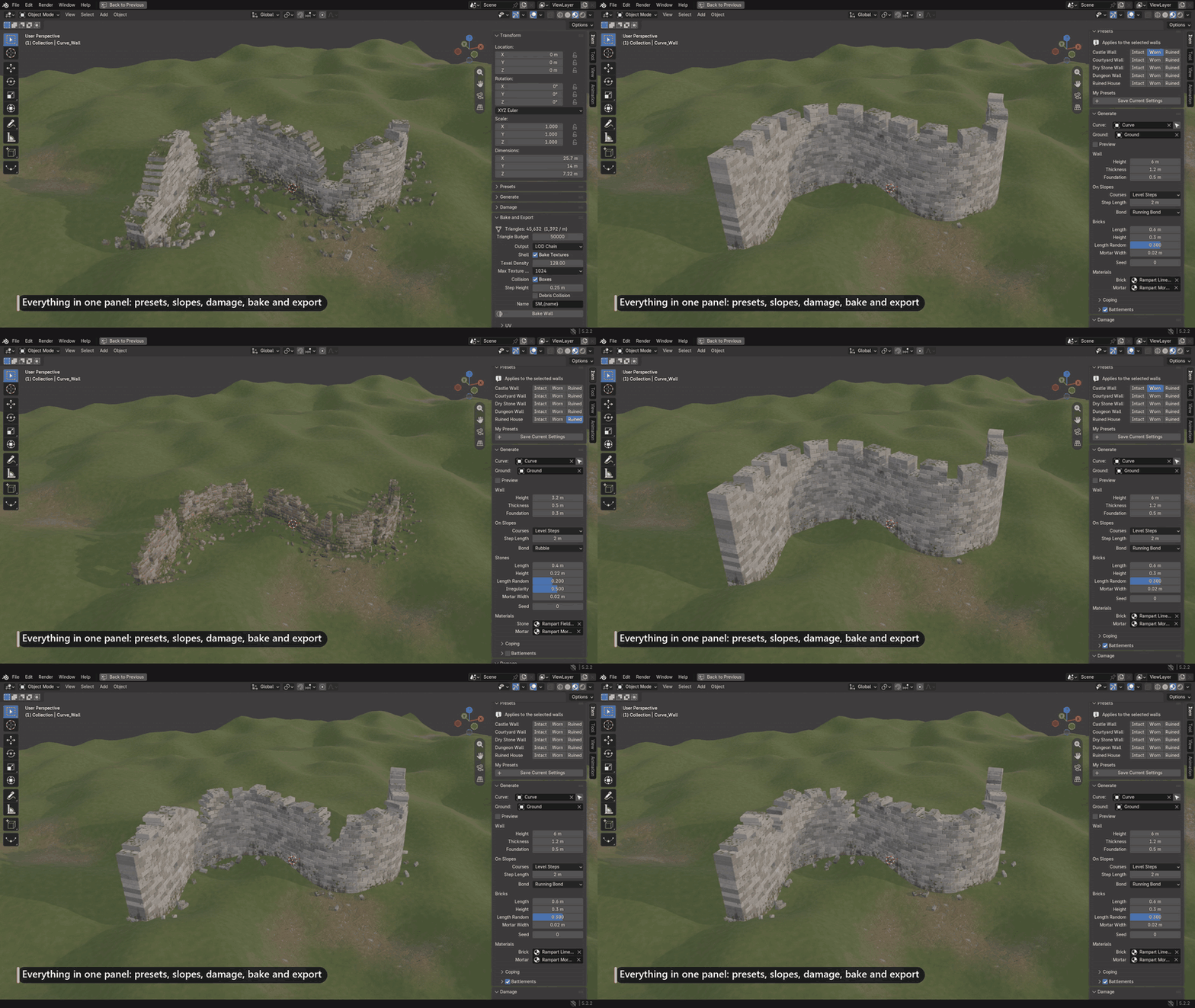
On an ordinary PC a 20 m × 3 m wall updates in about 0.05 s after a change, a heavily ruined one in about 0.1 s. For very long walls, Preview shows simple blocks in the viewport; renders always get the full wall. The tooltips are in English or Chinese, following Blender's language setting.
The wall is a Geometry Nodes object saved in your .blend file. The file opens and renders on a computer without Rampart, a render farm for example. Pack the textures first (File → External Data → Pack Resources).
Triangles only where they can be seen
Where two blocks touch, the faces between them are removed, and only where they match exactly, so no crack can open. The panel shows the triangle count and the triangles per metre as you work, and a yellow warning when the wall goes over your budget. Every preset stays under 3,000 triangles per metre of straight wall.
For games
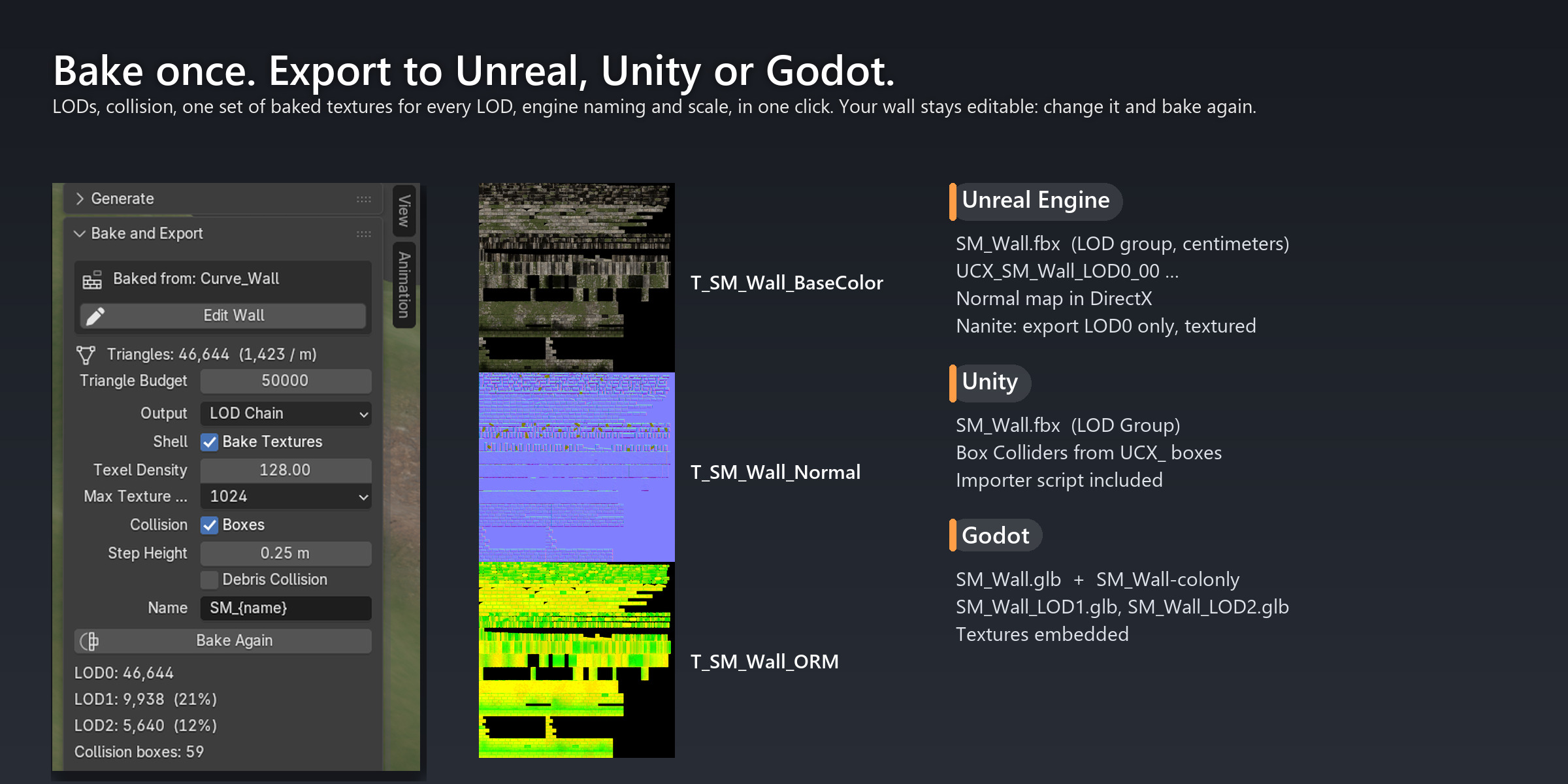
LODs, collision and export to Unreal, Unity and Godot
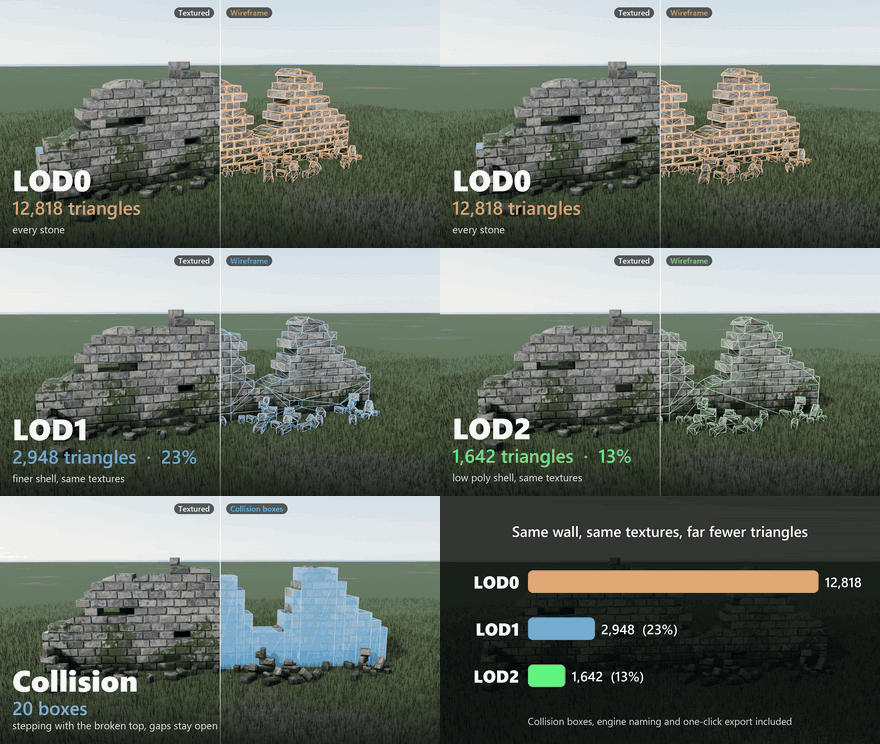
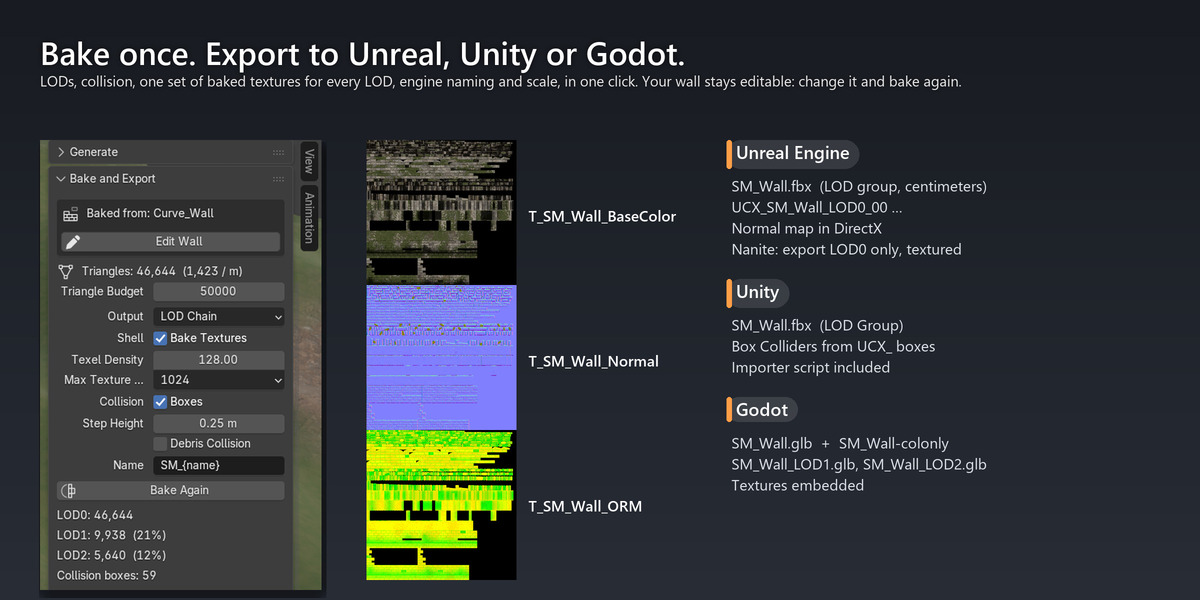
One click bakes the wall for a game engine:
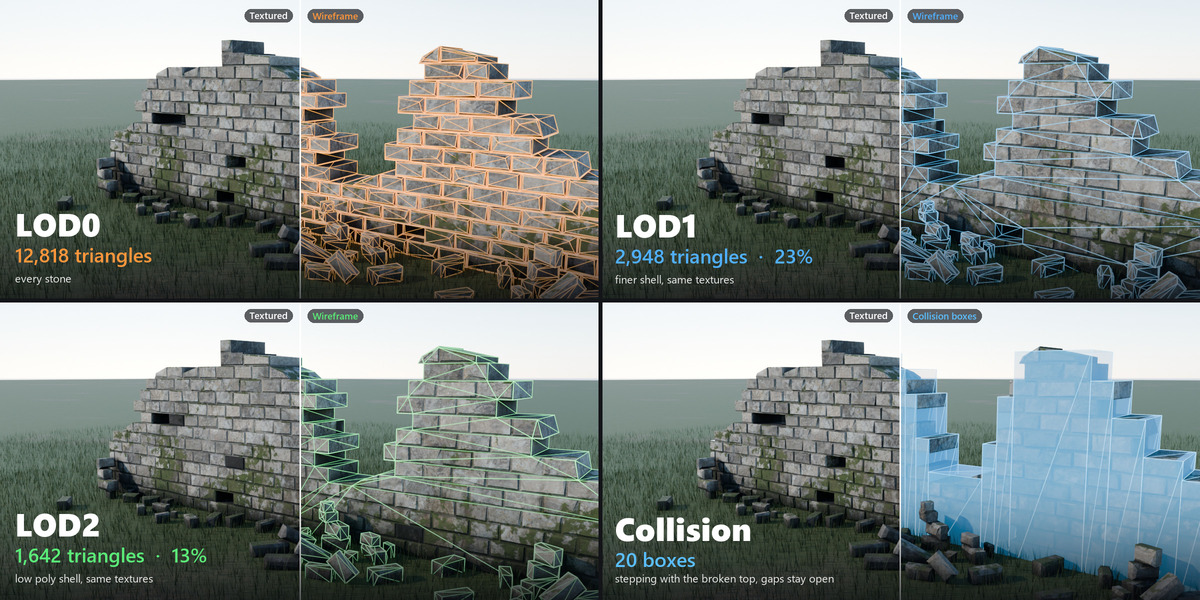
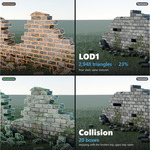
- LODs built from the wall itself, not decimated. LOD0 has every block. LOD1 is a shell with the real pockets and the real rubble (about 10 to 25 % of the triangles). LOD2 is a closed low-poly shell (about 5 to 15 %). Gaps, steps and holes are in the same place at every level. You can also export LOD0 alone for Nanite, or the shell alone for mobile.
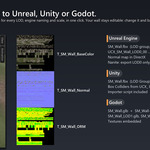
- Baked textures: base colour, normal and ORM, made from the wall's own materials, moss and dirt. LOD1 and LOD2 share one set. The UVs are made for you.
- Collision that keeps the gaps open: boxes step down with the broken top, so a player can walk through a gap. Rubble can have boxes too.
- Unreal Engine 4.27 to 5.8: the included Rampart Tools plugin sets up the LODs and the LOD distances with dithered transitions, and rebuilds LOD0's material from the same scans, moss and dirt as in Blender, so it holds up close.
- Unity: the included importer script sets up the LOD Group, Box Colliders and materials. Godot: glTF with convex collision.
Modular kits
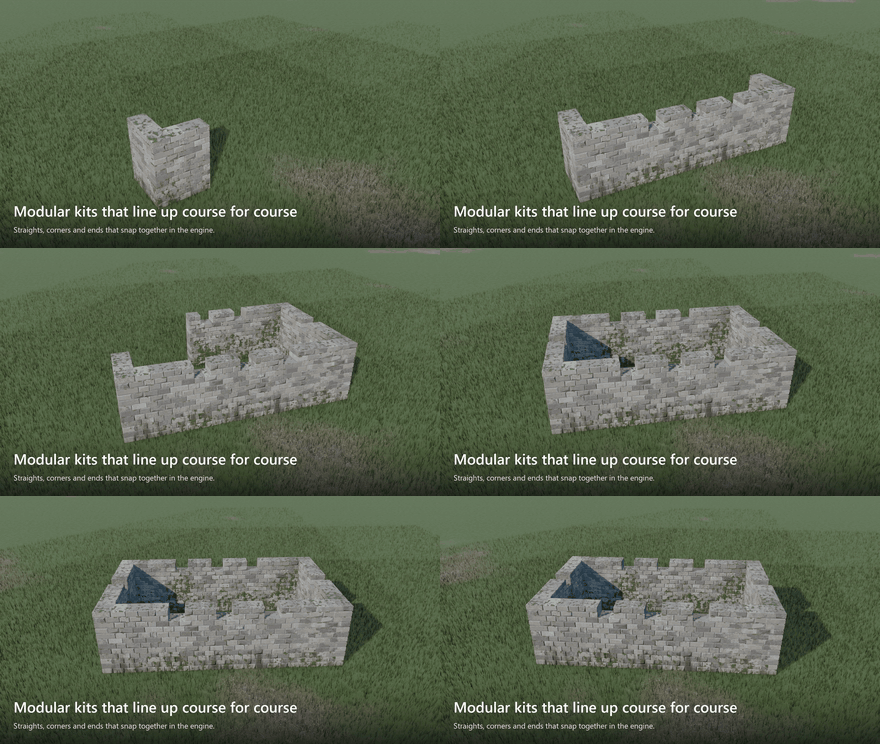
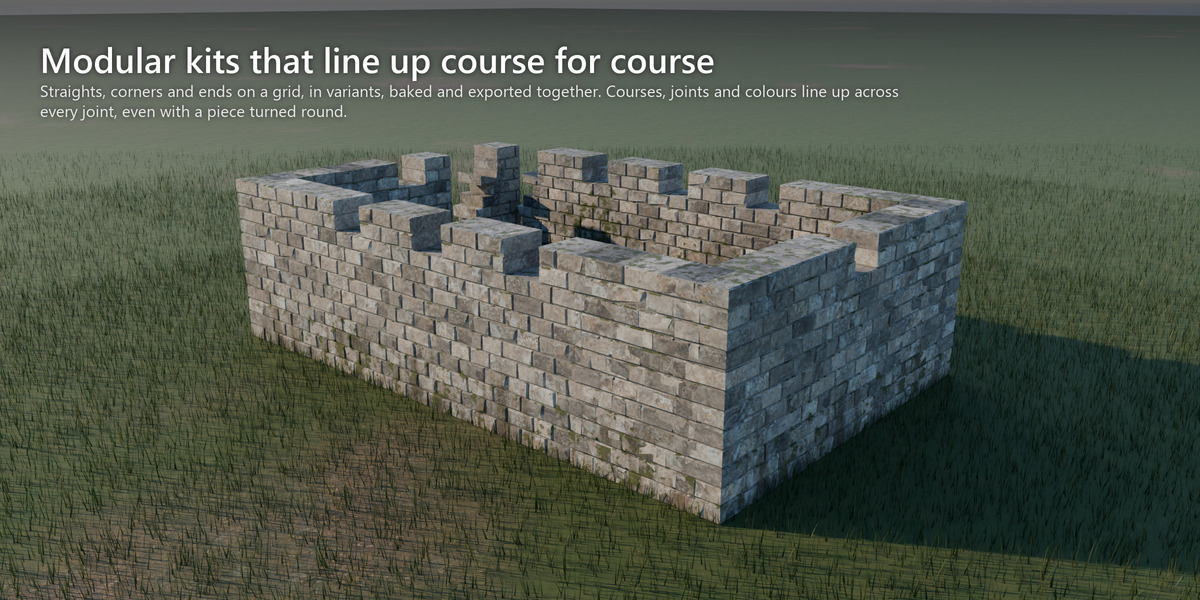
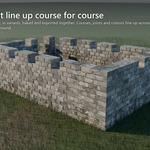
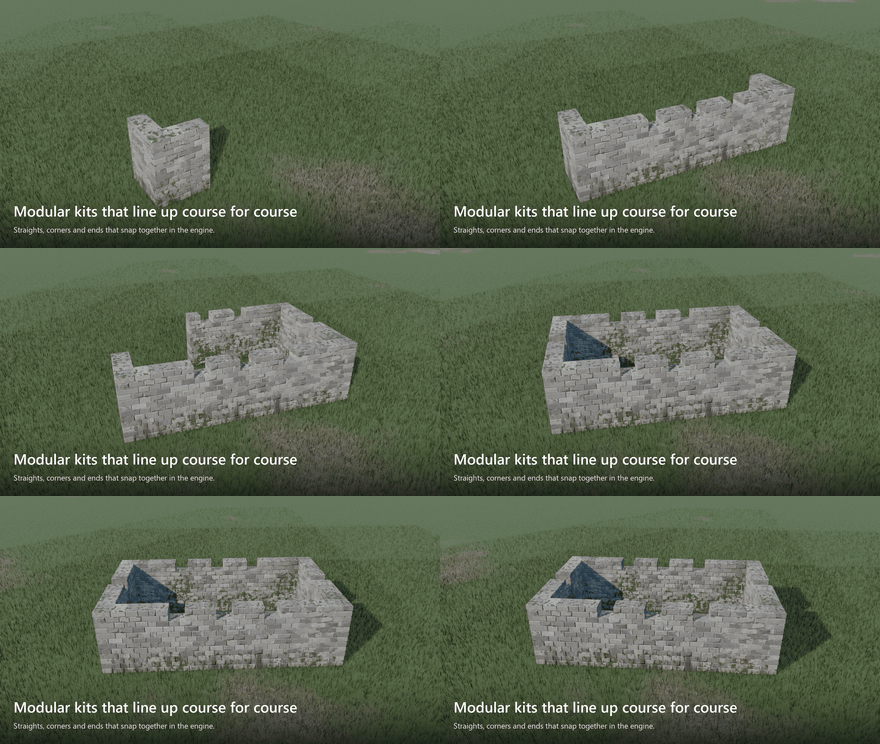
Straights, corners and ruined ends on a grid, in several variants, baked and exported together. Courses, joints, colours and moss line up across every joint, even with a piece turned round.
What's included
- The Rampart extension (Python and Geometry Nodes, full source)
- 5 materials made from scanned CC0 textures, and a CC0 moss scan
- 15 presets
- Five demo scenes, ready to render, with the textures packed: a castle wall on a ridge, a garden wall, a ruin close-up, a ruined ring wall on a hilltop and a dungeon
- The Rampart Tools plugin for Unreal Engine and an importer script for Unity (both CC0)
- The documentation and FAQ on this page
Requirements
- Blender 5.0 or later (tested on 5.0, 5.1 and 5.2 LTS), Cycles or EEVEE.
- Windows, macOS and Linux.
- Works offline. No other add-ons or Python packages.
- English or Chinese interface.