Real Hardware Vol 4 - Connectors and Ports - USB-C, HDMI, RJ45, XLR - 33 Models
 francesac.design
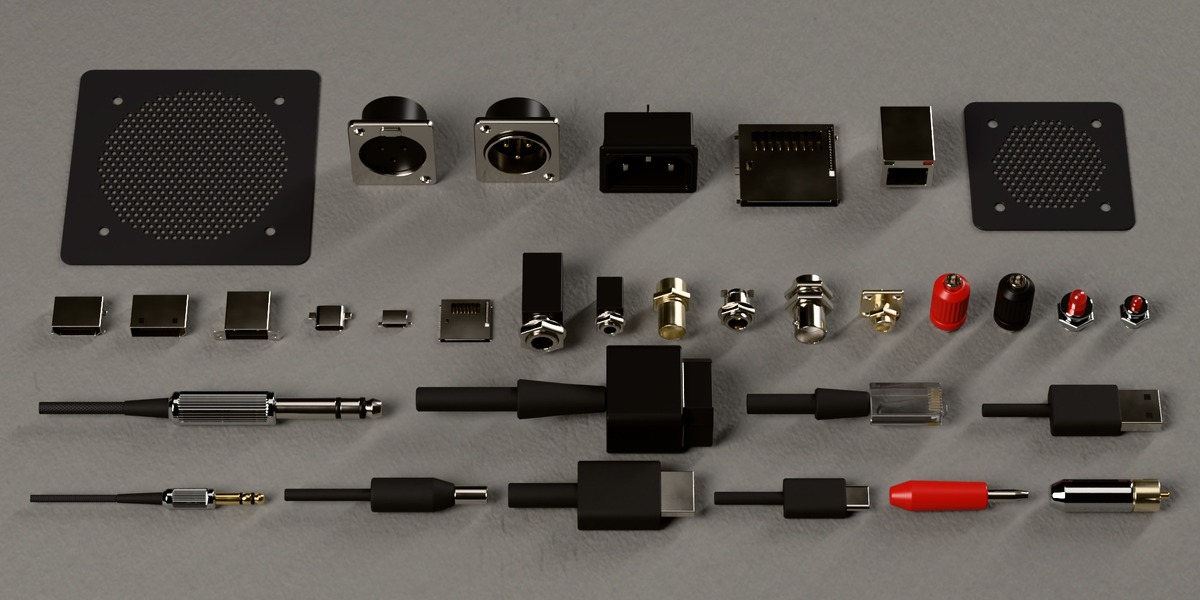
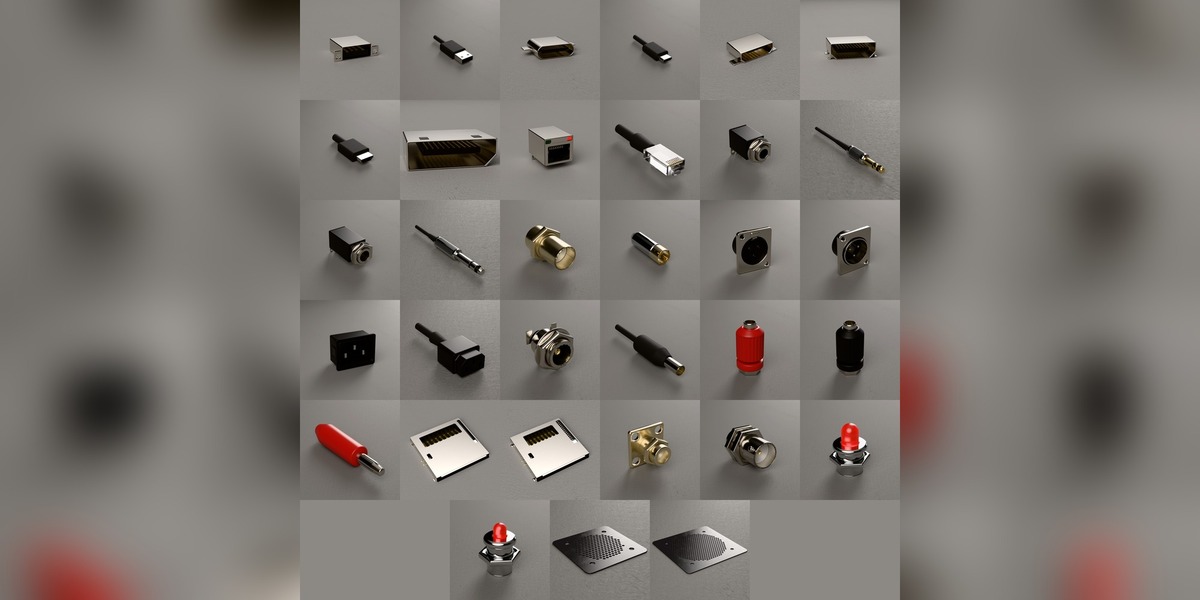
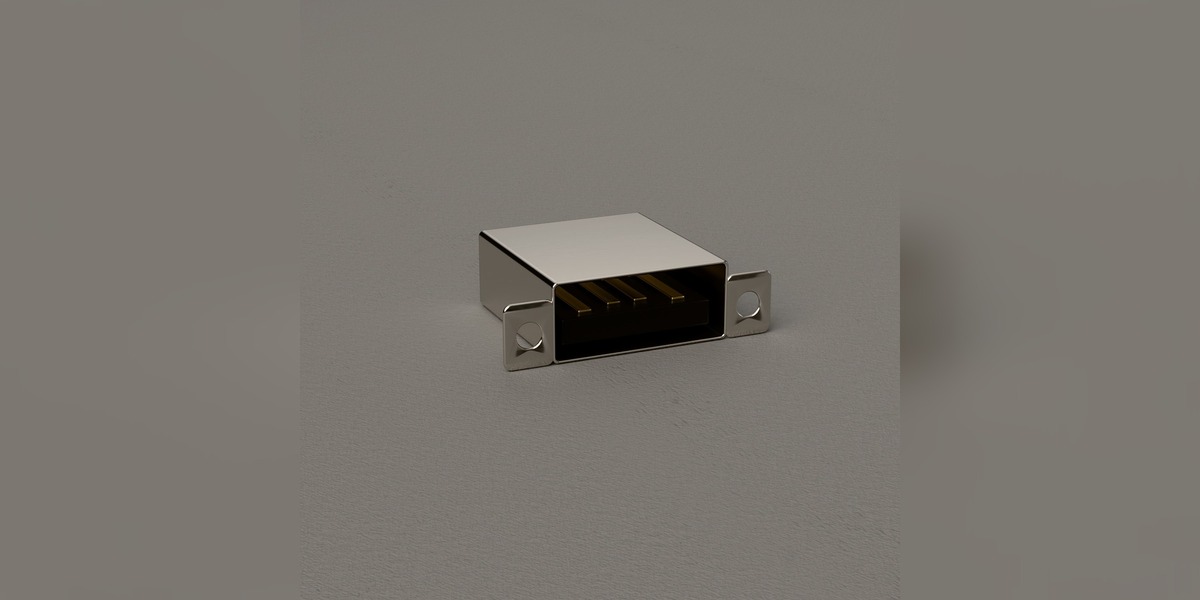
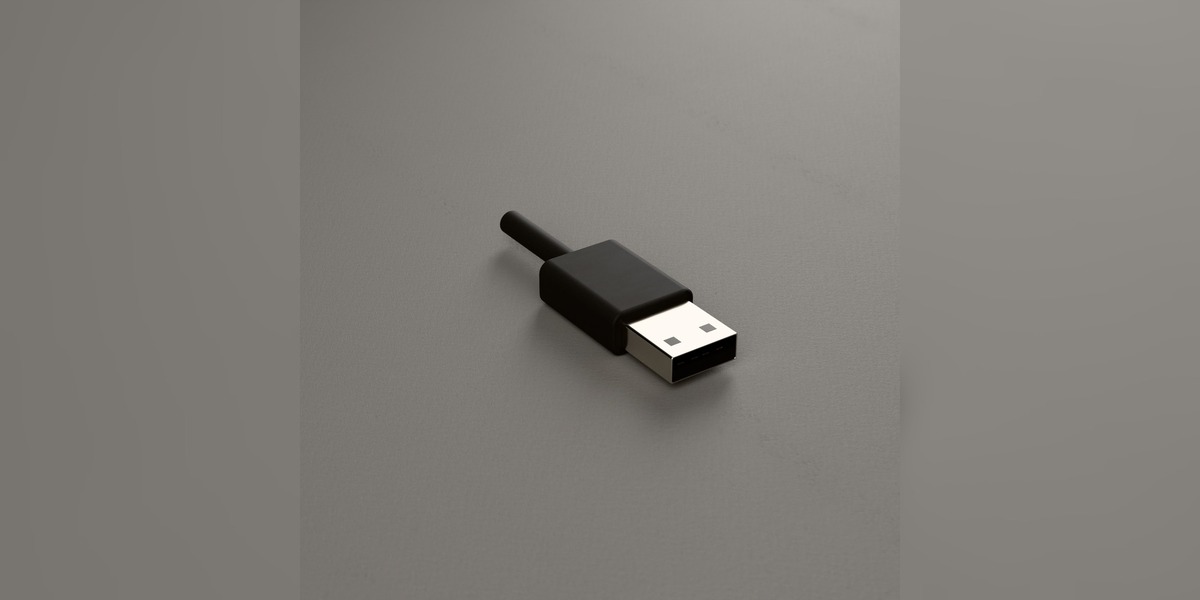
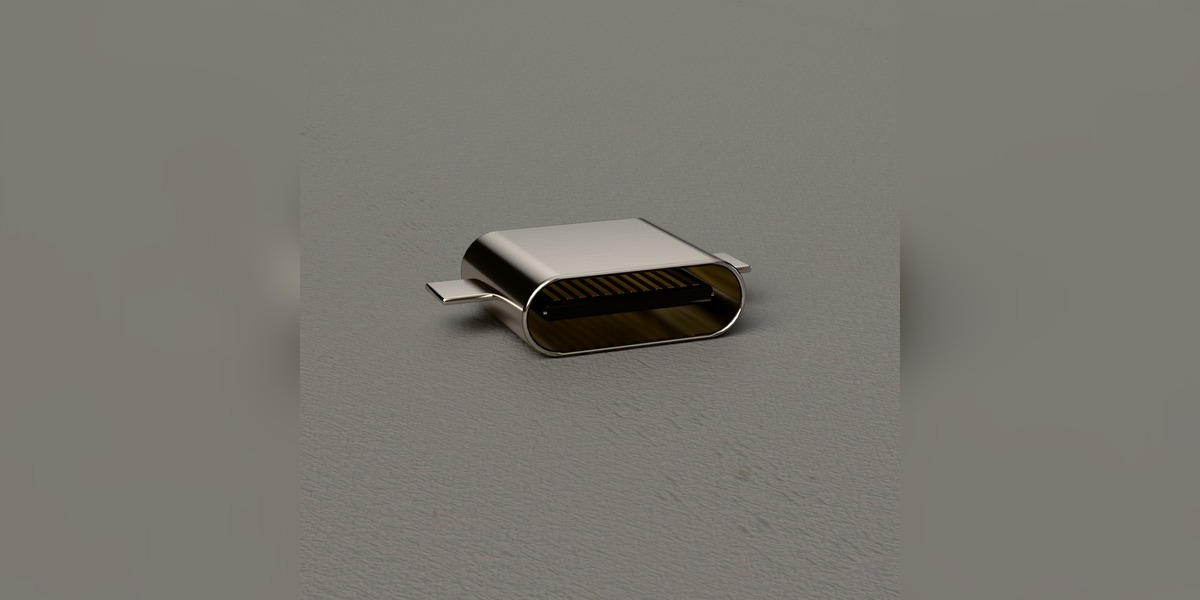
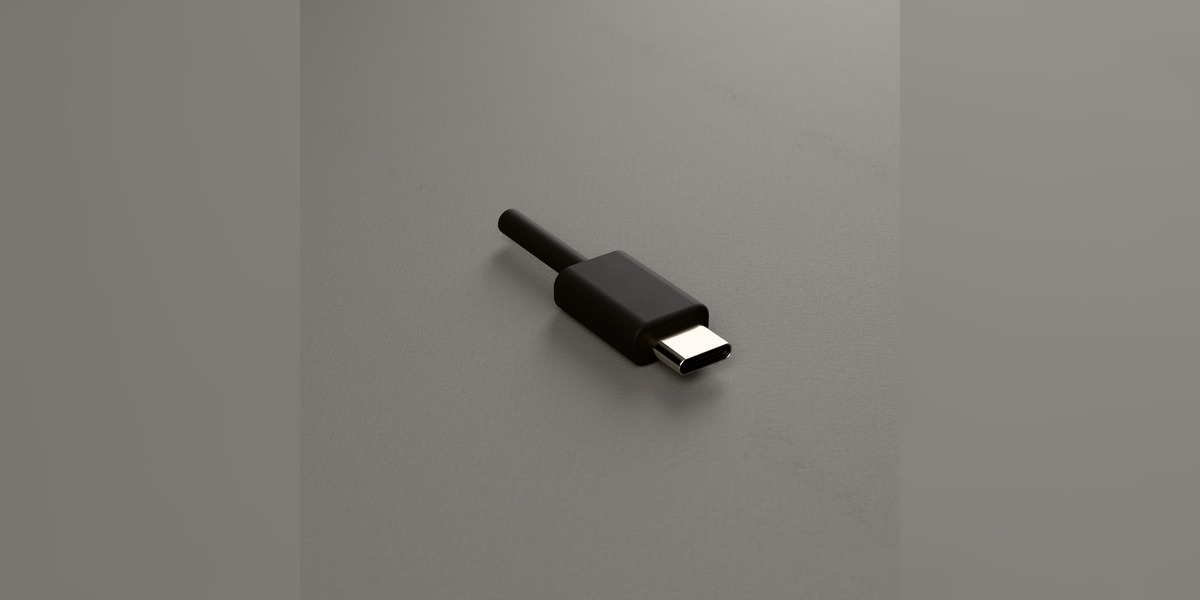
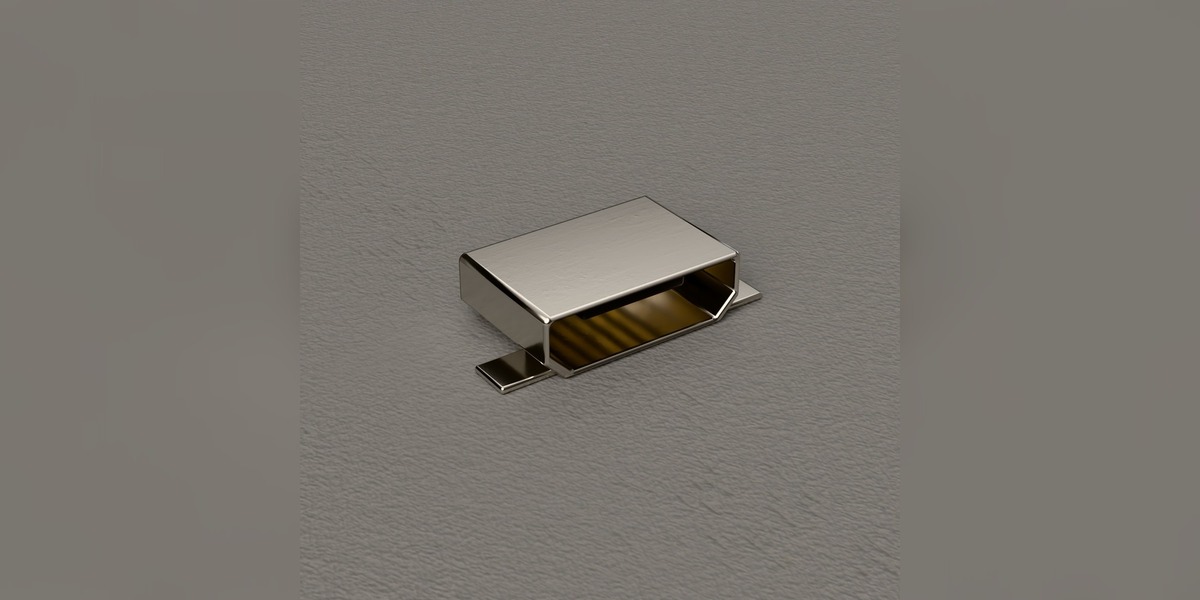
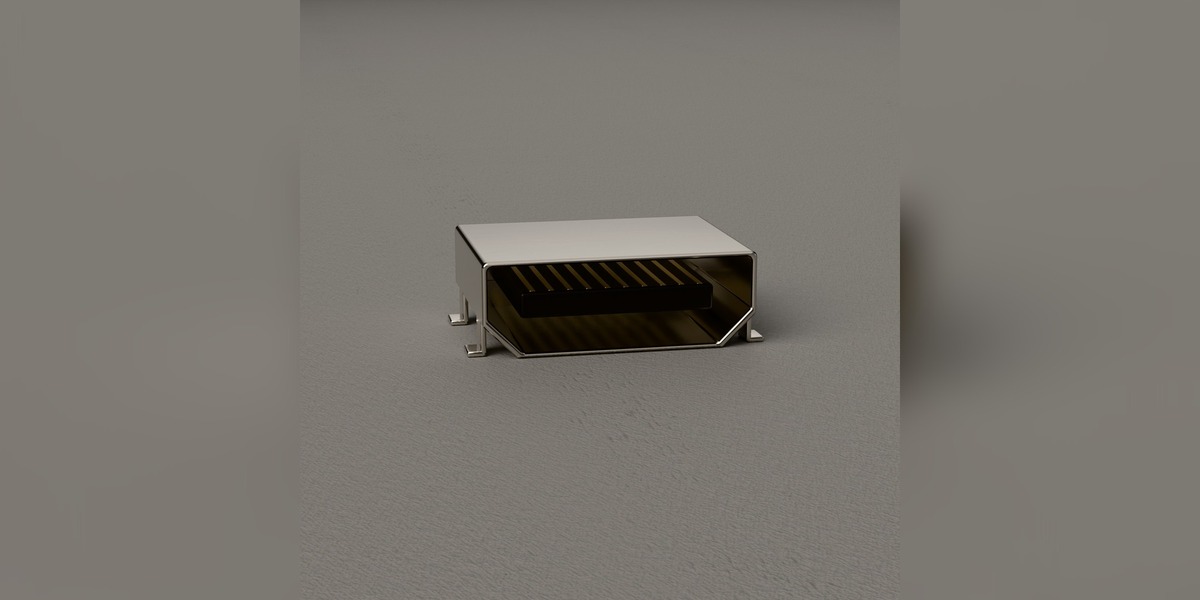
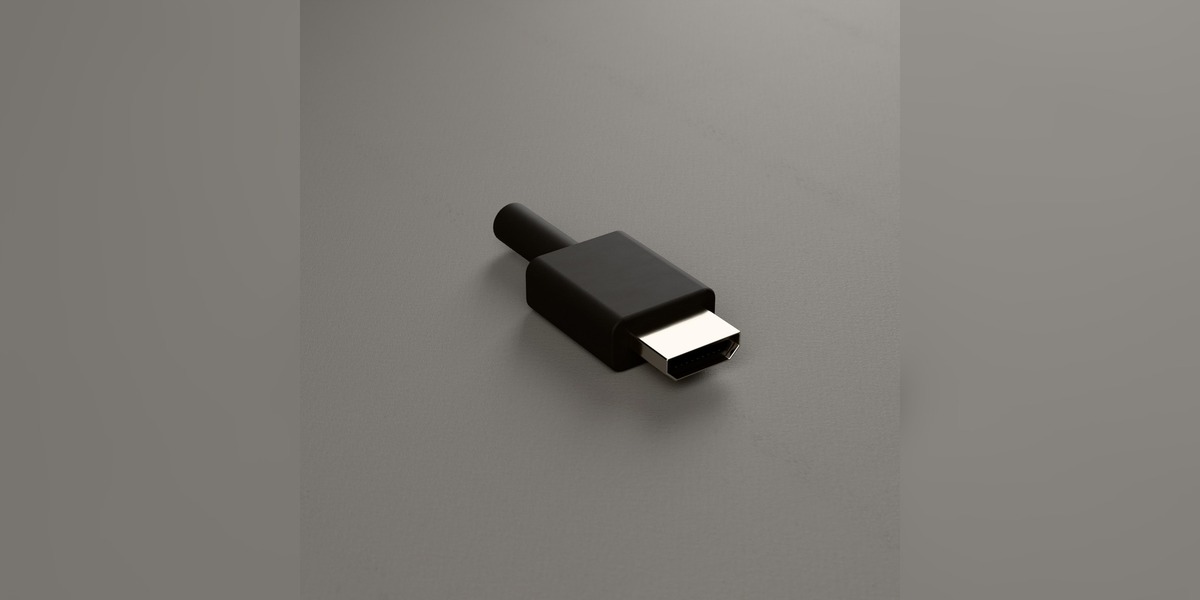
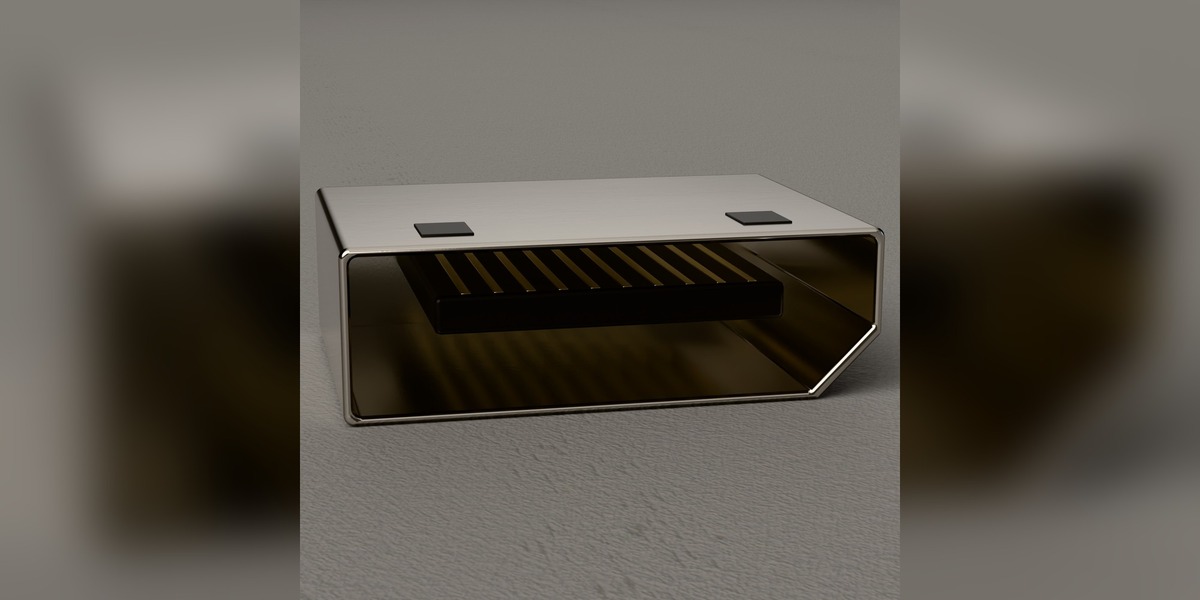
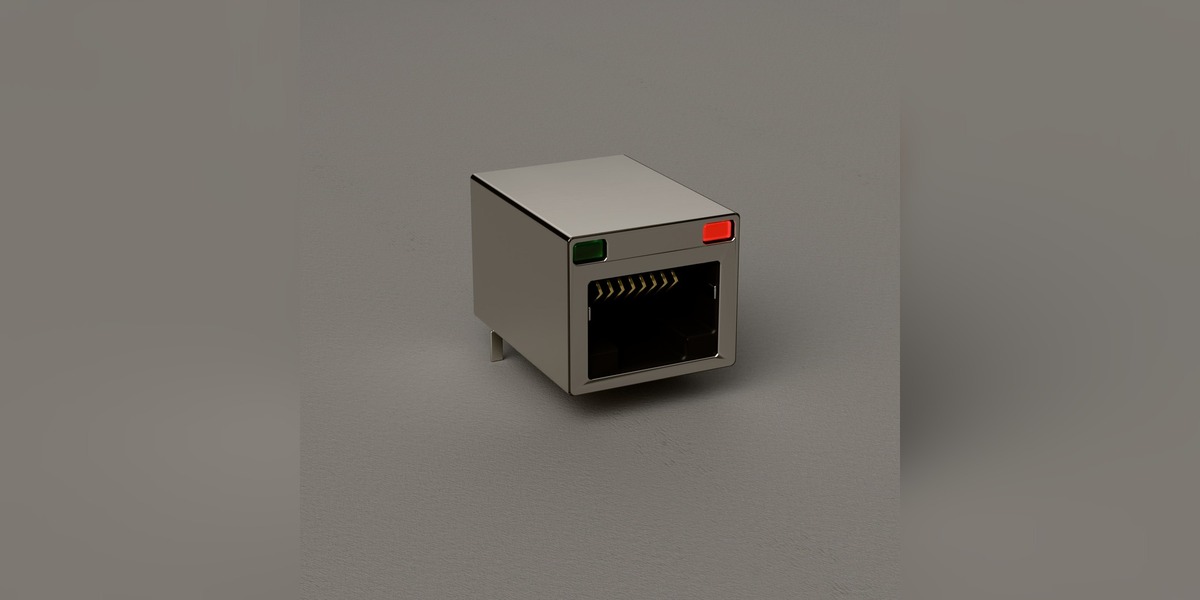
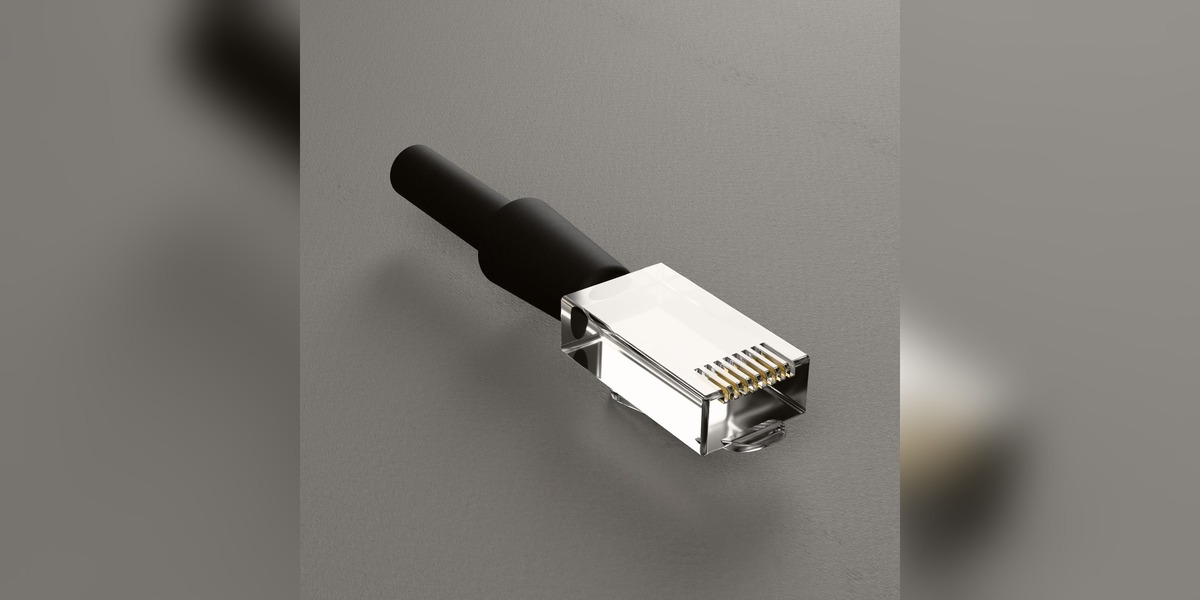
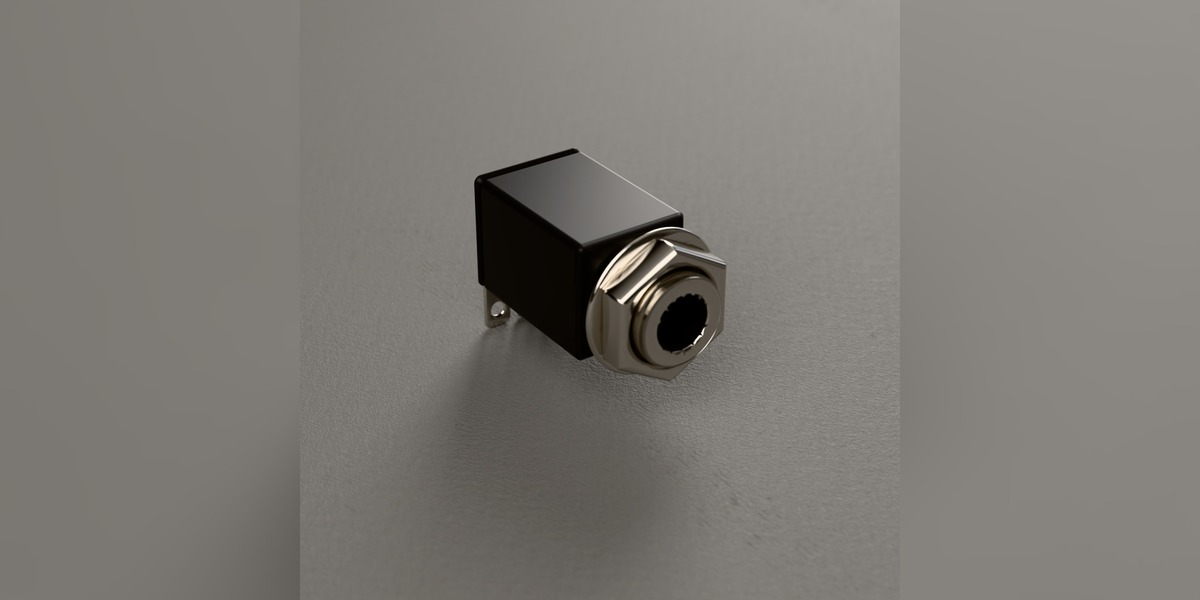
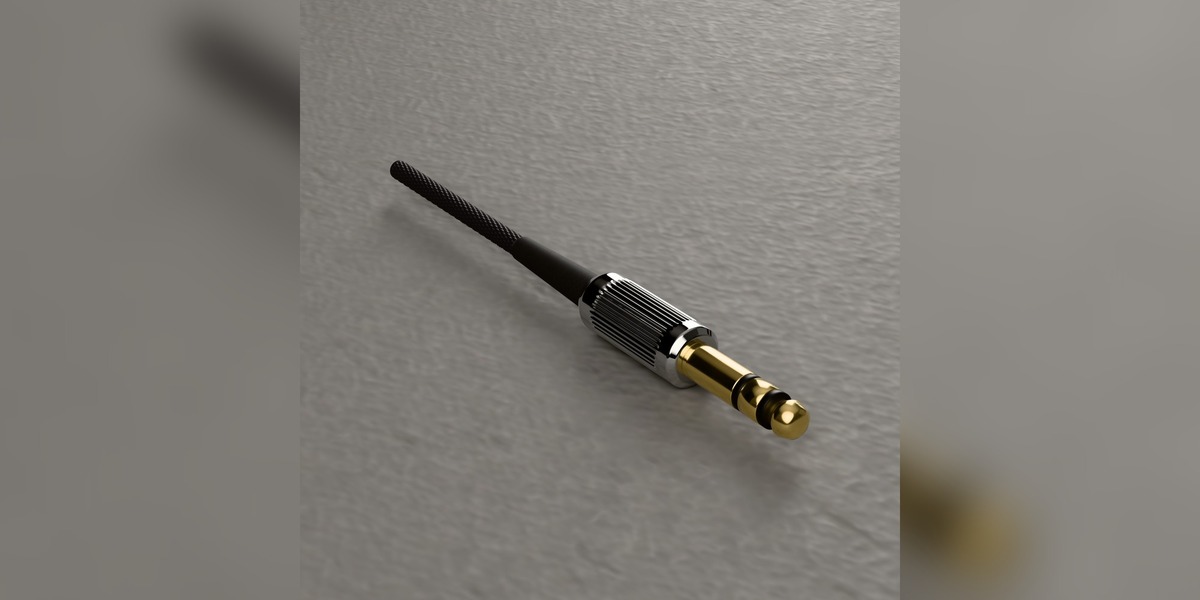
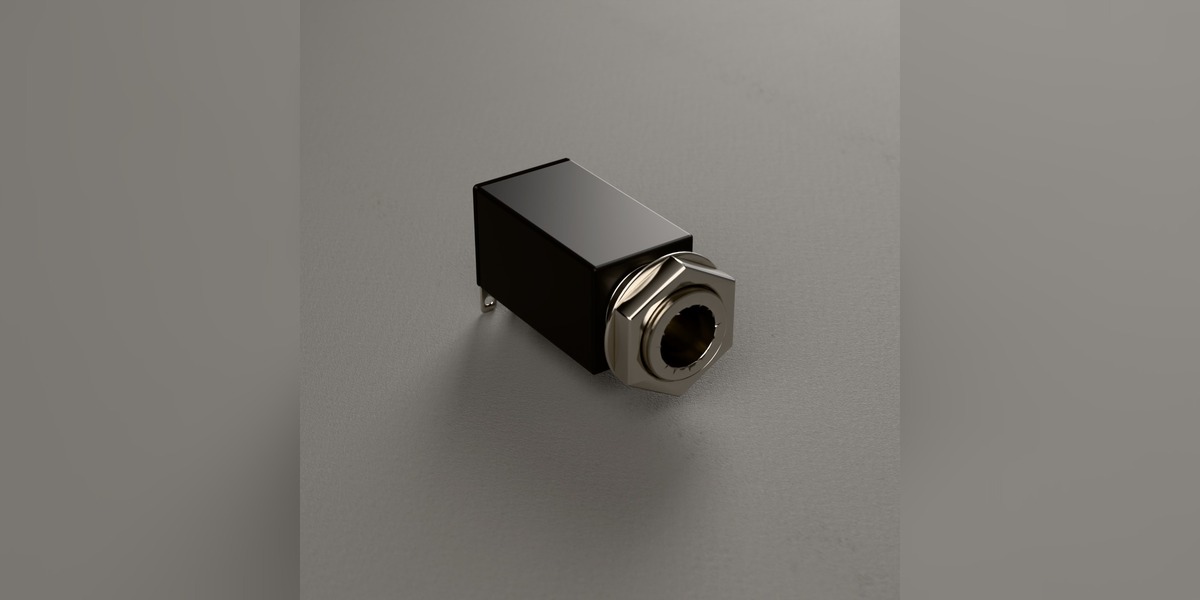
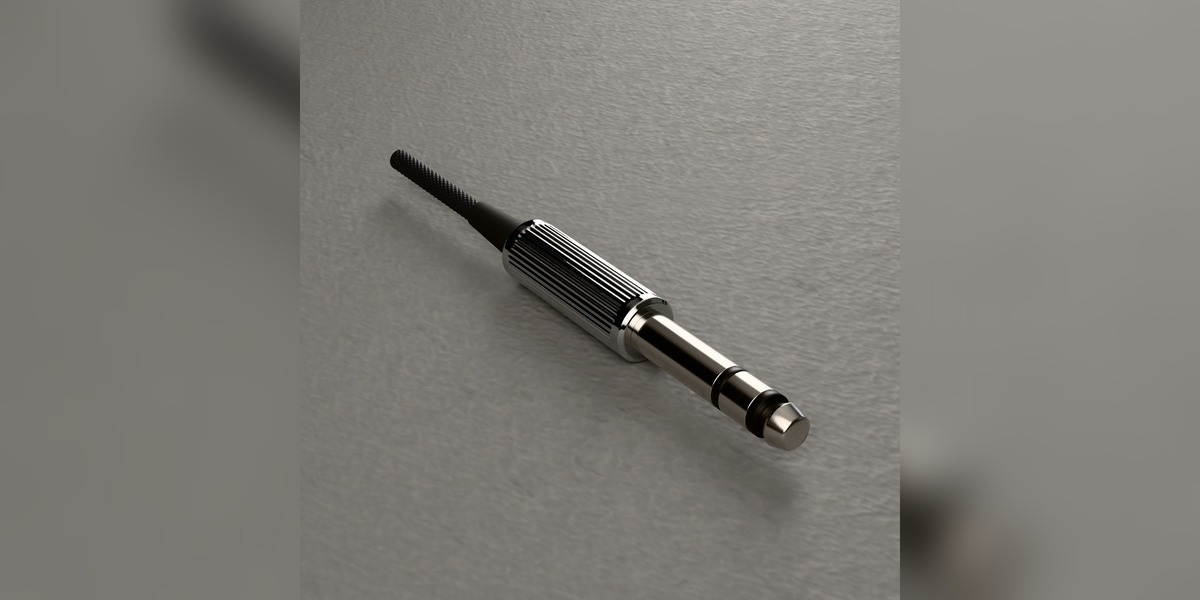
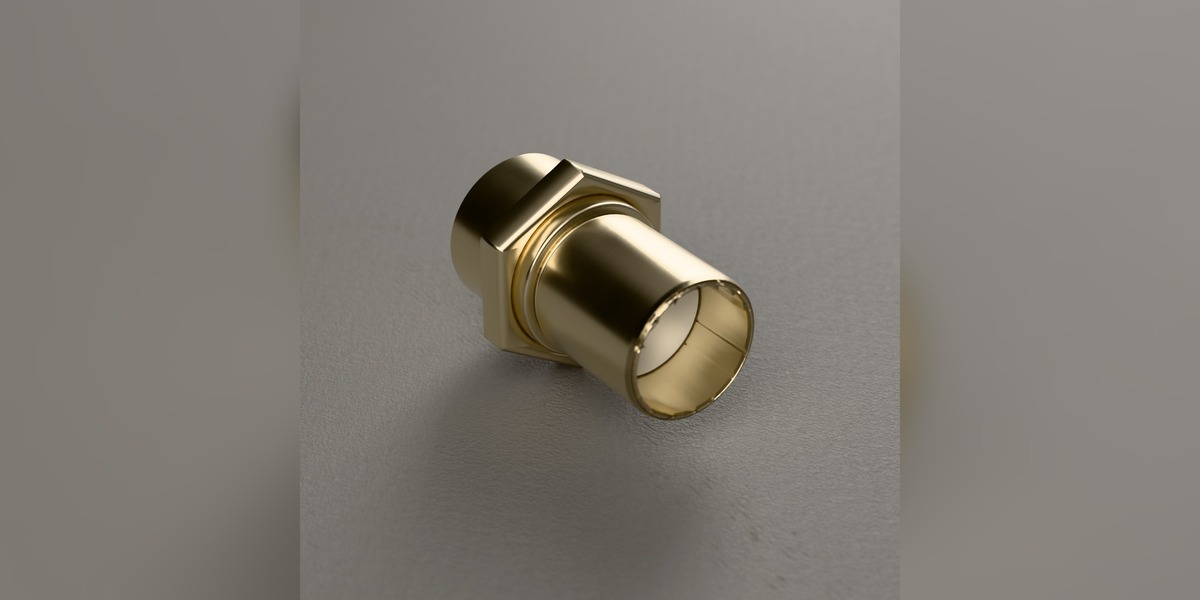
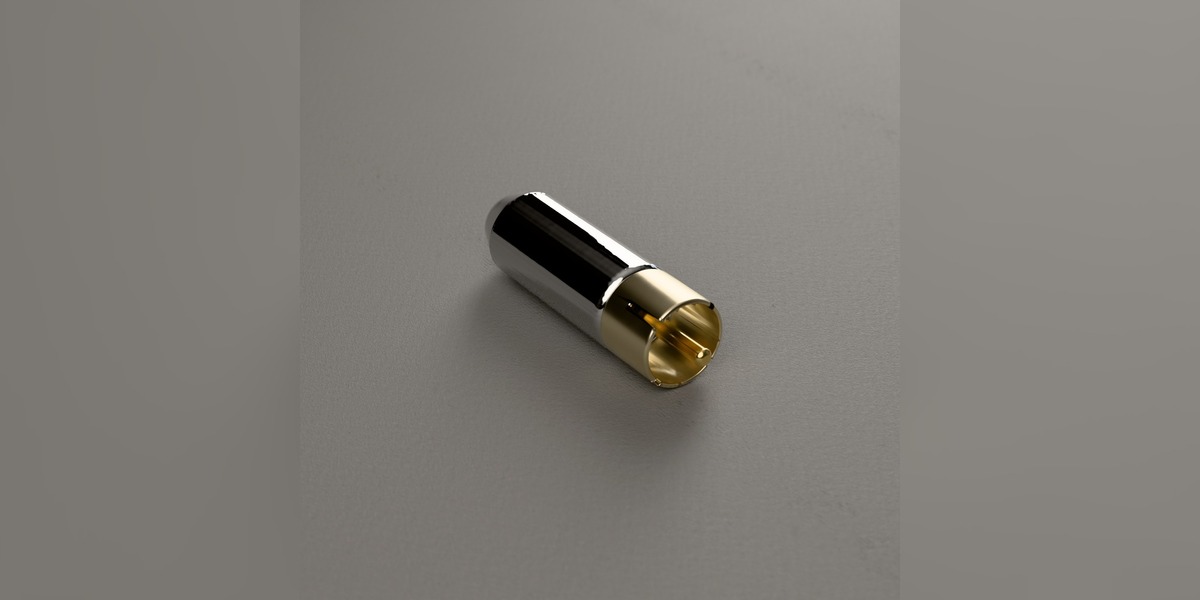
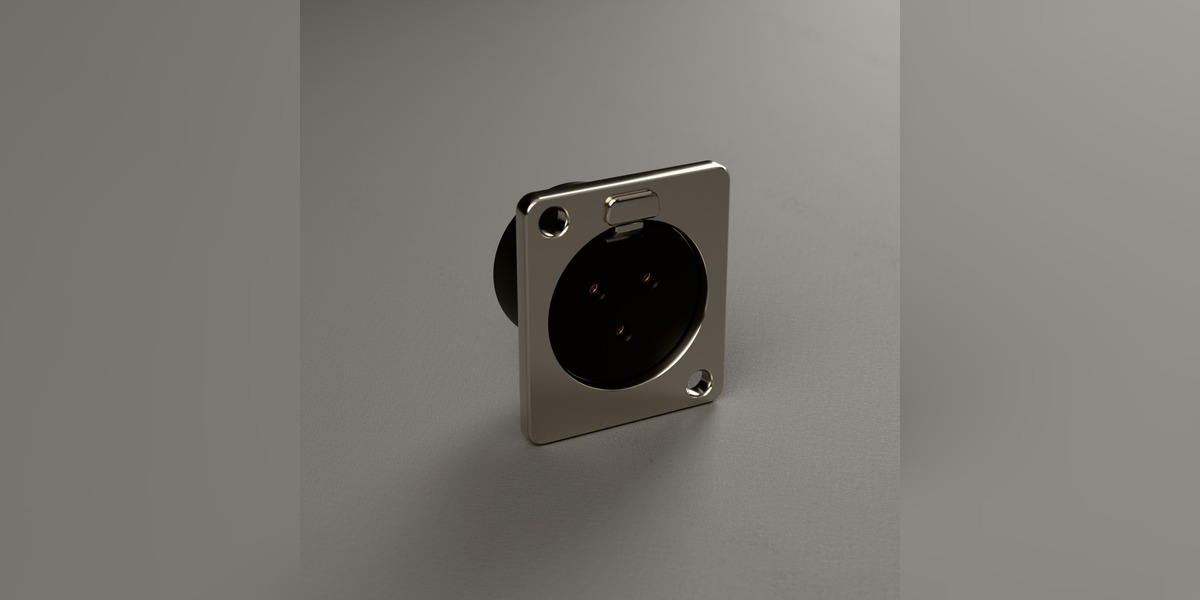
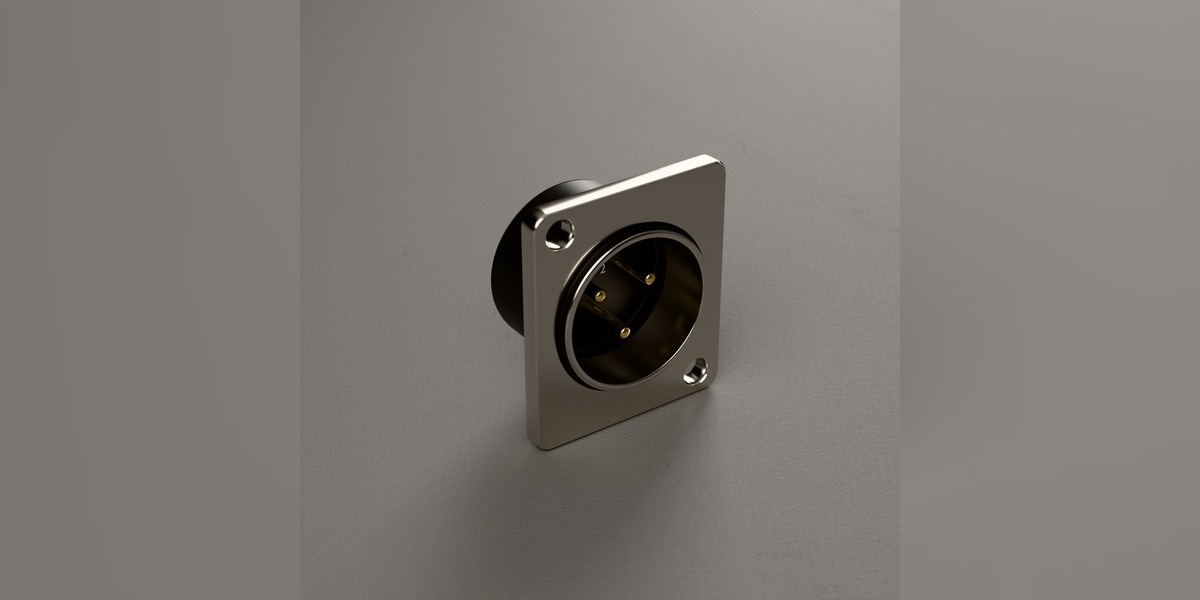
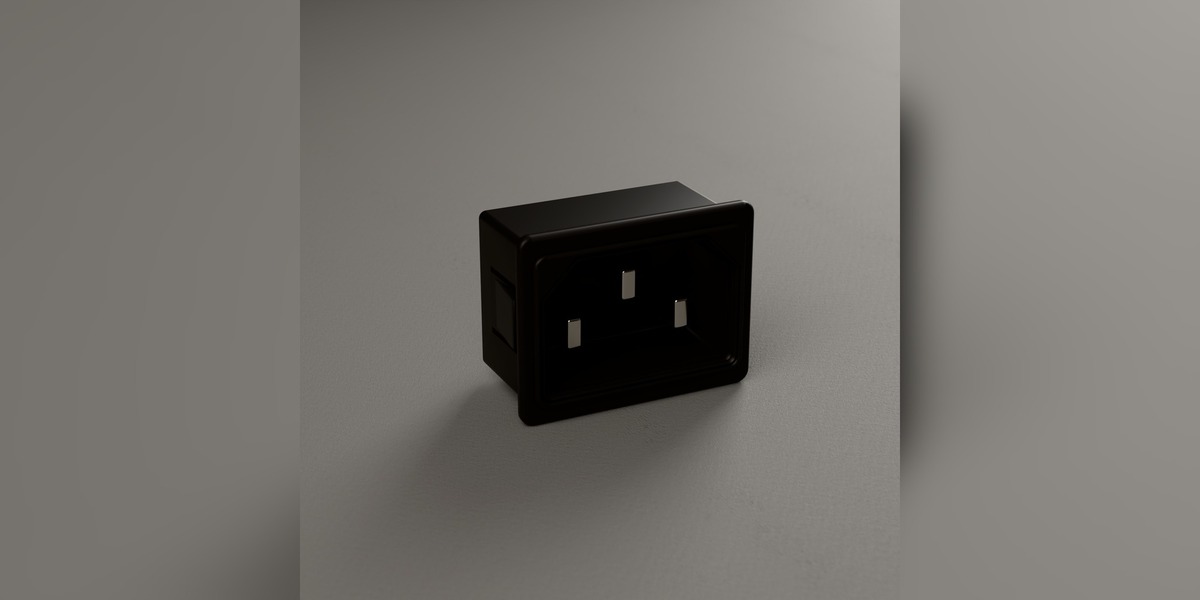
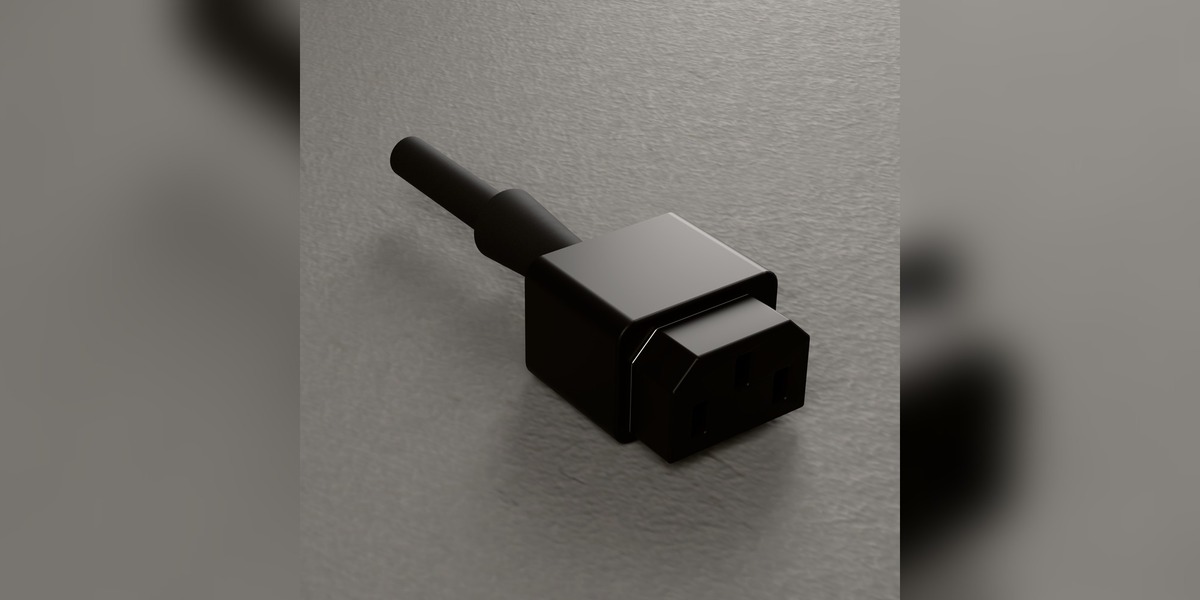
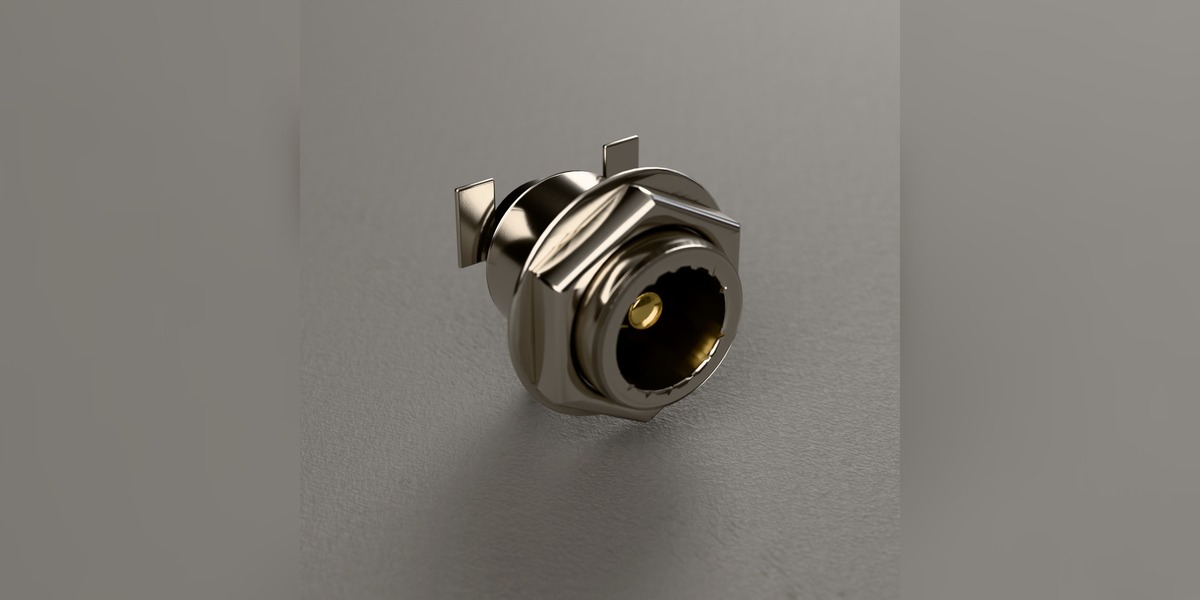
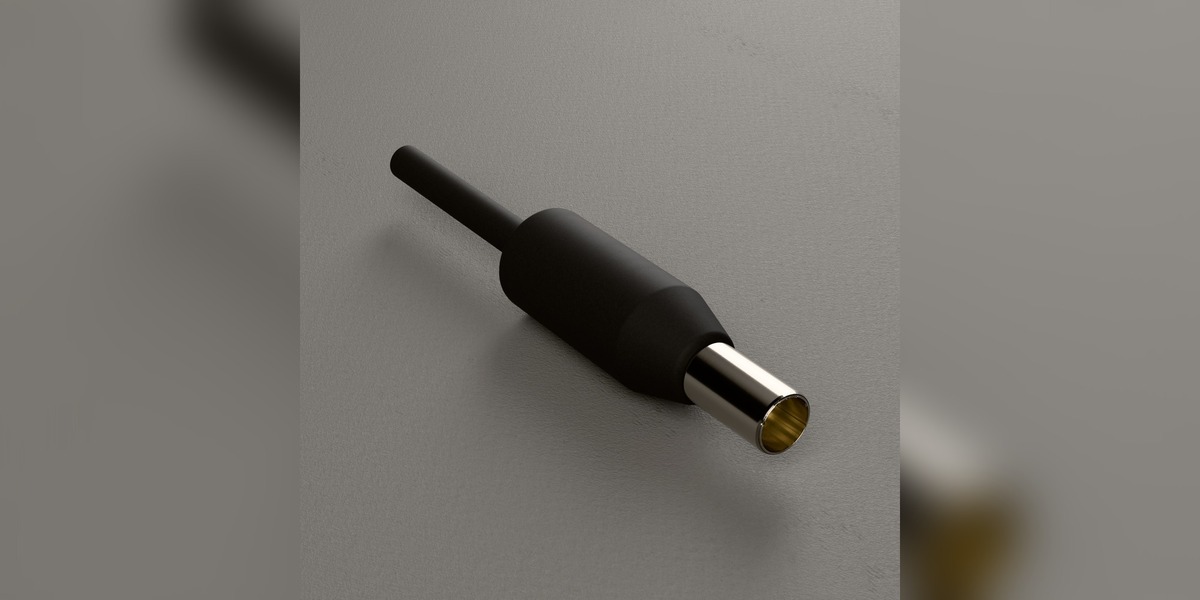
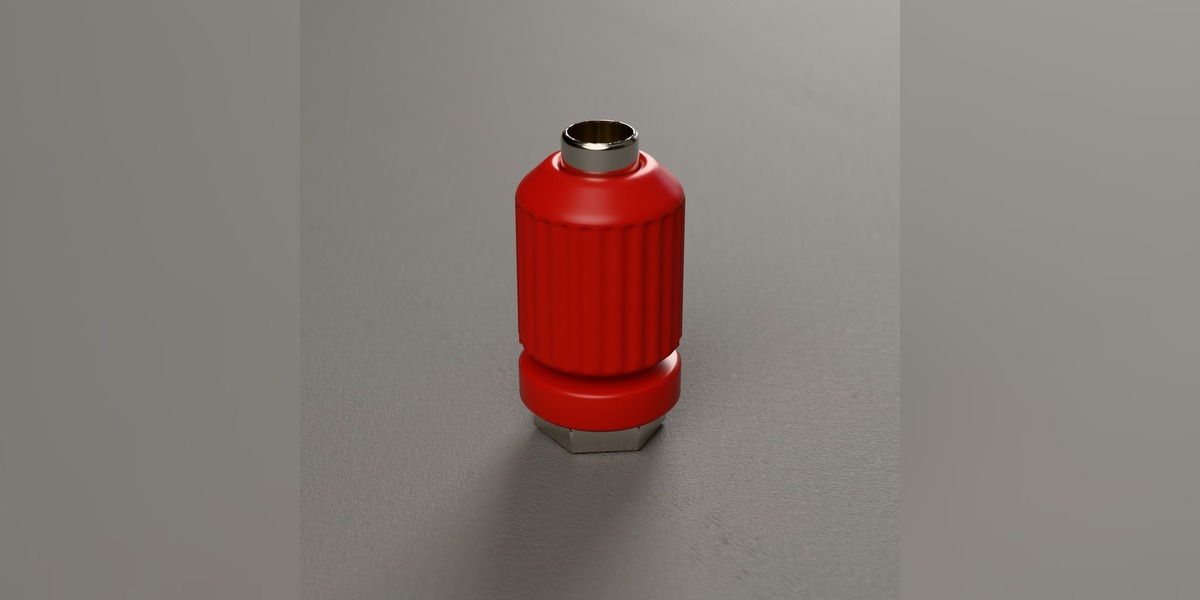
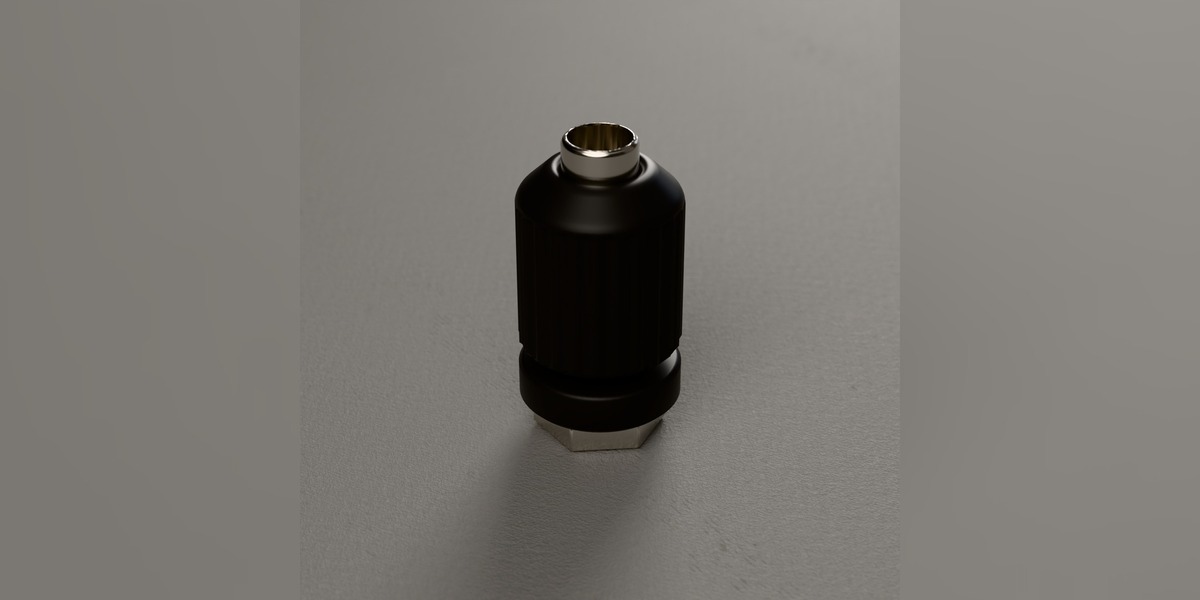
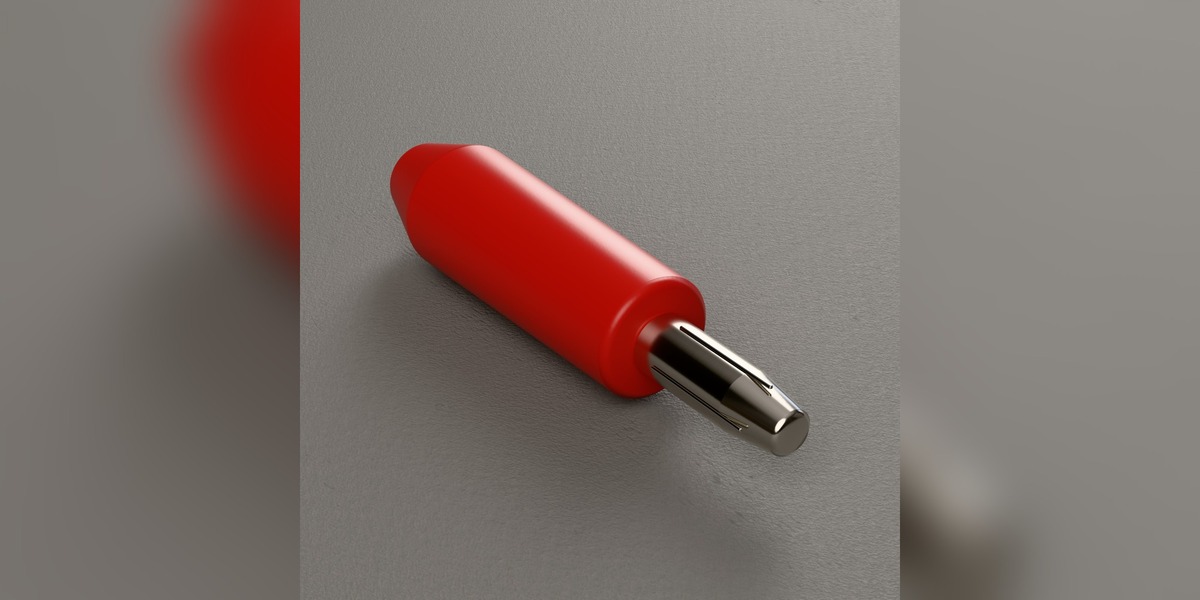
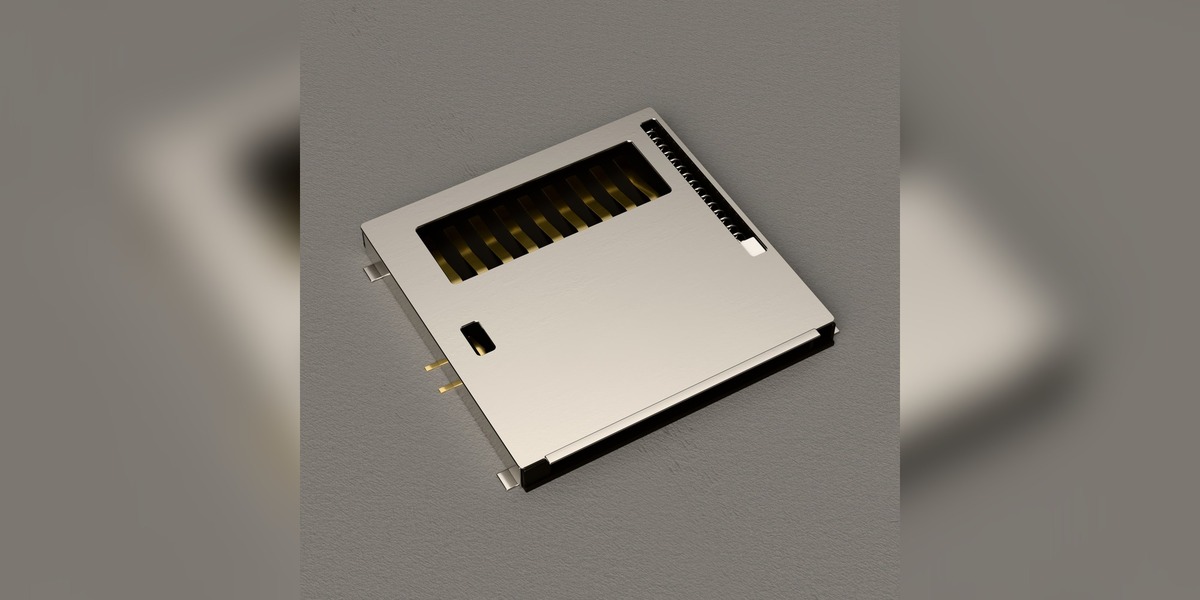
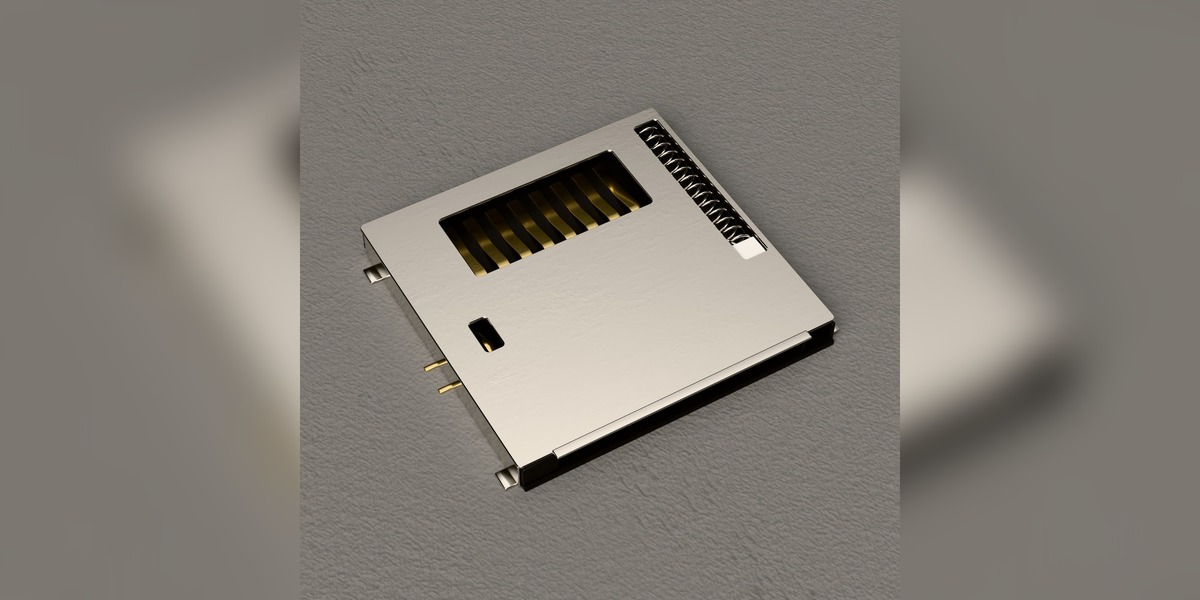
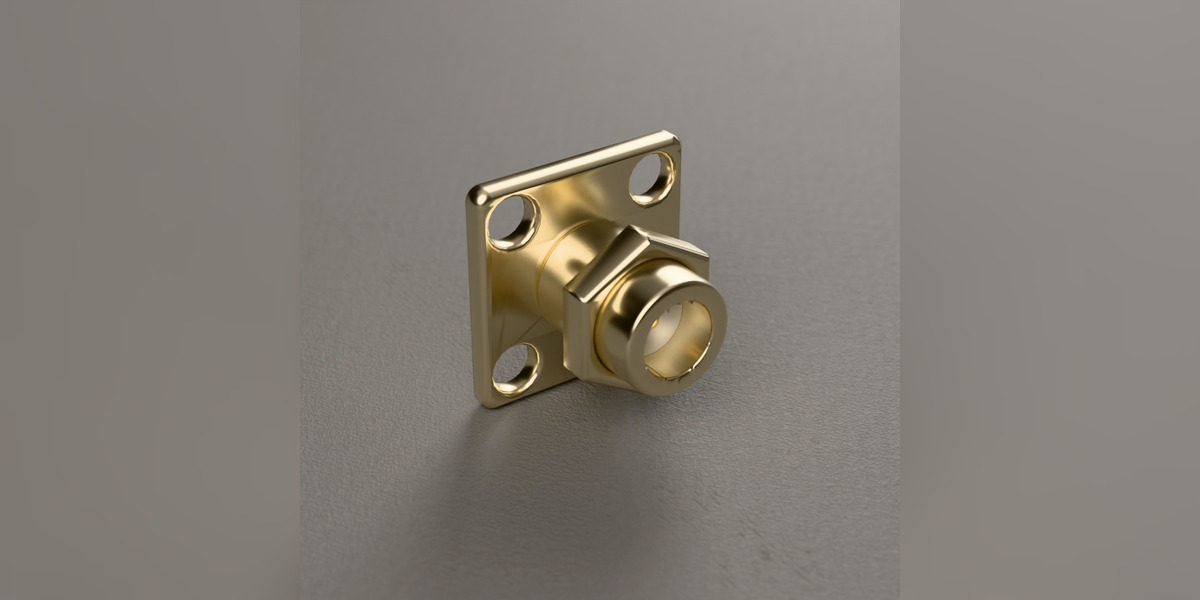
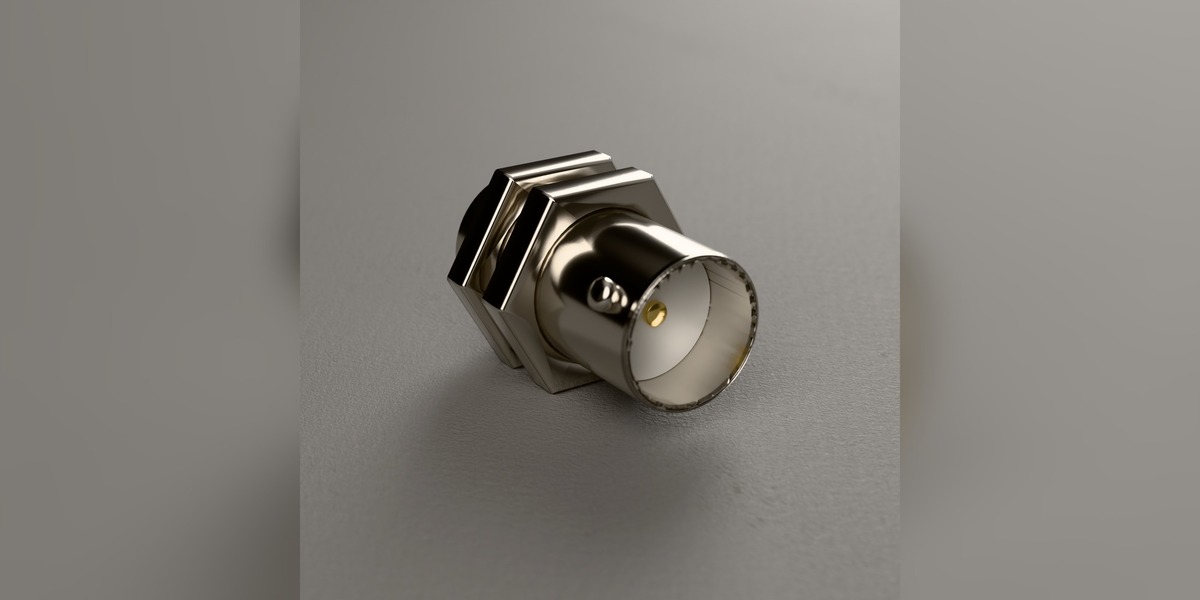
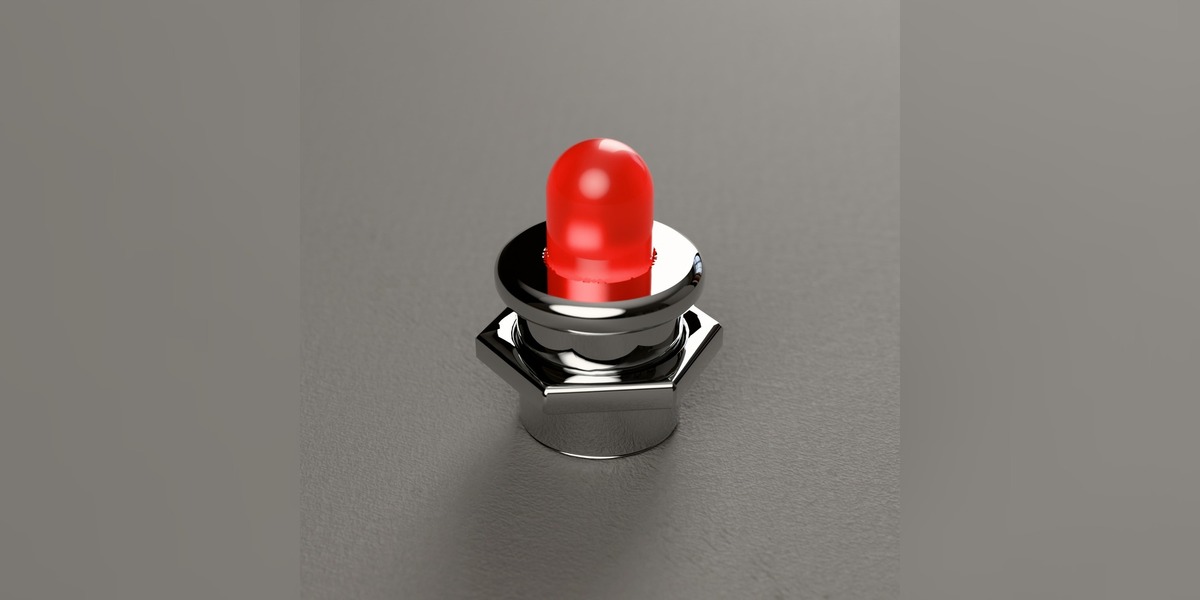
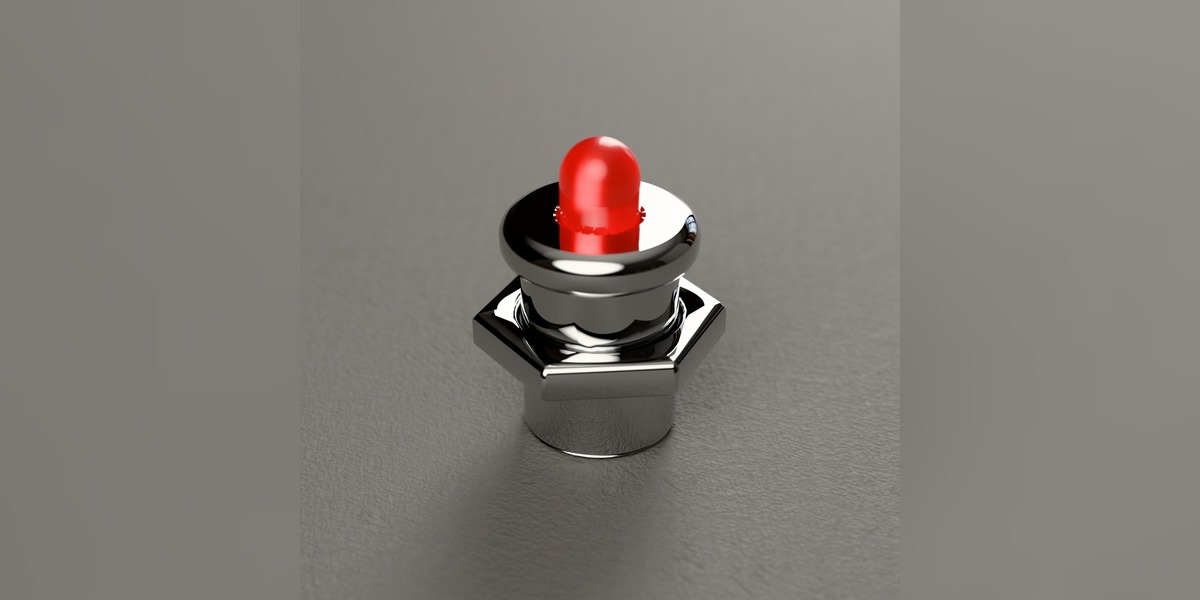
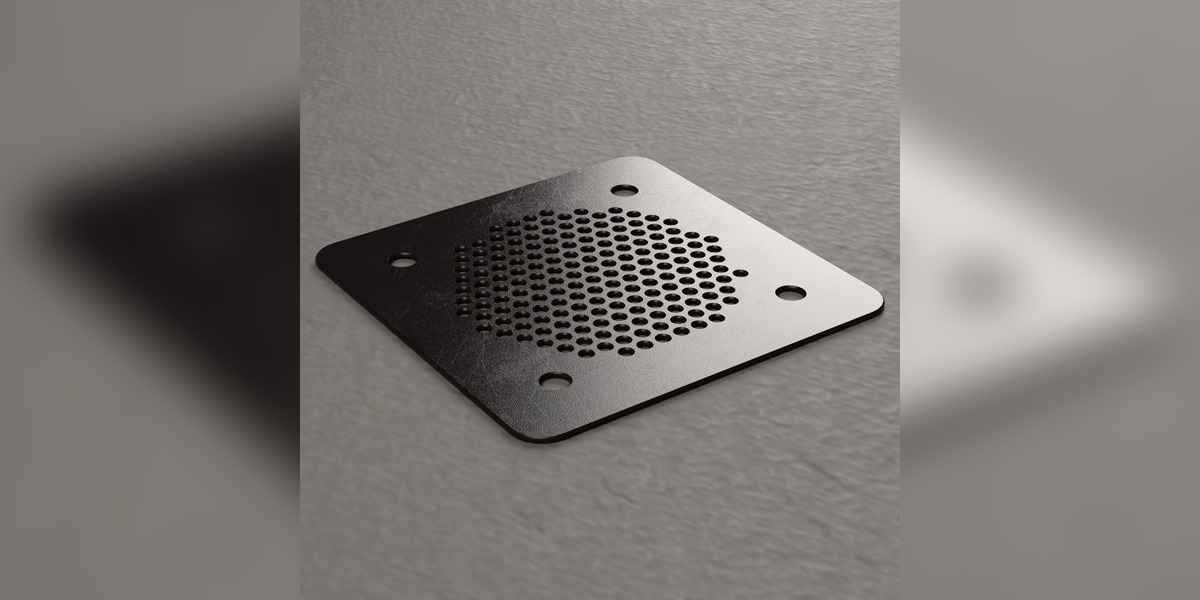
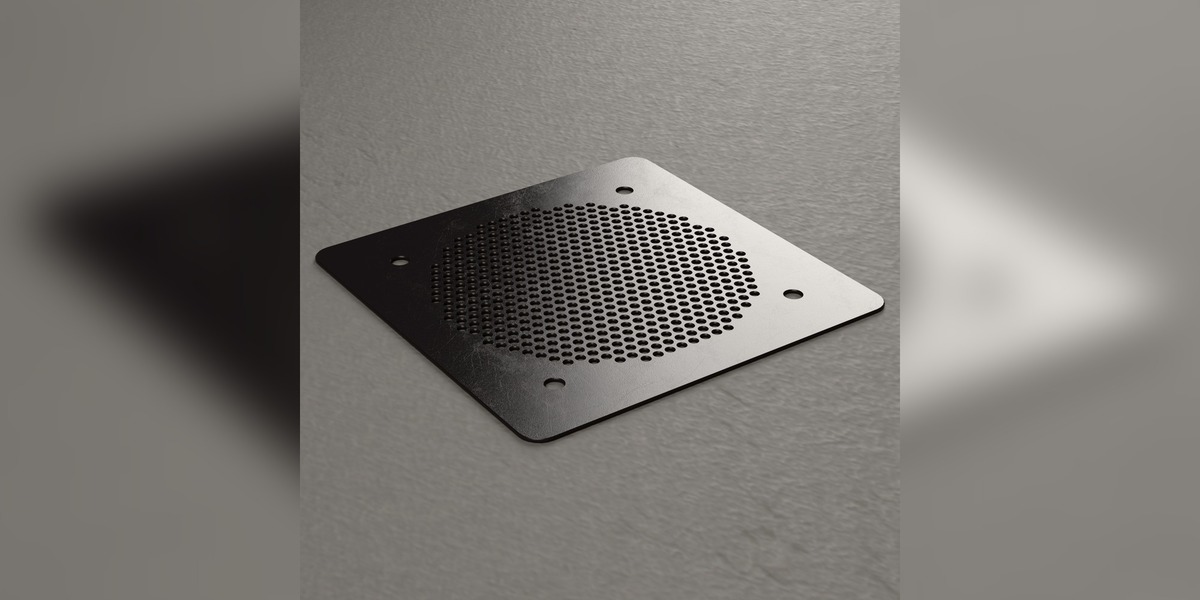
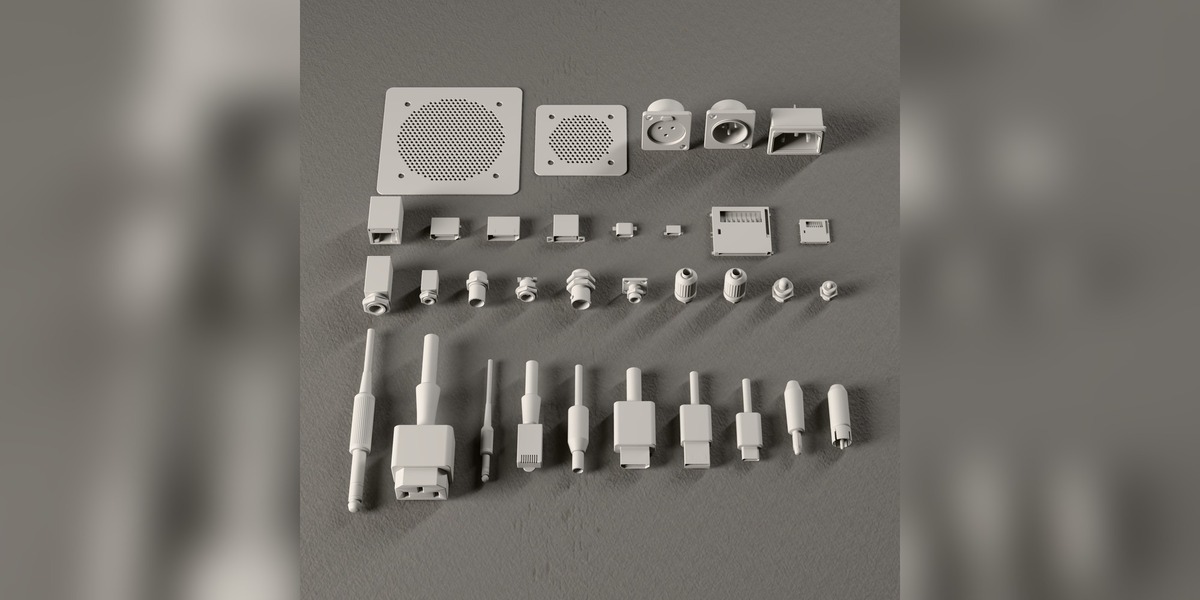

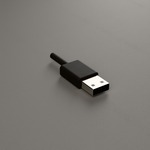
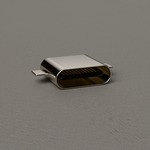
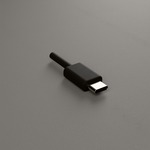
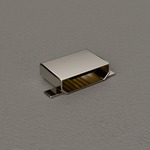
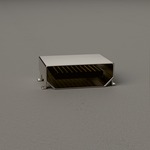
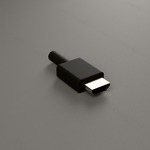
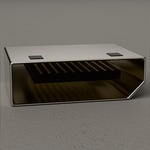
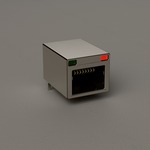
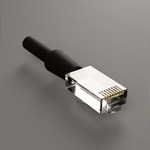
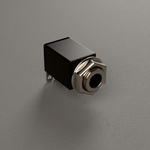
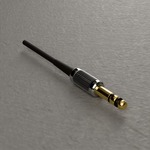
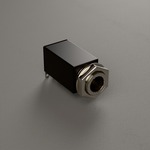
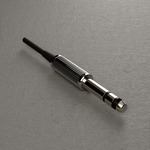
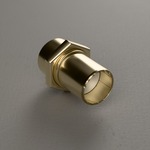
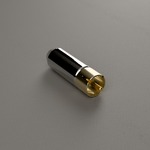
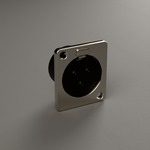
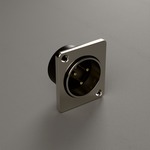
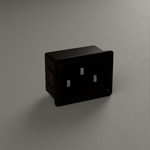
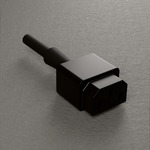
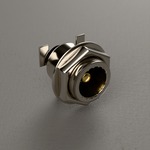
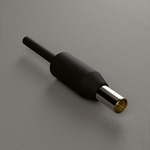
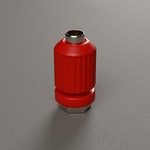
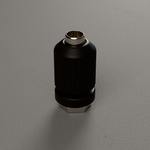
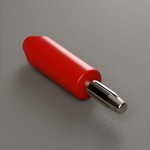
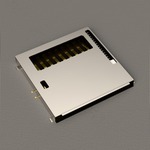
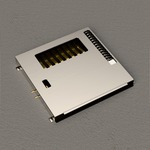
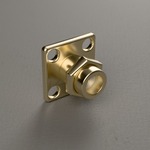
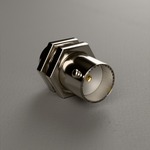
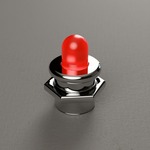
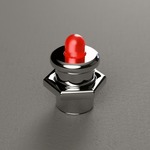
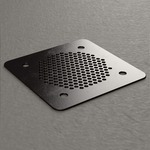
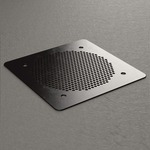
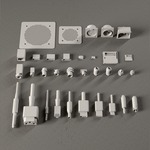
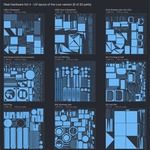
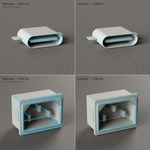
What you get
- Real_Hardware_Vol_4_Connectors_and_Ports_blend.zip: the .blend (Blender 5.1, opens in 4.5 LTS or newer) with the 33 High models as assets, and blender_assets.cats.txt with the catalogs by category (USB, Video, Network, Audio, Power, Test and Measurement, Memory Cards, RF, Indicators and Grilles).
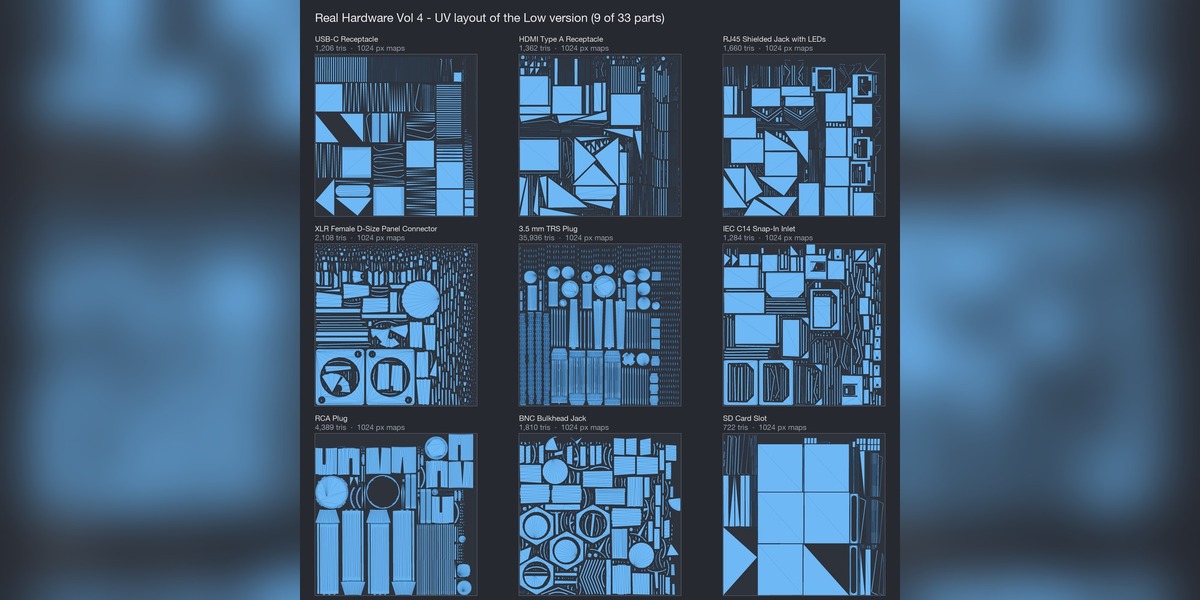
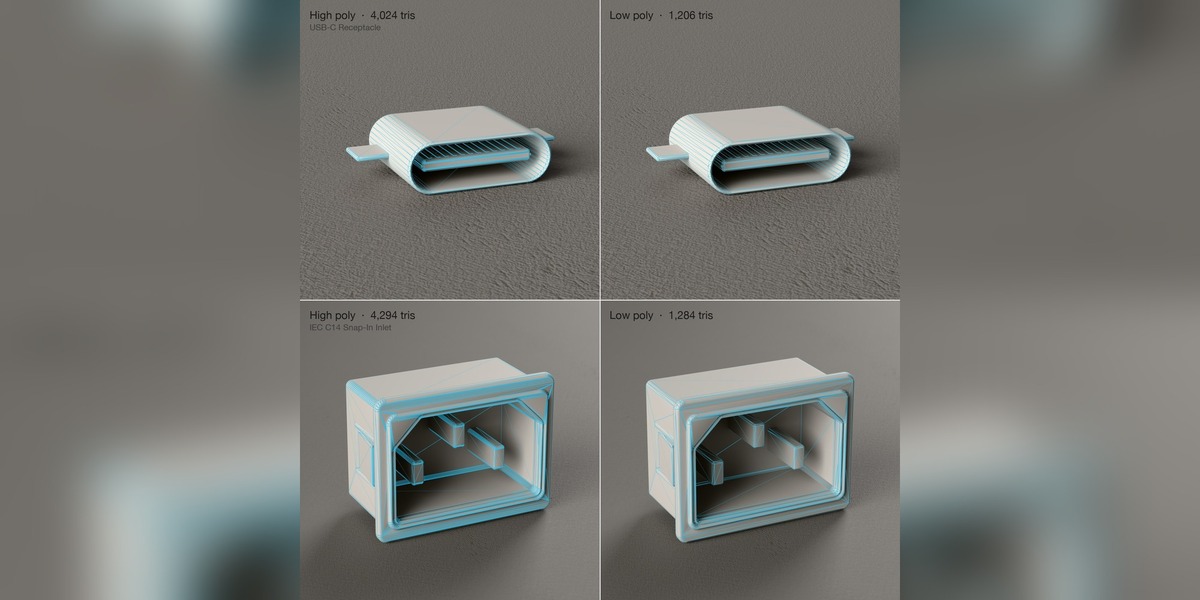
- _fbx.zip and _obj.zip: High (one file per model plus the whole kit) and Low (one file per model with its baked textures).
- _glb.zip (High) and _glb_low.zip (Low).
How to use
- Unzip the blend archive and keep the .blend and blender_assets.cats.txt in the same folder.
- In Blender: Preferences › File Paths › Asset Libraries › add the folder. Open the Asset Browser, pick the library and drag a model into the scene: it lands on its base, at real scale in millimetres.
- In other software: import the FBX, OBJ or GLB of the model you need. Low files carry base color, roughness, metallic, normal (OpenGL) and AO maps.
Have questions about this product?
Login to message
| Published | 1 day ago |
| Blender Version | 4.5 - 5.1 |
| Render Engine Used | Cycles |
| Misc Data | Uvs-Unwrapped, Normal-Mapped, Textured |
| License | Royalty Free |
Discover more products like this
usb-c kitbash rj45 IEC port audio-jack xlr Electronics hdmi connector