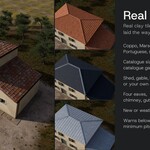
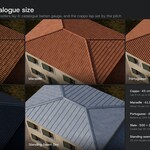
Real Roofs · Catalogue-Size Clay Tile Roofs for Blender
 francesac.design
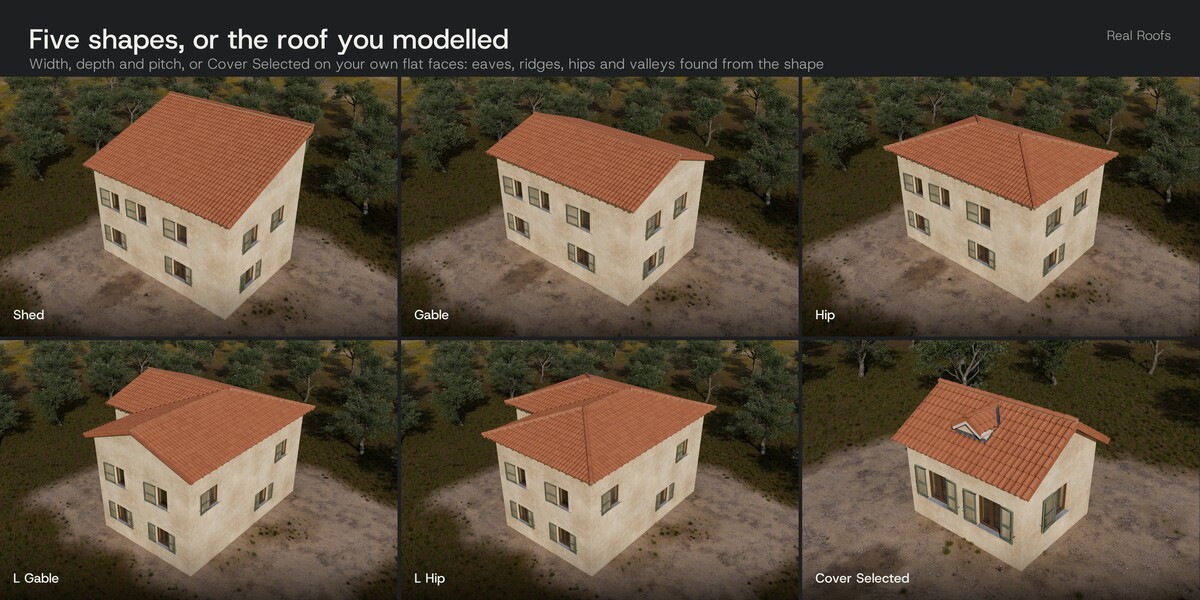
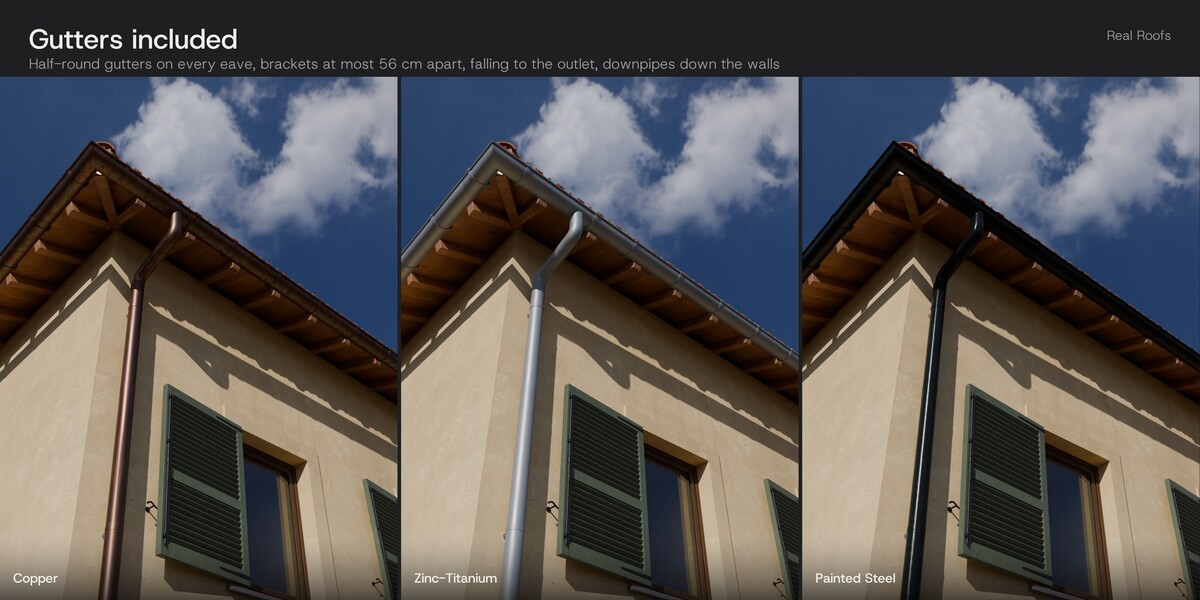
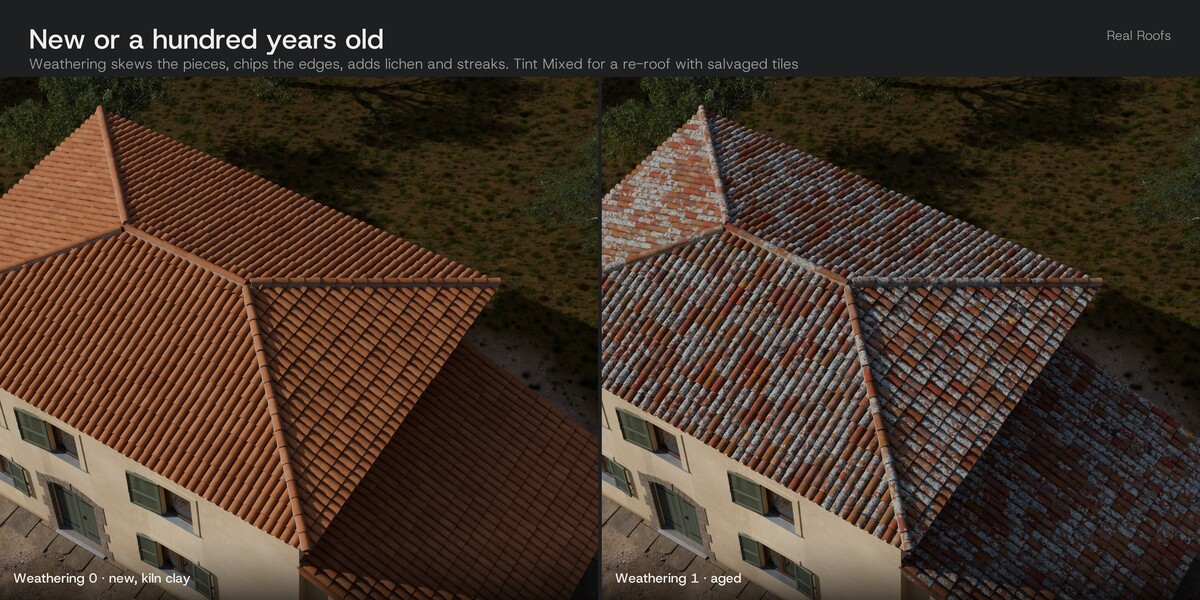
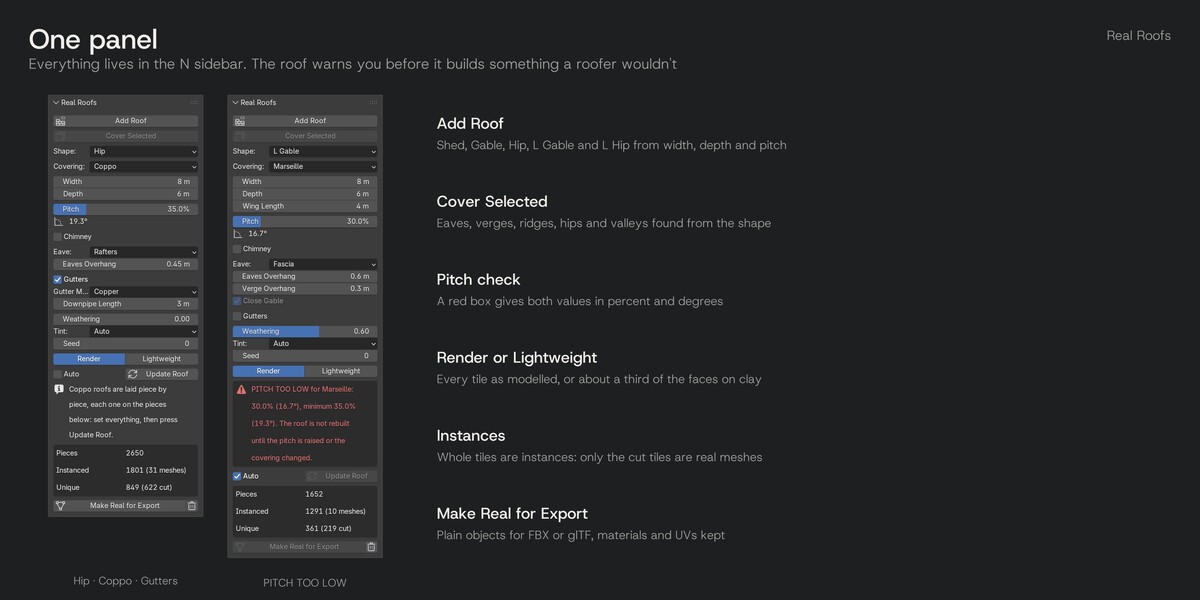
Install
- Download real_roofs-1.0.0.zip (do not unzip it).
- In Blender 4.5 LTS or newer: Edit › Preferences › Add-ons › the arrow at the top right › Install from Disk, then pick the .zip.
- The panel is in the 3D Viewport › N sidebar › «Roofs».
First roof
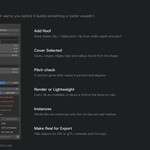
- Shift + right-click on top of your walls, at the centre of the plan, then click Add Roof (also in Add › Mesh).
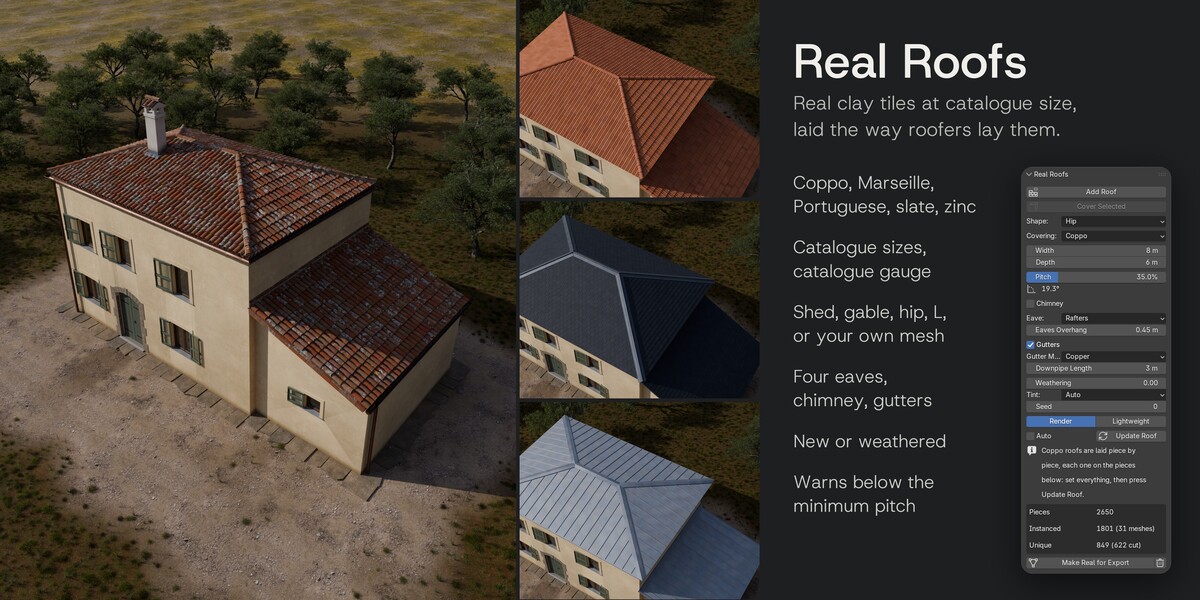
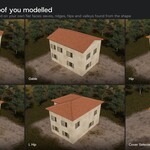
- Set Width (the walls along the eaves, the ridge runs this way), Depth and Pitch in percent; the panel shows the pitch in degrees too.
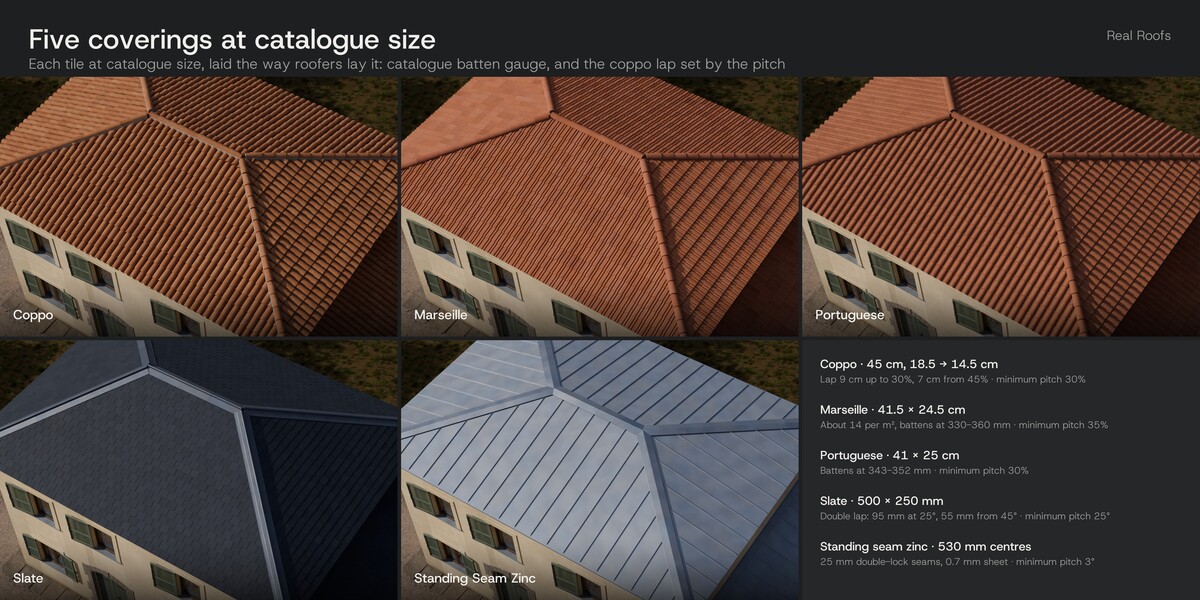
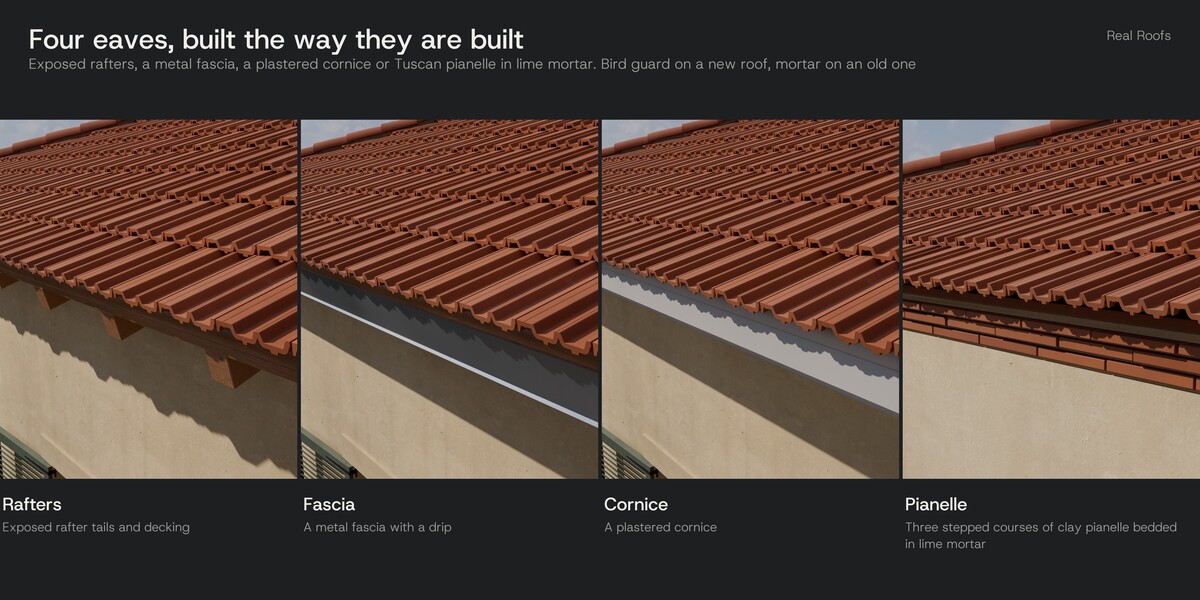
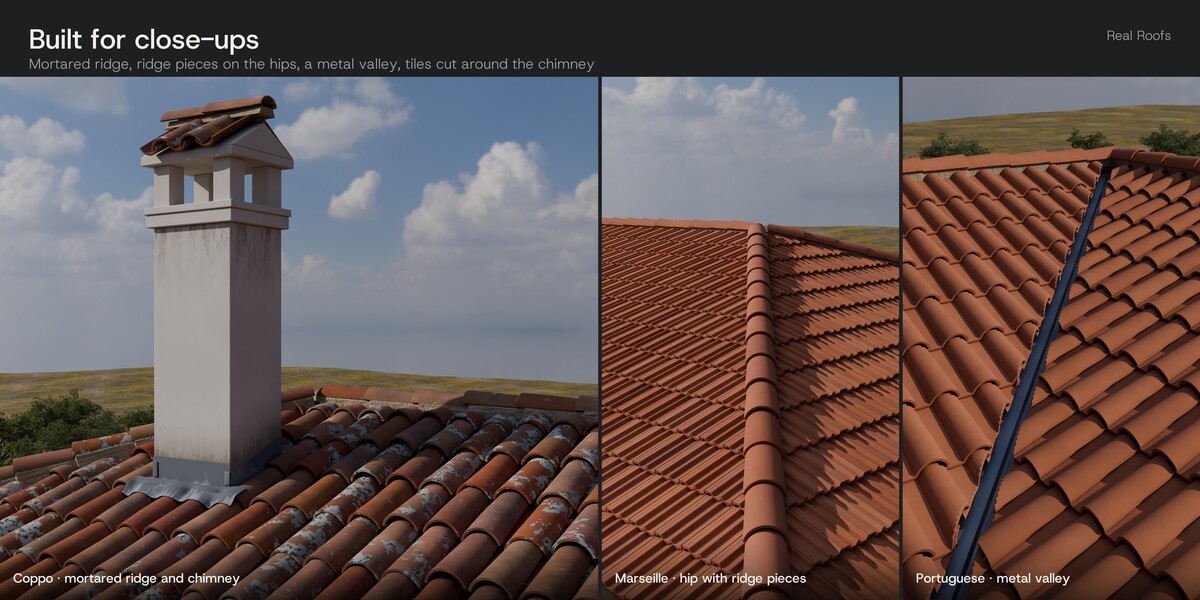
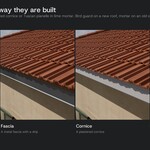
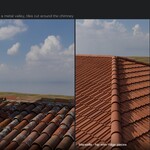
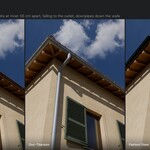
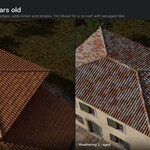
- Pick covering, chimney, eave, overhangs, gutters and weathering. For Coppo, press Update Roof when you are done.
Your own roof shape
- Model the top of the roof decking as flat faces, overhangs included, and select it.
- Click Cover Selected (also in Add › Mesh). Your mesh turns to wireframe and stays out of the render.
- Remove deletes the roof and gives your mesh back as it was.
Export
- Select the roof and click Make Real for Export (Ctrl+Z to go back). Then export FBX or glTF as usual.
Have questions about this product?
Login to message
| Blender Extension Compatible | Yes |
| Published | about 3 hours ago |
| Blender Version | 4.5 - 5.1 |
| Extension Type | Add-on |
| Render Engine Used | Cycles |
| License | GPL |
Discover more products like this
roof slate Roofing exterior roof-tiles ArchViz architecture terracotta parametric chimney gutters clay-tiles