Real Stairs · Parametric Code-Checked Stairs for Blender
 francesac.design
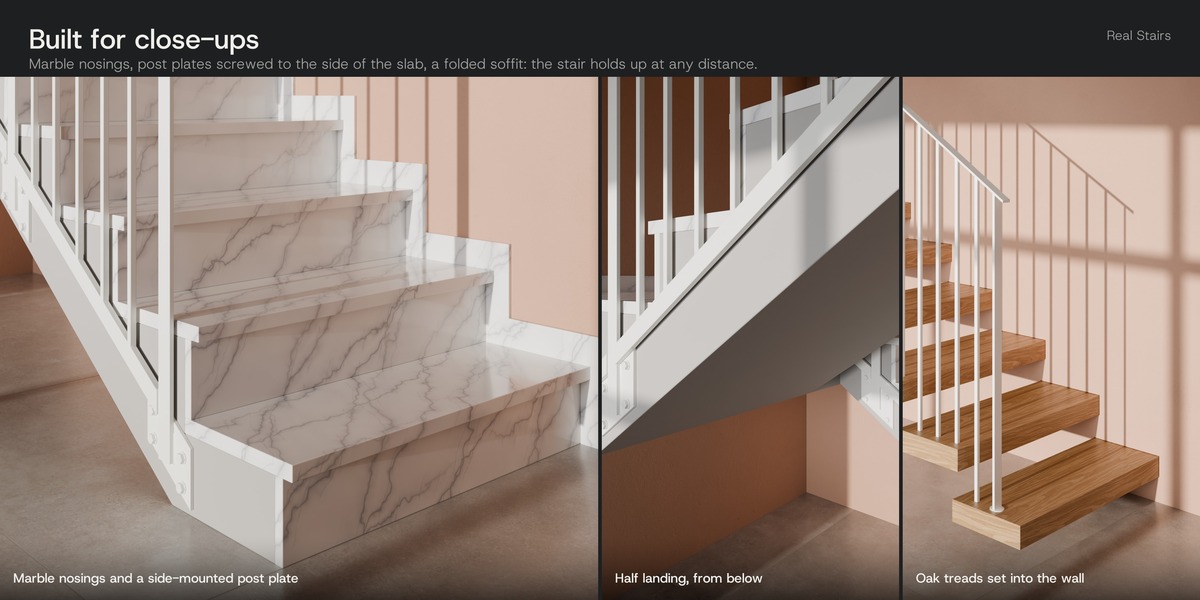

Install
- Download real_stairs-1.0.0.zip (do not unzip it).
- In Blender 4.5 LTS or newer: Edit › Preferences › Add-ons › the arrow at the top right › Install from Disk, then pick the .zip.
- The panel is in the 3D Viewport › N sidebar › «Stairs».
First stair
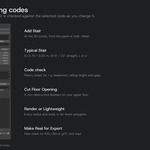
- Shift + right-click on the lower floor where the first riser goes, then click Add Stair (also in Add › Mesh).
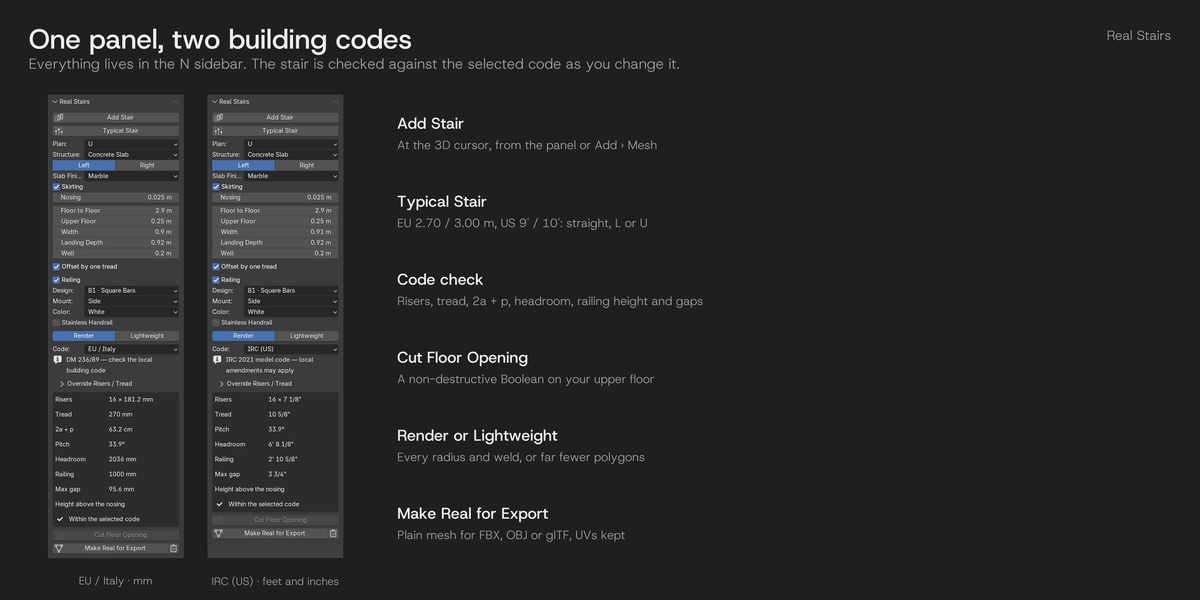
- Set Floor to Floor and Upper Floor (the thickness of the floor above, finish included) to match your model.
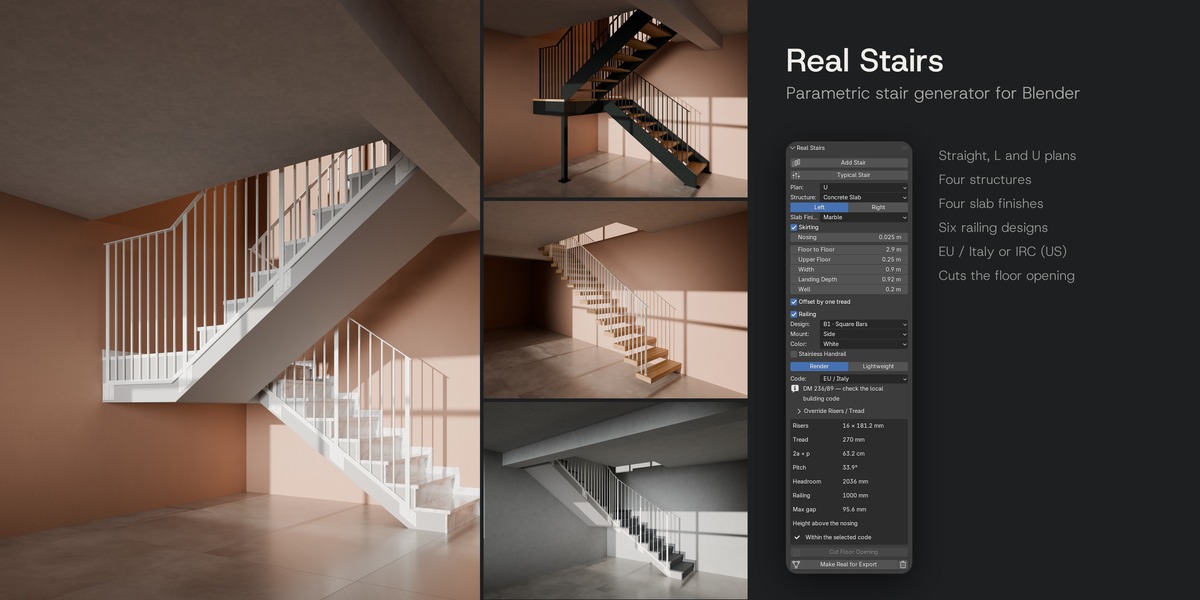
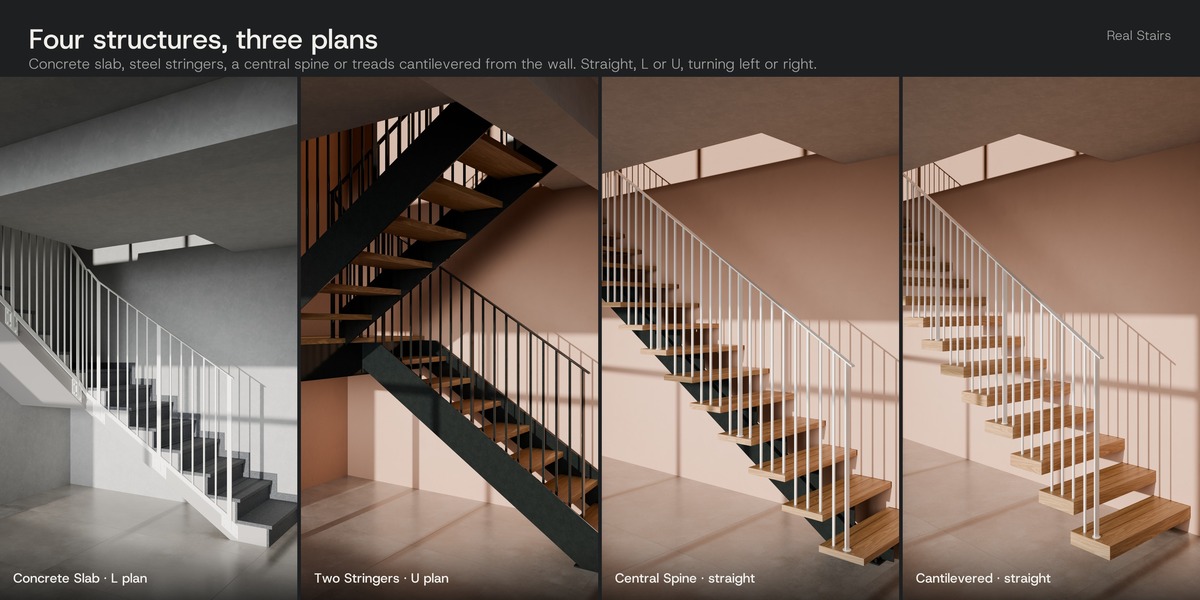
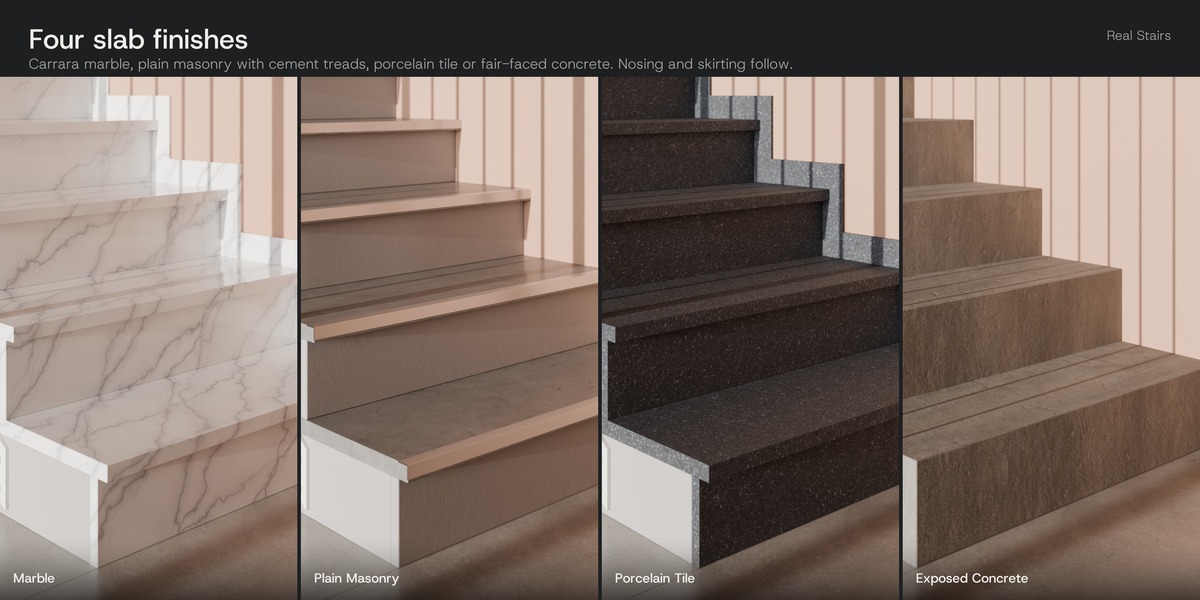
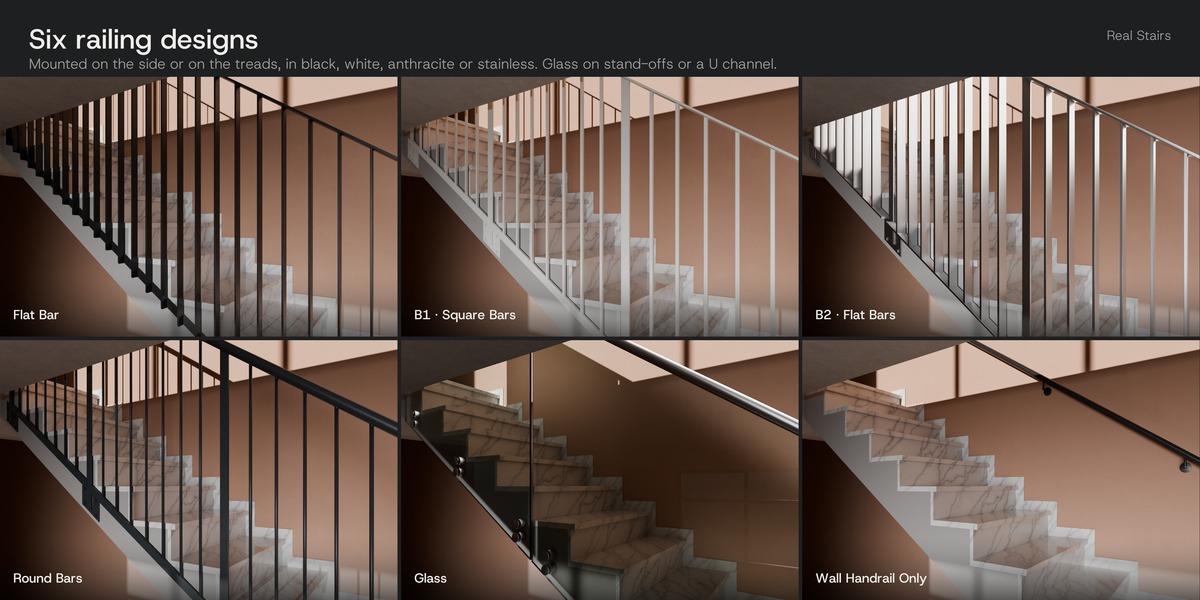
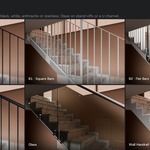
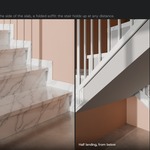
- Pick plan, structure, finish and railing. The summary box shows risers, tread, pitch and headroom, and whether the stair is within the selected code.
Floor and export
- Select the upper floor, then the stair last, and click Cut Floor Opening.
- Make Real for Export turns the stair into a plain mesh and applies the opening to your floor (Ctrl+Z to go back).
- For OBJ: save the .blend, File › External Data › Unpack Resources, then export with Path Mode Copy. Or use GLB.
The full user guide (PDF) comes with the download.
Have questions about this product?
Login to message
| Blender Extension Compatible | Yes |
| Published | 1 day ago |
| Blender Version | 4.5 - 5.1 |
| Extension Type | Add-on |
| Render Engine Used | Cycles |
| License | GPL |
Discover more products like this
construction building-code staircase parametric floor-opening stairs Python procedural architecture ArchViz Interior railing